How we make this list: we compare pricing pages, product documentation and public user reviews. Rankite is independent; if a vendor ever pays for a featured spot, that listing is clearly labeled Partner.
Key takeaways
- Salesforce remains the default for large teams with complex processes, but it needs an admin to run well.
- HubSpot CRM and Zoho CRM have real free tiers, making them the sensible starting points for small teams.
- Pipedrive, Close and Copper suit sales teams that want a pipeline-first tool without enterprise overhead.
- Microsoft Dynamics 365 makes sense mainly if your company already runs on Microsoft 365 and Azure.
- Keap and Freshsales fill specific gaps: Keap for small businesses that want sales plus marketing automation in one place, Freshsales for teams that want a simple Freshworks-native CRM.
Quick comparison
| Tool | Best for | Starting price | Free plan |
|---|
 Salesforce Salesforce | large teams with complex processes | See website | Free trial |
 HubSpot CRM HubSpot CRM | teams that want a free CRM that grows | See website | Yes |
 Zoho CRM Zoho CRM | budget-conscious teams that still want depth | See website | Yes |
 Pipedrive Pipedrive | small sales teams that live in their pipeline | See website | Free trial (14 days) |
 Freshsales Freshsales | teams already using Freshworks products | See website | See website |
 Microsoft Dynamics 365 Sales Microsoft Dynamics 365 Sales | companies standardized on Microsoft 365 | See website | Free trial |
 monday sales CRM monday sales CRM | visual teams that manage work on boards | See website | Yes |
 Copper Copper | Google Workspace teams that live in Gmail | $29 per user/month ($23 billed annually) | Free trial (14 days) |
 Close Close | inside sales teams that call and email constantly | See website | Free trial |
 Keap Keap | small businesses wanting CRM plus marketing automation together | See website | See website |
Is your product missing or out of date?
We review this list regularly. Vendors can request a listing, send updated pricing or ask about featured placement.
Starting priceSee website
Free planFree trial
Salesforce is the reference point every other CRM is measured against. Sales Cloud handles leads, opportunities, forecasting and territories with a depth that smaller tools do not attempt, and the AppExchange marketplace fills nearly any gap. If your sales process has ten stages and three approval steps, Salesforce models it without breaking a sweat.
The honest catch is operational weight. You will want an admin, implementations take months at enterprise scale, and the per-seat price is only the start once you add the modules you actually need. For a team of five, it is almost certainly too much. For a team of five hundred, it is usually the safest pick.
What we like- Deepest customization and app marketplace in the industry
- Strong AI and automation
- Proven at massive scale
Watch out for- Needs dedicated administration
- Costs climb fast with add-ons and seats
Starting priceSee website
Free planYes
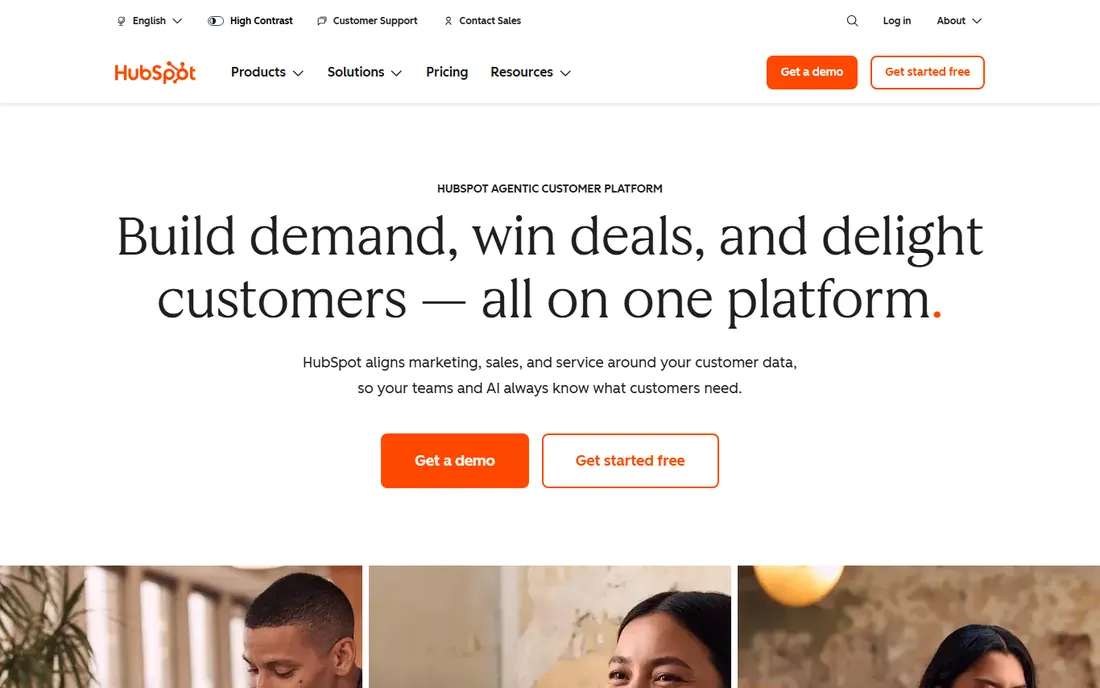
HubSpot wins on the adoption curve. The free CRM covers contacts, deals, pipelines and basic automation, and because marketing, sales and service share one database, you avoid the sync mess that plagues multi-tool stacks. Small teams can run on it for a long time before paying anything.
The tradeoff is the pricing ladder. Once your contact database grows and you need the better automation or reporting, the paid tiers get expensive quickly. Go in with eyes open: HubSpot is cheap to start and easy to love, and the bill arrives later when you are already committed.
What we like- Genuinely useful free CRM tools
- Marketing, sales and service on one platform
- Easy to learn
Watch out for- Costs rise steeply as contacts and seats grow
- Some features are gated behind higher tiers
#3
Zoho CRM
Best for: budget-conscious teams that still want depth
Visit zoho.com
Starting priceSee website
Free planYes
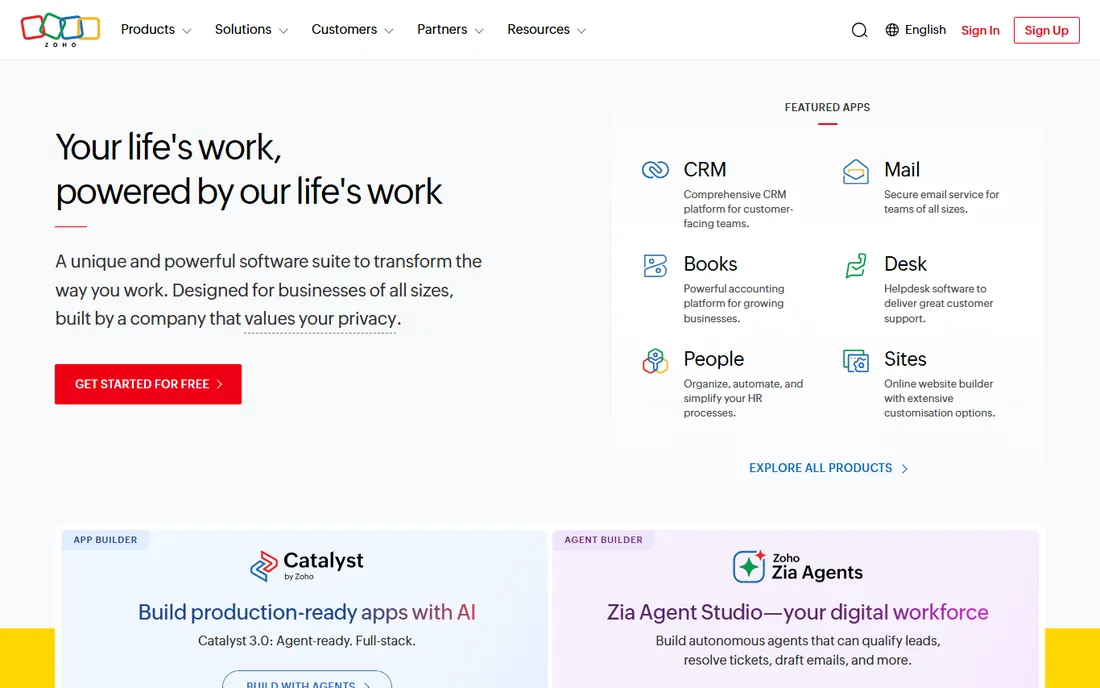
Zoho CRM is the value play that keeps getting better. You get pipeline management, automation, email integration and analytics for a fraction of what comparable tools charge, and if you use other Zoho apps, the suite integration is genuinely convenient. The free edition covers small teams getting started.
The weakness is polish. Some screens feel a generation behind, and if you need deep custom objects and complex workflows, you will hit limits that Salesforce users never notice. For small and mid-sized businesses watching their budget, though, the feature-per-dollar ratio is hard to beat.
What we like- Full-featured at prices far below Western rivals
- 50+ integrated apps in the Zoho suite
- Free edition for small teams
Watch out for- Interface feels dated in places
- Advanced customization is weaker than Salesforce
Starting priceSee website
Free planFree trial (14 days)
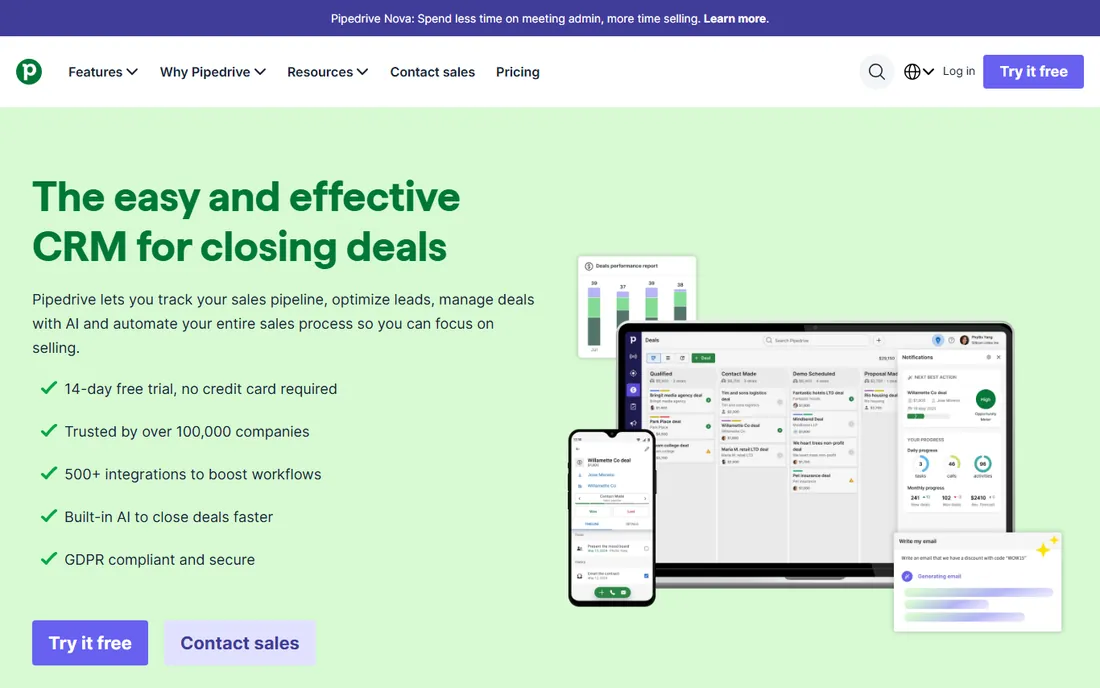
Pipedrive built its reputation on one idea: the CRM should be organized around the deal pipeline, not around records. The kanban view is clear, activity reminders keep reps on track, and a new user can be productive in an afternoon. It is one of the few CRMs that salespeople adopt without being forced.
What it does not do is marketing. Email campaigns, lead scoring and nurture sequences are basic or absent, so most teams pair it with a separate marketing tool. If your priority is a clean pipeline that the team will actually update, Pipedrive is a strong pick. If you need an all-in-one platform, look elsewhere.
What we like- Pipeline-first design that salespeople actually use
- Fast setup with minimal training
- 500+ integrations
Watch out for- Marketing features are thin
- Reporting is weaker than the enterprise tools
Starting priceSee website
Free planSee website
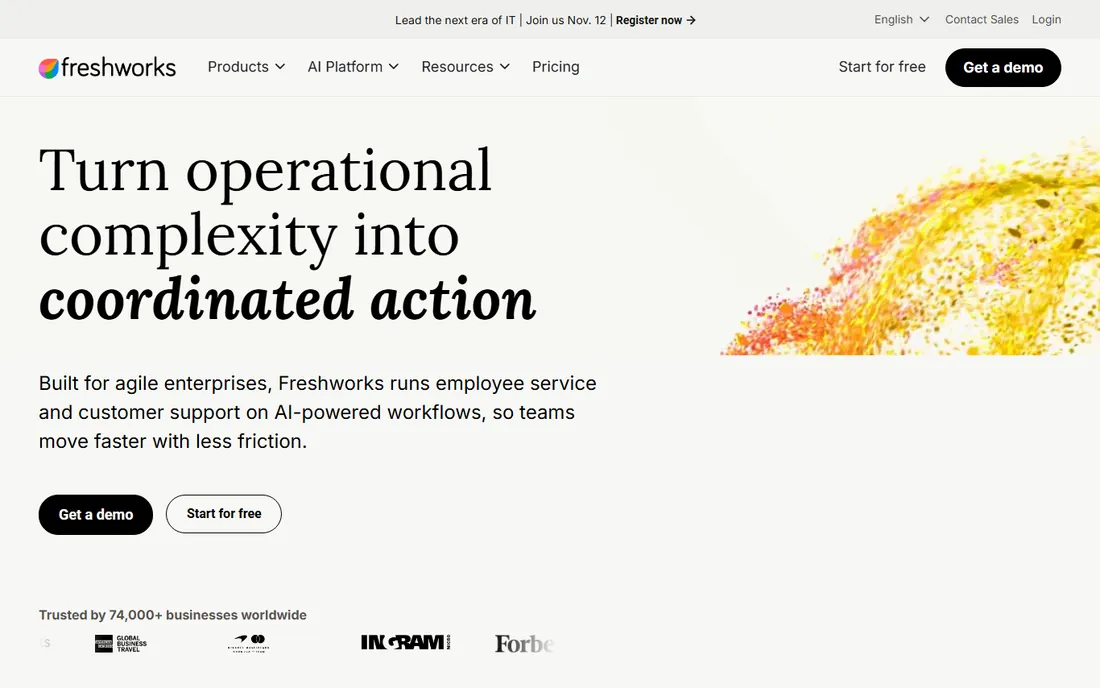
Freshsales is Freshworks' answer to the mid-market CRM question. It bundles calling, email, chat and event tracking into one interface, and the AI-assisted lead scoring helps small teams prioritize. Companies already on Freshdesk get a support-to-sales handoff that actually works.
It is not trying to out-Salesforce Salesforce. Deep customization, complex territory management and advanced forecasting are not its strengths. Check the current pricing and free tier on the Freshworks site before deciding, since plan details change. For straightforward B2B sales with a modern feel, it earns its spot.
What we like- Clean modern interface
- Built-in phone, email and chat
- Pairs naturally with Freshdesk
Watch out for- Customization lags the bigger platforms
- Pricing details need checking on the vendor site
Starting priceSee website
Free planFree trial
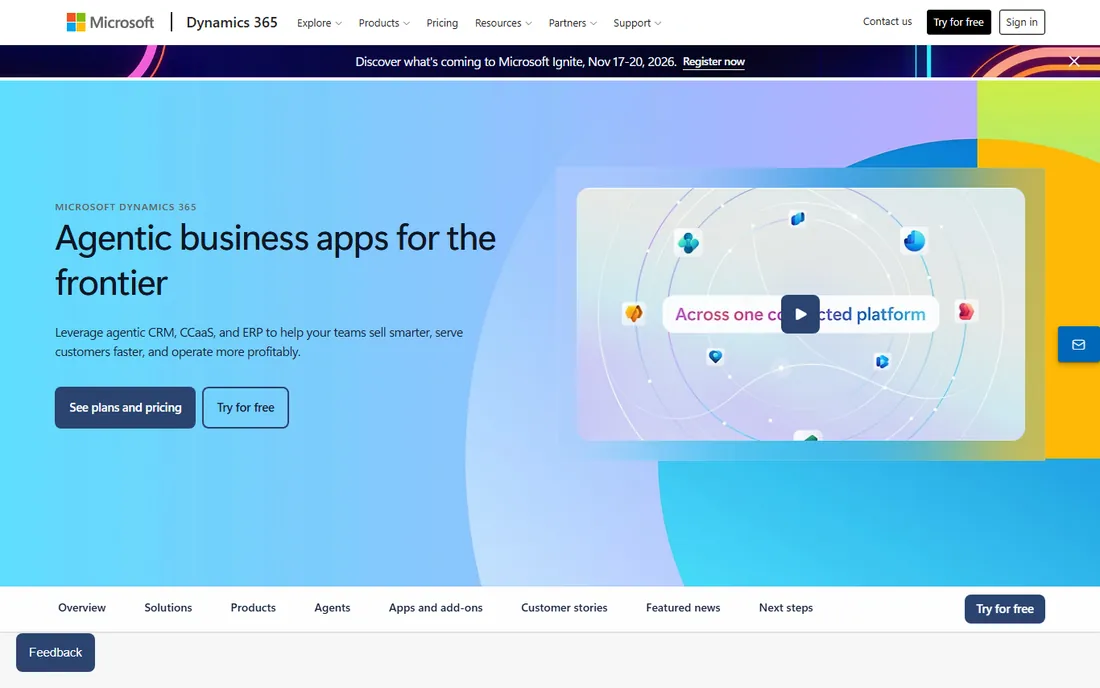
Dynamics 365 Sales makes the most sense when the rest of the company already lives in Microsoft's world. Emails, meetings and documents flow between Outlook, Teams and the CRM with little friction, and IT departments like the Azure-based security and compliance story. The AI-assisted selling features have matured well.
Outside that ecosystem, the case weakens. Implementation is a project, not an afternoon, and the licensing structure takes study to get right. If your team runs on Google Workspace or a mix of tools, you will pay the complexity tax without getting the integration payoff.
What we like- Deep integration with Outlook, Teams and Office apps
- Strong for large enterprises
- Flexible licensing
Watch out for- Complex to implement
- Overkill outside the Microsoft ecosystem
#7
monday sales CRM
Best for: visual teams that manage work on boards
Visit monday.com
Starting priceSee website
Free planYes
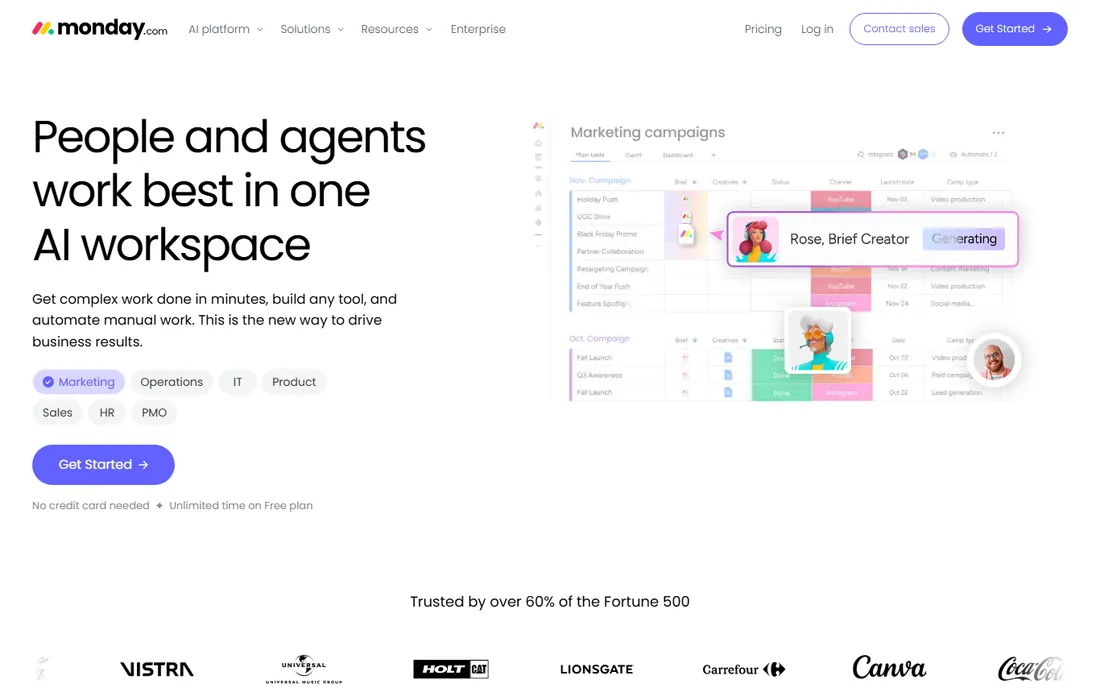
monday sales CRM appeals to teams that think in boards rather than records. You customize columns, views and automations to match how you actually sell, and the interface is colorful and approachable in a way most CRMs are not. The free plan lets a small team test it properly.
The caveat is that it grew from a work management tool, so some CRM fundamentals like deduplication, territory rules and deep reporting feel bolted on compared with purpose-built CRMs. If your team already loves monday for projects, the CRM is a natural extension. As a first CRM for a sales-led company, weigh it against Pipedrive.
What we like- Highly visual and customizable boards
- Automations without code
- Generous free plan for trying it out
Watch out for- Not a traditional CRM under the hood
- Costs scale with seats and features
Starting price$29 per user/month ($23 billed annually)
Free planFree trial (14 days)
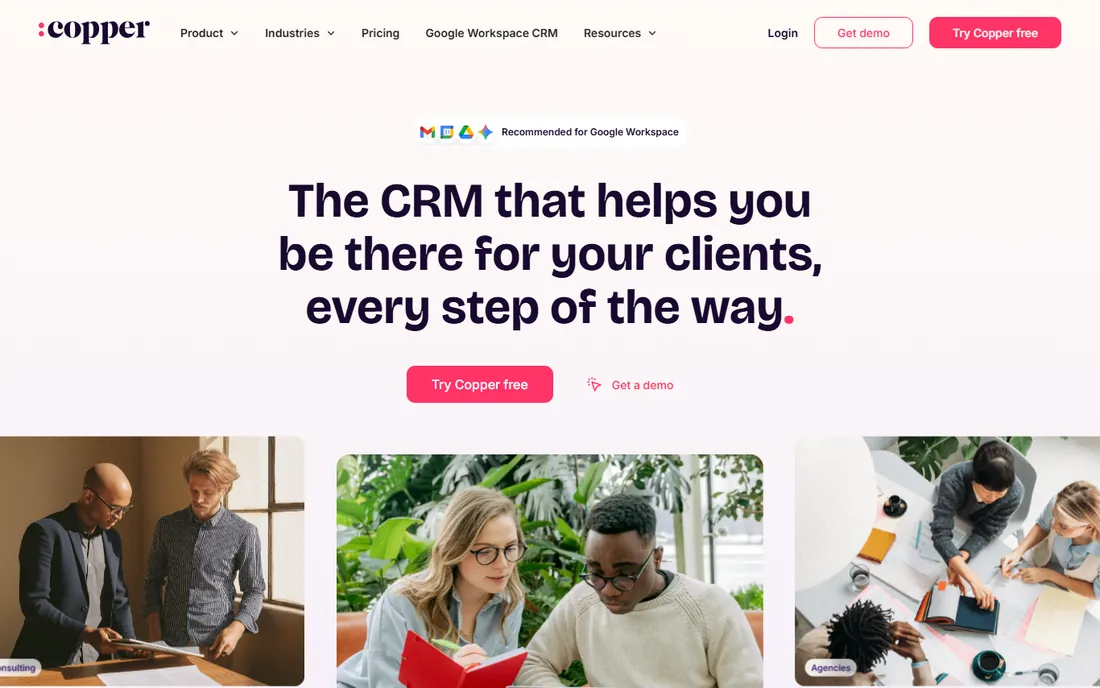
Copper's entire pitch is that you should never leave your inbox. The Chrome extension puts the CRM inside Gmail and Google Calendar, logging emails and meetings automatically. For consultants, agencies and service businesses that do their work in Google Workspace, adoption is nearly automatic because there is nothing new to open.
That strength is also the boundary. If your company does not run on Google Workspace, Copper loses its main advantage, and large sales teams with complex processes will outgrow it. Pricing is transparent: Basic at $29 per seat per month ($23 on annual billing), with Professional and Business tiers above. A 14-day trial needs no credit card.
What we like- Runs inside Gmail and Google Calendar
- Almost no setup time
- Good for relationship-focused service businesses
Watch out for- Tied to Google Workspace
- Less powerful for large sales orgs
#9
Close
Best for: inside sales teams that call and email constantly
Visit close.com
Starting priceSee website
Free planFree trial
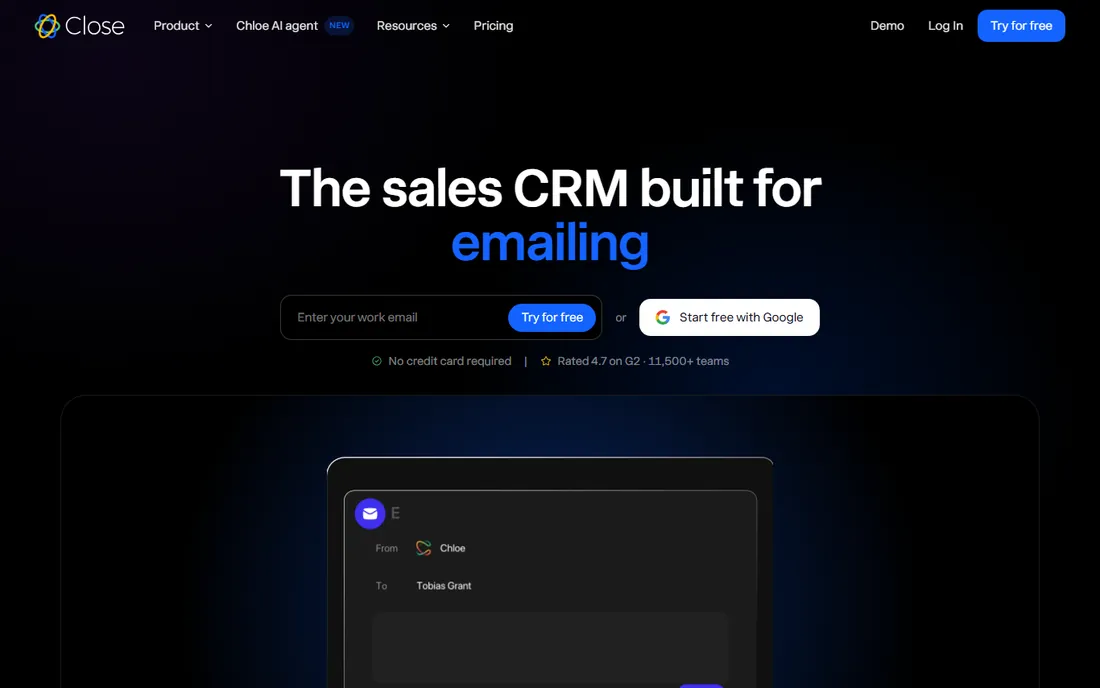
Close is built for one workflow: high-volume outbound. The built-in dialer, SMS and email mean reps work from one screen, and the AI teammate now summarizes calls and keeps records updated automatically. Teams that make a hundred calls a day swear by it, and the 4.7-star G2 rating reflects that loyalty.
It is not a general-purpose enterprise CRM. Complex approval chains, deep customization and marketing automation are not the focus. If your sales motion is calls and emails at volume, Close removes more friction than anything else here. If it is field sales with long cycles, look at the bigger platforms.
What we like- Built-in calling, SMS and email with power dialer
- AI summaries of every call
- Minimal data entry
Watch out for- Communication-first design, weaker for complex enterprise processes
- Pricing not public on the homepage
#10
Keap
Best for: small businesses wanting CRM plus marketing automation together
Visit keap.com
Starting priceSee website
Free planSee website
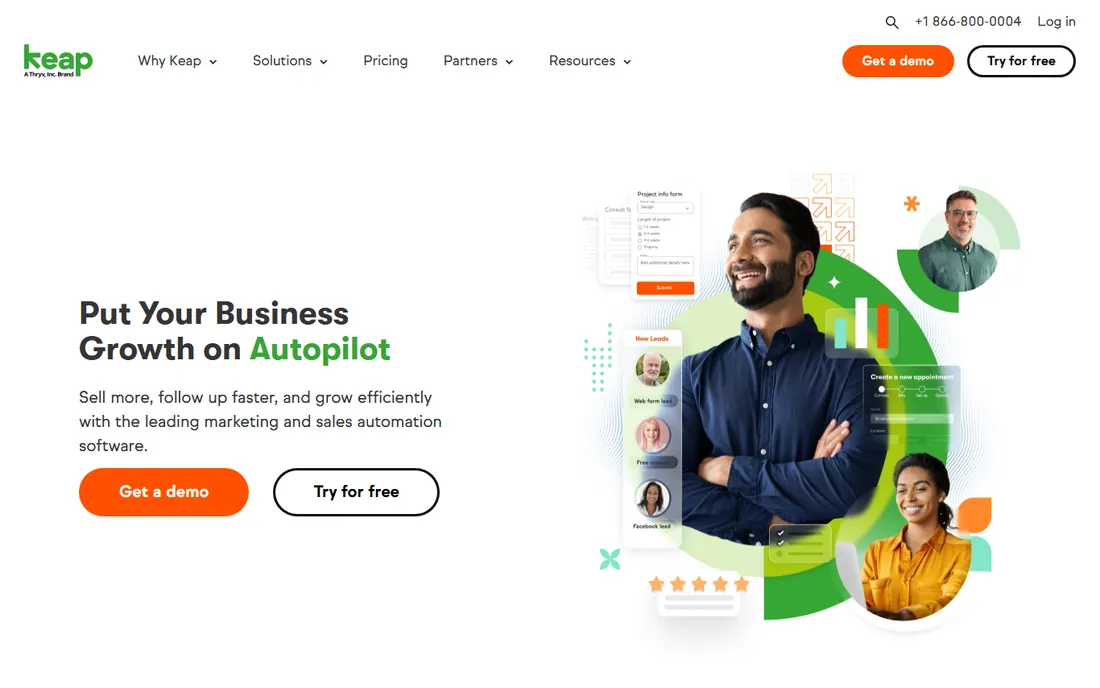
Keap, formerly Infusionsoft, targets the small business owner who wants follow-up to happen automatically. Contacts, email campaigns, sales pipeline, invoicing and payments sit in one dashboard, and the automation builder handles the sequences that turn leads into customers. It replaces two or three separate tools for many users.
The price reflects that breadth: plans start at a few hundred dollars a month depending on contacts, which is steep next to HubSpot's free tier. Plan names and structures have changed over the years, so confirm the current tiers on keap.com before budgeting. For a small business that will actually use the marketing automation, the consolidation can still pay off.
What we like- CRM, email marketing, invoicing and payments in one
- Proven automation for small business follow-up
- Landing pages included
Watch out for- Premium pricing for small businesses
- Plan structure has changed over time, so verify current tiers
How we picked these 10
We started with the CRMs that dominate buyer shortlists on G2, Capterra and Reddit: the enterprise standards, the free-tier favorites and the pipeline specialists. For each one we opened the vendor homepage to confirm the product and current positioning, checked what the vendor itself says about pricing and trials, and read user reviews to find the real strengths and the honest weaknesses. We deliberately mixed enterprise platforms with tools a five-person team can adopt in a day. We did not run hands-on trials; this is a research comparison, not a review of personal testing.
Matching a CRM to your team size
A solo founder and a 200-person sales org should not buy the same CRM. Under ten people, pick something the team will use without training: HubSpot's free tier, Zoho CRM, Pipedrive or Copper. The best CRM at this size is the one with complete, current data, and that only happens when entry is effortless.
Between ten and a hundred, process starts to matter. This is where Freshsales, monday sales CRM and Close earn their keep, each with a different center of gravity: Freshworks ecosystem, visual workflow, or call volume. Above that, or in regulated industries, the shortlist narrows to Salesforce, HubSpot's paid tiers and Dynamics 365, and the decision usually comes down to your existing stack and whether you have admin resources.
The hidden costs to watch
The per-seat price is never the whole story. Implementation is the first hidden cost: Salesforce and Dynamics projects can run into tens of thousands in consulting, while Pipedrive and Copper are self-serve. Data migration is the second: cleaning and importing years of spreadsheet contacts takes longer than vendors suggest.
Then come the add-ons. Marketing automation, advanced reporting, extra storage, API access and phone minutes are frequently separate line items. Ask for the total cost for your actual seat count and contact volume, including the modules you will need in year two, not just the entry plan. A CRM that costs twice the sticker price is still fine if you budgeted for it; the problem is only the surprise.
Frequently asked questions
What is the best CRM for a small business?
HubSpot CRM and Zoho CRM are the most common answers because both have real free tiers and grow with you. Pipedrive is the pick if your team is purely sales-focused and wants the simplest pipeline tool.
Is Salesforce worth it for small teams?
Usually not. Salesforce is built for complex processes and scale, and small teams pay for power they never use while still needing admin help. Start with a simpler tool and move to Salesforce when your process genuinely outgrows it.
Do I need a free trial or a free plan?
A free plan suits teams that want to run on the tool indefinitely at low volume. A free trial suits teams ready to buy who want to test the paid features first. HubSpot and Zoho offer free plans; Pipedrive, Copper, Close and Keap offer trials.
Which CRM integrates best with Gmail?
Copper is built specifically for Google Workspace and runs inside Gmail. HubSpot also has a strong Gmail integration. If your team lives in Outlook instead, Dynamics 365 is the natural fit.
How long does CRM implementation take?
It ranges from an afternoon to six months. Pipedrive, Copper and Close can be running the same day. Salesforce and Dynamics 365 typically need weeks to months with dedicated resources. Budget for data cleanup in every case.
Can I switch CRMs later if I choose wrong?
Yes, but it costs time. Export your contacts, deals and history regularly so you are never locked in, and avoid building critical workflows on features only one vendor has. Most teams that switch do it in year two or three.
Sources we checked (10)
- https://salesforce.com
- https://hubspot.com
- https://www.zoho.com
- https://www.pipedrive.com
- https://www.freshworks.com
- https://dynamics.microsoft.com
- https://monday.com
- https://copper.com
- https://close.com
- https://keap.com
Is your product missing or out of date?
We review this list regularly. Vendors can request a listing, send updated pricing or ask about featured placement.

Shihab Mia · Founder, Rankite
Shihab has spent more than a decade helping SaaS and e-commerce brands grow through search. He writes Rankite's software buying guides from pricing pages, documentation and public user reviews. More about Shihab.