How we make this list: we compare pricing pages, product documentation and public user reviews. Rankite is independent; if a vendor ever pays for a featured spot, that listing is clearly labeled Partner.
Key takeaways
- CCleaner and Glary Utilities are the safest bets for basic junk cleanup, with free versions that do the core job.
- IObit Advanced SystemCare and AVG TuneUp bundle the most features, but watch for upsells and bundled offers.
- BleachBit is the only fully free, open-source option with no ads or subscriptions, ideal for privacy-minded users.
- Wise Care 365 and Ashampoo WinOptimizer suit tinkerers who want deep control over startup, registry and services.
- Most "speed boosts" come from freeing disk space and trimming startup programs, not from registry magic.
Quick comparison
Is your product missing or out of date?
We review this list regularly. Vendors can request a listing, send updated pricing or ask about featured placement.
7 PC optimizers, ranked by honesty
Let us be direct about this category. No software magically doubles your PC's speed. What PC optimization software actually does is clean junk files, manage startup programs, fix registry clutter and free disk space, which helps slow, cluttered machines feel faster. Some tools do this well and stay out of your way. Others nag you with upsells, bundle extra software or make scary claims about "critical errors." The seven below are the established names, judged on what they really do and what they really cost.
Starting priceSee website
Free planYes
CCleaner is the name most people know in PC cleaning, and the free version covers the essentials: browser cache, temp files, recycle bin and basic registry cleanup. The interface is straightforward, scheduled cleaning keeps things tidy automatically, and the software updater and startup manager add real value. For a slow PC full of browser junk, CCleaner does the job in minutes.
The honest caveats matter. CCleaner has faced criticism over data collection and bundled software offers in the installer, so download from the official site and read the checkboxes. The free version is enough for most users; the Pro upsells add convenience, not miracles. It remains a solid, simple cleaner if you keep it updated and skip the extras.
What we like- The most recognized name in PC cleaning
- Free version handles core cleanup
- Scheduled cleaning and real-time monitoring
Watch out for- Past privacy controversies hurt trust
- Pro upsells are persistent

#2
IObit Advanced SystemCare
Best for: one-click optimization for beginners
Visit iobit.com
Starting priceSee website
Free planYes

Advanced SystemCare is built for people who want one big button. The one-click scan cleans junk, optimizes the registry, manages startup items and applies internet tweaks, and the interface explains what each module does. IObit bundles related tools like Driver Booster and Software Updater, and features like Work Mode pause background processes to free RAM for the task at hand.
The catch is the IObit ecosystem. The software pushes its sibling products hard, and installers have historically bundled extras you must decline. Users who stay alert get a capable optimizer; users who click through get a crowded PC. Treat it as a toolkit with a marketing department, and it earns its place.
What we like- Genuine one-click optimization
- Includes driver and software updaters
- Work Mode frees RAM for tasks
Watch out for- Aggressive upselling to other IObit products
- Installer bundles need attention

#3
AVG TuneUp
Best for: automatic maintenance from a trusted brand
Visit avg.com
Starting priceSee website
Free planFree trial
AVG TuneUp (formerly AVG PC TuneUp) comes from the antivirus company, which gives it a trust advantage in a category full of unknowns. The standout features are automatic maintenance that runs while you sleep and a sleep mode that pauses background programs draining resources. Disk cleaner, registry cleaner, duplicate finder and startup optimizer round out the package.
It is subscription software, and the honest question is whether you need it. Windows 10 and 11 handle much of this maintenance natively now, and AVG's own free antivirus covers the security side. TuneUp earns its price for users who want everything automated by a brand they trust, but tinkerers can replicate most of it with built-in Windows tools.
What we like- Automatic maintenance mode
- Sleep mode for background programs
- From the AVG security brand
Watch out for- Subscription pricing
- Some features overlap with free Windows tools
Starting priceSee website
Free planYes
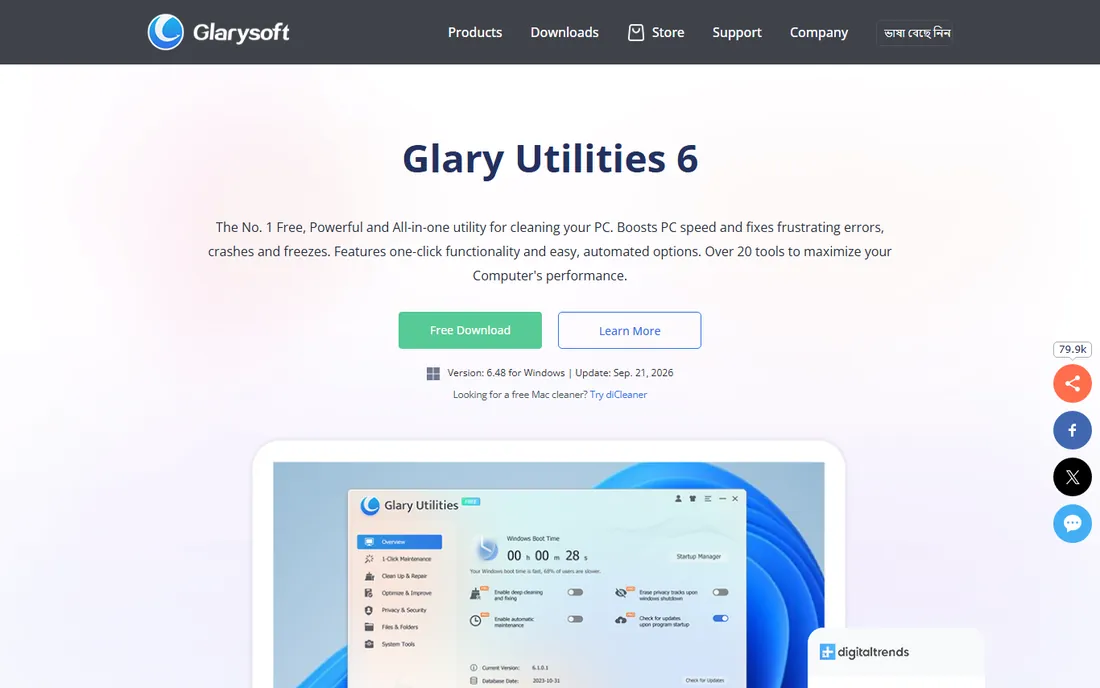
Glary Utilities packs more tools into its free version than most competitors: disk cleaner, registry repair, startup manager, duplicate finder, file shredder, disk defrag, driver backup and more, over 20 utilities in one download. The one-click maintenance mode handles the basics, and power users can drill into each module. The software is actively maintained, with version 6.48 released in September 2026.
The interface reflects the feature count: it is busy, and beginners may feel lost among the modules. The free version is genuinely useful, while the Pro version adds scheduling depth and priority support. For users who like having every tool in one place without paying, Glary Utilities is the best-stocked free option here.
What we like- Over 20 tools including the free version
- One-click maintenance
- Actively updated (v6.48 as of late 2026)
Watch out for- Interface packs a lot in
- Pro features are the differentiator
Starting priceSee website
Free planYes
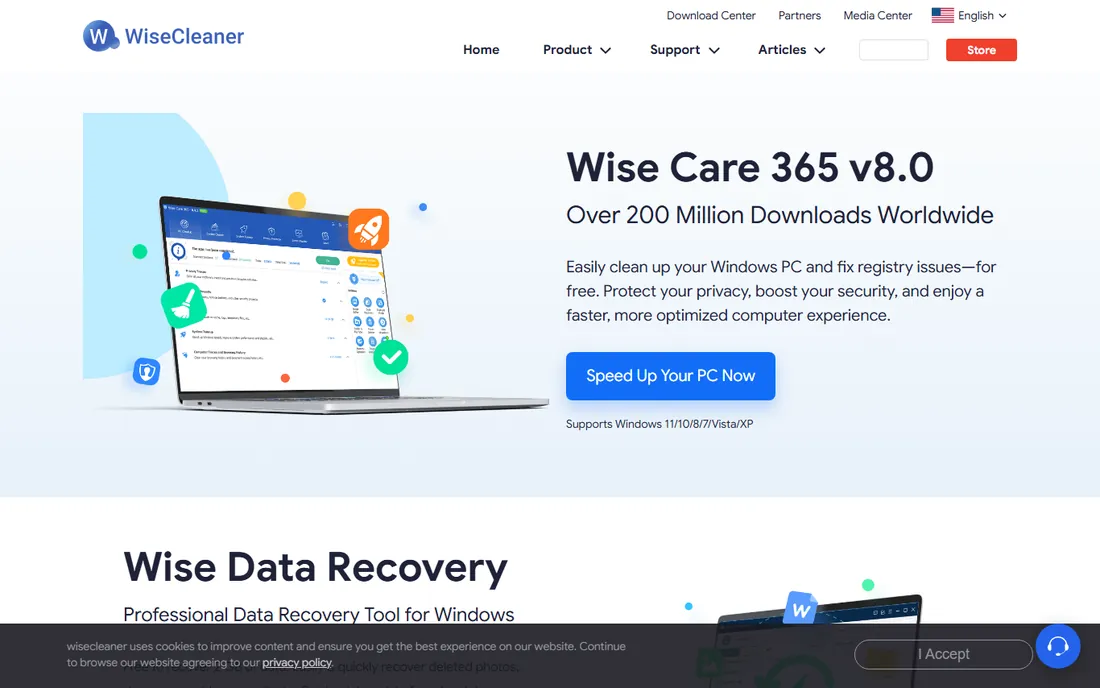
Wise Care 365 offers a free cleaner with junk removal, registry cleanup, privacy erasing and a disk shredder for secure deletion, plus system monitoring and hardware information tools. It is lightweight, runs fast and supports Windows versions from XP through 11. The privacy tools, erasing browser traces and shredding files, go further than most free cleaners.
WiseCleaner monetizes through constant Pro upsells, which wear on patience. The interface looks like it belongs to an earlier Windows era. But the free tier does real work without artificial limits on core cleaning, making it a practical choice for users who want cleanup plus privacy features for nothing.
What we like- Free version covers cleanup and privacy
- Privacy eraser and disk shredder included
- Lightweight and fast
Watch out for- The upsell to Pro is constant
- Interface feels dated
Starting priceSee website
Free planYes
Ashampoo WinOptimizer is the enthusiast's choice, with modules for registry cleaning, startup tuning, service management, privacy controls, disk analysis and system benchmarks. It goes deeper than one-click cleaners, showing you exactly what it plans to change. The German software house has a long reputation for solid Windows utilities, and the analysis tools genuinely help diagnose slow systems.
Beginners should look elsewhere: the depth that enthusiasts love is the same depth that confuses newcomers. The free version covers basics while the paid version opens up the serious tuning. For users comfortable with services, autostart entries and registry keys, WinOptimizer offers the most control on this list.
What we like- Deep system tweaking modules
- Detailed system analysis
- German engineering reputation
Watch out for- The module count overwhelms beginners
- Best features need the paid version
Starting priceFree forever
Free planYes
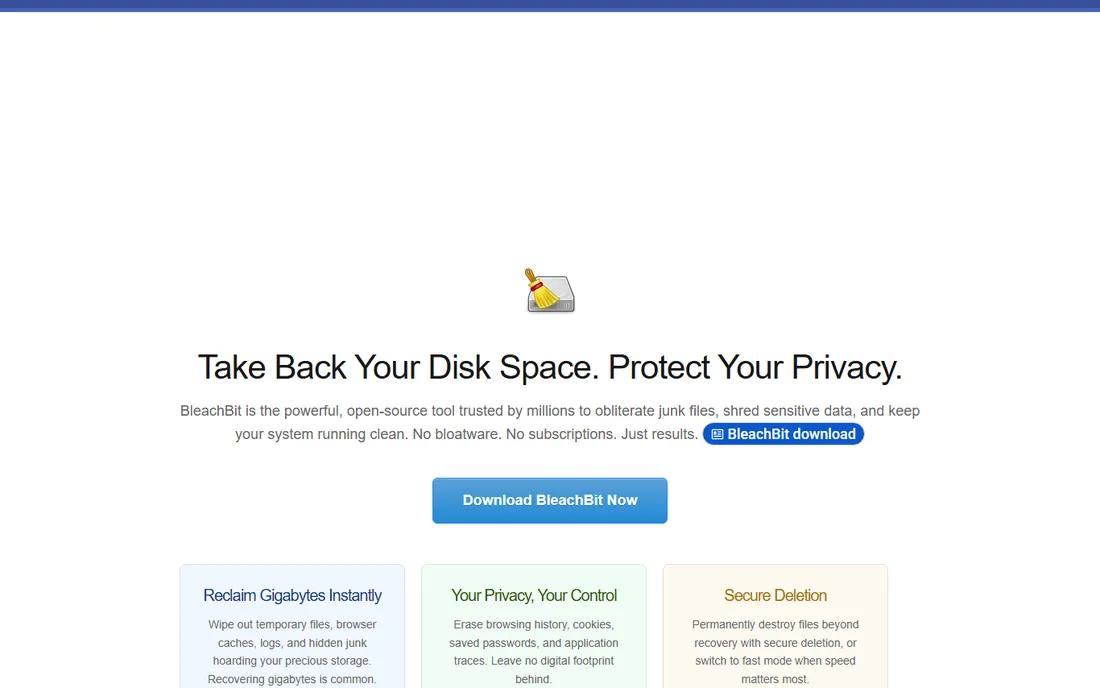
BleachBit is the anti-bloatware cleaner: open source under GPLv3, completely free, no ads, no subscriptions, no upsells. It deletes junk files, clears browser caches and histories, shreds sensitive data with secure deletion and shows you every file before deletion. System administrators can automate it across fleets with CLI and scripting support, and it runs on Windows, Linux and macOS.
There is no polish and no guidance. The interface is a checklist, and you decide what to clean, which is exactly what privacy-minded users want and exactly what beginners fear. For anyone who distrusts the commercial cleaners' business models, BleachBit is the principled choice, and it cleans just as effectively.
What we like- 100% free and open source, no ads or upsells
- Secure deletion and privacy focus
- CLI for automation
Watch out for- Plain interface
- No hand-holding or one-click wizards
We verified each vendor's homepage and final URL directly, then checked product pages and published plan details for pricing, free tiers and trial terms. Where vendors gate pricing behind checkout flows or region-specific pages, we marked it as "See website" rather than estimating. We weighed real-world reputation against public reviews, security-community opinions and user discussions on Reddit, with extra weight on trustworthiness given this category's history. We did not install or benchmark these tools.
What PC optimizers actually do (and what they cannot)
Set expectations before you download anything. These tools clean temporary files, browser caches, leftover installer files and old logs, which frees disk space and can help a nearly-full drive feel faster. They manage startup programs, which genuinely speeds boot times. They clean registry entries, which mostly does nothing measurable on modern Windows but sounds impressive in marketing.
What they cannot do is fix slow hardware. A ten-year-old laptop with a spinning hard drive and 4GB of RAM will not become fast through software. The highest-ROI upgrades remain hardware: an SSD and more RAM. Software optimization is the finishing touch, not the fix. Run a cleaner, trim your startup list and uninstall programs you do not use; if the PC is still slow, the problem is the machine, not the software.
Watch for the dark patterns. Decline bundled software during installation, skip the "pro" trials you did not ask for, and never let a cleaner delete things you do not understand. The registry cleaners in these tools are safe when used on their default settings; venturing into manual deletions is where trouble starts. And no optimizer should ever ask for remote access to your PC; that is a scam, not software.
Frequently asked questions
Do PC optimizers actually work?
They work for specific problems: freeing disk space, trimming startup programs and removing junk files all produce real, if modest, improvements on cluttered PCs. They do not fix slow hardware or malware infections. Expect a tidier, slightly faster-feeling system, not a new computer.
Is CCleaner safe to use?
The current CCleaner from the official site is safe when downloaded directly and used on default settings. The company faced criticism in past years over data collection and bundled offers, so download only from ccleaner.com, read installer checkboxes and keep the software updated. The free version's core cleaning is legitimate.
What is the best free PC cleaner?
BleachBit is the only fully free, open-source option with no ads or upsells, and it cleans effectively. Glary Utilities and Wise Care 365 offer the most features in their free versions. CCleaner's free tier covers basic cleanup. All four are legitimate; pick based on whether you want simplicity, features or open-source principles.
Will a PC optimizer speed up my old computer?
Somewhat. Cleaning junk, reducing startup programs and freeing disk space help, especially on nearly-full drives. But the biggest speed gains on old PCs come from hardware: upgrading to an SSD and adding RAM. If your computer is more than eight years old, software alone will not make it feel modern.
Should I use the registry cleaner?
Registry cleaning is safe on the default settings of reputable tools, but its performance benefit on modern Windows is negligible. The registry is not the bottleneck it was in the Windows XP era. Use the cleaner if you like, but do not expect it to transform performance, and never delete registry entries manually unless you know what they do.
How often should I run PC optimization software?
Monthly is plenty for most users, and many of these tools offer automatic scheduling. Running cleaners daily provides no extra benefit and wastes your time. Set a schedule, let it run in the background, and focus on the bigger wins: uninstalling unused programs and keeping 15 to 20 percent of your drive free.
Sources we checked (7)
- https://ccleaner.com/
- https://iobit.com/
- https://avg.com/
- https://glarysoft.com/
- https://wisecleaner.com/
- https://ashampoo.com/
- https://bleachbit.org/
Is your product missing or out of date?
We review this list regularly. Vendors can request a listing, send updated pricing or ask about featured placement.

Shihab Mia · Founder, Rankite
Shihab has spent more than a decade helping SaaS and e-commerce brands grow through search. He writes Rankite's software buying guides from pricing pages, documentation and public user reviews. More about Shihab.
 CCleaner
 Glary Utilities
 Wise Care 365
 Ashampoo WinOptimizer
 BleachBit