How we make this list: we compare pricing pages, product documentation and public user reviews. Rankite is independent; if a vendor ever pays for a featured spot, that listing is clearly labeled Partner.
Key takeaways
- MagicSchool and Brisk Teaching are the most popular AI assistants for daily teacher tasks like lesson plans and feedback.
- Khanmigo offers free teacher tools from Khan Academy, with 25+ activities for planning, differentiation and assessment.
- Curipod and SchoolAI put students in the loop with teacher-led interactive lessons and AI Spaces.
- Diffit and Eduaide specialize in differentiated materials aligned to standards and reading levels.
- QuestionWell and Twee serve assessment and language teaching niches with research-grounded design.
Quick comparison
| Tool | Best for | Starting price | Free plan |
|---|
 MagicSchool MagicSchool | all-purpose AI assistant for teachers | See website | Yes |
 Khanmigo Khanmigo | free teacher tools from Khan Academy | Free for teachers | Yes |
 Curipod Curipod | teacher-led interactive lessons | See website | Yes |
 Diffit Diffit | differentiated reading materials | See website | Yes |
 Brisk Teaching Brisk Teaching | AI assistant inside your browser | See website | Yes |
 Eduaide Eduaide | standards-aligned worksheets and assessments | See website | Yes |
 SchoolAI SchoolAI | AI learning spaces with teacher control | See website | Yes |
 QuestionWell QuestionWell | research-based quiz and question generation | See website | Yes |
 Twee Twee | AI tools for language teachers | See website | Yes |
Is your product missing or out of date?
We review this list regularly. Vendors can request a listing, send updated pricing or ask about featured placement.
It is 9 PM on a Sunday and the lesson plans are not done. The worksheets need differentiating for three reading levels, the quizzes need writing, and the report card comments are due Friday. This is the exact grind AI software for teachers is built to cut. The tools below fall into three groups: assistants that generate materials for teachers, platforms that run interactive lessons with students, and specialists that do one job well. Knowing which group you need saves you from buying a Swiss Army knife when you needed a screwdriver.
Starting priceSee website
Free planYes
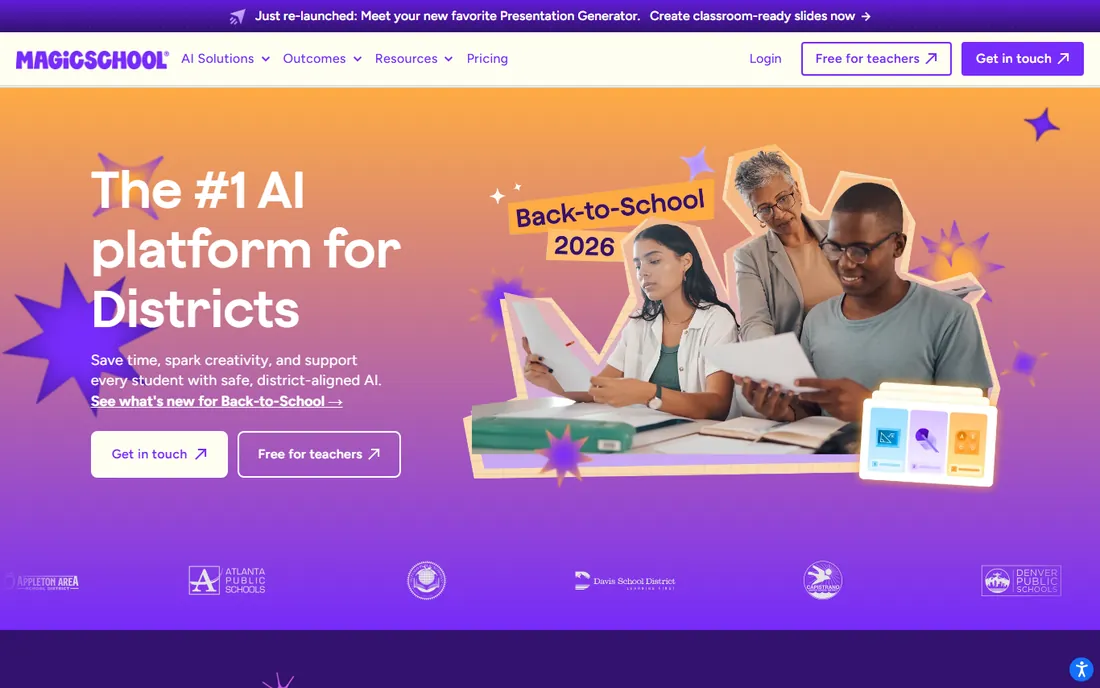
MagicSchool is the best-known AI assistant built specifically for teachers, with tools for lesson plans, rubrics, IEP drafts, report card comments, quizzes and writing feedback. The platform emphasizes education-specific safety: FERPA, COPPA and SOC compliance, plus integrations with Google Classroom, Canvas, Clever and ClassLink so it fits existing district workflows. A free tier covers individual teachers, with district plans adding alignment and controls.
The honest catch is breadth. Dozens of tools sound great until you realize you need to learn which ones fit your workflow, and the output quality varies by task. It is an assistant, not a replacement for judgment: generated lesson plans still need your expertise. For teachers who want one AI platform for the daily grind, MagicSchool is the default starting point.
What we like- Dozens of purpose-built teacher tools
- Strong privacy compliance (FERPA, COPPA, SOC)
- Integrates with Google Classroom and Canvas
Watch out for- The sheer number of tools takes time to learn
- District features require paid tiers
Starting priceFree for teachers
Free planYes
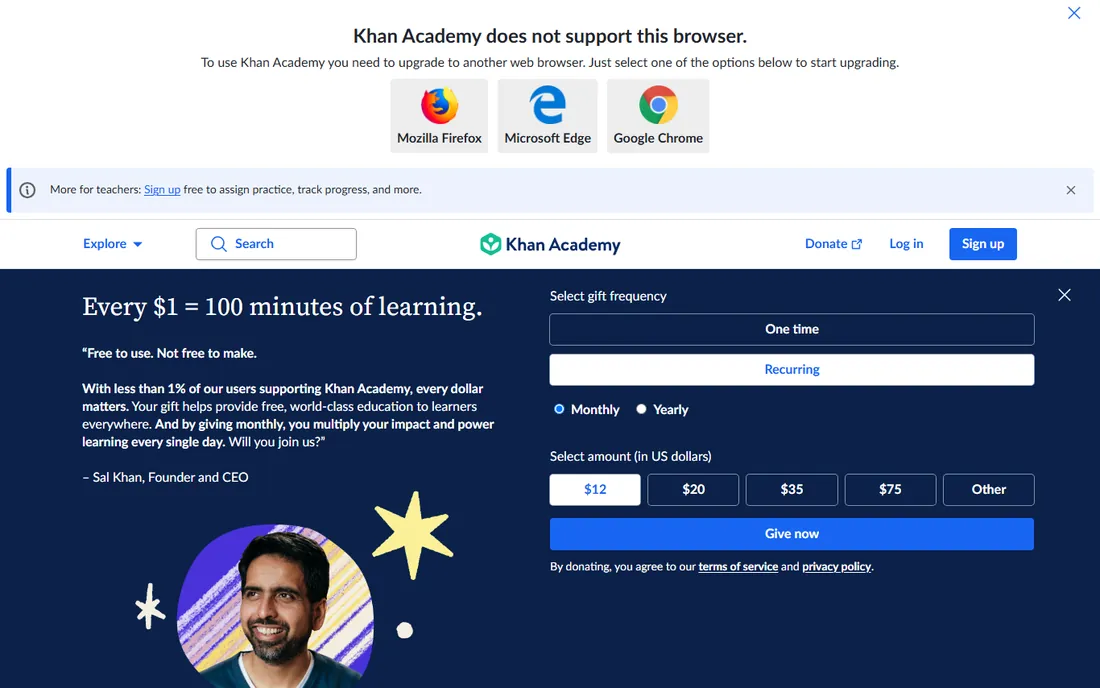
Khanmigo is Khan Academy's AI teaching assistant, and its teacher tools are free for educators in nearly every country, according to Khan Academy's own help center. The toolkit covers more than 25 activities: lesson plans, exit tickets, rubric generators, multiple choice quizzes, report card comments, class snapshots and differentiation helpers. Coming from a nonprofit built around education, the trust profile is hard to beat.
The limitation is the ecosystem. Khanmigo shines brightest when your class already uses Khan Academy content, and the paid tutoring subscriptions remain US-only. Teachers outside that ecosystem can still use the free teacher tools standalone, but the experience is richest for Khan Academy classrooms. For a free, trustworthy AI assistant, few options compete.
What we like- Free teacher tools in nearly every country
- 25+ activities for planning and assessment
- Built by a trusted nonprofit
Watch out for- Full Khanmigo tutoring subscriptions are US-only
- Tools work best inside the Khan Academy ecosystem
Starting priceSee website
Free planYes
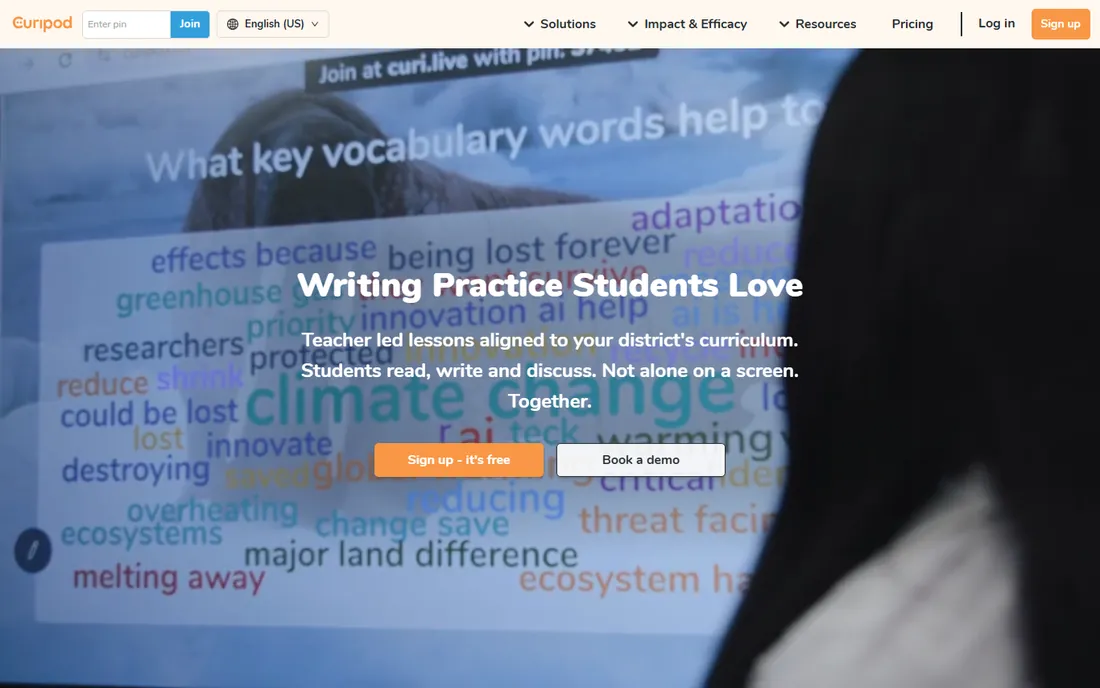
Curipod flips the usual AI-for-teachers script: instead of generating materials behind the scenes, it runs teacher-led lessons where students read, write and discuss together while AI gives instant feedback. Students need no accounts, which simplifies privacy, and the platform is FERPA, COPPA and GDPR compliant. Curipod cites state test data showing meaningful gains in reading and writing, with the furthest-behind students improving most.
It is strongest in English language arts and writing; math and science teachers will find thinner coverage. The model also depends on teacher facilitation, which is a feature for pedagogy but means it is not a set-and-forget tool. For teachers who want AI working during class rather than before it, Curipod is the most distinctive option here.
What we like- Real-time AI feedback during class
- Students need no accounts
- FERPA and COPPA compliant
Watch out for- Focused on ELA and writing more than other subjects
- Best results need teacher facilitation
Starting priceSee website
Free planYes
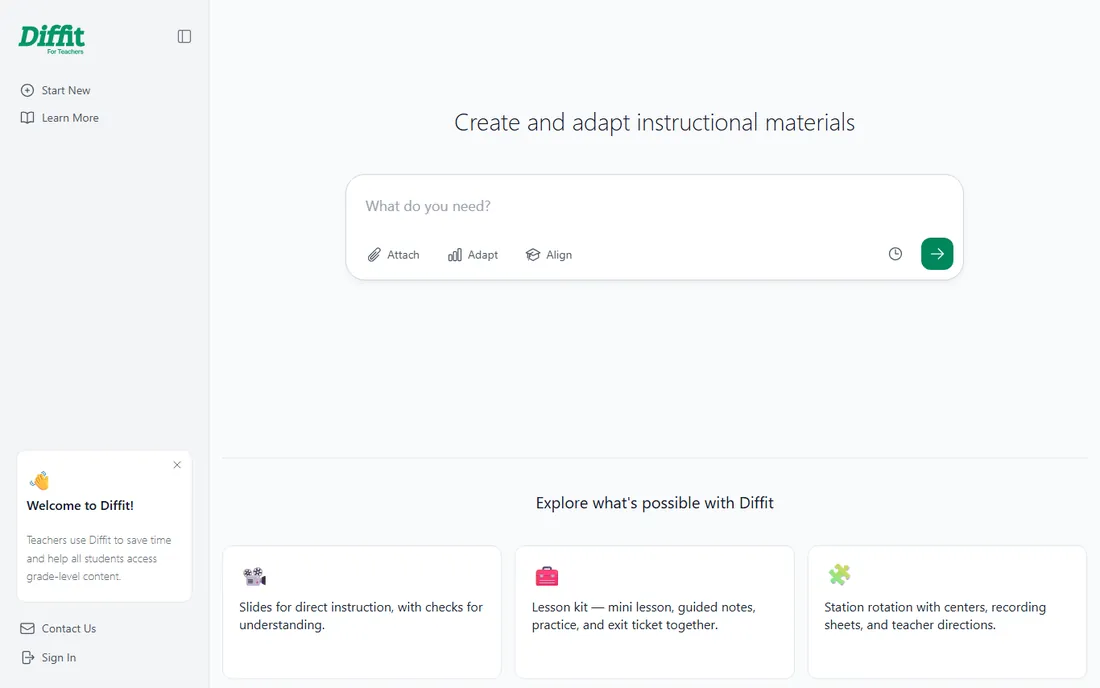
Diffit does one thing exceptionally well: take any article, video transcript or topic and produce leveled reading passages with questions, vocabulary and summaries matched to your students. Teachers use it to make grade-level content accessible to every reader in the room without rewriting everything by hand. The interface is minimal and the learning curve is nearly flat.
That focus is also the boundary. Diffit will not write your lesson plan, give feedback on essays or run a class. And like all AI-generated content, the adapted passages need a teacher's eye for accuracy and tone before they reach students. For differentiation specifically, it is faster and more focused than the general assistants.
What we like- Adapts any text to any reading level in seconds
- Creates questions and vocabulary from source material
- Simple to learn
Watch out for- Narrow focus compared to full assistants
- Output needs teacher review for accuracy
Starting priceSee website
Free planYes
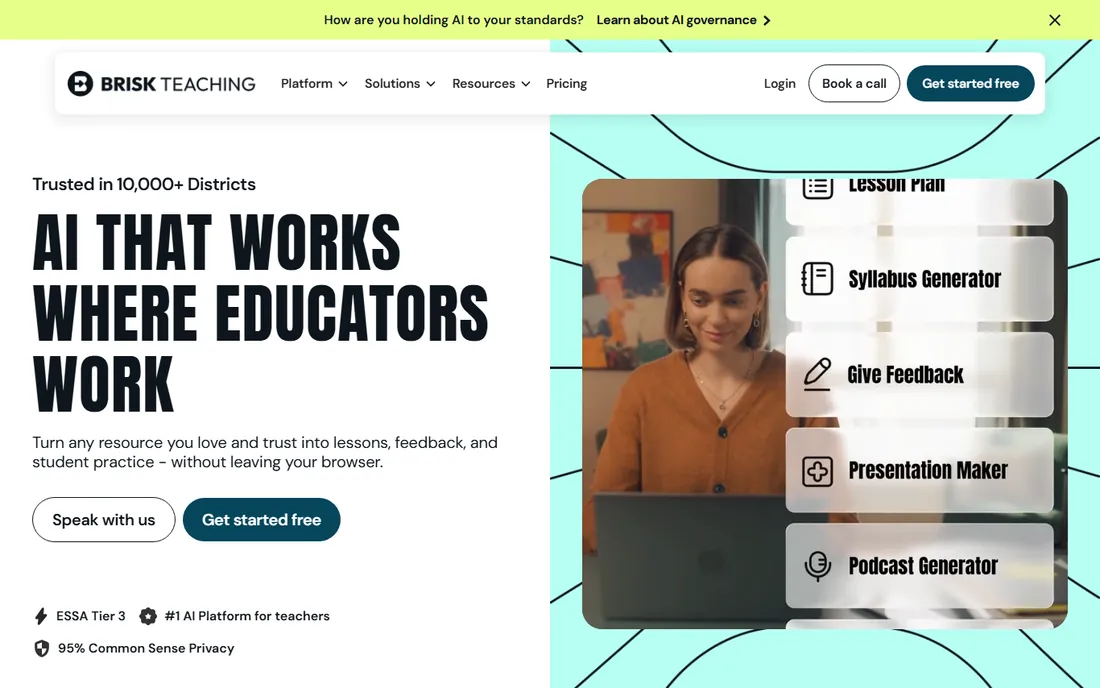
Brisk Teaching meets teachers where they already are: in the browser. The Chrome and Edge extension turns anything you are reading into lessons, feedback, quizzes and differentiated materials without switching tabs. The company markets free AI tools for teachers, claims strong district adoption, and earned a 95% Common Sense privacy rating, which matters when student data is involved.
Being browser-first is both the strength and the limit. You get speed and convenience, but not the deeper platform features of MagicSchool or SchoolAI. Some advanced capabilities require paid plans. For teachers who want AI help without learning a new platform, Brisk's "install in seconds" approach is the lowest-friction entry on this list.
What we like- Works where you already work, via Chrome extension
- Free tools for teachers
- 95% Common Sense privacy rating
Watch out for- Browser-based, so no standalone app depth
- Premium features sit behind paid tiers
#6
Eduaide
Best for: standards-aligned worksheets and assessments
Visit eduaide.ai
Starting priceSee website
Free planYes
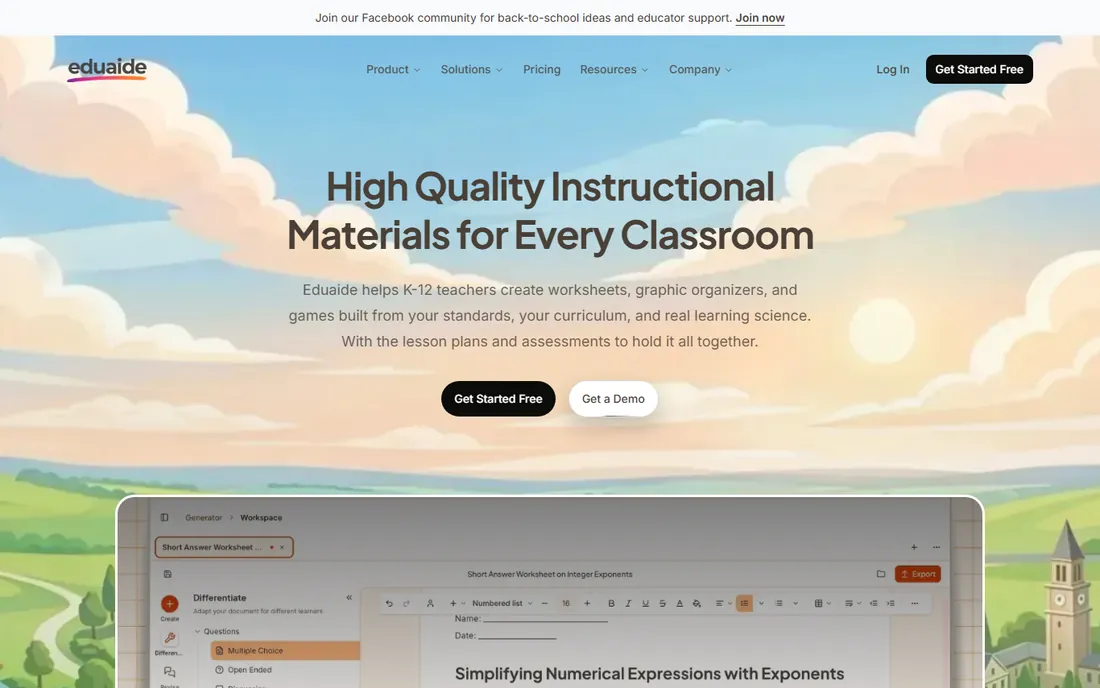
Eduaide targets the unglamorous core of teaching work: worksheets, graphic organizers, assessments and lesson materials that align to actual standards. Rather than a blank chat box, it uses guided workflows, so you pick a task and fill in details instead of engineering prompts. Standards from more than 50 jurisdictions are built in, and finished resources export to Google Docs, Google Forms, DOCX and PDF.
The tradeoff is ecosystem size. Eduaide's community and template library are smaller than MagicSchool's, and the standards coverage leans US. The guided-workflow approach also gives you less freedom than open-ended prompting, though many teachers prefer the structure. For standards-aligned materials without prompt-writing, it is one of the most practical tools here.
What we like- Materials aligned to standards from 50+ jurisdictions
- Guided workflows instead of blank prompts
- Exports to Docs, Forms and PDF
Watch out for- Smaller community and resource library than bigger names
- US standards focus
Starting priceSee website
Free planYes
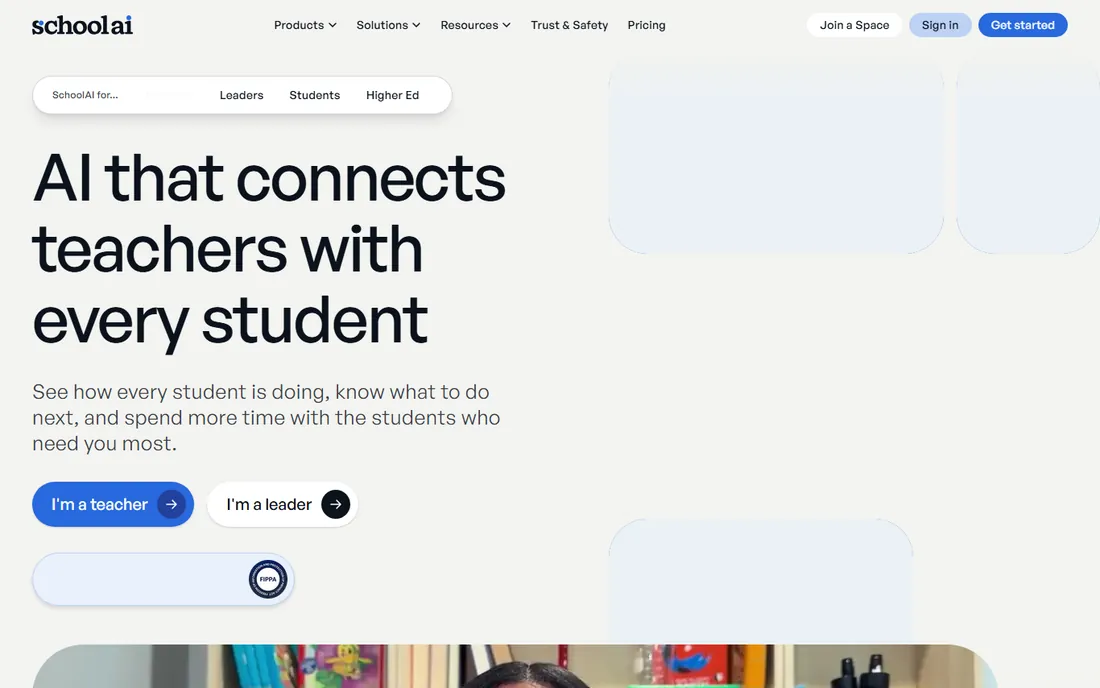
SchoolAI's core idea is Spaces: teacher-designed AI learning experiences where the teacher controls what students see and how the AI responds. Mission Control shows teachers how each student is thinking and where they are stuck, while the AI tutor (Dot) works within the boundaries the teacher sets. The company publishes ESSA Level III evidence and research on student critical thinking, which is rare in this category.
The model asks teachers to build Spaces rather than just prompt an assistant, which is more setup than MagicSchool or Brisk. District-wide features run through demos and quotes rather than transparent pricing. But for teachers who want students interacting with AI under their own guardrails, SchoolAI's teacher-in-the-driver's-seat design is the most thoughtful approach on this list.
What we like- Spaces give teachers control over student AI interactions
- Mission Control shows student thinking
- ESSA Level III evidence
Watch out for- Designed around its own Spaces model
- District features need demos and quotes
Starting priceSee website
Free planYes
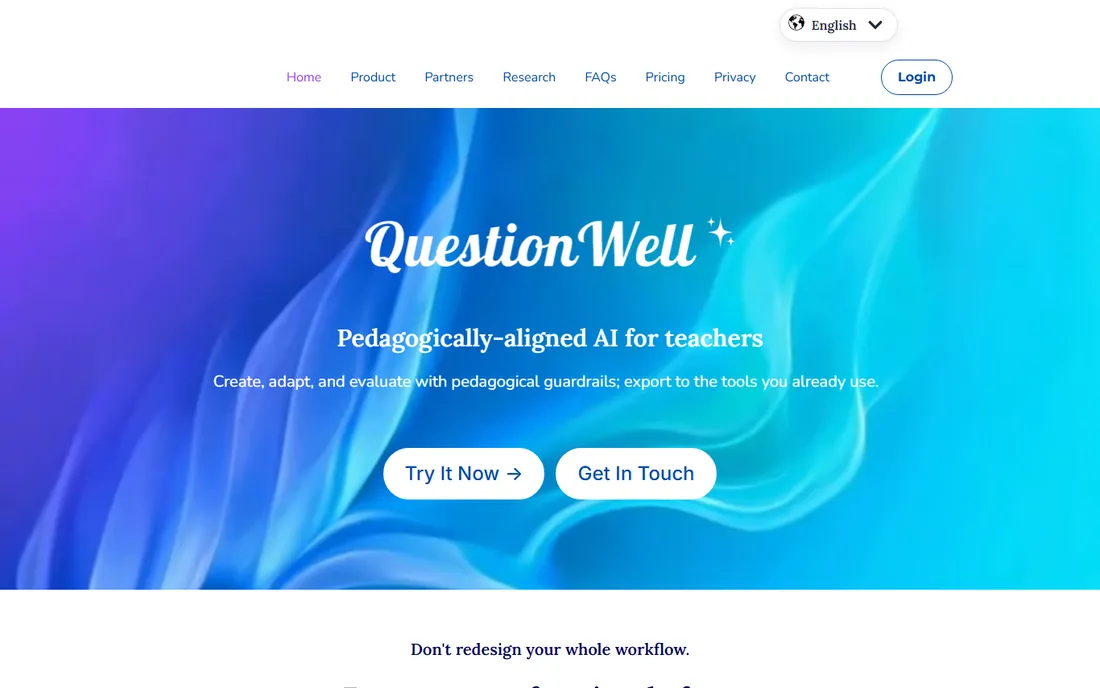
QuestionWell was started by a middle school science teacher and education researcher frustrated with how long it took to write good questions and get them into Canvas and Quizziz. The tool generates assessment questions grounded in learning science principles, aiming for quality that generic chatbots miss. The founder's background in teaching and doctoral research in education shows in the design philosophy.
It is deliberately narrower than the all-purpose assistants: questions and assessments, not lesson plans or feedback. The user base is smaller than the big names, which means fewer community resources. For teachers whose pain point is specifically writing quality assessments, QuestionWell's research-grounded approach is worth trying before the generic options.
What we like- Built by a teacher and education researcher
- Questions grounded in learning science
- Exports to Canvas and Quizziz
Watch out for- Narrower scope than full assistants
- Newer platform with smaller user base
Starting priceSee website
Free planYes
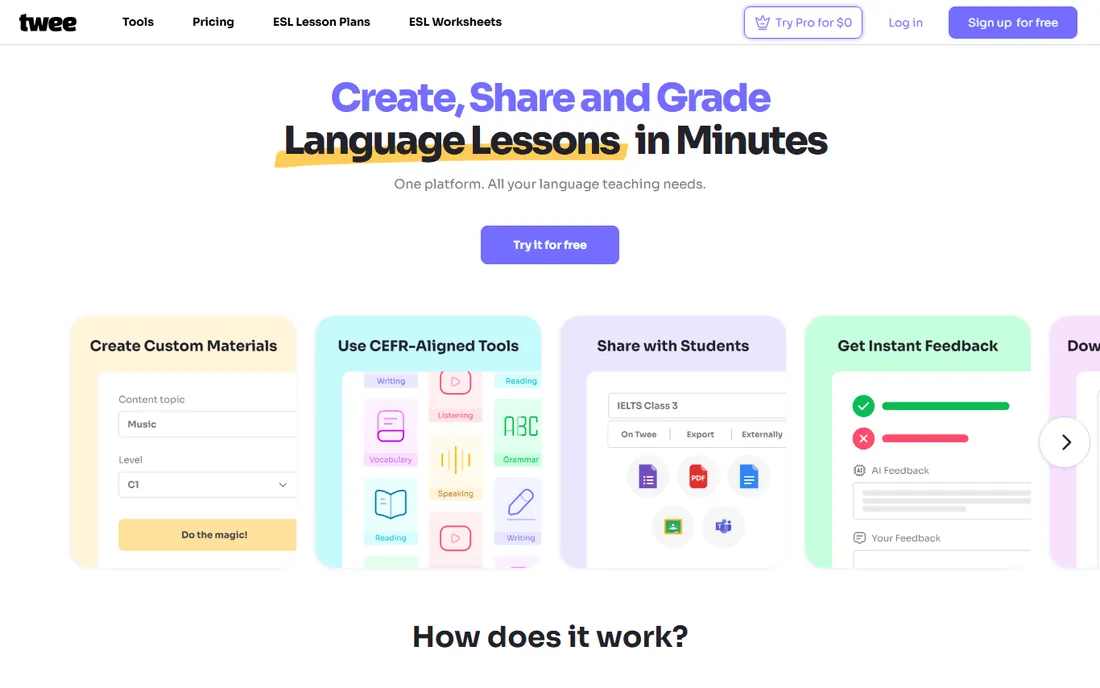
Twee is the specialist for language teachers, with dozens of tools for creating texts, dialogues, vocabulary exercises, discussion questions and assessments aligned to CEFR levels A1 through C2. Paste a topic, link or word list and get level-appropriate materials in seconds, then share interactive exercises with students and let the AI assess their responses. Teachers report saving several hours a week, and the free tier gets you started.
The specialization is total: if you do not teach languages, Twee is not for you. With so many tools, quality varies, and some feel more polished than others. For ESL and foreign language teachers, though, it is the most purpose-built AI toolkit available, and the CEFR alignment saves real planning time.
What we like- 40+ tools built for language teaching
- CEFR-aligned content for 10 languages
- AI assessment of student responses
Watch out for- Language-teaching only
- Depth varies across the many tools
We verified each tool's homepage and final URL, then checked pricing pages, help centers and published plan details for free tiers and trial terms. Where vendors gate pricing behind signup or district quotes, we marked it as "See website" rather than estimating. We cross-checked classroom fit against educator reviews, Common Sense Media privacy evaluations where available, and teacher discussions on Reddit and education forums. We did not run the tools in live classrooms.
Privacy first: the questions to ask before your district does
AI tools for teachers handle student data, so privacy is not optional. Check for FERPA and COPPA compliance statements on the vendor's site before anything else. Look at data retention policies: what happens to student inputs, and does the vendor train models on them? MagicSchool, Curipod, Brisk and SchoolAI all publish strong privacy commitments, which is why they lead this list.
Check how student access works. Tools like Curipod that need no student accounts create fewer privacy surface areas than platforms with full student profiles. Check your district's approved-tool list before piloting anything; many districts require IT review, and the tools with ClassLink, Clever and Google SSO integrations clear that bar faster.
Finally, check the AI's role in grading and assessment. AI feedback on student writing is a drafting aid, not a final grade. Every tool here works best with teacher review of its output, and that expectation should be explicit in your classroom policy.
Frequently asked questions
Is there free AI software for teachers?
Yes. Every tool on this list offers a free tier or free teacher access. Khanmigo's teacher tools are free for educators in nearly every country. MagicSchool, Brisk Teaching, Diffit, Eduaide, SchoolAI, QuestionWell and Twee all have free plans, and Curipod offers free access as well. Paid tiers typically add district features, higher limits and admin controls.
Which AI tool is best for lesson planning?
MagicSchool and Eduaide are the strongest for lesson planning specifically, with guided workflows and standards alignment. Brisk Teaching generates plans fastest since it works in your browser. Khanmigo's lesson plan tool is free and solid. The best choice depends on whether you want guided structure or open-ended generation.
Are these AI tools safe for student data?
The tools on this list publish education privacy commitments including FERPA and COPPA compliance, and several carry SOC 2 certification. Curipod requires no student accounts at all. Still, verify each vendor's current privacy policy and your district's approved list before using any tool with students, since policies change.
Can AI replace teachers?
No, and none of these tools try to. They handle repetitive work like drafting materials, differentiating texts and generating practice questions, which frees teachers for the human work: relationships, discussion, mentoring and judgment. The best tools on this list are designed to keep teachers in control of the classroom.
What is the difference between MagicSchool and Brisk Teaching?
Both are AI assistants for teachers, but MagicSchool is a full platform with dozens of tools and district features, while Brisk Teaching is a browser extension that works inside the tabs you already use. MagicSchool offers more depth; Brisk offers more speed. Many teachers use both.
Do I need my school's permission to use these tools?
Usually yes for anything involving student data or classroom accounts. Check your district's approved software list and talk to your IT department before piloting. Free individual accounts for planning and material creation are lower-risk, but anything students log into typically needs formal approval.
Sources we checked (9)
- https://magicschool.ai/
- https://www.khanacademy.org
- https://curipod.com/
- https://diffit.me/
- https://briskteaching.com/
- https://eduaide.ai/
- https://schoolai.com/
- https://www.questionwell.ai
- https://twee.com/
Is your product missing or out of date?
We review this list regularly. Vendors can request a listing, send updated pricing or ask about featured placement.

Shihab Mia · Founder, Rankite
Shihab has spent more than a decade helping SaaS and e-commerce brands grow through search. He writes Rankite's software buying guides from pricing pages, documentation and public user reviews. More about Shihab.