How we make this list: we compare pricing pages, product documentation and public user reviews. Rankite is independent; if a vendor ever pays for a featured spot, that listing is clearly labeled Partner.
Key takeaways
- Descript and Wondershare Filmora are the most complete AI editors, with text-based editing and AI analysis built into real timelines.
- Runway leads generative video, while Synthesia owns the AI avatar niche for training and corporate content.
- OpusClip and Vizard turn long videos into short clips with one click, which is the highest-ROI AI editing workflow for creators.
- CapCut is the best free option for social video, with AI captions, background removal and voiceovers at no cost.
- Pictory and InVideo generate finished videos from text and scripts for marketers who never want to touch a timeline.
Quick comparison
| Tool | Best for | Starting price | Free plan |
|---|
 Runway Runway | generative video and creative AI models | See website | Yes |
 Descript Descript | text-based editing for podcasts and video | See website | Yes |
 CapCut CapCut | free AI editing for social video | Free | Yes |
 OpusClip OpusClip | turning long videos into viral clips | See website | Yes |
 Pictory Pictory | text-to-video for marketers | See website | Free trial |
 Synthesia Synthesia | AI avatar videos for training | See website | Free trial |
 InVideo InVideo | agentic AI video editor for creatives | See website | Free trial |
 Wondershare Filmora Wondershare Filmora | desktop AI editing for creators | See website | Yes |
 Vizard Vizard | one-click long-to-short video clips | See website | Yes |
Is your product missing or out of date?
We review this list regularly. Vendors can request a listing, send updated pricing or ask about featured placement.
9 AI video editors, sorted by what they actually do
Here is the blunt truth about this category: "AI video editing software" means five different products wearing one label. Some tools edit your footage with AI assistance. Some generate video from nothing. Some make avatars talk. Some cut your podcast into clips. Buying the wrong type is the single most common mistake in this space. Below, each tool is labeled by its real job, so you can match it to yours.
Starting priceSee website
Free planYes
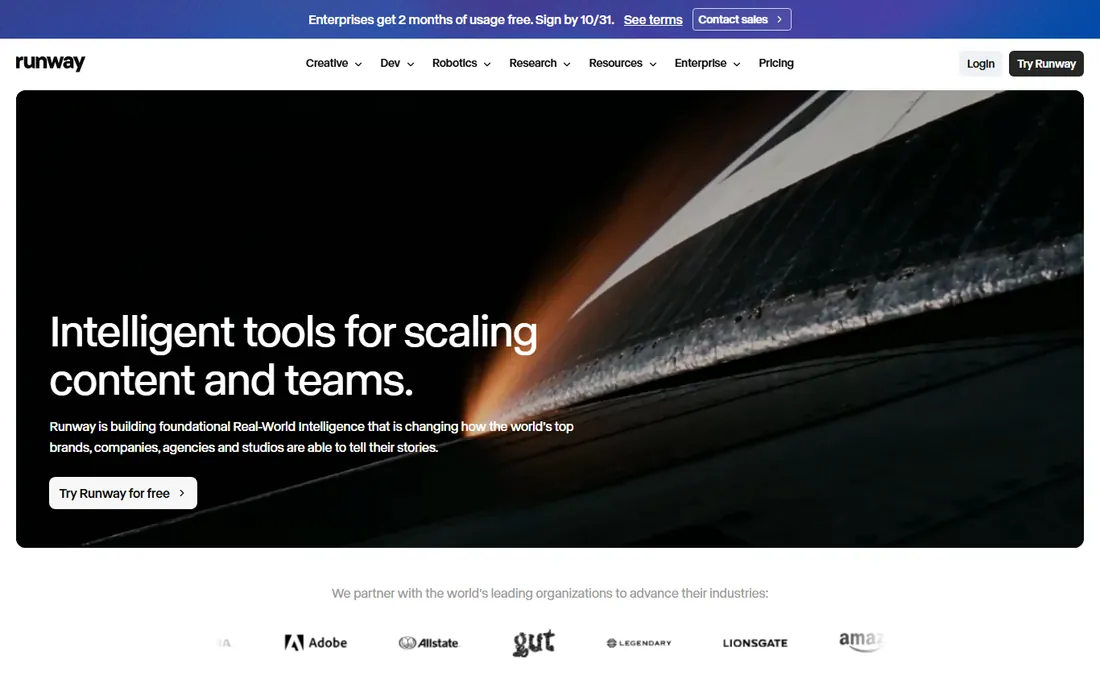
Runway is where AI video generation grew up. The Creative platform combines text-to-video, image-to-video and video-to-video generation with editing tools in one browser workspace, and the company now frames itself around "real-world intelligence" models with developer and robotics platforms alongside. A free tier lets you experiment with generation before paying, which matters because prompting video is a skill you build by trying.
The honest weakness is the iteration tax. Great results need multiple generations, and each one costs credits, so the bill grows with ambition. Runway is a creative tool, not a shortcut: the best outputs come from people who learn the models. For filmmakers, agencies and creators who want generative video as part of a real workflow, it remains the category leader.
What we like- Leading generative video models
- Full creative suite in the browser
- Free tier to experiment
Watch out for- Generation quality needs iteration
- Costs scale with heavy generation use
Starting priceSee website
Free planYes
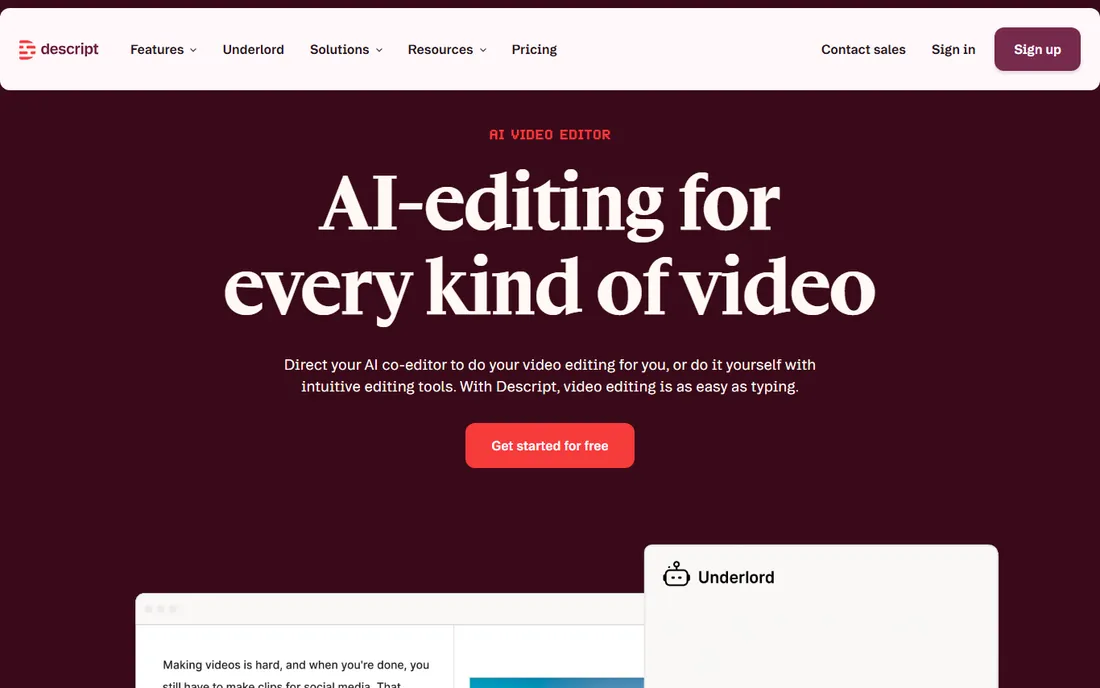
Descript changed video editing by making the transcript the timeline. Record or upload, get an instant transcript, and cut video by deleting words. The AI co-editor (Underlord) can turn raw recordings into tight cuts, Studio Sound removes background noise and enhances voices with one click, and the clip tools repurpose long content for social. The free plan requires no credit card, so testing costs nothing.
It is not a replacement for Premiere or DaVinci on visually complex projects. Descript optimizes for talking-head content: podcasts, courses, marketing videos, interviews. Color work, motion design and multi-camera drama belong elsewhere. But for anyone whose editing bottleneck is cutting spoken content, Descript is the fastest tool on this list by a wide margin.
What we like- Edit video by editing the transcript
- Studio Sound fixes bad audio
- Free plan with no credit card
Watch out for- Less suited to cinematic visual editing
- Heavy projects can feel sluggish
Starting priceFree
Free planYes
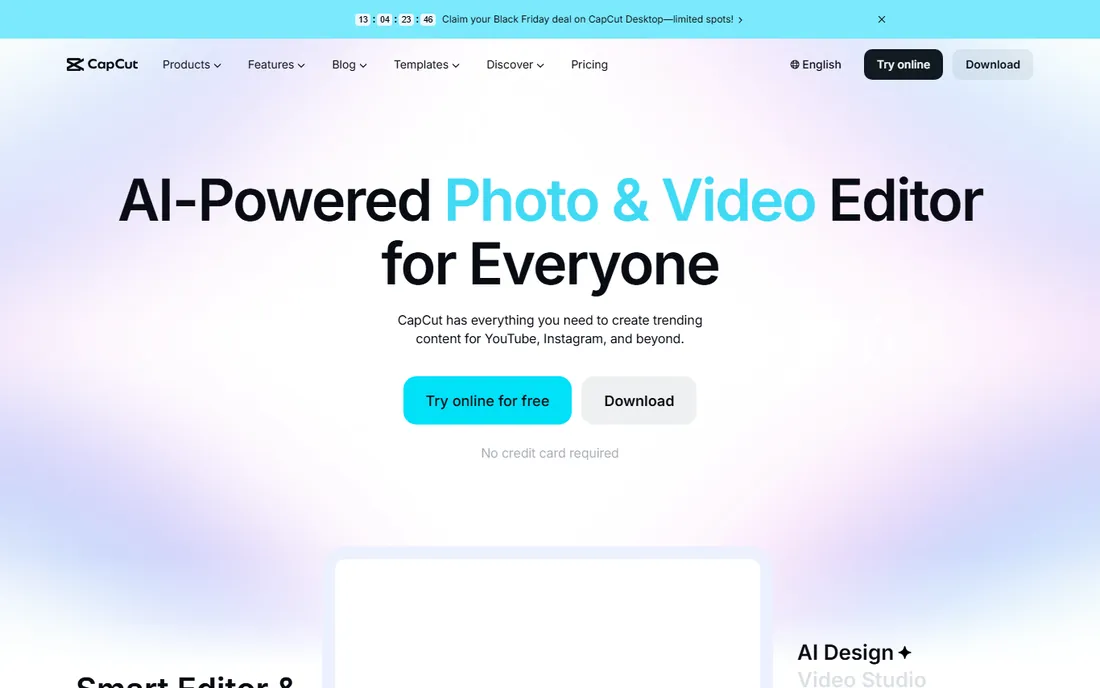
CapCut is the rare tool that is both free and good. The online and desktop editors include AI auto-captions in multiple languages, one-click video background removal, text-to-speech voiceovers, noise removal and a template library built for Reels, TikTok and Shorts. No credit card is required to start, and HD export works without watermarks on the free tier for core editing.
The ceiling is real. CapCut is built for short-form social content, and long-form or cinematic projects quickly outgrow it. Some advanced AI features and stock assets sit behind paid tiers. But as a starting point for creators, or as the daily driver for social-first video teams, nothing matches the price-to-capability ratio.
What we like- Genuinely free with no credit card
- AI captions, background removal and voiceovers
- Huge template library
Watch out for- Best features favor TikTok-style content
- Advanced users hit ceiling fast
#4
OpusClip
Best for: turning long videos into viral clips
Visit opus.pro
Starting priceSee website
Free planYes
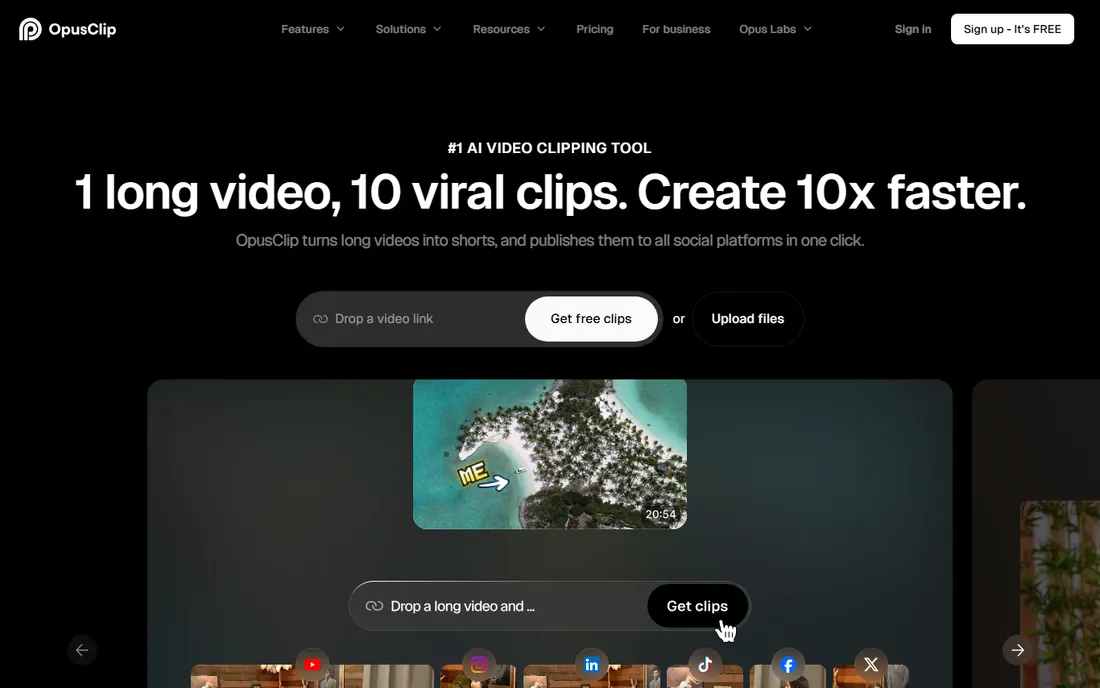
OpusClip does one job and does it better than anyone: feed it a long video, and its AI finds the highlight moments, reframes them vertically with subject tracking, adds dynamic captions and produces publish-ready shorts. The ClipAnything model handles more than podcasts, covering vlogs, gaming, sports and interviews. New users get a 7-day Pro trial, and the free-forever plan refreshes 60 minutes of processing monthly.
The output quality depends on the input. Rambling, low-energy source material produces weak clips no matter the AI. And 60 free minutes covers testing, not a real publishing schedule; volume creators need paid plans. For podcasters and creators repurposing long content, though, this is the highest-ROI AI editing purchase most will make.
What we like- AI finds the best moments automatically
- Auto captions at 97% accuracy
- Free-forever plan with 60 min/month
Watch out for- Clip quality varies by source material
- Paid plans needed for serious volume
Starting priceSee website
Free planFree trial
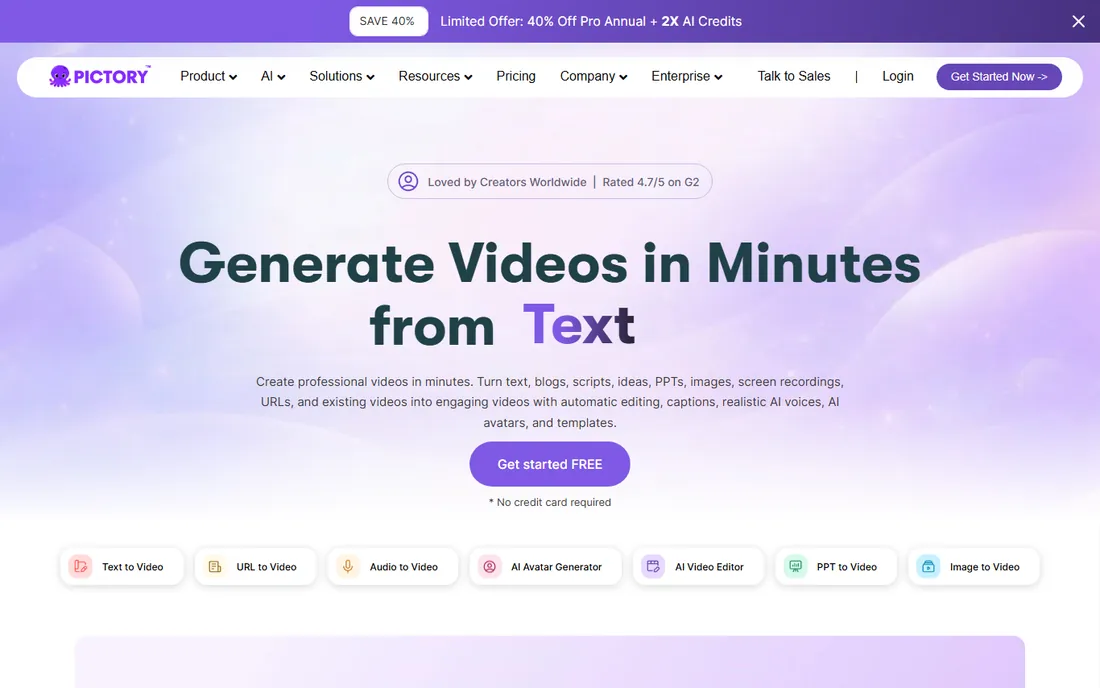
Pictory is built for marketers who need video but have no footage and no editor. Paste a blog post, script or URL, and it builds a narrated video with matched stock visuals, captions and AI voiceovers. The AI Studio generates custom images and clips from prompts, brand kits keep outputs consistent, and avatars deliver scripts as realistic presenters. No credit card is needed to try it.
The videos can feel templated, especially if you rely on stock visuals without customization. Fine control over timing and visuals is thinner than in a real editor. But for content teams turning written content into video at scale, training libraries, social clips, product explainers, Pictory removes the production bottleneck entirely.
What we like- Turns scripts, blogs and URLs into videos
- Realistic AI voices and avatars
- No credit card to start
Watch out for- Template feel on some outputs
- Limited fine control over visuals
Starting priceSee website
Free planFree trial
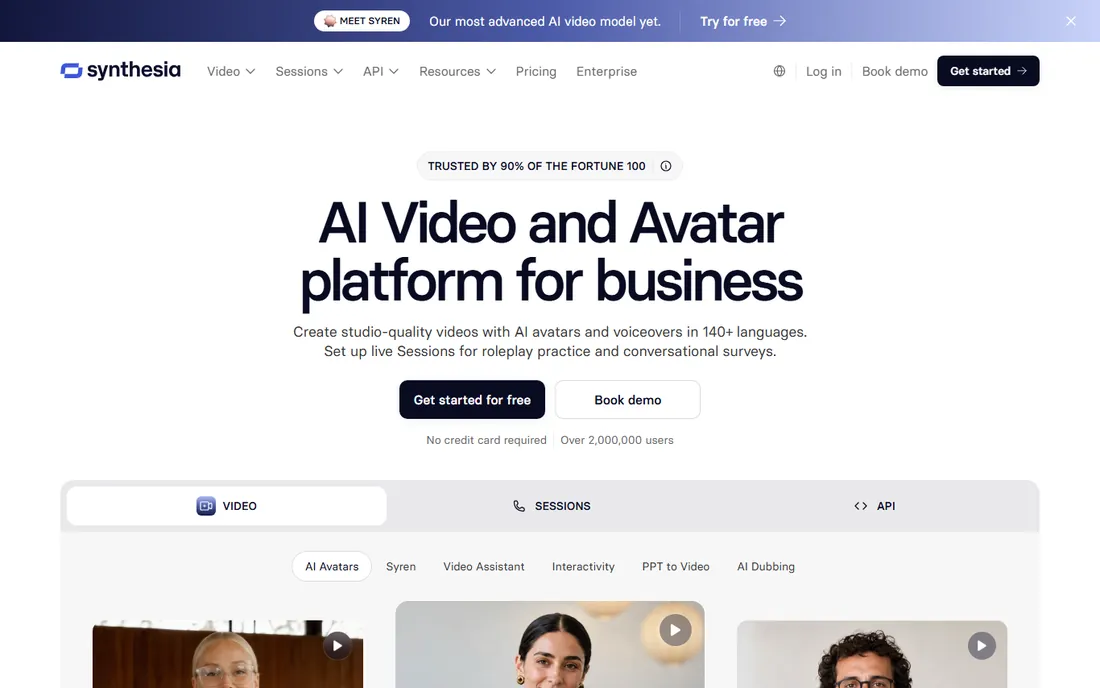
Synthesia is the enterprise standard for AI avatar video. Type a script, pick an avatar, and get a polished presenter video in over 140 languages, with automatic translation, brand kits, LMS publishing and analytics. The platform carries SOC 2, GDPR and ISO 42001 compliance, which is why large companies trust it for training, onboarding and internal communications. A trial with no credit card lets you test the quality.
Avatars are the whole product, which limits the creative range. These are corporate presenters, not characters for storytelling. Pricing targets business budgets rather than individual creators. For training teams, HR departments and anyone localizing video content across languages, Synthesia replaces expensive studio shoots with a typing exercise.
What we like- Studio-quality avatar videos in 140+ languages
- Strong enterprise compliance
- Translation and localization built in
Watch out for- Avatar delivery suits corporate, not creative, content
- Pricing aimed at business budgets
Starting priceSee website
Free planFree trial
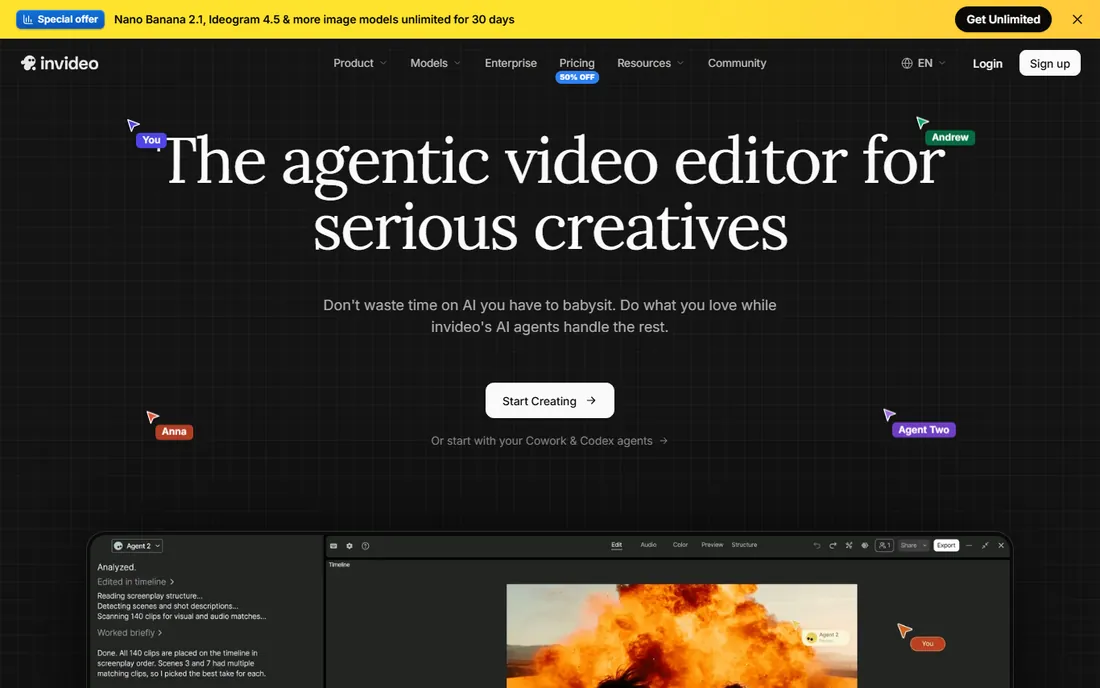
InVideo has evolved into an agentic video editor: AI agents trim, grade, mix and caption on a real timeline while you direct, and you can connect your own agents like Claude or ChatGPT to the editor. The platform includes storyboarding, script writing, a full timeline editor with professional color and audio tools, and multiplayer collaboration with live cursors. Plans run on monthly credits across Starter, Plus and Max tiers.
The credit model adds a learning curve: you need to understand what each generation costs. The newest AI models and features concentrate in the higher tiers. But InVideo's bet is the right one for serious creators: AI assistance inside a real editor, not a black box that spits out finished videos. For teams that want control plus automation, it is a strong pick.
What we like- AI agents handle editing tasks on a real timeline
- Multiplayer collaboration
- Credit-based plans scale
Watch out for- Credit system takes learning
- Newest features need higher tiers
Starting priceSee website
Free planYes
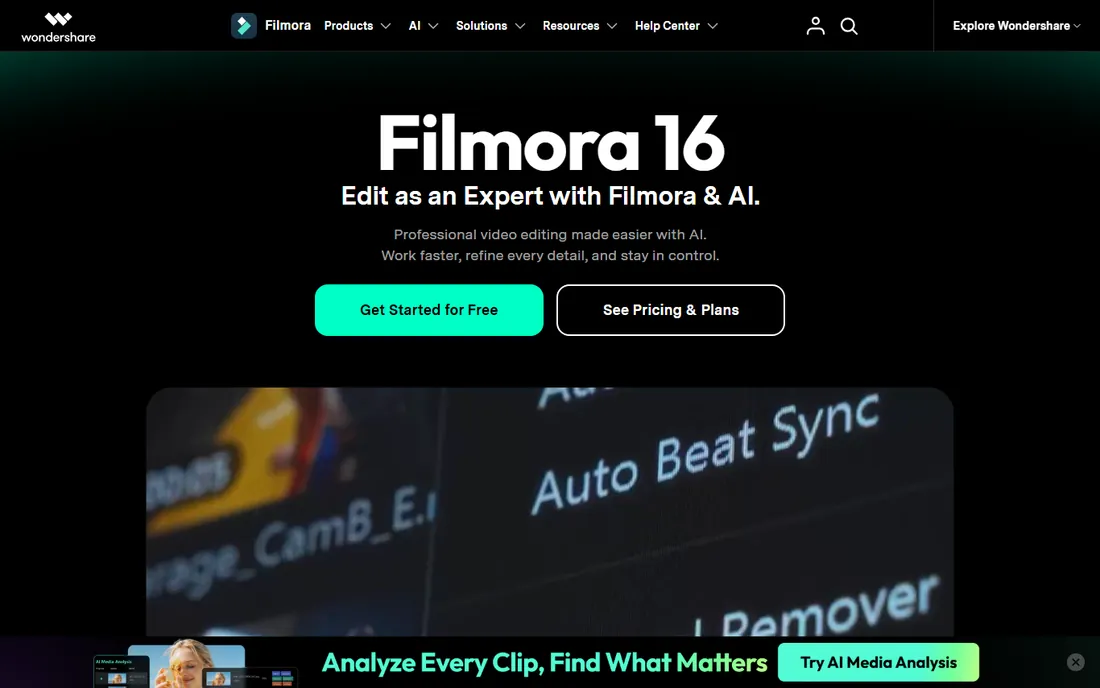
Filmora is the traditional desktop editor that absorbed AI rather than being built around it. The timeline editor includes AI media analysis that tags your footage, text-based editing, AI captions, voice enhancement, background removal, generative video tools and color grading, all in one Windows and macOS application. You can download and use it free; exports from the free version carry a Filmora watermark, and paid plans remove it.
The AI features are broad rather than deep: some, like captions and noise removal, are excellent, while generative tools lag dedicated platforms like Runway. The watermark on free exports pushes you to pay. But for creators who want a real editor with AI assistance instead of a browser toy, Filmora hits the sweet spot between power and approachability.
What we like- Full desktop timeline with AI woven in
- Free download to try everything
- 2.9M+ built-in creative assets
Watch out for- Free exports carry a watermark
- AI features vary in polish
Starting priceSee website
Free planYes

Vizard competes directly with OpusClip on the long-to-short workflow: upload a long video and get dozens of social-ready clips with captions in one click. The platform adds a Vizard Agent for guided creation, team workspaces for collaboration, and multi-platform publishing. A free tier lets you test the clipping quality before committing.
Feature depth trails OpusClip, which has a longer head start and more models. And like all clipping AI, Vizard's selections need human review; not every generated clip deserves publishing. For creators who want a simpler, cheaper clipping workflow, or teams that value the collaboration features, Vizard is a credible alternative worth testing head to head with OpusClip.
What we like- Turns long video into 30+ clips in one click
- Free tier to start
- Team workspace for collaboration
Watch out for- Narrower feature set than OpusClip
- Clip selection needs human review
Generation, editing or repurposing: buy the right type
Sort the tools by job before comparing features. Generation tools (Runway, Pictory, Synthesia, InVideo) create video from text, scripts or prompts; buy these when you lack footage. Editing tools (Descript, CapCut, Filmora) work on your footage with AI assistance; buy these when you shoot. Repurposing tools (OpusClip, Vizard) turn finished long videos into clips; buy these when you publish across platforms.
Most creators need two. A common stack: Descript or Filmora for the main edit, OpusClip or Vizard for the clips, CapCut for quick social cuts. Marketers who never shoot need Pictory or InVideo plus Synthesia for training content. The expensive mistake is buying a generator when you needed an editor, or paying for a clipping tool when your bottleneck is the main edit.
We verified each tool's homepage and final URL, then checked pricing pages, plan pages and published FAQs for prices, free tiers and trial terms. Where vendors gate pricing behind signup or show promotional pricing, we marked it as "See website" rather than quoting temporary numbers. We cross-checked real-world fit against public reviews on G2 and Capterra and creator discussions on Reddit and YouTube communities. We did not edit video with these tools ourselves.
What to check before you pay for AI video software
Test with your own footage first. Every tool here offers a free tier or trial, and AI performance varies wildly by content type: talking heads edit beautifully in Descript, chaotic vlogs challenge clipping AI, and generative quality depends on your prompting. A weekend test with real material tells you more than any demo reel.
Check the credit math. Generative and clipping tools price by credits or processing minutes, and costs scale with output volume. OpusClip's 60 free minutes and Vizard's free tier cover testing; a weekly publishing schedule needs a paid plan. Estimate your monthly minutes before subscribing, and watch for overage charges.
Check export rights and watermarks. CapCut's free exports are clean, Filmora's free exports carry a watermark, and some free tiers limit resolution. For client work, confirm commercial usage terms, especially for AI-generated assets and voices. The cheapest tool that cannot legally deliver your project is the most expensive mistake.
Frequently asked questions
What is the best free AI video editing software?
CapCut is the strongest free option, with AI captions, background removal, text-to-speech and HD export at no cost. Descript's free plan covers text-based editing basics. OpusClip and Vizard offer free tiers for clipping, and Runway's free tier covers generative experiments. Filmora is free to try but watermarks exports until you pay.
Can AI edit videos automatically?
Partially. Tools like Descript's Underlord can assemble rough cuts from transcripts, OpusClip and Vizard auto-generate clips from long videos, and Pictory builds videos from scripts. But human review remains essential: AI handles the mechanical work, and you handle taste, pacing and story. Expect AI to cut editing time dramatically, not to replace the editor.
Which AI video editor is best for YouTube?
For talking-head YouTube content, Descript's text-based editing is the fastest workflow. For cinematic or complex edits, Filmora or InVideo give you real timelines with AI assistance. For Shorts, OpusClip and Vizard repurpose your long videos automatically. Most YouTubers pair a main editor with a clipping tool.
Are AI avatar videos good enough for business use?
Yes, for training, onboarding and internal communications. Synthesia's avatars in 140+ languages are widely used by large companies for exactly this. They work less well for marketing content where authenticity matters, since viewers can tell the presenter is synthetic. Match the tool to the audience's expectations.
Do I need a powerful computer for AI video editing?
Less than you think. Runway, Descript, CapCut's online editor, Pictory, Synthesia, InVideo, OpusClip and Vizard all run in the browser or cloud, so your hardware barely matters. Only Filmora's desktop editor benefits from a strong machine, and even it runs on mid-range computers for most projects.
How much does AI video editing software cost?
Free tiers cover testing and light use across most tools here. Paid plans typically run on subscriptions or credits: clipping tools charge by processing minutes, generators charge by credits, and editors charge flat monthly rates. Heavy creators should budget based on monthly output volume rather than the sticker price, since credit costs scale with use.
Sources we checked (9)
- https://www.runwayml.com
- https://www.descript.com
- https://www.capcut.com
- https://opus.pro/
- https://pictory.ai
- https://www.synthesia.io
- https://invideo.io
- https://filmora.wondershare.com
- https://vizard.ai/
Is your product missing or out of date?
We review this list regularly. Vendors can request a listing, send updated pricing or ask about featured placement.

Shihab Mia · Founder, Rankite
Shihab has spent more than a decade helping SaaS and e-commerce brands grow through search. He writes Rankite's software buying guides from pricing pages, documentation and public user reviews. More about Shihab.