How we make this list: we compare pricing pages, product documentation and public user reviews. Ratings come from G2, Capterra or Trustpilot, with the date we checked them.
Key takeaways
- Grasshopper is a call-forwarding service with a flat monthly price, so most alternatives cost more per user but add shared inboxes, team texting, and deeper routing.
- Quo, formerly OpenPhone, is the closest modern replacement for a text-heavy small team that wants a shared number.
- Google Voice is cheapest for a team already paying for Google Workspace, but it lacks shared texting depth on the entry plan.
- Dialpad suits teams that want AI transcription and summaries on every plan, while Nextiva suits teams that prize live support and reliability.
- Check texting limits, toll-free minutes, and extra number prices before switching, since those three items drive the real monthly bill.
Quick comparison
| Tool | Best for | Starting price | Free plan |
|---|
 Quo Quo | shared numbers and team texting | $15 per user per month | Free trial |
 Dialpad Dialpad | AI transcription on every plan | $15 per user per month | Free trial |
 Nextiva Nextiva | reliability and live support | $15 per user per month | No |
 RingCentral RingCentral | full unified communications | $20 per user per month | Free trial |
 Ooma Office Ooma Office | simple pricing for small teams | $19.95 per user per month | Free trial |
 Google Voice Google Voice | Google Workspace teams | $10 per user per month | No |
 Phone.com Phone.com | budget teams that need video too | $15 per user per month | Free trial |
 Vonage Vonage | flexible plans with API options | $13.99 per line per month | No |
Is your product missing or out of date?
We review this list regularly. Vendors can request a listing, send updated pricing or ask about featured placement.
The best Grasshopper alternatives
Starting price$15 per user per month
Free planFree trial
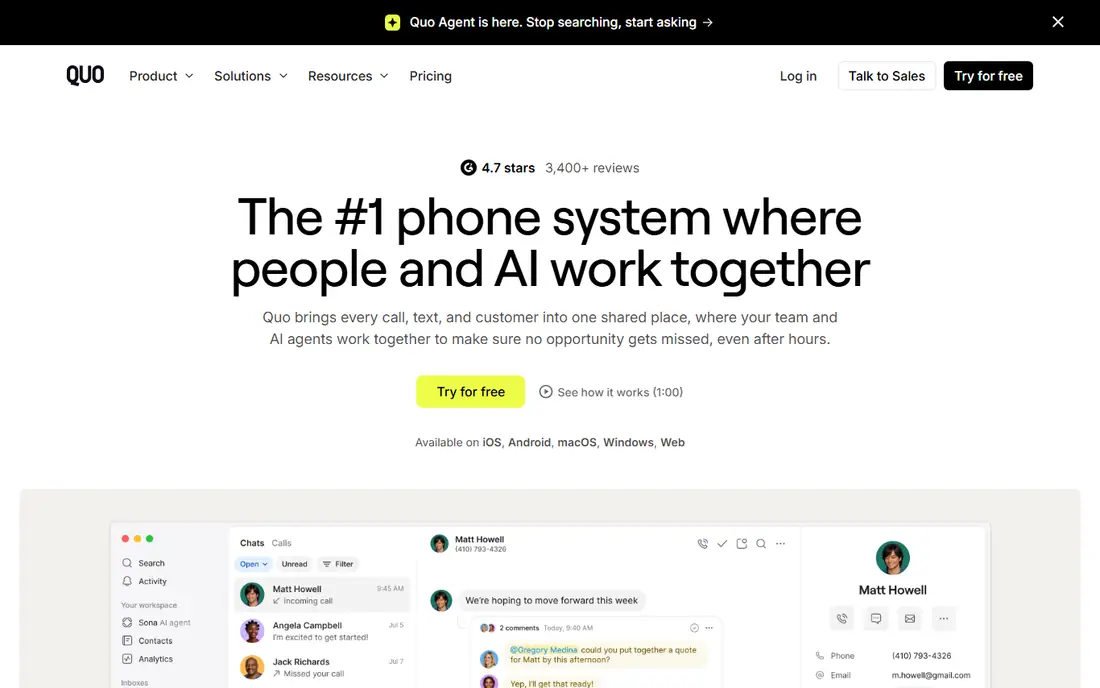
Quo, formerly OpenPhone, is the natural next step for a Grasshopper user who has outgrown simple forwarding. A team can share one business number, see the same call and text history, and assign conversations without passing a single phone around. That shared inbox is the feature Grasshopper lacks most, and it changes how a small team handles missed calls.
The limits show up at larger scale. Advanced call queues, analytics, and contact centre tools are thinner here than in RingCentral or Nextiva, and some integrations need a higher plan. Pick Quo when texting and shared ownership matter more than a full contact centre.
What we like- Shared inbox for calls and texts
- Lightweight contact notes
- Modern mobile and desktop apps
Watch out for- Call centre depth is below RingCentral or Nextiva
- Some features need higher plans
#2Dialpad
Best for: AI transcription on every plan4.4/5 on
G2 (4,201 reviews, checked Oct 2026)
Visit dialpad.com
Starting price$15 per user per month
Free planFree trial

Dialpad builds AI into the base plan rather than reserving it for premium tiers. Calls are transcribed, summaries appear after the call, and managers get real-time prompts during live conversations. For a sales or support team, that record-keeping saves manual note-taking and makes follow-up faster.
The catch is plan gating elsewhere. Deeper CRM integrations and some advanced routing sit on higher tiers, and texting rules need a close read. Pick Dialpad when call intelligence is the main upgrade sought over Grasshopper, and the team is comfortable paying per user.
What we like- AI transcription, summaries, and real-time coaching
- Good mobile app
- Video meetings included on higher plans
Watch out for- CRM integrations need higher plans
- Texting allowances vary by plan
#3Nextiva
Best for: reliability and live support4.5/5 on
G2 (3,659 reviews, checked Oct 2026)
Visit nextiva.com
Starting price$15 per user per month
Free planNo
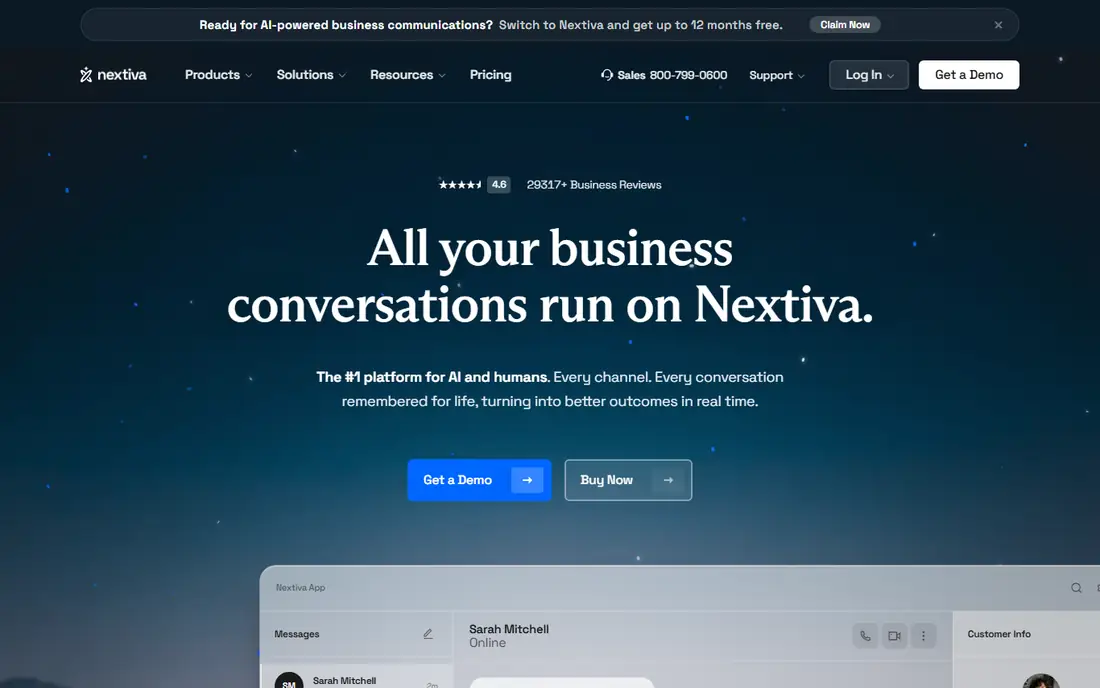
Nextiva suits a business that cannot afford missed calls or long support waits. It combines phone, video, and team messaging in one platform, with a reputation for reliability and round-the-clock support. For a customer-facing team, that support line matters when a number stops working during business hours.
There are two costs to note. There is no free trial in the usual sense, so testing means a paid start, and team texting needs an add-on on the base plan. Pick Nextiva when reliability and support outweigh a trial period and a slightly higher effective price.
What we like- Strong uptime record
- 24/7 human support
- Unified phone, video, and messaging
Watch out for- No free trial on some plans
- Team texting is an add-on on the base plan
#4RingCentral
Best for: full unified communications4.1/5 on
G2 (1,076 reviews, checked Oct 2026)
Visit ringcentral.com
Starting price$20 per user per month
Free planFree trial
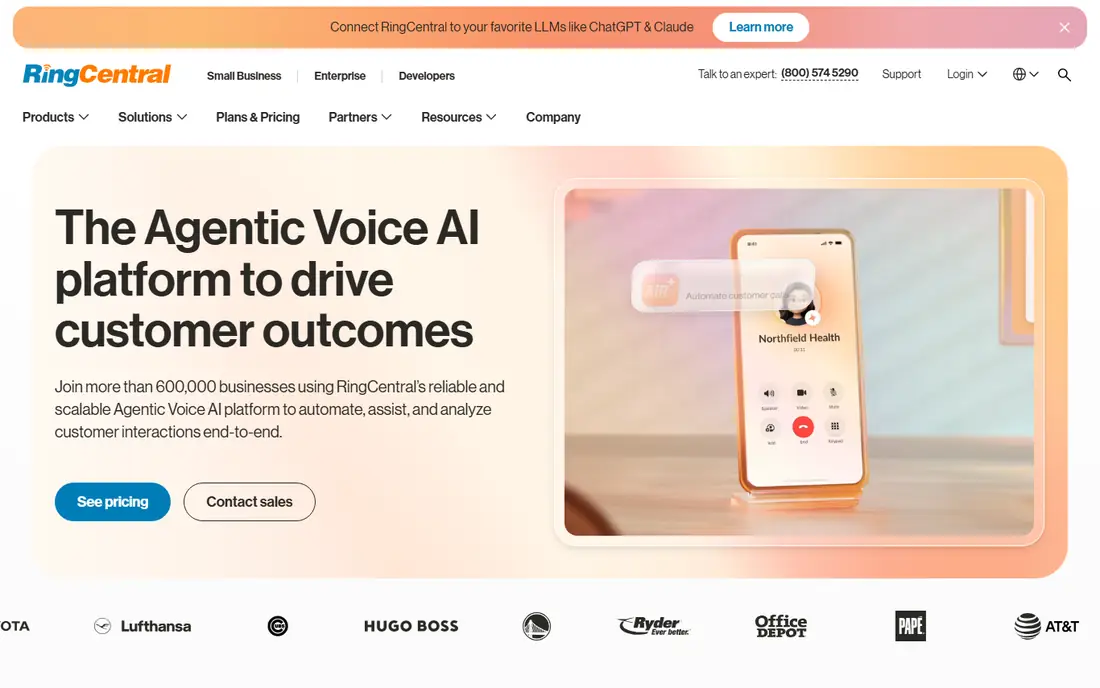
RingCentral is the all-round platform for a growing team that expects to add seats, locations, and integrations over time. It covers phone, video, and messaging, connects to hundreds of business apps, and handles complex call routing that Grasshopper cannot. That breadth is why it appears in so many shortlists for scaling businesses.
The price reflects that breadth. At $20 per user per month on the entry plan, a team of ten pays far more than Grasshopper flat pricing, and shared texting needs an add-on. Choose RingCentral when the business needs a platform that can grow into a contact centre, not just a better forwarding number.
What we like- Very broad integration library
- Video, messaging, and phone in one app
- Multi-level auto attendant
Watch out for- Higher entry price
- Shared texting needs an add-on on the base plan
#5Ooma Office
Best for: simple pricing for small teams4.5/5 on
G2 (134 reviews, checked Oct 2026)
Visit ooma.com
Starting price$19.95 per user per month
Free planFree trial
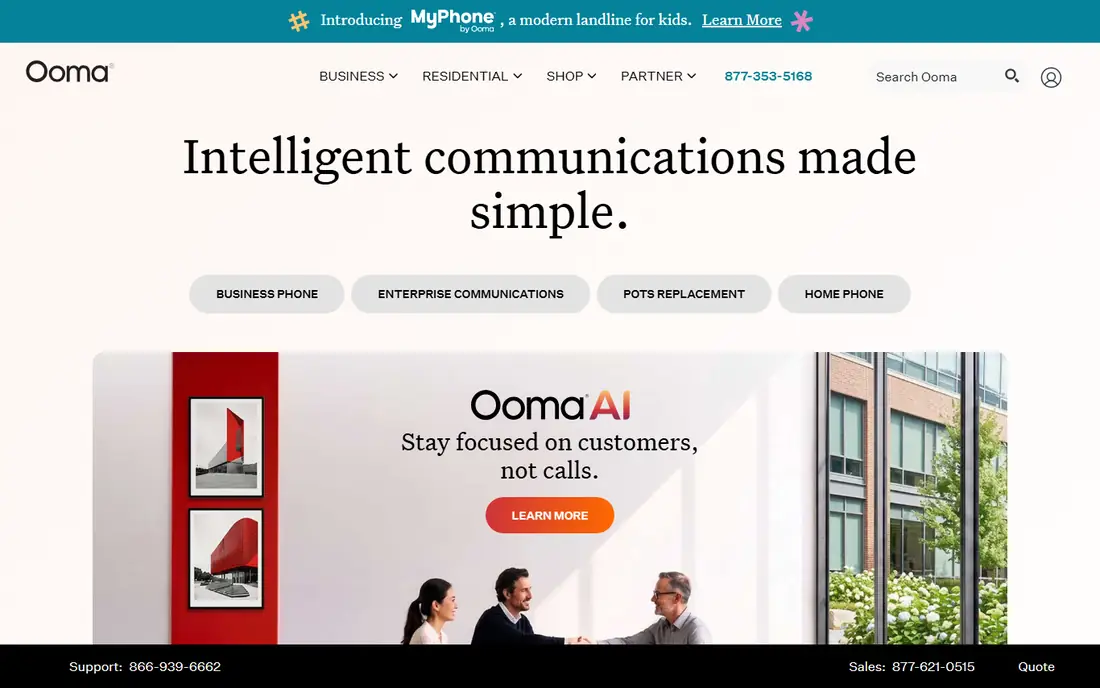
Ooma Office appeals to small teams that want a traditional business phone system without a long contract. The virtual receptionist, call routing, and voicemail tools cover the basics, and desk phones work well for offices that still use handsets. Pricing is straightforward, with no annual lock-in on the entry tier.
Advanced features are gated. Call recording, CRM integrations, and business texting need higher plans, so a text-heavy team should price the plan it actually needs, not the entry plan. Pick Ooma when the team wants simple, contract-free phone service with hardware support.
What we like- No annual contract on entry pricing
- Virtual receptionist included
- Desk phone support
Watch out for- Call recording and CRM integrations need higher plans
- Texting needs a higher plan
Starting price$10 per user per month
Free planNo
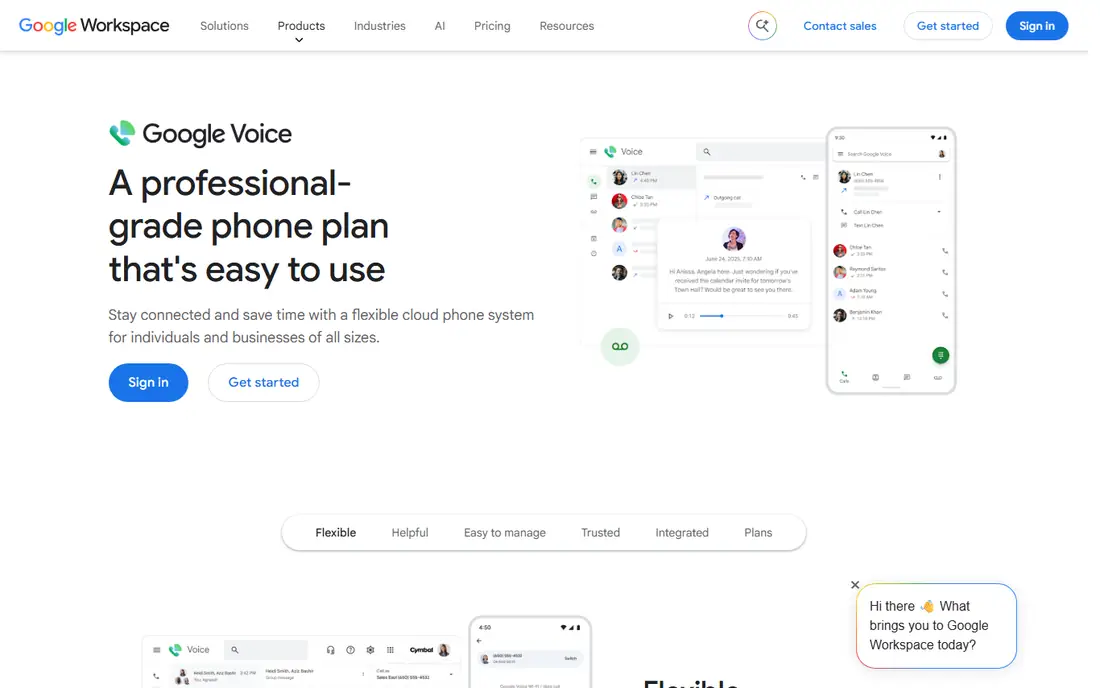
Google Voice is the cheapest path for a team already paying for Google Workspace. It adds a business number, voicemail transcription, and call routing inside tools the team already uses. Setup is quick, and the interface needs almost no training.
The limits are real. It requires Workspace, it offers only local numbers on the entry plan, and shared texting and advanced call centre features are thinner than Quo, Dialpad, or RingCentral. Pick Google Voice when the team lives in Google tools and needs a simple business number, not a full phone platform.
What we like- Lowest entry price for Workspace teams
- Familiar Google interface
- Simple setup
Watch out for- Needs a Workspace subscription
- Shared numbers and advanced routing are limited
Starting price$15 per user per month
Free planFree trial
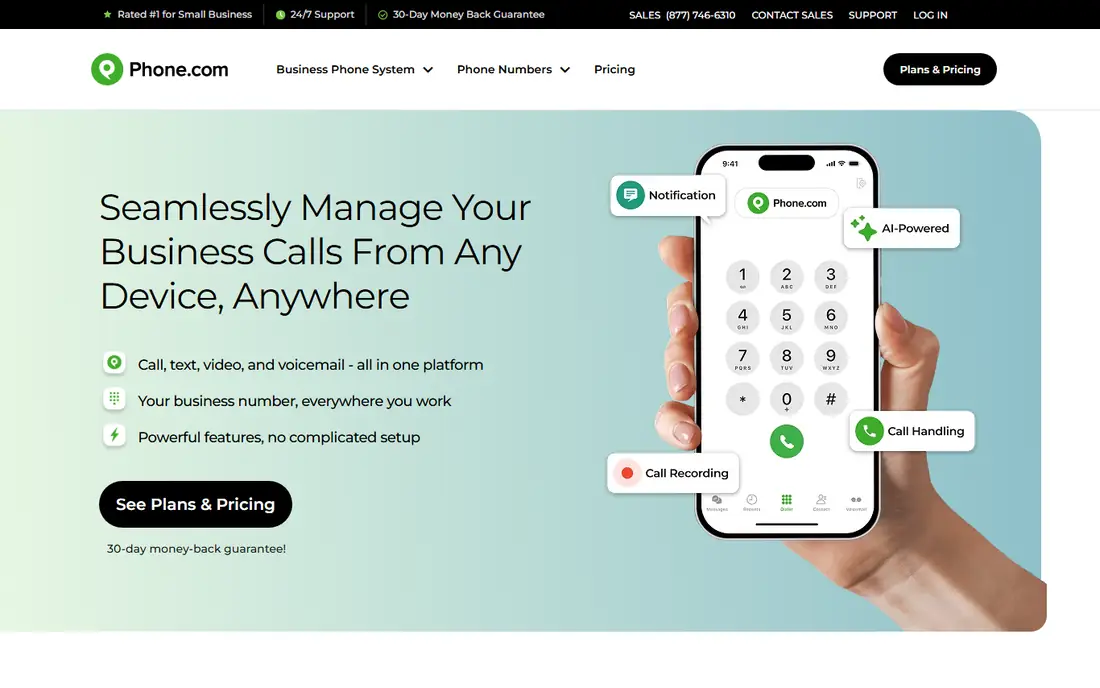
Phone.com gives a small team phone, video, and texting basics at a per-user price close to Quo and Dialpad. Extra numbers are inexpensive, which helps a business that needs separate numbers for sales, support, and a local presence. Its compliance options also suit health-related small businesses that need HIPAA-aware calling.
The integration library is smaller than RingCentral, and shared SMS needs an upgrade. That matters for a team that plans to connect the phone system deeply to a CRM. Choose Phone.com when budget, video, and low extra-number costs matter more than the largest app marketplace.
What we like- Video conferencing included
- HIPAA-compliant calling options
- Low extra-number prices
Watch out for- Smaller integration library than RingCentral
- Shared SMS needs a higher plan
#8Vonage
Best for: flexible plans with API options4.3/5 on
G2 (503 reviews, checked Oct 2026)
Visit vonage.com
Starting price$13.99 per line per month
Free planNo
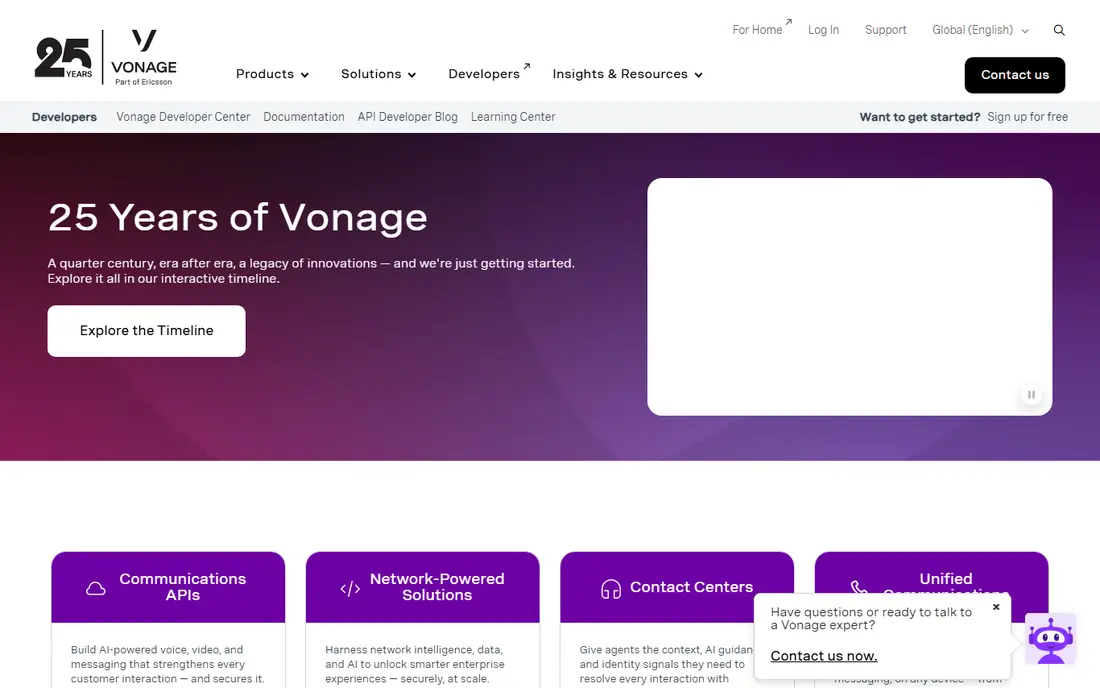
Vonage suits a business that may later build on voice APIs, since the same vendor offers both a business phone service and programmable voice tools. Its mobile plan is inexpensive, and plan tiers let a team add features as needs grow rather than buying a full unified platform at once.
The downside is add-on pricing. Features that rivals include on a base plan may cost extra here, so the headline price can understate the real bill. There is also no free trial. Pick Vonage when flexibility and future API work matter, and the team will price the full feature set before signing.
What we like- Flexible plan tiers
- Strong APIs for custom builds
- Mobile-first options
Watch out for- No free trial
- Some features are add-ons rather than included
How we chose
We compared pricing pages, documentation, and public reviews on G2, Capterra, and Reddit, and we checked each tool against the jobs Grasshopper users actually do: a business number, call forwarding, voicemail, texting, and basic routing. Tools made this list only when they offer a real business phone service in the US today, with published per-user or flat pricing and a trial or clear paid start. We left out pure call centre platforms and consumer-only apps.
How to pick without overpaying
Start with how the team actually uses the phone. A solo operator who only needs a business number and forwarding may not need per-user pricing at all, and should compare the total monthly cost, not the per-user headline. A team of five that shares texting needs a shared inbox, which changes the shortlist completely.
Next, check the three hidden costs: texting limits, toll-free minutes, and extra numbers. Entry plans often cap texts, limit toll-free minutes, or charge several dollars per extra number. Those items can double the bill for a team that texts customers daily.
Porting and setup
Porting an existing number takes planning. Confirm the new provider supports porting from the current carrier, keep the old service active until the port completes, and test voicemail, routing, and texting before telling customers about any change. A test number during trial, where offered, makes this safer.
A practical shortlist
For shared texting, shortlist Quo and Phone.com. For AI call notes, shortlist Dialpad. For reliability and support, shortlist Nextiva. For a full platform that can scale, shortlist RingCentral. For a Workspace team on a budget, shortlist Google Voice. For simple, contract-free service with desk phones, shortlist Ooma Office.
Frequently asked questions
Is Quo the same as OpenPhone?
Yes. OpenPhone rebranded as Quo, and the service continues as a business phone app with shared numbers and team texting. Existing OpenPhone accounts and features carried over under the new name, so guides that mention OpenPhone usually refer to the same product.
What is the cheapest Grasshopper alternative?
Google Voice is cheapest for a team already on Google Workspace, at $10 per user per month plus the Workspace subscription. For a team without Workspace, Vonage mobile pricing and Quo entry pricing are among the lower per-user options, but total cost depends on seat count and texting needs.
Can I keep my Grasshopper number when I switch?
In most cases, yes, through number porting. Confirm the new provider supports porting, start the port before cancelling Grasshopper, and allow several business days for the transfer. Test calls and texts on the new service before announcing the change.
Do these tools work without a desk phone?
Yes. All tools here offer mobile and desktop apps, so a team can take business calls on existing phones or computers. Ooma Office and RingCentral also support desk phones for offices that prefer handsets, but a handset is not required.
Which alternative is best for texting customers?
Quo is the strongest pick for shared team texting, since the whole team can see and reply from one number. Dialpad and Phone.com also support business texting, but allowances and shared inbox features vary by plan, so check the plan details before choosing.
Does Grasshopper offer team texting?
Grasshopper supports business texting, but it is built around forwarding to personal phones rather than a shared team inbox. Teams that need assignment, shared history, and collaboration around texts usually move to Quo, Dialpad, or a similar shared-inbox tool.
Sources we checked (8)
- https://www.quo.com/pricing
- https://www.dialpad.com/pricing
- https://www.nextiva.com/pricing
- https://www.ringcentral.com/pricing
- https://www.ooma.com/pricing
- https://workspace.google.com/products/voice/
- https://www.phone.com/pricing
- https://www.vonage.com/pricing
Is your product missing or out of date?
We review this list regularly. Vendors can request a listing, send updated pricing or ask about featured placement.

Shihab Mia · Founder, Rankite
Shihab has 5+ years in B2B and SaaS SEO. He writes Rankite's software buying guides from pricing pages, documentation and public user reviews. More about Shihab.