How we make this list: we compare pricing pages, product documentation and public user reviews. Ratings come from G2, Capterra or Trustpilot, with the date we checked them.
Key takeaways
- RingCentral and Nextiva are the closest all-round replacements for Dialpad, with broad calling, video and messaging in one plan.
- Quo (formerly OpenPhone) and Grasshopper suit small teams that want a simple business number without a large platform to manage.
- Aircall and 8x8 cost more at the start, but they fit teams that need CRM logging, call center routing or international numbers.
- Watch for seat minimums, text caps and AI add-ons, since those three items are where Dialpad alternatives most often cost more than expected.
Quick comparison
| Tool | Best for | Starting price | Free plan |
|---|
 RingCentral RingCentral | All-round phone, video and messaging | $20 per user/month (Core, billed annually) | Free trial (14 days) |
 Nextiva Nextiva | Simple setup with human support | $15 per user/month (Core, billed annually) | No |
 Zoom Phone Zoom Phone | Teams already using Zoom | $10 per user/month (US and Canada Metered, billed annually) | No |
 Vonage Vonage | Small teams that may build with APIs later | $13.99 per line/month (Mobile, billed annually) | No |
 Ooma Ooma | Small offices that want a plain setup | $19.95 per user/month (Essentials) | Free trial (30 days) |
 Quo Quo | Text-heavy small teams | $15 per user/month (Starter, billed annually) | Free trial (7 days) |
 Aircall Aircall | Sales and support teams using a CRM daily | $30 per user/month (Essentials, billed annually) | No |
 Grasshopper Grasshopper | Solo owners who need one business number | $14 per month (True Solo, billed annually) | Free trial (7 days) |
 8x8 8x8 | Global teams with international calling | See website | No |
Is your product missing or out of date?
We review this list regularly. Vendors can request a listing, send updated pricing or ask about featured placement.
The best Dialpad alternatives
#1RingCentral
Best for: All-round phone, video and messaging4.1/5 on
G2 (1,076 reviews, checked Oct 2026)
Visit ringcentral.com
Starting price$20 per user/month (Core, billed annually)
Free planFree trial (14 days)
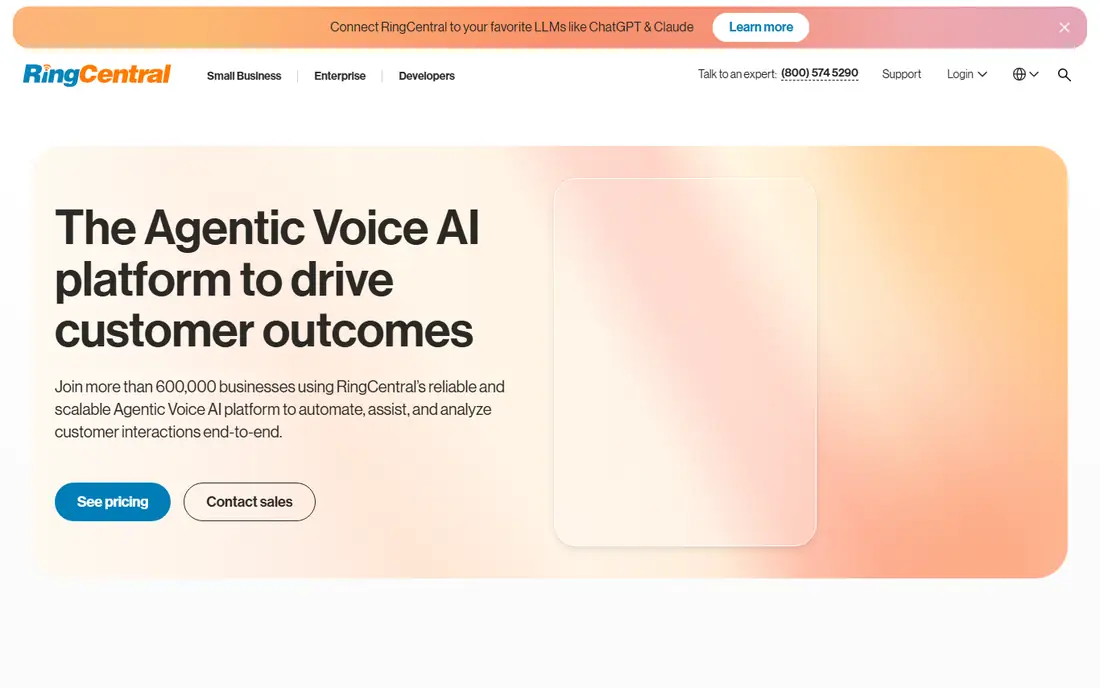
RingCentral is the safe default for a team that wants one system for calls, messages and meetings. Core includes unlimited calling in the US and Canada, plus video meetings and AI transcription, which covers most daily needs without extra software. The admin tools handle multiple locations and departments, so a growing company does not outgrow it quickly.
The catch is in the fine print. Texting is capped low on Core, and CRM links sit on the higher Advanced plan, so a sales team may need to pay more than the entry price. Monthly billing also jumps sharply, so annual billing is the price most buyers should budget for. Still, for a team that wants depth and a long product road map, RingCentral is hard to beat.
What we like- Unlimited US and Canada calling on Core
- Team messaging and video included
- Large integration catalog
Watch out for- Only 25 texts per user per month on Core
- Monthly billing raises Core to $30
- Some AI features are add-ons
#2Nextiva
Best for: Simple setup with human support4.5/5 on
G2 (3,659 reviews, checked Oct 2026)
Visit nextiva.com
Starting price$15 per user/month (Core, billed annually)
Free planNo
Nextiva appeals to owners who want to set up call routing in an afternoon and reach a person when something breaks. The interface is plain, the call flows are visual, and support is available around the clock on every plan. That combination matters for a small office without an IT specialist on staff.
Pricing is the part to check twice. Core is listed at $15 per user per month on annual billing, with monthly billing higher, and texting is capped on the entry plan. Teams that send many texts or need advanced analytics will move to a higher tier quickly. If your priority is ease of use and support rather than the lowest price, Nextiva earns its place near the top.
What we like- 24/7 human support on every plan
- Visual call flow tools
- Video and messaging included
Watch out for- Text allowance is limited on Core
- Higher plans rise steeply in price
- No free trial on the standard offer
#3Zoom Phone
Best for: Teams already using Zoom4.6/5 on
G2 (2,672 reviews, checked Oct 2026)
Visit zoom.com
Starting price$10 per user/month (US and Canada Metered, billed annually)
Free planNo
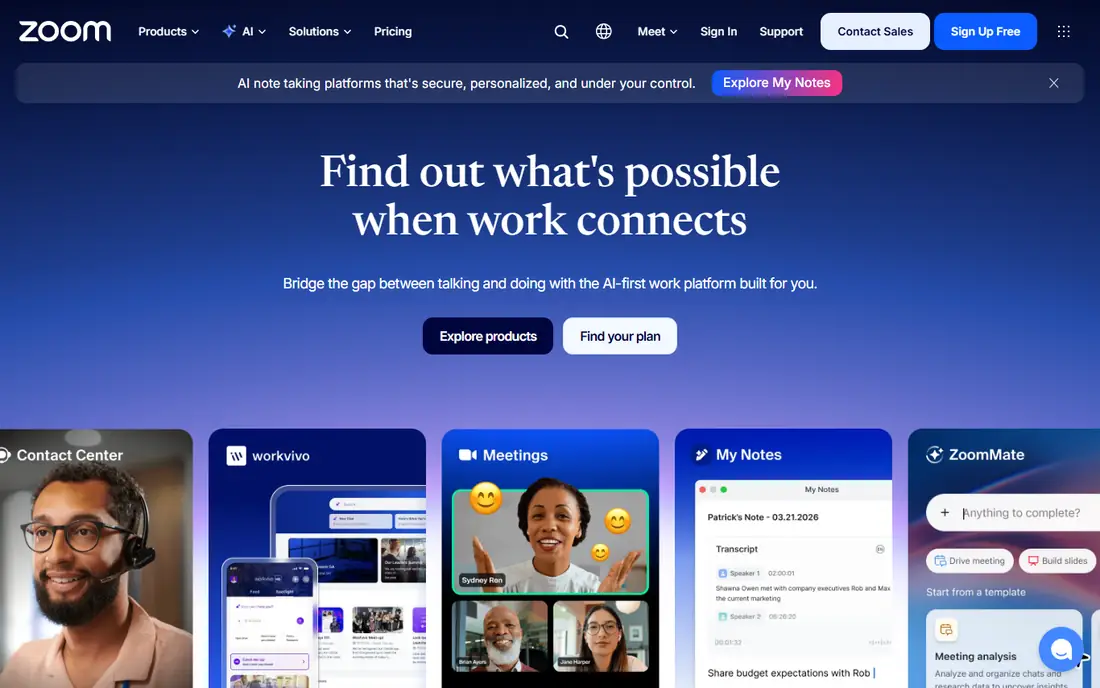
Zoom Phone makes sense when your team already lives in Zoom for meetings. Staff learn one app, and a voice call can turn into a video meeting without switching tools. The metered entry plan keeps the starting price low, which helps a cost-conscious team that makes a modest number of calls.
The limit is the word metered. Heavy callers should price the unlimited plan instead, because per-minute charges add up fast. Texting and advanced call routing also vary by plan, so compare the plan details against your actual call volume before you commit. For a Zoom-heavy workplace, though, the fit is natural.
What we like- Low starting price
- Calls move to video meetings in one click
- Familiar app for many staff
Watch out for- Metered plan charges for minutes beyond the allowance
- SMS and some features depend on the plan
- Needs a Zoom account structure
#4Vonage
Best for: Small teams that may build with APIs later4.3/5 on
G2 (503 reviews, checked Oct 2026)
Visit vonage.com
Starting price$13.99 per line/month (Mobile, billed annually)
Free planNo
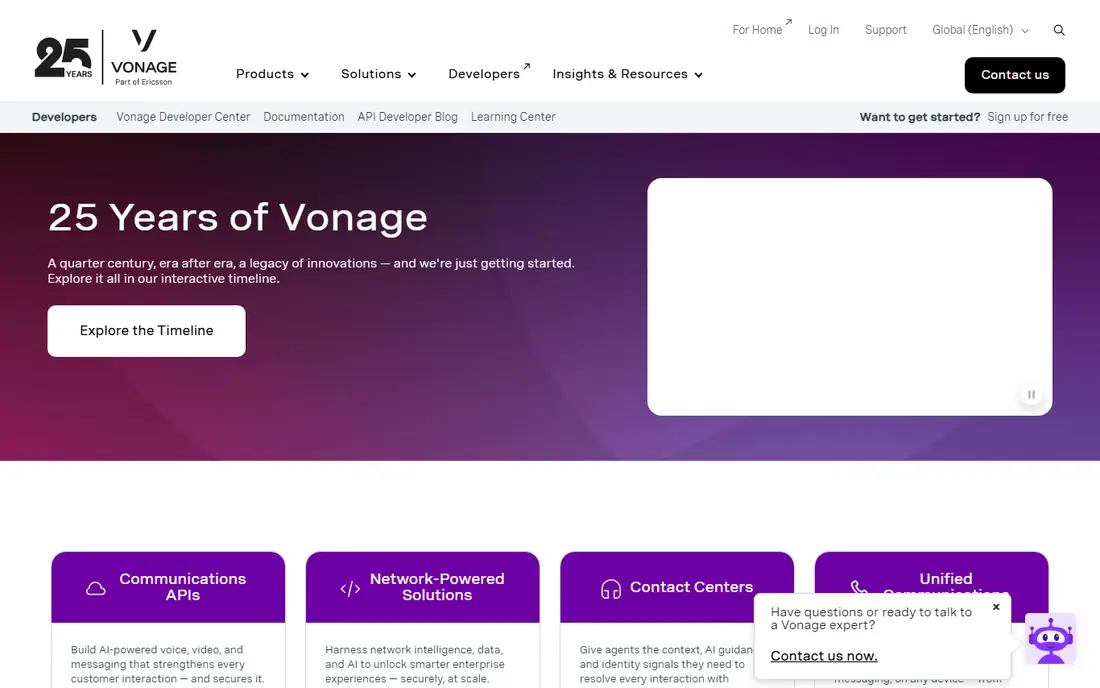
Vonage suits a business that wants a low-cost phone line today and room to build custom tools later. The company has a long history in voice APIs, so a team with developers can connect calling to its own software in ways that closed platforms do not allow. The Mobile plan covers basic calling and messaging for a single line.
Buyers should note what is missing at the entry level. Recording and deeper CRM links require higher plans, and the monthly price without annual billing is higher. Vonage is a good pick when the low entry price and the API option matter more than having every feature on day one.
What we like- Low entry price for a single line
- Strong API platform for custom builds
- Video meetings on higher plans
Watch out for- Call recording is not on the entry plan
- CRM links need a higher plan
- Contract terms apply on some offers
#5Ooma
Best for: Small offices that want a plain setup4.5/5 on
G2 (134 reviews, checked Oct 2026)
Visit ooma.com
Starting price$19.95 per user/month (Essentials)
Free planFree trial (30 days)
Ooma is built for a small office that wants phones to work and not become a project. Essentials includes a virtual receptionist, call blocking and voicemail, and the price does not change with annual billing, which makes budgeting simple. It also works well with desk phones, which still matters in offices, clinics and shops.
The trade-off is breadth. Teams that rely on many software links or heavy texting will find the entry plan thin, and Pro is needed for business texting. Ooma is best for a team of a few people who value a calm setup over a long feature list.
What we like- Virtual receptionist included on entry plan
- Simple pricing with no annual tier games
- Desk phone support
Watch out for- Texting needs the Pro plan
- Integration catalog is smaller than rivals
- Some advanced features cost extra
Starting price$15 per user/month (Starter, billed annually)
Free planFree trial (7 days)
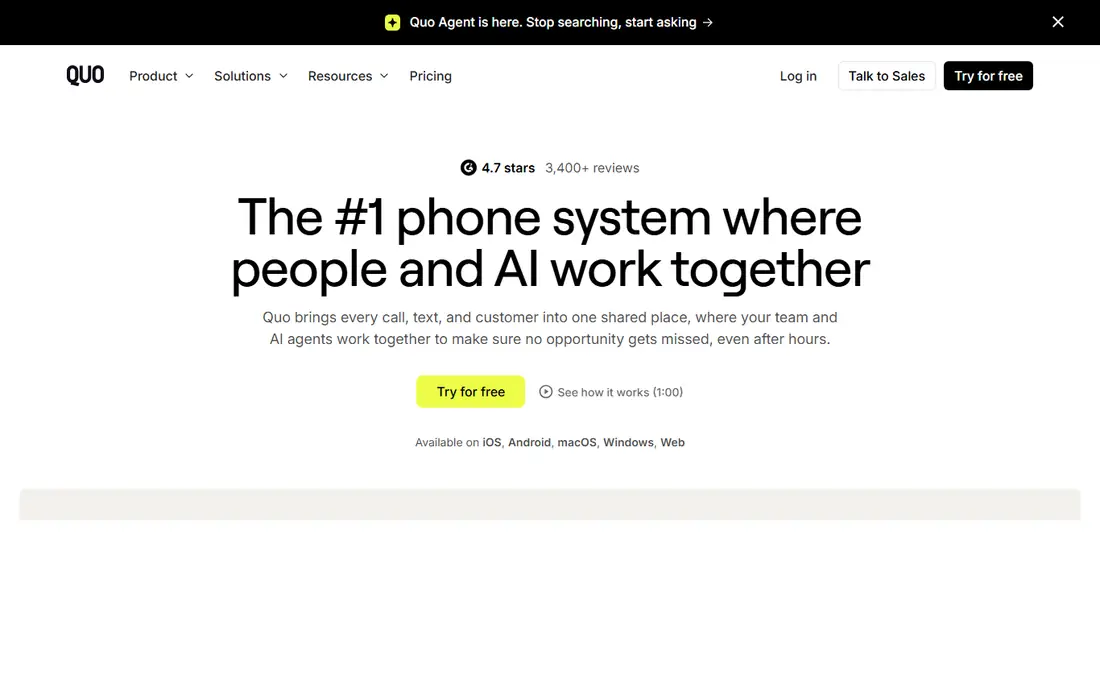
Quo, formerly OpenPhone, is the modern business line for teams that do much of their work by text. A shared number lets several people answer calls and messages from one inbox, which suits startups, agencies and service businesses. Setup takes minutes, and there is no seat minimum to worry about.
It is not a full unified communications platform. There is no native video meeting tool, and large support teams will miss advanced routing and analytics. For a small team that wants a clean phone and text app, with HubSpot and Slack links on higher plans, Quo is a strong, low-friction choice.
What we like- Shared numbers and shared inbox
- Unlimited US and Canada texting on paid plans
- Fast setup with no seat minimum
Watch out for- No built-in video meetings
- Call center features are limited
- Some AI features need higher plans
#7Aircall
Best for: Sales and support teams using a CRM daily4.2/5 on
Capterra (466 reviews, checked Oct 2026)
Visit aircall.io
Starting price$30 per user/month (Essentials, billed annually)
Free planNo
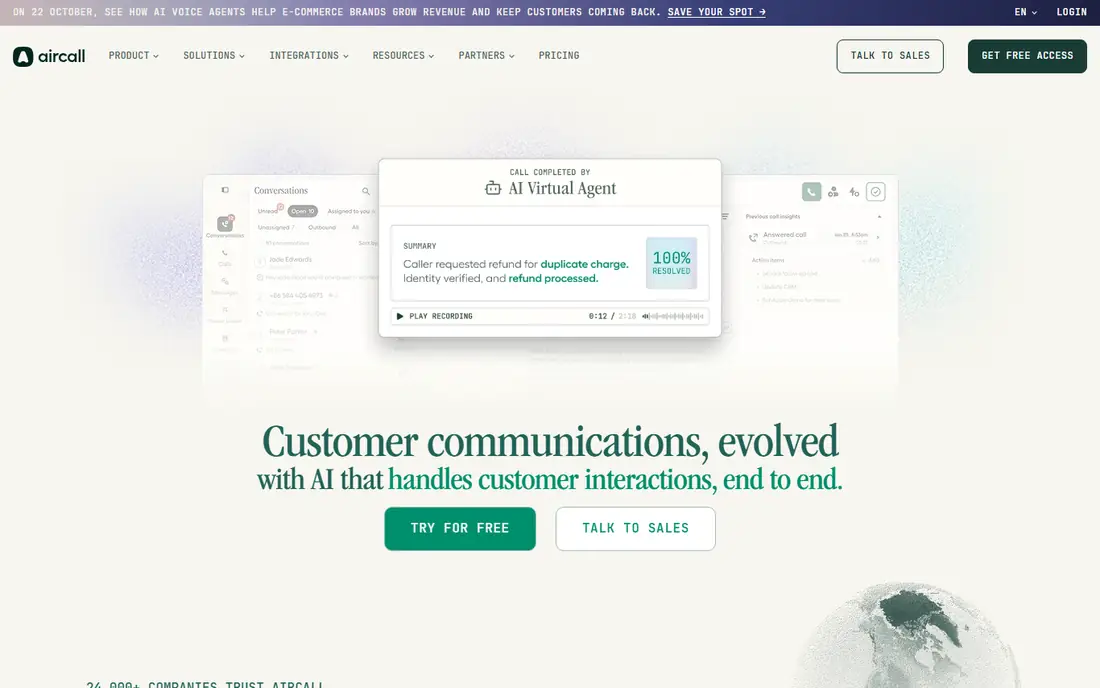
Aircall is made for teams that live inside a CRM. Calls log themselves, notes stay attached to the right record, and managers get clear reports on volume, answer rates and call length. That saves reps from manual data entry, which is often the real cost of a cheaper phone system.
The price is the barrier. Essentials starts at $30 per user per month on annual billing, with a three seat minimum, so a two-person team pays for a third seat. Small teams on a tight budget should look at Quo or Grasshopper first. For a sales or support team of three or more, Aircall can pay for itself in time saved.
What we like- Deep HubSpot, Salesforce and Zendesk links
- Call logging is automatic
- Good analytics for managers
Watch out for- Three seat minimum, so the floor is $90 per month
- Monthly billing is higher
- No free plan
#8Grasshopper
Best for: Solo owners who need one business number3.9/5 on
G2 (162 reviews, checked Oct 2026)
Visit grasshopper.com
Starting price$14 per month (True Solo, billed annually)
Free planFree trial (7 days)
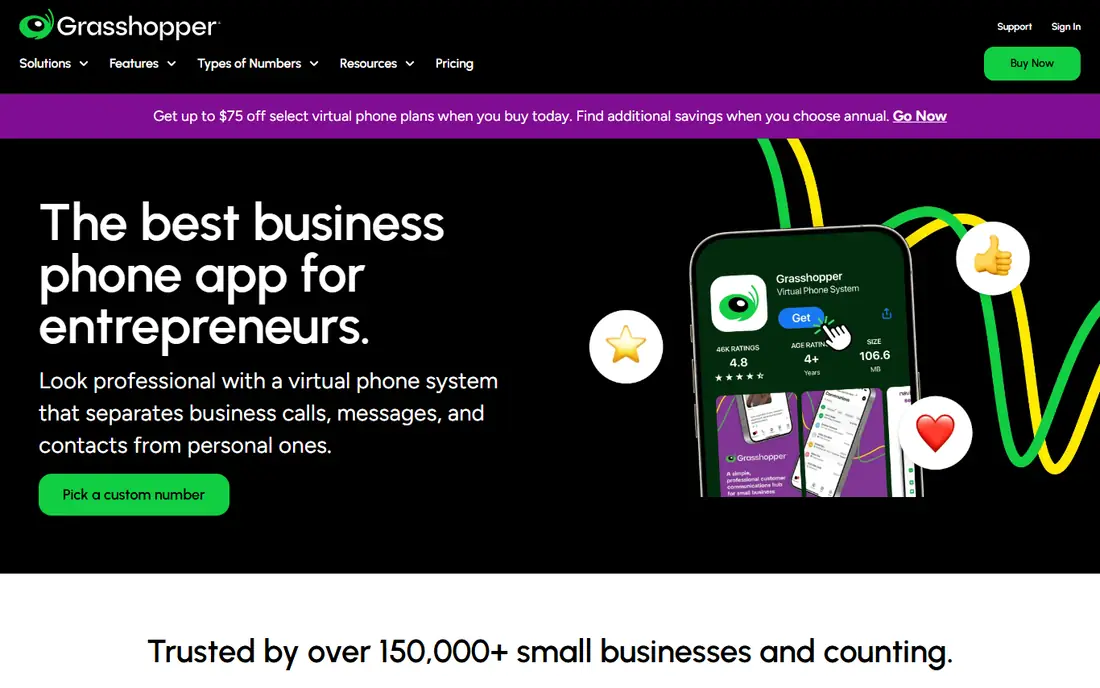
Grasshopper gives a solo owner a professional business number without paying per seat. Calls forward to a personal phone, extensions route callers to the right place, and voicemail arrives by email. The flat price is easy to understand, and that simplicity is the whole point.
It is not built for a team. There is no shared inbox in the way Quo offers, and no video or deep CRM system. A freelancer, consultant or single-owner shop that mainly needs to separate business calls from personal calls will find Grasshopper fits well and costs little.
What we like- Flat monthly price, not per user
- Toll-free and local numbers
- Simple call forwarding and extensions
Watch out for- No team messaging or video
- Limited CRM links
- Per-user pricing would suit larger teams better
#98x8
Best for: Global teams with international calling4.2/5 on
G2 (939 reviews, checked Oct 2026)
Visit 8x8.com
Starting priceSee website
Free planNo
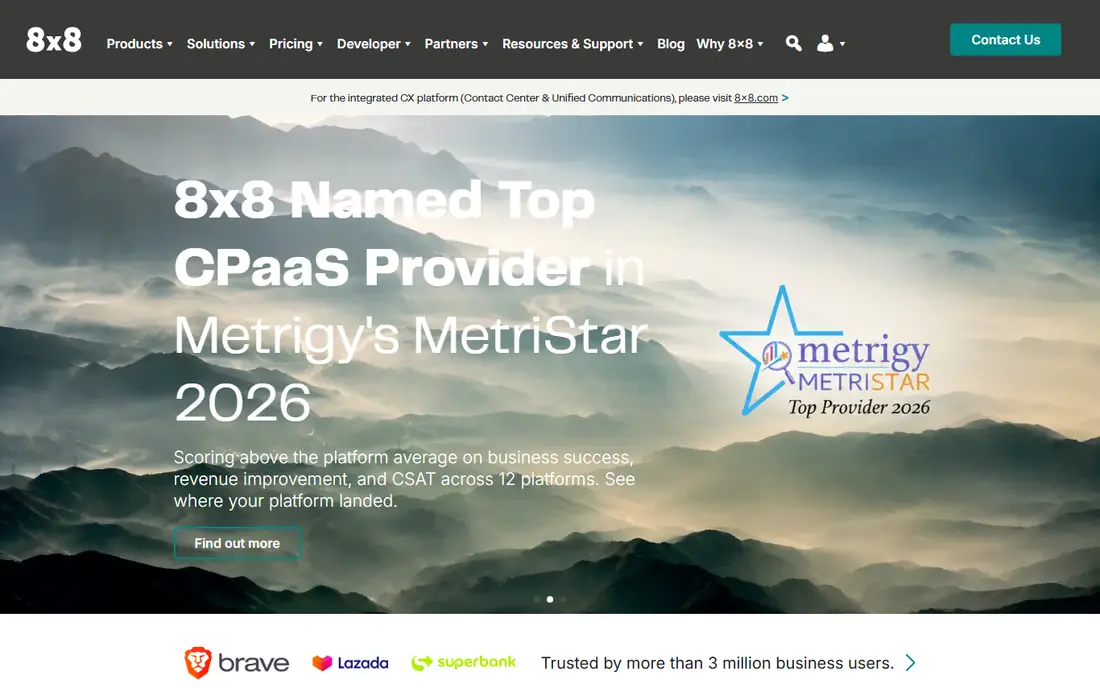
8x8 fits companies with staff or customers in several countries. Its calling coverage and contact center tools sit on one platform, and the Microsoft Teams integration helps workplaces that already use Teams daily. For a global support team, that combination is more useful than a low entry price.
The downside is transparency. Without a public starting price, a buyer must request a quote, which makes quick comparison harder. Smaller teams may also find the platform heavier than they need. If international reach and contact center depth are the priority, 8x8 deserves a quote alongside RingCentral.
What we like- International calling coverage in many countries
- Contact center options on the same platform
- Microsoft Teams integration
Watch out for- No public starting price, so budgeting needs a quote
- Setup is heavier than simpler tools
- Smaller teams may pay for features they do not use
How we chose
We compared vendor pricing pages, plan limits and feature lists, then checked public reviews on G2 and Capterra and discussion on Reddit for recurring complaints about billing, text caps and support. We kept only tools that are sold today, offer a real business phone service in the US, and publish enough plan detail to compare fairly. We did not claim hands-on testing, and we treated headline prices with care, checking what annual billing, seat minimums and add-ons do to the real monthly cost.
What to check before you switch
Start with your call and text volume, not the feature list. Count how many calls your team makes in a busy week, how many texts go out, and how many people need to answer the same number. A plan with a low text cap or a three seat minimum can cost more than a plan that looks pricier at first glance.
Porting, hardware and contracts
Ask how number porting works, how long it takes, and whether your current numbers can move without downtime. Check whether desk phones are included, rented or bought separately, and whether the contract locks you in for a year. A free trial is useful, but test it with your real call flow, including after-hours routing and voicemail, not just a single test call.
AI features and integrations
Dialpad buyers often want AI summaries and coaching, so check whether a rival includes those tools or sells them as an add-on. Confirm that your CRM, help desk and messaging tools connect on the plan you will actually buy, not only on the top tier. If a link matters daily, it belongs in the budget from the start.
Frequently asked questions
Is Dialpad still a good choice?
Dialpad remains a good choice for teams that value AI summaries, live coaching and transcription on every plan. The reason to switch is usually price structure, seat minimums or a missing CRM link on the entry plan, rather than call quality alone.
What is the cheapest Dialpad alternative?
Zoom Phone has the lowest starting price in this list on its metered plan, and Grasshopper is cheapest for a solo owner because it charges a flat monthly rate. The cheapest option depends on call volume, since metered minutes and text caps can raise the bill.
Which alternative is best for a small business?
RingCentral and Nextiva suit most small businesses that want calling, video and messaging together. Quo suits a very small, text-heavy team, and Ooma suits a small office that wants a plain setup with a virtual receptionist.
Do these alternatives support number porting?
Most business phone providers support porting existing US numbers, but timing and paperwork vary. Ask the vendor to confirm porting for each number before you cancel your old service, so you do not lose a number during the move.
Can I keep my desk phones when switching?
It depends on the phone model and the new provider. Many providers support common SIP desk phones, while others sell or rent their own hardware. Check compatibility before you buy, and budget for replacements if your current phones are locked to one vendor.
Do I need a contract for a business phone system?
Some providers offer month-to-month billing, while others give the best price on annual billing. Annual billing usually saves money, but it locks you in, so use a trial first and confirm the cancellation terms in writing.
Sources we checked (9)
- https://www.ringcentral.com/us/en/office/pricing/
- https://www.nextiva.com/pricing.html
- https://www.zoom.com/en/products/voip-phone/pricing/
- https://www.vonage.com/business/pricing/
- https://www.ooma.com/business/pricing/
- https://www.openphone.com/pricing/
- https://www.aircall.io/pricing/
- https://www.grasshopper.com/pricing/
- https://www.8x8.com/products/pricing
Is your product missing or out of date?
We review this list regularly. Vendors can request a listing, send updated pricing or ask about featured placement.

Shihab Mia · Founder, Rankite
Shihab has 5+ years in B2B and SaaS SEO. He writes Rankite's software buying guides from pricing pages, documentation and public user reviews. More about Shihab.