How we make this list: we compare pricing pages, product documentation and public user reviews. Ratings come from G2, Capterra or Trustpilot, with the date we checked them.
Key takeaways
- Skype for Business is discontinued, so the real choice now is between a full phone system and a meetings-first tool with phone added later.
- Zoom and Google Meet give small teams the lowest friction start, while RingCentral and Dialpad suit teams that live on the phone all day.
- Phone pricing is rarely the full bill. Check SMS limits, international minutes, call recording, and CRM integrations before you compare headline rates.
- If your team already pays for Microsoft 365 or Google Workspace, the bundled option often beats buying a separate tool for the same job.
- Porting numbers and retraining staff take longer than setup. Plan a short pilot with real calls before you move the whole company.
Quick comparison
| Tool | Best for | Starting price | Free plan |
|---|
 Microsoft Teams Microsoft Teams | teams already on Microsoft 365 | See website | Yes |
 Zoom Zoom | teams that meet on video all day | $14.16 per user/month (billed annually) | Yes |
 RingCentral RingCentral | companies replacing a traditional phone system | $20 per user/month (billed annually) | Free trial (14 days) |
 Dialpad Dialpad | sales and support teams that want call notes without extra tools | $15 per user/month (billed annually) | Free trial |
 Google Meet Google Meet | small teams already using Gmail and Google Calendar | $7 per user/month (billed annually) | Yes |
 Webex Webex | regulated industries and large, distributed organizations | $22.50 per user/month (billed annually) | Yes |
 Nextiva Nextiva | small businesses that want phone, CRM basics, and support in one place | See website | Free trial |
 8x8 8x8 | teams with customers and staff in many countries | See website | Free trial |
 GoTo Connect GoTo Connect | small teams that want a phone system running quickly | See website | Free trial |
 Vonage Vonage | technical teams that want APIs alongside business calling | See website | Free trial |
Is your product missing or out of date?
We review this list regularly. Vendors can request a listing, send updated pricing or ask about featured placement.
The best Skype for Business alternatives
#1Microsoft Teams
Best for: teams already on Microsoft 3654.4/5 on
G2 (19,330 reviews, checked Oct 2026)
Visit microsoft.com
Starting priceSee website
Free planYes
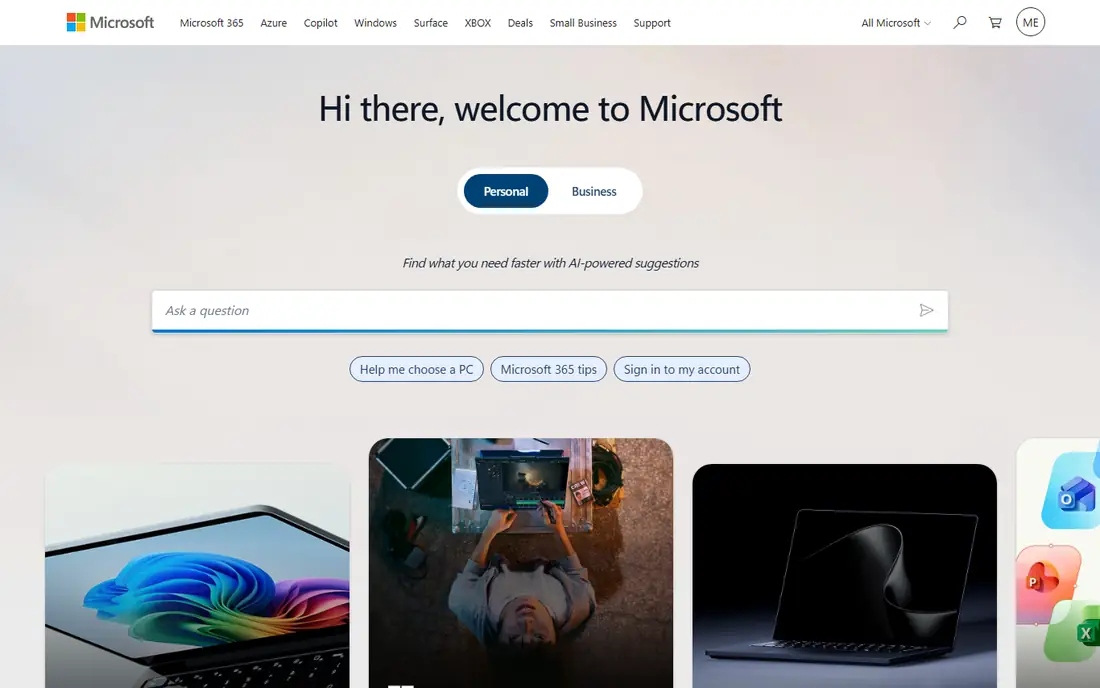
For a company that already uses Outlook, Word, and SharePoint, Teams is the path of least resistance. Staff keep one login, files stay in the same system, and meetings can start from a calendar invite without a second app. That familiarity matters during a migration, because people adopt a tool they already open each morning. The admin center also gives IT clear control over policies, retention, and external access.
The catch is calling. Basic Teams covers chat and meetings, but a full business phone line usually needs a Teams Phone license on top of the base plan, and minutes or calling plans add more cost. Small teams that only need occasional video calls may never need that layer. Larger teams should price the full stack, not just the entry plan, and test call quality on their own network before committing.
What we like- Deep Microsoft 365 integration
- Chat, meetings, and calling in one app
- Strong admin controls
Watch out for- Phone features often need a separate license
- Setup can feel heavy for small teams
Starting price$14.16 per user/month (billed annually)
Free planYes
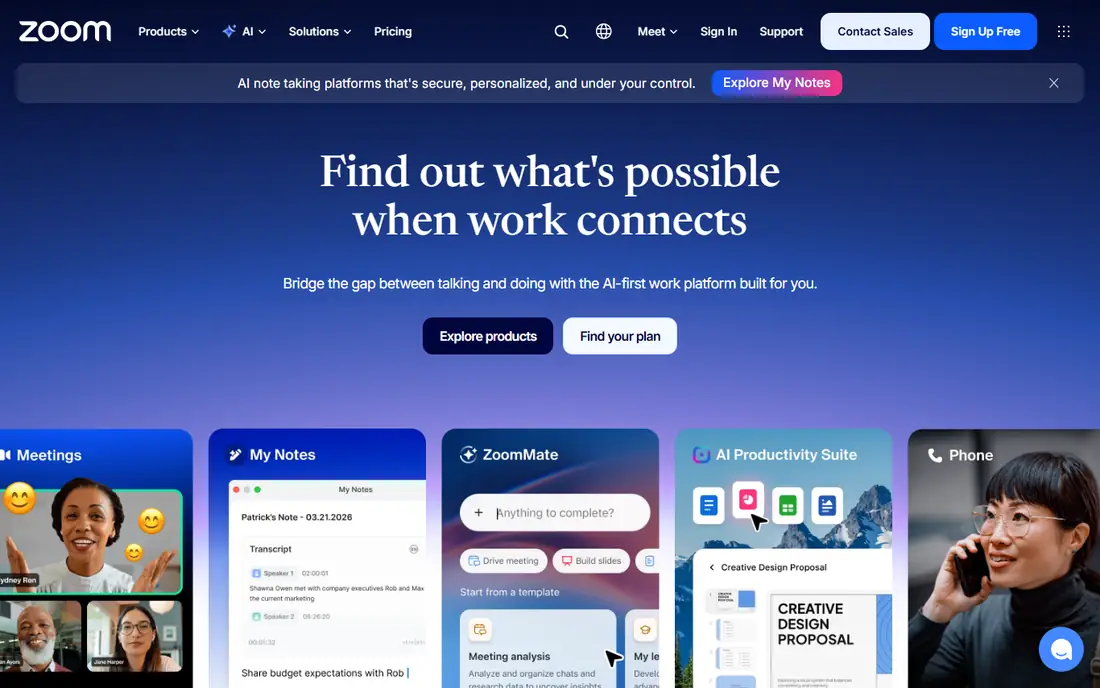
Zoom became the default meeting link for many clients, and that familiarity is a practical advantage. Guests rarely need instructions, and hosts get polls, breakout rooms, whiteboards, and cloud recording on paid plans. The free plan covers short group meetings for up to 100 participants, which is enough for a small team to test the product with real clients.
Phone service is where buyers need care. Zoom Phone can be bought on its own or bundled with Workplace plans such as Business Plus, and metered plans charge separately for outbound minutes. A team that mainly needs meetings can stay cheap. A team that needs unlimited domestic calling should compare the bundled price against a dedicated phone system, and check whether call recording and auto-attendant features sit on the plan they chose.
What we like- Familiar meeting experience for guests
- Strong video quality
- Useful free plan for small groups
Watch out for- Phone is a separate bundle or add-on
- Costs rise quickly with add-ons
#3RingCentral
Best for: companies replacing a traditional phone system4.1/5 on
G2 (1,076 reviews, checked Oct 2026)
Visit ringcentral.com
Starting price$20 per user/month (billed annually)
Free planFree trial (14 days)
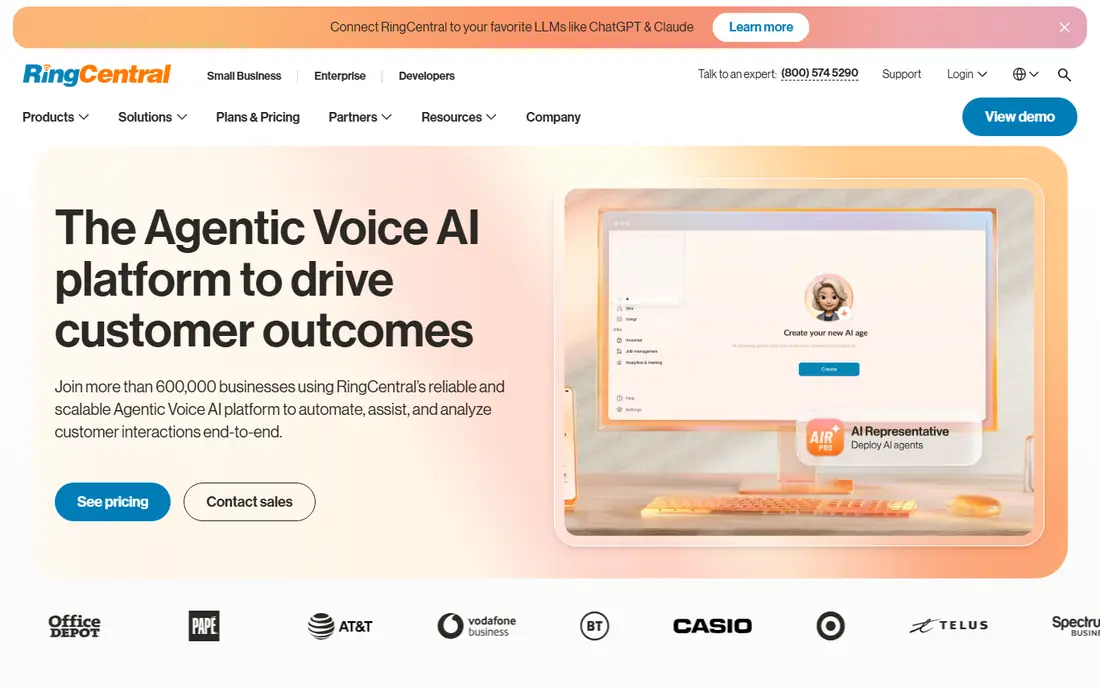
RingCentral is built first as a phone system, with video and messaging added around it. That order shows in call handling, auto-attendants, call queues, and multi-site management, which matter once a business has several locations or a support queue. Unlimited calling in the United States and Canada is included on paid plans, so domestic-heavy teams can budget with fewer surprises.
The trade-off is complexity at the top end. Core covers the basics well, but CRM integrations and advanced call handling arrive on Advanced, and contact center features come through a separate product. SMS allowances also need a close read if your team texts customers often. RingCentral fits best when calling is core work, not an occasional extra, and when an admin has time to set up routing properly.
What we like- Unlimited domestic calling on paid plans
- Large integration catalog
- Phone, video, and messaging in one app
Watch out for- Useful AI features and some integrations sit on higher tiers or add-ons
- SMS allowances are limited on entry plans
#4Dialpad
Best for: sales and support teams that want call notes without extra tools4.4/5 on
G2 (4,201 reviews, checked Oct 2026)
Visit dialpad.com
Starting price$15 per user/month (billed annually)
Free planFree trial

Dialpad stands out because AI features are not locked behind a premium upsell in the same way as some rivals. Transcripts, call summaries, and voicemail transcription appear early, which helps managers coach staff and helps reps follow up without replaying long calls. The interface is also simple enough that a small team can be making calls on day one, with numbers, greetings, and departments set up from a browser.
Limits appear as teams grow. Meetings on lower plans cap participants, and deeper CRM integrations and multi-office controls sit on Pro. International numbers are available, but coverage and SMS rules vary by country, so global teams should confirm each market before switching. For a domestic sales or support team, Dialpad offers strong value for the entry price.
What we like- AI transcripts and summaries included on entry plans
- Clean single app for calls, messages, and meetings
- Fast setup
Watch out for- Meeting participant limits are modest on lower plans
- Some CRM depth needs the Pro tier
#5Google Meet
Best for: small teams already using Gmail and Google Calendar4.6/5 on
G2 (4 reviews, checked Oct 2026)
Visit meet.google.com
Starting price$7 per user/month (billed annually)
Free planYes
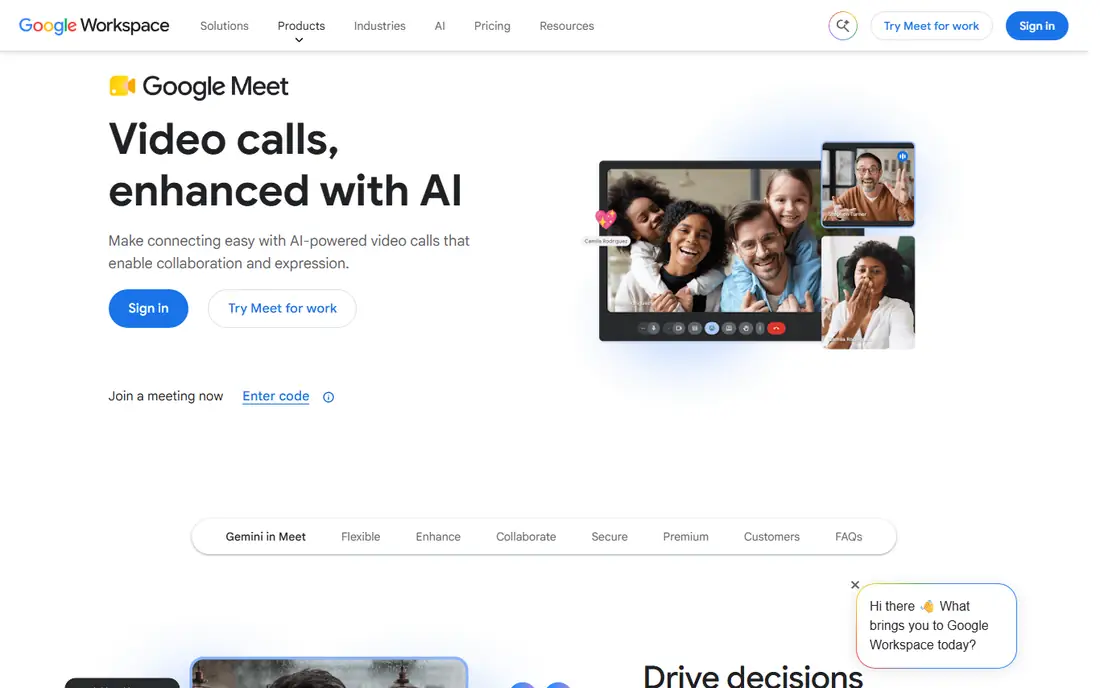
Google Meet wins on simplicity. Anyone with a Google account can join from a browser, and scheduling from Calendar takes seconds. The free plan allows group meetings up to 60 minutes for up to 100 participants, which covers many small-team needs. Paid Workspace plans extend meeting length, add recording on Standard and above, and add storage, email on your own domain, and admin controls.
The gap is telephony. Meet is a meeting tool, not a replacement phone system, so a business that needs a main number, call queues, and SMS will still need Google Voice or another phone provider. That split can work well for teams that rarely take inbound sales calls, but it adds a second bill and a second admin panel for phone-heavy companies. Check recording and participant limits against the Workspace tier you plan to buy, not against Meet in general.
What we like- No download needed for most guests
- Simple scheduling from Calendar
- Generous free plan
Watch out for- No built-in business phone system
- Recording needs a paid Workspace plan
#6Webex
Best for: regulated industries and large, distributed organizations4.2/5 on
G2 (18,925 reviews, checked Oct 2026)
Visit webex.com
Starting price$22.50 per user/month (billed annually)
Free planYes
Webex comes from Cisco, and its strengths reflect that background. Security controls, compliance options, and support for conference rooms and devices are stronger than most consumer-style tools. Large meetings, webinars, and events are handled well, and the Suite bundle combines meetings, calling, and messaging in one license. For health care, finance, government, and other regulated work, those controls can decide the purchase on their own.
Smaller teams may find Webex more than they need. The free plan is useful for testing, but paid value shows up at scale, and some AI features are still tiered or added separately. Setup also takes more planning than a simple meeting link, especially if you connect room hardware or existing Cisco phone equipment. Choose Webex when compliance, scale, or room systems matter more than the lowest monthly price.
What we like- Strong security and compliance options
- Reliable large meetings
- Hardware and room support
Watch out for- Higher starting price than meetings-only rivals
- Interface can feel dense for small teams
#7Nextiva
Best for: small businesses that want phone, CRM basics, and support in one place4.5/5 on
G2 (3,659 reviews, checked Oct 2026)
Visit nextiva.com
Starting priceSee website
Free planFree trial
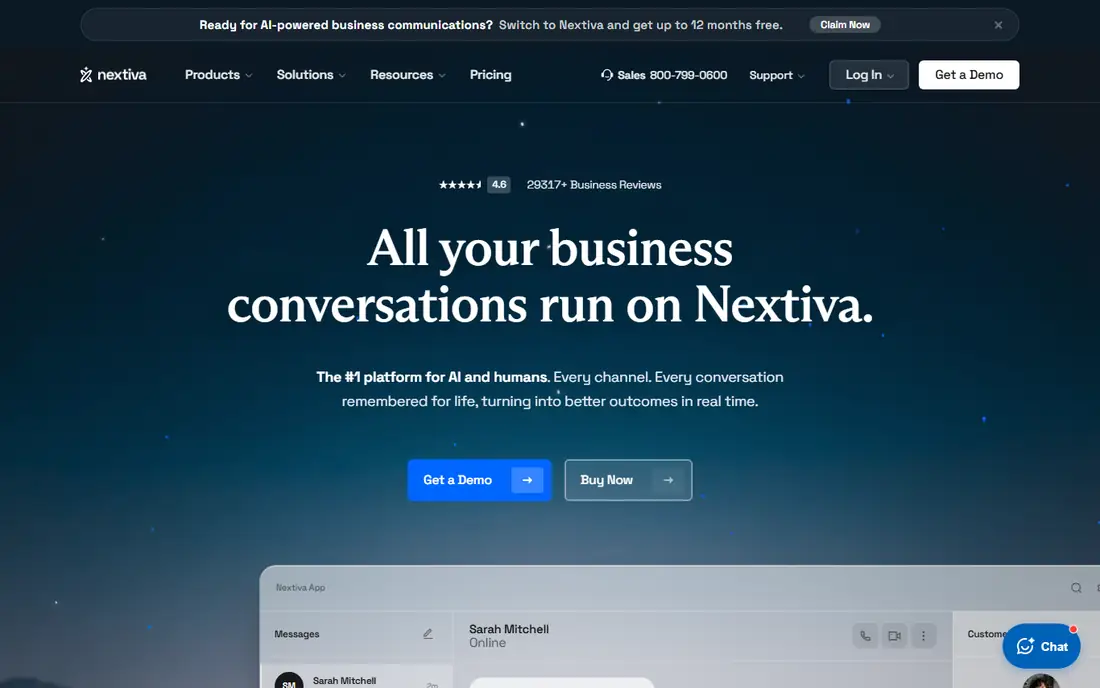
Nextiva pitches itself as a single bundle for a growing business, and that pitch holds up for teams that want one vendor for calls and basic customer records. Setup is guided, support is easy to reach on paid plans, and the app covers the daily work of answering calls, holding video meetings, and messaging colleagues. For an owner-operator who does not want to stitch together three tools, that simplicity has real value.
The limits are scope and scale. Advanced analytics, deeper integrations, and contact center tools sit higher up, and international calling is less broad than providers built for global teams. Nextiva suits a mainly domestic small business that values support and a single bill over newest AI or global reach. Get a quote for your exact seat count, since published entry prices vary by promotion and billing term.
What we like- Friendly setup and support
- Call, video, and messaging in one app
- Useful customer history features
Watch out for- Some advanced features need higher tiers
- International coverage is narrower than global rivals
#88x8
Best for: teams with customers and staff in many countries4.2/5 on
G2 (939 reviews, checked Oct 2026)
Visit 8x8.com
Starting priceSee website
Free planFree trial
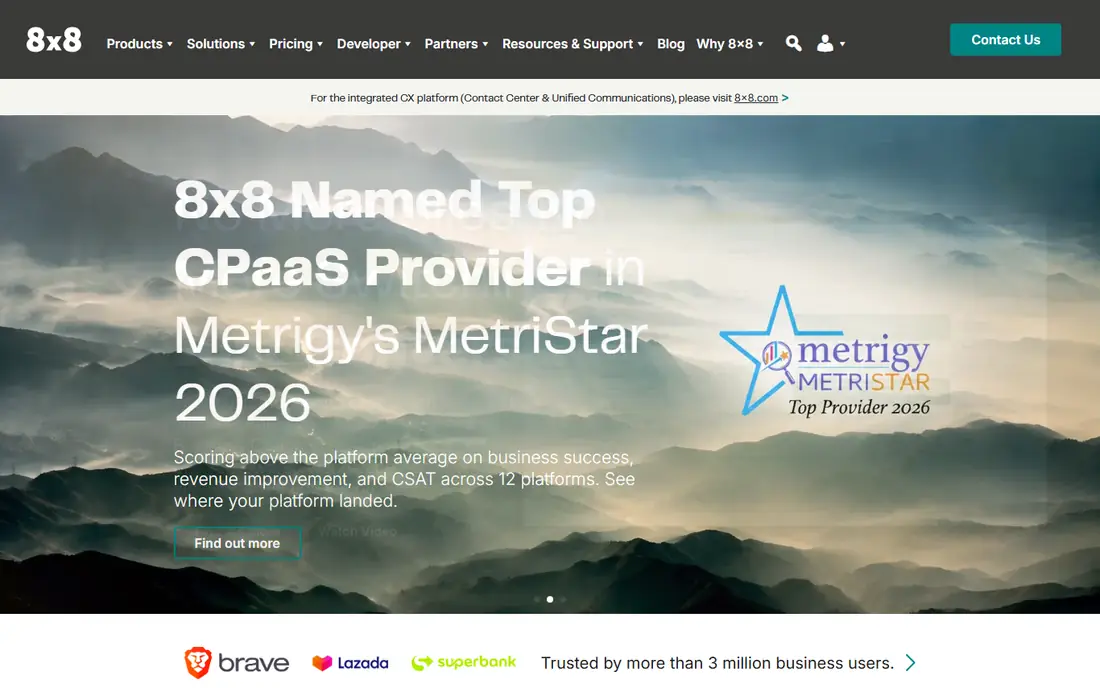
8x8 is a good fit when a business phone system must work across borders. It offers numbers and calling in many countries, and it can grow from basic business calling into a fuller contact center without changing vendors. Analytics and call quality tools help managers spot problems in queues and staffing, which matters for support teams spread across time zones.
The main drawback is price clarity. Published entry prices differ by region and plan, and larger deployments usually go through sales. That is normal for global telephony, but it means a buyer should request a written quote that includes international minutes, SMS, and any contact center seats. For a single-country small team, a simpler domestic provider may cost less. For a global team, 8x8 deserves a shortlist spot.
What we like- Broad international calling coverage
- Combined phone and contact center options
- Solid analytics
Watch out for- Pricing is often quote-based for larger teams
- Entry plans vary by region
#9GoTo Connect
Best for: small teams that want a phone system running quickly4.4/5 on
G2 (1,422 reviews, checked Oct 2026)
Visit goto.com
Starting priceSee website
Free planFree trial
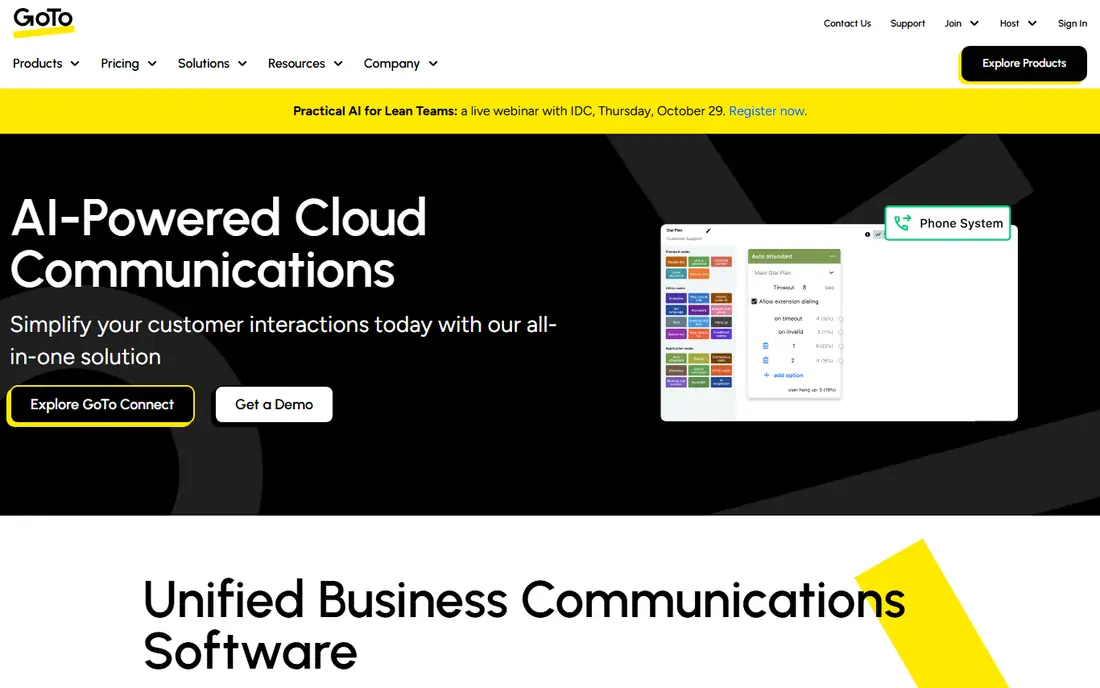
GoTo Connect, formerly part of the GoToMeeting family, keeps the focus on getting a business phone line working without a long project. Admins can add users, set up auto-attendants, and assign numbers from a web panel, and staff can call from desk phones or mobile apps. Meetings are included, so a team does not need a separate video tool for internal calls.
It is not the most feature-rich option. AI summaries, advanced analytics, and deep CRM workflows are thinner here than at Dialpad or RingCentral, and some integrations need higher plans. That trade is fine for a team that values reliability and a short learning curve over the newest features. Trial it with your busiest call day in mind, not just a quiet test call.
What we like- Straightforward setup and admin
- Reliable calling and meetings
- Good mobile apps
Watch out for- Fewer advanced AI features than rivals
- Integration depth is modest on basic plans
#10Vonage
Best for: technical teams that want APIs alongside business calling4.3/5 on
G2 (503 reviews, checked Oct 2026)
Visit vonage.com
Starting priceSee website
Free planFree trial
Vonage is unusual on this list because it serves two buyers at once. One side is a standard business phone system with calling, messaging, and meetings. The other side is a developer platform with APIs for voice, SMS, and verification, which lets a technical team build custom calling or messaging into its own product. That dual strength helps companies that want both a phone system and programmable communications from one vendor.
The confusion comes from packaging. Business calling plans, API usage, and add-ons are billed in different ways, so the total can be hard to predict from a single headline price. Non-technical teams may also find setup less guided than at Nextiva or GoTo. Vonage fits best when someone on staff can own the technical side, or when API access is a genuine requirement rather than a nice extra.
What we like- Strong APIs for messaging and voice
- Flexible calling plans
- Useful for custom workflows
Watch out for- Business phone pricing and add-ons can be confusing
- Support quality varies by plan
How we chose
We compared pricing pages, product documentation, and public reviews on G2, Capterra, and Reddit, and we checked which features sit on entry plans rather than only on premium tiers. We favored tools that still serve small and mid-size businesses in the United States, that offer a trial or free plan for a real pilot, and that cover the core Skype for Business jobs: business calling, scheduled meetings, team messaging, and number porting. Where a vendor gates pricing behind sales, we said so instead of publishing a guessed number.
What to check before you switch
Skype for Business is gone, so migration planning matters as much as the tool you pick. Start with your call volume, not the feature list. Count inbound calls, outbound minutes, SMS messages, and international destinations for a typical month, then price that exact usage on two or three shortlisted plans. A cheap seat price can turn expensive once metered minutes or SMS overages appear.
Porting and setup
Ask each vendor how number porting works, how long it usually takes, and what happens to voicemail and auto-attendants during the move. Keep the old system running until the new numbers are tested. Assign one owner to routing, greetings, and emergency calling, and test calls from mobile, desktop, and any desk phones you plan to keep.
Meetings, chat, and records
Decide whether meetings or phone calls drive your day. If meetings dominate, a meetings-first tool with phone added later may be enough. If inbound calls drive revenue, prioritize call queues, recording, CRM logging, and reporting. Check data export too. Call logs, recordings, and chat history should leave the system in a usable format if you switch again later.
Contracts and support
Read the contract term, renewal terms, and what happens to pricing after an introductory period. Check support hours and channels on the plan you will actually buy, not the enterprise plan. A 14-day trial is enough to test call quality and setup, but it is not enough to judge support, so ask for references or run a paid pilot with a small group first.
Frequently asked questions
Is Skype for Business still available?
No. Microsoft retired Skype for Business Online and moved customers toward Microsoft Teams. Any business still relying on it should migrate to Teams or another provider on this list, and port numbers before old accounts are closed.
What is the closest direct replacement for Skype for Business?
Microsoft Teams is the closest replacement for most former users, because it covers chat, meetings, and calling inside Microsoft 365. Teams Phone licensing is still needed for full business calling, so price that layer before you assume the switch is free.
Do I need a separate phone system if I use Zoom or Google Meet?
It depends on call volume. Zoom Phone can cover business calling, while Google Meet alone cannot, so Meet users usually add Google Voice or another phone provider. If your team takes many inbound calls each day, a dedicated phone system is usually the safer choice.
How long does it take to switch business phone providers?
Basic setup can take a day, but number porting often takes one to three weeks, depending on your current carrier and number types. Keep both systems running during the move, and test inbound calls, voicemail, and auto-attendants before you cancel the old service.
Can I keep my existing business phone numbers?
In most cases, yes. Porting lets you move existing numbers to a new provider, though toll-free numbers, fax lines, and numbers in some countries need extra checks. Confirm portability for every number before you sign a contract.
Which option is cheapest for a very small team?
Google Meet and Zoom free plans are cheapest for meetings only. For phone service, entry prices vary by billing term and included minutes, so compare the full monthly cost for your seat count and call volume rather than the headline rate alone.
Sources we checked (10)
- https://www.zoom.com/pricing
- https://www.ringcentral.com/pricing
- https://www.dialpad.com/pricing
- https://workspace.google.com/pricing
- https://www.webex.com/pricing
- https://www.microsoft.com/microsoft-teams/pricing
- https://www.nextiva.com/pricing
- https://www.8x8.com/pricing
- https://www.goto.com/pricing
- https://www.vonage.com/pricing
Is your product missing or out of date?
We review this list regularly. Vendors can request a listing, send updated pricing or ask about featured placement.

Shihab Mia · Founder, Rankite
Shihab has 5+ years in B2B and SaaS SEO. He writes Rankite's software buying guides from pricing pages, documentation and public user reviews. More about Shihab.