How we make this list: we compare pricing pages, product documentation and public user reviews. Ratings come from G2, Capterra or Trustpilot, with the date we checked them.
Key takeaways
- Nextiva at $15 per user per month and Zoom Phone at $10 per user per month are the most direct replacements for a standard RingCentral setup.
- Dialpad suits teams that want AI transcription and summaries on every call without buying a separate add-on.
- Grasshopper and Google Voice fit solo operators and tiny teams that need a professional number, not a full contact centre.
- Vonage makes sense for teams that may later build on voice and messaging APIs, but some standard features cost extra.
- Always add taxes, regulatory fees, and SMS limits to the headline price, because those items change the monthly bill more than the plan name suggests.
Quick comparison
| Tool | Best for | Starting price | Free plan |
|---|
 Nextiva Nextiva | All-round small business switch | $15 per user/month (billed annually) | No |
 Zoom Phone Zoom Phone | Teams already using Zoom | $10 per user/month (billed annually) | No |
 Dialpad Dialpad | AI transcription and coaching | $15 per user/month (billed annually) | Free trial (14 days) |
 Vonage Vonage | API-ready phone teams | $13.99 per user/month (billed annually) | Free trial (14 days) |
 Ooma Office Ooma Office | Simple setup for small offices | $19.95 per user/month | No |
 Grasshopper Grasshopper | Solo operators | $14 per month (billed annually) | Free trial (7 days) |
 Google Voice Google Voice | Google Workspace teams | $10 per user/month | No |
 Quo Quo | Text-heavy small teams | $15 per user/month (billed annually) | Free trial (7 days) |
 8x8 8x8 | International calling | See website | Free trial (30 days) |
Is your product missing or out of date?
We review this list regularly. Vendors can request a listing, send updated pricing or ask about featured placement.
The best RingCentral alternatives
#1Nextiva
Best for: All-round small business switch4.5/5 on
G2 (3,659 reviews, checked Oct 2026)
Visit nextiva.com
Starting price$15 per user/month (billed annually)
Free planNo
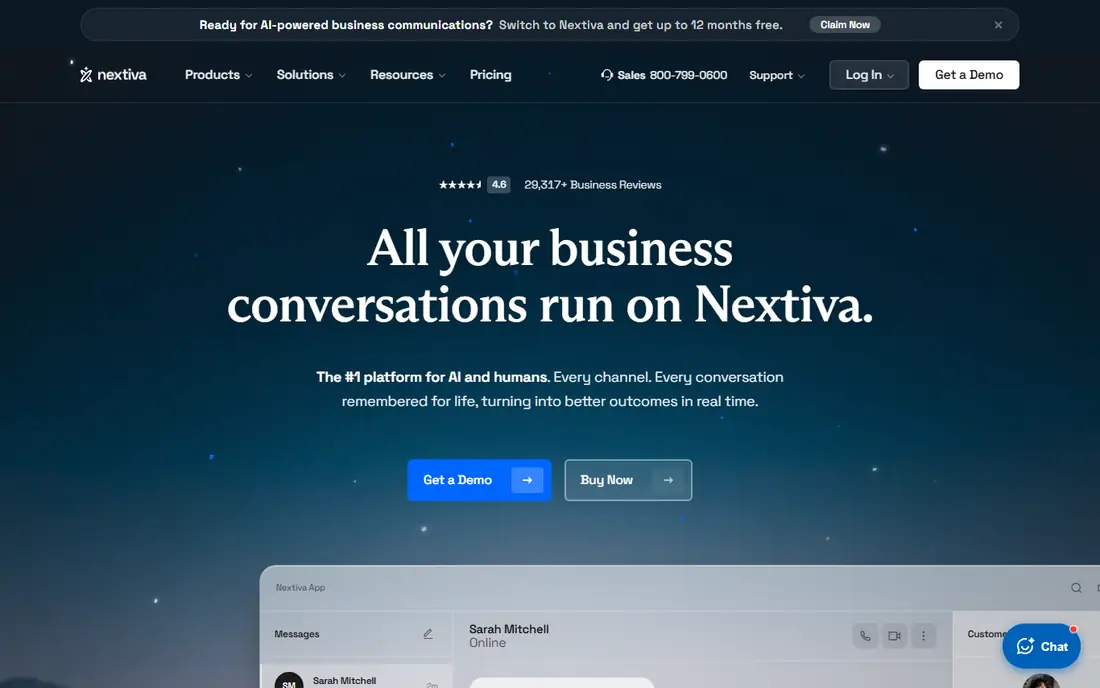
Nextiva is the safest first stop for a team leaving RingCentral. It covers voice, video, and team messaging in one app, with unlimited calling in the US and Canada on its entry plan. Setup follows a familiar pattern: pick numbers, set up an auto attendant, add users, and port existing numbers with help from the support team.
The detail to check is recording. If call recording matters for training or compliance, confirm which plan includes it before you sign, because the entry plan treats it as an extra. For most small offices, though, Nextiva gives a clean balance of price, features, and human help when porting goes wrong.
What we like- Unlimited calling in the US and Canada
- Team messaging and video included
- Strong support reputation
Watch out for- Call recording is an add-on on the entry plan
- Best pricing needs annual billing
#2Zoom Phone
Best for: Teams already using Zoom4.6/5 on
G2 (2,672 reviews, checked Oct 2026)
Visit zoom.com
Starting price$10 per user/month (billed annually)
Free planNo
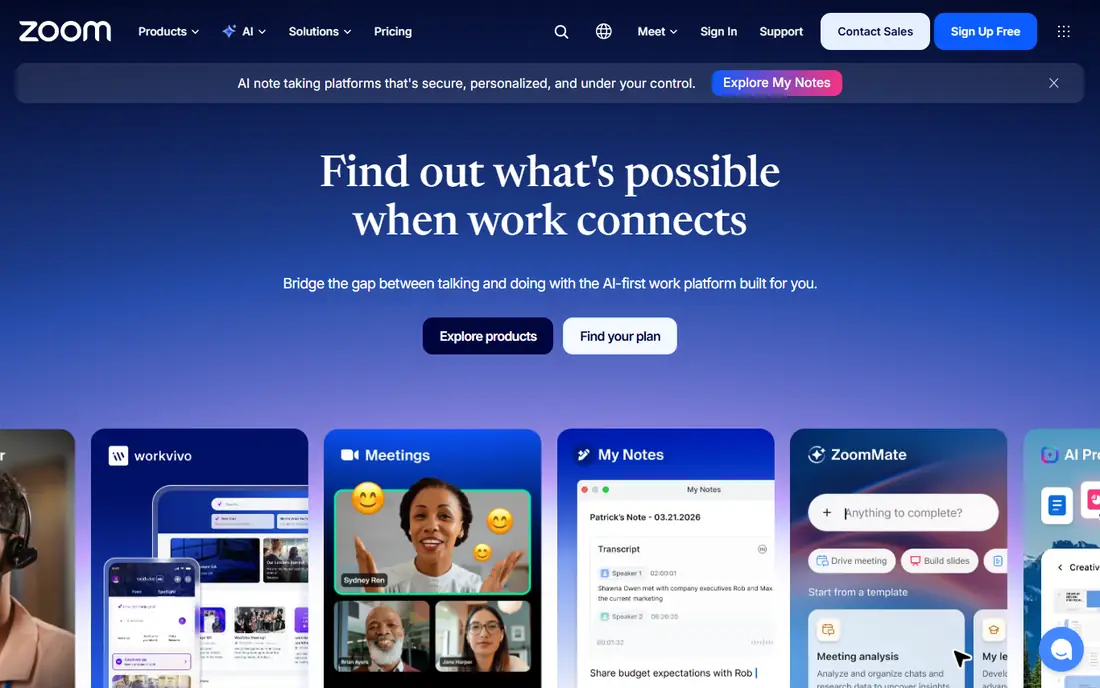
Zoom Phone is the cheapest credible switch for a team that already meets on Zoom. Staff already know the app, so training is mostly about call handling, voicemail, and transfer rules rather than a whole new system. A call can move to a video meeting without a new link, which helps support and sales teams that often need to share a screen.
Read the plan type carefully. The $10 entry plan is metered in the US and Canada, while the unlimited plan costs more. If your team makes long outbound calls all day, the unlimited tier may be the honest comparison. If call volume is light, the metered plan keeps the bill low.
What we like- Low entry price
- Calls turn into Zoom meetings in one click
- Familiar app for existing users
Watch out for- Metered plan charges for some calls
- Advanced contact centre features need higher tiers
#3Dialpad
Best for: AI transcription and coaching4.4/5 on
G2 (4,201 reviews, checked Oct 2026)
Visit dialpad.com
Starting price$15 per user/month (billed annually)
Free planFree trial (14 days)
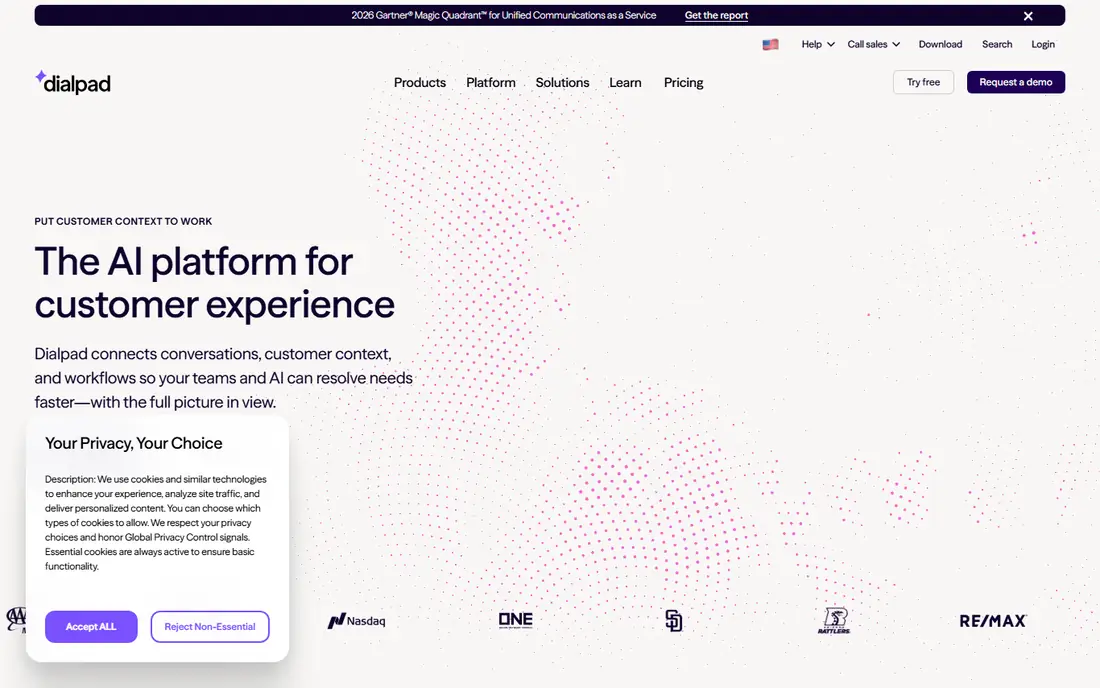
Dialpad stands out because its AI features are not reserved for a premium tier. Calls are transcribed, summarised, and searchable, which helps managers coach new staff and helps teams find what was promised on a call without replaying the recording. The interface is clean, and the mobile app works well for staff who are rarely at a desk.
The catch sits in the higher tiers. Full CRM integrations, advanced analytics, and larger meeting capacity move to Pro and above. Small sales teams should map their CRM and reporting needs first, then pick the tier that actually includes them, rather than assuming the entry plan covers everything.
What we like- AI summaries and transcripts on every plan
- Good mobile and desktop apps
- CRM integrations
Watch out for- Some deeper CRM and analytics features need the Pro tier
- Meeting limits apply on entry plans
#4Vonage
Best for: API-ready phone teams4.3/5 on
G2 (503 reviews, checked Oct 2026)
Visit vonage.com
Starting price$13.99 per user/month (billed annually)
Free planFree trial (14 days)
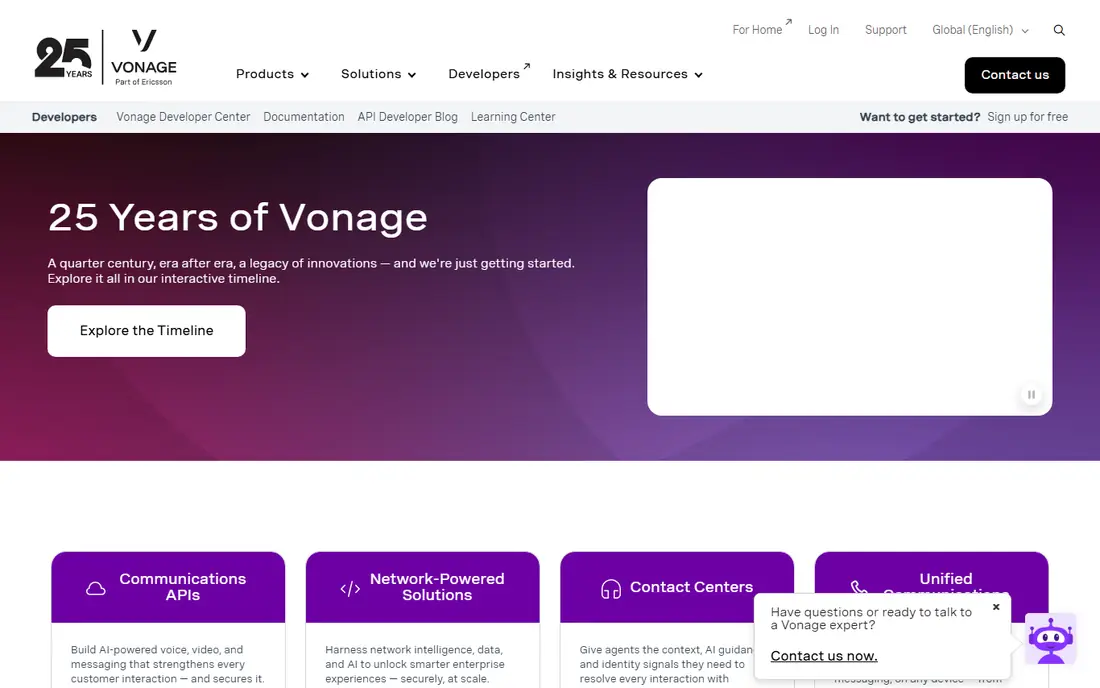
Vonage suits a business that wants a phone system today and the option to build on it later. Its APIs let developers add voice, SMS, and video into an app or workflow, which is useful for companies with in-house technical staff. The standard business phone plans cover calling, messaging, and team tools, with a softphone that works on desktop and mobile.
Budget for extras. Features that other vendors bundle, such as call recording, can sit behind an add-on on Vonage. That does not make it a bad choice, but it does mean the headline price is only the starting point. List the features your team uses every week, then price the plan that includes them.
What we like- Strong developer APIs for voice and messaging
- Flexible softphone apps
- Global reach
Watch out for- Call recording and some features are paid extras
- True cost rises with add-ons
#5Ooma Office
Best for: Simple setup for small offices4.5/5 on
G2 (134 reviews, checked Oct 2026)
Visit ooma.com
Starting price$19.95 per user/month
Free planNo
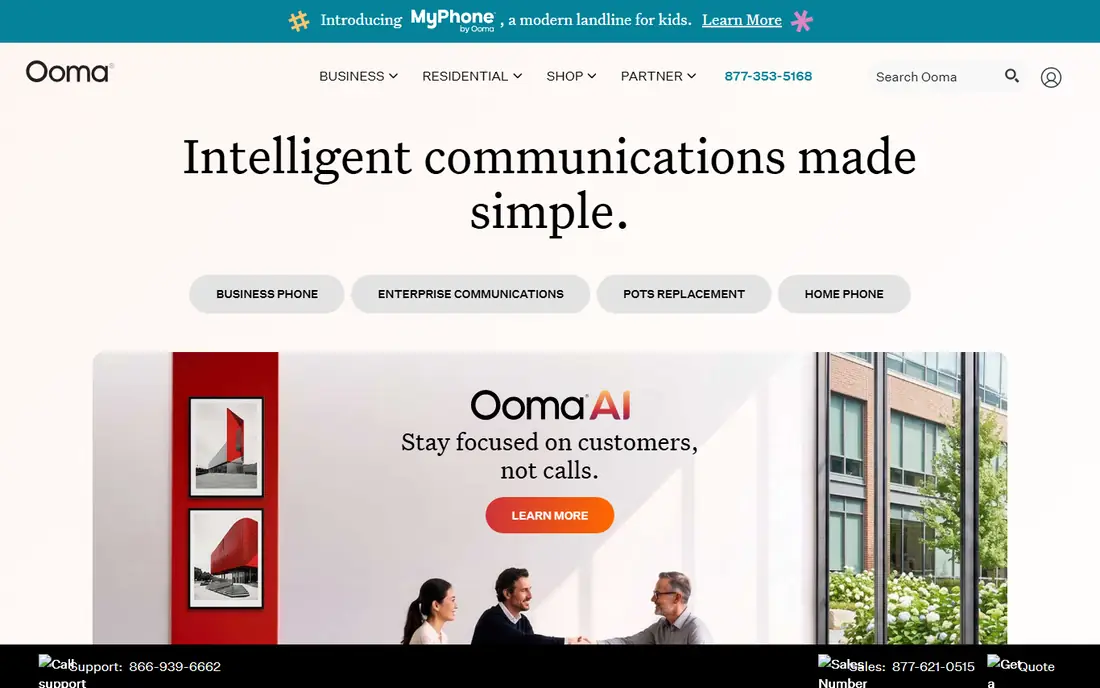
Ooma Office is built for a small office that wants phones working fast, without a long implementation project. The admin panel is simple, desk phones can arrive preconfigured, and there is no contract forcing a multi-year commitment. For a team of five to twenty people, that simplicity is a real advantage over platforms designed for hundreds of users.
The limit shows up as the business grows. Integrations with CRMs and other business tools are fewer than those offered by Nextiva or Dialpad, and reporting stays basic. If your team lives inside a CRM all day, check the integration list before choosing Ooma. If the phone is mainly for calls, texts, and a professional greeting, Ooma does the job well.
What we like- No long contract required
- Preconfigured desk phones available
- Easy admin for small teams
Watch out for- Integration library is thinner than larger rivals
- Advanced analytics are limited
Starting price$14 per month (billed annually)
Free planFree trial (7 days)
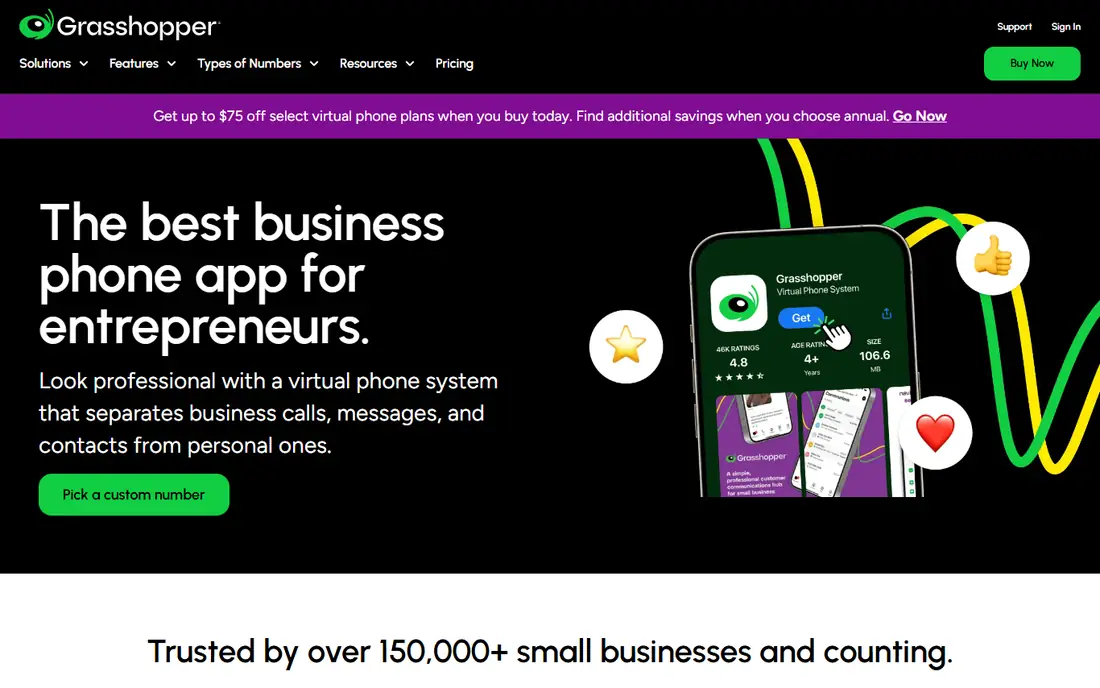
Grasshopper is a virtual phone system, not a full office platform, and that is the point. A solo consultant, tradesperson, or tiny team gets a business number, custom greetings, extensions, and voicemail transcription, all routed to phones they already own. The flat price is easy to understand, and there is no per-seat maths to do each month.
Do not buy Grasshopper expecting a RingCentral clone. There is no built-in video meeting tool and no team chat, so teams that need those features should look at Nextiva, Zoom Phone, or Dialpad. For a one-person business that mainly needs to sound professional and never miss a call, Grasshopper is hard to beat on value.
What we like- Flat monthly price, not per user
- Professional greetings and extensions
- Works on your existing phone
Watch out for- No video meetings or team messaging
- Not a full unified communications platform
Starting price$10 per user/month
Free planNo
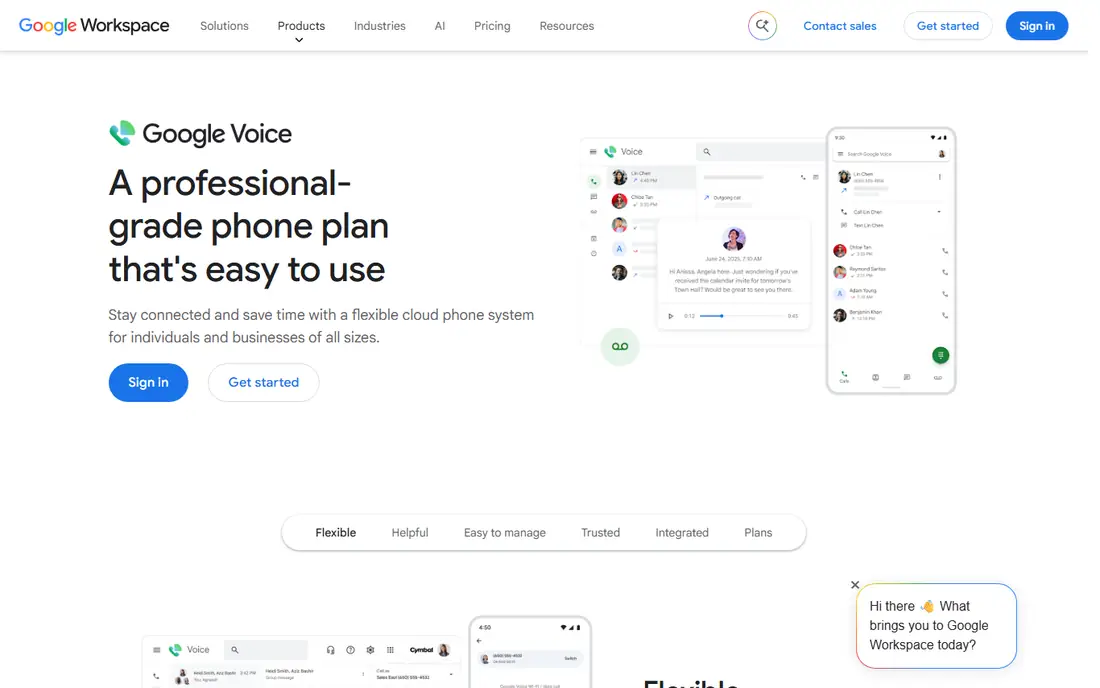
Google Voice fits a team that already runs on Gmail, Calendar, and Drive. Admins manage numbers inside Workspace, staff answer on a browser or phone app, and voicemail transcription lands in familiar places. For a small team that needs a business number and basic call handling, the setup time is short.
The trade-off is depth. Google Voice lacks the call queue, analytics, and contact centre tools that larger phone platforms offer. It is a good business line for a small, Google-centred team. It is not the right pick for a support team that needs queues, wallboards, and detailed call reporting.
What we like- Simple setup inside Google Workspace
- Low entry price
- Works across devices
Watch out for- Requires Google Workspace
- Fewer call centre features than dedicated rivals
Starting price$15 per user/month (billed annually)
Free planFree trial (7 days)
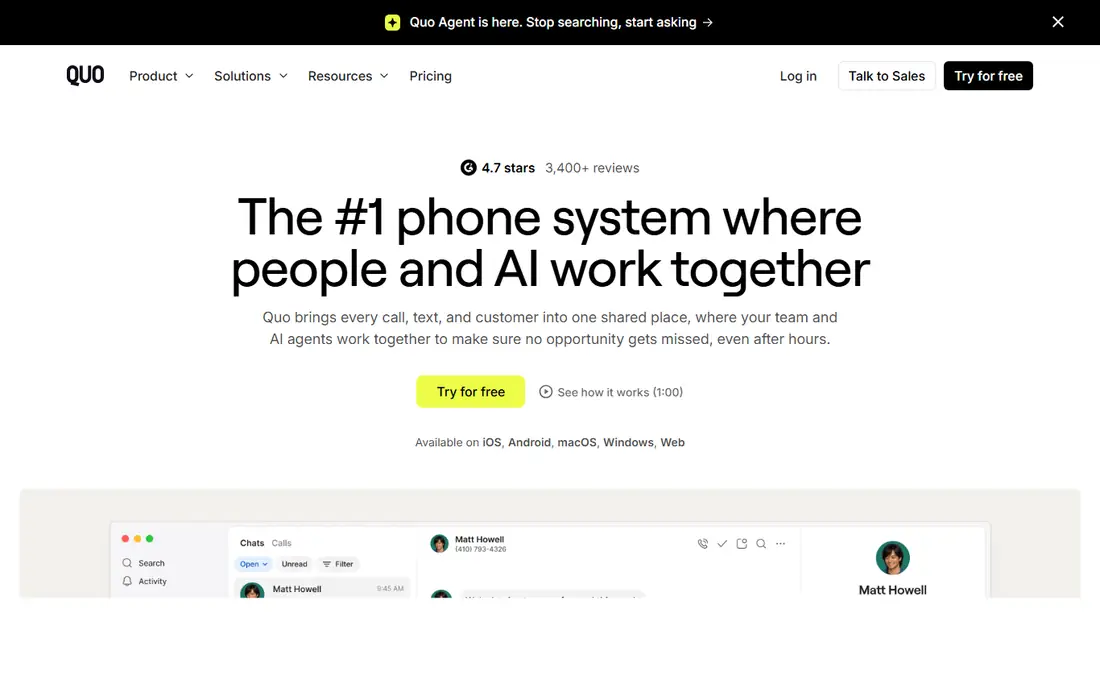
Quo, formerly OpenPhone, is designed for teams that text as much as they call. A shared number lets several staff members see the same SMS thread, reply from a team inbox, and keep context when someone is away. That matters for trades, clinics, property managers, and other businesses where customers prefer a text to a phone call.
The limitation is hardware. Quo is app-first, so a business that wants rows of traditional desk phones with auto-provisioning may find it thinner than Ooma or Nextiva. For a mobile-first team that works from phones and laptops, that trade is usually worth making for the shared inbox alone.
What we like- Shared numbers and team SMS inboxes
- Unlimited SMS in the US and Canada
- Modern mobile apps
Watch out for- Limited desk phone provisioning
- Smaller integration set than enterprise rivals
#98x8
Best for: International calling4.2/5 on
G2 (939 reviews, checked Oct 2026)
Visit 8x8.com
Starting priceSee website
Free planFree trial (30 days)
8x8 is the pick for teams that call across borders or need a contact centre alongside a phone system. It offers voice, video, chat, and contact centre tools in one platform, with coverage and compliance features that suit regulated or multinational teams. Larger support operations will appreciate the queue, analytics, and supervisor tools.
Small teams should weigh that depth against complexity. Pricing is quote-based, so you will need a sales conversation to get a firm number, and the admin panel has more settings than a five-person office needs. If international calling or a formal contact centre is the reason for the switch, 8x8 earns a demo. If not, a simpler tool will be faster to run.
What we like- Strong international coverage
- Contact centre options
- Compliance and security features
Watch out for- No simple public starting price
- Platform can feel heavy for very small teams
How we chose
We compared pricing pages, product documentation, and public reviews on G2, Capterra, and Reddit, focusing on what a RingCentral customer actually uses: calling, SMS limits, video, integrations, and support. Every tool here exists today and offers a business phone service in the US. We did not claim hands-on testing, and we noted where a headline price excludes features that many teams will need.
Switching without losing calls
Porting numbers is the step that worries most teams, and it deserves a plan. Keep the old system running until the new numbers are confirmed, and tell customers about any change to SMS numbers well in advance.
Before you sign
List your must-have features in one page: call queues, SMS limits, recording, CRM integration, and the number of users who actually make calls. Price the tier that includes those features, not the cheapest tier on the pricing page. Add taxes and regulatory fees to the total, since VoIP bills include them and they vary by location.
During the move
Port one number first and test inbound calls, outbound calls, voicemail, and SMS before moving the rest. Set up the auto attendant, business hours, and holiday greetings in the new system while the old one still answers. That overlap costs a short period of double billing, and it prevents a missed-call gap that costs far more.
After the switch
Check the first invoice line by line against the quote, and confirm SMS usage against the plan limit. Train staff on call transfer, shared inboxes, and voicemail in a single short session, and write down who owns number changes, so a future move does not depend on one person.
Frequently asked questions
What is the cheapest RingCentral alternative?
Zoom Phone at $10 per user per month on its metered plan is the cheapest credible option for teams already using Zoom. Grasshopper at $14 per month flat is cheaper still for a solo operator who does not need per-user seats. Compare metered against unlimited calling before deciding on price alone.
Is Nextiva better than RingCentral for small business?
Nextiva is a strong switch for small teams because it bundles voice, video, and messaging at $15 per user per month, with a support reputation that many reviewers praise. Whether it is better depends on your add-ons: check call recording, SMS limits, and CRM integrations against your current RingCentral plan.
Does Dialpad include AI transcription on all plans?
Yes, Dialpad includes AI transcription and summaries on its standard plans, which is one of its main advantages over rivals that reserve AI features for higher tiers. Deeper CRM integrations and advanced analytics still sit on higher plans, so confirm those before you buy.
Can I keep my existing phone numbers when I switch?
Yes, in most cases you can port existing business numbers to a new provider, but the process takes time and needs accurate account details from your current provider. Keep the old service active until porting is confirmed, and test calls and texts on the new system first.
Do I need desk phones to use these alternatives?
No. Most of these tools work through desktop and mobile apps, and many teams run entirely on softphones. Desk phones help in a front-desk or warehouse setting, but a remote or mobile team can usually skip the hardware and save the cost.
What is the best RingCentral alternative for a solo business?
Grasshopper is the best fit for most solo operators, because it offers a professional number, greetings, and extensions for a flat monthly price. Google Voice is a close second for teams already on Google Workspace, while Quo suits solo operators who text customers often.
Sources we checked (9)
- https://www.nextiva.com/pricing
- https://www.zoom.com/pricing
- https://www.dialpad.com/pricing
- https://www.vonage.com/pricing
- https://www.ooma.com/pricing
- https://grasshopper.com/pricing
- https://voice.google.com/pricing
- https://www.quo.com/pricing
- https://www.8x8.com/pricing
Is your product missing or out of date?
We review this list regularly. Vendors can request a listing, send updated pricing or ask about featured placement.

Shihab Mia · Founder, Rankite
Shihab has 5+ years in B2B and SaaS SEO. He writes Rankite's software buying guides from pricing pages, documentation and public user reviews. More about Shihab.