How we make this list: we compare pricing pages, product documentation and public user reviews. Ratings come from G2, Capterra or Trustpilot, with the date we checked them.
Key takeaways
- RingCentral at $20 per user per month and Nextiva at $15 per user per month are the safest all-round replacements for most 8x8 customers.
- Zoom Phone at $10 per user per month is the cheapest route for teams already using Zoom meetings, though some calling features cost extra.
- Dialpad at $15 per user per month puts AI transcription and summaries on every plan, while Aircall and CloudTalk suit sales and support teams that need CRM depth.
- GoTo Connect does not publish list prices, so treat its cost as a quote to compare, not as a figure to budget from.
Quick comparison
| Tool | Best for | Starting price | Free plan |
|---|
 RingCentral RingCentral | All-round unified communications | $20 per user/month (billed annually) | Free trial |
 Zoom Phone Zoom Phone | Teams already using Zoom | $10 per user/month (billed annually) | No |
 Nextiva Nextiva | Simple setup with strong support | $15 per user/month (billed annually) | No |
 Dialpad Dialpad | AI features on every plan | $15 per user/month (billed annually) | Free trial |
 Vonage Vonage | Flexible plans with API options | $13.99 per user/month (billed annually) | Free trial |
 Ooma Ooma | Small teams that want simple pricing | $19.95 per user/month (billed annually) | Free trial |
 Aircall Aircall | Sales and support calling workflows | $30 per user/month (billed annually) | Free trial |
 CloudTalk CloudTalk | Outbound and support teams at scale | $25 per user/month (billed annually) | Free trial |
 GoTo Connect GoTo Connect | Mid-size teams wanting one platform | See website | Free trial |
Is your product missing or out of date?
We review this list regularly. Vendors can request a listing, send updated pricing or ask about featured placement.
The best 8x8 alternatives
#1RingCentral
Best for: All-round unified communications4.1/5 on
G2 (1,076 reviews, checked Oct 2026)
Visit ringcentral.com
Starting price$20 per user/month (billed annually)
Free planFree trial
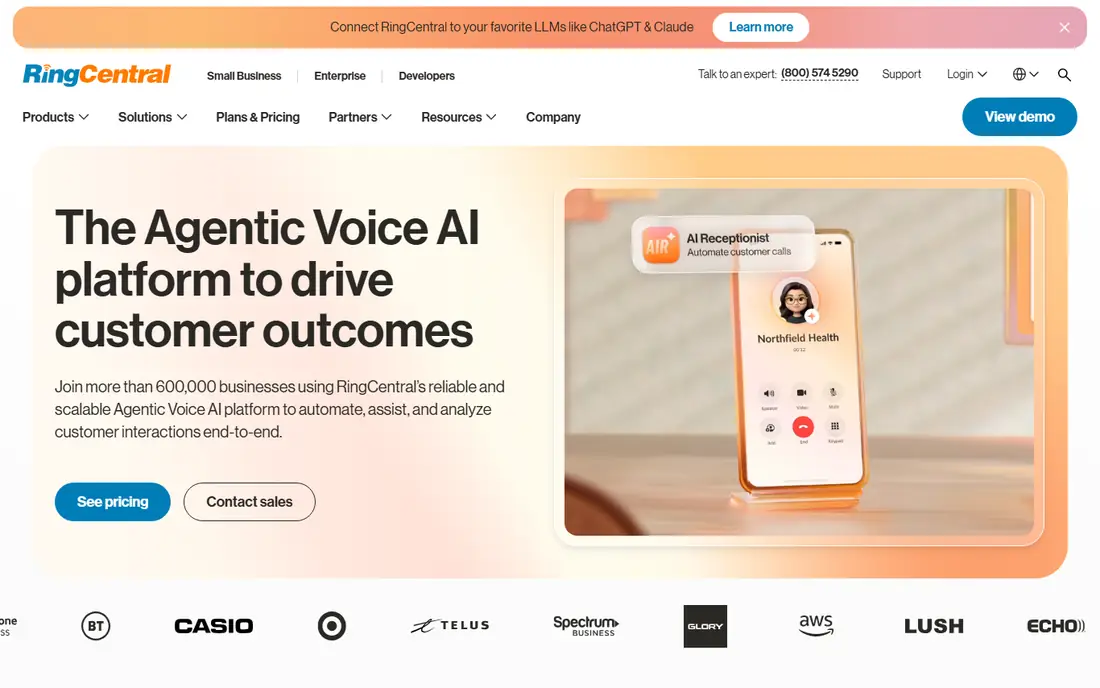
RingCentral is the default shortlist entry for companies leaving 8x8, mainly because it covers so much in one platform. Core at $20 per user per month billed annually includes calling, video meetings, team messaging, and a large integration catalogue covering CRMs, helpdesks, and productivity tools. That breadth matters when a phone system must connect to the rest of the business, not just place calls.
The price on the pricing page is only part of the story. AI receptionist, call queues, and SMS boosters are paid add-ons, and SMS limits on Core are low for text-heavy teams. Admin controls are powerful but take time to learn, so small teams should budget setup hours. RingCentral fits growing companies that want one communications platform and can manage its add-on maths.
What we like- Wide integration library
- Voice, video, and messaging in one app
- Strong admin controls
Watch out for- Add-ons for AI receptionist, call queues, and extra SMS raise the real bill
- Admin setup takes time
#2Zoom Phone
Best for: Teams already using Zoom4.6/5 on
G2 (2,672 reviews, checked Oct 2026)
Visit zoom.com
Starting price$10 per user/month (billed annually)
Free planNo
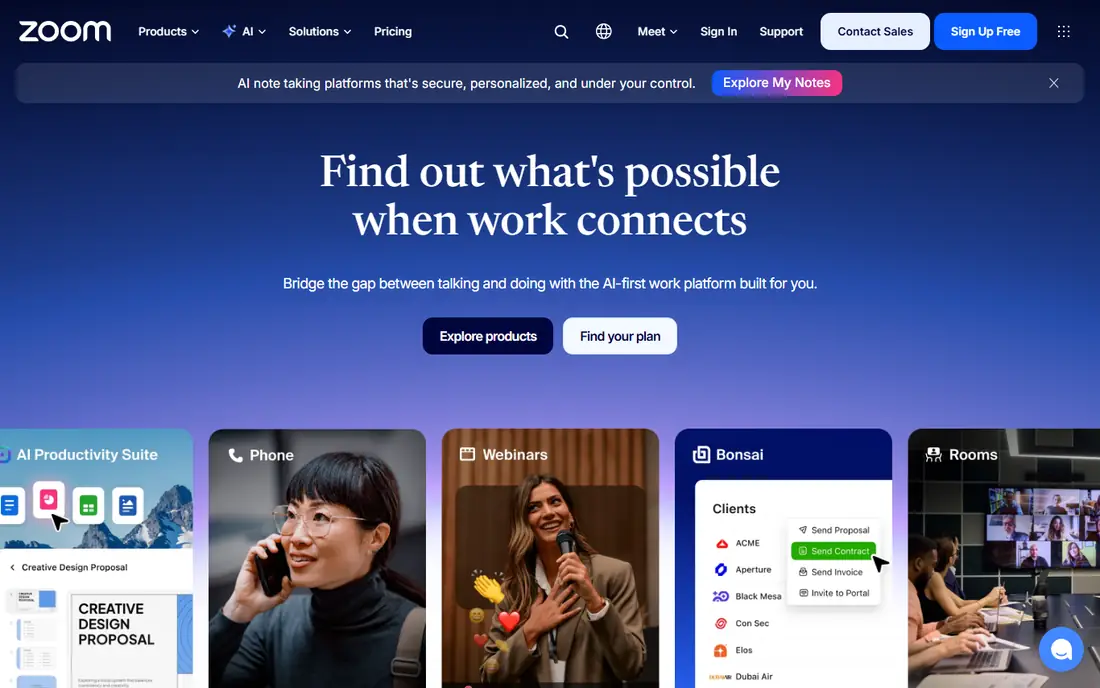
Zoom Phone makes sense when meetings already run on Zoom. The entry US and Canada metered plan starts at $10 per user per month billed annually, and users can move from a call into a video meeting without switching apps. Setup is straightforward, and staff who already know Zoom need little training to start taking calls.
Metered pricing needs attention. Teams with high call volumes may find unlimited plans cheaper overall, and global calling, SMS, and contact centre analytics often sit on higher tiers. Zoom Phone fits video-first teams, remote companies, and firms that want voice as an add-on to an existing Zoom contract rather than a standalone platform.
What we like- Lowest entry price in this guide
- Call escalation into Zoom meetings in one click
- Familiar interface
Watch out for- Some plans are metered, so heavy callers pay more
- Advanced contact centre features need higher tiers or add-ons
#3Nextiva
Best for: Simple setup with strong support4.5/5 on
G2 (3,659 reviews, checked Oct 2026)
Visit nextiva.com
Starting price$15 per user/month (billed annually)
Free planNo
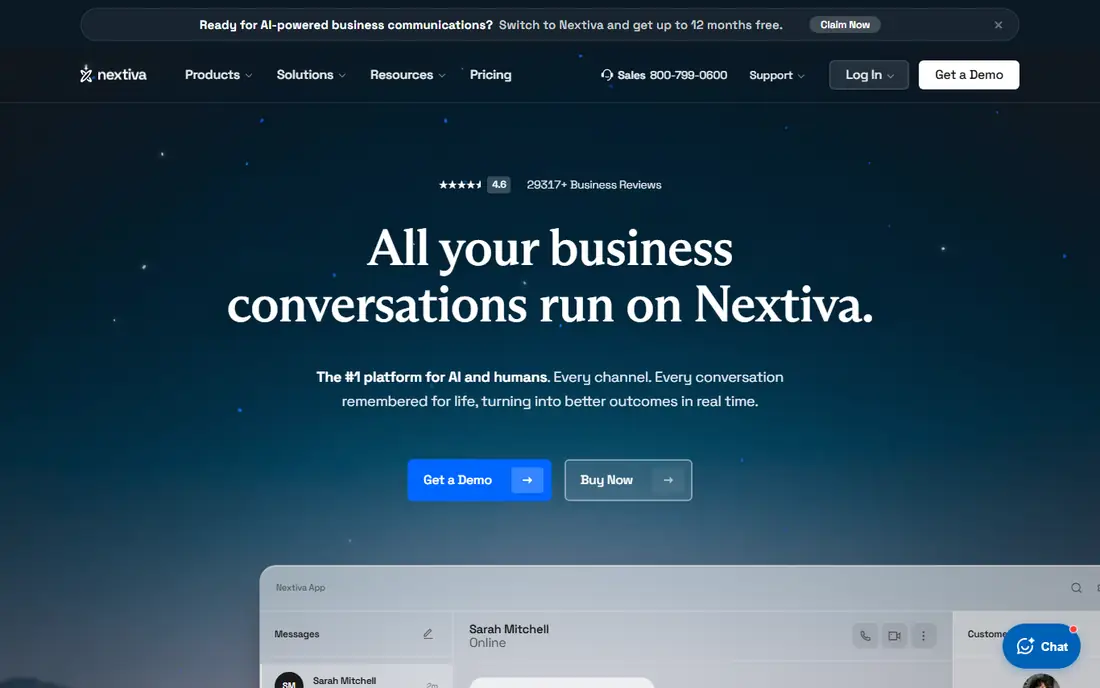
Nextiva appeals to teams that want phones to work without a long implementation project. Core at $15 per user per month billed annually bundles voice, video, team chat, and business SMS, which covers the daily needs of most small and mid-size firms. Support quality is a recurring theme in public reviews, and that matters when a phone outage blocks sales or support work.
Terms deserve a careful read. The $15 rate applies to a 12-month term for small businesses, and monthly billing costs more. Core also limits SMS to 100 messages per user per month and leaves call recording as an add-on. Nextiva fits teams that value simplicity and support over a deep integration catalogue.
What we like- Voice, video, messaging, and SMS from the base plan
- Reputation for human support
- Clear pricing tiers
Watch out for- Best small-business pricing needs a 12-month term
- Call recording is an add-on on Core
- Integration list is thinner than RingCentral
#4Dialpad
Best for: AI features on every plan4.4/5 on
G2 (4,201 reviews, checked Oct 2026)
Visit dialpad.com
Starting price$15 per user/month (billed annually)
Free planFree trial

Dialpad stands out because AI is not reserved for a premium tier. Standard at $15 per user per month billed annually includes transcription, call summaries, and real-time coaching prompts, which help sales managers and support leads without extra software. Setup is quick, and the interface suits teams that work mainly from a browser or mobile app.
Depth has limits. Full CRM integrations move to Pro at $25 per user per month, and some enterprise admin features require higher seat counts. Dialpad also suits US and Canadian SMS use best, with other regions needing a check. It fits AI-forward sales and support teams that want insight from every call without buying a separate analytics tool.
What we like- AI transcription, summaries, and live coaching on all plans
- Fast setup
- Good Google Workspace links
Watch out for- CRM integrations need the Pro tier
- Some admin controls need larger seat counts
#5Vonage
Best for: Flexible plans with API options4.3/5 on
G2 (503 reviews, checked Oct 2026)
Visit vonage.com
Starting price$13.99 per user/month (billed annually)
Free planFree trial
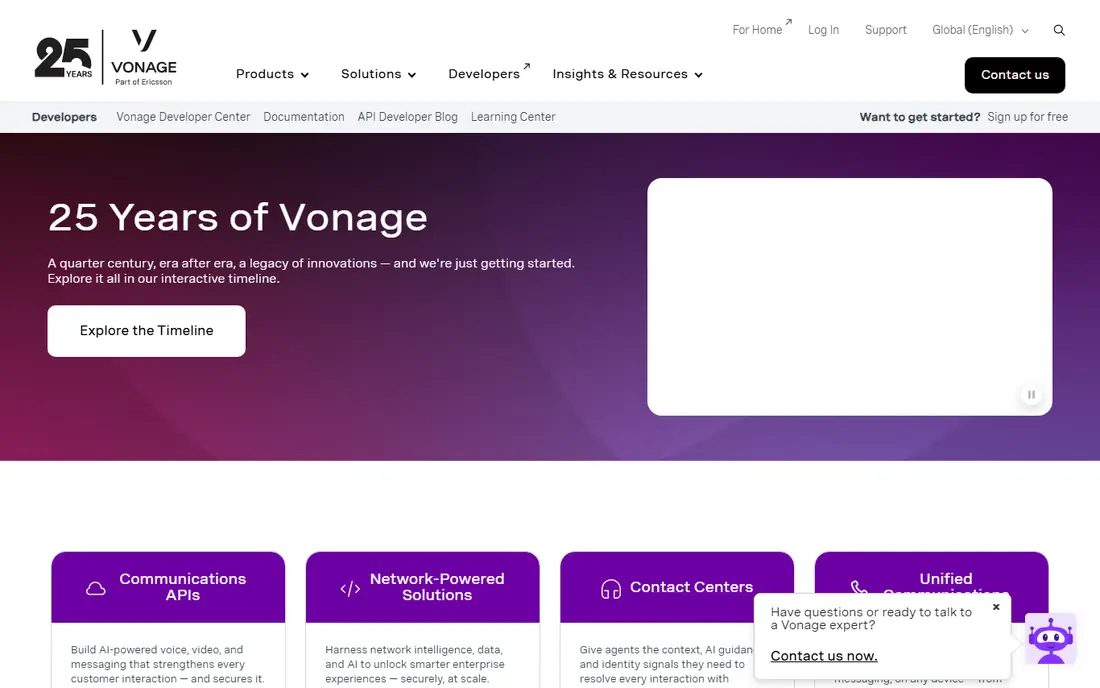
Vonage, now part of Ericsson, suits companies that want a phone system today and a custom communications platform tomorrow. Mobile at $13.99 per line per month billed annually covers core calling, while higher tiers add video, messaging, and app integrations. Its communications APIs let developers build SMS, voice, and verification workflows into their own products.
Flexibility can become complexity. Call recording, ring groups on some tiers, and other features that rivals bundle may cost extra, so the final bill needs a line-by-line check. Vonage fits tech-leaning teams, companies with developer resources, and firms that may build on its APIs later, rather than teams that want everything included in one price.
What we like- Flexible plan building with add-ons
- Strong developer APIs for custom workflows
- Broad global calling
Watch out for- Several standard features, such as call recording, are paid add-ons
- Pricing varies by plan and term
#6Ooma
Best for: Small teams that want simple pricing4.5/5 on
G2 (134 reviews, checked Oct 2026)
Visit ooma.com
Starting price$19.95 per user/month (billed annually)
Free planFree trial
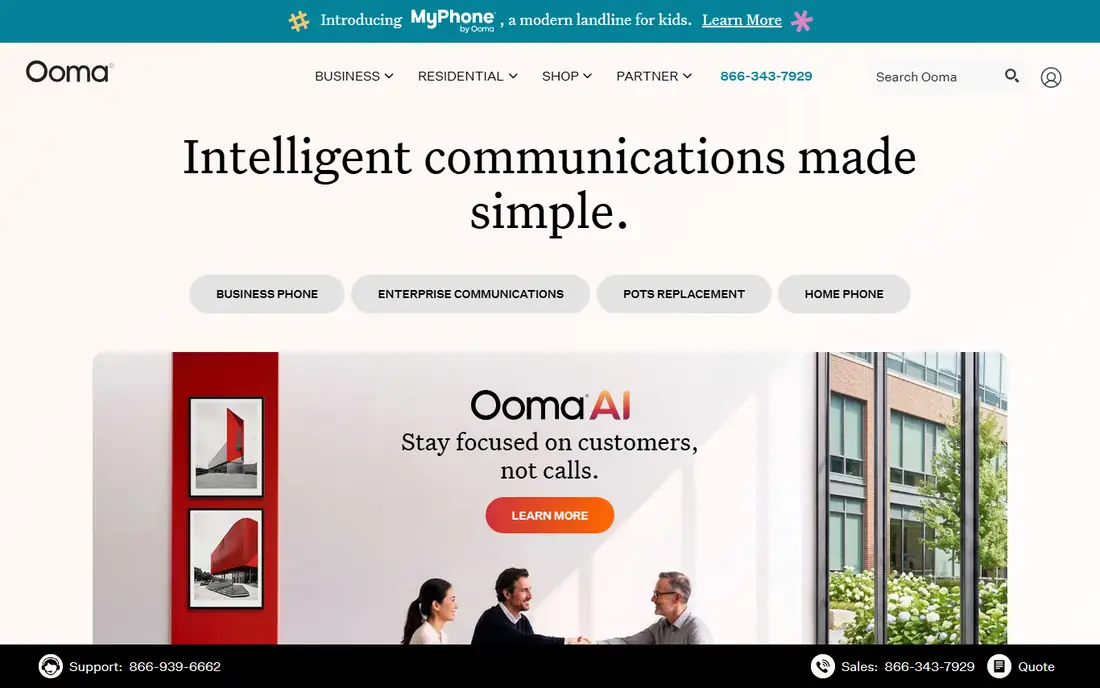
Ooma Office targets small offices, retail shops, and professional firms that want phones working quickly. Essentials at $19.95 per user per month includes a virtual receptionist, call blocking, and mobile apps, and Ooma sells preconfigured desk phones that work with little setup. The pricing page is easier to follow than many rivals, which helps owners who buy phones without an IT team.
Scale is where Ooma shows limits. The integration catalogue is smaller than RingCentral or Dialpad, and call queuing and deeper analytics sit on Pro and Pro Plus tiers. Larger teams or firms with complex routing needs will likely outgrow it. Ooma fits teams under about twenty people who prioritise simple setup over advanced features.
What we like- Straightforward setup with preconfigured desk phones
- Virtual receptionist included
- No complex contracts on many plans
Watch out for- Higher entry price than Nextiva or Dialpad
- Integration list is narrower
- Advanced analytics need higher tiers
#7Aircall
Best for: Sales and support calling workflows4.2/5 on
Capterra (466 reviews, checked Oct 2026)
Visit aircall.io
Starting price$30 per user/month (billed annually)
Free planFree trial
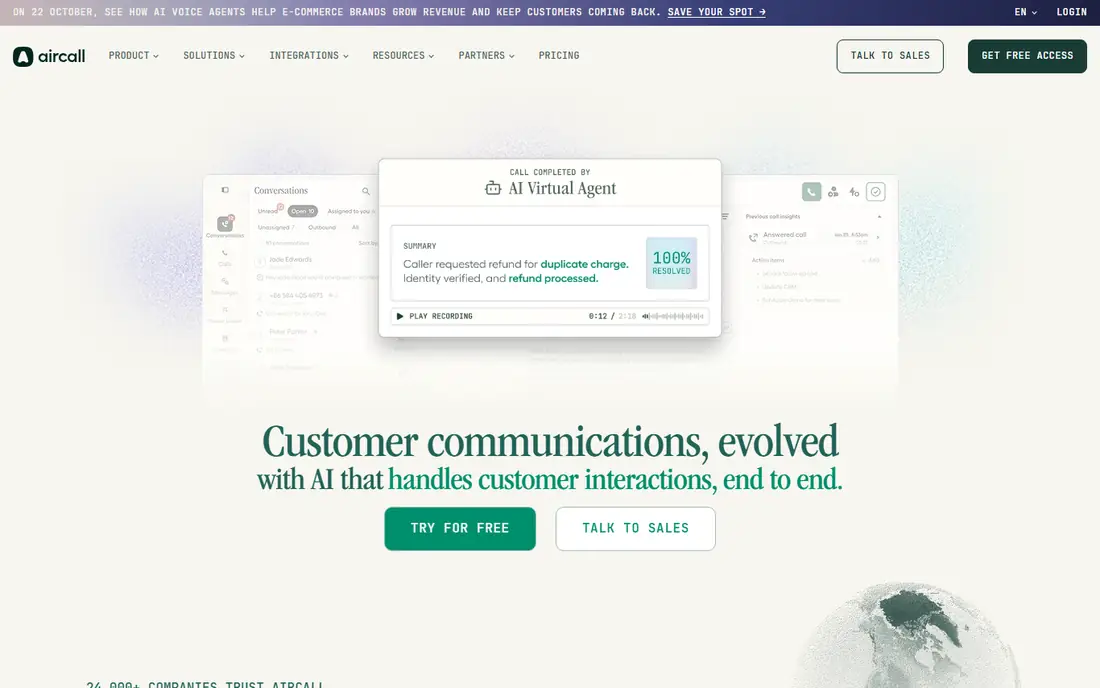
Aircall is built for teams whose day is calls: sales development, account management, and support. Essentials at $30 per user per month billed annually includes unlimited inbound calls in many regions, call routing, live monitoring, and integrations with Salesforce, HubSpot, Zendesk, and other common tools. Shared numbers, call queuing, and analytics help managers run a calling operation without a full contact centre platform.
Cost is the main barrier for very small teams. The three-user minimum means a solo user still pays for three seats, and Salesforce integration and AI add-ons cost extra per licence. Aircall fits sales and support teams of three or more that live in a CRM and need calling workflows, not just a dial tone.
What we like- Strong CRM and helpdesk integrations
- Call routing, monitoring, and coaching tools
- Quick onboarding
Watch out for- Three-seat minimum creates a $90 monthly floor
- Some integrations and AI tools cost extra
#8CloudTalk
Best for: Outbound and support teams at scale4.4/5 on
G2 (1,938 reviews, checked Oct 2026)
Visit cloudtalk.io
Starting price$25 per user/month (billed annually)
Free planFree trial
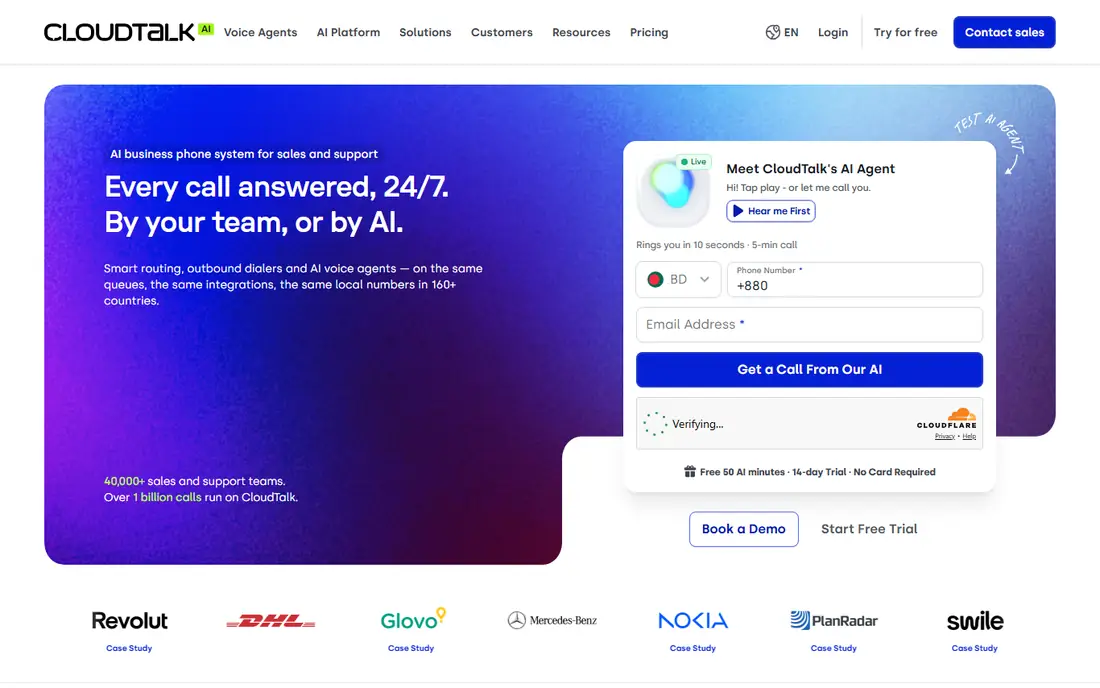
CloudTalk suits teams that make or take a high volume of calls. Starter at $25 per user per month billed annually includes an auto dialer, call flow designer, international numbers, and CRM sync, with higher tiers adding AI insights and advanced analytics. Support for numbers in more than 160 countries helps firms with global customers or remote agents.
General office teams may find CloudTalk more than they need, and its entry price sits above Nextiva, Dialpad, and Zoom Phone. Teams that only need basic calling and meetings should compare those cheaper options first. CloudTalk fits outbound sales, support centres, and growing teams where call volume, routing, and CRM data drive daily work.
What we like- AI dialer and call flows for high-volume teams
- Numbers in many countries
- CRM sync and analytics
Watch out for- Higher entry price than general VoIP rivals
- Some features need higher tiers
- Minimums apply on some plans
#9GoTo Connect
Best for: Mid-size teams wanting one platform4.4/5 on
G2 (1,422 reviews, checked Oct 2026)
Visit goto.com
Starting priceSee website
Free planFree trial
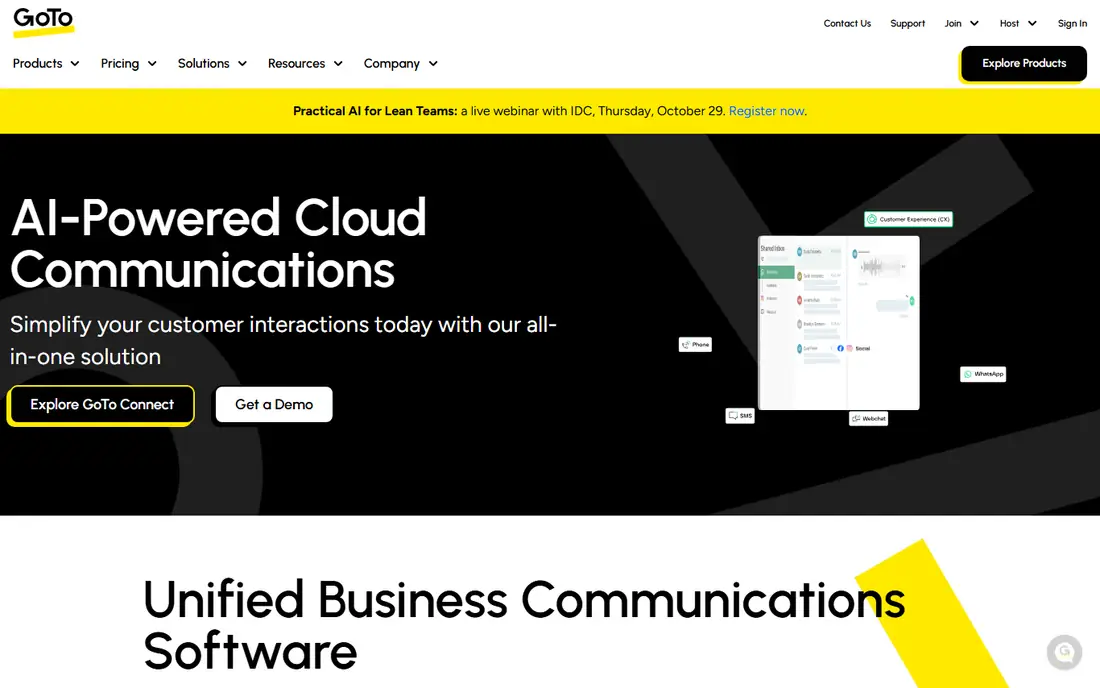
GoTo Connect, from the company behind GoTo Meeting, bundles phone, video, messaging, and contact centre tools for mid-size teams. The interface is clean, call routing and auto attendants cover common office needs, and the platform scales from small teams to larger operations with contact centre bundles. Firms already using GoTo Meeting often find the combined setup convenient.
Pricing opacity is the drawback. GoTo does not publish a simple per-user list price, and reseller reports put entry pricing around $26 per user per month, which buyers must confirm with a quote. That makes direct comparison harder than with rivals that publish rates. GoTo Connect fits mid-size teams that want one vendor for meetings and phones and are willing to negotiate a quote.
What we like- Voice, video, messaging, and contact centre options in one system
- Simple interface
- Strong meeting heritage
Watch out for- No published list price, so budgeting needs a sales quote
- Some advanced features need higher bundles
How we chose
We compared vendor pricing pages, product documentation, and public reviews on G2, Capterra, and Reddit, and we checked each tool against the same questions: entry price, trial availability, SMS and calling limits, CRM integrations, and fit for a specific team size. We gave weight to published pricing and to a clear replacement fit for 8x8 customers, including global calling, contact centre options, and simple setup. Where a vendor does not publish prices, we say so rather than repeating reseller estimates as list prices.
Moving from 8x8 without losing calls
A phone migration fails when numbers, routing, or integrations break on cutover day. A short plan avoids most of that risk.
Audit your current usage first
List your numbers, extensions, call queues, auto attendant menus, SMS volumes, and integrations before talking to vendors. Note which countries you call, how many concurrent calls you peak at, and which features your team actually uses. That audit stops you paying for a bundle full of features nobody needs.
Test call quality and porting early
Run a trial with a small group, test calls on your office network and on mobile data, and check headset and desk phone compatibility. Start number porting early, since porting can take days and depends on your current provider. Keep 8x8 running until porting and routing tests pass.
Compare the full monthly bill
Add desk phones, add-ons, SMS overages, and any per-user fees to the headline seat price. A $15 plan with paid call recording, paid queues, and paid SMS can cost more than a $20 plan that bundles those features. Ask each vendor for a written quote for your exact seat count and feature list.
Frequently asked questions
What is the best 8x8 alternative for a small business?
Nextiva and Dialpad are strong small-business picks, both starting at $15 per user per month billed annually. Nextiva suits teams that want simple setup and support, while Dialpad suits teams that want AI transcription on every call. Zoom Phone is cheaper still for teams already using Zoom.
Is RingCentral better than 8x8?
RingCentral offers a wider integration library and a broader unified communications platform than 8x8, which helps teams that connect phones to CRMs and helpdesks. 8x8 remains strong for international calling and contact centre use. The better choice depends on whether integrations or global calling matter more to your team.
Can I keep my phone numbers when switching from 8x8?
In most cases, yes, through number porting, provided the numbers are portable and your account is in good standing. Start the porting process early and keep your old service active until the port completes. Ask the new vendor for a porting timeline in writing before you cancel anything.
Do these alternatives include video meetings?
Most do. RingCentral, Zoom Phone, Nextiva, Dialpad, Vonage, and GoTo Connect include video meetings on their main plans, though limits vary. Aircall and CloudTalk focus on calling and integrate with separate meeting tools. Check meeting participant limits and recording rules on the plan you choose.
How long does it take to switch phone providers?
A small team can often move in one to two weeks, including trial, setup, and porting. Larger teams with complex call queues, contact centre routing, or many integrations should allow three to four weeks. Testing with a pilot group first reduces the risk of a failed cutover.
Sources we checked (9)
- https://www.ringcentral.com/pricing
- https://www.zoom.com/pricing/phone
- https://www.nextiva.com/pricing
- https://www.dialpad.com/pricing
- https://www.vonage.com/pricing
- https://www.ooma.com/pricing
- https://aircall.io/pricing
- https://www.cloudtalk.io/pricing
- https://www.goto.com/pricing
Is your product missing or out of date?
We review this list regularly. Vendors can request a listing, send updated pricing or ask about featured placement.

Shihab Mia · Founder, Rankite
Shihab has 5+ years in B2B and SaaS SEO. He writes Rankite's software buying guides from pricing pages, documentation and public user reviews. More about Shihab.