How we make this list: we compare pricing pages, product documentation and public user reviews. Ratings come from G2, Capterra or Trustpilot, with the date we checked them.
Key takeaways
- Fax.Plus is a strong general pick for low volume faxing, while SRFax and Documo suit healthcare teams that need a signed agreement for patient data.
- HIPAA support is not the same on every plan, so check whether the plan you buy includes a signed Business Associate Agreement.
- Page limits and overage fees decide the real cost, especially for clinics and law firms that receive many faxes.
- A physical fax machine is rarely needed now, but keep a printer or scanner workflow for paper documents that must be digitized.
- This article is general information only, not legal or compliance advice, and you should verify a signed agreement before sending patient information.
Quick comparison
| Tool | Best for | Starting price | Free plan |
|---|
 Fax.Plus Fax.Plus | General online faxing | $6.99 per month | Yes |
 eFax eFax | Established brand for business fax | $18.99 per month | Free trial |
 SRFax SRFax | Low cost HIPAA faxing | $12.60 per month | Free trial |
 Documo Documo | Healthcare workflows and EHR links | $25 per month | Free trial |
 iFax iFax | Mobile faxing for small practices | $24.99 per month | Free trial |
 CocoFax CocoFax | Low cost faxing | $4.99 per month | Free trial |
 Faxage Faxage | Low volume pay per page faxing | $3.49 per month | Free trial |
 Dropbox Fax Dropbox Fax | Faxing inside Dropbox workflows | See website | Free trial |
 MetroFax MetroFax | US and Canada business faxing | See website | Free trial |
Is your product missing or out of date?
We review this list regularly. Vendors can request a listing, send updated pricing or ask about featured placement.
The best fax machine alternatives
#1Fax.Plus
Best for: General online faxing4.6/5 on
G2 (60 reviews, checked Oct 2026)
Visit fax.plus
Starting price$6.99 per month
Free planYes
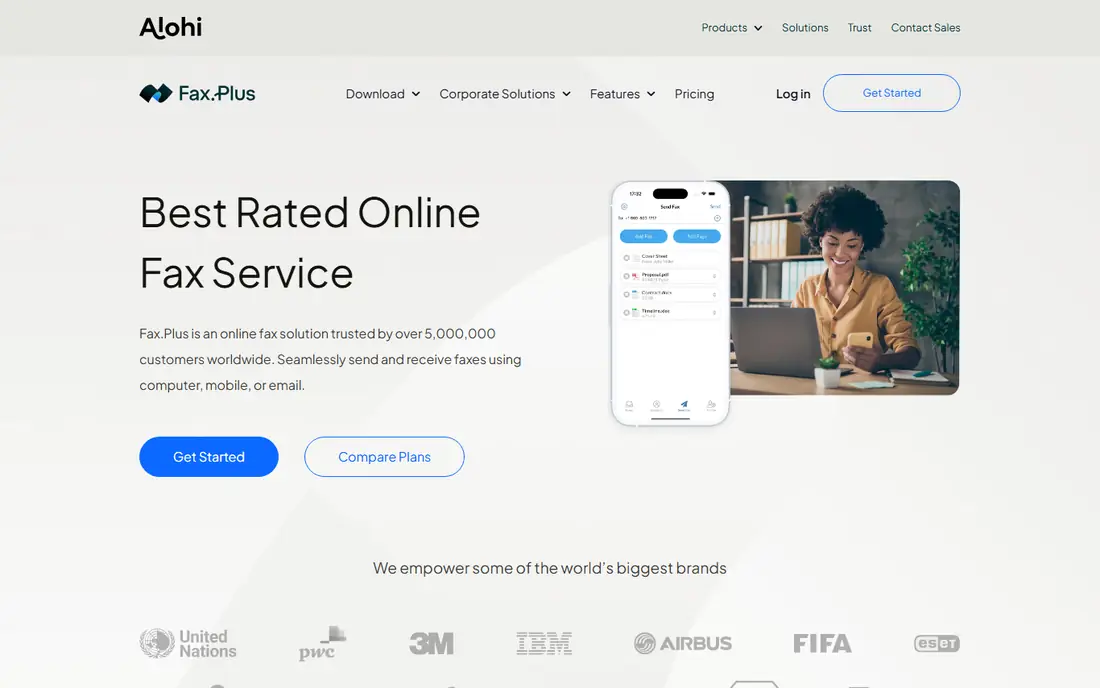
Fax.Plus is the easiest general replacement for a fax machine. It gives you a fax number, lets you send and receive from a browser or phone, and offers a free plan for occasional use. Paid plans add more pages, team features, and integrations, while keeping the interface simple for staff who only fax a few times a week.
Healthcare users should read the plan details carefully. HIPAA support, including a signed agreement and advanced controls, is reserved for the Enterprise tier in sources checked for this article, so a clinic should not assume a basic plan covers patient data. For general business faxing, Fax.Plus is a strong, low cost starting point.
What we like- Permanent free plan for occasional faxing
- Coverage in many countries
- Clean web and mobile apps
Watch out for- HIPAA and advanced controls need the Enterprise plan
- Free plan limits pages
- Higher plans needed for team features
#2eFax
Best for: Established brand for business fax4.5/5 on
G2 (233 reviews, checked Oct 2026)
Visit efax.com
Starting price$18.99 per month
Free planFree trial
eFax is the incumbent many businesses already know. It provides a fax number, web and mobile sending, and document handling that suits offices moving from a physical machine to an online service. Higher plans add eSignature features, which help when a faxed document also needs a signature.
Price and plan gating are the drawbacks. Entry at $18.99 per month in sources checked for this article covers a limited page allowance, and HIPAA features sit on higher Protect or Corporate plans. eFax fits established businesses that value brand familiarity and support, and that can justify a higher plan for compliance or signature features.
What we like- Long running brand with wide recognition
- Mobile and web apps
- ESignature options on higher plans
Watch out for- HIPAA features need higher plans
- Price is higher than newer rivals
- Page limits still apply on entry plans
Starting price$12.60 per month
Free planFree trial
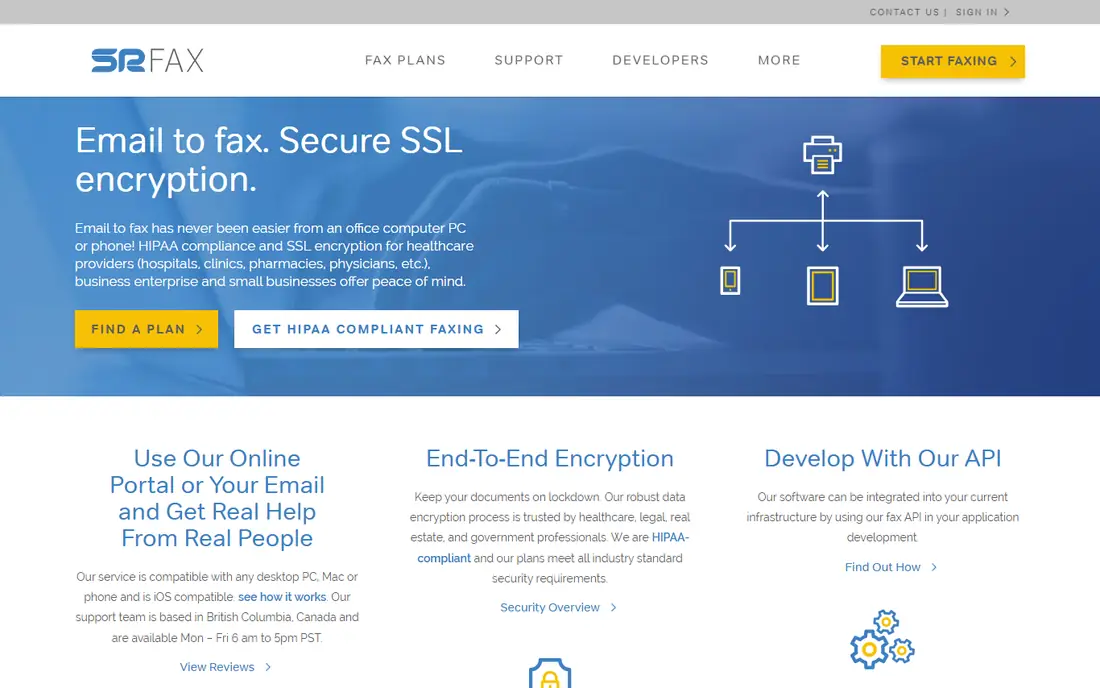
SRFax is a specialist that appeals to healthcare and legal teams on a budget. Healthcare Lite at $12.60 per month in sources checked for this article includes 200 pages and HIPAA related features, with PGP encryption offered at no extra charge. That price is far lower than many enterprise HIPAA plans, which makes it attractive for small clinics.
The interface is more basic than Fax.Plus or iFax, and mobile use is limited compared with app first services. SRFax fits teams that fax mainly by email or web, value compliance per dollar, and do not need a polished mobile app. For a small practice, it is one of the best value HIPAA options in this list.
What we like- Healthcare plans with signed agreement options
- Free PGP encryption on plans in vendor sources
- Low cost for 200 pages
Watch out for- Interface is more basic than modern rivals
- Mobile experience is limited
- No free ongoing plan
Starting price$25 per month
Free planFree trial
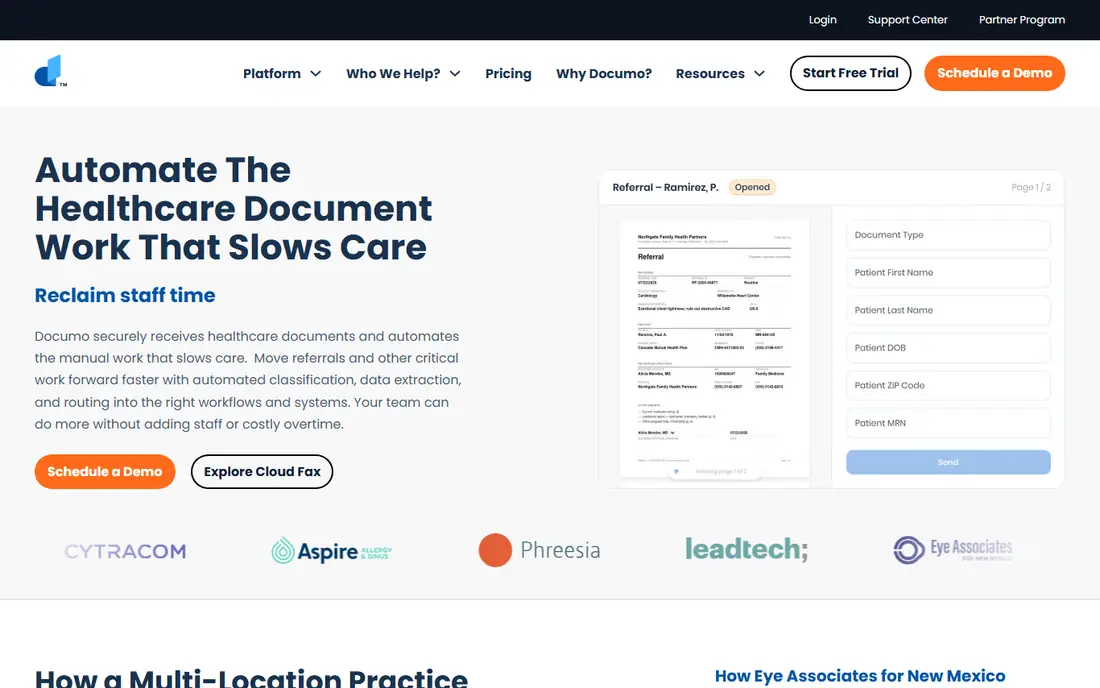
Documo is built for healthcare workflows, not just sending a fax. It offers HIPAA features on all plans in vendor sources, including a signed agreement, audit logs, and access controls, plus connectors to electronic health record systems. That lets incoming faxes route toward patient records instead of sitting in an inbox that staff must sort by hand.
The Solo plan at $25 per month in sources checked for this article includes 300 pages, which is enough for many small practices but more expensive than SRFax for very low volume. Documo fits clinics, imaging centers, and multi location practices that process many faxes and need EHR links and audit trails. Solo users with occasional fax needs should compare it with SRFax first.
What we like- HIPAA features on all plans in vendor sources
- EHR connectors for patient workflows
- Audit logs and access controls
Watch out for- Price is higher than SRFax for low volume
- Developer API is an add on
- More than a solo user needs for occasional faxing
#5iFax
Best for: Mobile faxing for small practices4.7/5 on
G2 (480 reviews, checked Oct 2026)
Visit ifaxapp.com
Starting price$24.99 per month
Free planFree trial
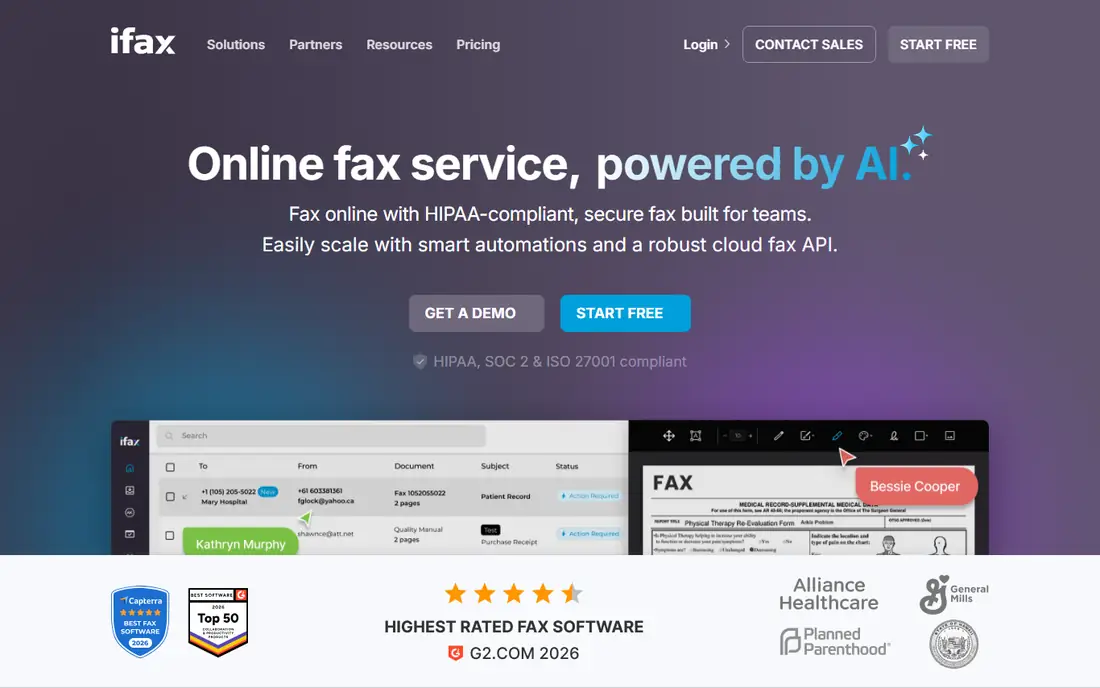
iFax suits teams that fax mainly from a phone. The mobile app is polished, scanning and sending are quick, and the web portal covers desktop work. A signed agreement for patient data is available from the Plus plan at $24.99 per month in sources checked for this article, which makes iFax a credible option for small healthcare practices that value mobile use.
General business users may find Fax.Plus cheaper for the same page volume, and iFax still limits pages by plan. iFax fits small practices, field staff, and professionals who need to fax documents from a phone while away from an office, with compliance features on the Plus plan and above.
What we like- Polished mobile and web apps
- Signed agreement from the Plus plan in sources
- EHR and API options on higher plans
Watch out for- HIPAA features need Plus or higher
- Price is higher than Fax.Plus for general use
- Page limits apply
#6CocoFax
Best for: Low cost faxing4.6/5 on
G2 (188 reviews, checked Oct 2026)
Visit cocofax.com
Starting price$4.99 per month
Free planFree trial
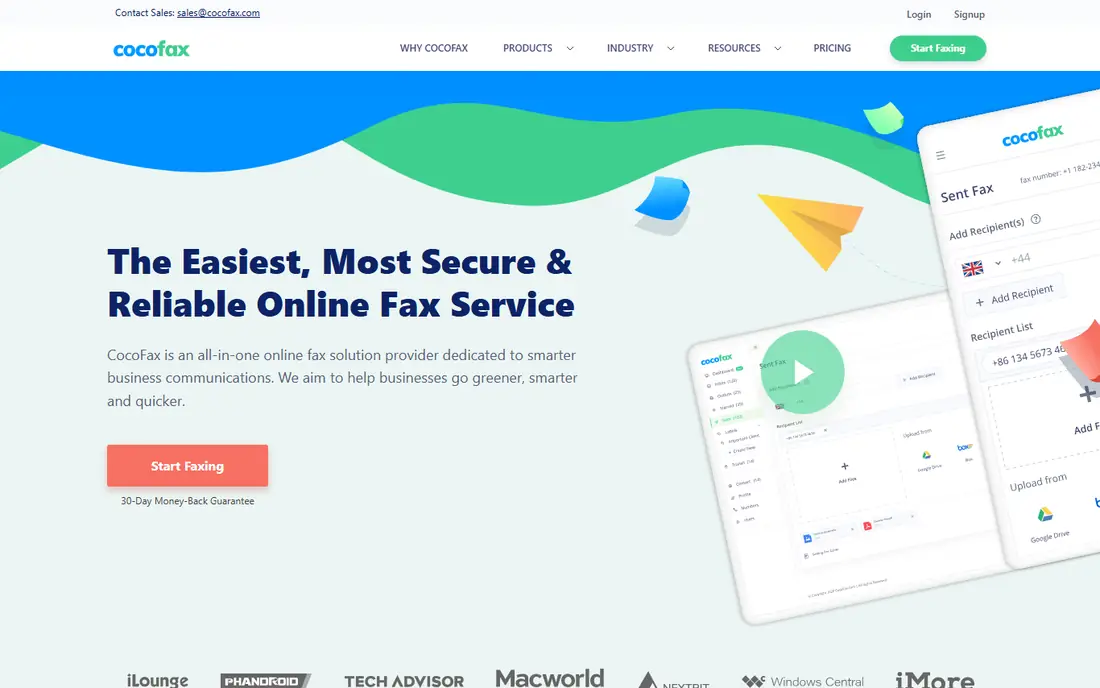
CocoFax offers one of the lowest paid entry prices in this list, at $4.99 per month on annual billing in sources checked for this article. It covers basic web and mobile faxing for small businesses and individuals who fax occasionally and do not need team or EHR features. Setup is quick, and the low price makes it easy to test.
Healthcare use needs extra care. A HIPAA agreement must be requested and signed before transmitting patient data, and audit and compliance features are thinner than in Documo or SRFax. CocoFax fits low volume general faxing, not a clinic that needs strong audit trails out of the box. Check the agreement and plan terms before any patient workflow.
What we like- Very low entry price
- Web and mobile sending
- Simple setup for occasional faxing
Watch out for- HIPAA agreement must be requested and signed before sending patient data
- Page limits are low on entry plans
- Support and audit features are thinner than enterprise tools
Starting price$3.49 per month
Free planFree trial
Faxage suits users who fax rarely but want a dedicated number and a predictable base cost. The entry plan at $3.49 per month in sources checked for this article plus a per page fee keeps costs low when volume is low, and email to fax options help offices that still work by email. API access suits small integrations without a large platform fee.
At higher volume, per page fees can exceed a flat plan from Fax.Plus or SRFax, so model expected pages before choosing. The interface is also basic compared with modern app first services. Faxage fits low volume users, such as a solo professional who sends a few faxes a month and wants a low base cost.
What we like- Very low monthly base cost
- Pay per page model suits low volume
- Email to fax and API options
Watch out for- Per page fees add up at higher volume
- Interface is basic
- HIPAA features need a higher tier
Starting priceSee website
Free planFree trial
Dropbox Fax, formerly HelloFax, fits teams that already store and sign documents in Dropbox. Faxing sits alongside storage and eSignature workflows, so a team can prepare, sign, and fax a document without moving files between systems. Security and audit features fall under the wider Dropbox system, which helps teams that already trust Dropbox for documents.
Pricing and fax agreement availability are less transparent than in SRFax or Documo, and some fax compliance features may need a sales conversation. Dropbox Fax fits Dropbox users who want faxing inside a familiar workflow, rather than users who need a standalone fax service with clear public HIPAA pricing.
What we like- Works with Dropbox storage and signing workflows
- Familiar interface for Dropbox users
- Audit and security features under Dropbox
Watch out for- Fax agreement may be sales gated for some plans
- Price is less transparent than rivals
- Less suited to users outside Dropbox
Starting priceSee website
Free planFree trial
MetroFax is a straightforward business fax service for US and Canada users. Sources checked for this article describe a good page allowance for the price, with a simple web workflow for sending and receiving. That makes it a practical replacement for a physical machine in a small office that faxes mainly within North America.
International coverage and HIPAA support are limits. Sources state MetroFax does not offer HIPAA support, so healthcare teams should not use it for patient data. MetroFax fits general business faxing in the US and Canada, where page volume matters more than mobile apps or compliance features.
What we like- Good page allowance for the price in sources
- US and Canada coverage
- Simple business faxing workflow
Watch out for- Limited to US and Canada in sources
- No HIPAA support in sources
- Fewer modern app features than rivals
How we chose
We compared vendor pricing pages, product documentation, and public reviews on G2, Capterra, and Reddit, and we checked fax numbers, page limits, overage fees, mobile and web apps, integrations, and HIPAA agreement availability by plan. A tool made this list only if it exists today as an online fax service and can send and receive faxes without a physical machine. We treated HIPAA claims as plan specific, not service wide, because several vendors gate compliance features to higher tiers.
Page math was a key test. A low monthly price with a small page allowance can cost more than a higher plan once overage fees apply, so we noted page limits where sources made them clear. Readers should still request and verify a signed agreement in writing before sending patient information, and check data retention, access controls, and audit logs for their plan.
Replacing a fax machine without breaking workflows
Start by listing who sends faxes, who receives them, and how paper documents enter the workflow. A clinic may receive referrals by fax, a law firm may send signed forms, and a small office may only fax a few times a month. That list decides whether you need a mobile app, an EHR link, a team inbox, or just a basic number.
Number porting, pages, and paper handling
Check whether you can port an existing fax number, because clients and partners may already use it. Estimate monthly send and receive pages separately, and compare overage fees, not just the base price. Keep a scanner or a phone scanning app for paper documents, and decide where received faxes should go, such as email, a shared drive, or an EHR inbox, so they do not sit unread.
Compliance checks for healthcare and legal use
For patient data, confirm in writing that your plan includes a signed Business Associate Agreement, encryption in transit and at rest, access controls, and audit logs. Check whether the vendor stores data in your country or region if that matters, and confirm retention and deletion settings. This article is general information only, not legal or compliance advice, and a compliance officer should review the vendor terms before a patient workflow goes live.
Frequently asked questions
Can I completely replace a fax machine with an online service?
Yes, for most businesses. Online fax services give you a fax number and let you send and receive from a browser, email, or phone app, without a phone line or a physical machine. Keep a scanner for paper documents, and port your existing number if clients already use it.
Which online fax service is best for HIPAA compliance?
SRFax and Documo are strong picks, because SRFax offers a low cost healthcare plan and Documo offers HIPAA features on all plans in vendor sources. iFax also offers a signed agreement from its Plus plan. Always request and verify the signed agreement in writing for your specific plan before sending patient information.
What is the cheapest online fax service?
CocoFax and Faxage offer very low entry prices, at $4.99 and $3.49 per month respectively in sources checked for this article, but both limit pages and charge overages. Fax.Plus offers a free plan for occasional use and $6.99 per month for a paid plan. Compare page limits and overage fees, not just the base price.
Do I need a phone line for online faxing?
No. Online fax services use the internet and a virtual fax number, so no dedicated phone line or physical machine is needed. You need internet access, a browser or app, and a way to scan paper documents if you still receive them on paper.
Can I keep my existing fax number?
Many services support number porting, but the process and timing vary by vendor and country. Ask the new provider about porting before you cancel an old line, and keep the old number active until the port completes. Test inbound and outbound faxing after the port before telling clients to use the new service.
Are online faxes legally valid?
In the US, faxed documents are widely accepted for business, legal, and healthcare workflows, subject to the rules of the receiving organization and applicable law. Keep a transmission record, confirm receipt for important documents, and check whether a recipient requires an original signature or a specific format. This is general information only, not legal advice.
Sources we checked (9)
- https://fax.plus/pricing
- https://www.efax.com/pricing
- https://www.srfax.com/pricing
- https://www.documo.com/pricing
- https://www.ifaxapp.com/pricing
- https://cocofax.com/pricing
- https://www.faxage.com/pricing
- https://www.dropbox.com/fax/pricing
- https://www.metrofax.com/pricing
Is your product missing or out of date?
We review this list regularly. Vendors can request a listing, send updated pricing or ask about featured placement.

Shihab Mia · Founder, Rankite
Shihab has 5+ years in B2B and SaaS SEO. He writes Rankite's software buying guides from pricing pages, documentation and public user reviews. More about Shihab.