How we make this list: we compare pricing pages, product documentation and public user reviews. Ratings come from G2, Capterra or Trustpilot, with the date we checked them.
Key takeaways
- Every tool in this guide has a genuinely free tier, not just a trial, so a small team can run real projects without paying on day one.
- Freedcamp is the closest free match to Basecamp, with unlimited users and projects on its free plan and a simple, discussion-led workspace.
- Trello suits visual teams that want the simplest possible board, while ClickUp suits teams that want docs, goals, and many views in one free workspace.
- Free tiers all cap something, usually storage, projects, members, history, or automation, so the right choice depends on which limit your team will hit first.
- Basecamp itself charges a flat monthly price for unlimited users, so a free alternative only saves money if its free limits fit your team size and project count.
Quick comparison
| Tool | Best for | Starting price | Free plan |
|---|
 Freedcamp Freedcamp | Closest free Basecamp replacement | $0 | Yes |
 Trello Trello | Simple visual boards for small teams | $0 | Yes |
 ClickUp ClickUp | All-in-one workspace with many views | $0 | Yes |
 Asana Asana | Structured tasks and timelines | $0 | Yes |
 Notion Notion | Docs plus projects in one workspace | $0 | Yes |
 Teamwork Teamwork | Client work with time tracking | $0 | Yes |
 Zoho Projects Zoho Projects | Budget-friendly Gantt and time tracking | $0 | Yes |
Is your product missing or out of date?
We review this list regularly. Vendors can request a listing, send updated pricing or ask about featured placement.
The best free alternatives to Basecamp
#1Freedcamp
Best for: Closest free Basecamp replacement4.5/5 on
G2 (159 reviews, checked Oct 2026)
Visit freedcamp.com
Starting price$0
Free planYes

Freedcamp is the tool most Basecamp users should try first when the goal is free, not just cheap. Its free plan includes unlimited users, unlimited projects, task lists, Kanban boards, a basic Gantt view, calendar, discussions, milestones, and time tracking, with storage subject to a fair usage policy on the vendor homepage. That combination mirrors what people liked about Basecamp: one shared home for work, discussion alongside tasks, and no per-user fee that punishes a growing team. A small agency, nonprofit, or family business can invite clients and collaborators without counting seats.
The trade is polish and depth. Freedcamp looks simpler than Asana or ClickUp, and some advanced features, such as fuller reporting and certain integrations, sit behind paid plans. Paid pricing is low, with third-party summaries listing entry plans from about $1.49 per user per month billed annually, but the free tier alone covers the core Basecamp job for many teams. If your team values unlimited people and projects over a modern design system, Freedcamp is the most direct free replacement in this guide.
What we like- Unlimited users and unlimited projects on the free plan
- Task lists, Kanban, discussions, milestones, and time tracking included
- Simple interface
Watch out for- Design feels plainer than larger rivals
- Advanced reporting and some integrations need paid tiers
#2Trello
Best for: Simple visual boards for small teams4.4/5 on
G2 (14,064 reviews, checked Oct 2026)
Visit trello.com
Starting price$0
Free planYes
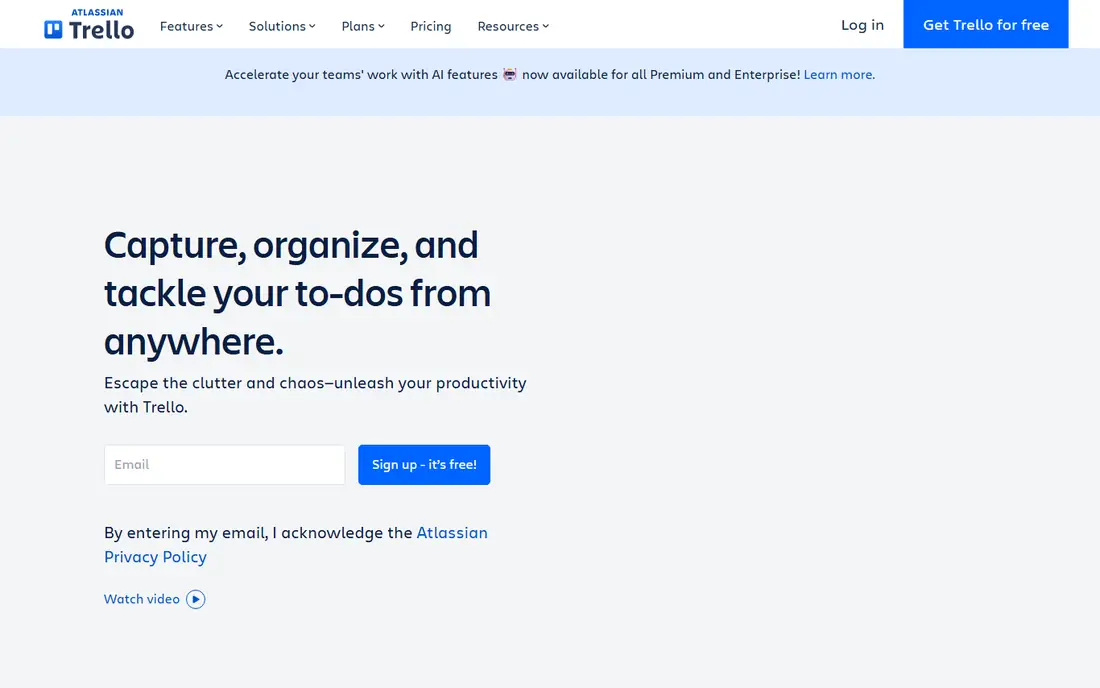
Trello is the simplest free alternative here, and that simplicity is its strength. A team creates a board, adds lists for stages such as To do, Doing, and Done, and moves cards across as work progresses. Comments, checklists, due dates, attachments, and labels cover most small-project needs without training, and the free tier in recent third-party summaries includes unlimited boards, cards, and members, with storage limits per file. For a team moving from Basecamp message boards and to-do lists to a visual workflow, Trello feels immediate.
The limit is scope. Trello is a board tool first, so it lacks the built-in docs, full Gantt timelines, and workload views that a larger project platform offers on paid tiers. Teams that need docs, budgets, or complex dependencies will outgrow the free tier faster than they expect. Trello fits a small team with straightforward work, such as content calendars, event checklists, or client onboarding steps, where seeing the whole board at a glance matters more than deep planning features.
What we like- Easiest board setup in this guide
- Unlimited personal boards and cards on free plans in recent summaries
- Butler automation included in limited form
Watch out for- Kanban only at its core, with no native docs or full project timelines on free
- Larger projects need paid features
#3ClickUp
Best for: All-in-one workspace with many views4.6/5 on
G2 (14,878 reviews, checked Oct 2026)
Visit clickup.com
Starting price$0
Free planYes
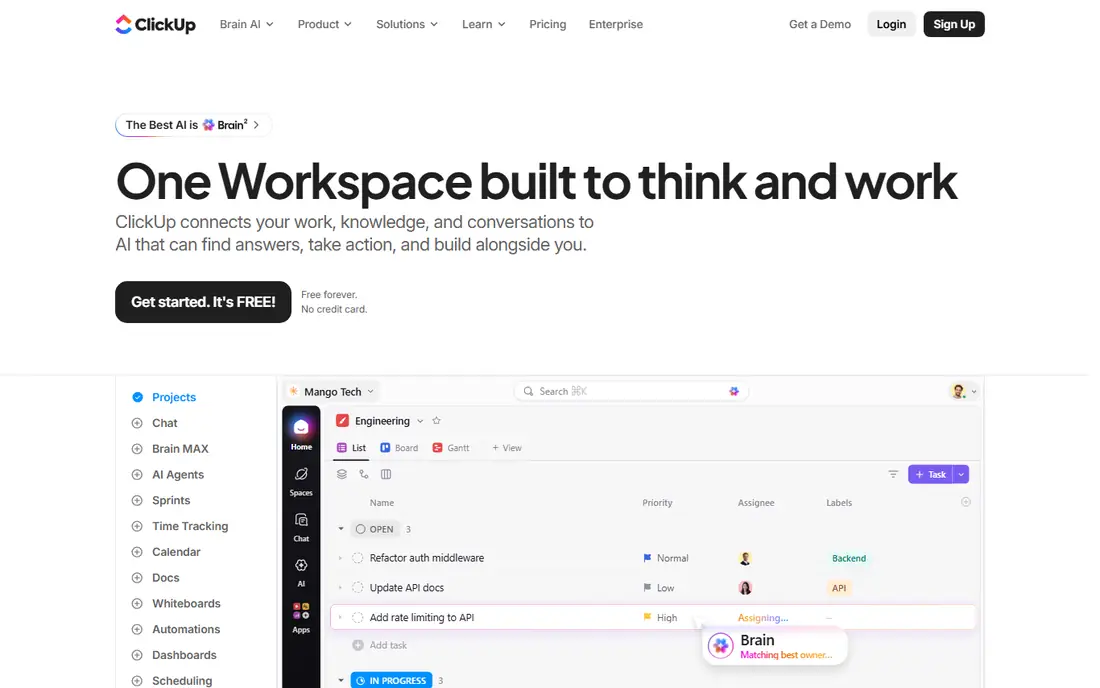
ClickUp offers the broadest free workspace in this guide. Its free plan includes multiple views, docs, goals, time tracking, and collaborative features that usually require payment elsewhere, which is why it appears in almost every free project management comparison. A team can run tasks, docs, and a calendar from one workspace, switch between list, board, and calendar views, and set goals that tie tasks to outcomes. That breadth suits a team that liked Basecamp all-in-one feel but wants more views and automation.
Breadth brings clutter. New users often find ClickUp busy, with many settings, views, and options that a Basecamp user never had to learn. Free storage is limited, and some features, such as fuller Gantt use and custom fields at scale, are capped before a paid upgrade is suggested. Paid plans start at $7 per user per month billed annually in third-party summaries. ClickUp fits a team that wants one free tool for many kinds of work and is willing to spend an hour setting up views and permissions to keep the workspace calm.
What we like- Docs, lists, boards, calendars, and goals in one free workspace
- Generous free feature set
- Strong integrations
Watch out for- Free storage is limited to 100 MB in third-party summaries
- Interface can feel busy for a team that wants Basecamp calm
#4Asana
Best for: Structured tasks and timelines4.4/5 on
G2 (13,930 reviews, checked Oct 2026)
Visit asana.com
Starting price$0
Free planYes
Asana is the most structured free alternative here, and it suits teams that found Basecamp too loose for tracking deadlines. Tasks can carry assignees, due dates, subtasks, comments, and attachments, while projects offer list, board, timeline, and calendar views. Templates for marketing, operations, and product work help a new team start without building every project from scratch. The interface stays clean even as task counts grow, which helps a manager see what is late, what is blocked, and who is overloaded.
Free limits are the main constraint. Asana free tier is designed for small teams and personal projects, with caps on members and features that push larger or more complex teams toward paid plans. Timeline dependencies, advanced reporting, and portfolio views are stronger on paid tiers. Asana fits a small team that wants clear ownership and dates, and is happy to pay later if the team grows beyond the free tier. It is less suited to a team that needs unlimited free members, where Freedcamp or Trello may fit better.
What we like- Clear task, project, and timeline views
- Strong templates
- Reliable for teams that need dependencies and milestones
Watch out for- Free tier limits members, projects, and advanced features
- Workload and portfolio views need paid plans
#5Notion
Best for: Docs plus projects in one workspace4.6/5 on
G2 (13,834 reviews, checked Oct 2026)
Visit notion.com
Starting price$0
Free planYes
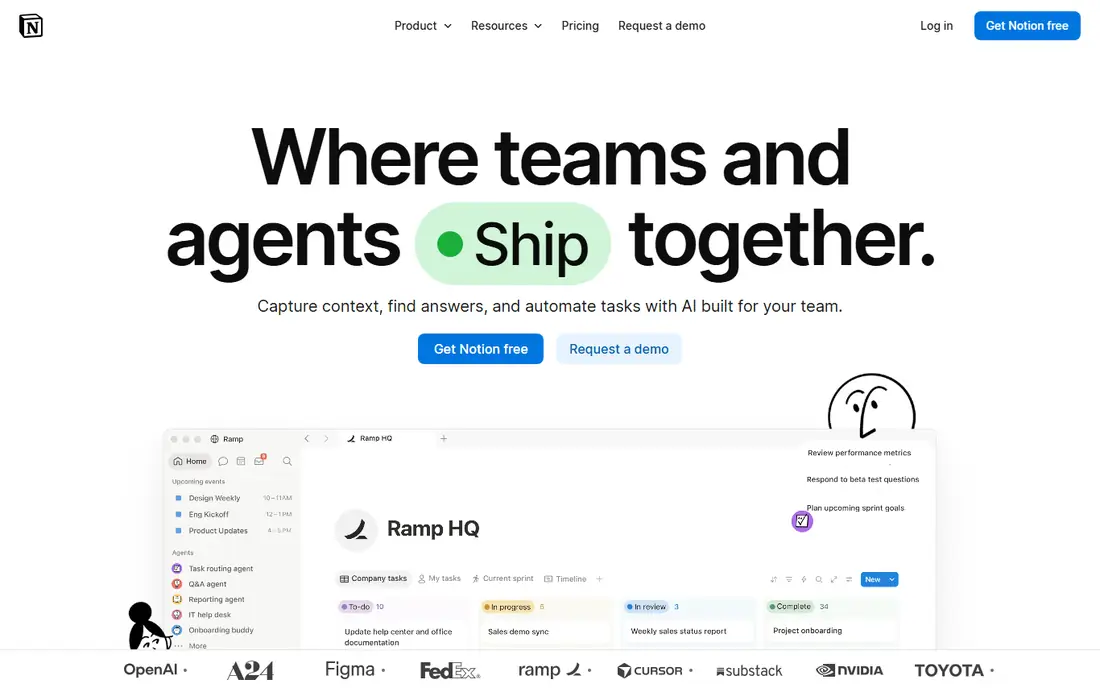
Notion is a different kind of Basecamp alternative: a workspace where docs and projects live together. A team can keep meeting notes, a wiki, a content calendar, and a task database in one place, linking pages and databases so a project brief, its tasks, and its decisions stay connected. The free plan covers unlimited pages and blocks for individuals, with collaboration features for small teams, and a large template gallery helps a team copy a proven setup instead of building one from scratch. That doc-first model suits knowledge-heavy teams, such as marketing, product, and operations groups.
The drawback is that Notion project management is built from databases, not from a dedicated project engine. Gantt-style timelines, workload balancing, and time tracking need database views, formulas, or integrations, and a team that expects Asana-style dependencies out of the box may find Notion slower to configure. Notion fits a team that already lives in docs and wants tasks inside the same workspace, rather than a team that needs strict project controls. For pure task tracking, Trello or Asana will feel faster on day one.
What we like- Flexible docs, wikis, databases, and boards in one place
- Generous free plan for individuals and small teams
- Strong templates
Watch out for- Project management features are database-based, not a dedicated Gantt or workload tool
- Setup takes time to get right
#6Teamwork
Best for: Client work with time tracking4.4/5 on
G2 (1,214 reviews, checked Oct 2026)
Visit teamwork.com
Starting price$0
Free planYes
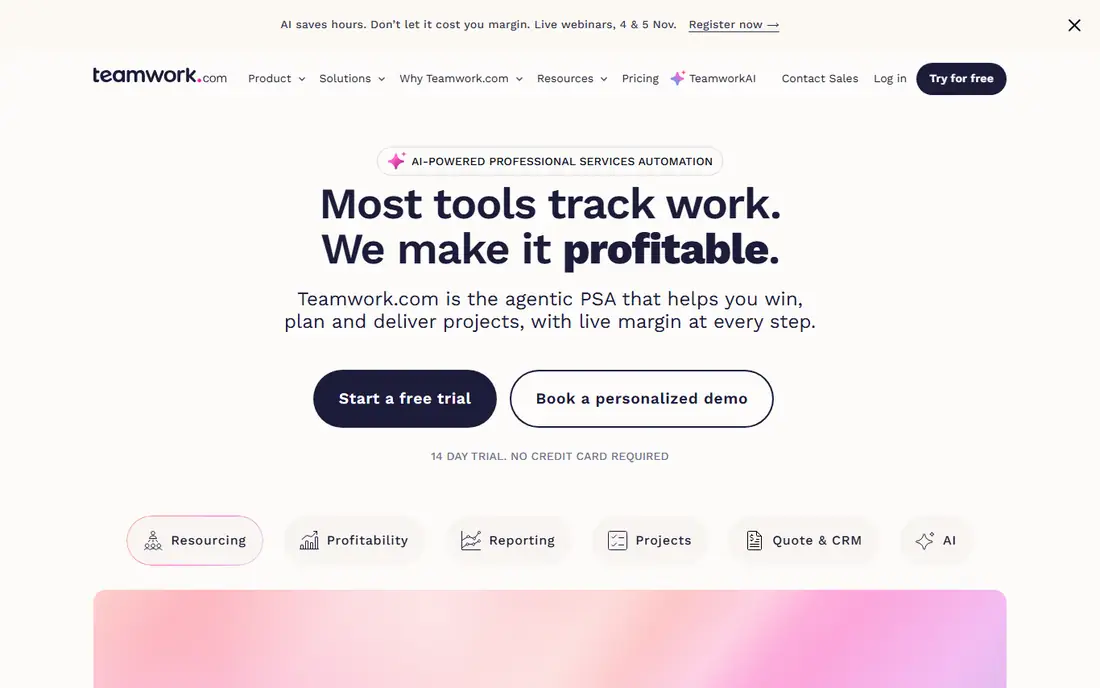
Teamwork, formerly Teamwork Projects, is a strong free choice for a small agency or freelancer team that bills by the hour. Its free tier includes task lists, Kanban, a Gantt view, time tracking, and basic project tools, which cover client delivery without a separate time tool. That combination is useful when a project needs both a schedule and a record of hours worked, and when a client needs a clear view of progress. Integrations with common tools and a clean project structure help a small team look organized to clients.
Free limits are tight. Third-party summaries list the free plan at five users, 100 MB storage, and two projects, which means a team with more clients or more concurrent work will hit the ceiling quickly. Paid plans are per-user, so cost grows with the team, unlike Basecamp flat pricing or Freedcamp unlimited free users. Teamwork fits a freelancer or micro-agency with one or two active client projects that wants time tracking built in. Larger teams should compare Freedcamp for unlimited free users or Zoho Projects for a lower per-user entry.
What we like- Task lists, Kanban, Gantt, and time tracking on free
- Useful for agencies and client projects
- Invoicing features on paid tiers
Watch out for- Free tier is limited to five users, 100 MB storage, and two projects in third-party summaries
- Paid plans are per-user
#7Zoho Projects
Best for: Budget-friendly Gantt and time tracking4.4/5 on
G2 (570 reviews, checked Oct 2026)
Visit zoho.com
Starting price$0
Free planYes
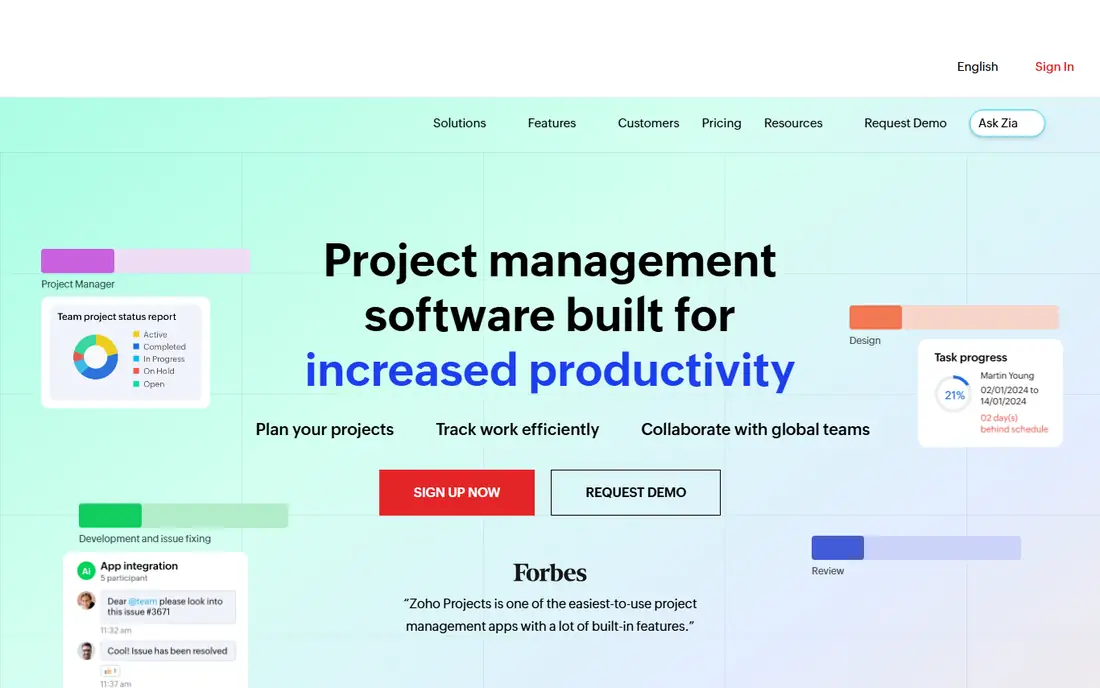
Zoho Projects is the budget option for a team that wants classic project management features without a high entry price. Its free plan includes task management, Gantt charts, Kanban boards, time tracking, and collaboration tools, with issue tracking for teams that handle bugs or support tasks alongside projects. That feature set is unusually complete for a free tier, and it integrates with other Zoho apps, such as Zoho Invoice for turning timesheets into invoices, which helps a small business keep billing close to delivery.
The free tier is not unlimited. Project and user limits apply, and advanced automation, portfolios, and some reporting features sit on paid tiers, with third-party summaries listing paid entry from $5 per user per month. The interface is functional rather than modern, which may matter less to a team that values Gantt charts and timesheets over design. Zoho Projects fits a small team, especially one already using Zoho apps, that wants a traditional project tool for free and a low-cost upgrade path when the team grows.
What we like- Gantt charts, task lists, Kanban, and time tracking on free
- Strong value for Zoho users
- Issue tracking included
Watch out for- Free tier limits projects and users
- Interface feels more traditional than Asana or Notion
How we chose
We compared tools on vendor pricing pages, documentation, and public reviews on G2, Capterra, and Reddit, with a focus on one question: does the free tier support real project work, or is it only a trial in disguise? A tool made this list only if it offers a permanent free plan that covers tasks, collaboration, and at least one project view, and if that plan is available today. We did not claim hands-on testing, and where a vendor does not publish a simple starting price on its homepage, we list See website or $0 for the free entry rather than repeating a third-party figure as a vendor fact. Paid prices quoted from third-party summaries are marked as such in the text.
How to pick a free Basecamp alternative without regretting it
Start with the limit you will hit first, not the feature list. Count your team, including clients and collaborators who need access, then count active projects and expected file storage. A tool with unlimited free users, such as Freedcamp, wins for a large volunteer or client group, while a tool with a five-user free cap, such as Teamwork, wins only for a tiny team. Next, check the view your work needs: Kanban for visual flow, Gantt for dated dependencies, or docs for knowledge work. A free tool that lacks your core view will force a paid upgrade sooner than a tool with fewer features overall.
Test with a real project, not a demo board. Move one active Basecamp project, including its to-dos, messages, and files, into the shortlisted tool, and run it for two weeks. Check whether discussion stays attached to tasks, whether deadlines and milestones are visible, and whether exporting data is possible without paying. Confirm how paid pricing works if you outgrow free: per-user, flat, or volume-based, and whether clients count as paid seats. A free plan that is easy to leave, with clean exports, is safer than a free plan that locks history behind a paywall.
Frequently asked questions
Is there a completely free alternative to Basecamp?
Yes. Freedcamp, Trello, ClickUp, Asana, Notion, Teamwork, and Zoho Projects all offer permanent free plans, not just trials. The right one depends on limits: Freedcamp offers unlimited users and projects on free, while others cap users, projects, storage, or features. Check those caps against your team size before choosing.
What is the closest free alternative to Basecamp?
Freedcamp is the closest free match, because it combines unlimited users and projects with task lists, discussions, milestones, and time tracking in a simple workspace. It lacks some of the polish of larger tools, but for a team that liked Basecamp calm, all-in-one feel, Freedcamp preserves that model at no cost.
Can I migrate from Basecamp to a free tool?
Yes, in most cases by exporting Basecamp projects and importing tasks, files, and messages manually or with an import tool where offered. Migration effort varies by tool, so test with one project first and check whether message history, attachments, and to-do assignments survive the move. Keep Basecamp access until the new workspace has run cleanly for two weeks.
Do free plans include time tracking?
Several do. Freedcamp, ClickUp, Teamwork, and Zoho Projects include time tracking on free or trial tiers, which helps freelancers and agencies record billable hours. Trello and Asana free tiers rely more on integrations or paid plans for fuller time tracking, so check that feature if billing depends on it.
Will a free plan work for client collaboration?
Yes, if the free tier allows guest or client access without counting every client as a paid seat. Freedcamp unlimited free users suit client work well, while tools with small free user caps may require a paid plan once clients are added. Confirm guest permissions and whether clients can see only their own project.
When should I pay instead of staying free?
Pay when a free limit blocks real work: too many projects, too little storage, missing Gantt or workload views, or a need for advanced reporting and automation. Compare the paid price against Basecamp flat pricing for your team size, because a per-user plan can become more expensive than Basecamp once the team grows.
Sources we checked (7)
- https://freedcamp.com
- https://trello.com
- https://clickup.com
- https://asana.com
- https://www.notion.com
- https://www.teamwork.com
- https://www.zoho.com/projects
Is your product missing or out of date?
We review this list regularly. Vendors can request a listing, send updated pricing or ask about featured placement.

Shihab Mia · Founder, Rankite
Shihab has 5+ years in B2B and SaaS SEO. He writes Rankite's software buying guides from pricing pages, documentation and public user reviews. More about Shihab.