How we make this list: we compare pricing pages, product documentation and public user reviews. Ratings come from G2, Capterra or Trustpilot, with the date we checked them.
Direct answer
JobTread is the closest starting point for many residential builders leaving Contractor Foreman because it includes all features at $199/mo with one internal user. Houzz Pro suits remodelers who also need design tools. Small teams that want simple client updates should look at BuildBook at $79 per month instead.
Key takeaways
- Residential builders who want all features open: JobTread starts at $199/mo with 1 internal user.
- Remodelers who sell with design: Houzz Pro Pro is $199/mo for 1 user, with a Free Plan for basic tools.
- Trade subcontractors billing AIA jobs: Knowify Core is $99/mo billed annually and syncs with QuickBooks Online.
- Field crews working from plans: Fieldwire Basic is free for 5 users, 3 projects and 100 sheets.
- Small residential teams: BuildBook starts at $79 per month with a 10-day free trial.
Quick comparison
| Tool | Best for | Starting price | Free plan |
|---|
 Buildertrend | Established residential builders needing full client management | See website | None found on vendor page |
 JobTread | Residential builders wanting all features included | $199/mo includes 1 internal user | None found on vendor page |
 Houzz Pro | Remodelers wanting design plus project tools | Pro $199/mo for 1 user | Free Plan with 3D Floor Planner, Estimates and Invoicing |
 Buildxact | Residential builders focused on estimating accuracy | Foundation $199/mo billed monthly | Go $0 plan with 5 credits on US site |
 Knowify | Trade subcontractors billing AIA into QuickBooks | Core $99/mo billed annually includes 1 user | 14-day free trial |
 Builder Prime | Home improvement firms driven by sales pipeline | $300/mo platform fee plus $60/mo per Core user | 14-day free trial, no credit card required |
 Procore | Large general contractors with complex projects | See website | None found on vendor page |
 Autodesk Forma Build | Commercial teams already using Autodesk data | Forma Build Essentials $800 per user per year | None found on vendor page |
 Fieldwire | Field crews needing plans and tasks | Pro $39 per user per month billed annually | Basic free plan for 5 users, 3 projects and 100 sheets |
 BuildBook | Small residential teams wanting simple client updates | $79 per month | 10-day free trial, no credit card required |
Is your product missing or out of date?
We review this list regularly. Vendors can request a listing, send updated pricing or ask about featured placement.
The best contractor foreman alternatives
Contractor Foreman users usually switch when estimates, schedules, daily logs and client updates start to feel cramped for the size of the crew. The right alternative depends on the work: residential builders need client portals and selections, trade subcontractors need AIA billing and QuickBooks sync, and field crews need current plans on phones. This list ranks 10 tools by published starting price, free plan or trial, and fit for the buyer who has outgrown a general contractor app but still needs costs that stay clear month to month.
#1
Buildertrend
Best for: Established residential builders needing full client management
Visit buildertrend.com
Starting priceSee website
Free planNone found on vendor page
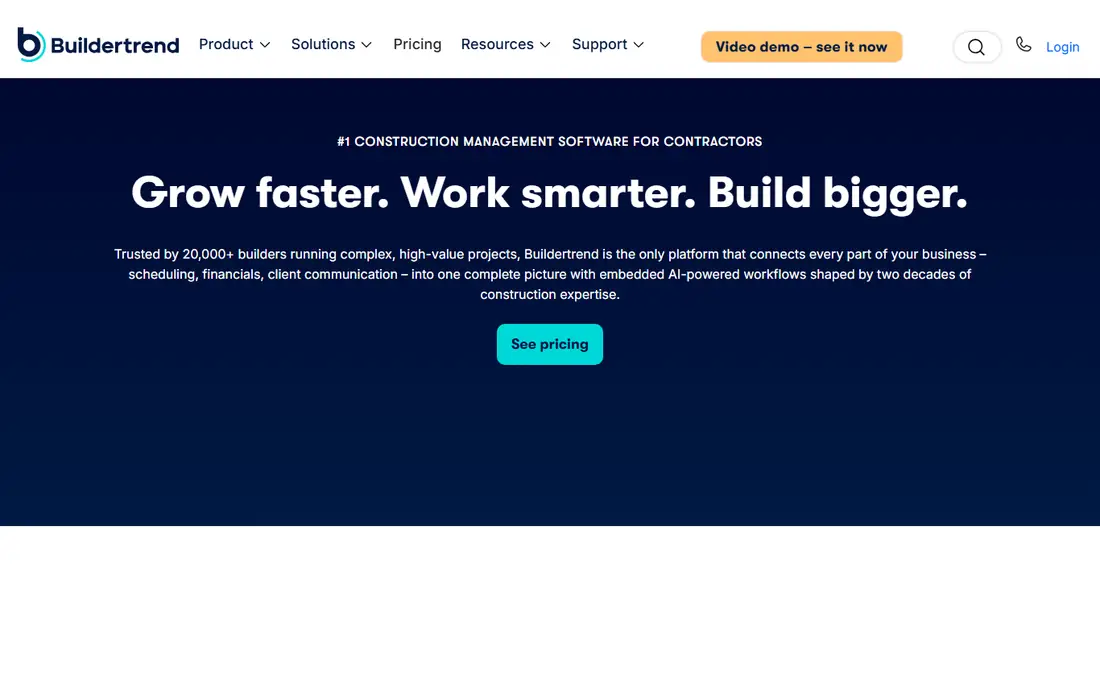
Buildertrend is a construction management platform built for established residential builders who need leads, projects, finances and client communication in one place. It fits companies that have outgrown spreadsheets and want unlimited users and jobs rather than seat limits on every project. Purchase orders are included, which helps teams track commitments against budgets. For a Contractor Foreman user, the draw is breadth: sales, scheduling, financial tracking and client updates sit together, so office staff do not re-enter the same job details across separate tools during busy weeks when several homes are active at once and clients expect prompt answers.
The catch is pricing. Buildertrend uses personalized pricing and does not publish a starting price on the vendor page, so a small crew cannot compare its first year cost in minutes. There is also no free trial listed. Pick it if unlimited users and broad client management matter most and you can wait for a quote. Look elsewhere if you need a published price or a trial before committing the team.
What we like- Unlimited users and jobs
- Lead, project, financial and client management
- Purchase orders included
Watch out for- Personalized pricing with no published starting price
- No free trial
#2
JobTread
Best for: Residential builders wanting all features included
Visit jobtread.com
Starting price$199/mo includes 1 internal user
Free planNone found on vendor page
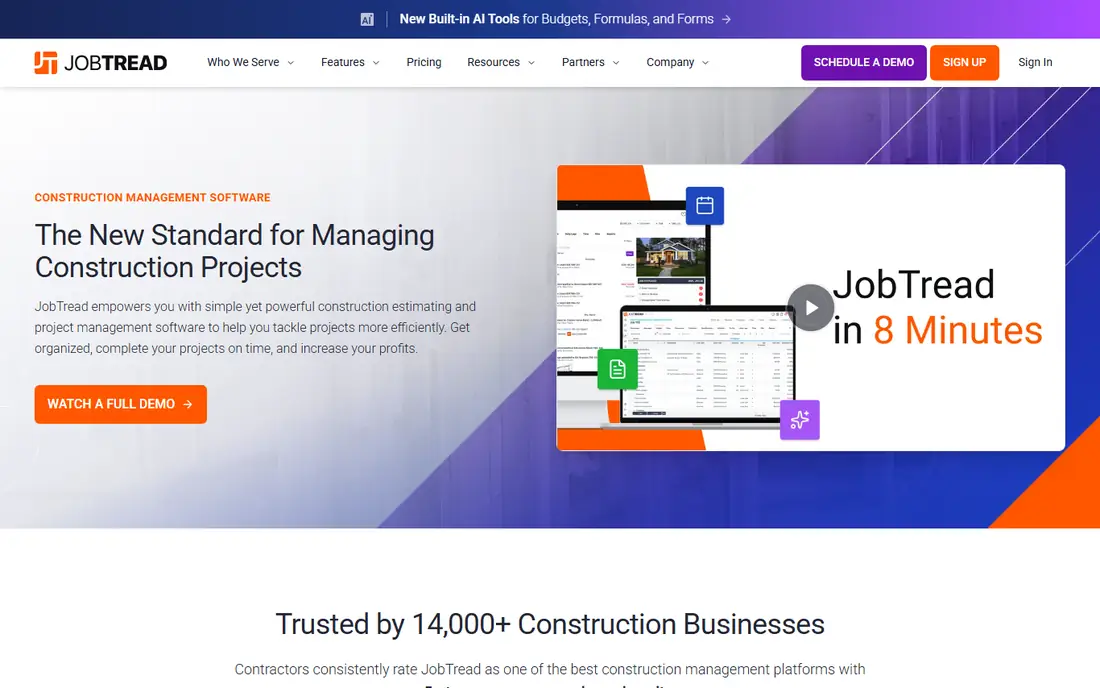
JobTread is aimed at residential builders who want estimating, budgeting, scheduling, documents and client communication without buying feature tiers one by one. Its pricing page says all features are included, with unlimited jobs, documents and files, plus unlimited free portal users for clients and trade partners. That structure suits a growing builder who adds projects faster than office staff. At $199/mo with one internal user included, the starting point is clear, and teams can judge cost by how many internal seats they truly need each month for estimates, schedules and client approvals.
The catch is internal seats. The $199/mo starting price includes one internal user, and extra internal users raise the monthly bill even though portal users are free. JobTread also lists no free trial on its pricing page. Pick it if you want every feature open from day one. Look elsewhere if several office staff need full access and a lower per-seat entry price matters more.
What we like- All features included
- Unlimited jobs, documents and files
- Unlimited free portal users
Watch out for- No free trial
- Internal user fees raise cost
#3
Houzz Pro
Best for: Remodelers wanting design plus project tools
Visit houzz.com
Starting pricePro $199/mo for 1 user
Free planFree Plan with 3D Floor Planner, Estimates and Invoicing
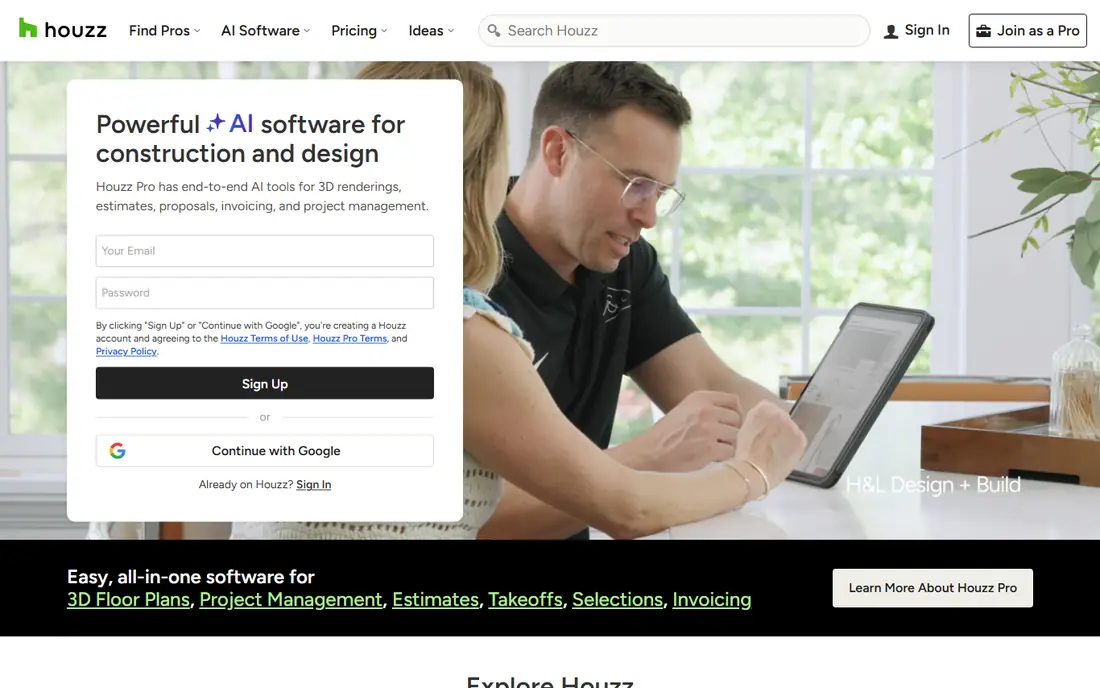
Houzz Pro combines project tools with design features that remodelers use during sales and planning. Estimates, invoices, payments, takeoffs and 3D floor plans sit alongside selections, bid and budget management, so a remodeler can move from concept to contract in one system. The Free Plan includes 3D Floor Planner, Estimates and Invoicing, which lets a small firm test basic workflows before paying. Pro starts at $199/mo for one user, making it a practical step for design-led remodelers who also manage builds with clients who care about visuals before work begins on site each week.
The catch is user cost. Pro includes one user, and extra users cost $50/user/mo, so a five-person office pays more than the headline price suggests. Advertising on Houzz is separate and starts from $499/mo, which should not be confused with software cost. Pick Houzz Pro if design and client presentation help you win work. Look elsewhere if you need many internal users at a flat rate.
What we like- Estimates, invoices, payments, takeoffs and 3D floor plans
- Selections, bid and budget management
- Free plan for basic tools
Watch out for- Pro includes 1 user and extra users cost $50/user/mo
- Advertising is separate from $499/mo
Starting priceFoundation $199/mo billed monthly
Free planGo $0 plan with 5 credits on US site
Buildxact is built around estimating accuracy for residential builders, with digital takeoffs at the core of the workflow. Foundation starts at $199/mo billed monthly, and paid plans include unlimited users, which helps teams share estimates without seat math. Pro adds project management, scheduling and the Onsite app, so the same job can move from takeoff to site updates. A Go $0 plan with five credits on the US site gives small firms a low-risk way to test the estimating flow before they commit to a paid estimating routine for every new bid.
The catch is add-on cost. On Pro, Takeoff Assistant and Estimate Reviewer cost extra, so the tools that speed up estimating are not all inside the base price. User access controls are only on Master at $599/mo, which matters for firms with sensitive cost data. Pick Buildxact if takeoff accuracy drives your margins. Look elsewhere if you need tight user permissions on a lower tier.
What we like- Digital takeoffs and estimating core
- Pro adds project management, scheduling and Onsite app
- Paid plans include unlimited users
Watch out for- Takeoff Assistant and Estimate Reviewer cost extra on Pro
- User access controls only on Master $599/mo
#5
Knowify
Best for: Trade subcontractors billing AIA into QuickBooks
Visit knowify.com
Starting priceCore $99/mo billed annually includes 1 user
Free plan14-day free trial
Knowify is designed for trade subcontractors and contractors who bill through QuickBooks Online and need AIA pay applications. Core starts at $99/mo billed annually and includes one user, with AIA pay applications and progress billing included on Core. The two-way QuickBooks Online sync reduces double entry between job records and accounting. Advanced adds job costing and WIP reporting for firms that track work in progress closely. A 14-day free trial lets a subcontractor test billing flows before moving live jobs with real estimates, change orders and payment applications already in progress.
The catch is the Core limit. Core excludes job costing, budgets, daily logs and the client portal, so many growing firms will need Advanced at $329/mo billed annually for those tools. That jump is large for a small trade business. Pick Knowify if AIA billing and QuickBooks sync are your daily pain points. Look elsewhere if you need job costing and daily logs at the entry price.
What we like- QuickBooks Online two-way sync
- AIA pay applications and progress billing on Core
- Advanced adds job costing and WIP
Watch out for- Core excludes job costing, budgets, daily logs and client portal
- Advanced $329/mo billed annually required for those tools
Starting price$300/mo platform fee plus $60/mo per Core user
Free plan14-day free trial, no credit card required
Builder Prime targets home improvement firms that live on sales pipeline, estimates and production scheduling. It combines CRM, estimating and production in one system, so leads, proposals and job stages stay connected. Pricing starts with a $300/mo platform fee plus $60/mo per Core user, while Field users cost $10/mo. QuickBooks integration is included, which helps office staff keep accounting aligned. A 14-day free trial with no credit card required lets sales teams test the pipeline before paying platform fees or moving active jobs into a new production board for crews this month.
The catch is the platform fee. You pay $300/mo before Core seats, so a two-user office starts well above simpler tools. SMS also costs extra at a $200/mo base plus $0.03 per message, which adds up for firms that text every lead. Pick Builder Prime if sales pipeline discipline is the main problem. Look elsewhere if you mainly need project tracking at a lower fixed cost.
What we like- CRM, estimating and production in one system
- $10/mo Field users
- QuickBooks integration included
Watch out for- $300/mo platform fee before seats
- SMS $200/mo base plus $0.03 per message
#7
Procore
Best for: Large general contractors with complex projects
Visit procore.com
Starting priceSee website
Free planNone found on vendor page
Procore is built for large general contractors running complex projects with many stakeholders. It offers unlimited users with no per-user charge, unlimited data storage and unlimited 24/7 support, which removes seat counting on big jobs. For a firm moving from Contractor Foreman, Procore is a step up in scale rather than a like-for-like swap. It suits teams that coordinate owners, architects, subcontractors and field staff across several large projects and need one record for documents, budgets and field activity without worrying that each new invite adds another monthly seat fee for the project.
The catch is fit and contract. Procore does not publish a price and quotes by products and Annual Construction Volume, with an annual contract that is heavier for small contractors. There is no free trial listed on the vendor pricing page. Pick Procore if project volume and stakeholder count justify enterprise software. Look elsewhere if you run a small residential crew and need a published monthly price.
What we like- Unlimited users with no per-user charge
- Unlimited data storage
- Unlimited 24/7 support
Watch out for- No published price, quote by products and Annual Construction Volume
- Annual contract heavier for small contractors
#8
Autodesk Forma Build
Best for: Commercial teams already using Autodesk data
Visit autodesk.com
Starting priceForma Build Essentials $800 per user per year
Free planNone found on vendor page
Autodesk Forma Build suits commercial teams that already keep project data in Autodesk tools and need field execution in the same environment. Forma Build Essentials starts at $800 per user per year and covers field execution, daily reports, forms and punch lists. The full tier adds RFIs, submittals and cost management. The product connects office, trailer and jobsite work, which helps teams that move between models, documents and field updates during the same day on active commercial projects where missing field notes quickly become costly rework for several trades involved each week.
The catch is per-user cost. At $800 per user per year for Essentials, a 20-person team pays $16,000 per year before full-tier tools. Essentials also excludes RFIs, submittals and cost tools, so many commercial teams will need the full tier. Pick Forma Build if Autodesk data is already central. Look elsewhere if you need RFIs and cost tools at a lower entry price.
What we like- Field execution, daily reports, forms and punch lists
- Full tier adds RFIs, submittals and cost management
- Connects office, trailer and jobsite
Watch out for- Per-user pricing scales quickly
- Essentials excludes RFIs, submittals and cost tools
Starting pricePro $39 per user per month billed annually
Free planBasic free plan for 5 users, 3 projects and 100 sheets
Fieldwire focuses on field crews that work from plans, tasks, files, photos and checklists. The Basic free plan covers five users, three projects and 100 sheets, so a small crew can test plan viewing and task tracking at no cost. Pro starts at $39 per user per month billed annually and adds reports, exports and sheet compare. Business Plus adds RFIs, submittals, change orders and budget tools for teams that need more formal project controls beyond daily field work on jobs where the latest drawing set changes often during construction phases.
The catch is the free plan cap. Basic limits teams to five users, three projects and 100 sheets, so growing crews outgrow it quickly. RFIs, submittals, change orders and budget tools require Business Plus at $89 per user per month billed annually. Pick Fieldwire if plans and field tasks are the main need. Look elsewhere if estimating, invoicing and client portals must be in the same tool.
What we like- Free Basic plan with viewing, tasks, files, photos and checklists
- Pro adds reports, exports and sheet compare
- Business Plus adds RFIs, submittals, change orders and budget
Watch out for- Free plan caps users, projects and sheets
- RFIs, submittals, change orders and budget require Business Plus $89 per user per month billed annually
#10
BuildBook
Best for: Small residential teams wanting simple client updates
Visit buildbook.co
Starting price$79 per month
Free plan10-day free trial, no credit card required
BuildBook is aimed at small residential teams that want simple client updates without enterprise setup. It offers unlimited projects and is built for residential builders, remodelers and specialty contractors. Access covers web, iPhone, iPad and Android, so office staff and field crews can check the same job from different devices. Starting price is $79 per month, with a 10-day free trial and no credit card required. For a small Contractor Foreman user, that simplicity is the main appeal when clients ask for photos, schedules and budget updates every week during active jobs.
The catch is scope. BuildBook is not positioned for large commercial firms or tract builders, so high-volume teams may outgrow it. The pricing page plan table also needs a spot check before purchase, because tier details should be confirmed against current vendor terms. Pick BuildBook if simple residential client updates matter most. Look elsewhere if you need AIA billing, enterprise reporting or complex cost controls.
What we like- Unlimited projects
- Built for residential builders, remodelers and specialty contractors
- Web, iPhone, iPad and Android access
Watch out for- Not for large commercial firms or tract builders
- Pricing page plan table needs a spot check before purchase
What should you check before switching from Contractor Foreman?
Check seat cost, estimating depth and client communication first, because those three items decide most switches. A builder with five internal users pays $199/mo plus extra internal seats on JobTread, while Houzz Pro charges $50/user/mo after the first Pro user. Buildxact and Buildertrend include unlimited users on paid plans, which changes the math for larger offices. Next, list the documents you send every week: estimates, AIA pay applications, selections, daily logs and change orders. Knowify includes AIA billing on Core at $99/mo billed annually, but job costing and daily logs require Advanced at $329/mo billed annually. Fieldwire is strong for plans and tasks, yet RFIs and budget tools require Business Plus at $89 per user per month billed annually. Finally, run one active job in a trial or free plan before moving history. Test an estimate, a schedule change and a client update with real names and dates. If the crew cannot find the latest plan or invoice in under a minute, the tool will slow the job instead of helping it.
How much does Contractor Foreman alternative software cost for a small crew?
Most small crews in this list start between $79 per month and $199/mo before extra seats. BuildBook starts at $79 per month. Knowify Core is $99/mo billed annually for one user. JobTread, Houzz Pro and Buildxact each start at $199/mo, but their seat rules differ. Builder Prime starts higher at a $300/mo platform fee plus $60/mo per Core user. Fieldwire Pro is $39 per user per month billed annually, so a five-person field team pays $195/mo on Pro. Compare the full team cost, not the headline price, before you switch.
Which alternative works best for residential builders and remodelers?
JobTread fits residential builders who want all features included, while Houzz Pro fits remodelers who sell with design tools. JobTread includes unlimited jobs, documents, files and free portal users at $199/mo with one internal user. Houzz Pro adds 3D floor plans, takeoffs and selections, with Pro at $199/mo for one user. BuildBook is simpler for small residential teams at $79 per month. Buildertrend suits established builders who need unlimited users and jobs but can wait for personalized pricing.
Yes, if estimates, selections and client approvals move together on most jobs. JobTread and Houzz Pro keep estimating close to client communication, while Buildxact is stronger when takeoff accuracy is the priority. Fieldwire is different: it is built for plans and field tasks, so estimating and invoicing may still live elsewhere. Choose one system for the documents clients sign, then check that field crews can see the approved scope without asking the office to resend files.
Frequently asked questions
What is the best Contractor Foreman alternative for a small builder?
JobTread is a strong first check for a small residential builder because all features are included at $199/mo with one internal user. BuildBook is cheaper at $79 per month if simple client updates matter more than deep estimating. Compare internal seat cost before choosing, because extra office users can change the monthly total.
Which alternative has a free plan?
Fieldwire has a Basic free plan for five users, three projects and 100 sheets. Houzz Pro has a Free Plan with 3D Floor Planner, Estimates and Invoicing. Buildxact lists a Go $0 plan with five credits on the US site. Free plans help testing, but caps on users, projects or credits can limit live jobs.
Which tool is best for AIA billing and QuickBooks?
Knowify is the clearest fit for AIA billing with QuickBooks Online sync. Core starts at $99/mo billed annually and includes AIA pay applications and progress billing. Job costing, budgets, daily logs and the client portal require Advanced at $329/mo billed annually, so trade subcontractors should price the full workflow before switching.
Is Procore a good replacement for Contractor Foreman?
Procore fits large general contractors with complex projects, unlimited users and unlimited data storage. It does not publish a starting price and quotes by products and Annual Construction Volume. For a small residential crew, that annual contract model is usually heavier than JobTread at $199/mo or BuildBook at $79 per month.
How long should you test a new tool before switching?
Test one active job for at least one full billing cycle, or use the trial period to run an estimate, a schedule update and a client message. Knowify and Builder Prime offer 14-day free trials, and BuildBook offers a 10-day free trial. Move history only after the crew can find plans, invoices and approvals without help.
What to look for before you buy
First, count internal users and portal users separately, because JobTread, Houzz Pro and Knowify price seats differently. Second, check whether estimating, takeoffs and change orders are included or sold as add-ons. Third, confirm QuickBooks or accounting sync before moving live jobs. Fourth, test plan access and daily logs on the phones your crew already carries. Fifth, compare the full first year cost, including platform fees, SMS, extra users and required higher tiers, not only the starting price.
How we chose
This list was built from vendor homepages and pricing pages checked for this guide. Tools were kept only when the official site was live and the product fit contractors leaving Contractor Foreman. Prices, plan names and free plan limits were copied from vendor pages where published. Tools with hidden pricing are marked See website. No hands-on testing claim is made, and no star ratings or review counts are used.
Sources we checked (19)
- https://buildertrend.com/
- https://www.jobtread.com/
- https://www.jobtread.com/pricing
- https://www.houzz.com/
- https://www.houzz.com/houzz-pro/pricing
- https://www.buildxact.com/
- https://www.buildxact.com/au/pricing-preview/
- https://knowify.com/
- https://knowify.com/pricing
- https://www.builderprime.com/
- https://www.builderprime.com/pricing
- https://www.procore.com/
- https://www.procore.com/pricing
- https://www.autodesk.com/
- https://www.autodesk.com/products/forma-build/product-details
- https://www.fieldwire.com/
- https://www.fieldwire.com/pricing/
- https://www.buildbook.co/
- https://www.buildbook.co/pricing
Is your product missing or out of date?
We review this list regularly. Vendors can request a listing, send updated pricing or ask about featured placement.

Shihab Mia · Founder, Rankite
Shihab has 5+ years in B2B and SaaS SEO. He writes Rankite's software buying guides from pricing pages, documentation and public user reviews. More about Shihab.