How we make this list: we compare pricing pages, product documentation and public user reviews. Ratings come from G2, Capterra or Trustpilot, with the date we checked them.
Key takeaways
- JobTread and Buildertrend give residential builders and remodelers the widest mix of estimating, scheduling, and client communication in one system.
- Procore and Autodesk Build suit larger commercial general contractors that need strict document control, quality checks, and multi-party coordination.
- Contractor Foreman and Fieldwire offer the lowest entry cost, with Contractor Foreman starting at $49 per month and Fieldwire offering a free Basic plan.
- Knowify stands out for trade contractors that want job costing tied closely to QuickBooks, while Buildern adds takeoff tools for builders that price from plans.
- Quote-based pricing is common at the top end, so ask for total cost by user count, project count, and accounting integration before you sign.
Quick comparison
| Tool | Best for | Starting price | Free plan |
|---|
 Procore Procore | Large commercial general contractors | See website | No |
 Buildertrend Buildertrend | Home builders and remodelers | See website | No |
 JobTread JobTread | Residential builders focused on estimating | $159 per month (billed annually) | Free trial (30 days) |
 Contractor Foreman Contractor Foreman | Small contractors on a tight budget | $49 per month | Free trial (30 days) |
 Fieldwire Fieldwire | Field teams that live on drawings and tasks | $39 per user/month (billed annually) | Yes |
 Buildern Buildern | Builders that price from plans | $225 per month | Free trial |
 Knowify Knowify | Trade contractors and service work | $99 per month | Free trial |
 Houzz Pro Houzz Pro | Design-build firms and remodelers | See website | Free trial |
 Autodesk Build Autodesk Build | Commercial teams on Autodesk workflows | See website | No |
Is your product missing or out of date?
We review this list regularly. Vendors can request a listing, send updated pricing or ask about featured placement.
The best general contractor software
#1Procore
Best for: Large commercial general contractors4.6/5 on
G2 (4,357 reviews, checked Oct 2026)
Visit procore.com
Starting priceSee website
Free planNo

Procore is built for scale. A general contractor running several large jobs at once gets one record for drawings, RFIs, submittals, daily logs, budgets, and change orders. That shared record cuts down on version confusion, which is a common source of rework on commercial work. Field teams can log progress from a phone, while office staff track cost changes in the same project.
The catch is fit and cost. Procore prices by annual construction volume rather than by seat, and it does not publish a starting price. Small residential builders often find the system larger than they need, and the onboarding work is real. For a commercial firm with many subcontractors and strict reporting needs, that depth is the point. For a five-person remodeler, a simpler tool will likely get used more often.
What we like- Deep project, quality, and financial tools
- Strong drawing and document control
- Unlimited users on volume-based pricing
Watch out for- Quote-based pricing can be costly for small firms
- Setup takes time and planning
Starting priceSee website
Free planNo
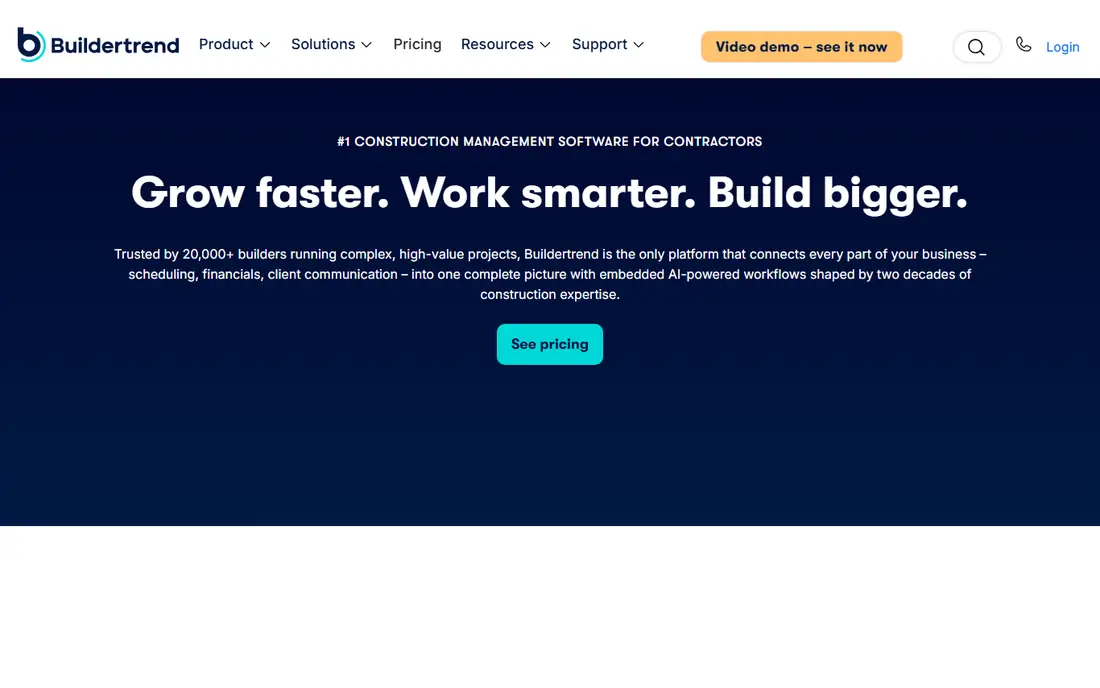
Buildertrend has long been a default choice for residential builders, and the reason is practical. Scheduling, selections, change orders, daily logs, and client messages sit in one account, so a homeowner can see progress without a string of phone calls. Estimates feed into budgets, which helps a builder spot a job drifting off target before the final invoice. Subcontractors get their own portal access, which keeps scopes and schedules visible.
Pricing is the main friction. Buildertrend now uses a quote model tied in part to construction volume, so two firms can pay different amounts for similar use. Ask what is included at your tier, how many projects are covered, and what happens when volume changes. Firms that run at least several projects a year tend to get the most value from the full set of financial tools.
What we like- Strong client portal and scheduling
- Estimates connect to job costing
- QuickBooks and Xero sync
Watch out for- Pricing is quote-based
- Costs can rise as volume grows
#3JobTread
Best for: Residential builders focused on estimating4.9/5 on
G2 (108 reviews, checked Oct 2026)
Visit jobtread.com
Starting price$159 per month (billed annually)
Free planFree trial (30 days)
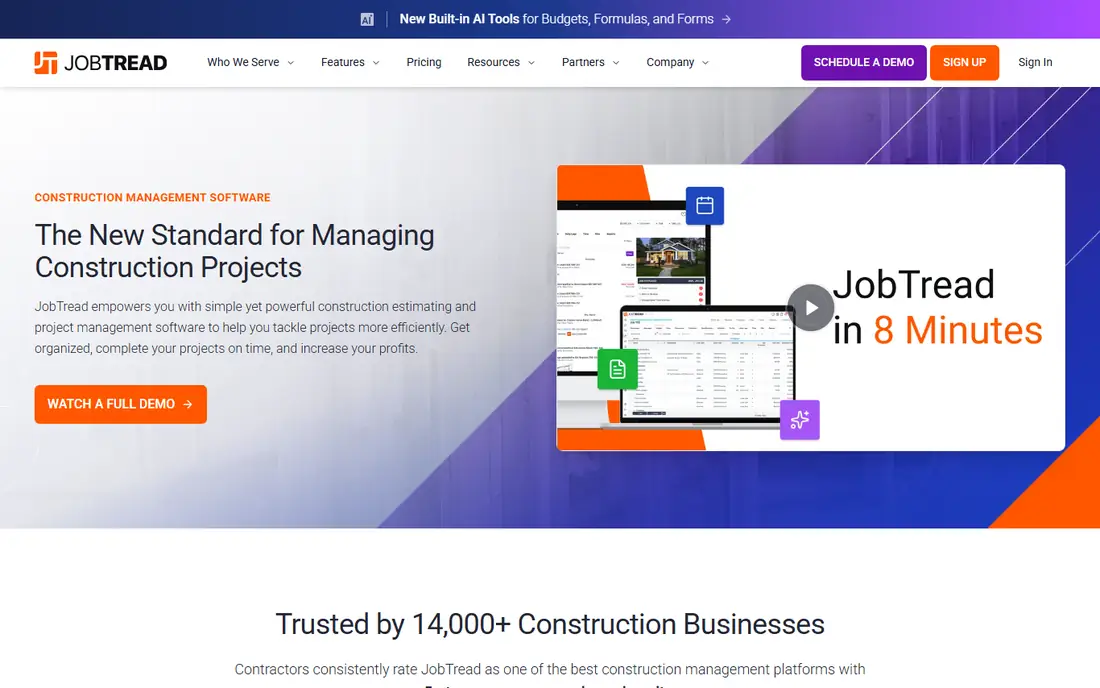
JobTread starts where many jobs are won or lost: the estimate. Builders can build priced proposals, turn them into budgets, track actual costs against those budgets, and invoice from the same job record. That chain matters because it shows margin while work is still in progress, not only at closeout. The interface is direct, and the company includes all features in its plan rather than splitting core tools across tiers.
The trade-off is maturity in integrations. JobTread connects with common accounting tools, but firms with a long list of niche apps should check each connection before switching. Pricing is transparent compared with quote-only rivals, at $159 per month billed annually, plus a per-user charge for added staff. For remodelers and small builders that want estimating discipline without enterprise complexity, it is a strong middle option.
What we like- Clear estimating and job costing in one flow
- All features included in one price
- 30-day money-back offer on monthly plans
Watch out for- Fewer integrations than older platforms
- Cost grows with added users
Starting price$49 per month
Free planFree trial (30 days)
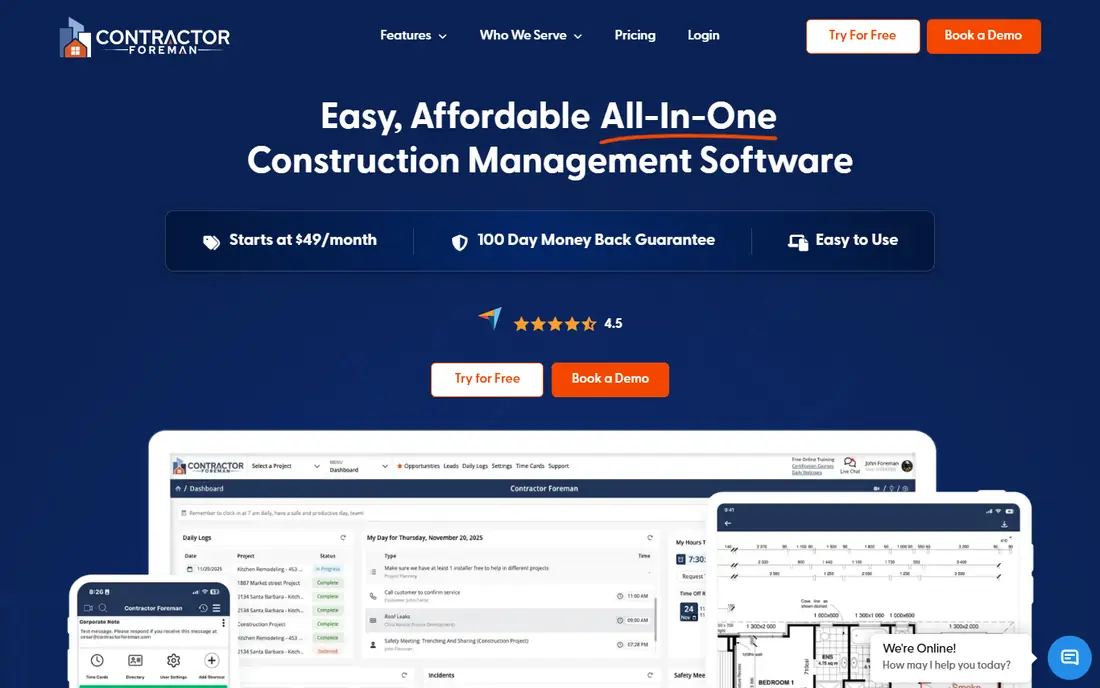
Contractor Foreman packs scheduling, estimates, invoices, daily logs, time tracking, and document storage into a plan that starts at $49 per month. That price point makes it a realistic first system for a contractor moving off spreadsheets. It also suits firms that need one login for office and field staff without paying per seat at the entry level. Support is a stated strength, with live help on weekdays and a long money-back window.
No tool at this price does everything at a premium level. Reporting and advanced financial views are more limited than in Procore or Buildertrend, and some users report a learning curve as they turn on more modules. The smart move is to start with the core jobs, estimating, scheduling, and invoicing, and add modules only when the team uses the first set well. On value alone, few rivals match it.
What we like- Lowest starting price in this list
- Wide feature set for the cost
- Strong support hours and money-back offer
Watch out for- Reporting is thinner than premium tools
- Interface can feel busy at first
#5Fieldwire
Best for: Field teams that live on drawings and tasks4.5/5 on
G2 (586 reviews, checked Oct 2026)
Visit fieldwire.com
Starting price$39 per user/month (billed annually)
Free planYes

Fieldwire takes a different angle from the all-in-one platforms. It focuses on the jobsite: current drawings, tasks, checklists, photos, and punch lists, all updated in real time. A foreman can mark up a plan, assign a task, and attach a photo without returning to the office. That focus makes it easy to adopt, and the free Basic plan covers up to five users and three projects, which is enough to test it on a real job.
Fieldwire is not a full business system. It does not replace estimating or accounting software, so firms that want one tool for billing and job costing will need another system beside it. Its paid plans start at $39 per user per month billed annually, and costs rise with headcount. For general contractors that already have accounting covered and need field coordination done well, Fieldwire is hard to beat on simplicity.
What we like- Free Basic plan for small teams
- Excellent plan viewing and task tracking
- Works offline in the field
Watch out for- No built-in accounting or estimating depth
- Paid plans are priced per user
#6Buildern
Best for: Builders that price from plans4.9/5 on
G2 (23 reviews, checked Oct 2026)
Visit buildern.com
Starting price$225 per month
Free planFree trial
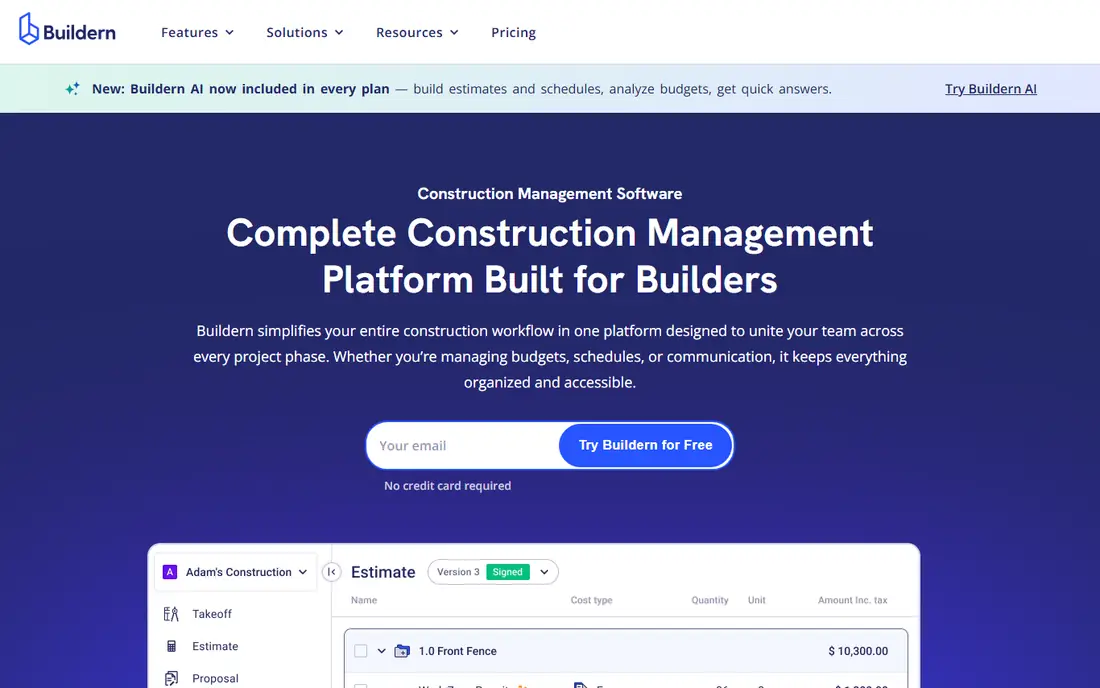
Buildern covers the full arc from takeoff to invoice, with a clear strength in early-stage pricing. Builders can measure from plans, link those quantities to cost catalogs, and turn the result into a branded proposal. That link reduces retyping and helps keep the budget tied to what was actually measured. Schedules, budgets, change orders, and client communication then run from the same job.
Buildern is newer in the North American market than Buildertrend, so its integration list and third-party template library are still growing. Pricing starts at $225 per month for two seats, with clients, subcontractors, and field users included at no extra charge in the published plan shape. For custom home builders and remodelers that spend a lot of time on takeoffs, that estimating depth can justify the switch.
What we like- Takeoff linked to estimates
- Client and subcontractor portals
- QuickBooks and Xero sync
Watch out for- Smaller user community than Buildertrend
- Pricing is per company tier, not per seat
#7Knowify
Best for: Trade contractors and service work4.5/5 on
G2 (103 reviews, checked Oct 2026)
Visit knowify.com
Starting price$99 per month
Free planFree trial
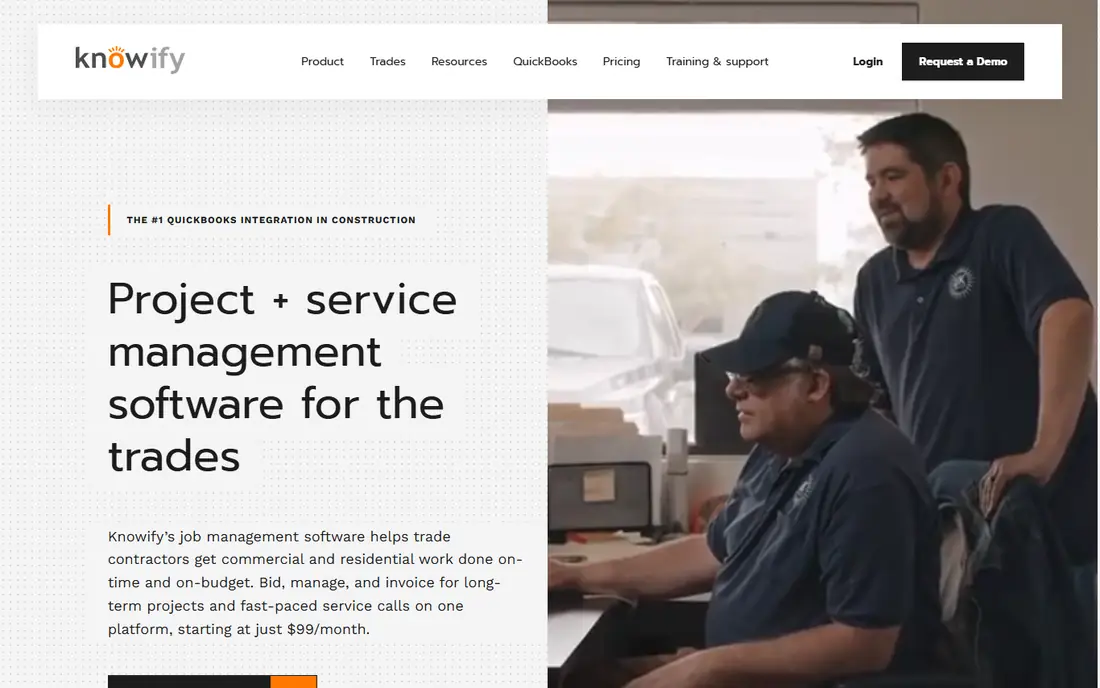
Knowify was built for trade contractors, and that focus shows in its billing and costing tools. It handles long projects with progress billing and change orders, and it also handles fast service calls with dispatch, parts, and invoicing. The QuickBooks connection is a central selling point, with budgets, invoices, and payments kept in sync so office staff do not re-enter the same numbers twice. Starting at $99 per month, it sits in a sensible range for small and mid-size trade firms.
General contractors that run mainly residential design-build work may find the client-facing sales tools thinner than in Buildertrend or Houzz Pro. Knowify leans toward operations and finance rather than lead generation or design presentation. For electrical, plumbing, HVAC, and similar trades that need to know margin by job and by phase, that trade-off is usually worth it.
What we like- Strong QuickBooks sync
- Handles both projects and service jobs
- Clear job costing and progress billing
Watch out for- Less suited to large commercial GC workflows
- Design is trade-focused rather than residential sales-focused
#8Houzz Pro
Best for: Design-build firms and remodelers4.2/5 on
G2 (76 reviews, checked Oct 2026)
Visit houzz.com
Starting priceSee website
Free planFree trial

Houzz Pro blends business management with the Houzz marketplace, which is its main distinction. Design-build firms can create estimates and proposals, manage schedules and selections, and present designs with a 3D floor planner, while also drawing leads from Houzz traffic. That combination suits remodelers whose clients start by browsing photos and ideas online. Invoicing and payment tools keep the job moving once a proposal is accepted.
The limits are tied to that same blend. Pricing is not published as a single starting rate, so firms need a quote, and lead volume and quality differ by city and trade. Firms that do not want marketplace leads may pay for a feature they rarely use. For a remodeler that already gets inquiries through Houzz, though, keeping leads, design, and project tools in one account saves real admin time.
What we like- Lead generation through Houzz
- 3D floor planner and design tools
- Estimates, scheduling, and invoicing in one place
Watch out for- Pricing is quote-based
- Lead quality varies by market
Starting priceSee website
Free planNo
Autodesk Build, part of Autodesk Construction Cloud, is aimed at commercial construction teams that need tight control over documents and coordination. It covers project management, cost management, quality, safety, and closeout, with drawings and models kept as the source of truth. Teams already using Autodesk design products get a smoother path from design files to field use, which reduces translation errors between office and site.
Autodesk does not publish a simple starting price, and the platform is best viewed as an enterprise purchase with implementation help. Small firms will find the setup and cost hard to justify when a residential tool covers their needs for less. For a general contractor managing large projects with many design revisions and formal approvals, Autodesk Build offers control that lighter tools cannot match.
What we like- Strong document, RFI, and submittal control
- Ties to Autodesk design tools
- Good for large, complex projects
Watch out for- Quote-based pricing
- Can be heavy for small residential firms
How we chose
We compared vendor pricing pages, product documentation, and public reviews on G2, Capterra, and Reddit, with attention to estimating, scheduling, job costing, client communication, and accounting integrations. We also weighed company-size fit, because a tool built for a 200-person commercial firm and a tool built for a six-person remodeler solve different problems. Items were kept only when they clearly serve general contractors, not only a single trade or only design work.
We did not claim hands-on testing for this guide. Prices change, and quote-based vendors in particular can vary by volume and scope, so the figures here reflect published starting prices and reported quote ranges at the time of writing. Readers should confirm the current plan, user limits, and integration list on the vendor site before purchase.
What to check before you buy
Match the tool to your job mix
List your last ten jobs by type, size, and client. A remodeler with repeat kitchen and bath work needs selections and change orders. A commercial GC needs submittals, RFIs, and strict document versions. A trade contractor needs progress billing and service dispatch. The tool that matches that mix will get used daily. The tool with the longest feature list may not.
Test estimating to invoicing as one flow
Run one real past job through a trial, from estimate to budget to invoice. Watch where numbers must be retyped, where change orders break the budget, and how long it takes to send a clean invoice. That single test reveals more than a demo video. If the flow feels slow in a trial, it will feel slower with a live client waiting.
Count total cost, not just the headline price
Add per-user charges, accounting sync fees, payment processing, and onboarding costs. Quote-based tools should give a written total for your user count and project volume. Also check contract length and what happens to your data if you leave. A low monthly rate with a long lock-in can cost more than a higher rate you can exit.
Plan adoption for the field
Pick one person on each crew to own daily logs and photo updates for the first month. Keep paper backup for a short transition period, then remove it once the team trusts the app. Short training sessions tied to real jobs work better than long generic sessions. If field staff find the app slow or confusing, raise it early, since field adoption decides whether office reports stay accurate.
Frequently asked questions
What is the best general contractor software for a small firm?
Contractor Foreman and JobTread are strong starting points for small firms, because they cover estimating, scheduling, and invoicing at published prices. Fieldwire also works well if you already have accounting software and mainly need field coordination. Pick based on whether estimating or field task tracking is your bigger pain point.
Is Procore worth it for residential builders?
Procore can work for large residential developers, but most small home builders will find it costly and larger than needed. Buildertrend, JobTread, and Buildern cover residential scheduling, selections, and client portals at a lower total cost. Consider Procore when project count, subcontractor count, and reporting needs grow beyond what residential tools handle well.
Does general contractor software replace QuickBooks?
No, in most cases it works beside QuickBooks or Xero rather than replacing them. Tools such as JobTread, Buildertrend, Buildern, and Knowify sync estimates, budgets, and invoices with accounting software. That sync reduces double entry, but payroll, tax, and full financial reporting still sit in the accounting system.
How much should a general contractor expect to pay?
Small firms can start at $49 to $225 per month with published plans, while mid-size firms often pay several hundred dollars per month. Large commercial firms on quote-based platforms can pay thousands per month or per year, based on construction volume. Always get a written quote for your team size and project count.
Can field crews use these tools without office training?
Most tools in this list offer mobile apps for logs, photos, and tasks, and Fieldwire in particular is designed for quick field adoption. Still, a short session on one live job helps far more than a manual. Assign a crew lead to answer questions in the first weeks, and keep the number of required fields low at the start.
What is the difference between Buildertrend and JobTread?
Both serve residential builders, but Buildertrend leans toward client communication and full business management for growing firms, while JobTread leans toward estimating and job costing with a single transparent price. Firms that value a polished client portal often prefer Buildertrend. Firms that value estimate-to-budget discipline often prefer JobTread.
Sources we checked (9)
- https://www.procore.com
- https://buildertrend.com
- https://www.jobtread.com
- https://contractorforeman.com
- https://www.fieldwire.com
- https://www.buildern.com
- https://www.knowify.com
- https://www.houzz.com
- https://www.autodesk.com
Is your product missing or out of date?
We review this list regularly. Vendors can request a listing, send updated pricing or ask about featured placement.

Shihab Mia · Founder, Rankite
Shihab has 5+ years in B2B and SaaS SEO. He writes Rankite's software buying guides from pricing pages, documentation and public user reviews. More about Shihab.