How we make this list: we compare pricing pages, product documentation and public user reviews. Rankite is independent; if a vendor ever pays for a featured spot, that listing is clearly labeled Partner.
Key takeaways
- The cheapest credible full suites with published prices are Knowify ($99/month, Core, billed annually) and Buildern ($225/month, Starter, billed annually), both with free trials.
- Fieldwire ($39/user/month, Pro) is the field-first pick for drawing-based coordination, with a genuinely usable free Basic plan for small crews.
- Procore, Buildertrend and Autodesk Build are the industry heavyweights, but none publish current prices: budget a sales call for each.
- Residential builders, commercial GCs and specialty trades buy different software: match the tool to your trade before comparing features.
Quick comparison
| Tool | Best for | Starting price | Free plan |
|---|
 Procore Procore | Mid-size to large general contractors and owners on commercial or large residential portfolios | See website (custom quote; priced on annual construction volume, not per seat) | No (demo via sales) |
 Autodesk Build Autodesk Build | General contractors and specialty trades whose work runs through drawings | See website (per-user pricing shown on vendor page, no dollar figure published) | No (30-day money-back guarantee per the vendor pricing page) |
 Buildertrend Buildertrend | Residential home builders, remodelers and specialty contractors | See website (vendor stopped publishing prices; historical plans from Dec 2024 started at $499/month) | No (demo via sales) |
 Buildern Buildern | Small to mid-size residential and commercial builders (1 to 30 office users) | $225/month (Starter, 2 seats, billed annually) | Free trial (7 days, no credit card) |
 Fieldwire Fieldwire | Small GCs and specialty trades coordinating through drawings, punch work and photos | $39/user/month (Pro, billed annually) | Yes (free Basic plan: 5 users, 3 projects, 100 sheets, non-expiring) |
 JobNimbus JobNimbus | Roofing companies and specialty contractors wanting CRM plus job management | See website (vendor does not publish prices; request-a-quote only) | Free trial reported by reviewers (duration unverified) |
 Knowify Knowify | Small to mid-size trade contractors (electrical, plumbing, HVAC, remodelers, small GCs) | $99/month (Core, billed annually; includes 1 user) | Free trial (14 days); no contract and no implementation fee |
 UDA ConstructionOnline UDA ConstructionOnline | Residential builders wanting breadth at a flat fee | See website (tiered by segment; vendor listing shows Residential from $475/month, unverified) | Free trial available |
 RedTeam Go RedTeam Go | Mid-size commercial GCs wanting bid-to-billing in one system | See website (custom quote; third-party figures conflict, treat as unverified) | Free trial reported (30 days, unverified) |
Is your product missing or out of date?
We review this list regularly. Vendors can request a listing, send updated pricing or ask about featured placement.
The best construction project management software
Most construction software is sold to the office and survived by the field. The office loves the dashboards; the crew has to open the app on a dusty phone with one bar of signal. The tools that last are the ones the field crew will actually use: drawings that load, daily logs that take seconds, and punch lists that work offline. These nine cover the real market, from residential remodelers to commercial general contractors, with honest pricing notes for each.
#1
Procore
Best for: Mid-size to large general contractors and owners on commercial or large residential portfolios
Visit procore.com
Starting priceSee website (custom quote; priced on annual construction volume, not per seat)
Free planNo (demo via sales)

Procore is the industry standard for a reason: drawing and document control at scale. RFIs, submittals, punch lists and daily logs live in one system that field crews actually open, and because users are unlimited, every stakeholder gets a login without per-seat penalties. For a $5M-plus GC running commercial work, this is the default shortlist of one.
The catch is the pricing model. Procore prices on annual construction volume, not seats, so a growing contractor's bill grows with revenue even if headcount does not. Estimating and financial management are separate paid modules, renewal price increases are widely reported, and onboarding is a long, sales-led implementation with fees. For a 10-person shop this is far too much money and software. Know your volume before the first sales call, because the quote will be built around it.
What we like- Unlimited users on every plan, so adding field crew costs nothing extra
- One platform for office and field covering drawings, RFIs, submittals, daily logs, scheduling and budgets
- Deep integration marketplace with accounting syncs built for large GCs
Watch out for- No published pricing and negotiated quotes make budgeting hard
- Implementation is heavy and overkill for small teams
Starting priceSee website (per-user pricing shown on vendor page, no dollar figure published)
Free planNo (30-day money-back guarantee per the vendor pricing page)
Autodesk Build is the evolution of PlanGrid, and it shows: plan-centric field productivity is the whole product. Version-controlled sheets, markups, photos and forms run on a best-in-class mobile app, and teams already invested in AutoCAD or Revit get model and drawing workflows nobody else offers. Every subscription includes Autodesk Docs plus the mobile app.
The meter is the per-seat license. Every invited user is a license, so a 20-person crew gets expensive quickly, and teams that mostly need office-side estimating or accounting will find gaps. Unlimited-user pricing exists but only through a sales conversation with no public numbers. If your need is primarily field coordination rather than full project management, compare against Fieldwire before committing to per-seat math.
What we like- Unlimited sheets on the per-user plan with Autodesk Docs and the mobile app included
- Natural fit for teams already using AutoCAD or Revit
- Strong field mobile app for plans, issues, photos, forms, RFIs and submittals
Watch out for- Strictly per-user pricing, so cost climbs fast once supers, subs and office staff are all seated
- Unlimited-user pricing exists only through sales
#3
Buildertrend
Best for: Residential home builders, remodelers and specialty contractors
Visit buildertrend.com
Starting priceSee website (vendor stopped publishing prices; historical plans from Dec 2024 started at $499/month)
Free planNo (demo via sales)
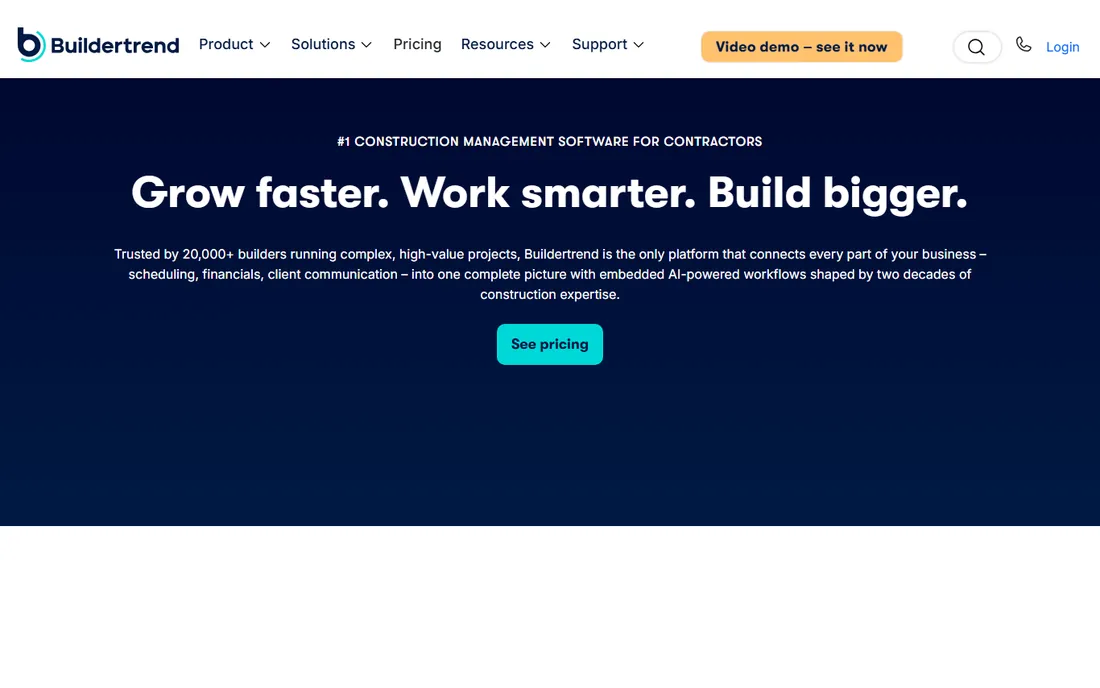
Buildertrend owns residential for one reason: the homeowner experience. Branded client portal, selections, daily logs with photos and progress updates cut the "where are we at" calls that eat a remodeler's week. One system runs from lead to warranty, with unlimited users and projects, so subs and clients join free.
The commercial side is murkier. Prices are no longer published, quoting is tied to your annual volume, and long-term users report increases after a few years. The entry tier historically lacked estimating, change orders and budget tracking, so confirm which tier holds the features you need. Payment processing runs about 2.99 percent per credit card transaction. Small shops should sanity-check against Buildern or Contractor Foreman before signing anything.
What we like- Unlimited users and projects with no per-seat fees
- Purpose-built for residential with estimating, scheduling, change orders, budgets, client selections and warranty tracking
- Homeowner client portal among the best in the category
Watch out for- No public pricing since early 2025, with quotes tied to annual construction volume
- Heavy feature gating between tiers historically
#4
Buildern
Best for: Small to mid-size residential and commercial builders (1 to 30 office users)
Visit buildern.com
Starting price$225/month (Starter, 2 seats, billed annually)
Free planFree trial (7 days, no credit card)
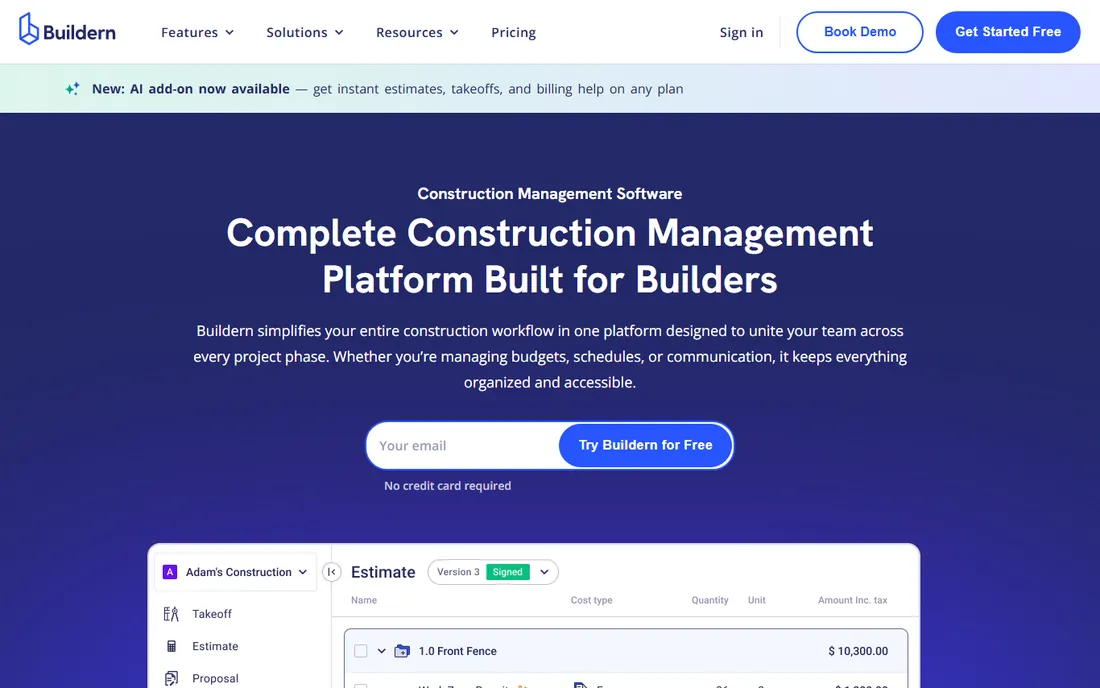
Buildern is Buildertrend-style depth without Buildertrend-style pricing. The seat model is the argument: crews, subs and clients ride free, so the real cost is two to four office licenses. Starter at $225 per month billed annually covers two seats (additional users $81 per month); Professional is $360 per month for four seats; Enterprise is custom. For a 3-office-user builder, that is the cheapest credible full-suite entry on this list.
The honest catch is vendor maturity. It is a younger company with less marketplace presence, so test the 7-day trial hard on estimating and accounting syncs (QuickBooks and Xero integrations are included). AI features run on metered credits rather than the base subscription. Setup is deliberately light with free onboarding and a self-serve import path. If the trial holds up, the savings against the incumbents are real.
What we like- Field workers, subcontractors and vendors are free on every plan
- Starter includes estimates, budgets, POs, bills, invoices, schedule, takeoff, RFIs and submittals
- Free onboarding with import tooling for switching
Watch out for- A newer, smaller vendor with fewer third-party integrations than incumbents
- AI features are a metered add-on
#5
Fieldwire
Best for: Small GCs and specialty trades coordinating through drawings, punch work and photos
Visit fieldwire.com
Starting price$39/user/month (Pro, billed annually)
Free planYes (free Basic plan: 5 users, 3 projects, 100 sheets, non-expiring)
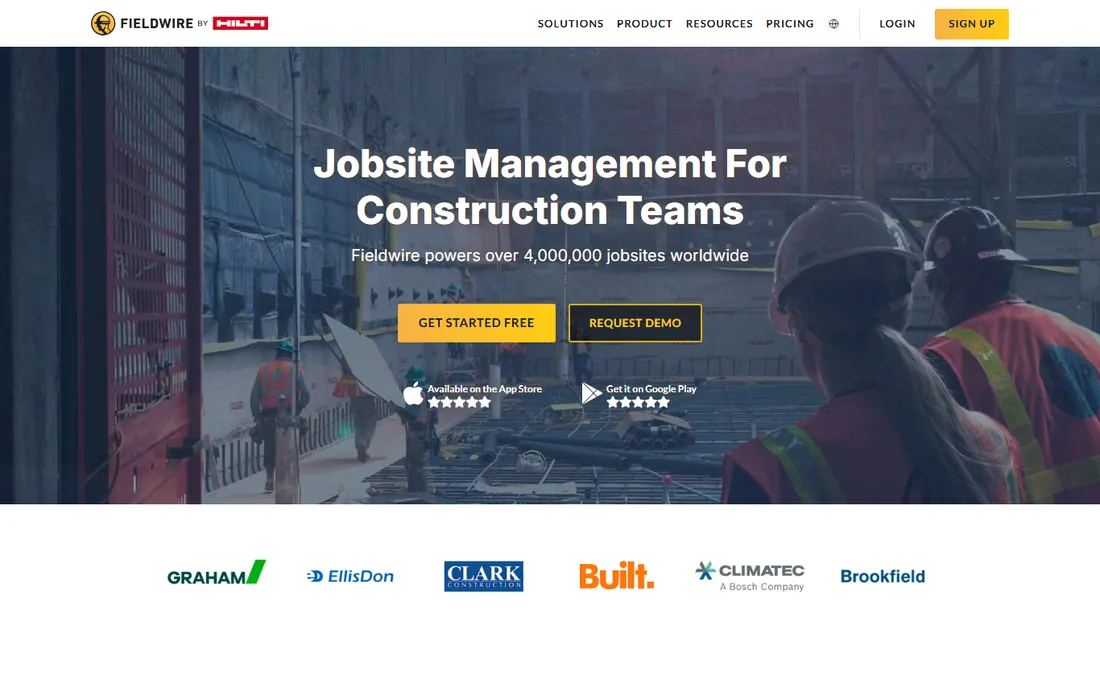
Fieldwire is field coordination software, and it knows it. Plan-based tasks, punch lists and photo documentation run on a mobile app with real offline access for remote sites, and the free Basic tier lets a team prove value on a live job before paying. Pro is $39 per user per month billed annually ($54 month-to-month); Business is $64 ($79 monthly); Business Plus is $89 ($104 monthly).
The seat math is the whole evaluation. A 15-person crew costs $585 to $1,335 per month depending on tier, and real project controls (RFIs, submittals, change orders, budgets) sit only in the top tier. There is no time clock and no job costing, so bigger contractors need separate systems. If your coordination runs through drawings and you need financial depth too, pair it with accounting software or pick a suite instead.
What we like- Free Basic plan is genuinely usable for a small crew to pilot a real job
- Plan-based task management, punch lists and photo documentation with solid offline mobile access
- Per-user pricing with no long-term contracts
Watch out for- No time clock and no real job costing, so labor hours are entered by hand
- RFIs, submittals, change orders and budgets are limited to Business Plus ($89/user/month)
#6
JobNimbus
Best for: Roofing companies and specialty contractors wanting CRM plus job management
Visit jobnimbus.com
Starting priceSee website (vendor does not publish prices; request-a-quote only)
Free planFree trial reported by reviewers (duration unverified)
JobNimbus is the contractor's CRM that grew project tools. Roofing companies especially get one system from first lead to final invoice: lead tracking, job boards, automations and integrations with tools like EagleView and QuickBooks, plus a strong mobile app for the site. For a roofer, the lead-to-job continuity is the selling point.
The pricing is layered and unpublished: a base plan fee plus per-seat fees for admins, field techs and subs, plus a separate texting subscription, so the real monthly number runs well above any headline. Get the quote in writing before comparing. Teams outside the contractor niche should look elsewhere entirely; this is built for the trades, and it shows.
What we like- Built for contractors, combining CRM lead tracking with job management
- Automations, workflows and integrations with measurement and accounting tools
- Strong mobile app for managing jobs, photos and estimates from the site
Watch out for- No published pricing, with costs stacking across base plan, per-user seats and separate texting add-ons
- Interface and reporting feel dated next to newer competitors
#7
Knowify
Best for: Small to mid-size trade contractors (electrical, plumbing, HVAC, remodelers, small GCs)
Visit knowify.com
Starting price$99/month (Core, billed annually; includes 1 user)
Free planFree trial (14 days); no contract and no implementation fee
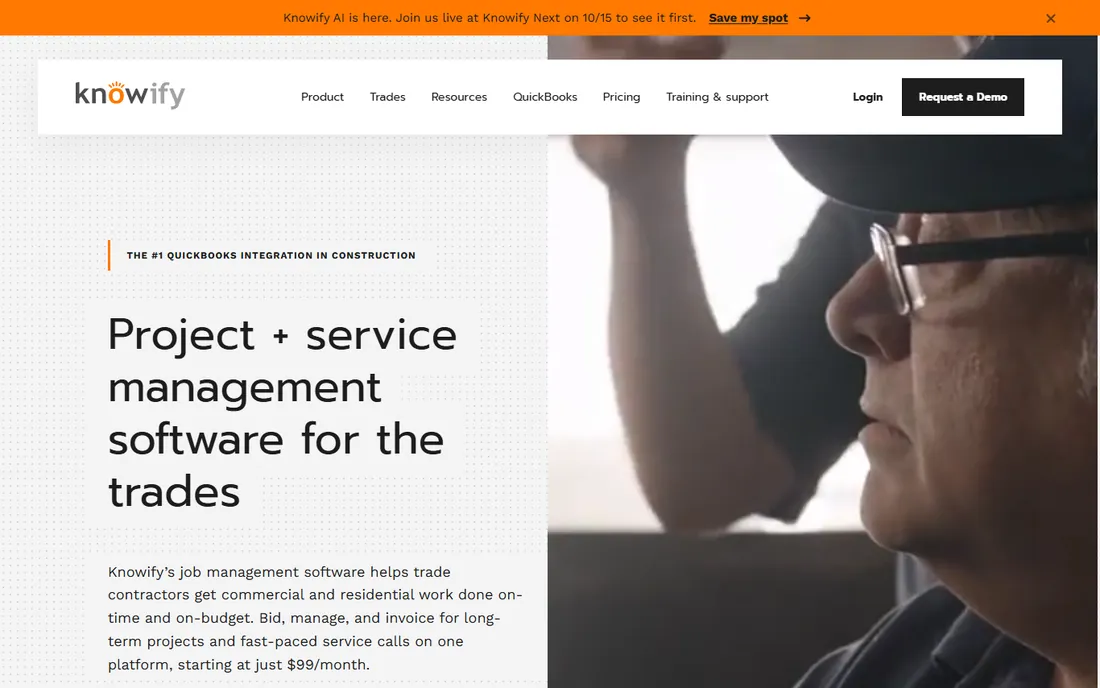
Knowify is project management that respects the books. Budgets, change orders, purchase orders, time tracking and invoicing sync natively with QuickBooks, and Advanced adds real WIP reporting and proper AIA billing forms. Core is $99 per month billed annually ($149 month-to-month); Advanced is $329 ($399 monthly) with 10 users included; Enterprise is custom.
Watch the user math on Core: $99 covers one seat, so a 6-person office pays $244 per month before touching Advanced. Contractors doing both project and service work should price the $99-per-month Service Pro dispatch add-on. Setup is light with no implementation fee and a 14-day trial. For QuickBooks shops that need real job costing, the Advanced tier is where the product earns its price.
What we like- Deepest native QuickBooks integration in the category, syncing estimates, time and invoices without middleware
- Real job costing and real-time WIP reporting on Advanced, plus licensed AIA G702/G703 pay applications
- Published pricing with no contract
Watch out for- Per-user fees ($29/month per extra seat) add up fast, and Core ships with only one user
- Job costing and WIP reporting start at Advanced ($329/month)
Starting priceSee website (tiered by segment; vendor listing shows Residential from $475/month, unverified)
Free planFree trial available

ConstructionOnline has been selling to builders since 1999, and the product shows the tenure: estimating, scheduling, daily logs, punch lists, RFIs, branded client portals and AIA payment apps in one login, with editions for residential, commercial, specialty subs and multi-family. Unlimited users on paid tiers means the whole jobsite logs in free.
The tier ladder is the catch. Project caps on lower tiers (Residential Pro reportedly limited to about 10 projects) push growing firms up quickly, and per-segment pricing means the headline starting price can double or triple with more projects or higher feature sets. Budget real onboarding time rather than a weekend setup. For buyers worried about startup risk, the 27-year track record counts.
What we like- Unlimited users on paid tiers, so subs, clients and crew logins add no license cost
- Broad suite with estimating, Gantt scheduling, daily logs, change orders and client portals
- Vendor in business since 1999
Watch out for- Project caps on lower tiers push growing firms up the price ladder
- Deep platform with a real learning curve for admins and field teams
#9
RedTeam Go
Best for: Mid-size commercial GCs wanting bid-to-billing in one system
Visit redteam.com
Starting priceSee website (custom quote; third-party figures conflict, treat as unverified)
Free planFree trial reported (30 days, unverified)
RedTeam Go is built contract-first: single data entry flows from bid to budget to billing, with change orders, commitments and WIP updating together. That suits commercial GCs doing progress and AIA billing, with digital lien waivers and integrations across the accounting stack. For a mid-size commercial contractor, the financial control is the pitch.
Transparency is the problem. Plan names and prices vary across listings (including one obvious enterprise mix-up), so budget extra time to get a firm quote through the consultative sales process. It is more software than a small residential shop needs; that buyer is better served by Buildern or Knowify. Setup is guided rather than self-serve.
What we like- Bid-to-billing in one system, with bids converting to contracts and labor flowing into budgets automatically
- Strong financial controls with dynamic job cost statements, on-demand WIP reports and AIA billing
- Integrations with QuickBooks Online, Sage, Autodesk and DocuSign
Watch out for- Pricing is opaque with conflicting third-party figures
- Heavier than SMB tools, with weaker timesheet and submittal workflows per reviewers
Buy for your trade, not the feature list
Residential builders, commercial GCs and specialty trades are not buying the same software, even when the feature lists look alike. Residential lives and dies on the homeowner experience: client portals, selections and warranty tracking, which is Buildertrend's and ConstructionOnline's home turf. Commercial GCs need contract-centric financials: AIA billing, WIP reports and lien waivers, where RedTeam Go and Procore earn their keep. Specialty trades (roofing, electrical, plumbing, HVAC) need trade-specific workflows: JobNimbus for roofing CRM, Knowify for QuickBooks-native job costing.
The field test matters more than the demo. Put the mobile app in a superintendent's hands for a week: can they file a daily log in under a minute, pull up the current drawing revision offline, and close a punch item with a photo? If the answer is no, the office dashboards do not matter. Shortlist by trade first, trial by field usability second, and negotiate price last.
The per-seat math that decides the real bill
Construction software prices three ways, and the model decides the bill more than the number. Procore and Buildertrend price on annual construction volume: your bill grows with revenue, not headcount. Autodesk Build, Fieldwire and Knowify price per user: every invited body is a license, so a 15-person crew on Fieldwire Pro costs $585 per month. Buildern, Buildertrend and ConstructionOnline give unlimited users: the license count is fixed and the crew rides free.
Do the crew math before the demo. Count office staff, field supers, and subs who need logins, then multiply. A per-user tool that looks cheap at 5 seats can double a volume-priced tool at 30. And confirm what the tiers gate: Fieldwire keeps RFIs and budgets in the top tier, Knowify keeps job costing in Advanced, Buildertrend historically gated estimating to higher plans. The quote you compare should be the tier that holds the features you will actually use.
How we chose
We started with the categories buyers search: construction project management software, construction management software and contractor project management software. For each candidate we opened the vendor's own pricing page, checked plan names and prices against public reviews on G2 and Capterra and practitioner discussion on Reddit, and compared feature lists, field usability, financial depth and trade fit. Where a price could not be verified on the vendor's page we wrote "See website" rather than guessing. We dropped CoConstruct because Buildertrend is phasing it out, with new project creation ending March 2027.
Frequently asked questions
How much does construction project management software cost?
With published prices: Knowify starts at $99/month, Buildern at $225/month, Fieldwire at $39/user/month. Procore, Buildertrend, Autodesk Build and JobNimbus do not publish prices; Procore and Buildertrend quote on annual construction volume. Budget $100 to $600 per month for a small contractor on a published-price tool, and five figures a year once you enter Procore or Buildertrend territory.
Which construction software is best for small residential builders?
Buildern ($225/month) and Knowify ($99/month) are the strongest published-price picks for small residential builders. Buildertrend is the category leader for residential but no longer publishes prices. UDA ConstructionOnline offers residential breadth with unlimited users. Always trial the mobile app with your field crew before committing.
Do I need Procore for a small construction company?
Almost certainly not. Procore is built for mid-size to large GCs on commercial work, priced on construction volume with a heavy implementation. A 10-person shop will pay for modules it never opens. Small contractors get more value from Knowify, Buildern or Fieldwire at a fraction of the cost and setup effort.
What is the difference between Fieldwire and Procore?
Fieldwire is field coordination software: drawings, tasks, punch lists and photos with offline mobile access, starting at $39/user/month with a free tier. Procore is a full project management platform: drawings plus RFIs, submittals, budgets, scheduling and financials, priced on construction volume for larger GCs. Field crews doing coordination pick Fieldwire; offices running whole projects pick Procore.
Can construction software handle AIA billing?
Yes, on the right tier. Knowify Advanced includes licensed AIA G702/G703 pay applications. RedTeam Go and Procore handle AIA billing natively. UDA ConstructionOnline includes AIA payment apps. Confirm the billing forms are in your plan before you buy, because entry tiers often exclude them.
How long does implementation take?
It ranges from minutes to months. Fieldwire and Buildern set up in days with self-serve onboarding. Knowify is light with no implementation fee. Procore, Buildertrend and RedTeam Go run guided, sales-led implementations that take weeks, with fees. Budget training time for the deep platforms; the field crew's adoption decides whether the investment pays off.
Sources we checked (11)
- https://www.procore.com/pricing
- https://construction.autodesk.com/pricing/autodesk-build/
- https://www.buildertrend.com/pricing/
- https://buildern.com/pricing
- https://fieldwire.com/pricing/
- https://www.jobnimbus.com/pricing/
- https://knowify.com/pricing/
- https://www.udatechnologies.com/pricing/
- https://www.redteam.com/pricing/
- https://www.g2.com/categories/construction-management
- https://www.capterra.com/construction-management-software/
Is your product missing or out of date?
We review this list regularly. Vendors can request a listing, send updated pricing or ask about featured placement.

Shihab Mia · Founder, Rankite
Shihab has spent more than a decade helping SaaS and e-commerce brands grow through search. He writes Rankite's software buying guides from pricing pages, documentation and public user reviews. More about Shihab.