How we make this list: we compare pricing pages, product documentation and public user reviews. Rankite is independent; if a vendor ever pays for a featured spot, that listing is clearly labeled Partner.
Key takeaways
- Scrivener at $59.99 one-time remains the drafting standard for novelists who want to own their software outright.
- Atticus at $147 one-time is the best value for authors who need professional ebook and print formatting without a subscription.
- Dabble ($19 per month) and Novlr ($8 per month) are the cloud-native choices for writers who want to draft anywhere with live collaboration.
- Plottr ($60 per year or $150 lifetime) is a plotting specialist, not a word processor, and pairs best with a drafting app.
- Reedsy is free and doubles as a marketplace for editors and designers, making it the budget path from manuscript to published book.
Quick comparison
| Tool | Best for | Starting price | Free plan |
|---|
 Scrivener Scrivener | long-form drafting you own | $59.99 one-time (Mac/Windows) | Free trial |
 Dabble Dabble | cloud drafting with plot grid | $19 per month (Writer plan) | Free trial |
 Ulysses Ulysses | distraction-free writing on Apple devices | $5.99 per month (or $49.99 per year) | Free trial |
 Atticus Atticus | write plus professional formatting | $147 one-time | No |
 Novlr Novlr | goal-driven drafting in the browser | $8 per month (Starter, billed annually) | Yes |
 Plottr Plottr | visual plotting and series bibles | $60 per year (or $150 lifetime) | Free trial |
 Campfire Campfire | worldbuilding for fantasy and sci-fi | $0.50 per month (single module) | Yes |
 LivingWriter LivingWriter | outlining plus AI writing assistance | $14.99 per month | Yes |
 Reedsy Reedsy | free writing plus pro marketplace | Free | Yes |
Is your product missing or out of date?
We review this list regularly. Vendors can request a listing, send updated pricing or ask about featured placement.
Starting price$59.99 one-time (Mac/Windows)
Free planFree trial
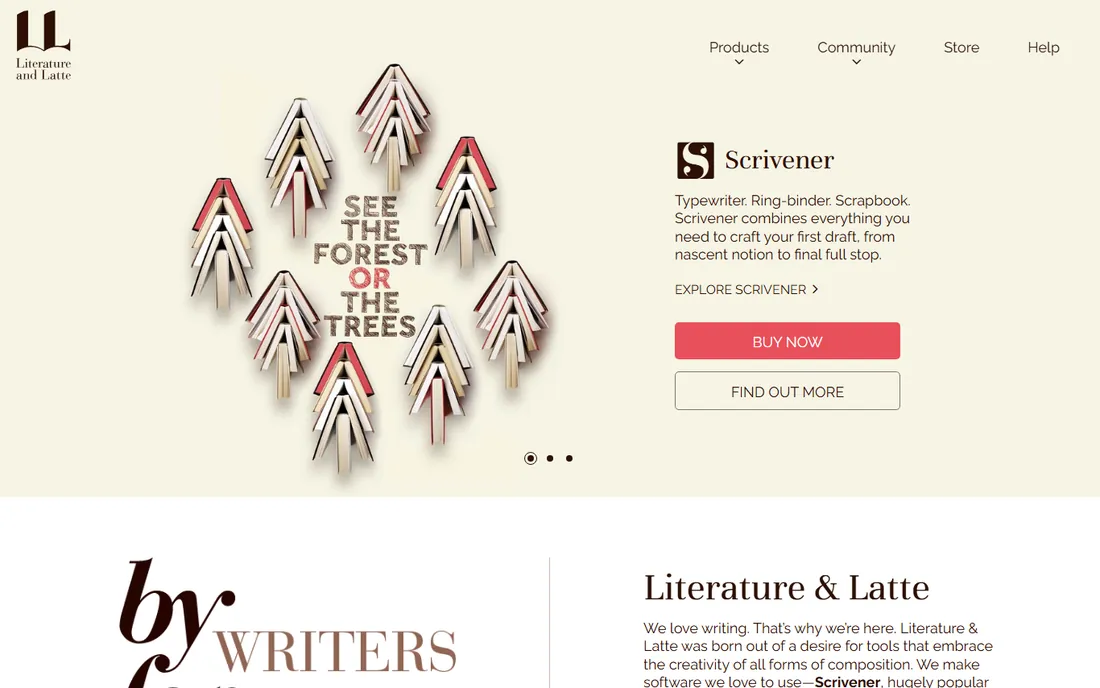
Scrivener is the tool working novelists recommend to each other, and it has held that position for nearly two decades. The binder holds every chapter, scene, character sketch and research note in one project; the corkboard lets you rearrange scenes like index cards; and the Compile feature exports the whole manuscript to EPUB, Kindle, PDF or a properly formatted Word document for your editor. It treats a book as a project, not a document, which is the whole point.
The standard license costs $59.99 one time for Mac or Windows, with the iOS app at $23.99, and a generous trial lets you test it properly. There is no subscription and no cloud lock-in: your files live on your machine. The honest catch is age. The interface looks like software from 2010, syncing between Mac and iPad via Dropbox takes configuration, and new users face a real learning curve before the corkboard clicks. For authors who draft long manuscripts and want to own their tools, it remains the benchmark.
What we like- The corkboard and binder organize complex manuscripts
- Compile exports to ebook, print and manuscript formats
- One-time license, no subscription
Watch out for- The interface looks dated
- Syncing between devices takes setup
Starting price$19 per month (Writer plan)
Free planFree trial
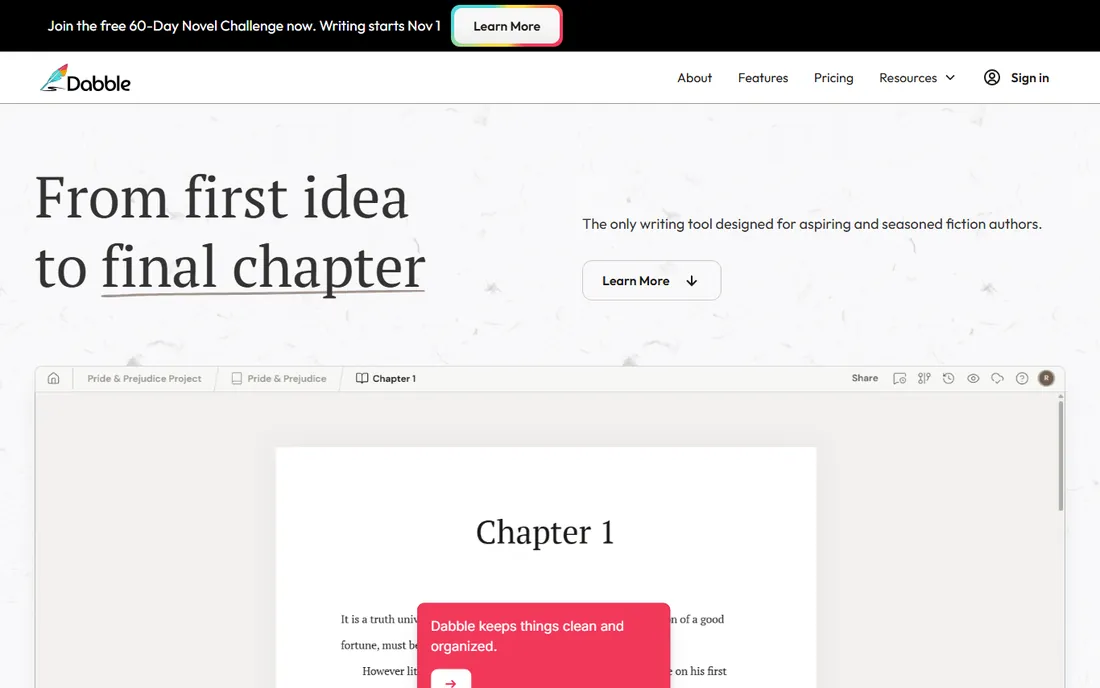
Dabble answers a simple question: what if Scrivener lived in the cloud and looked modern. The plot grid maps plotlines against chapters so you can see the whole story structure while you draft, story notes stay attached to scenes, and everything syncs automatically across the web app and desktop wrappers. Goals, focus mode and writing streaks nudge you toward a daily habit, and co-authoring with comments makes it usable for writing partnerships.
The Writer plan costs $19 per month, with Author at $29 adding grammar checks and track changes, and a $699 lifetime Author plan for the committed. Annual billing saves 20 percent. The catch is that Dabble stops where the prose stops: there is no real ebook or print formatting, so you will still need Atticus or Vellum to publish. It is a drafting and plotting platform, and a very good one, but budget for the formatting step separately.
What we like- The plot grid keeps outline and manuscript side by side
- Automatic cloud sync across devices
- Co-authoring and commenting built in
Watch out for- Subscription-only with no lifetime option under $699
- No built-in ebook formatting
Starting price$5.99 per month (or $49.99 per year)
Free planFree trial
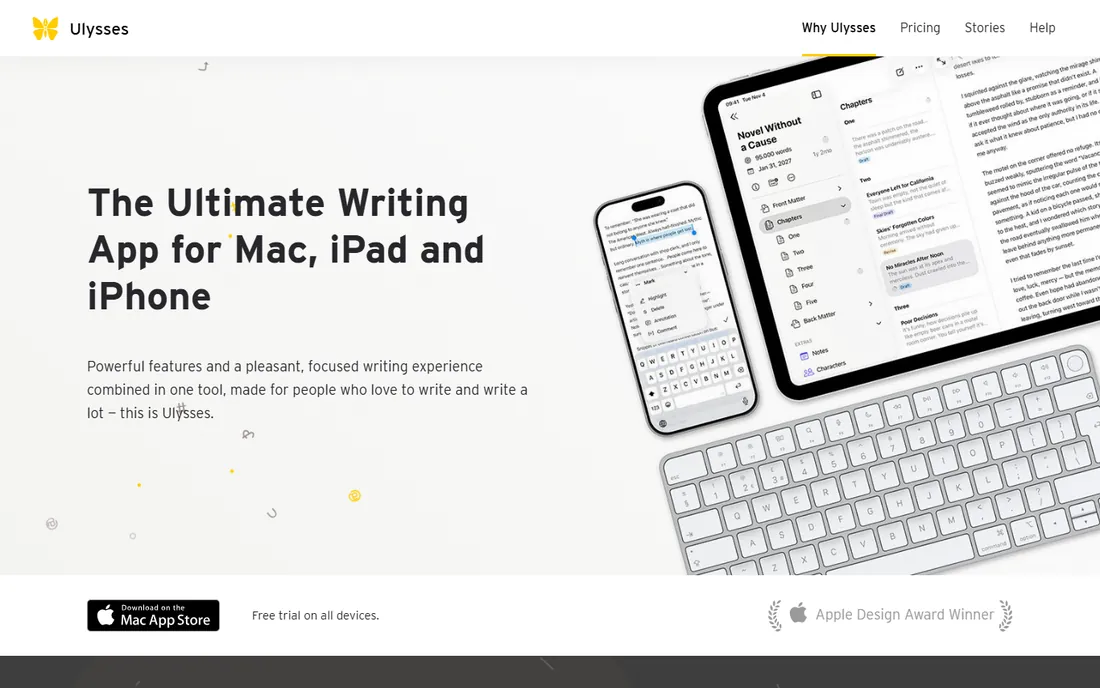
Ulysses is the writing app Apple users describe with unusual affection. The markup-based editor strips away every distraction, the library organizes projects of any size, and built-in grammar and style checking covers more than twenty languages. When the draft is done, it exports to beautiful PDFs, Word documents and ebooks, or publishes straight to WordPress, Ghost, Medium and Micro.blog, which makes it a favorite of bloggers as well as book authors.
Pricing is $5.99 per month or $49.99 per year, with a free trial on all devices. The catch is the platform wall: Ulysses runs on Mac, iPad and iPhone only, with no Windows, Android or web version. If your workflow touches a PC, it is a non-starter. For writers who live entirely in the Apple ecosystem and want the most pleasant drafting experience money can buy, it is the pick.
What we like- The cleanest writing interface in the category
- Excellent export to PDF, Word and ebook
- Publishes directly to WordPress, Ghost and Medium
Watch out for- Apple-only, with no Windows or Android version
- Subscription-only
Starting price$147 one-time
Free planNo
Atticus was built by authors who were tired of paying twice: once for drafting software and again for formatting software. It combines a clean writing editor with genuinely professional book formatting, offering 17 chapter themes, 1,500 fonts, custom theme building and one-click export to EPUB and print-ready PDF. It runs as a progressive web app, so it works on Windows, Mac, Linux and Chromebook, online or offline.
The price is $147 one time, with all future updates included and a 30-day money-back guarantee instead of a free trial. That undercuts Vellum's $249 while working on every desktop platform, not just Mac. The honest catch is that the writing side is simpler than Scrivener or Dabble: fewer outlining views, fewer project management tools. Atticus is for authors who want to write the book and format the book in one purchase, and at this price it is the best value in self-publishing software.
What we like- One-time purchase with lifetime updates
- Professional ebook and print formatting built in
- Works on Windows, Mac, Linux and Chromebook
Watch out for- The writing environment is simpler than Scrivener's
- No free trial, only a 30-day money-back guarantee
Starting price$8 per month (Starter, billed annually)
Free planYes
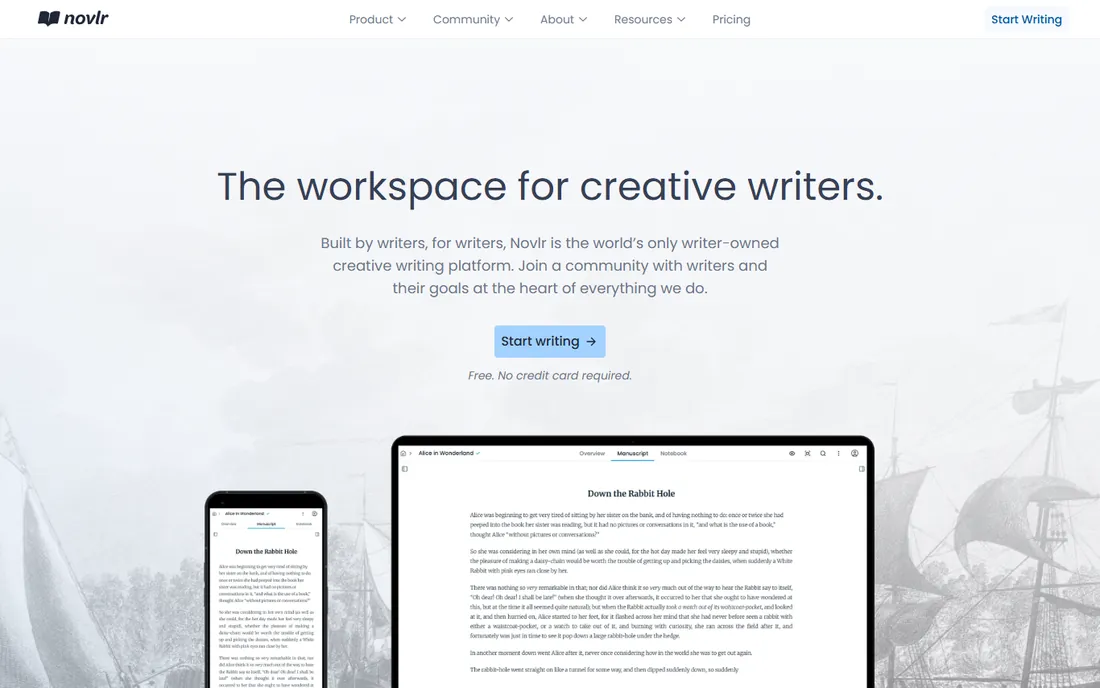
Novlr is built around a belief that finishing a book is a habit problem, not a software problem. Writing goals, streak tracking, sprints and analytics are front and center, alongside a plot grid for planning and notes pinned beside the manuscript. It is a writer-owned cooperative, which gives it a community feel the venture-backed tools lack, and more than 200,000 writers have used it.
The free tier covers two projects with sync, which is enough to test the workflow seriously. Starter costs $8 per month on annual billing with ten projects, while Studio at $16 per month adds unlimited projects, a proofreader, extra themes and priority support. The catch is the platform: it is browser-based, so offline work is limited and there is no native desktop app. For writers who want structure, encouragement and a fair price in the browser, Novlr is a warm, capable choice.
What we like- Writing goals, streaks and sprints build the habit
- The plot grid keeps planning visible while drafting
- Free tier covers two projects
Watch out for- Browser-based with no real desktop app
- Advanced features need the $16 per month Studio plan
Starting price$60 per year (or $150 lifetime)
Free planFree trial
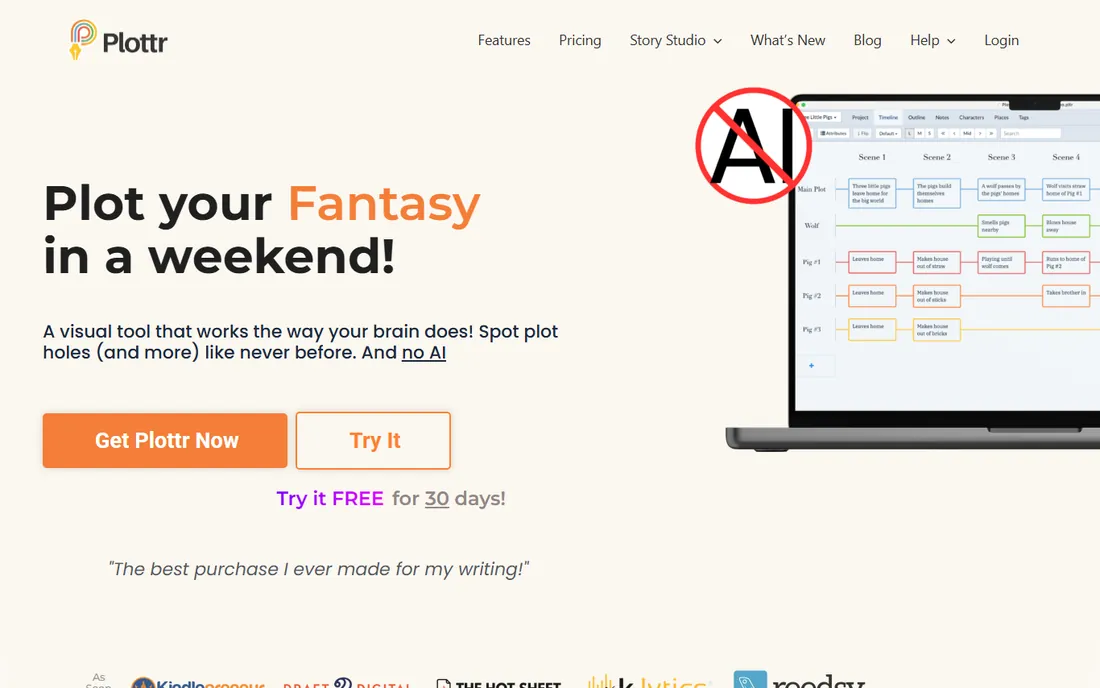
Plottr does one thing and refuses to do anything else: it helps you plan the book before you write it. The visual timeline lays scenes as cards across parallel plotlines, color-coded and draggable, so sagging middles and plot holes jump out at you. More than 40 templates cover the Hero's Journey, three-act structure, romance beats and mystery formulas, and the series bible keeps characters, places and continuity straight across a whole series.
The base plan costs $60 per year or $150 for a lifetime license, with Pro tiers adding cloud sync and collaboration, and a 30-day free trial on every plan. The honest catch is right on the tin: there is no writing area. You outline in Plottr, then export to Word or Scrivener and draft elsewhere, which means budgeting for a second tool. For plotters writing complex multi-POV novels or long series, it is the best planning tool here. For pantsers who discover the story by writing, it will gather dust.
What we like- The visual timeline makes plot holes obvious
- 40+ story structure templates
- Lifetime license available
Watch out for- No manuscript drafting at all
- Collaboration and cloud sync need the Pro tier
Starting price$0.50 per month (single module)
Free planYes
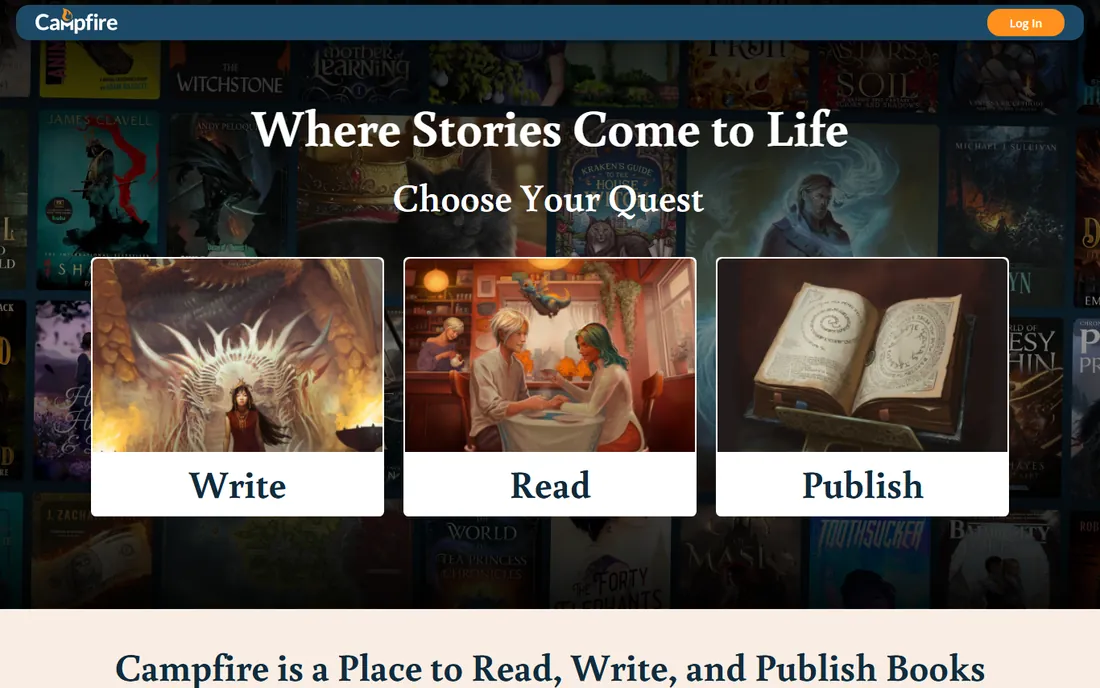
Campfire started as writing software for fantasy and science fiction authors and grew into a full book platform with a reading app and ebook store. Its heart is 18 worldbuilding modules covering characters, maps, timelines, species, magic systems, cultures and more, all cross-linked so your world's details stay consistent. A free account includes limited use of the modules, and paid plans start at $0.50 per month for a single module, with lifetime purchases available.
That modular pricing is both the appeal and the confusion: you pay only for what you use, but figuring out the total takes work. The manuscript module exists but is weaker than Scrivener or Dabble for actual drafting. Campfire suits worldbuilders first and drafters second: if your novel needs a consistent magic system, a mapped world and a hundred named characters, nothing else here organizes that material as well. Pair it with a drafting tool for the prose.
What we like- 18 specialized worldbuilding modules, from maps to magic systems
- Free account with limited module use
- Doubles as a publishing and reading platform
Watch out for- Modular pricing gets confusing
- The manuscript tools are weaker than dedicated drafters
Starting price$14.99 per month
Free planYes
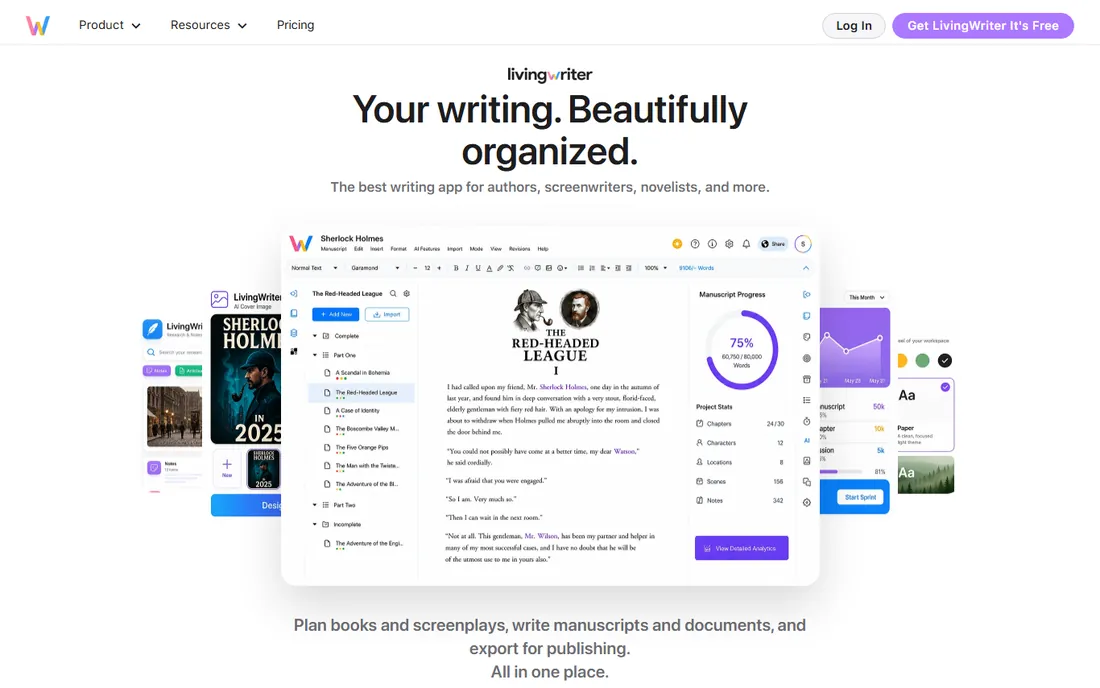
LivingWriter combines the visual organization of a plotting tool with a full drafting environment and an AI writing assistant. Boards arrange chapters, scenes, characters and research in one view, story structure templates cover everything from the Hero's Journey to screenplay formats, and the AI assistant helps with outlining, revision and breaking through blocks. It syncs across web, desktop, iOS and Android, and integrates with Google Drive, Grammarly and Canva.
Plans start from $14.99 per month, making it the priciest drafting subscription on this list, though a free plan lets you start without a credit card. The honest catch, beyond price, is the AI itself: some authors love an assistant for brainstorming, others want it nowhere near their manuscript, and LivingWriter's identity is tied to it. If you want modern outlining plus AI help and you write across many devices, it is capable. If you want to own your software, Scrivener costs less than five months of this.
What we like- Visual boards organize chapters, scenes and research
- AI assistant helps with planning and revision
- Syncs across web, desktop, iOS and Android
Watch out for- The most expensive drafting option here
- AI features will not appeal to every author
Starting priceFree
Free planYes
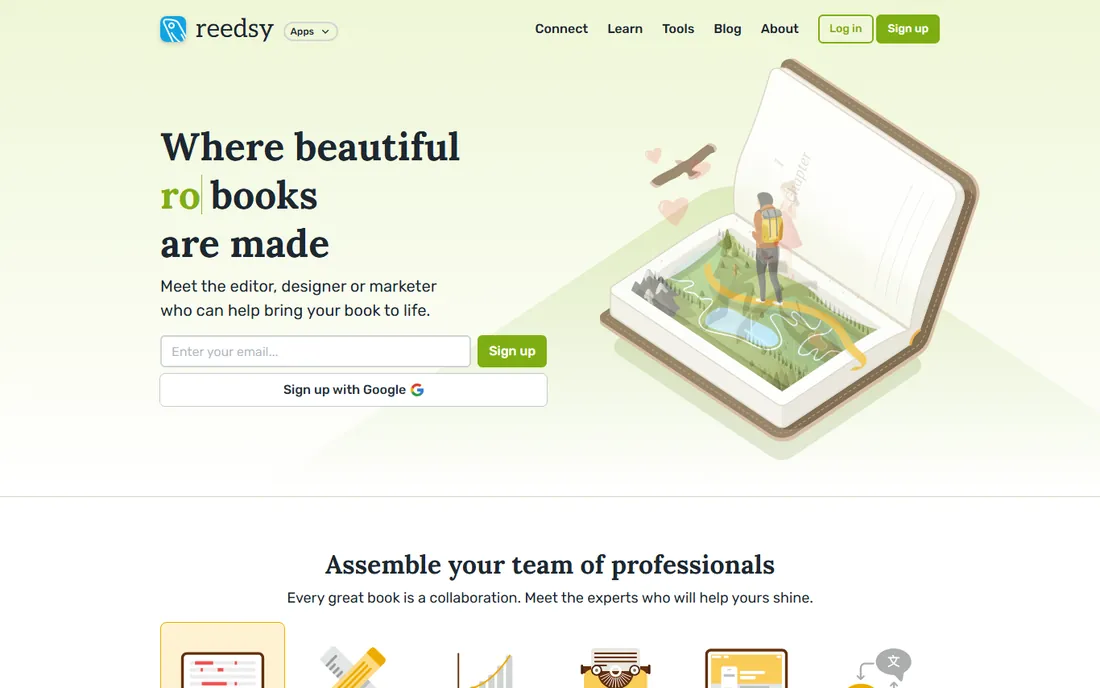
Reedsy is two products in one: a free online book editor and a marketplace of publishing professionals. The editor handles the writing and formatting basics well, exporting clean EPUB files and print-ready PDFs without charging you anything. When the manuscript is ready, the marketplace connects you with vetted editors, cover designers and marketers, with Reedsy taking a commission and holding payment until the work is done.
The editor is free because the marketplace is the business, which is an honest trade. The writing environment is simpler than Scrivener or Dabble, with fewer outlining and project tools. And while the tool costs nothing, professional editing and cover design cost what they cost everywhere. Reedsy suits self-publishing authors on a budget: write and format for free, then spend your money where it matters, on the editor and the cover.
What we like- The book editor is completely free
- The marketplace connects you with vetted editors and designers
- Exports clean EPUB and print-ready PDF
Watch out for- The editor is simpler than Scrivener
- Professional services cost real money
Authors waste money buying the wrong tool for their current stage. If you are still planning, Plottr or Campfire will serve you better than any word processor. If you are drafting a long manuscript, Scrivener, Dabble, Ulysses or Novlr are the workhorses, chosen by platform preference and budget. If the draft is done and publishing looms, Atticus or Reedsy take you from manuscript to finished book.
The common and sensible combinations: Plottr for planning plus Scrivener for drafting plus Atticus for formatting, or Dabble for drafting plus Reedsy for professional services. Buying an all-in-one is rarely the answer, because no single tool here is best at every stage. Spend where your bottleneck is.
How we chose
We did not run hands-on trials for this guide. We compared each vendor's current pricing pages and plan documentation, checked platform coverage and export formats, and read public reviews on G2, Capterra and Reddit for recurring complaints about pricing changes, sync reliability and export quality. We weighted real author workflows: planning depth for plotting tools, drafting comfort for writing apps, and export quality for formatting tools. General word processors with no author-specific features were cut.
The subscription trap
Writing software pricing splits into two philosophies, and you should pick yours deliberately. Scrivener ($59.99), Atticus ($147) and Plottr ($150 lifetime) sell you the software once; the total cost is known on day one. Dabble, Ulysses, Novlr and LivingWriter rent you the software monthly; the cost is low to start and compounds forever.
Neither is wrong, but do the three-year math before committing. Three years of Dabble's Writer plan costs more than ten times Scrivener's one-time price. Subscriptions make sense when you value cloud sync, constant updates and zero upfront cost. One-time licenses make sense when you want to own your tools and hate recurring bills. The worst outcome is drifting into a subscription you barely use, so trial everything and check what you actually opened after a month.
Frequently asked questions
What is the best writing app for first-time novelists?
Scrivener if you want to own your software and learn the industry standard, Dabble if you prefer a modern cloud app with a gentler learning curve. Both handle long manuscripts well. Start with the free trials, and pick the one whose organizing system makes sense to you within a week.
Do I need separate software for writing and formatting my book?
Not necessarily. Atticus combines both for a $147 one-time purchase, and Reedsy's free editor exports clean EPUB and print PDF. But many authors prefer specialists: Scrivener or Dabble for drafting, then Atticus for formatting. The combined approach costs more but gives you the best tool at each stage.
Is Plottr worth it if I already use Scrivener?
Only if you struggle with story structure. Plottr's visual timeline and templates are better than anything in Scrivener for planning complex plots, but it cannot draft a single sentence. Pantsers who discover the story by writing will get little from it. Plotters writing series or multi-POV novels tend to love it.
Can I write a book entirely for free?
Yes. Reedsy's editor is free and exports publishable files, Novlr's free tier covers two projects, and Campfire's free account handles worldbuilding basics. You will eventually want to pay for professional editing and cover design, which is where self-publishing money really goes, but the writing software itself can cost nothing.
Mac or Windows: does my choice of computer limit my options?
Somewhat. Ulysses is Apple-only and Vellum, the main Atticus rival, is Mac-only too. Everything else on this list runs on both, and Atticus, Novlr, Campfire, LivingWriter and Reedsy work in the browser. If you switch platforms mid-career, prefer tools with web apps or both native versions.
Sources we checked (11)
- https://www.literatureandlatte.com
- https://dabblewriter.com/
- https://ulysses.app
- https://www.atticus.io
- https://www.novlr.org/
- https://plottr.com
- https://www.campfirewriting.com/
- https://www.livingwriter.com/
- https://www.reedsy.com
- https://blog.chapter.pub/plottr-pricing/
- https://blog.chapter.pub/dabble-vs-plottr/
Is your product missing or out of date?
We review this list regularly. Vendors can request a listing, send updated pricing or ask about featured placement.

Shihab Mia · Founder, Rankite
Shihab has spent more than a decade helping SaaS and e-commerce brands grow through search. He writes Rankite's software buying guides from pricing pages, documentation and public user reviews. More about Shihab.