How we make this list: we compare pricing pages, product documentation and public user reviews. Rankite is independent; if a vendor ever pays for a featured spot, that listing is clearly labeled Partner.
Key takeaways
- Canva is the default answer for most people: thousands of collage templates, a genuinely useful free tier, and enough design tools to finish the whole project in one place.
- For pure collage speed on a phone, PicCollage and piZap beat the design platforms. Fewer decisions, faster results.
- Desktop users who print should look at PhotoScape X and Shape Collage: offline, no subscription, and full-resolution output without watermarks.
- Watch the free-tier traps. Several tools let you design for free but watermark the download or lock high resolution behind payment. Check export terms before you invest an hour in a layout.
- If collages are part of client or commercial work, confirm the license. Free tiers of several tools restrict commercial use to paid plans.
Quick comparison
| Tool | Best for | Starting price | Free plan |
|---|
 Canva Canva | All-around design with collage templates | See website | Yes |
 Fotor Fotor | Quick collages with AI photo tools | $8.99/month | Yes, limited |
 PicCollage PicCollage | Fast mobile collages and cards | Free | Yes |
 PhotoScape X PhotoScape X | Free desktop editing and collages | Free | Yes |
 BeFunky BeFunky | Simple browser collages | Free | Yes |
 FotoJet FotoJet | Template-driven online collages | See website | Yes, limited |
 piZap piZap | Fun quick collages with stickers | Free | Yes |
 Picsart Picsart | Creative collages with AI effects | See website | Yes |
 PicMonkey PicMonkey | Polished templates for businesses | See website | Free trial |
 Shape Collage Shape Collage | Automatic shaped collages on desktop | See website | Yes, limited |
Is your product missing or out of date?
We review this list regularly. Vendors can request a listing, send updated pricing or ask about featured placement.
The best photo collage maker software
Starting priceSee website
Free planYes
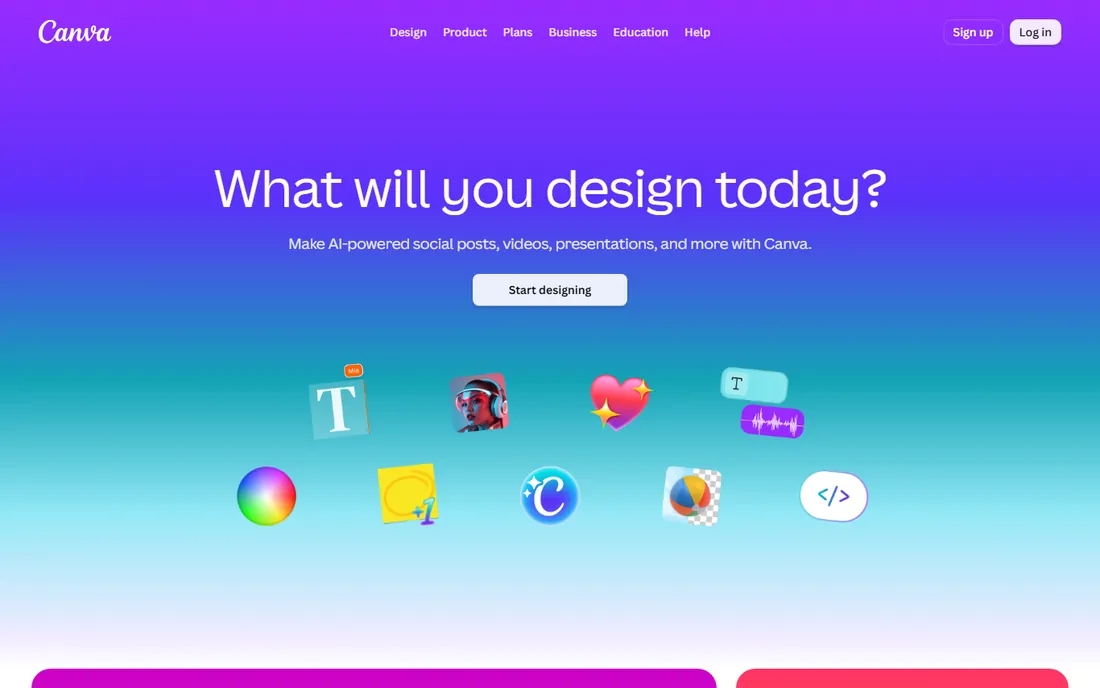
Canva is where most collage projects end up, because it is where most design projects start. Search the template library for any occasion, drop in your photos, adjust text and colors, and export. The free tier covers an impressive amount, and when the collage needs to become an Instagram post, a flyer or a presentation slide, you never leave the app.
The trade-offs are familiar to Canva users. Enough templates, photos and elements carry the Pro crown icon that complex designs eventually push toward subscription, and the browser-first approach means spotty offline access. For screen-bound collages and social sharing, though, nothing matches the template depth.
What we like- Thousands of collage templates for every occasion
- Generous free tier
- Full design suite for text, branding and social formats
Watch out for- Free tier locks some templates and elements behind Pro
- Browser-based with limited offline use
- Exports are capped in usefulness for large prints
Starting price$8.99/month
Free planYes, limited
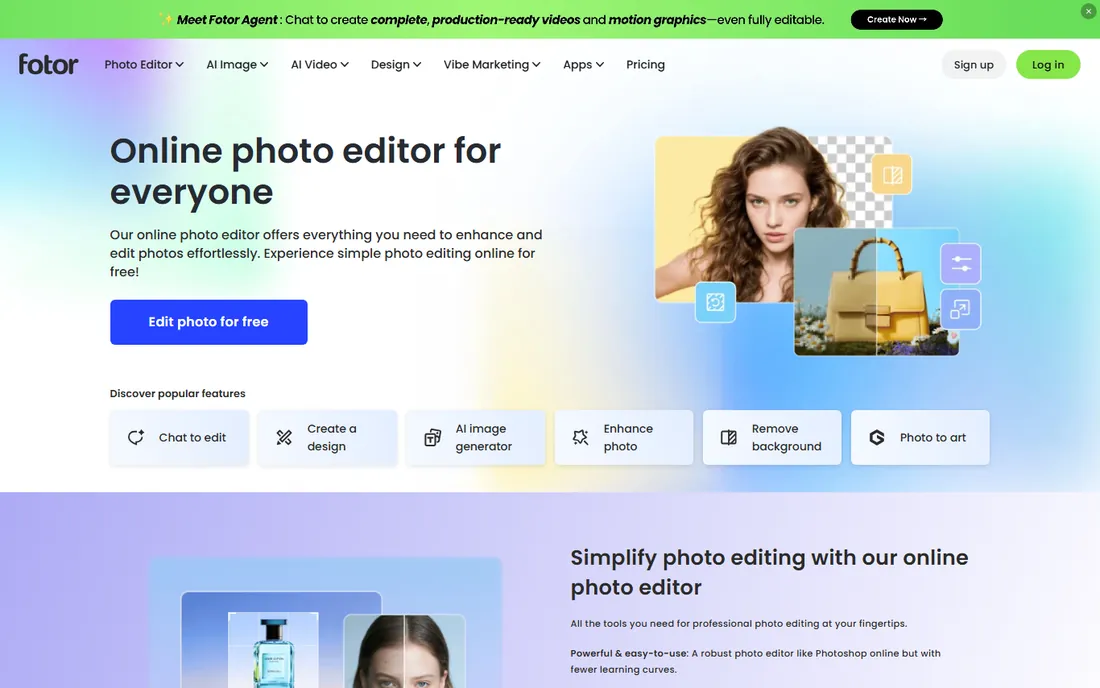
Fotor treats collage making as a first-class feature rather than a template category. Its collage tool offers grid, artistic and photo-stitching modes with adjustable borders, spacing and aspect ratios, sitting alongside a capable photo editor with AI enhancement and retouching. The $39.99 annual plan (about $3.33 a month) is among the cheapest premium tiers here.
The free tier's watermark on exports is the catch that matters: you can design freely but cannot use the result without paying. For quick personal collages where you will pay for one month or the annual plan, the value is strong.
What we like- Dedicated collage maker with classic, artistic and stitching layouts
- AI photo enhancement built in
- Batch processing for multiple collages
Watch out for- Free exports carry a watermark
- The interface pushes the Pro upsell
- Large images occasionally fail to load without explanation
Starting priceFree
Free planYes

PicCollage has been downloaded hundreds of millions of times for a reason: it removes every step between photos and a finished collage. Grids, freestyle layouts, greeting cards and scrapbook pages all work with drag-and-drop simplicity, backed by a deep library of stickers, backgrounds and fonts updated for every holiday. The AI cutout and background tools punch above the app's casual reputation.
It is unapologetically a phone app, so desktop users should look elsewhere. Ads fund the free tier, and the best templates sit behind VIP. For fast, fun collages made on the couch, it remains the benchmark.
What we like- Purpose-built for quick phone collages
- Huge sticker, template and font library
- Greeting cards and scrapbook styles beyond grids
Watch out for- Mobile-first with a limited desktop experience
- Free version shows ads
- Advanced templates need the VIP subscription
Starting priceFree
Free planYes
PhotoScape X is the quiet workhorse for people who make collages on a computer and refuse subscriptions. The collage module handles grids and freeform layouts, and around it sit a photo editor, batch processor, RAW converter and animated GIF maker, all free and offline. Exports carry no watermark, which alone separates it from most browser tools.
The interface packs a decade of features into small buttons, so expect a learning afternoon. The Pro version exists for those who want the extras. For free desktop collage work with full-resolution output, it is the strongest option.
What we like- Completely free core with collage, editor, batch and GIF tools
- Runs offline on desktop
- No watermark on exports
Watch out for- The interface is dense and dated
- Mac and Windows versions differ slightly
- The Pro version adds features some will want
Starting priceFree
Free planYes
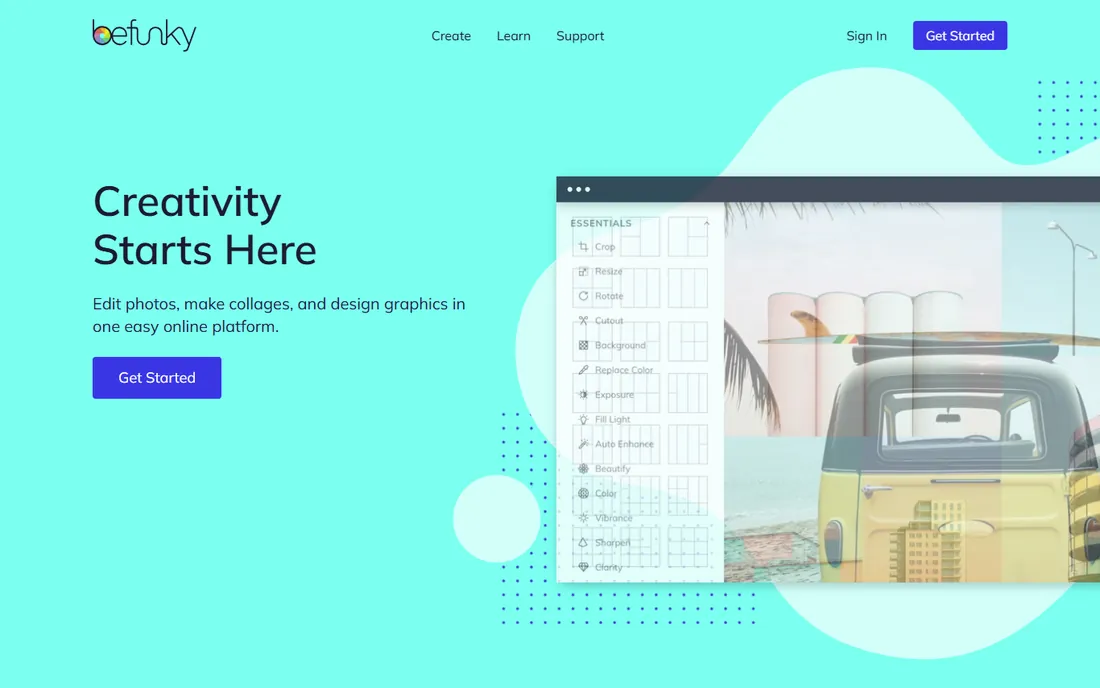
BeFunky has refined the simple online collage maker to a fine point. The Collage Maker offers sensible layouts with easy drag-and-drop, and the connected Photo Editor handles exposure, touch-ups and effects without switching apps. The free tier is genuinely usable for personal projects.
Plus, from around $4.99 a month, adds higher-resolution downloads, more effects and commercial use rights. The free experience carries ads, and power users will outgrow the layout options. For uncomplicated browser collages that look good fast, it is a dependable pick.
What we like- Clean, approachable collage maker in the browser
- Good free template selection
- Integrated photo editor for touch-ups
Watch out for- Higher-resolution downloads and commercial use need Plus
- The free tier is ad-supported
- Mobile app is secondary to the web tool
Starting priceSee website
Free planYes, limited
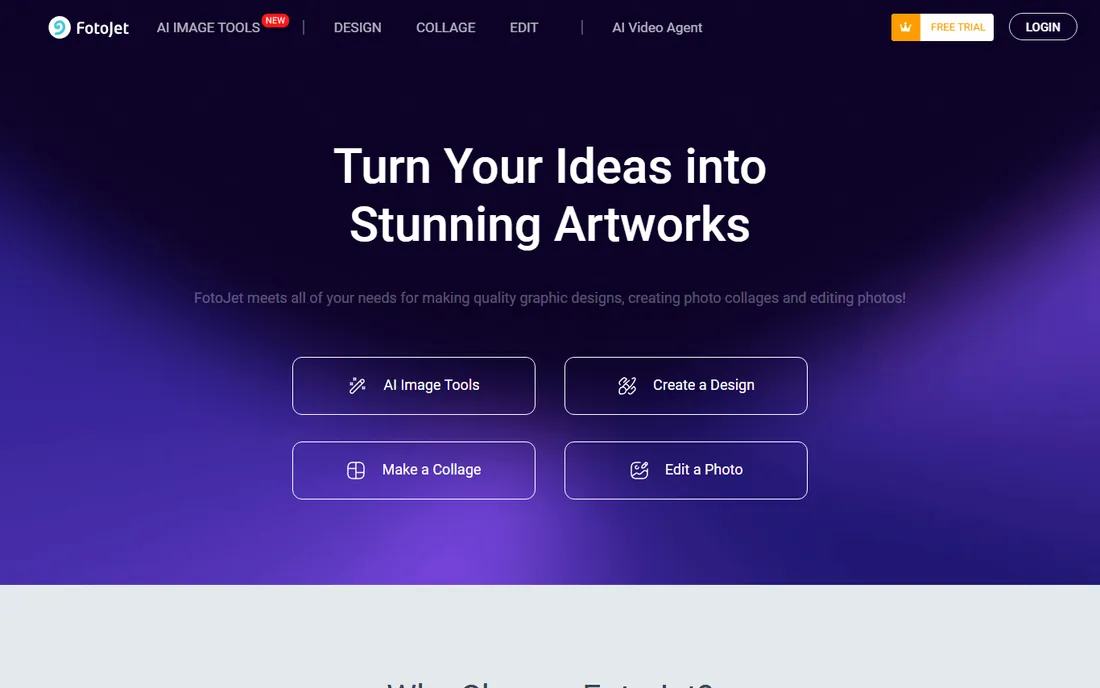
FotoJet organizes collage making around occasions: birthdays, weddings, holidays, baby showers, each with ready templates. The workflow is deliberately simple: choose a template, add photos, add text, download. Sister tools for graphic design and photo editing share the same account for users who want more.
The free tier covers browsing and basic creation, but the better templates and clean exports sit behind the Plus subscription. Photo editing depth trails Fotor and BeFunky. For occasion-driven collages where the template does the design work, it is an easy recommendation.
What we like- Large template library organized by occasion
- Simple three-step workflow
- Design and social media tools in the same account
Watch out for- Free tier is limited and watermarked on some exports
- Less photo editing depth than Fotor or BeFunky
- Account needed for saving projects
Starting priceFree
Free planYes
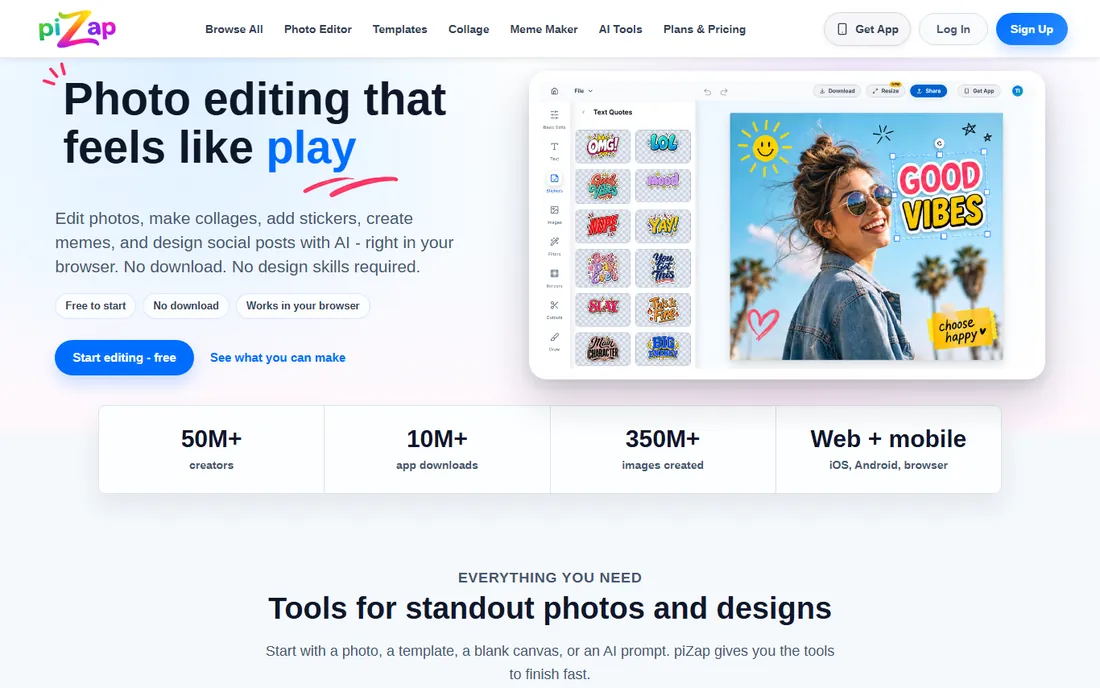
piZap is the scrappy free option that refuses to die. The collage maker is straightforward, the sticker, text and border libraries are generous, and extras like meme makers and Facebook cover templates give it a playful range the serious tools skip. For a quick fun collage, it asks nothing of you.
Ads fund the free ride, and they are noticeable. The interface lags the polish of Canva or BeFunky, and Pro (from around $2.99 a month) removes ads and adds high-resolution downloads. As a free, no-commitment collage tool, it still delivers.
What we like- Free and fast with a playful sticker and font library
- No design skill needed
- Handy social media templates like Facebook covers
Watch out for- Ad-supported free tier
- The interface feels less polished than rivals
- High-resolution downloads need Pro
Starting priceSee website
Free planYes
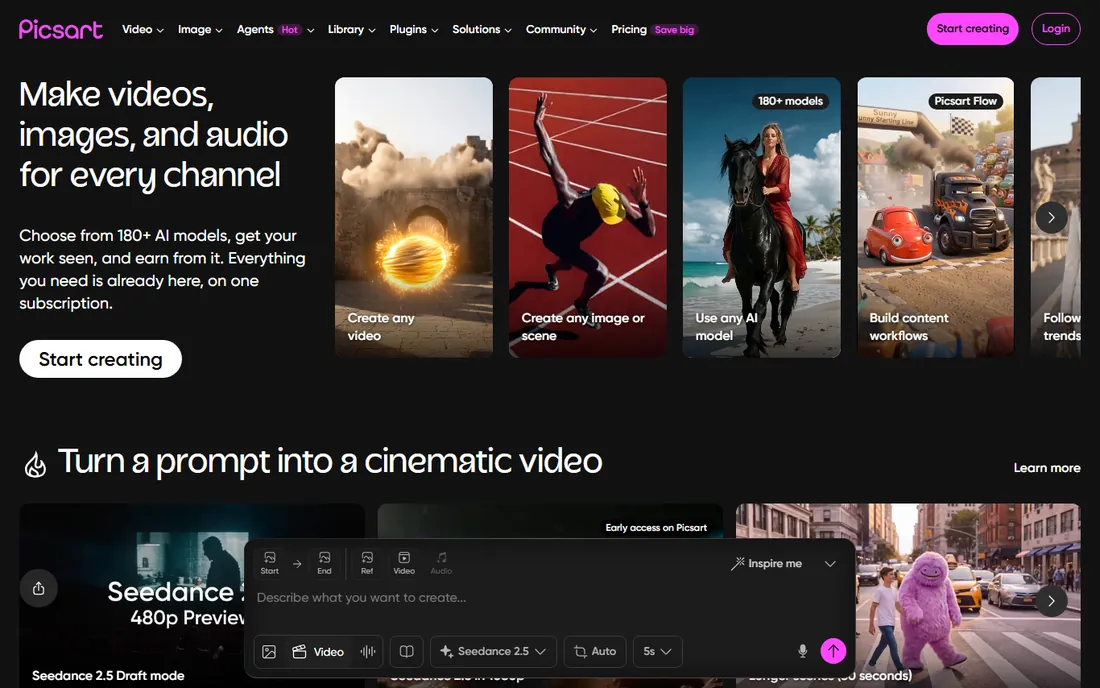
Picsart sits between a collage maker and a creative social network, with over a hundred million monthly users. Its collage tools come wrapped in AI effects, background removal, stickers and filters that make playful, stylized compositions easy. The community aspect means endless remixable templates and inspiration.
The free tier works but nudges toward the paid plan (around $5 a month) for the full effect library and ad-free use. Users who just want a clean photo grid may find the social layer distracting. For creative, effect-heavy collages, especially on mobile, it leads the pack.
What we like- Massive creative community and content library
- AI effects, background removal and retouching
- Strong mobile apps
Watch out for- Subscription needed for the best features
- The app is busy with social features
- Free tier includes ads
Starting priceSee website
Free planFree trial
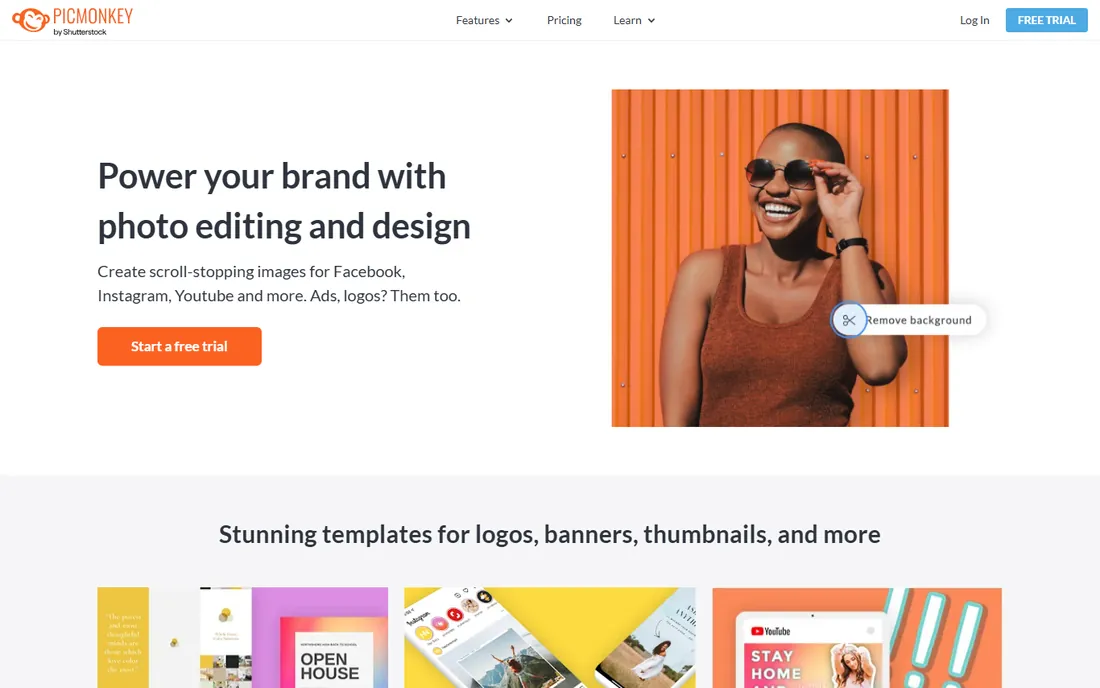
PicMonkey targets small businesses that need marketing visuals to look professional without hiring a designer. Its collage templates lean clean and commercial, and brand kit features keep colors, fonts and logos consistent across everything you make. The text and layout tools are a cut above the casual apps.
There is no free tier, only a trial, and subscriptions cost more than the playful alternatives. For business use where the collage represents a brand, the polish justifies it. For personal photo grids, cheaper options do the job.
What we like- Professional template quality aimed at businesses
- Brand kit features for consistent visuals
- Good text and layout tools
Watch out for- No free tier, subscription only
- Pricier than casual alternatives
- Collage is one feature among many
Starting priceSee website
Free planYes, limited
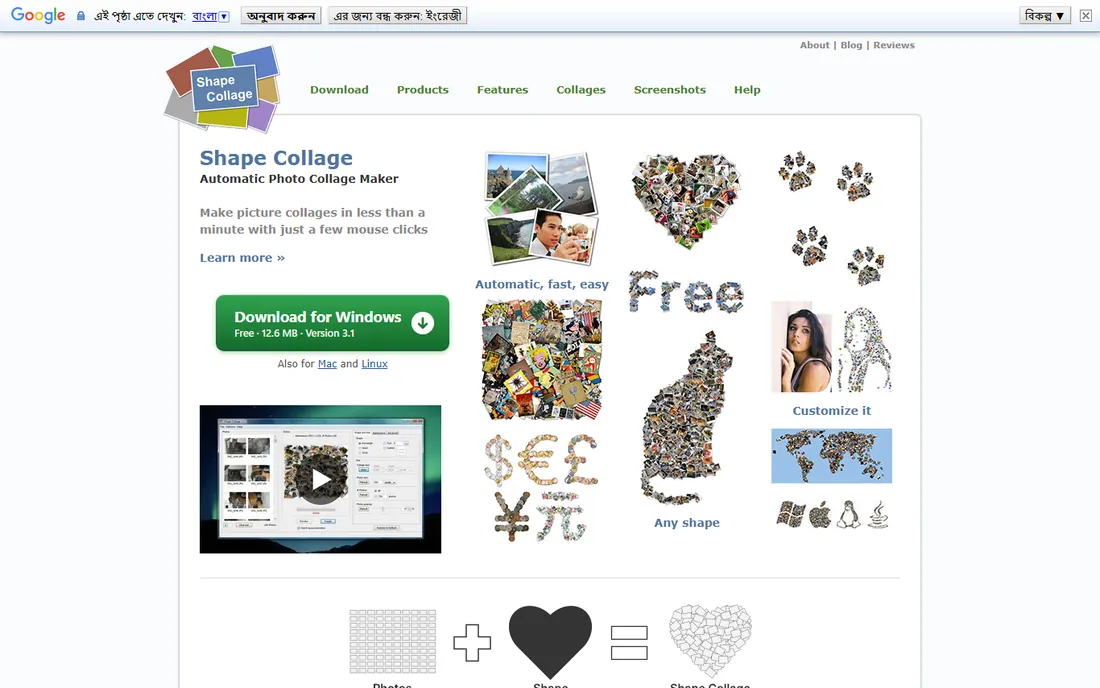
Shape Collage does one trick no one else here attempts: it automatically packs your photos into a chosen shape, a heart, a star, text, even a custom silhouette. Drop in a folder of photos, pick a shape, and the software arranges everything in under a minute. For event displays, gifts and posters, the effect is striking.
Automation is also the limitation. Fine manual control over individual photo placement is minimal compared with grid editors, and the free version restricts saving options. When you want the shaped-mosaic look without hours of manual arrangement, nothing else is as direct.
What we like- Automatically arranges photos into shapes, words and heart layouts
- Desktop app for Windows, Mac and Linux
- Fast results from many photos
Watch out for- Automatic layouts limit manual control
- The free version is restricted
- The interface is utilitarian
What to check before you pick
Start with the export. Design your test collage in the free tier, then try to download it at the resolution you need. Watermarks, resolution caps and format limits hide in free plans, and discovering them after an hour of work is the classic collage-maker frustration.
Next, match the tool to the destination. Social media collages need the right aspect ratios and modest resolution, which every tool here handles. Prints need high resolution and color accuracy, which favors desktop tools like PhotoScape X and Shape Collage over browser apps.
Consider how often you will make collages. Weekly social content justifies a subscription to Canva or Picsart. A once-a-year holiday card does not; use a free tier or a one-time desktop tool. And if any collage goes into client work or advertising, read the license terms: several free tiers restrict commercial use to paid plans.
How we chose
We defined the category as software whose primary job includes making photo collages, from design platforms to dedicated apps. We read current vendor pages and pricing, tested the free-tier export terms where documented, and weighed user feedback from review sites and app stores about template quality and ease of use. Tools that were discontinued or had become unusable were excluded.
Printing your collages without disappointment
Screen collages forgive a lot; prints forgive nothing. For anything larger than a 4x6 print, export at the highest resolution the tool allows and check the pixel dimensions before ordering. A 1080-pixel-wide collage stretched across a poster will look soft no matter how good the layout is.
Color shifts between screen and print catch people out. If accurate color matters, work in sRGB, avoid extreme filters on the key photos, and order a small test print before committing to a large run. Desktop tools generally give more export control than browser apps, which is one more reason print projects favor PhotoScape X or Shape Collage over quick mobile apps.
Frequently asked questions
What is the best free photo collage maker?
Canva's free tier offers the most templates at no cost, PhotoScape X is the best free desktop option with no watermark, and PicCollage is the fastest free mobile app. The right free pick depends on whether you work in a browser, on a desktop or on a phone.
Can I make a photo collage without downloading software?
Yes. Canva, BeFunky, FotoJet, piZap and Fotor all run in the browser. Check each free tier's export terms first, since some watermark downloads or limit resolution until you pay.
Which collage maker is best for printing?
Desktop tools like PhotoScape X and Shape Collage give the most export control and full-resolution output without watermarks. Whatever you use, export at maximum resolution and verify pixel dimensions before ordering prints.
Do collage makers work on phones?
Yes, and several are phone-first: PicCollage, Picsart and piZap are designed for mobile. Canva, Fotor and BeFunky also have capable mobile apps alongside their web versions.
Can I use free collage makers for business or commercial work?
Sometimes. Several tools restrict commercial use to paid plans, so read the license terms of the specific tier you use. PicMonkey and Canva Pro explicitly include commercial rights; free tiers often do not.
How many photos can I put in one collage?
It varies widely. Grid tools typically handle up to 9 or 12 photos per layout, while automatic tools like Shape Collage can pack in a hundred or more. Very photo-dense collages need high source resolution to avoid blurry individual images.
Sources we checked (14)
- https://www.fahimai.com/photogrid
- https://www.creativebloq.com/features/collage-maker
- https://receivinghelpdesk.com/ask/fotor-collage-maker
- https://piccollage.com/
- https://shapecollage.com/
- https://turbocollage.com/
- https://pizap.com/
- https://www.canva.com
- https://www.fotor.com
- https://www.photoscape.org
- https://www.befunky.com
- https://www.fotojet.com
- https://www.picsart.com
- https://www.picmonkey.com
Is your product missing or out of date?
We review this list regularly. Vendors can request a listing, send updated pricing or ask about featured placement.

Shihab Mia · Founder, Rankite
Shihab has spent more than a decade helping SaaS and e-commerce brands grow through search. He writes Rankite's software buying guides from pricing pages, documentation and public user reviews. More about Shihab.