How we make this list: we compare pricing pages, product documentation and public user reviews. Rankite is independent; if a vendor ever pays for a featured spot, that listing is clearly labeled Partner.

Key takeaways
- Enterprise panel and machine builders should shortlist EPLAN Electric P8, WSCAD and AutoCAD Electrical. The decision usually comes down to existing CAD ecosystem and parts-data libraries, not drawing features.
- Small shops and independent electricians get the best value from ProfiCAD and SkyCAD: real schematic tools with bills of materials at a fraction of enterprise prices.
- QElectroTech and diagrams.net handle genuine electrical schematics for free. Budget is not a reason to draw wiring diagrams in a generic paint program.
- Cloud and general diagramming tools (Lucidchart, SmartDraw, diagrams.net) suit documentation, proposals and simple diagrams, but they lack the electrical intelligence (wire numbering, terminal lists, cross-references) that panel work requires.
- Always check the symbol libraries and parts databases before committing. A beautiful drawing tool with no IEC or NEMA symbols for your components will slow every project.
Quick comparison
| Tool | Best for | Starting price | Free plan |
|---|
 EPLAN Electric P8 EPLAN Electric P8 | Enterprise electrical engineering teams | See website | Free trial |
 AutoCAD Electrical AutoCAD Electrical | Shops already in the Autodesk ecosystem | See website | Free trial |
 WSCAD WSCAD | Mid-market panel and machine builders | See website | Free trial |
 SOLIDWORKS Electrical SOLIDWORKS Electrical | Teams standardized on SOLIDWORKS | See website | Free trial |
 SmartDraw SmartDraw | Quick professional diagrams for SMBs | From $297 one-time | Free trial |
 ProfiCAD ProfiCAD | Affordable schematics for small shops | $277 one-time | Yes, Home edition |
 SkyCAD SkyCAD | Automation-focused shops on a budget | See website | Yes, Standard |
 Lucidchart Lucidchart | Cloud collaboration on electrical drawings | From $7.95/user/month | Yes, limited |
 QElectroTech QElectroTech | Free open-source industrial schematics | Free | Yes |
 diagrams.net diagrams.net | Free browser-based diagrams | Free | Yes |
Is your product missing or out of date?
We review this list regularly. Vendors can request a listing, send updated pricing or ask about featured placement.
The best wiring diagram software
#1
EPLAN Electric P8
Best for: Enterprise electrical engineering teams
Visit eplan.com
Starting priceSee website
Free planFree trial

EPLAN Electric P8 is what the biggest machine builders, automotive suppliers and panel manufacturers design with. Its strength is not drawing lines but managing engineering data: every symbol carries real device data, wire numbering and cross-references update automatically, and the Data Portal supplies manufacturer part data that drops straight into projects. For teams producing hundreds of pages of schematics, that data layer is the product.
The cost reflects the positioning. Licensing is quote-based and enterprise-scale, training takes real investment, and a two-person shop will never use most of what it offers. But when customers or industries expect EPLAN-format deliverables, nothing else substitutes.
What we like- The industry standard for large-scale electrical design
- Enormous parts database with millions of device datasets
- Deep ERP, PDM and PLM integrations
Watch out for- Enterprise pricing with quote-based licensing
- Significant training investment
- Overkill for simple wiring diagrams
Starting priceSee website
Free planFree trial
If your shop already lives in AutoCAD, AutoCAD Electrical is the path of least resistance to proper schematics. It adds electrical symbol libraries, automatic wire numbering, PLC modules and report generation on top of the AutoCAD everyone knows. DWG compatibility means drawings move between contractors, customers and fabricators without conversion headaches.
The subscription model means the cost never ends, and the interface reflects thirty years of accumulated features, which new users find daunting. It is also fundamentally generic CAD with electrical intelligence added, rather than electrical-first software. For Autodesk shops, though, the ecosystem fit outweighs those complaints.
What we like- Full AutoCAD power with electrical-specific toolsets
- Huge existing user base and training resources
- Strong DWG compatibility across the industry
Watch out for- Subscription pricing adds up
- The interface carries decades of accumulated complexity
- Electrical features are a layer on generic CAD
Starting priceSee website
Free planFree trial

WSCAD positions itself as the sensible middle: more capable than budget tools, far more affordable than EPLAN. One platform covers electrical schematics, cabinet engineering in 2D and 3D, fluid power, P&ID and building automation, all sharing one data model. The free parts universe with over two million components from hundreds of manufacturers removes one of the biggest time sinks in schematic work.
The trade-offs are ecosystem-related. Fewer engineers know WSCAD than know EPLAN or AutoCAD, which matters for hiring, and US-based support is thinner than the German home market enjoys. Pricing is quote-based, though the company claims two to three times the value of comparable tools. Mid-size panel shops that evaluate it seriously often stay.
What we like- All-in-one electrical CAD covering schematics, cabinet layout, P&ID and installation
- 2.2 million parts from 457 manufacturers free
- Strong price-performance ratio
Watch out for- Smaller user community than EPLAN or Autodesk
- Quote-based pricing obscures the true cost
- German vendor with thinner US support presence
Starting priceSee website
Free planFree trial
SOLIDWORKS Electrical exists for one reason: companies that design products where the electronics and the enclosure are developed together. Schematics link directly to 3D cabinet and machine layouts, so a terminal moved in the schematic updates the 3D model. For electro-mechanical product teams, that integration eliminates an entire class of coordination errors.
Outside a SOLIDWORKS environment it makes little sense, and licensing is bundled into the Dassault ecosystem with quote-based pricing. But if your mechanical engineers already work in SOLIDWORKS, adding the electrical side keeps one data model across the whole product.
What we like- Tight integration between electrical schematics and 3D mechanical design
- Single-line and multi-line schematic tools
- Strong for electro-mechanical products
Watch out for- Only makes sense inside a SOLIDWORKS shop
- Pricing is quote-based and bundled
- Smaller electrical user community than EPLAN
Starting priceFrom $297 one-time
Free planFree trial

SmartDraw is the fastest route to a professional-looking wiring diagram when you do not need engineering intelligence behind it. Pick an electrical template, drop in symbols, and the automatic formatting aligns everything neatly. It imports Visio and AutoCAD files, which helps when customers send drawings in those formats.
What it cannot do is think electrically. There is no wire numbering engine, no terminal strip management, no bill of materials generated from the drawing. For proposals, documentation, training materials and simple diagrams, that does not matter. For panel manufacturing documentation, it does.
What we like- Thousands of templates and tens of thousands of symbols
- Automatic formatting keeps diagrams neat
- Visio and AutoCAD file import
Watch out for- General diagramming tool, not electrical CAD
- No real wire database or terminal management
- The one-time license covers a single user
Starting price$277 one-time
Free planYes, Home edition
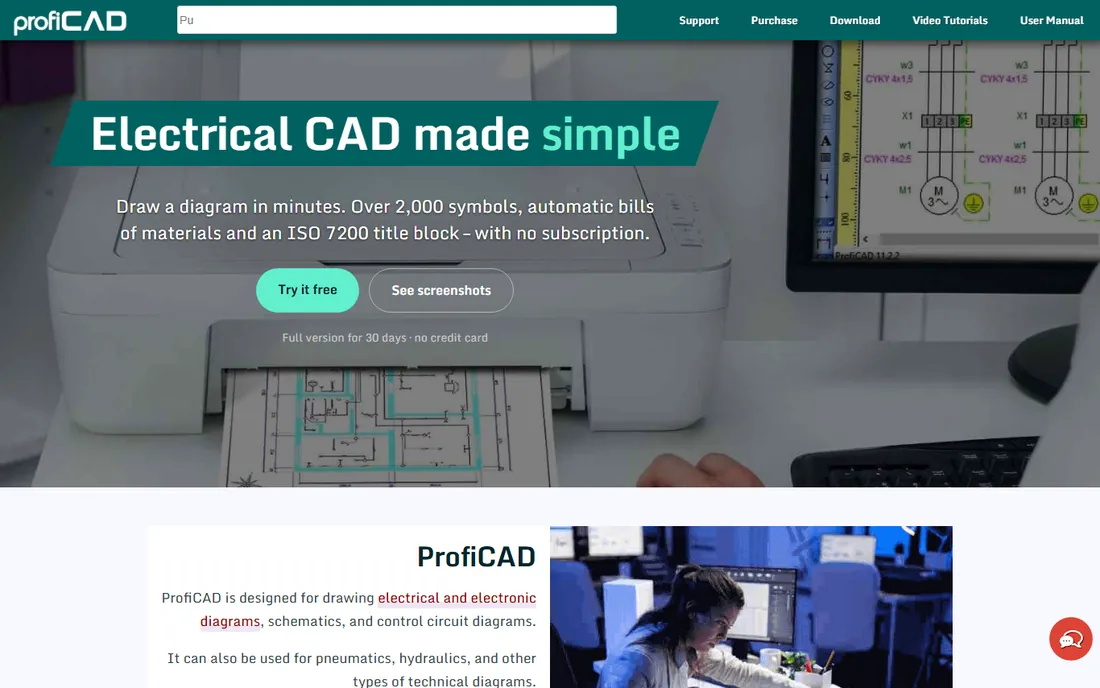
ProfiCAD is the rare tool that takes small electrical shops seriously. For a $277 one-time license with no subscription, you get real schematic software: over 2,000 symbols, automatic numbering, cross-references, bills of materials and lists of wires, cables and terminals. A free Home edition covers hobby and learning use.
The limitations are honest ones. It runs on Windows only, the symbol collection cannot match enterprise databases, and the entire product is developed by one person, which is both its charm and its risk. For independent electricians, maintenance departments and small panel shops, the value is difficult to beat.
What we like- Purpose-built for electrical schematics at a one-time price
- Automatic bills of materials, wire and terminal lists
- Free Home edition for non-commercial use
Watch out for- Windows only
- Smaller symbol library than enterprise tools
- One-developer operation means support depends on one person
Starting priceSee website
Free planYes, Standard
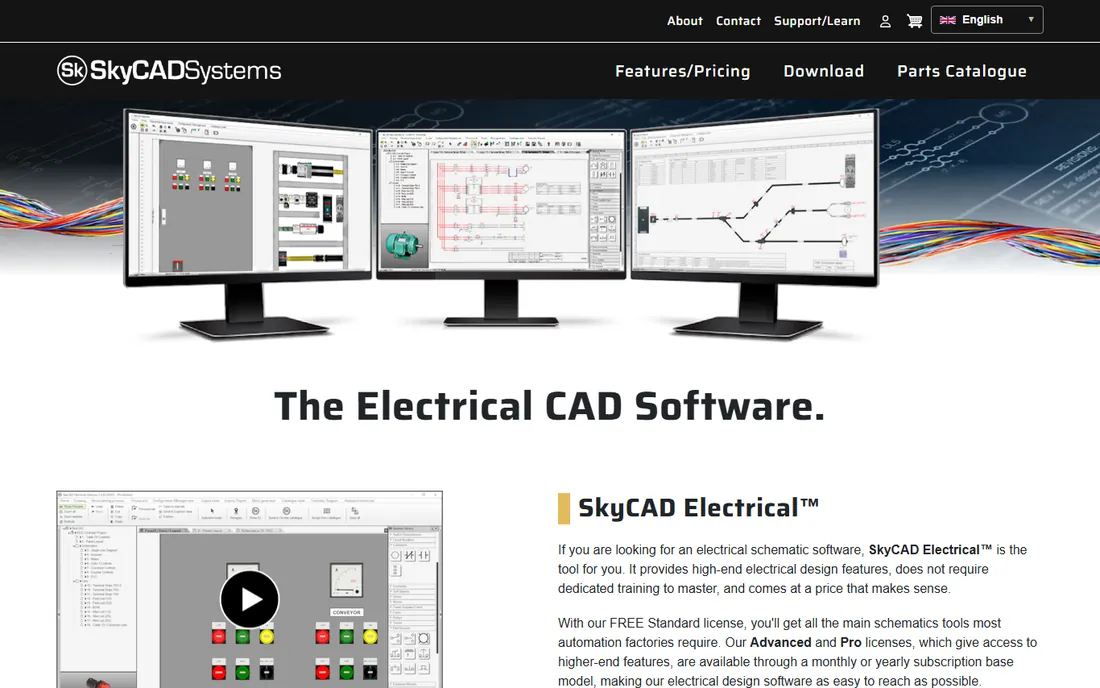
SkyCAD targets industrial automation shops that find EPLAN too expensive and generic CAD too dumb. Its standout concept is design-by-systems: define a conveyor, a pump station or a motor starter once, then drop the pre-wired system into any project with parts lists and IO lists updating automatically. The free Standard license includes the main schematic tools, which is genuinely usable, not a teaser.
As a newer vendor it lacks the decades of community knowledge around the incumbents, and the advanced tiers run on subscriptions. But for automation-focused shops that reuse standard circuits across projects, the workflow fit is strong and the entry price is zero.
What we like- Free Standard license covers core schematic tools
- Design-by-systems reuses common circuits
- Subscription tiers for advanced features
Watch out for- Younger product with a smaller community
- Subscription pricing for the full feature set
- Windows-focused
Starting priceFrom $7.95/user/month
Free planYes, limited
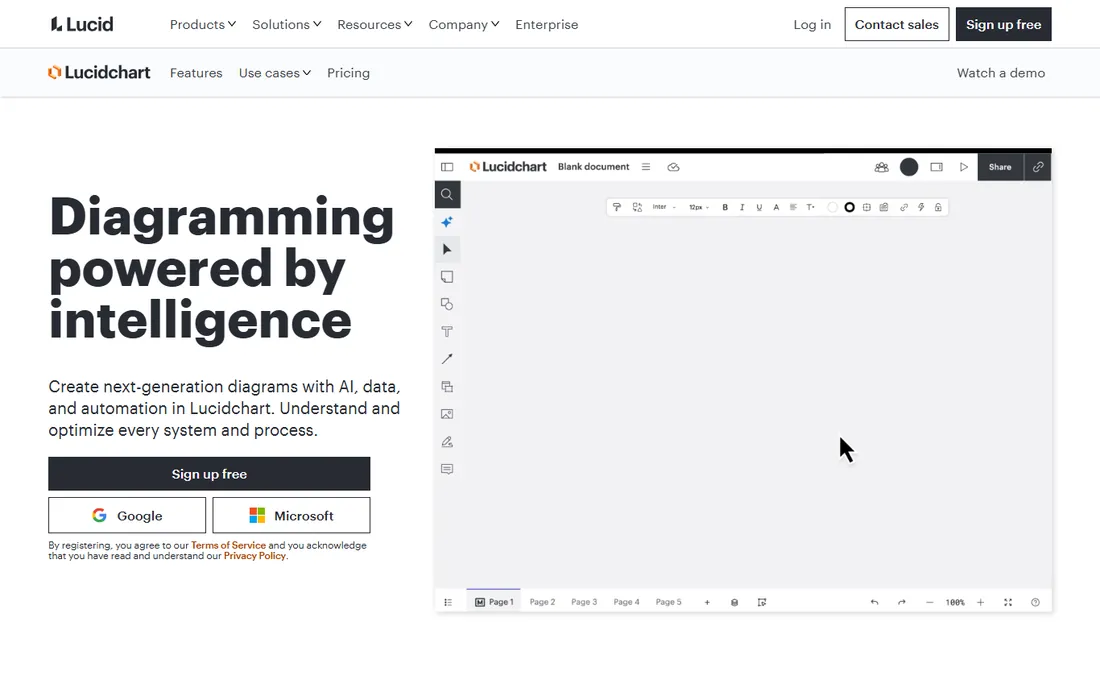
Lucidchart earns its place when the diagram is a communication tool rather than a manufacturing document. Multiple people can edit a one-line diagram or system overview in the browser simultaneously, share it with a link, and collect comments from stakeholders who will never open CAD software. For proposals, project documentation and cross-team planning, that collaboration is worth more than wire numbering.
It will not generate terminal lists or check your schematics for errors. The per-user subscription also adds up for larger teams. Use it where the audience is people, not machines.
What we like- Real-time collaboration in the browser
- Easy sharing with non-technical stakeholders
- Integrates with common business tools
Watch out for- General diagramming without electrical intelligence
- Recurring per-user cost
- Offline work is limited
Starting priceFree
Free planYes
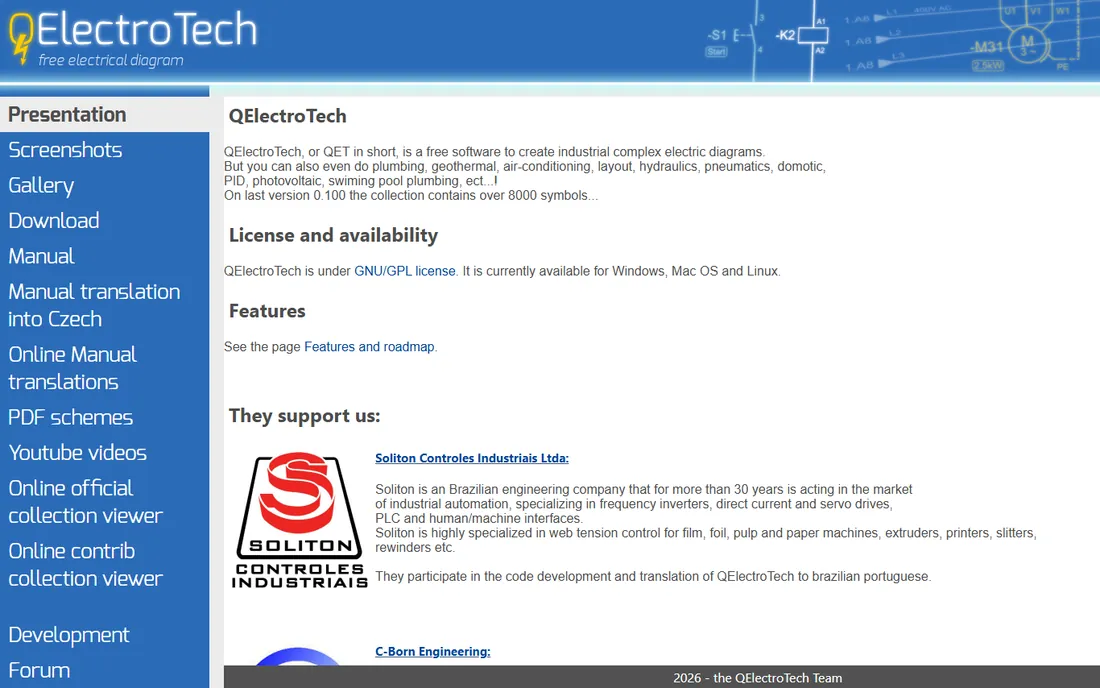
QElectroTech is proof that free software can do serious electrical work. It handles industrial schematics, control circuits, motor starters, terminal diagrams and single-line drawings, with a symbol collection north of 8,000 and DXF export for moving drawings into CAD workflows. It runs on Windows, Mac and Linux under a GPL license.
The interface will not win design awards, and support means forums and community wikis rather than a help desk. For schools, maintenance departments, small contractors and anyone who needs real schematics at zero cost, it is the most capable free option in this category.
What we like- Completely free and open source
- Over 8,000 symbols including industrial controls
- DXF export for CAD workflows
Watch out for- Interface feels dated
- Documentation is community-maintained
- No commercial support contracts
Starting priceFree
Free planYes

diagrams.net (formerly draw.io) is the quickest free way to sketch a wiring diagram when nothing else is at hand. It opens in the browser instantly, needs no account, and includes electrical and electronic shape libraries sufficient for block diagrams, single-line drawings and documentation illustrations. Files save to your own storage, including Google Drive and OneDrive.
It is a drawing tool, not engineering software. Wires are lines you place by hand, with no numbering, no error checking and no reports. For quick documentation, troubleshooting sketches and training materials, that is enough. For anything that gets built from the drawing, step up to a real electrical tool.
What we like- Completely free with no account required
- Runs in any browser
- Electrical symbol shapes available for basic diagrams
Watch out for- No electrical intelligence at all
- Drawings are just shapes and lines
- Easy to produce messy diagrams without discipline
Free versus paid electrical CAD
The free tools here are genuinely capable of producing professional schematics. QElectroTech handles industrial control diagrams that would cost thousands in licenses elsewhere, and ProfiCAD's free Home edition plus SkyCAD's free Standard tier cover learning and light commercial-feeling work at zero cost.
What paid tools buy is engineering data, not drawing. Automatic wire numbering, terminal management, cross-referencing, manufacturer parts databases and error checking are what separate a $277 tool from a free one, and a $277 tool from an enterprise platform. If your deliverable is a PDF that someone reads, free tools suffice. If your deliverable feeds manufacturing, procurement and panel building, the paid intelligence pays for itself in avoided errors.
How we chose
We defined the category as software used to create wiring diagrams and electrical schematics, from industrial control panels to building installations. We read current vendor pages, documentation and pricing, checked symbol library coverage against IEC and NEMA expectations, and weighed feedback from electricians and panel builders in trade forums and review sites. Tools that were discontinued, acquired into oblivion or no longer maintained were excluded, and we verified that every free tool listed is actually usable for real schematic work, not a trial in disguise.
What to look for before you buy
Start with the symbols and parts data. Open the library and check for the specific components you use: contactors, PLCs, drives, breakers, terminal blocks. A tool missing your everyday parts will cost you hours of custom symbol drawing on every project.
Next, check the reports. Wire lists, terminal diagrams, bills of materials and cable schedules are where electrical CAD earns its price. If the tool cannot generate them from the drawing, you are buying a drawing program, not engineering software.
Confirm file compatibility with your customers and fabricators. DWG and DXF exchange covers most shops, but some industries expect native formats. Ask what your three biggest customers accept before you commit.
Finally, count the real cost. Quote-based enterprise tools, per-user cloud subscriptions and one-time licenses behave very differently over five years. Include training time in the math: a cheaper tool your team cannot learn quickly is the expensive one.
Frequently asked questions
What is the difference between a wiring diagram and a schematic?
A schematic shows the logical connections between components using standardized symbols, organized for readability rather than physical accuracy. A wiring diagram shows how wires physically run and connect, closer to what an installer sees. Many tools produce both from the same project data.
Do I need expensive software to draw wiring diagrams professionally?
No. ProfiCAD at $277 one-time and the free QElectroTech both produce professional schematics with proper symbols and documentation. Expensive platforms pay off when you need automated wire management, parts databases and manufacturing integration at scale.
Which wiring diagram software is best for electricians?
Independent electricians usually do best with ProfiCAD or SkyCAD: affordable, focused on schematics, and able to produce permit-ready drawings with bills of materials. For quick sketches and documentation, diagrams.net is free and instant.
Can I use AutoCAD for wiring diagrams?
Yes. Plain AutoCAD can draw wiring diagrams, and AutoCAD Electrical adds the electrical symbol libraries, wire numbering and reporting that make the work efficient. Shops already paying for Autodesk products should use the Electrical toolset rather than drawing schematics in base AutoCAD.
What file format should wiring diagrams be shared in?
PDF for viewing and approval, DWG or DXF for CAD exchange with contractors and fabricators. Confirm what your customer or inspector accepts before delivering; some jurisdictions and large customers specify formats.
Is there good free wiring diagram software for Mac and Linux?
Yes. QElectroTech runs on Windows, Mac and Linux and handles real industrial schematics. diagrams.net runs in any browser. Most commercial electrical CAD remains Windows-focused, so Mac and Linux users lean on these free options or virtualization.
Sources we checked (16)
- https://eplan.com/
- https://www.wscad.com/en/
- https://www.proficad.com
- https://skycad.ca/
- https://qelectrotech.org
- https://forumelectrical.com/free-online-electrical-diagram-tools/
- https://www.selecthub.com/c/diagram-software/
- https://comparisons.financesonline.com/autodesk-autocad-vs-corelcad-vs-smartdraw
- https://Slashdot.org/software/comparison/Design-Master-Electrical-vs-WSCAD/
- https://sourceforge.net/software/electrical-design/usa/?page=2
- https://www.edrawsoft.com/
- https://www.smartdraw.com
- https://www.lucidchart.com
- https://diagrams.net
- https://www.autodesk.com
- https://www.solidworks.com
Is your product missing or out of date?
We review this list regularly. Vendors can request a listing, send updated pricing or ask about featured placement.

Shihab Mia · Founder, Rankite
Shihab has spent more than a decade helping SaaS and e-commerce brands grow through search. He writes Rankite's software buying guides from pricing pages, documentation and public user reviews. More about Shihab.