How we make this list: we compare pricing pages, product documentation and public user reviews. Rankite is independent; if a vendor ever pays for a featured spot, that listing is clearly labeled Partner.
Key takeaways
- Krisp and NVIDIA Broadcast clean up live calls in real time, with Krisp starting at $8 per month and NVIDIA Broadcast free for RTX GPU owners.
- Audacity remains the best free post-production option, with solid noise reduction for podcasters on a zero budget.
- iZotope RX 12 Standard at $399 is the professional repair standard for audio engineers and serious podcast producers.
- Descript, Audo Studio, and Cleanvoice AI bundle noise removal with transcription and editing for content workflows.
Quick comparison
| Tool | Best for | Starting price | Free plan |
|---|
 Adobe Audition Adobe Audition | professional editing with built-in repair | $22.99/month (single app, billed annually) | Free trial (7 days) |
 iZotope RX 12 iZotope RX 12 | professional audio restoration and repair | $99 one-time (Elements) | Free trial |
 Audacity Audacity | free hands-on noise reduction | Free (open source) | Yes |
 Krisp Krisp | real-time noise cancellation on calls | $8/month (Pro, billed annually) | Yes (60 minutes per day) |
 NVIDIA Broadcast NVIDIA Broadcast | free real-time cleanup for RTX GPU owners | Free (requires NVIDIA RTX GPU) | Yes |
 Descript Descript | podcast and video editing with cleanup included | $16/month (Hobbyist, billed annually) | Yes |
 Audo Studio Audo Studio | one-click online audio cleanup | $12/month (Creator) | Yes (Starter, 20 minutes per month) |
 Cleanvoice AI Cleanvoice AI | automated podcast post-production | $11/month (10 hours) | Free trial (30 minutes) |
 Waves Clarity Vx Waves Clarity Vx | real-time voice cleanup inside a DAW | Around $34.99 one-time (plugin) | Free trial |
Is your product missing or out of date?
We review this list regularly. Vendors can request a listing, send updated pricing or ask about featured placement.
The best noise removal software
#1
Adobe Audition
Best for: professional editing with built-in repair
Visit adobe.com
Starting price$22.99/month (single app, billed annually)
Free planFree trial (7 days)
Adobe Audition is the full audio workstation that happens to include capable noise removal. Its noise reduction effect learns a noise print from a silent section and subtracts it, while dedicated de-hum, de-esser, and click removal tools handle common problems. At $22.99 per month annually ($34.49 month to month), it sits in the Creative Cloud single-app tier with a 7-day trial.
For podcasters and video editors already in Adobe's ecosystem, the round trip with Premiere Pro is the selling point: send a sequence to Audition, clean it, send it back. Casual users will find it heavy for occasional cleanup. Buy it when audio editing is a weekly job, not a one-off rescue.
What we like- Strong noise reduction and de-hum tools
- Multitrack editing
- Integrates with Premiere Pro
Watch out for- Subscription cost for occasional use
- Learning curve for beginners
#2
iZotope RX 12
Best for: professional audio restoration and repair
Visit izotope.com
Starting price$99 one-time (Elements)
Free planFree trial
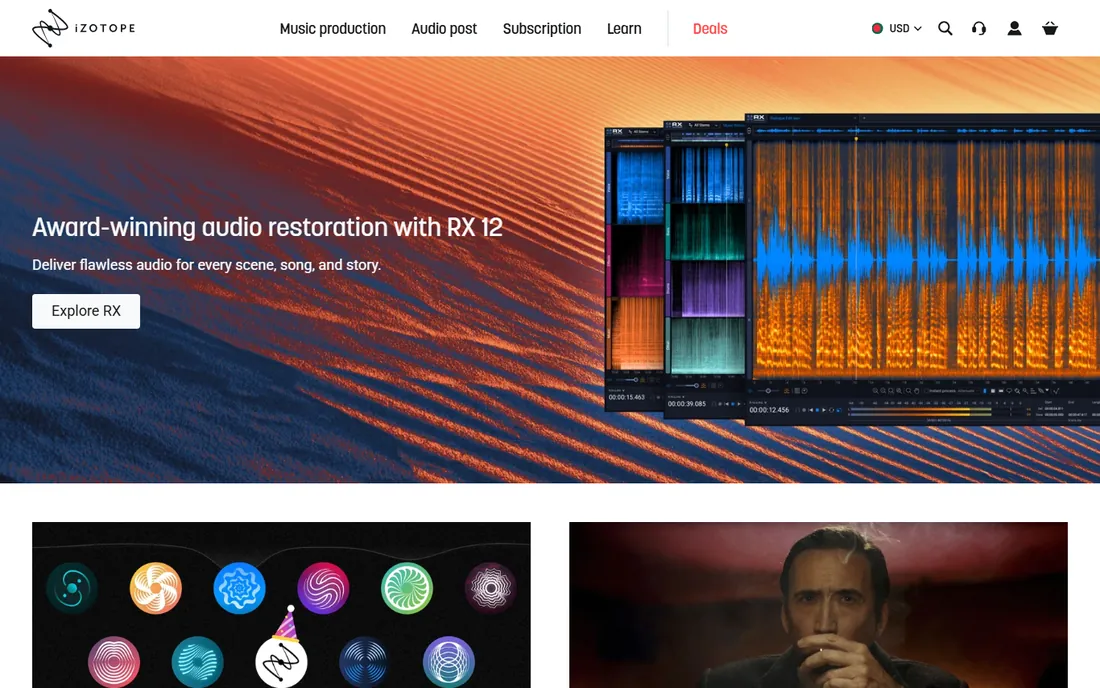
When audio engineers talk about rescue jobs, they talk about RX. Its de-noise, de-reverb, de-click, and spectral repair tools can salvage recordings that sound hopeless: air conditioner rumble under dialogue, clipping from hot levels, mouth clicks in voiceover. Elements at $99 covers the basics, Standard at $399 is the working professional's tier, and Advanced at $1,399 serves post-production houses.
The catch is that this power assumes skill. RX rewards users who learn its modules; pointed at a problem blindly, it can produce watery artifacts. For simple constant hiss, a free tool finishes faster. For dialogue rescue, forensic cleanup, and broadcast work, RX 12 remains the benchmark everything else is judged against.
What we like- Industry-standard repair quality
- Spectral editing for surgical fixes
- Perpetual licenses
Watch out for- Standard at $399 is a real investment
- Overkill for simple hiss removal
Starting priceFree (open source)
Free planYes
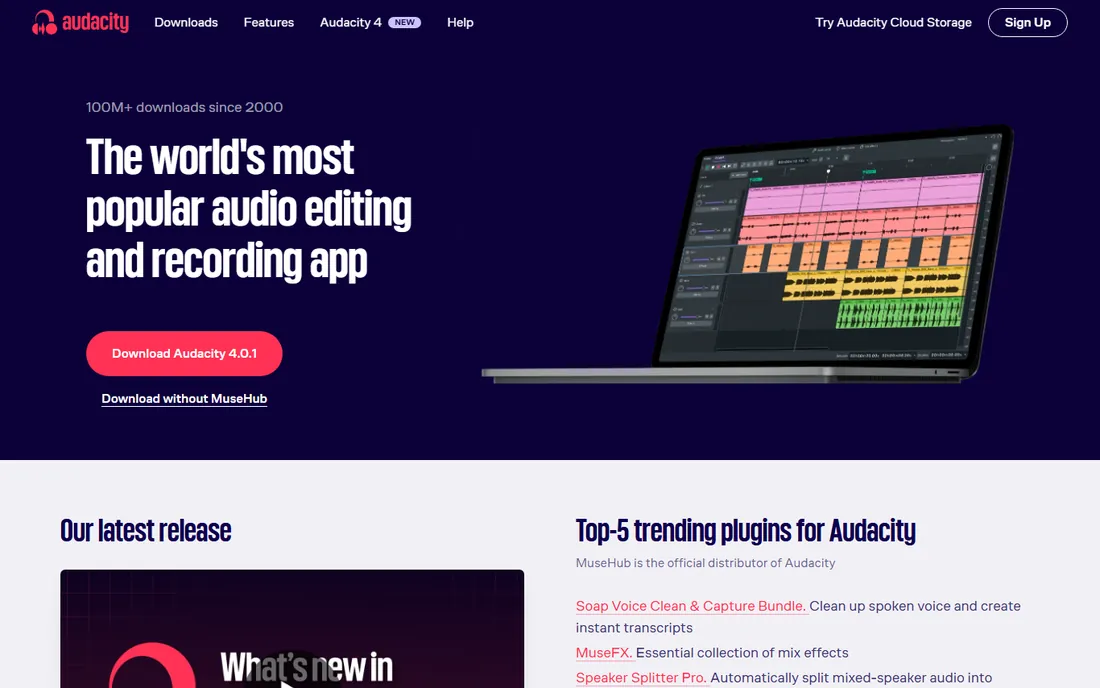
Audacity's noise reduction follows the classic recipe: select a few seconds of pure noise, let the effect learn its profile, then apply reduction to the whole track. Done carefully, with conservative settings across two light passes, it cleans hiss and hum respectably. It costs nothing, runs on Windows, Mac, and Linux, and twenty years of tutorials cover every common problem.
The workflow is manual and unforgiving of heavy hands. Aggressive settings create the metallic underwater artifacts that mark amateur cleanup. There is no AI one-click magic here. For podcasters and YouTubers on a zero budget willing to learn the two-pass technique, Audacity delivers results far above its price.
What we like- Completely free with no limits
- Noise reduction effect works well
- Huge tutorial library
Watch out for- Manual process with trial and error
- Interface is dated
#4
Krisp
Best for: real-time noise cancellation on calls
Visit krisp.ai
Starting price$8/month (Pro, billed annually)
Free planYes (60 minutes per day)
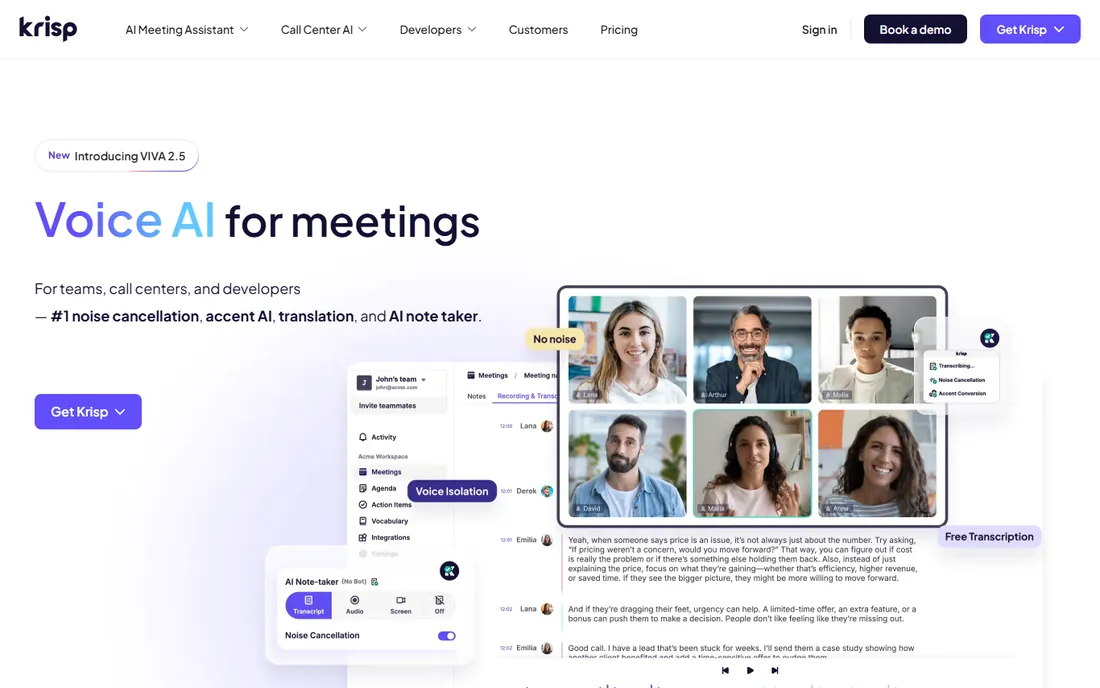
Krisp sits between your microphone and every call app, stripping background noise before anyone hears it. Dogs, keyboards, street noise, even another person talking nearby, Krisp's models remove it in real time on Zoom, Teams, Meet, and anything else. The free tier covers 60 minutes per day, Pro costs $8 per month annually ($16 monthly), and Business runs $15 ($30 monthly).
Unlike a post-production tool, Krisp prevents the problem instead of fixing it. Setup takes minutes: select Krisp as your mic and speaker in the call app. Teams notice the per-user cost quickly at scale. For remote workers, salespeople, and support agents whose voice is their product, it is the most direct fix for noisy environments.
What we like- Works with any conferencing app
- Removes background voices too
- Easy setup
Watch out for- Monthly cost per user adds up for teams
- Processing happens with cloud assistance
#5
NVIDIA Broadcast
Best for: free real-time cleanup for RTX GPU owners
Visit nvidia.com
Starting priceFree (requires NVIDIA RTX GPU)
Free planYes
If your machine has an NVIDIA RTX graphics card, Broadcast is the best value in real-time noise removal: free. Its AI noise removal and room echo removal run on the GPU's tensor cores, cleaning your mic for any app without touching the CPU. It also throws in background replacement and auto-framing for video.
The hardware gate is absolute. No RTX card, no Broadcast, and there is no Mac version. Laptop users should check which GPU they actually have before planning around it. For RTX owners, though, this is a genuine free professional-grade tool. Try it before paying for anything that does the same job.
What we like- Free with supported hardware
- Excellent noise and echo removal
- Virtual background included
Watch out for- RTX GPU required
- Windows only
Starting price$16/month (Hobbyist, billed annually)
Free planYes
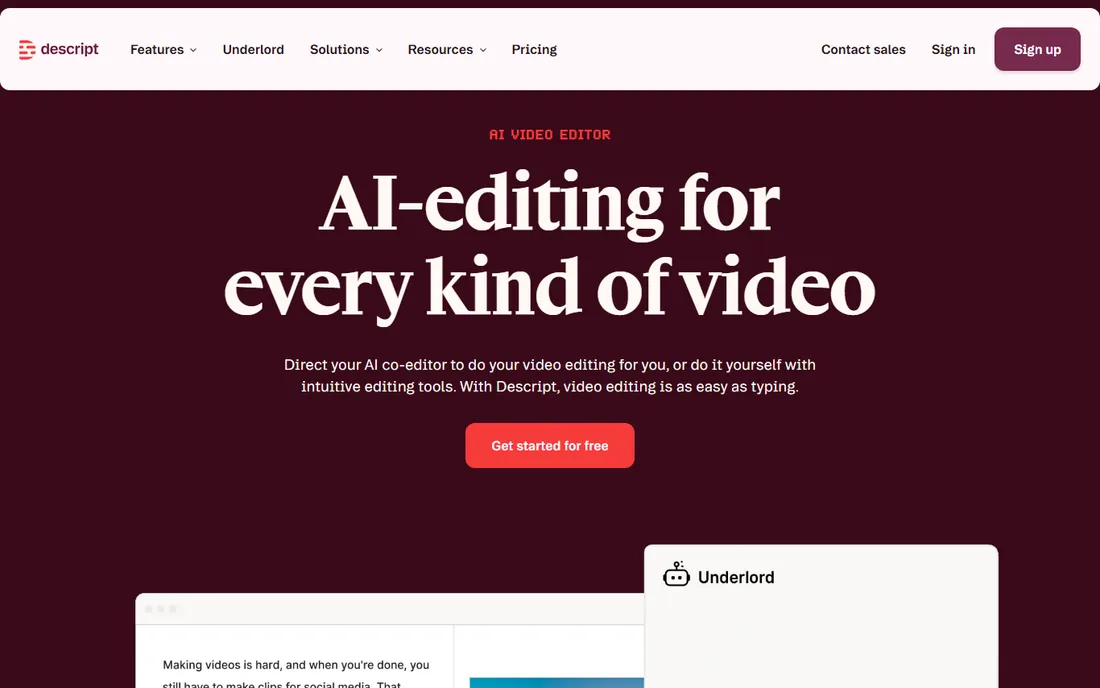
Descript rethought audio editing as word processing: delete a sentence from the transcript and it disappears from the audio. Its Studio Sound feature applies AI enhancement that removes background noise and room tone while polishing voice quality, all in one click. Hobbyist starts at $16 per month annually ($24 monthly), Creator at $24 ($33), and Business higher, with a free tier for trying the workflow.
Pure noise-removal specialists offer more control, and Descript's cleanup is deliberately simple rather than surgical. The value is the bundle: record, transcribe, clean, and edit in one place. Podcasters and video creators who already edit in Descript get capable noise removal without a second subscription.
What we like- Studio Sound enhances voice with one click
- Edit audio by editing text
- Transcription included
Watch out for- Noise cleanup is one feature among many
- Higher tiers needed for serious volume
#7
Audo Studio
Best for: one-click online audio cleanup
Visit audo.ai
Starting price$12/month (Creator)
Free planYes (Starter, 20 minutes per month)
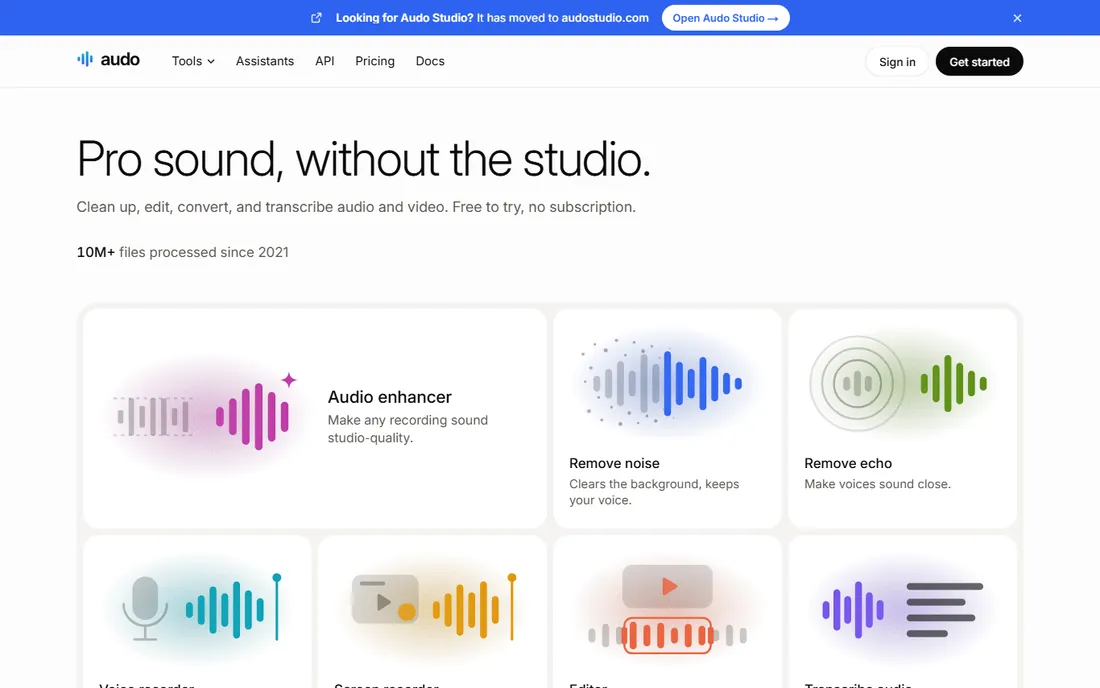
Audo Studio is the simplest tool on this list to actually use. Upload an MP3 or WAV, its AI removes background noise and enhances the voice, and you download the result. No profiles to learn, no thresholds to tune. The Starter plan is free for 20 minutes per month, and Creator at $12 per month covers regular podcasters.
What you gain in simplicity you lose in control. There are no surgical tools for tricky problems, and very noisy source material can still defeat it. File handling is web-based, so huge multitrack projects belong elsewhere. For creators who want clean audio without learning audio engineering, Audo Studio is the shortest path from noisy file to publishable sound.
What we like- Upload and get cleaned audio in minutes
- No software to learn
- Affordable entry
Watch out for- Less control than desktop tools
- Upload sizes limited on cheaper plans
Starting price$11/month (10 hours)
Free planFree trial (30 minutes)
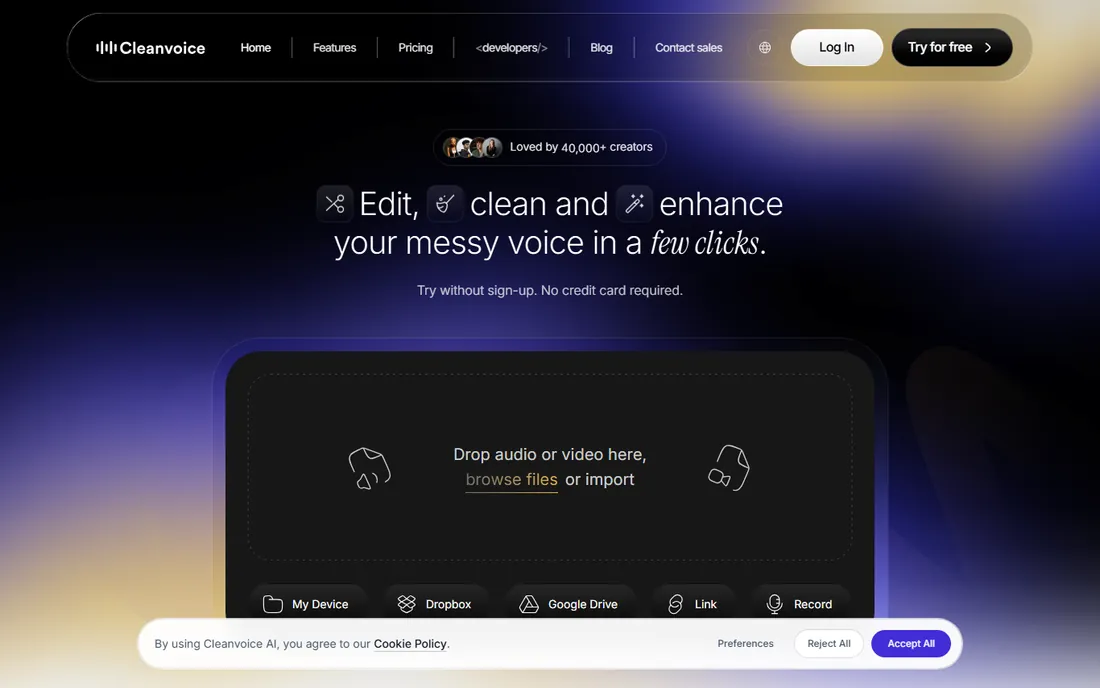
Cleanvoice AI treats podcast cleanup as a pipeline, not a single effect. Upload an episode and it removes background noise, mouth sounds, and stuttering, then goes further: filler words, long silences, and dead air get cut with a visual timeline showing every edit. Subscriptions start at $11 per month for 10 hours, with pay-as-you-go from $11 for 5 hours, and a 30-minute free trial.
The hour-based pricing asks you to estimate volume upfront, which annoys irregular publishers. It also works on finished recordings only, so live calls need Krisp or Broadcast instead. For podcasters publishing on schedule, the combination of noise removal and automated editing saves the most tedious hour of production.
What we like- Removes filler words plus noise
- Timeline shows what was cut
- Pay-as-you-go option
Watch out for- Subscriptions sized in hours need planning
- Not a real-time tool
#9
Waves Clarity Vx
Best for: real-time voice cleanup inside a DAW
Visit waves.com
Starting priceAround $34.99 one-time (plugin)
Free planFree trial

Clarity Vx puts AI noise removal on a single plugin slot. Drop it on a vocal track and two main controls separate voice from everything else in real time, with low enough latency for live streaming setups as well as studio mixing. Waves sells it as a perpetual plugin license, typically around $34.99 though Waves runs frequent sales, with a free trial available.
You need a DAW or plugin host to run it, so pure podcasters using simple editors may prefer Audo Studio or Descript. It also does one job: voice cleanup. Within that job it is fast, affordable, and genuinely effective. Streamers, voiceover artists, and engineers who live in a DAW get professional real-time cleanup for the price of a dinner.
What we like- Runs live on a track with low latency
- Simple two-knob control
- One-time plugin pricing
Watch out for- Needs a DAW or host
- Narrow job compared with full suites
Real-time cleanup vs post-production repair
These are two different jobs, and buying the wrong type wastes money. Real-time tools (Krisp, NVIDIA Broadcast, Clarity Vx) process audio as it happens: calls, live streams, live recording. They must be fast and simple, because there is no undo. Their quality ceiling is lower by necessity.
Post-production tools (iZotope RX, Audacity, Adobe Audition, Audo Studio, Cleanvoice, Descript) work on recordings you can replay. They can analyze the whole file, learn noise profiles, and apply heavier processing. When a recording matters, this is where the real rescue happens.
Most buyers need one side or the other. Remote teams and streamers buy real-time. Podcasters and video producers buy post-production. If you do both, Krisp for calls plus Audacity or Descript for recordings covers nearly everything for little money.
Choosing between a plugin, an app, and a service
Plugins like Clarity Vx and the RX suite live inside audio software you already own. They suit engineers and streamers with established DAW workflows. The one-time pricing is attractive, but you supply the host, the learning, and the computer.
Standalone apps like Audacity, Adobe Audition, Krisp, and NVIDIA Broadcast run on their own. They fit users who want a dedicated tool without assembling a chain. Krisp and Broadcast are set-and-forget; Audacity and Audition reward learning.
Online services like Audo Studio, Cleanvoice AI, and Descript move the work to the cloud. Nothing to install, results in minutes, pricing by subscription or by the hour. They suit creators who value speed over control. Pick the shape that matches how you already work, then compare noise quality within that shape.
How we chose
We split the category the way buyers experience it: real-time call cleanup, post-production repair, and creator workflows that bundle cleanup with editing. Candidates came from audio forums, Reddit's podcasting and streaming communities, G2, and Capterra, favoring tools with active development in 2026.
Prices and plan limits come from each vendor's own pricing page, checked in October 2026. Where a vendor's pricing varies by sale or region, as with Waves plugins, we say so instead of stating a false precision. We did not claim hands-on testing; the rankings reflect documented capabilities, real costs, platform requirements, and fit for small businesses and independent creators.
Frequently asked questions
Will noise removal make my voice sound robotic?
Cheap or aggressive processing can, producing metallic artifacts engineers call musical noise. Modern AI tools like Krisp, Clarity Vx, and RX are much better at preserving natural voice. The rule holds: light processing on a decent recording beats heavy rescue on a bad one.
Can I remove background noise from an already recorded podcast?
Yes. Upload it to Audo Studio or Cleanvoice AI for automatic cleanup, use Audacity's noise reduction for free manual control, or open iZotope RX for difficult cases. Results depend on the noise: steady hiss and hum clean up well, while sudden loud interruptions are harder.
What is the best free noise removal software?
For recordings, Audacity is the best free option with real control. For live calls, NVIDIA Broadcast is free if you own an RTX graphics card, and Krisp's free tier covers 60 minutes per day. Audo Studio's free Starter plan handles 20 minutes per month of file cleanup.
Should I fix noise while recording or afterward?
Prevent it first. A quiet room and a decent microphone beat any software. For calls, real-time tools like Krisp or Broadcast handle what remains. For recordings, capture clean audio and fix leftovers in post-production, where tools have more time and information to work with.
Is iZotope RX worth $399 for a podcaster?
For most podcasters, no. Audacity, Descript's Studio Sound, or Cleanvoice AI handle typical podcast noise at far lower cost. RX Standard earns its price for audio engineers, post-production professionals, and anyone regularly rescuing difficult dialogue.
Sources we checked (9)
- https://www.adobe.com/creativecloud/plans.html
- https://www.izotope.com/en/products/rx.html
- https://www.audacityteam.org
- https://krisp.ai/pricing/
- https://www.nvidia.com/en-us/geforce/broadcasting/broadcast-app/
- https://www.descript.com/pricing
- https://audo.ai
- https://cleanvoice.ai
- https://www.waves.com/plugins/clarity-vx
Is your product missing or out of date?
We review this list regularly. Vendors can request a listing, send updated pricing or ask about featured placement.

Shihab Mia · Founder, Rankite
Shihab has spent more than a decade helping SaaS and e-commerce brands grow through search. He writes Rankite's software buying guides from pricing pages, documentation and public user reviews. More about Shihab.