How we make this list: we compare pricing pages, product documentation and public user reviews. Rankite is independent; if a vendor ever pays for a featured spot, that listing is clearly labeled Partner.
Key takeaways
- Figma remains the default for collaborative product design, with Professional at $16 per editor per month on annual billing.
- Sketch is still the Mac-native alternative at $12 per editor per month, and a comfortable home for teams that never left it.
- Penpot and Lunacy give budget-conscious teams real professional tooling, with Penpot free for small teams and Lunacy free outright.
- Axure RP and UXPin serve complex, logic-heavy prototypes where simple click-throughs fall short.
Quick comparison
| Tool | Best for | Starting price | Free plan |
|---|
 Figma Figma | collaborative product design at any team size | $16/editor/month (Professional, billed annually) | Yes (Starter) |
 Sketch Sketch | Mac-based interface design | $12/editor/month (Standard, billed annually) | Free trial (30 days) |
 Axure RP Axure RP | prototypes with real logic and data | $29/user/month (Pro, billed annually) | Free trial (30 days) |
 Framer Framer | designs that publish as real websites | $10/month (Basic, billed annually) | Yes |
 Balsamiq Balsamiq | fast low-fidelity wireframes | $9/month (Cloud, 2 projects) | Free trial |
 Penpot Penpot | free open-source product design | Free (self-hosted; Professional cloud free up to 8 users) | Yes |
 Lunacy Lunacy | free design work on Windows and Linux | Free (Pro $11.99/user/month billed yearly) | Yes |
 Proto.io Proto.io | high-fidelity interactive prototypes | $24/month (Freelancer, billed annually) | Free trial (15 days) |
 UXPin UXPin | prototypes driven by real design systems | $29/month (Core, billed annually) | Free trial |
Is your product missing or out of date?
We review this list regularly. Vendors can request a listing, send updated pricing or ask about featured placement.
The best UI UX software
#1
Figma
Best for: collaborative product design at any team size
Visit figma.com
Starting price$16/editor/month (Professional, billed annually)
Free planYes (Starter)
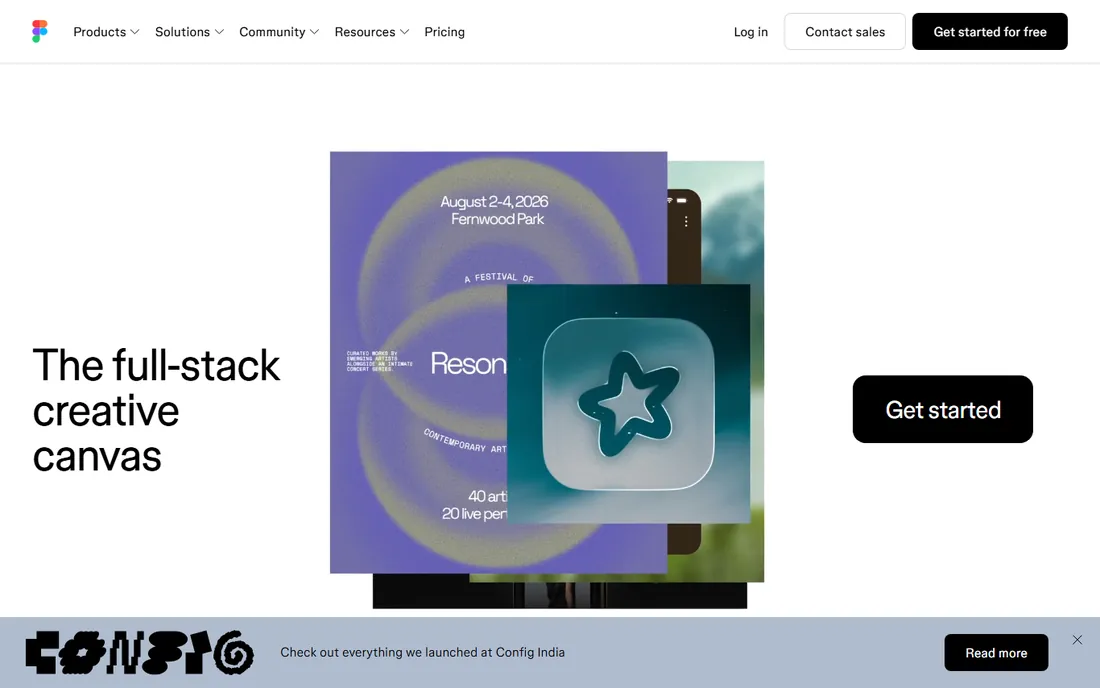
Figma won by making design multiplayer. Multiple designers work in the same file at once, stakeholders comment directly on mockups, and developers inspect specs without a license handoff dance. The Starter plan is free with generous limits, Professional costs $16 per editor per month annually ($20 monthly), and Organization and Enterprise tiers at $55 and $90 add libraries, analytics, and security controls.
The pricing model is the main gripe: everyone who edits pays, so large teams feel it. Offline work is limited since Figma lives in the browser. Still, for agencies and product teams that design together, the collaboration alone justifies the default status. Alternatives compete on price; few match the ecosystem.
What we like- Real-time multiplayer editing
- Huge plugin and template community
- Strong dev handoff
Watch out for- Per-editor pricing adds up fast
- Needs a constant internet connection
Starting price$12/editor/month (Standard, billed annually)
Free planFree trial (30 days)
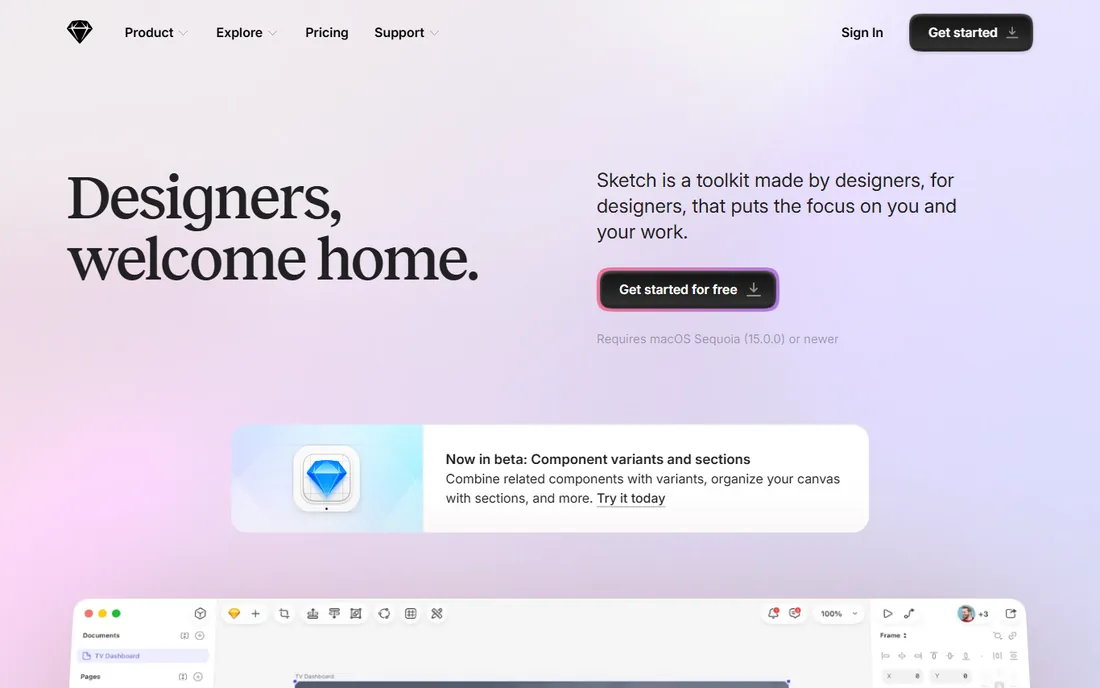
Sketch defined modern UI design before Figma existed, and it remains a solid Mac-native choice. Symbols, shared libraries, and a deep plugin history give experienced teams everything they need, and native performance feels snappier than any browser tool on the same machine. Standard pricing at $12 per editor per month annually undercuts Figma slightly.
The honest picture is that Sketch now plays defense. Browser-based collaboration and real-time co-editing lag behind, and Windows or Linux teammates are out of luck. Teams already fluent in Sketch with established libraries have little reason to switch. New cross-platform teams usually start with Figma instead.
What we like- Fast native Mac performance
- Mature symbol and library system
- One-time workflow many teams know
Watch out for- Mac only
- Collaboration features trail Figma
Starting price$29/user/month (Pro, billed annually)
Free planFree trial (30 days)
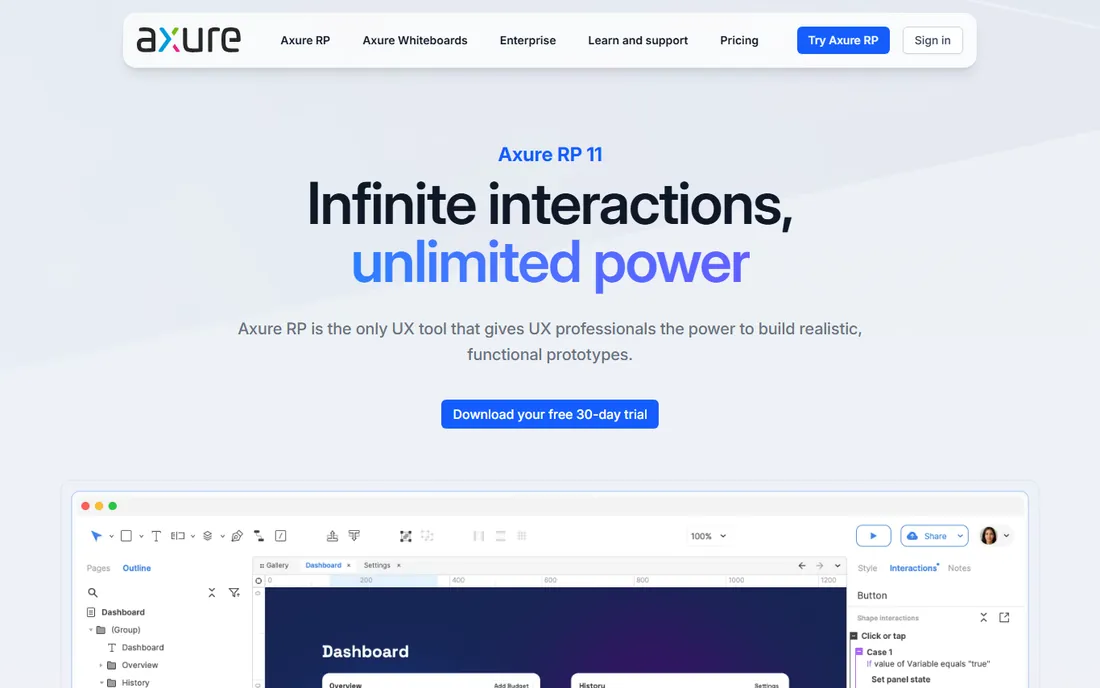
When a prototype needs to behave like software, Axure RP is the tool. Conditional logic, dynamic panels, repeaters fed by data sets, and adaptive views let you simulate complex flows: multi-step forms with validation, dashboards with filters, role-based views. Pro costs $29 per user per month annually ($34 monthly), with Team at $49 adding collaboration.
That power demands study. Axure's learning curve is the steepest on this list, and its visual design tools feel a generation behind Figma. It is not the tool for pretty marketing mockups. For UX teams validating complicated enterprise workflows before engineering builds them, though, nothing else prototypes logic this faithfully.
What we like- Conditional logic and variables
- Generates specification documents
- Handles enterprise complexity
Watch out for- Steeper learning curve
- Interface feels dated next to Figma
Starting price$10/month (Basic, billed annually)
Free planYes
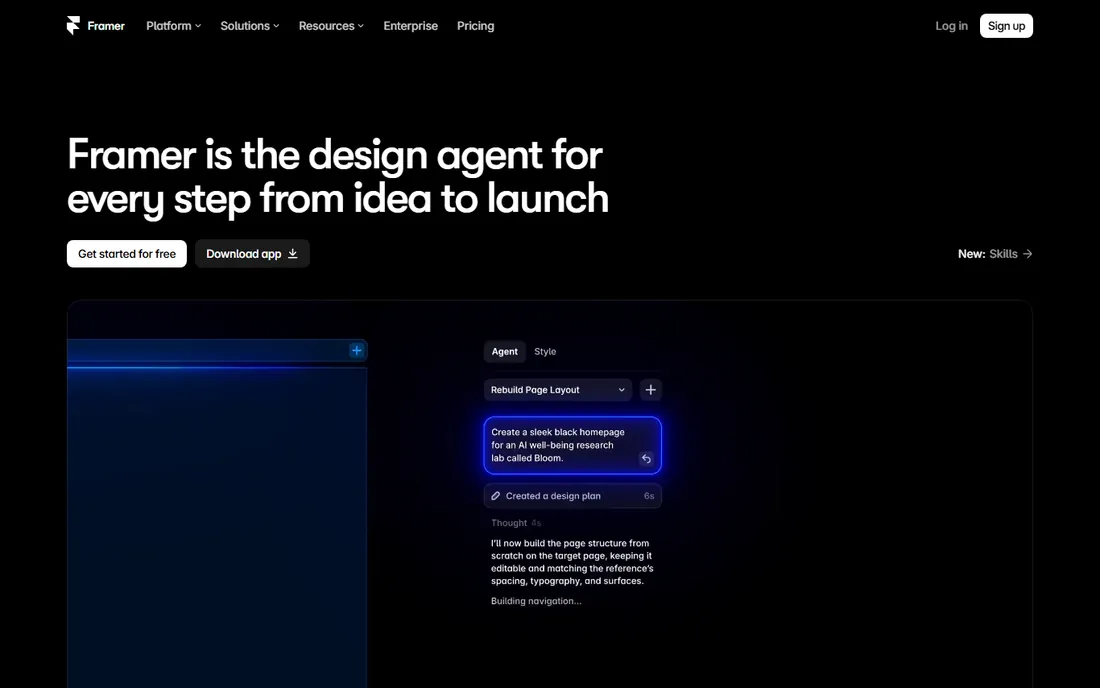
Framer erases the line between prototype and product. Design the site, add interactions and CMS content, then publish to a real URL with hosting included. Basic starts at $10 per month annually ($15 monthly), Pro at $30 ($45), and Scale at $100 and up for bigger needs. For marketing sites, portfolios, and startup landing pages, the loop from idea to live page is remarkably short.
The trade is focus. Framer is web-first; native mobile app design is not its strength. Higher tiers cost real money once you need more CMS items or advanced features. Teams that live in Figma sometimes use Framer as the publishing layer. If your deliverable is a website rather than a spec, Framer collapses two tools into one.
What we like- Publishes production sites from designs
- Strong animation tools
- CMS built in
Watch out for- Site pricing scales with traffic features
- Less suited to native app design
Starting price$9/month (Cloud, 2 projects)
Free planFree trial
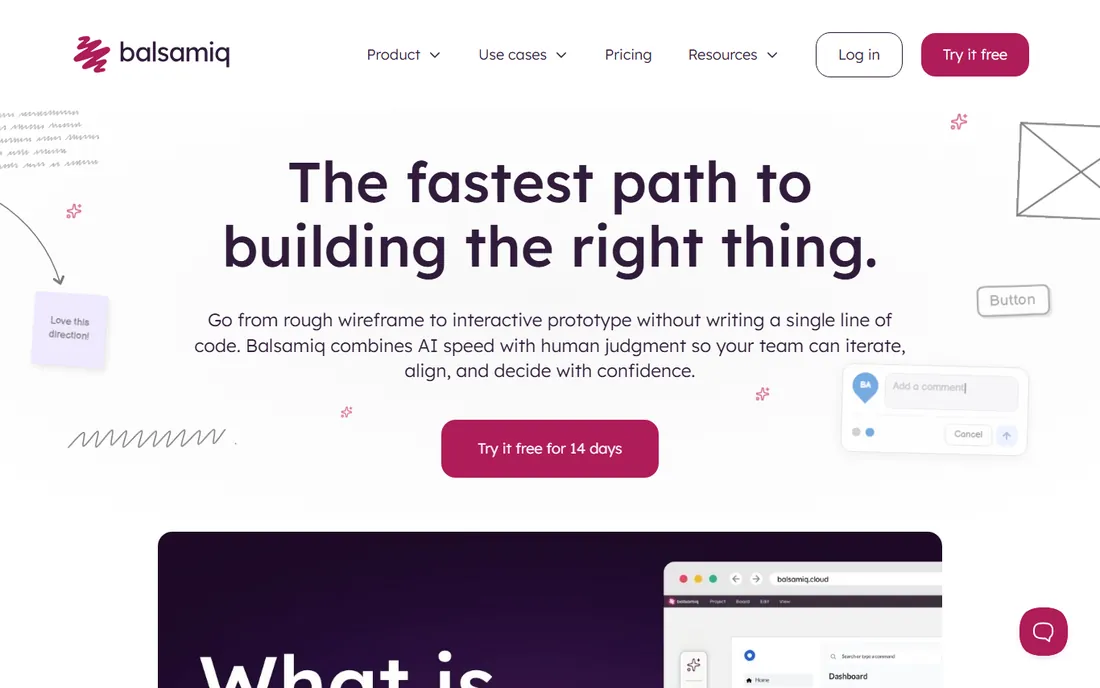
Balsamiq has one job and does it well: rough wireframes that keep everyone talking about layout instead of colors. The hand-drawn style is intentional, signaling that nothing is final, which shortens feedback loops in early product discussions. Cloud plans start at $9 per month for two projects, and a Desktop version costs $129 per user as a one-time purchase.
Nobody mistakes Balsamiq output for finished design, and that is the point. It will not produce developer-ready specs or pretty prototypes. Use it in the first weeks of a project to align on structure, then move the approved wireframes into Figma or Sketch for visual design. For that narrow job, it is still the fastest tool here.
What we like- Sketch-style wireframes keep discussions on structure
- Very fast to learn
- Cheap entry point
Watch out for- Deliberately ugly output
- Not for visual design or handoff
Starting priceFree (self-hosted; Professional cloud free up to 8 users)
Free planYes
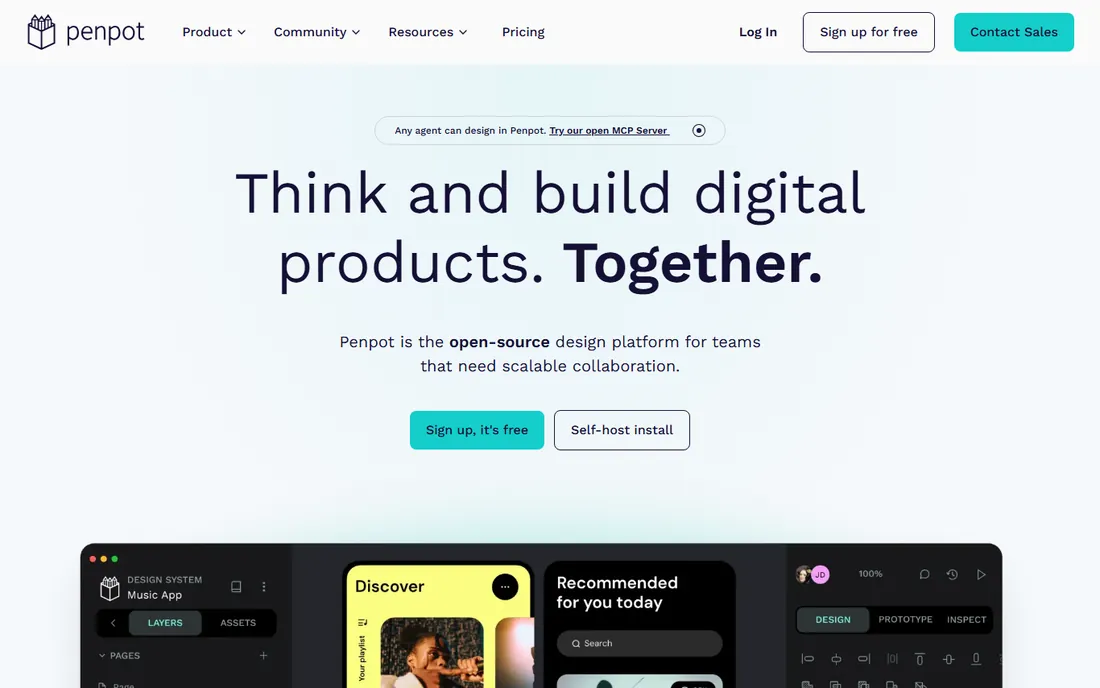
Penpot is the open-source answer to Figma, and it has matured into a legitimate professional tool. Layout, components, prototyping, and collaboration all work in the browser, files are open SVG under the hood, and teams can self-host for full data control. The cloud Professional plan is free for up to 8 users, with Unlimited at $7 per user per month capped at $175.
The ecosystem is the gap. Fewer plugins, fewer templates, and a smaller community than Figma mean more DIY. Some advanced features are still catching up. For privacy-conscious organizations, open-source advocates, and teams with zero tool budget, Penpot delivers the core design workflow without the per-editor meter running.
What we like- Genuinely free for small teams
- Open standards with SVG files
- Self-hosting option
Watch out for- Plugin ecosystem is young
- Some advanced features still maturing
Starting priceFree (Pro $11.99/user/month billed yearly)
Free planYes
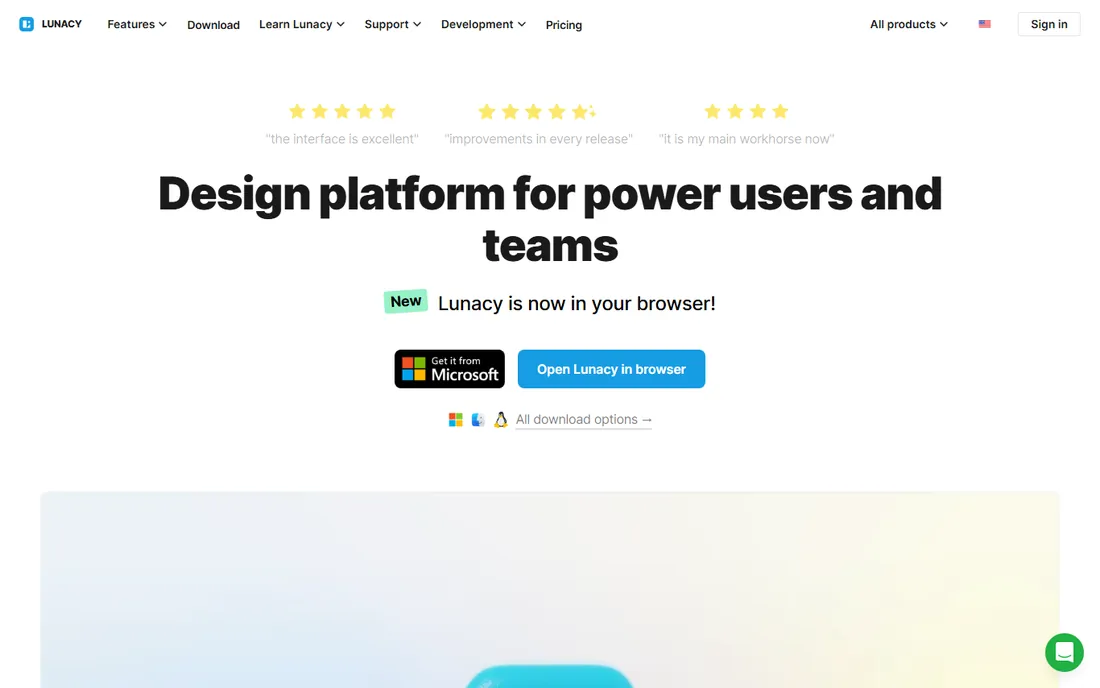
Lunacy deserves more attention than it gets. It is free, runs natively on Windows, Mac, and Linux, works offline, and opens Sketch files, which makes it a practical refuge for Windows users priced out of per-editor subscriptions. Built-in stock graphics, icons, and AI-assisted features from Icons8 reduce time spent hunting assets.
The Pro tier at $11.99 per user per month billed yearly adds team features, but the free version already covers solo professional work. Collaboration and version history are basic compared with Figma. For freelancers and small Windows-based teams who want a capable free design suite today, Lunacy is the easiest yes on this list.
What we like- Free with offline mode
- Opens Sketch files
- Built-in graphics and AI tools
Watch out for- Smaller community
- Collaboration features are basic
#8
Proto.io
Best for: high-fidelity interactive prototypes
Visit proto.io
Starting price$24/month (Freelancer, billed annually)
Free planFree trial (15 days)
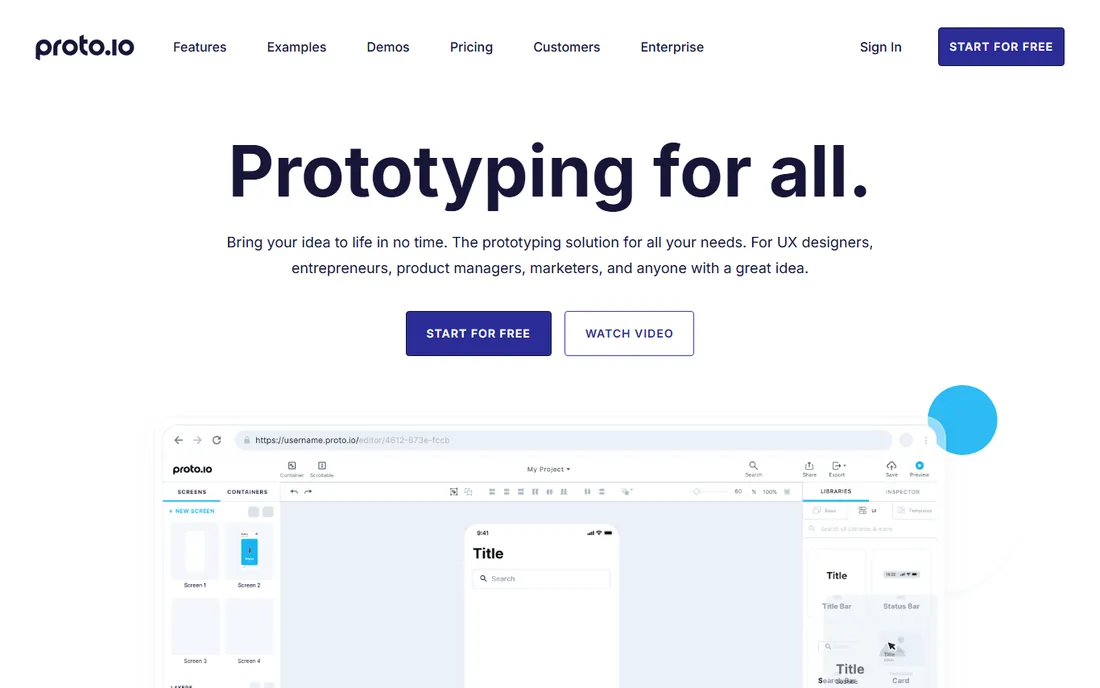
Proto.io focuses on the prototype as a deliverable. Import designs or build screens inside it, then add the interactions, animations, and transitions that sell a concept to clients and stakeholders. Built-in user testing and a polished presentation mode make it a favorite for agencies pitching app concepts. Freelancer plans start at $24 per month annually ($29 monthly), with Startup at $40 ($49).
It is not where you design from scratch; most users bring screens from Figma or Sketch. Paying a separate subscription for prototyping stings when Figma prototypes for free. The justification is fidelity and testing workflow. When the prototype itself must convince a client or validate with users, Proto.io's interaction depth earns the fee.
What we like- Rich interactions without code
- User testing features built in
- Good client presentation mode
Watch out for- Not a full design tool
- Monthly cost for a single-purpose app
Starting price$29/month (Core, billed annually)
Free planFree trial
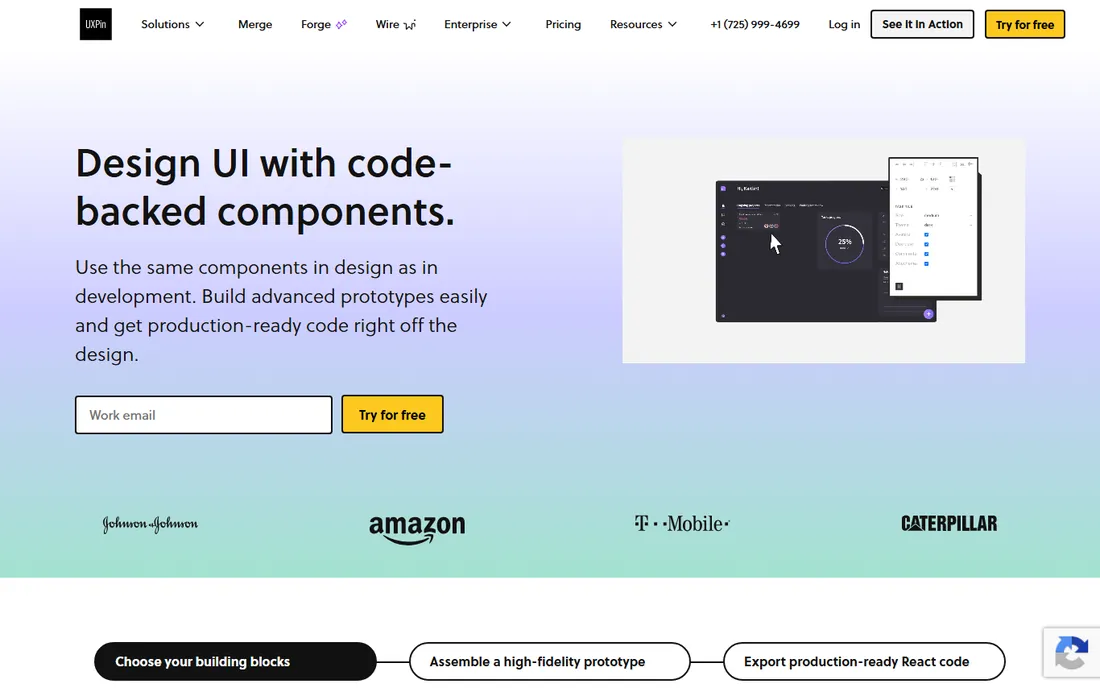
UXPin targets teams where the design system is the product. Its Merge technology lets prototypes use actual coded components, so what stakeholders click matches what engineers will ship. Core starts at $29 per month annually ($49 monthly) and Growth at $40 ($69), which positions it for funded teams rather than solo designers.
For simple websites or early wireframes, UXPin is overkill and overpriced. Its value appears in large product organizations fighting design drift: when the prototype, the documentation, and the code share components, handoff arguments shrink. Teams maintaining serious design systems should trial it; everyone else can stop at Figma.
What we like- Code-backed components keep prototypes truthful
- Design system management
- Conditional interactions
Watch out for- Pricing climbs quickly
- Overkill for simple marketing sites
How to choose the right UI UX software
Start with your team's operating system and location. Figma, Penpot, Framer, and the web tools work anywhere with a browser. Sketch needs Macs, Lunacy shines on Windows and Linux, and mixed-OS teams should rule out the single-platform options immediately.
Next, separate wireframing from visual design from prototyping. Balsamiq owns the rough early stage. Figma, Sketch, Penpot, and Lunacy cover visual UI design. Axure RP, Proto.io, and UXPin justify themselves when prototypes must behave like software or feed user testing. Buying a prototyping specialist for static mockups wastes money.
Then model the real cost. Per-editor pricing (Figma $16, Sketch $12) multiplies with headcount, while Balsamiq Desktop and Lunacy stay flat. Count everyone who edits, not just designers: product managers and marketers with edit access count too. A free tier that fits your whole team beats a paid plan with three viewers.
Finally, test handoff with your developers. The best UI UX software is the one your engineers actually inspect. Figma's dev mode, Penpot's open files, and UXPin's code components all attack the same problem. Run a one-screen trial through your real handoff process before committing the team.
The handoff problem: designing for developers
The most expensive part of product design is not drawing screens; it is the translation from screen to shipped code. Every tool here handles handoff differently, and the differences matter more than feature checklists suggest.
Figma's approach is inspection: developers open the file, click elements, and copy CSS, measurements, and assets. It works because everyone already uses Figma. Penpot follows the same model with open file formats, which appeals to teams that want no vendor lock-in on their design assets.
UXPin takes the harder path of using real code components in prototypes, so handoff is nearly literal. Axure generates specification documents for complex flows, a lifesaver when logic matters more than pixels. Whatever you choose, judge handoff by watching one developer build one screen from your file. The tool that produces the fewest clarification messages wins.
How we chose
We started from the tools product teams actually use, based on the UX Tools design survey, G2 and Capterra reviews, and practitioner discussions on Reddit and design forums. From that set we kept nine covering the real buying situations: the industry default, the Mac-native alternative, free and open-source options, wireframing specialists, and logic-heavy prototyping tools.
Pricing comes from each vendor's own pricing page, checked in October 2026, with annual-billing rates reported where vendors discount them. We did not claim hands-on testing. The rankings reflect documented features, honest pricing math for small teams, platform support, and fit for buyers without enterprise budgets.
Frequently asked questions
Is Figma still the best UI UX software in 2026?
For most product teams, yes. Its collaboration, plugin ecosystem, and developer handoff remain the benchmark. The main reasons to look elsewhere are cost at scale, the need for offline work, or a Mac-only or Windows-only team that prefers a native tool.
What is the best free UI UX software?
Penpot and Lunacy are the strongest free options for professional work. Penpot is open source and free for small teams in the cloud; Lunacy is free outright with offline native apps. Figma's free Starter plan also covers individuals and tiny teams well.
Do I need a separate prototyping tool?
Usually not at first. Figma, Sketch, and Penpot all build clickable prototypes good enough for most stakeholder reviews. Separate tools like Axure RP or Proto.io earn their keep when prototypes need real logic, data, or formal user testing.
What is the difference between UI and UX software?
The terms overlap heavily in tooling. UI design covers the visual interface: layout, components, and styles. UX covers research, flows, and validation. Most tools here do both, with Balsamiq leaning toward UX structure and Framer leaning toward UI that ships as a site.
How much should a small team budget for design tools?
A five-editor team on Figma Professional pays about $960 per year on annual billing. The same team on Penpot or Lunacy pays nothing. Sketch lands in between for Mac teams. Budget for the editors you have, then check whether viewers and commenters can stay free.
Sources we checked (10)
- https://www.figma.com/pricing
- https://www.sketch.com/pricing
- https://www.axure.com
- https://www.framer.com/pricing
- https://balsamiq.com
- https://penpot.app
- https://icons8.com/lunacy
- https://proto.io/en/pricing/
- https://www.uxpin.com/pricing
- https://uxtools.co/survey
Is your product missing or out of date?
We review this list regularly. Vendors can request a listing, send updated pricing or ask about featured placement.

Shihab Mia · Founder, Rankite
Shihab has spent more than a decade helping SaaS and e-commerce brands grow through search. He writes Rankite's software buying guides from pricing pages, documentation and public user reviews. More about Shihab.