How we make this list: we compare pricing pages, product documentation and public user reviews. Rankite is independent; if a vendor ever pays for a featured spot, that listing is clearly labeled Partner.
Key takeaways
- MileIQ and Everlance lead for automatic tracking, with MileIQ offering 40 free drives a month and Everlance 30 free trips a month.
- TripLog and Timeero are the picks for teams, with per-user pricing, admin controls and reimbursement workflows.
- Driversnote and MileageWise target drivers who need audit-proof logs, including the reconstruction tools MileageWise is known for.
- Zoho Expense and Hurdlr bundle mileage into broader expense and tax workflows, which suits freelancers already living in those apps.
- Free tiers are real but capped: count your monthly business drives before choosing a plan.
Quick comparison
| Tool | Best for | Starting price | Free plan |
|---|
 MileIQ MileIQ | automatic drive detection for individuals and small teams | $13.99/month (Unlimited) or $139.92/year | Yes (40 drives per month) |
 Everlance Everlance | freelancers who want mileage plus expense tracking | $8/month (Premium) or $60/year | Yes (30 automatic trips per month) |
 TripLog TripLog | companies reimbursing employee mileage | $8/user/month (Teams plan) | Yes (limited) |
 Hurdlr Hurdlr | self-employed workers who want mileage and taxes together | $9.99/month (Premium) or $99.99/year | Yes (manual mileage tracking) |
 Driversnote Driversnote | employees who need simple, accurate mileage logs | $11/month (paid plans) | Yes (15 trips per month) |
 SherpaShare SherpaShare | rideshare and delivery drivers maximizing deductions | $5.99/month or $59.99/year | No |
 MileageWise MileageWise | drivers who need audit-proof logs or must reconstruct past mileage | $6.99/month or $69.99/year | No (paid plans only; lifetime options available) |
 Zoho Expense Zoho Expense | businesses already running on Zoho | $3/user/month (Standard, US pricing) | Yes (free for up to 3 users) |
 Timeero Timeero | field teams needing GPS time tracking plus mileage | $6/user/month (Basic) | No (14-day free trial) |
Is your product missing or out of date?
We review this list regularly. Vendors can request a listing, send updated pricing or ask about featured placement.
The best work mileage tracker app
#1
MileIQ
Best for: automatic drive detection for individuals and small teams
Visit mileiq.com
Starting price$13.99/month (Unlimited) or $139.92/year
Free planYes (40 drives per month)
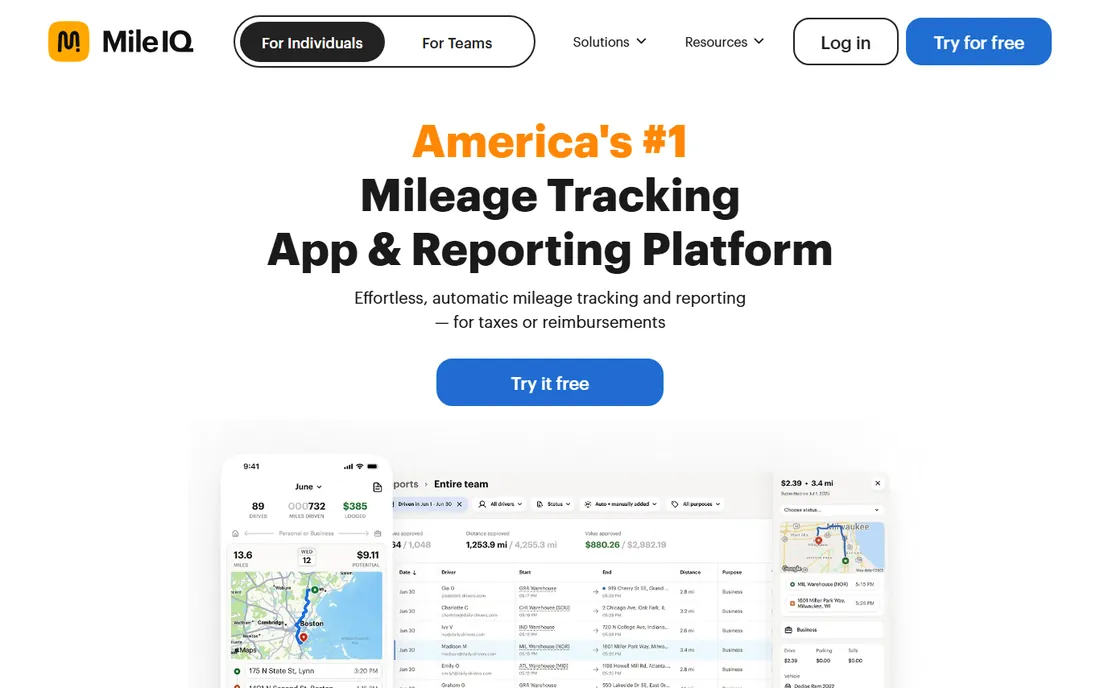
MileIQ is the app people mean when they say "mileage tracker," and its core trick is doing nothing: drives are detected automatically, and you swipe right for business or left for personal. There is no start or stop button to forget. At tax time, the app produces an IRS-compliant mileage log with dates, distances and purposes, which is the whole point of the exercise.
The free plan covers 40 drives a month, enough for light users but tight for anyone driving daily. Unlimited costs $13.99 per month or $139.92 per year based on 2026 pricing reports; note the vendor's older blog posts still show lower figures, so confirm on the pricing page before you buy. Team plans exist with admin features, but MileIQ is at its best as a personal tool.
What we like- Automatic tracking with smart drive detection
- Swipe to classify drives as business or personal
- IRS-compliant reports ready for taxes or reimbursement
Watch out for- Free plan capped at 40 drives a month
- Per-user pricing for teams adds up
- Some users report battery drain from always-on GPS
Starting price$8/month (Premium) or $60/year
Free planYes (30 automatic trips per month)
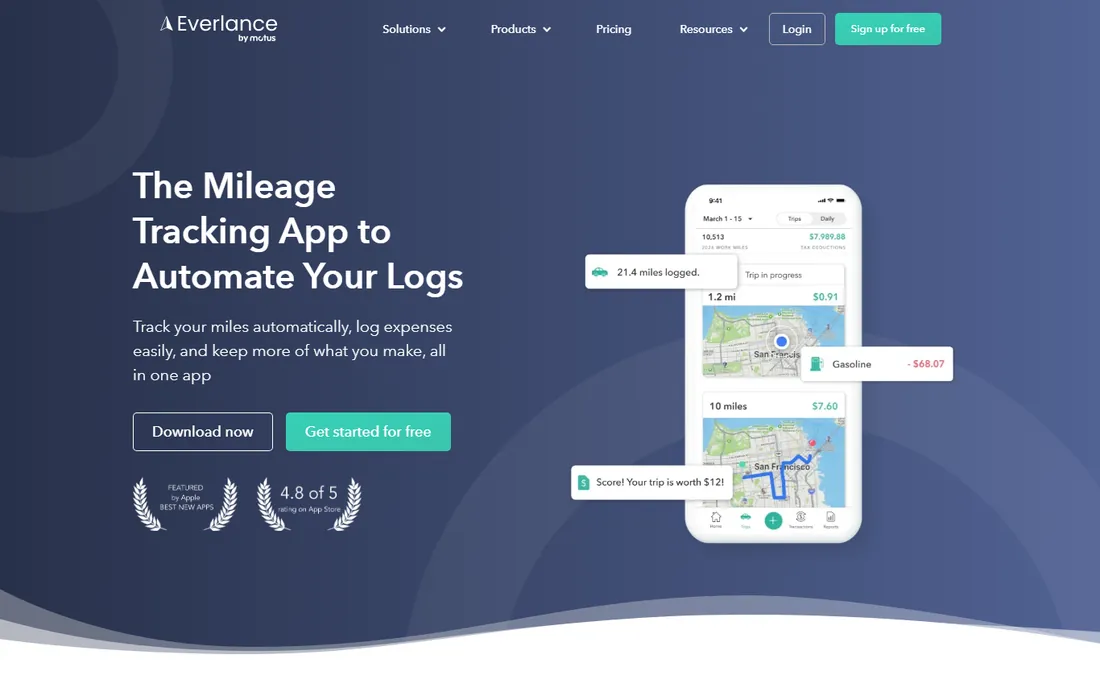
Everlance positions itself as the freelancer's all-in-one money app: automatic mileage tracking on one side, expense tracking and receipt capture on the other. Drives are logged automatically, receipts are scanned into expense reports, and the Tax Center estimates quarterly taxes and flags potential deductions. For a self-employed driver or consultant, that combination replaces two or three separate tools.
The free tier gives you 30 automatic trips a month with manual trip adding. Premium runs $8 per month or $60 per year and removes the caps while adding bank sync and deeper tax features. If you only need mileage and already have an expense tool, Everlance is more app than you need; if you are starting from a shoebox of receipts, it is the fastest route to order.
What we like- Automatic mileage tracking plus receipt scanning and expense reports
- Bank and credit card sync for deductions
- Works well for rideshare and delivery drivers
Watch out for- Free plan limited to 30 trips a month
- Premium features like Tax Center sit behind the paywall
- Some advanced reports feel built for US filers only
Starting price$8/user/month (Teams plan)
Free planYes (limited)
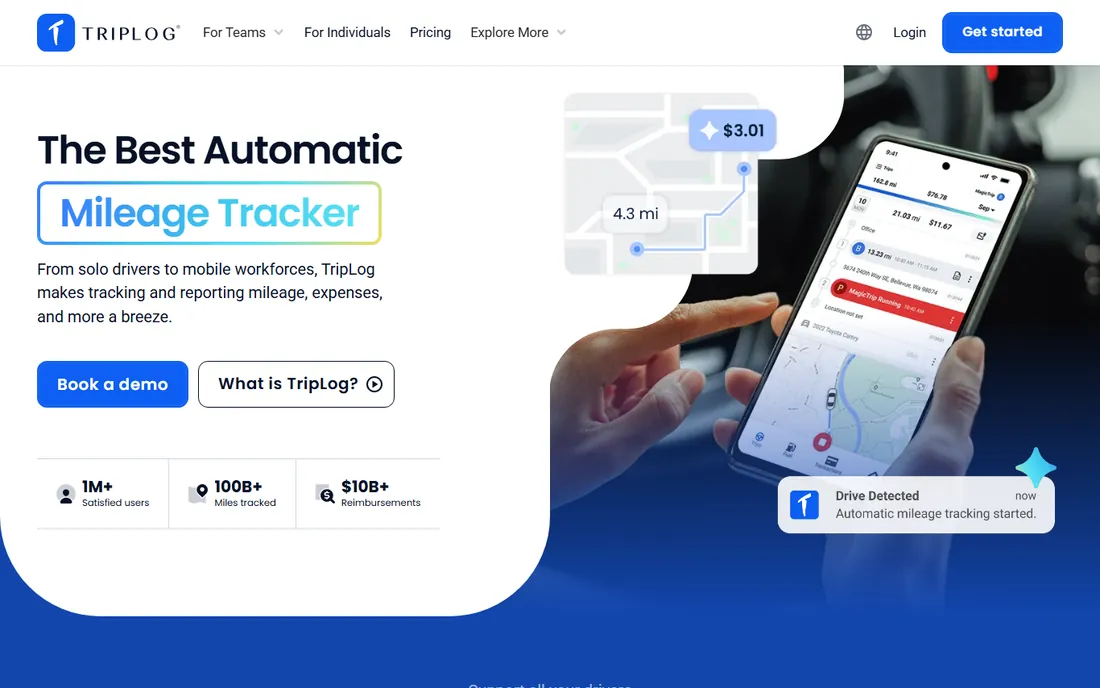
TripLog is built for the employer side of the mileage problem: employees drive, the app logs it, managers approve it, and payroll reimburses it. The Teams plan at $8 per user per month adds the admin dashboard, customizable approval workflows and reimbursement rules for the IRS, Canada's CRA and other standards. Enterprise at $12 per user per month adds more control for larger fleets.
The integrations are the selling point here: QuickBooks, Xero, ADP and similar tools connect directly, so approved mileage flows into accounting without spreadsheets. The trade-off is complexity. This is not a download-and-drive consumer app; admins should expect to spend time on configuration. Solo drivers should look at MileIQ or Everlance instead.
What we like- Automatic tracking with admin dashboard and approvals
- Supports IRS, CRA and other reimbursement rules
- Integrates with QuickBooks, Xero and major payroll tools
Watch out for- Per-user pricing gets expensive for large fleets
- Interface shows its age
- Setup for admins takes real configuration time
#4
Hurdlr
Best for: self-employed workers who want mileage and taxes together
Visit hurdlr.com
Starting price$9.99/month (Premium) or $99.99/year
Free planYes (manual mileage tracking)
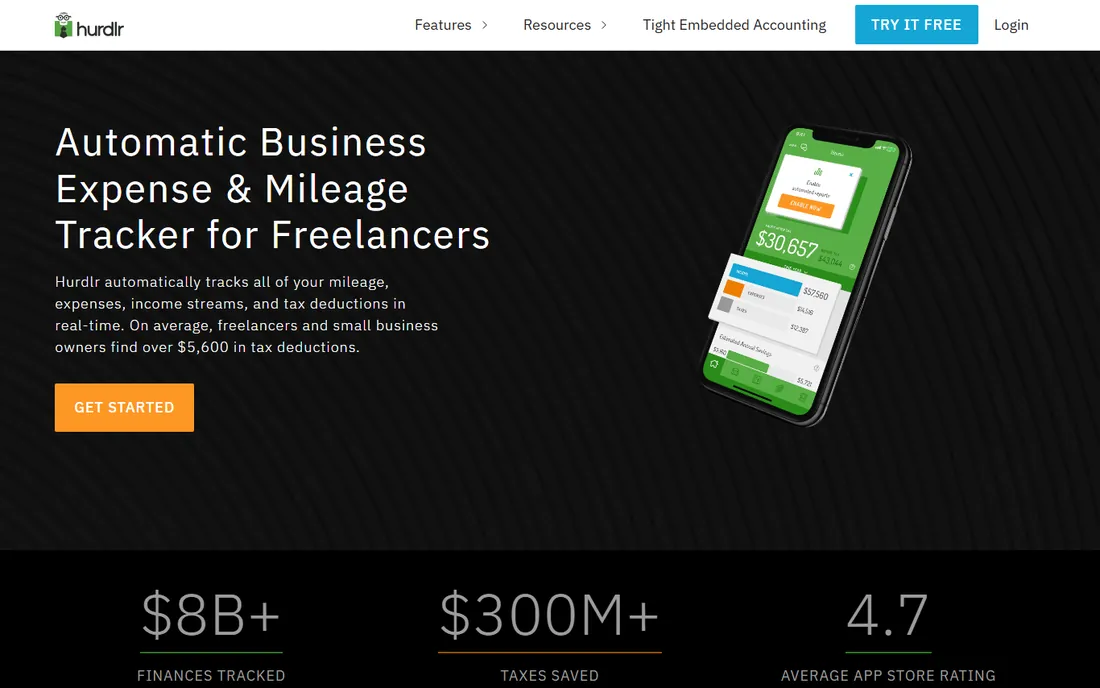
Hurdlr's pitch is that mileage is only half the self-employment tax problem, so it tracks the other half too. The app logs drives automatically on Premium, categorizes income and expenses, and shows a running estimate of what you owe in taxes, including quarterly reminders. For rideshare drivers, delivery couriers and freelancers, that live tax number is genuinely useful.
The free plan exists but only tracks mileage manually, which defeats the purpose for most people. Premium at $9.99 per month or $99.99 per year turns on automatic tracking and the full tax dashboard. Hurdlr will not replace a real accounting tool at year end, but as a daily companion for the self-employed, it is one of the friendliest options here.
What we like- Automatic mileage tracking plus income and expense tracking
- Real-time tax estimates for freelancers
- Clean, modern interface
Watch out for- Free plan requires manual trip entry
- Premium needed for the useful automation
- Invoicing and accounting features are lighter than dedicated tools
Starting price$11/month (paid plans)
Free planYes (15 trips per month)
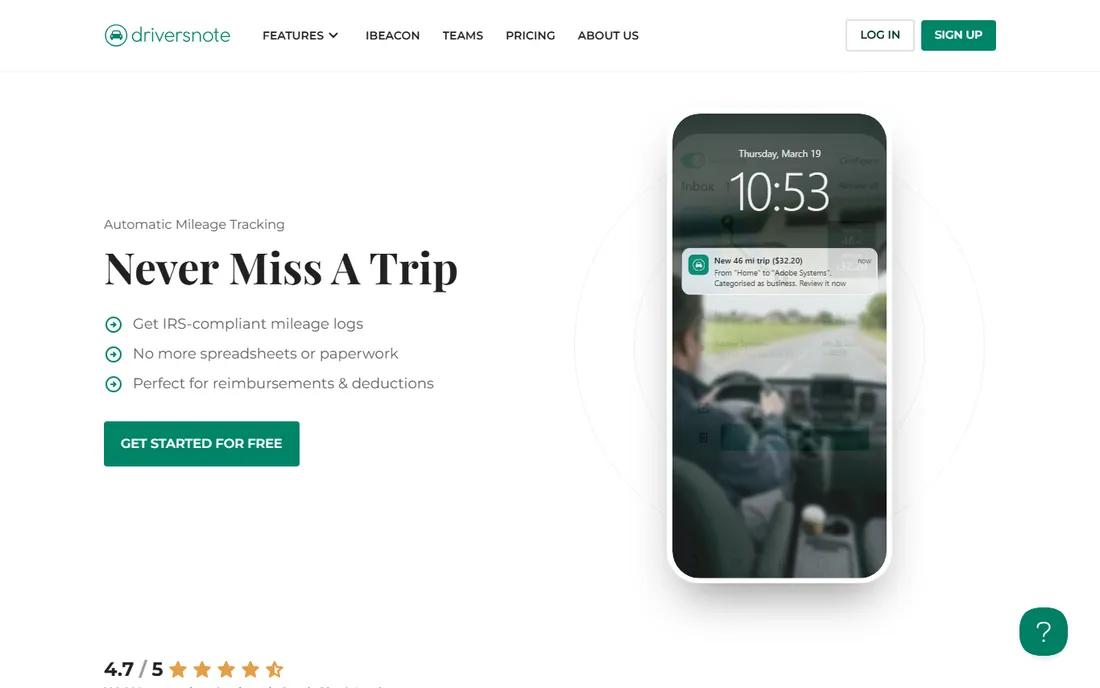
Driversnote keeps things deliberately simple: an automatic mileage logbook that satisfies tax authorities on both sides of the Atlantic. Trips are tracked by GPS, classified with a tap, and exported as compliant reports. Small teams get a shared workspace where managers can review logs, without the heavyweight approval machinery of TripLog.
The free plan covers 15 trips a month, which suits occasional drivers but not daily commuters between job sites. Paid plans start at $11 per month. Driversnote is the quiet, dependable choice: less flashy than its rivals, but the logs it produces hold up when an accountant or auditor asks questions.
What we like- Clean logbook that meets IRS and EU requirements
- Automatic tracking with manual trip options
- Straightforward admin view for small teams
Watch out for- Free plan limited to 15 trips a month
- Design features lag behind MileIQ and Everlance
- Fewer integrations than TripLog
Starting price$5.99/month or $59.99/year
Free planNo
SherpaShare is the specialist on this list: a mileage and earnings app built for Uber, Lyft, DoorDash and delivery drivers. Beyond automatic mileage tracking, it shows driver heatmaps, pay insights and earnings analytics that help gig workers decide when and where to drive. The pricing is simple and cheap at $5.99 per month or $59.99 per year.
There is no free tier, so this is a paid commitment from day one. And if you are not a gig driver, most of SherpaShare's extra features will sit unused. But for rideshare and delivery workers, the combination of mileage logs and earnings intelligence is hard to match at this price.
What we like- Built specifically for gig drivers, with heatmaps and earnings insights
- Automatic mileage tracking tuned for rideshare patterns
- Affordable flat pricing
Watch out for- No free plan
- Niche focus means fewer features for non-gig workers
- Smaller company than the big names
#7
MileageWise
Best for: drivers who need audit-proof logs or must reconstruct past mileage
Visit mileagewise.com
Starting price$6.99/month or $69.99/year
Free planNo (paid plans only; lifetime options available)
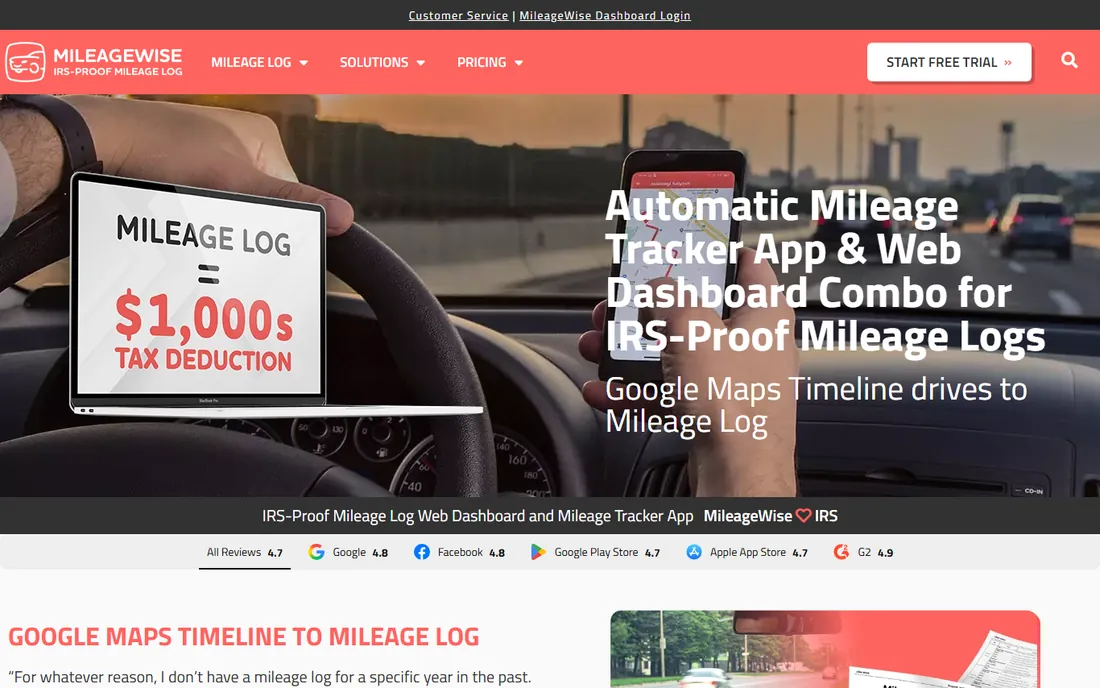
MileageWise serves the driver with a problem: months of missing logs and an audit or tax filing looming. Its standout feature is retrospective reconstruction: the AI wizard pulls from your calendar entries, GPS history and past trips to rebuild a compliant mileage log for periods you failed to track. Few competitors attempt this at all.
Current tracking is covered too, on web and mobile, with reports built to satisfy IRS requirements. Pricing is $6.99 per month or $69.99 per year, with lifetime options for drivers who want to pay once. There is no free plan. If your logs are already in good shape, MileageWise is more tool than you need; if they are not, it may be the only tool that can save you.
What we like- Log reconstruction from calendar and GPS history
- AI wizard helps build IRS-proof logs retroactively
- Lifetime licenses available ($99.99)
Watch out for- No free plan
- Desktop-leaning workflow feels dated
- Overkill for drivers with simple needs
#8
Zoho Expense
Best for: businesses already running on Zoho
Visit zoho.com
Starting price$3/user/month (Standard, US pricing)
Free planYes (free for up to 3 users)
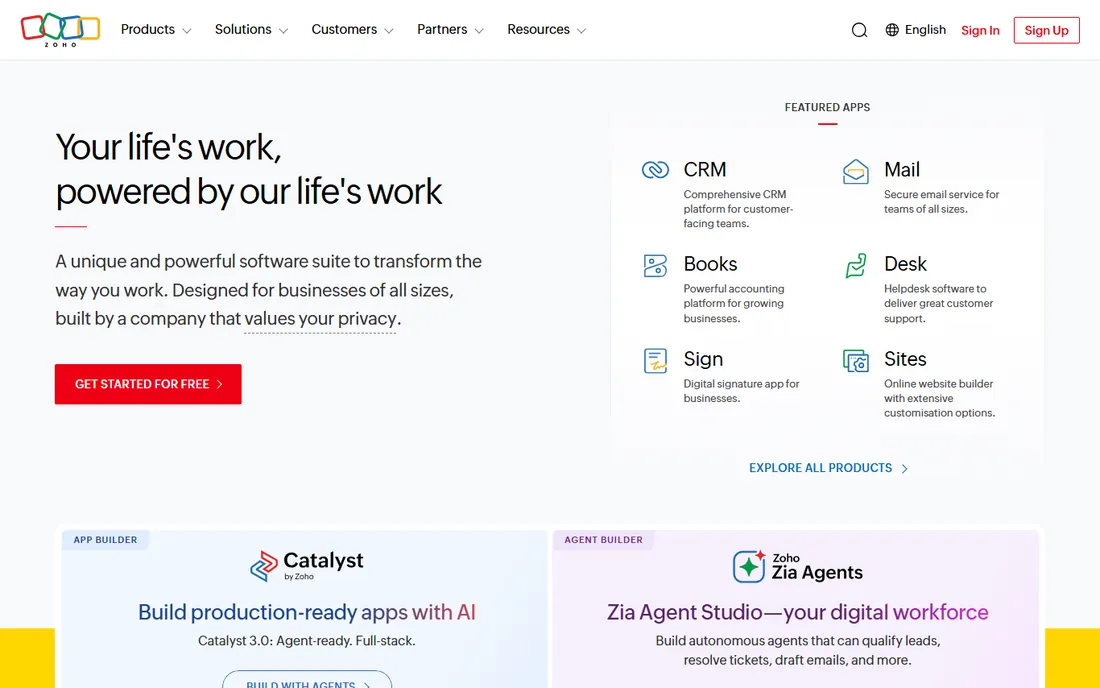
Zoho Expense is not a mileage app first; it is an expense management platform with mileage tracking built in. Employees log trips, mileage flows into expense reports alongside receipts and per diems, and managers approve everything in one place. For companies already using Zoho Books, Zoho People or Zoho CRM, adding mileage here is nearly frictionless.
US pricing starts with a free plan for up to 3 users, then $3 per user per month for Standard and $5 for Premium. If you only need mileage, a dedicated tracker will serve you better and cheaper. If you need the whole expense workflow anyway, Zoho Expense folds mileage in without another vendor, another login or another subscription.
What we like- Mileage tracking inside a full expense management suite
- Free plan covers small teams
- Deep integration with Zoho Books and the wider Zoho ecosystem
Watch out for- Mileage is a module, not the star
- Per-user pricing across the suite adds up
- Best value only if you use other Zoho apps
#9
Timeero
Best for: field teams needing GPS time tracking plus mileage
Visit timeero.com
Starting price$6/user/month (Basic)
Free planNo (14-day free trial)
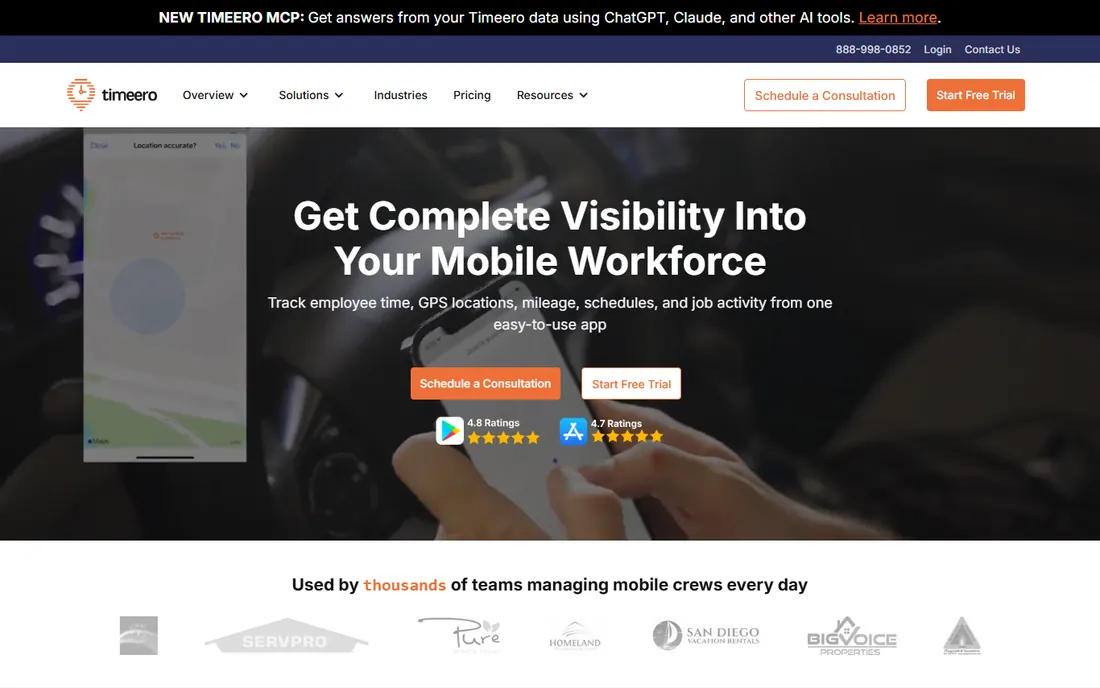
Timeero approaches mileage from the workforce management angle: it is primarily a GPS time tracking app for field teams, with mileage logging as part of the package. Employees clock in from job sites, routes and drive time are recorded, and managers see who worked where and how far they drove. Segmented tracking splits multi-stop routes into per-leg records, which matters for service businesses.
Plans start at $6 per user per month for Basic, with a 14-day trial and no permanent free tier. If your problem is purely "track my drives for taxes," Timeero is the wrong shape. If your problem is "manage a mobile team and reimburse their driving," the combination of time, location and mileage in one dashboard is exactly right.
What we like- Combines GPS time tracking, mileage and scheduling
- Segmented tracking handles multi-stop routes well
- Geofenced clock-in reminders
Watch out for- No free plan
- Per-user pricing
- Mileage features are secondary to time tracking
What to look for before you buy
Automatic tracking is the feature that matters most, because a tracker you have to remember to start is a tracker you will forget. Check how each app detects drives: true automatic detection uses motion and GPS in the background, while cheaper plans sometimes require manual start and stop. Also check the classification workflow; swiping drives into business or personal buckets takes seconds in the good apps and minutes in the bad ones.
Next, verify the reports. An IRS-compliant log needs dates, starting and ending locations, business purpose and total miles. Every app on this list claims compliance, but export formats differ: PDF for your accountant, CSV for your spreadsheets, direct integrations for your accounting software. If you reimburse employees, look for approval workflows and support for your country's rules, not just the IRS.
Watch the free-tier caps. Forty drives a month sounds generous until you make two business trips a day. Count your actual monthly drives before choosing. And check battery impact in recent reviews; always-on GPS is the classic complaint, and the better apps have spent years tuning it down.
How we chose
We did not drive around town testing each app, and we do not claim otherwise. We compared the current pricing pages and plan details on each vendor's own site, read documentation on tracking methods and report formats, and checked public reviews on the App Store, Google Play, G2, Capterra and Reddit for reports on accuracy, battery drain and customer support. We weighted automatic tracking quality and report compliance above extra features, and we separated personal tools from team tools rather than ranking them against each other.
How the mileage deduction actually works
For 2026, the IRS standard mileage rate lets you deduct a fixed amount per business mile driven, which is why an accurate log is worth real money. You can also deduct actual vehicle expenses instead, but that requires tracking every fuel, maintenance and insurance receipt, which is more work for most people. Commuting from home to a regular workplace does not count; driving between job sites, to client meetings and to temporary work locations generally does. Keep your logs for at least three years after filing, since that is the standard IRS lookback window. None of this is tax advice; if your situation is complicated, talk to a tax professional.
Frequently asked questions
Do I really need a mileage tracker app, or is a spreadsheet enough?
A spreadsheet works if you update it after every drive, which almost nobody does. Apps win because automatic detection captures drives you would forget, and the reports they generate already match what the IRS expects to see.
How many free drives do the free plans include?
MileIQ allows 40 drives per month, Everlance 30 automatic trips, and Driversnote 15 trips. If you drive for work most days, you will hit these caps quickly, so treat free plans as trials for regular drivers.
Can my employer see my personal drives?
Reputable apps keep personal and business drives separate, and team dashboards typically show only drives you classify as business. Check the vendor's privacy policy and your company's reimbursement policy before enrolling.
What happens if I forgot to track mileage for months?
MileageWise specializes in this: its reconstruction tools rebuild logs from your calendar and location history. For the future, turn on automatic tracking so the problem does not repeat.
Are these apps available outside the US?
Most of them are. TripLog and Driversnote explicitly support Canadian and European reimbursement rules, and Zoho Expense operates globally. Tax features like deduction estimates tend to be US-focused, so check your country's requirements.
Sources we checked (20)
- https://www.mileiq.com/
- https://www.mileiq.com/blog/mileiq-pricing/
- https://www.timeero.com/blog/mileiq-pricing/
- https://mileagewise.com/blog/mileiq-review-pricing/
- https://www.everlance.com/
- https://myandroid.org/apps/com-everlance-everlance/
- https://www.triplog.net/
- https://www.triplog.net/pricing-multi-user
- https://www.hurdlr.com/
- https://myandroid.org/apps/com-hurdlr-hurdlr/
- https://www.driversnote.com/
- https://slashdot.org/software/p/Driversnote/
- https://www.sherpashare.com/
- https://apps.apple.com/us/app/sherpashare/id1230241055
- https://www.mileagewise.com/
- https://mileagewise.com/blog/best-mileage-tracker-apps/
- https://www.zoho.com/expense/
- https://www.zenatta.com/post/zoho-expense-pricing/
- https://www.timeero.com/
- https://www.timeero.com/blog/best-mileage-tracker-apps-for-small-business/
Is your product missing or out of date?
We review this list regularly. Vendors can request a listing, send updated pricing or ask about featured placement.

Shihab Mia · Founder, Rankite
Shihab has spent more than a decade helping SaaS and e-commerce brands grow through search. He writes Rankite's software buying guides from pricing pages, documentation and public user reviews. More about Shihab.