How we make this list: we compare pricing pages, product documentation and public user reviews. Rankite is independent; if a vendor ever pays for a featured spot, that listing is clearly labeled Partner.
Key takeaways
- ClickUp Brain and Asana AI Studio are the most practical AI implementations here: both act on your actual workspace data instead of generating text in a vacuum.
- Monday.com’s credit-based AI pricing is the hardest to forecast; Asana includes AI Studio on its $10.99 Starter plan with no separate add-on, which is the best AI value for non-technical teams.
- Taskade’s flat workspace pricing ($10/month for 10 seats) undercuts every per-seat rival by an order of magnitude for teams that want AI agents without per-user math.
- Smartsheet and Motion skip free plans entirely, so budget for a paid seat from day one; everyone else on this list offers a free tier or trial.
Quick comparison
| Tool | Best for | Starting price | Free plan |
|---|
 ClickUp ClickUp | Teams that want everything in one AI workspace | $9 per user/month (billed annually) | Yes |
 Asana Asana | Cross-functional teams that need accountable AI | $10.99 per user/month (billed annually) | Yes |
 Monday.com Monday.com | Teams that adopt tools fast and think in boards | $9 per seat/month (billed annually) | Yes |
 Wrike Wrike | Enterprises running high-volume project portfolios | $10 per user/month (billed annually) | Yes |
 Smartsheet Smartsheet | Spreadsheet-native teams managing portfolios | $9 per member/month (billed annually) | Free trial (30 days) |
 Notion Notion | Documentation-first teams that track work alongside wikis | $10 per member/month (billed annually) | Yes |
 Airtable Airtable | Operations teams that think in structured data | $20 per user/month (billed annually) | Yes |
 Hive Hive | Marketing, creative and agency teams | $5 per user/month (billed annually) | Yes |
 Taskade Taskade | Small teams that want AI agents at a flat price | $10/month (billed annually) | Yes |
 Motion Motion | Individuals and teams buried in meetings | $19/month (Individual, billed annually) | Free trial (7 days) |
Is your product missing or out of date?
We review this list regularly. Vendors can request a listing, send updated pricing or ask about featured placement.
The best work management software with AI workflows
Starting price$9 per user/month (billed annually)
Free planYes
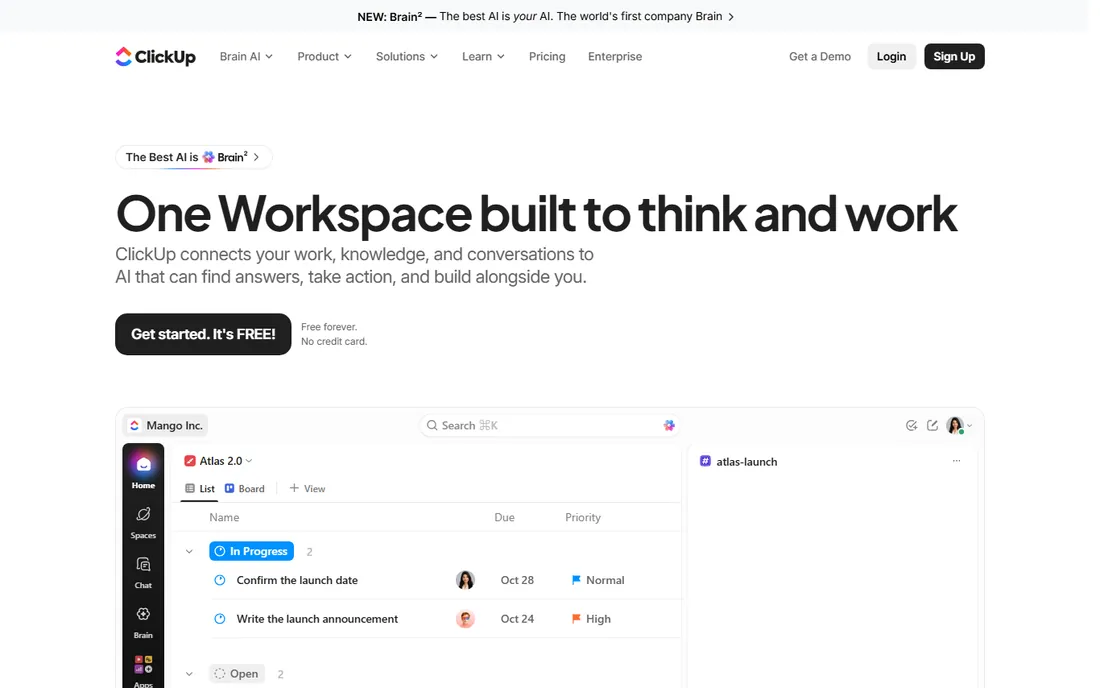
ClickUp Brain is the most practical AI in this category because it works from context you already have. Instead of prompting from a blank box, you ask about your actual projects and it answers from tasks, docs, deadlines and comments, then takes actions like drafting plans or summarizing threads. Docs, whiteboards, goals, time tracking, dashboards and automations share one workspace, which is why consolidation-minded teams keep landing here.
The cost of that depth is cognitive load. New teams routinely spend weeks deciding how to structure ClickUp, and the pricing page now spans Free Forever, Core at $9, Business at $17 and a $100 MAX tier for the full AI engine. Start on the free plan and only pay when the free limits pinch.
What we like- ClickUp Brain draws on tasks, docs and comments across the workspace
- Generous Free Forever plan
- 15+ project views on one data model
Watch out for- Sheer breadth makes onboarding slow
- The AI add-on tiers and credit system add pricing complexity
- Performance can lag in very large workspaces
#2
Asana
Best for: Cross-functional teams that need accountable AI
Visit asana.com
Starting price$10.99 per user/month (billed annually)
Free planYes
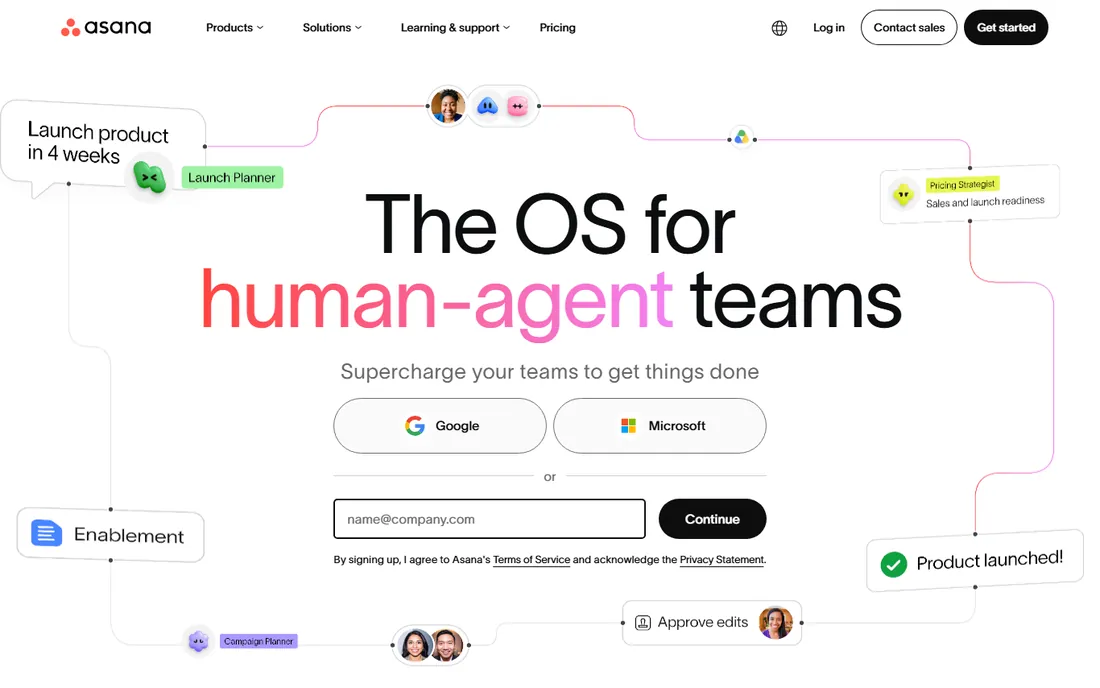
Asana took the opposite approach from most rivals: instead of selling AI as an add-on, it put AI Studio, a no-code builder for AI automations, directly into the $10.99 Starter plan. AI Teammates function as agents that triage work, draft updates and flag at-risk tasks with context from your projects. For non-engineering teams, that makes Asana the best AI value here, since the automation you want is included in the seat you already buy.
The structure underneath is classic Asana: tasks, dependencies, timelines, portfolios and goals that connect daily work to company objectives. The Personal plan is free for up to two people, which suits freelancers. Capacity planning and advanced resource management sit on Advanced at $24.99, so price the tier you will need in year two, not the one that fits today.
What we like- AI Studio ships on the $10.99 Starter plan with no separate AI add-on
- AI Teammates act as agents with workflow context
- Strong goals and portfolio alignment
Watch out for- Advanced resource management waits for the $24.99 Advanced tier
- Per-seat costs scale fast past 50 people
- AI credits can run out on heavy automation
#3
Monday.com
Best for: Teams that adopt tools fast and think in boards
Visit monday.com
Starting price$9 per seat/month (billed annually)
Free planYes
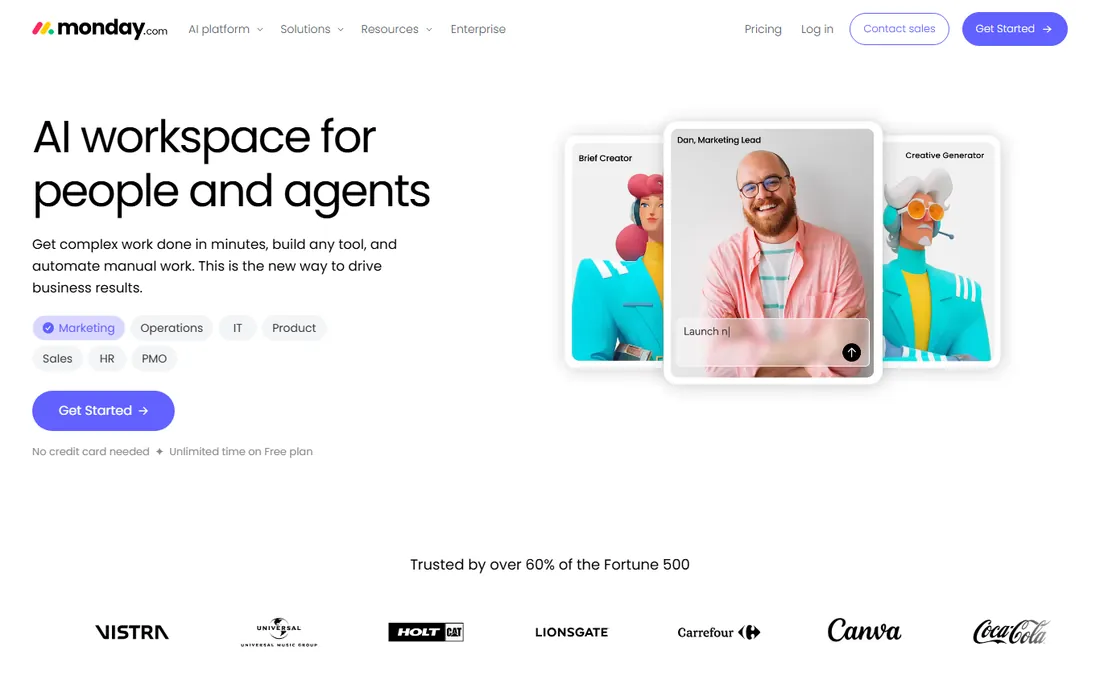
Nobody gets a team running on Monday.com faster. Boards, columns and color-coded statuses click for people who hated every project tool before it, and the free plan covers two seats so a pair of founders can start today. The AI layer includes an AI Sidekick and agents that draft updates and trigger workflow actions, with each plan bundling a monthly allowance of AI credits.
The catch is the credit model: AI usage is metered separately from seats, so heavy agent use creates a second bill that is hard to predict. Seat bundles add another wrinkle, since a four-person team pays for five. Monday.com remains the right call when adoption speed matters most, but model the AI credits first.
What we like- Fastest adoption curve of the major platforms
- AI Sidekick and AI agents across plans
- Colorful visual workflows non-technical users enjoy
Watch out for- Credit-based AI pricing is hard to forecast
- Seat bundles force you to buy in groups
- Dashboards and automations get expensive on higher tiers
#4
Wrike
Best for: Enterprises running high-volume project portfolios
Visit wrike.com
Starting price$10 per user/month (billed annually)
Free planYes
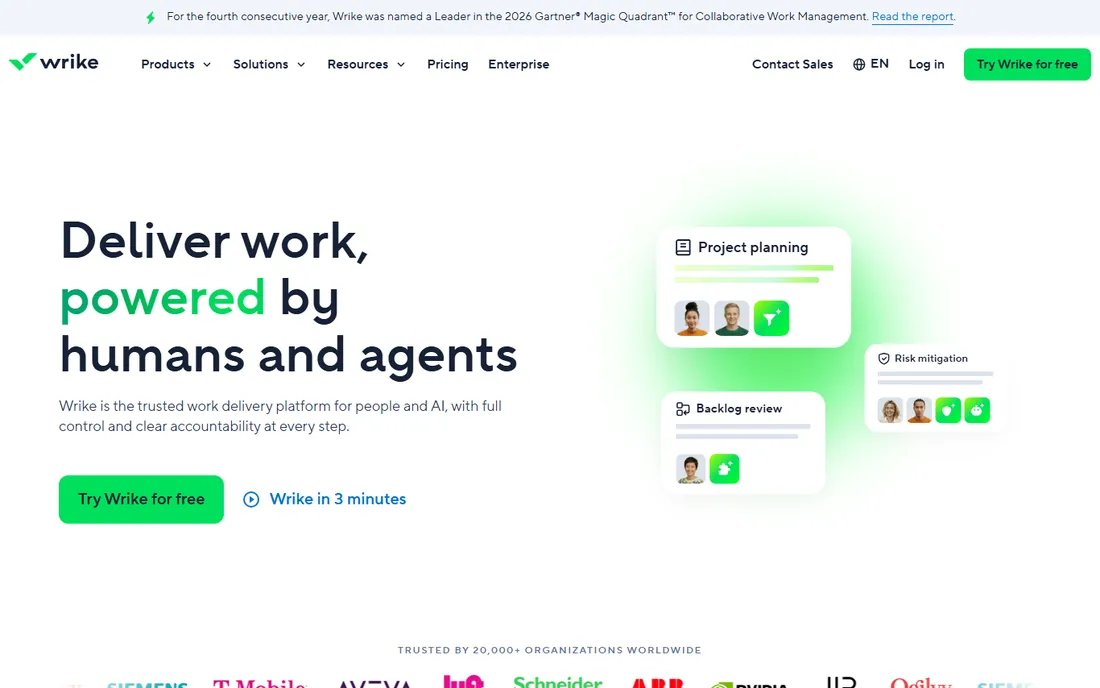
Wrike is built for organizations where projects arrive by the hundred. Request forms turn intake into structured work, workload views show who is over capacity across every project, and approvals keep client-facing deliverables moving. The AI story is tiered sensibly: AI Essentials (content drafting, comment summaries, board AI, natural-language automation rules) ships with the $10 Team plan, while AI Elite agents and larger action allowances arrive on Business and above.
Business plans and higher are annual-only, seats sell in groups, and the jump from Team at $10 to Business at $25 is the steepest here. Wrike suits PMOs and service organizations with standardized processes; small teams that just need shared task lists will find it heavy.
What we like- AI Essentials included from the $10 Team plan
- Strong workload and resource views
- Request forms and approvals built for service teams
Watch out for- Business tier at $25 jumps steeply from Team
- Sold in seat groups with annual-only billing above Team
- Interface prioritizes power over approachability
Starting price$9 per member/month (billed annually)
Free planFree trial (30 days)
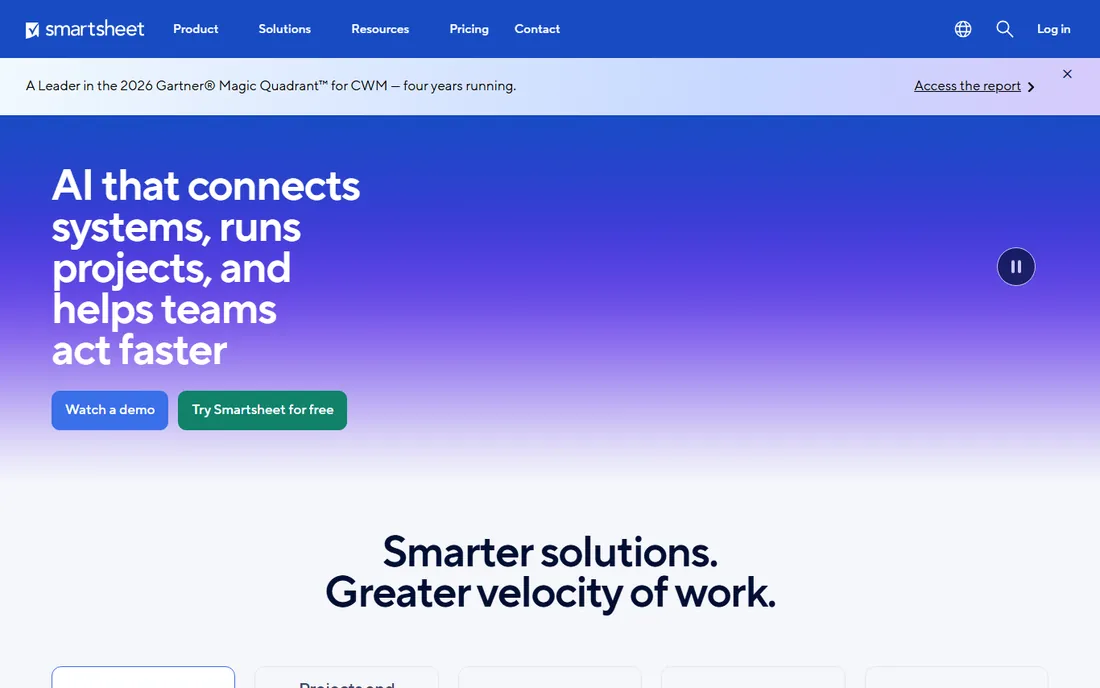
If your team lives in spreadsheets, Smartsheet is the work management tool with the shortest path to adoption. The grid looks like Excel but behaves like a project system: dependencies, Gantt charts, card views, automated alerts and roll-up reporting across sheets. Smartsheet AI helps with formula generation, summaries and data analysis inside the sheets.
The pricing is honest but inflexible. There is no free tier, so evaluation happens on the 30-day trial, and the Pro plan at $9 per member per month covers up to ten members before Business at $19 takes over. Teams that think in sprints or kanban boards may find the grid metaphor constraining. For everyone who plans in rows and columns, it is the natural home.
What we like- Familiar grid interface shortens training to near zero
- Strong portfolio reporting and dashboards
- Smartsheet AI assists with formulas and summaries
Watch out for- No free plan, only a 30-day trial
- Per-member pricing with guest limitations
- Less fluid for creative or agile workflows
#6
Notion
Best for: Documentation-first teams that track work alongside wikis
Visit notion.com
Starting price$10 per member/month (billed annually)
Free planYes
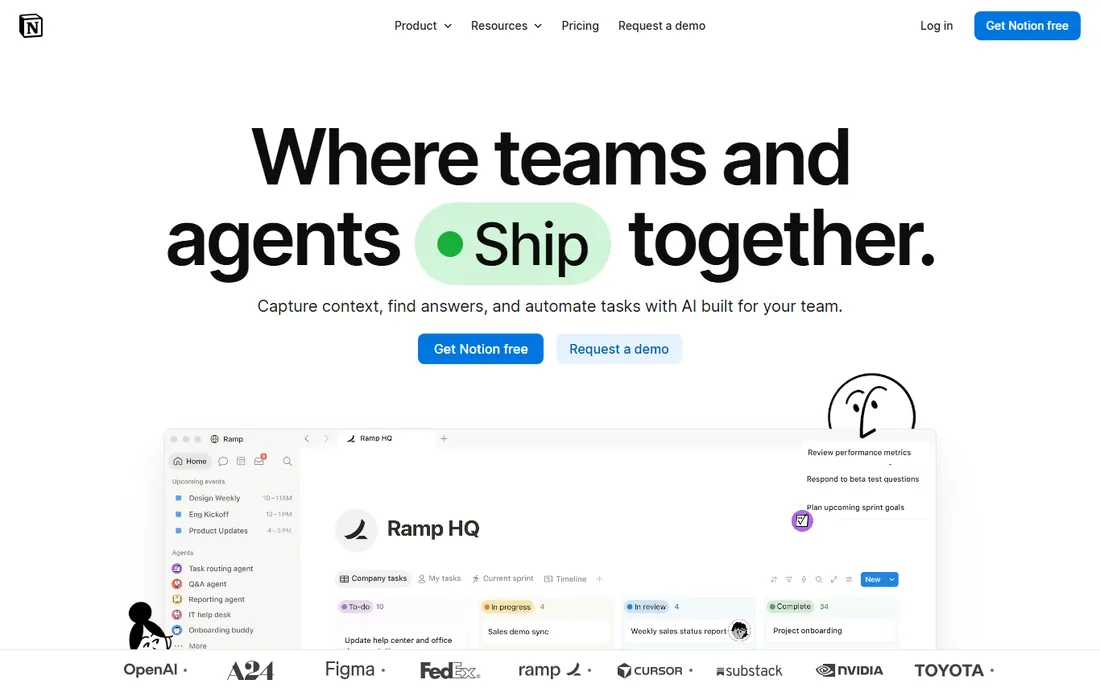
Notion is where work management meets the company wiki. Databases with relations, rollups and formulas power project trackers, roadmaps and content calendars, all living next to the documentation that explains them. In 2026 the AI story crystallized: the Business plan at $20 per member per month includes the full suite, Notion Agent, AI Meeting Notes and Enterprise Search, while Plus at $10 gets only a limited AI trial. Custom Agents run on metered credits on top.
Notion is a docs platform with good task features, not a project platform with good docs: native scheduling, workload balancing and time tracking are thin. For startups and content teams that want one home for knowledge and tasks, the free plan carries individuals far before Plus becomes necessary.
What we like- Databases, docs and tasks share one flexible model
- Full Notion AI suite (Agent, Meeting Notes, Enterprise Search) on Business
- Generous free plan for individuals
Watch out for- Full AI requires the $20 Business tier, doubling the seat cost
- Weaker native scheduling and workload views
- Per-seat pricing hits hard as teams grow
Starting price$20 per user/month (billed annually)
Free planYes
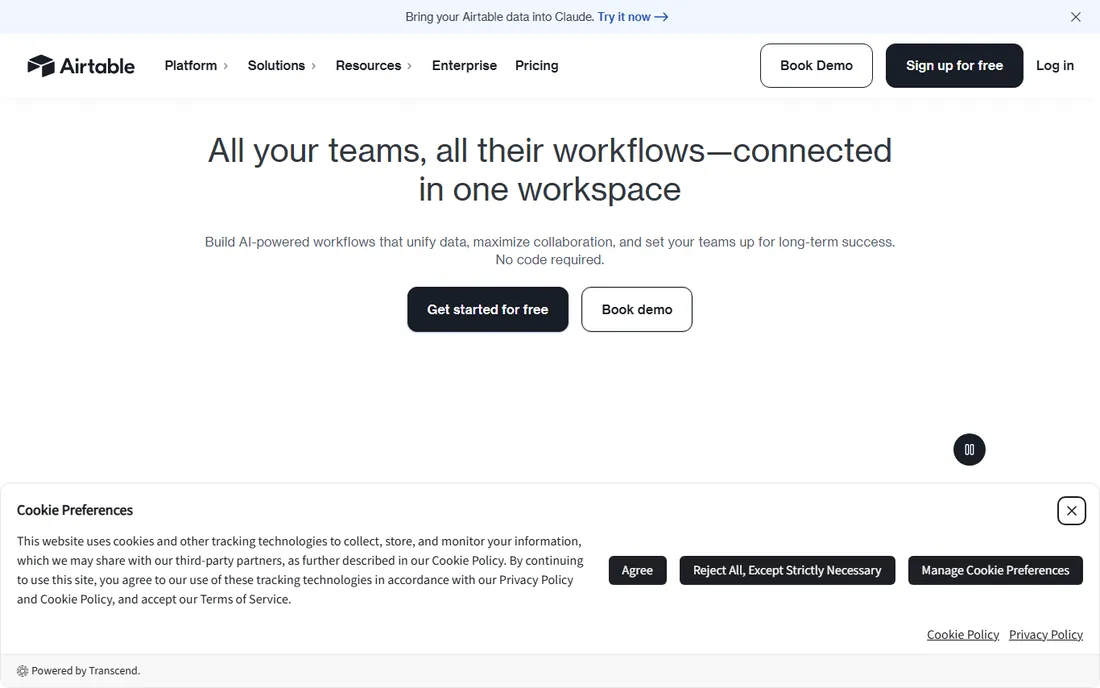
Airtable sits between a spreadsheet and a database, and operations teams build serious systems on it: content pipelines, inventory trackers, hiring workflows, grant management. Records relate to records, views filter the same data for different audiences, and Interfaces Designer turns a base into a polished internal app without code.
The price reflects the power. Team starts at $20 per user per month billed annually, the highest entry point here, and Business at $45 adds the scale and admin controls larger deployments need. Record and automation limits are the real budget driver, so audit your data volume before choosing a tier. If your work is genuinely data-shaped, nothing else here models it as well.
What we like- Relational database power with approachable interfaces
- Interfaces Designer builds custom apps on your data
- Airtable AI works across records and attachments
Watch out for- Most expensive entry point on this list at $20 a seat
- Record limits push growing teams up tiers
- Overkill for simple task tracking
Starting price$5 per user/month (billed annually)
Free planYes
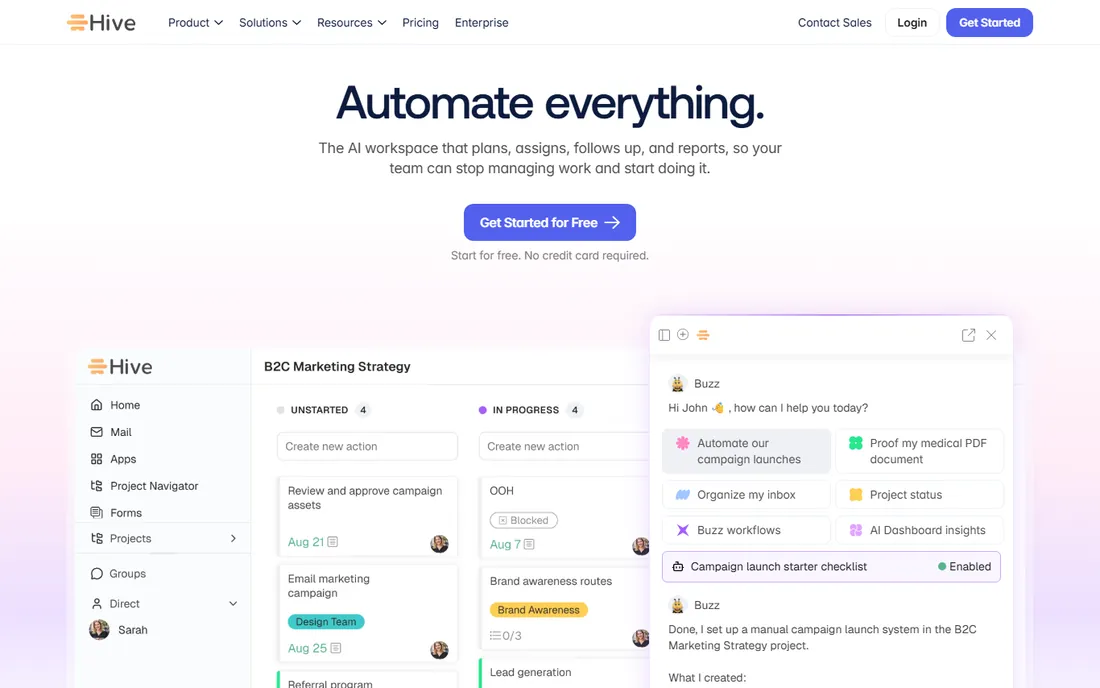
Hive is the value pick for teams that ship campaigns and client work. Projects, proofing, time tracking, chat and AI live in one workspace, and the pricing undercuts every direct rival: free for up to ten members, Starter at $5 per user per month, Teams at $12. The Buzz AI agent drafts project plans from briefs and flags at-risk work, which covers the creative workflow automation agencies actually ask for.
Watch the add-on math. Proofing, timesheets, team resourcing and advanced dashboards each cost $5 per user per month on top of the base plan, so a fully loaded Hive seat approaches the price of pricier rivals. Engineering teams and heavy Jira users should look elsewhere.
What we like- Lowest entry price among the major platforms
- Proofing and approvals built for creative review
- Buzz AI agent turns briefs into task plans
Watch out for- Proofing, timesheets and resourcing are $5 add-ons each
- Smaller ecosystem of integrations
- Less suited to engineering workflows
#9
Taskade
Best for: Small teams that want AI agents at a flat price
Visit taskade.com
Starting price$10/month (billed annually)
Free planYes
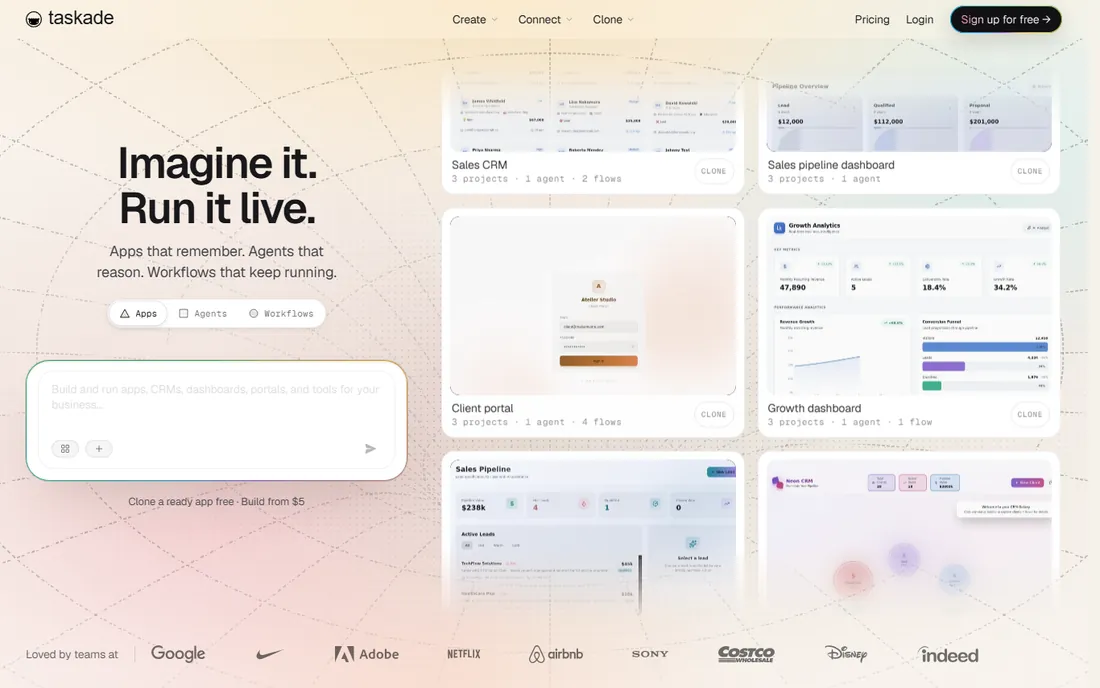
Taskade breaks the per-seat pricing model that dominates this list. Pro costs $10 a month flat for up to ten seats with unlimited AI apps, agents and automations, and Business at $25 a month covers unlimited seats. For a ten-person team, that is $120 a year against $1,000-plus on per-seat rivals, with AI included rather than metered as an add-on. The product is AI-native: agents with memory and tools, durable automations across 100-plus integrations, and views from mind maps to Gantt.
The trade-off is project management maturity: Taskade is thinner on portfolio reporting and enterprise governance than Asana or Wrike. It suits small teams that want AI agents without per-user math, not PMOs running standardized delivery.
What we like- Flat workspace pricing covers up to 10 seats on Pro
- AI agents, automations and 15+ frontier models included
- Generous free tier for solo users
Watch out for- Less mature as a pure project management system
- Fewer native enterprise integrations
- Outline-first model does not suit everyone
Starting price$19/month (Individual, billed annually)
Free planFree trial (7 days)
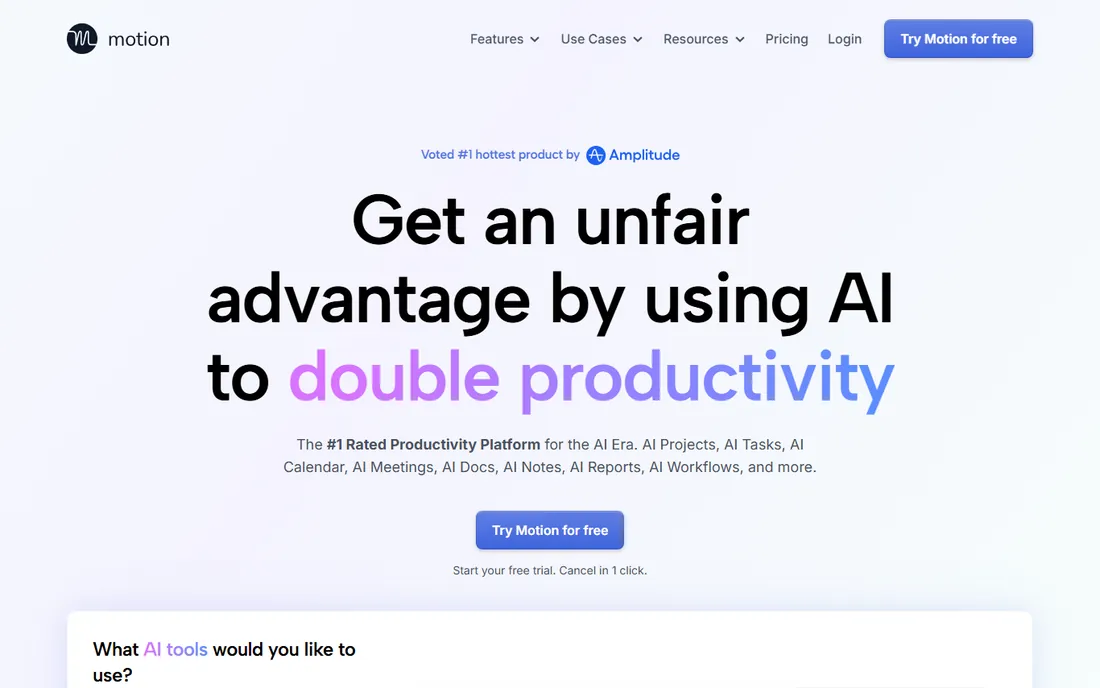
Motion is the only tool here that manages your calendar as its core job. Tell it your tasks, deadlines and priorities, and its AI builds your schedule, time-blocking deep work around meetings and reshuffling when the day changes. For managers whose calendars run them, the hours recovered are real.
The pricing demands commitment. Individual is $19 a month billed annually but $34 month-to-month, and Team is $12 per user annually versus $20 monthly, with only a 7-day trial to decide. Evaluate Motion on scheduling pain rather than project reporting needs.
What we like- AI auto-scheduling and time-blocking actually work
- Calendar, tasks and meeting booking in one app
- Reschedules your day automatically when things change
Watch out for- No free plan and only a 7-day trial
- Monthly billing costs nearly double the annual rate
- Less of a collaboration platform than a personal productivity engine
How we chose
We compared the ten platforms that dominate 2026 shortlists for AI-assisted work management, from all-in-one workspaces to docs-first and scheduling-first tools. Every product above is live today and was checked against its vendor’s current pricing page in October 2026. We weighted AI features by whether they act on real workspace data, and we treated pricing transparency, including AI credit and add-on models, as a first-class criterion. We did not run long-term pilots in each tool, and we say that plainly.
AI features worth paying for, and ones that are not
Not all AI in work management does the same job. The features worth money act on your data: agents that triage and route work, summarization grounded in your tasks and docs, and natural-language automation builders that create real rules. The features to discount are generic text generation inside task descriptions, which any free chatbot does equally well, and AI search that cannot cite the task or doc it answered from. Before paying for an AI tier, run one real workflow through it: give the AI a messy brief or a slipping project and check whether the output is usable without heavy editing. Also read the metering: credit-based AI, as Monday.com and Notion use it, can add a second line item for heavy users, while flat-included AI keeps the bill predictable.
What to check before you buy
Seat math and billing traps
Per-seat pricing looks simple until headcount grows Check minimum seat purchases, seat bundles that round your team up, and whether guests and viewers consume paid seats. Annual billing typically saves 15 to 20 percent, but some vendors, notably Motion, charge nearly double month-to-month. Taskade’s flat workspace pricing sidesteps all of this, which is worth real money past five seats.
The free plan ceiling
Free plans differ more than the $0 price suggests. ClickUp’s Free Forever and Notion’s individual free tier carry real work; Monday.com’s free plan caps at two seats; Smartsheet and Motion offer no free plan at all. Map your team size and must-have views against the free limits before assuming the $0 tier is a starting point.
Views, dependencies and workload
Every tool here offers kanban, but the differentiators are Gantt with dependencies, workload views that show capacity across projects, and portfolio dashboards. Asana, Wrike and Smartsheet lead on these; Notion and Taskade trail. If your buying trigger is missed deadlines rather than messy docs, prioritize the scheduling and capacity features over the AI marketing.
Integrations and data export
A work tool that cannot talk to your stack becomes a silo. Verify native integrations for Slack, Google Workspace or Microsoft 365, and check whether the API is available on your tier. Equally important is the exit: confirm you can export tasks, comments and attachments in usable formats before you migrate hundreds of projects into a proprietary system.
Frequently asked questions
Which work management tool has the best AI?
ClickUp Brain is the most practical for teams that want AI working across their whole workspace, since it draws on tasks, docs and comments rather than requiring prompts from scratch. Asana’s AI Studio is the best value, shipping agentic workflow automation on the $10.99 Starter plan with no add-on. For pure scheduling, Motion’s AI calendar management is in a class of its own.
Is there really a free work management tool with AI?
Yes, with limits. ClickUp’s Free Forever plan includes tasks, docs and basic AI access; Notion’s free plan includes a trial of Notion AI; Taskade’s free tier includes AI agents with credit caps. Full production AI generally requires a paid plan, most affordably through Asana Starter at $10.99 or Taskade Pro at $10 flat.
How much should a small team budget per month?
For five people, expect roughly $45 to $55 a month on ClickUp Core, Asana Starter or Monday.com Basic, billed annually. Taskade Pro covers ten seats for $10 flat. Add 20 to 30 percent headroom if the vendor meters AI credits separately.
What is the difference between AI credits and included AI?
Included AI, as Asana and Taskade offer it, bundles automation into the seat price with generous allowances. Credit-based AI, as Monday.com and Notion use it, meters each AI action against a monthly allowance and bills overages separately. Heavy AI users should prefer included models; light users may never notice the difference.
Can these tools replace project managers?
No. They remove the busywork around project management: status chasing, schedule reshuffling, meeting summaries and first-draft plans. Judgment calls about priorities, trade-offs and people still need a human. Teams that treat the AI as an assistant gain real capacity; teams that treat it as a replacement get surprises.
Sources we checked (10)
- https://clickup.com/pricing
- https://asana.com/pricing
- https://monday.com/pricing
- https://www.wrike.com/pricing
- https://www.smartsheet.com/pricing
- https://www.notion.com/pricing
- https://airtable.com/pricing
- https://hive.com/blog/best-project-management-software/
- https://www.taskade.com/compare/free-clickup-alternative
- https://www.usemotion.com/blog/the-top-8-to-do-list-apps
Is your product missing or out of date?
We review this list regularly. Vendors can request a listing, send updated pricing or ask about featured placement.

Shihab Mia · Founder, Rankite
Shihab has spent more than a decade helping SaaS and e-commerce brands grow through search. He writes Rankite's software buying guides from pricing pages, documentation and public user reviews. More about Shihab.