How we make this list: we compare pricing pages, product documentation and public user reviews. Rankite is independent; if a vendor ever pays for a featured spot, that listing is clearly labeled Partner.
Key takeaways
- For sheer integration breadth, Jira (3,000+ Atlassian Marketplace apps) and monday.com (200+ native integrations) lead; Asana and ClickUp follow with mature ecosystems.
- ClickUp ($7/user/month) and monday.com ($9/seat/month) are the cheapest paid entries with serious integration catalogs; both have free plans worth testing.
- Airtable ($20/user/month) and Notion ($10/member/month) win when the integration target is a custom database or wiki, not just task sync.
- Smartsheet and Wrike fit enterprise buyers who need admin-controlled integrations with SSO and audit trails rather than a long tail of apps.
Quick comparison
| Tool | Best for | Starting price | Free plan |
|---|
 Asana Asana | Teams that want a mature integration catalog with portfolio views | $10.99/user/month (Starter, billed annually) | Yes |
 monday.com monday.com | Visual project tracking with a huge integration marketplace | $9/seat/month (Basic, billed annually) | Yes |
 ClickUp ClickUp | Teams that want to replace several apps on one integrated platform | $7/user/month (Unlimited, billed yearly) | Yes |
 Smartsheet Smartsheet | Spreadsheet-style planning with enterprise-grade connectors | $9/member/month (Pro, billed annually) | Free trial |
 Wrike Wrike | Cross-functional teams that need governed integrations | $10/user/month (Team) | Yes |
 Teamwork.com Teamwork.com | Client-facing teams that bill hours across integrated tools | $10.99/user/month (Deliver, billed annually) | Yes |
 Airtable Airtable | Teams building custom workflows on a relational database | $20/user/month (Team, billed annually) | Yes |
 Notion Notion | Wiki-style work hubs that connect docs, tasks and tools | $10/member/month (Plus) | Yes |
 Hive Hive | Teams that want AI-assisted views without enterprise pricing | $5/month per user (Starter) | Yes |
 Jira Jira | Software teams living in the Atlassian ecosystem | See website | Yes |
Is your product missing or out of date?
We review this list regularly. Vendors can request a listing, send updated pricing or ask about featured placement.
The best work management software for integrations
No work tool survives on its own features anymore. The average team runs a dozen apps, and the work platform earns its keep by connecting them: tasks created from support tickets, time tracked into invoices, files synced from cloud drives, deployments linked to issues. Integration breadth is the real moat. To put a number on it, the Atlassian Marketplace alone hosts more than 3,000 apps for Jira, while monday.com ships 200+ native integrations and ClickUp claims over 1,000. Ten platforms compared here on the strength of their ecosystems, not just their task lists.
#1
Asana
Best for: Teams that want a mature integration catalog with portfolio views
Visit asana.com
Starting price$10.99/user/month (Starter, billed annually)
Free planYes
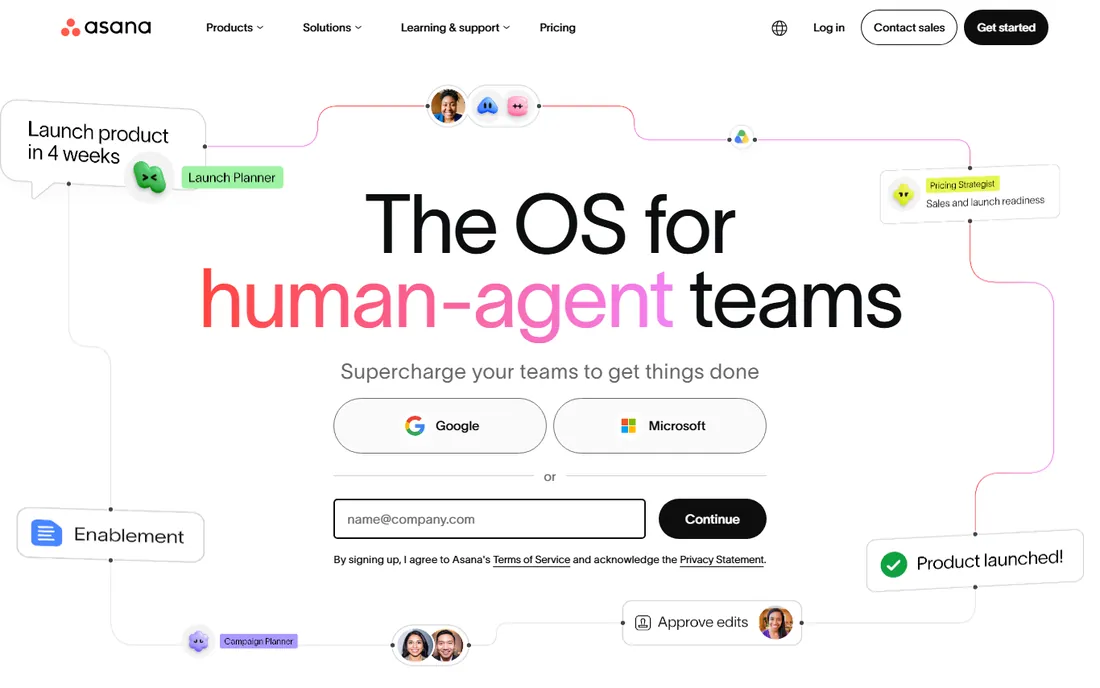
Asana's integration story is about depth rather than raw count. The catalog covers 200+ apps, but the quality of the big ones stands out: the Salesforce integration is genuinely bidirectional, Adobe Creative Cloud links design work to tasks, and the Slack and Teams integrations are among the best in the category. Portfolios and goals then roll up work from connected tools into one view, which is where integrations stop being plumbing and start being management.
The pricing reality: the free Personal plan covers 2 users, Starter at $10.99 per user per month (billed annually, $13.49 monthly) adds the integration essentials, and the serious automation lives on Advanced at $24.99.
What we like- Deep, well-maintained integrations with Salesforce, Adobe, Slack and 200+ more
- Portfolios and goals roll up connected work
- AI teammates can act across integrations
Watch out for- Advanced integration features (custom rules, portfolios) need pricier tiers
- Per-user pricing punishes large, lightly-active teams
#2
monday.com
Best for: Visual project tracking with a huge integration marketplace
Visit monday.com
Starting price$9/seat/month (Basic, billed annually)
Free planYes
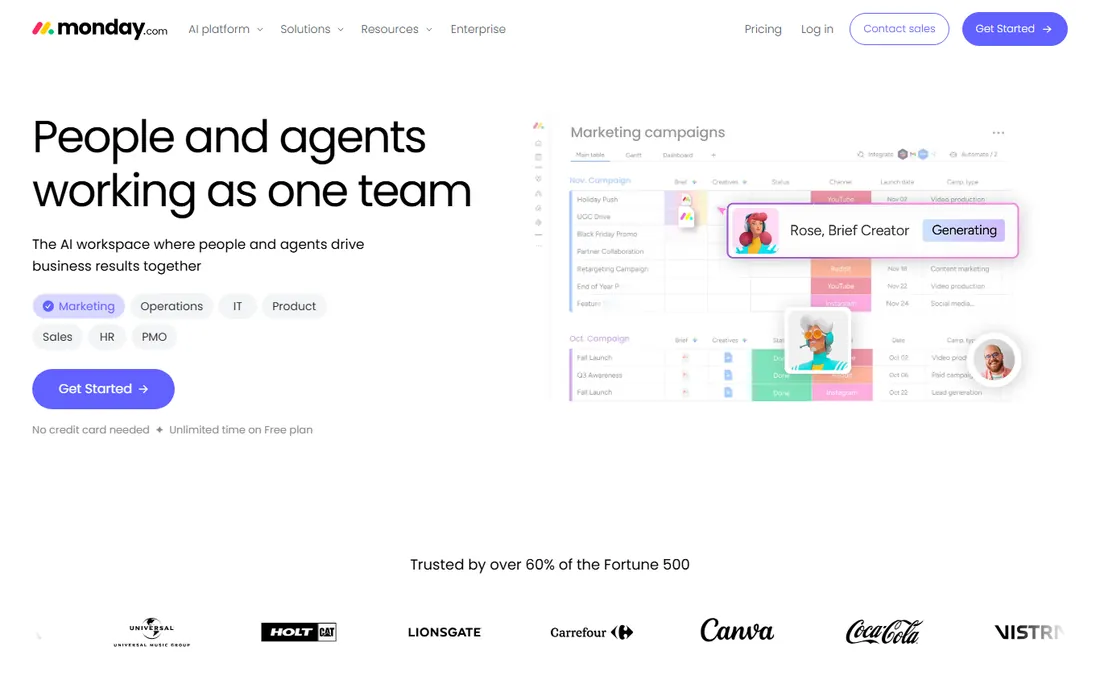
monday.com treats integrations as a first-class building block. The 200+ native integrations connect the usual suspects (Slack, Gmail, Outlook, Salesforce, Jira, GitHub), and the automation center lets you build recipes like "when a deal closes in the CRM, create an onboarding board and notify the team." The marketplace extends into industry-specific apps, and developers get API access plus webhooks on every paid tier.
The meter to watch is action credits. Automations and integrations consume monthly credits (1,000 credits equal $10 on the current pricing page), so a heavily automated workspace can outgrow the included allowance. Basic starts at $9 per seat per month billed annually, which is the cheapest paid entry on this list, with a free plan for up to 2 seats. For teams whose workflow is "connect everything and automate the handoffs," monday.com is the most visual way to do it.
What we like- 200+ native integrations plus a marketplace of apps
- Automation recipes combine triggers across tools
- API and webhooks on all paid plans
Watch out for- Automation and integration actions are metered by monthly credits
- Per-seat pricing with a 3-seat minimum on paid plans
#3
ClickUp
Best for: Teams that want to replace several apps on one integrated platform
Visit clickup.com
Starting price$7/user/month (Unlimited, billed yearly)
Free planYes
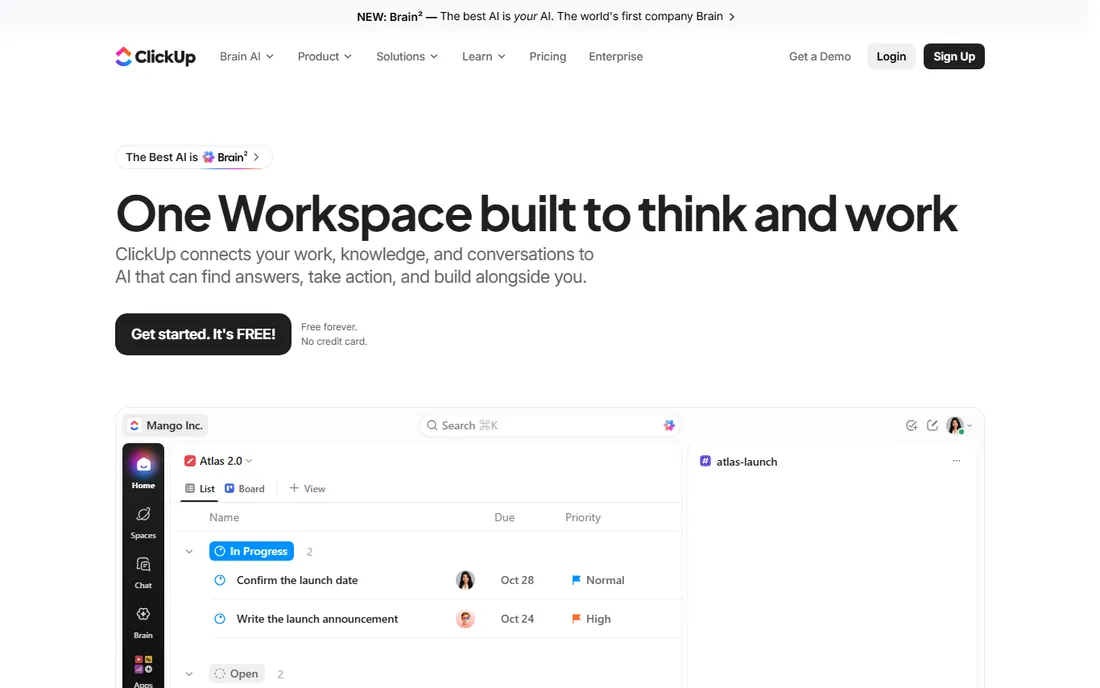
ClickUp's integration pitch is consolidation: instead of integrating five tools, bring docs, chat, whiteboards, goals and time tracking inside ClickUp, then integrate what remains. The 1,000+ integration catalog covers Slack, HubSpot, Google Drive, GitHub and the rest, and the free-forever plan is generous enough to test the integrations that matter before paying. Unlimited at $7 per user per month billed yearly ($10 monthly) is the lowest paid price among the major platforms.
The honest catch is sprawl. ClickUp does so much that finding the right integration setting can be a project in itself, and a few connectors feel less polished than their equivalents on Asana or monday.com. Business at $12 per user per month adds the deeper automation (5,000 automations per month) and dashboard features that integration-heavy teams usually need. It is the best value if your team will actually use the all-in-one breadth.
What we like- 1,000+ integrations plus native docs, chat, whiteboards and goals
- Generous free-forever plan to test integrations
- Webhooks and API on paid tiers
Watch out for- Feature sprawl makes the integration settings hard to find
- Some integrations are thinner than their Asana or monday equivalents
#4
Smartsheet
Best for: Spreadsheet-style planning with enterprise-grade connectors
Visit smartsheet.com
Starting price$9/member/month (Pro, billed annually)
Free planFree trial
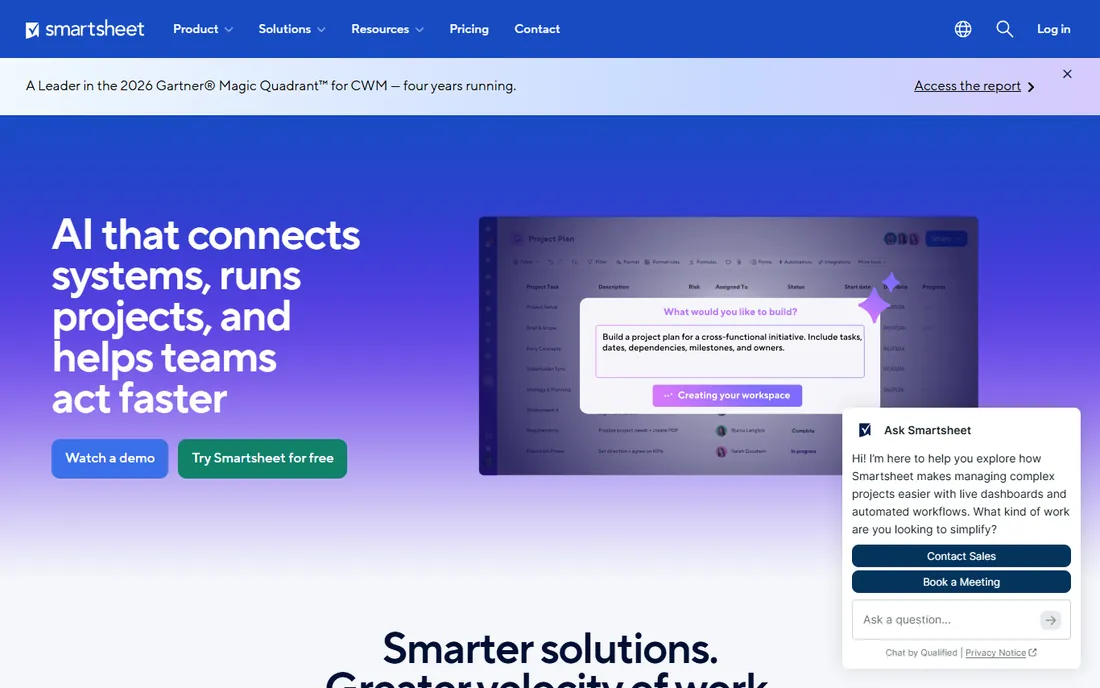
Smartsheet wins integrations in Microsoft- and Salesforce-heavy enterprises. The platform speaks the language of systems of record: a Salesforce connector that syncs bidirectionally, Jira and Azure DevOps bridges for engineering, and Data Shuttle for scheduled imports and exports between Smartsheet and ERPs or data warehouses. For teams that plan in sheets but execute in enterprise systems, those pipes matter more than a long tail of consumer apps.
Pricing starts at $9 per member per month billed annually for Pro ($12 monthly), with Business at $19 adding the deeper automation and controls. Note the "member" wording: Smartsheet distinguishes members from collaborators, which affects the bill in ways worth clarifying on a demo. There is a free trial but no permanent free tier, so budget from day one.
What we like- Familiar grid interface eases adoption for Excel users
- Strong connectors for Salesforce, Jira, Microsoft and Google ecosystems
- Data Shuttle and Bridge for system-to-system flows
Watch out for- No permanent free plan, only a trial
- Per-member pricing with collaborator nuances that confuse buyers
#5
Wrike
Best for: Cross-functional teams that need governed integrations
Visit wrike.com
Starting price$10/user/month (Team)
Free planYes
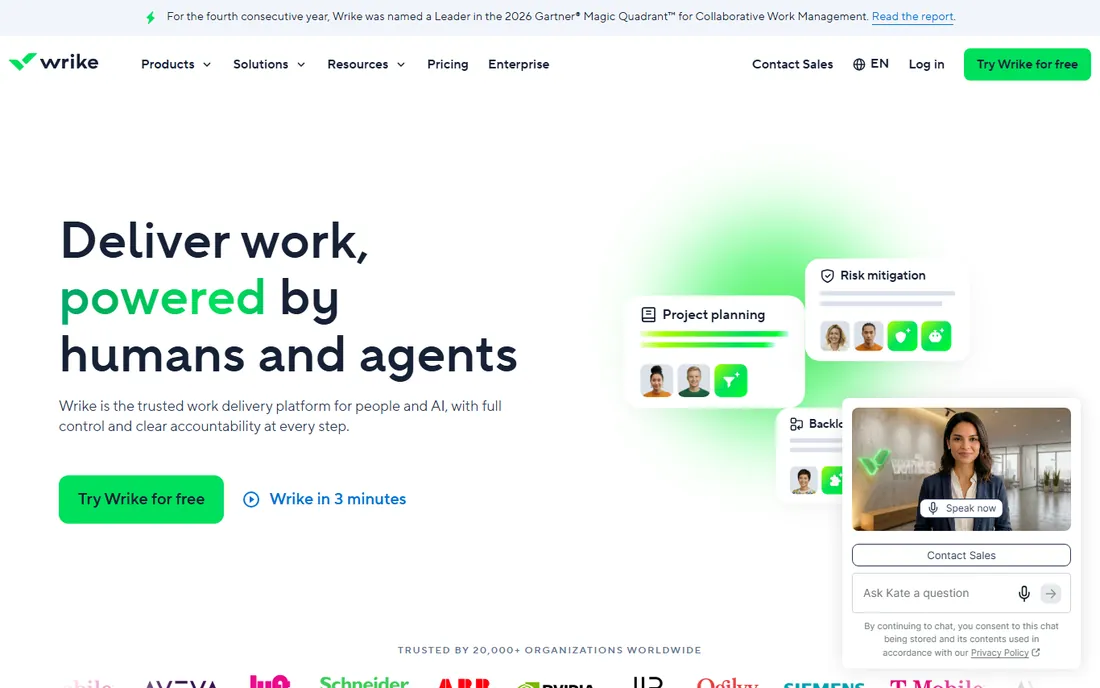
Wrike positions integrations as part of a governed workflow system rather than a DIY playground. The 400+ catalog includes deep Adobe Creative Cloud integration (a legacy strength for marketing teams), Salesforce, Microsoft Teams and OneDrive, and the custom request forms can kick off workflows that span tools. Admins get real control over which integrations are enabled, with audit-friendly permissions.
That governance is the differentiator for regulated or large teams, and the tradeoff for smaller ones: setting up sophisticated cross-tool workflows takes more thought than monday.com's visual recipes. Pricing runs Free ($0, with core integrations), Team at $10 per user per month (2 to 15 users) and Business at $25, with a 14-day-style trial on paid tiers. Marketing and creative operations teams with Adobe at the center should put Wrike high on the list.
What we like- 400+ integrations with strong Adobe, Salesforce and Microsoft connectors
- Custom workflows and request forms tie into connected tools
- Enterprise admin controls over integrations
Watch out for- Integration setup leans technical on complex workflows
- The interface carries a learning curve for casual users
#6
Teamwork.com
Best for: Client-facing teams that bill hours across integrated tools
Visit teamwork.com
Starting price$10.99/user/month (Deliver, billed annually)
Free planYes
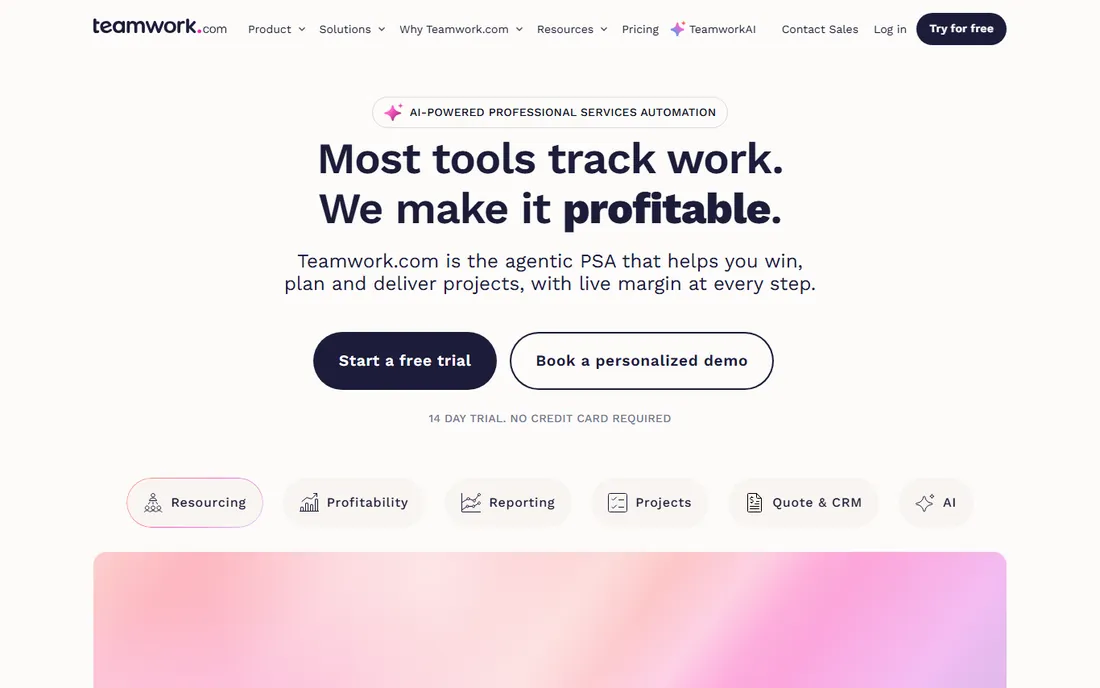
Teamwork.com is built for agencies and client-service teams, and its integrations reflect that: time tracked in Teamwork flows to invoices, HubSpot deals become projects, and Slack keeps client chatter tied to tasks. The catalog is respectable rather than enormous, covering the tools agencies actually use, and the free plan lets a small team validate the core connectors.
Pricing is straightforward: Free ($0), Deliver at $10.99 per user per month billed annually ($13.99 monthly), and Grow at $19.99 ($25.99 monthly), with monthly billing available for teams of 4+. The limitation is breadth: if your stack includes niche tools, verify each connector exists before committing, since Teamwork's long tail is thinner than the platforms above. For agencies whose world is projects, time and invoices, the native fit outweighs the catalog gap.
What we like- Time tracking and billing integrate naturally with project data
- Solid HubSpot, Slack and QuickBooks connectors
- Free plan for small teams
Watch out for- Integration catalog is smaller than Asana or monday.com
- Advanced integrations need the Grow tier
#7
Airtable
Best for: Teams building custom workflows on a relational database
Visit airtable.com
Starting price$20/user/month (Team, billed annually)
Free planYes
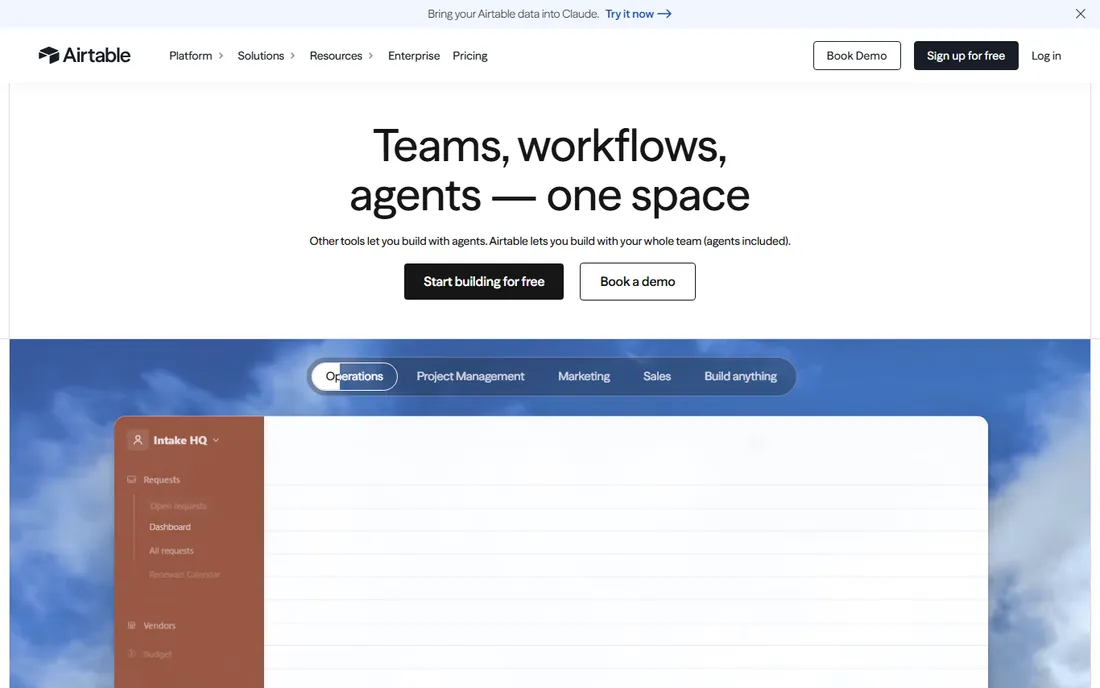
Airtable is less a task manager with integrations than a database that everything plugs into. Sync brings in live data from Salesforce, Jira, Google Sheets and more; Interfaces builds custom dashboards and data-entry apps on top; and automations trigger actions across connected tools. For operations teams whose "work management" is really "keep five systems agreeing with each other," that architecture is powerful.
The price reflects the power: Team at $20 per user per month billed annually, Business at $45, with a genuinely useful free plan for small bases. Record and automation limits scale with tiers, so integration-heavy setups should model their volume against those caps. It is the right pick when the integration need is custom and data-centric rather than a standard task sync.
What we like- Interfaces and Sync turn integrations into custom apps
- Automations run across connected tools
- Two-way sync with Salesforce, Jira and Google Sheets
Watch out for- $20 per user per month is steep for large teams
- The learning curve from spreadsheet to relational base is real
#8
Notion
Best for: Wiki-style work hubs that connect docs, tasks and tools
Visit notion.com
Starting price$10/member/month (Plus)
Free planYes
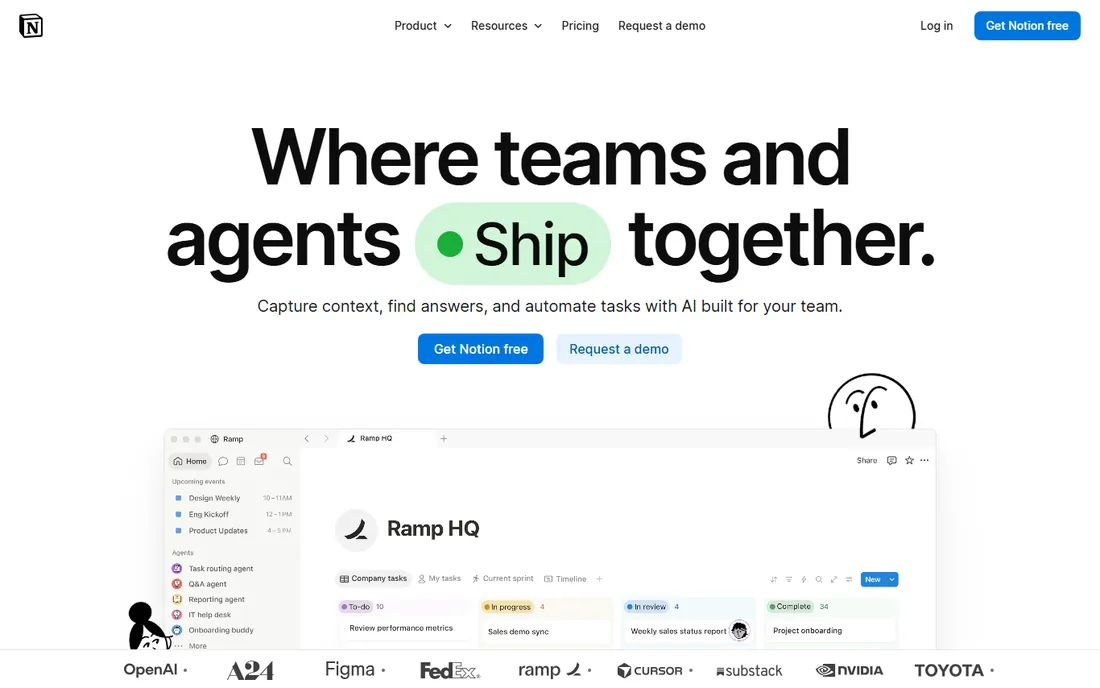
Notion approaches integrations from the knowledge side. The 100+ integration catalog embeds live content from Slack, Google Drive, GitHub, Jira and Figma directly into docs and project pages, and the API plus synced databases let teams pull external data into a Notion hub. For teams whose work management is half documentation and half tasks, that blend is the appeal.
It is not the deepest integration platform here. Automations are simpler than monday.com's recipes or ClickUp's, and heavy workflow automation will hit limits. But at $10 per member per month for Plus (with a genuinely generous free plan), Notion is the cheapest way to get a connected wiki-plus-tasks hub. Business at $20 adds the admin controls growing companies need.
What we like- 100+ integrations including Slack, Google Drive, GitHub and Jira
- API and synced databases connect external data into pages
- Generous free plan for individuals
Watch out for- Integrations are lighter than dedicated work platforms
- Automation is basic compared to monday.com or ClickUp
#9
Hive
Best for: Teams that want AI-assisted views without enterprise pricing
Visit hive.com
Starting price$5/month per user (Starter)
Free planYes
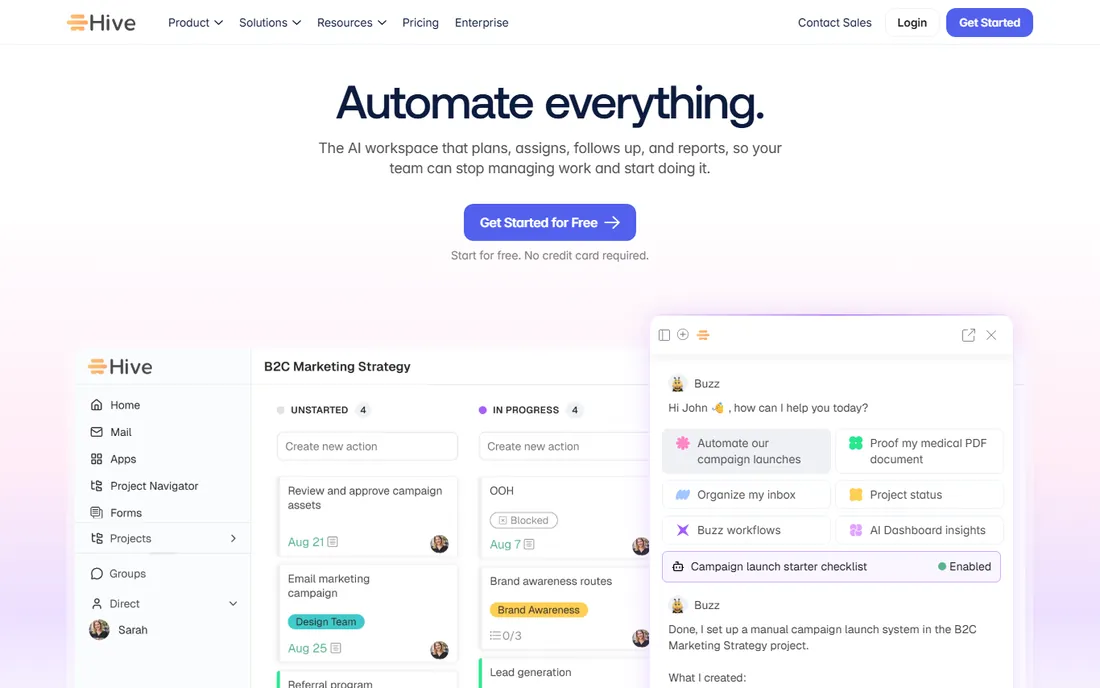
Hive is the budget disruptor: a free-forever plan with real functionality, Starter at $5 per user per month, and Teams at $12 for the full experience. The integration catalog covers the essentials (Slack, Google Drive, Outlook, Zoom), and flexible $5 add-ons let teams buy only the modules they need: proofing, timesheets, resourcing, dashboards.
The tradeoff for the price is ecosystem depth. Hive will not match Asana's Salesforce integration or monday.com's automation catalog, and stacking several add-ons narrows the price gap with ClickUp. But for small teams that need solid core integrations, AI-assisted project views and honest pricing, Hive is the value pick. The 14-day trial and free-forever tier make it easy to verify the catalog covers your stack.
What we like- Cheapest paid tier on this list at $5 per user per month
- 1,000+ AI credits monthly on the free plan
- Flexible add-ons for timesheets, proofing and resourcing
Watch out for- Integration catalog is narrower than the leaders
- Add-on pricing ($5 each) can erode the price advantage
Starting priceSee website
Free planYes
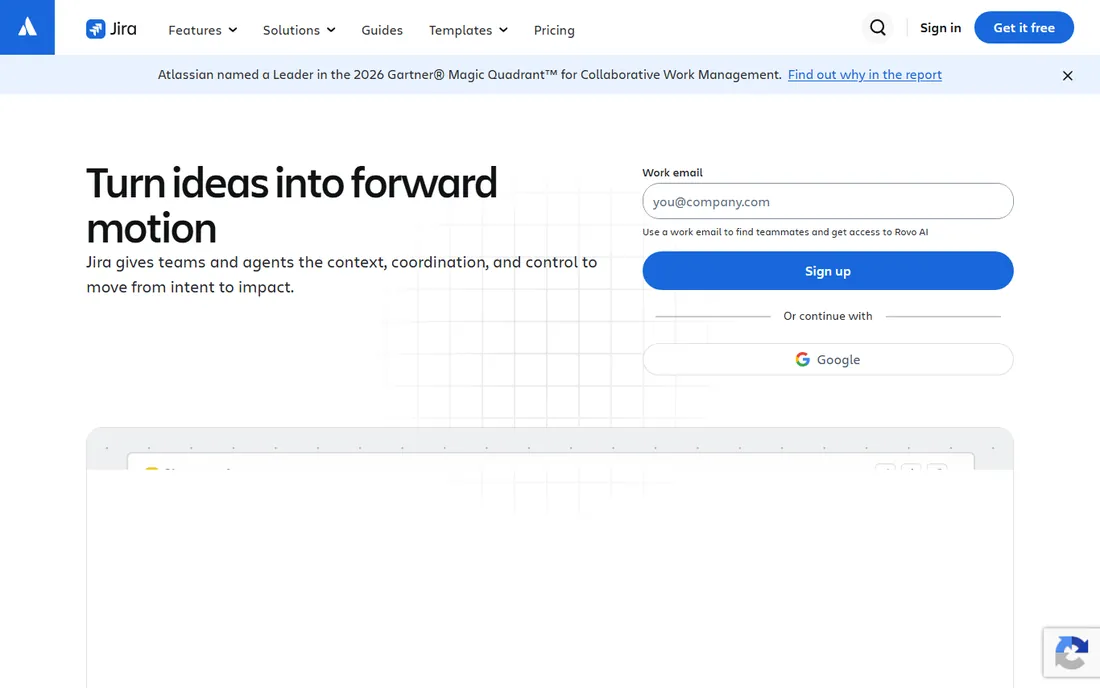
Jira wins this category on ecosystem size alone: the Atlassian Marketplace hosts more than 3,000 apps, from time tracking to test management to portfolio planning, plus native integration with Confluence, Bitbucket, Jira Service Management and Opsgenie. For software teams, the DevOps toolchain integration (branches, builds and deploys linked to issues) is something general work tools cannot replicate.
The catch is complexity and pricing opacity. Atlassian prices Jira per user with rates that vary by team size and billing term, so there is no single number to quote; the free plan covers up to 10 users, and paid tiers scale from there. Administration is a real skill, and non-technical teams often find Jira heavy. But if your company already runs on Atlassian, no other tool on this list integrates with your stack as deeply.
What we like- 3,000+ Atlassian Marketplace apps, the largest ecosystem here
- Native JQL, automation and DevOps toolchains
- Deep Confluence, Bitbucket and Opsgenie integration
Watch out for- Pricing is per-user and team-size dependent with no single published figure
- Administration overhead is real for non-technical teams
How we chose
We ranked these platforms on integration ecosystem strength, not task features: catalog size, API and webhook quality, automation depth, and the maturity of connectors for the tools teams actually use (Slack, Google Workspace, Microsoft 365, Salesforce, GitHub, accounting systems). Every price above comes from the vendor's own pricing page captured in October 2026; Jira is marked "See website" because Atlassian prices per user by team size with no single published figure. We cross-checked integration claims against vendor marketplaces and documentation, and weighted verified user reviews on G2 and Capterra for setup effort and connector reliability.
What to check before you buy
Audit your actual stack before comparing catalogs. List the five tools your team touches daily and verify each connector's depth: a "Slack integration" can mean anything from notifications to full bidirectional task creation, and the difference matters. Check whether automations are metered. monday.com's credit system, ClickUp's monthly automation caps and Airtable's record limits can all turn a cheap plan expensive at scale.
Then look at the API tier. If you plan custom integrations, confirm API access, webhook support and rate limits on the plan you would actually buy, since several vendors gate the API above the entry tier. Finally, trial with real data. Connect your actual Slack, drive and CRM during the trial and run one real workflow end to end; integration marketing always looks better than integration reality.
Native integrations vs API vs middleware
There are three ways a work tool connects to your stack, and they are not equal. Native integrations are built and maintained by the vendor: they break less and get support, but you are limited to the catalog. API and webhooks let your team build anything, provided you have developers and the vendor's rate limits cooperate. Middleware (Zapier, Make, Workato) fills the gaps but adds another subscription and another point of failure.
The practical rule: the tools you use daily deserve native integrations, the tools you touch weekly can live on middleware, and anything custom needs a real API. When vendors quote integration counts, ask how many are native versus marketplace or middleware-dependent. A catalog of 1,000 Zapier templates is not the same as 200 native integrations, and your evaluation should reflect that.
Frequently asked questions
Which work management tool has the most integrations?
Jira, through the Atlassian Marketplace's 3,000+ apps. Among general work platforms, ClickUp claims 1,000+ integrations, monday.com ships 200+ native integrations plus a marketplace, and Asana maintains 200+ well-supported connectors. Raw count matters less than whether your specific tools are covered natively.
Do I need the API, or are native integrations enough?
Native integrations cover the common cases: notifications, task creation, file sync and calendar links. You need the API when you want custom logic, like syncing a proprietary system or building a client portal on top of your work data. Confirm API access and rate limits on your planned tier before committing.
Are integrations included in the base price?
Mostly, but automations are often metered. monday.com uses monthly action credits, ClickUp caps automations per month by tier, and Airtable limits records and automation runs. The connector itself is usually free; the volume of automated actions is what can cost extra.
Can these tools replace Zapier?
Sometimes. If your automations are simple (new form response creates a task, completed task notifies a channel), native automation can replace Zapier for those flows. Complex multi-step logic across many apps usually still belongs on a middleware platform. Many teams end up with both.
How long does it take to set up integrations?
Native integrations typically connect in minutes with OAuth. The real work is mapping fields, setting up automation rules and testing edge cases, which takes hours to days depending on complexity. Custom API integrations are development projects: budget days to weeks.
Sources we checked (11)
- https://asana.com/pricing
- https://monday.com/pricing
- https://clickup.com/pricing
- https://www.smartsheet.com/pricing
- https://www.wrike.com/price/
- https://www.teamwork.com/pricing
- https://www.airtable.com/pricing
- https://www.notion.com/pricing
- https://hive.com/pricing
- https://www.atlassian.com/software/jira/pricing
- https://github.com/seranking/seo-skills/blob/HEAD/examples/seo-competitor-pages-linear-vs-jira-20260514/COMPARISON.md
Is your product missing or out of date?
We review this list regularly. Vendors can request a listing, send updated pricing or ask about featured placement.

Shihab Mia · Founder, Rankite
Shihab has spent more than a decade helping SaaS and e-commerce brands grow through search. He writes Rankite's software buying guides from pricing pages, documentation and public user reviews. More about Shihab.