How we make this list: we compare pricing pages, product documentation and public user reviews. Rankite is independent; if a vendor ever pays for a featured spot, that listing is clearly labeled Partner.
Key takeaways
- Ekahau is still the industry standard for enterprise Wi-Fi design and survey work, but its new role-based pricing starts at $1,495 per year and the full workflow really wants the Sidekick 2 hardware.
- NetSpot and WiFi Heatmap are the easiest entry points: NetSpot has a free plan and runs on Mac, Windows and mobile, while WiFi Heatmap does predictive planning free in the browser with no signup.
- TamoGraph and WiFi Explorer Pro are the value picks for people who hate subscriptions: TamoGraph sells perpetual licenses from $1,499 and WiFi Explorer Pro 3 is a $149.99 one-time purchase for Mac.
- Hamina is the modern cloud-native option with a free Planner Lite tier, while AirMagnet Survey PRO makes the most sense if your team already uses NetAlly handhelds.
Quick comparison
| Tool | Best for | Starting price | Free plan |
|---|
 Ekahau Ekahau | enterprise Wi-Fi design and survey teams | $1,495 per year | No |
 NetSpot NetSpot | simple heatmaps on Mac, Windows and mobile | See website | Yes |
 TamoGraph Site Survey TamoGraph Site Survey | perpetual-license survey work on a budget | $1,499 one-time | No |
 Hamina Network Planner Hamina Network Planner | cloud-based planning without installs | $590 per 6 months | Yes |
 Acrylic WiFi Heatmaps Acrylic WiFi Heatmaps | Windows shops wanting a one-time license | See website | Free trial (15 days) |
 AirMagnet Survey PRO AirMagnet Survey PRO | teams standardized on NetAlly handhelds | See website | No |
 WiFi Explorer Pro WiFi Explorer Pro | Mac-based WLAN professionals | $149.99 one-time | Free trial (7 days) |
 WiFi Heatmap WiFi Heatmap | free predictive planning for homes and small offices | Free | Yes |
Is your product missing or out of date?
We review this list regularly. Vendors can request a listing, send updated pricing or ask about featured placement.
Starting price$1,495 per year
Free planNo
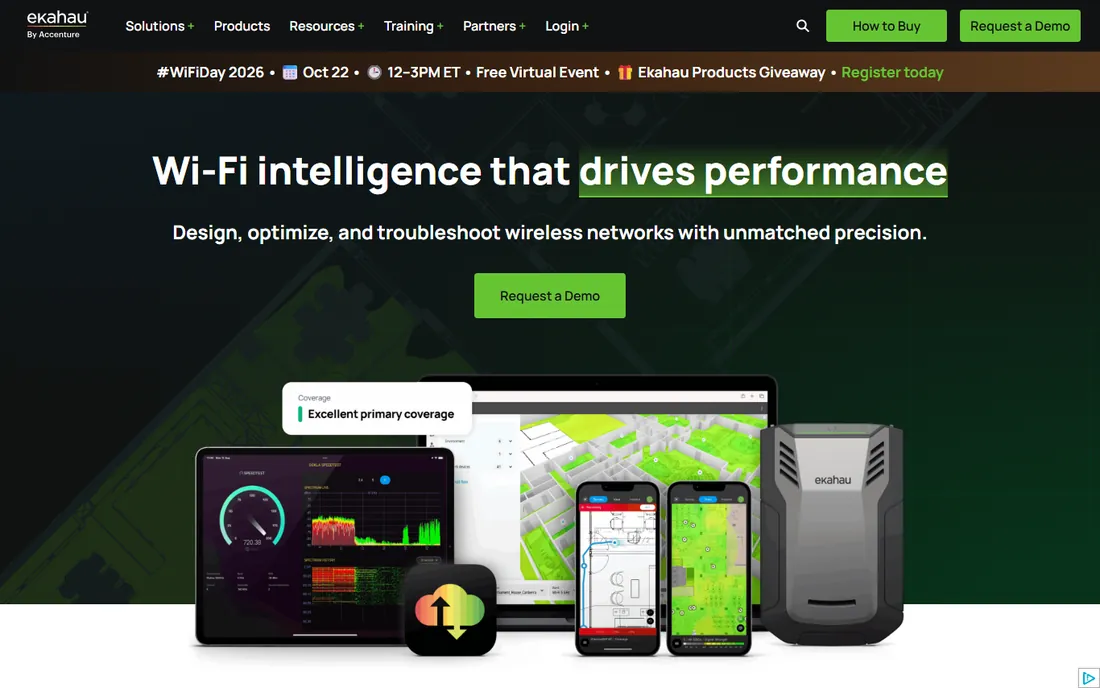
Ekahau AI Pro has been the reference tool for Wi-Fi design for years, and nothing else in this list carries the same weight with enterprise clients. The current lineup is sold as role-based subscriptions: Ekahau Plan covers design and optimization, Ekahau Measure Pro covers on-site survey and troubleshooting, each at $1,495 per year, and the full Software Suite with both is $2,495 per year. Everything runs on macOS and Windows, with a mobile Survey app for iPad and iPhone.
The honest catch is the total cost of ownership. The software is only half the story; serious survey work pairs it with the Ekahau Sidekick 2, a purpose-built measurement device that captures spectrum data across 2.4, 5 and 6 GHz far more precisely than a laptop Wi-Fi adapter. Factor that hardware into your budget before you commit. If you do multi-site enterprise work and bill clients for survey reports, Ekahau pays for itself. If you survey one office a year, it does not.
What we like- Industry standard for predictive Wi-Fi design
- Complete workflow from planning to on-site survey
- Strong reporting and cloud project sync
Watch out for- No free tier
- Full accuracy depends on Sidekick 2 hardware at extra cost
- Overkill for a single small office
Starting priceSee website
Free planYes
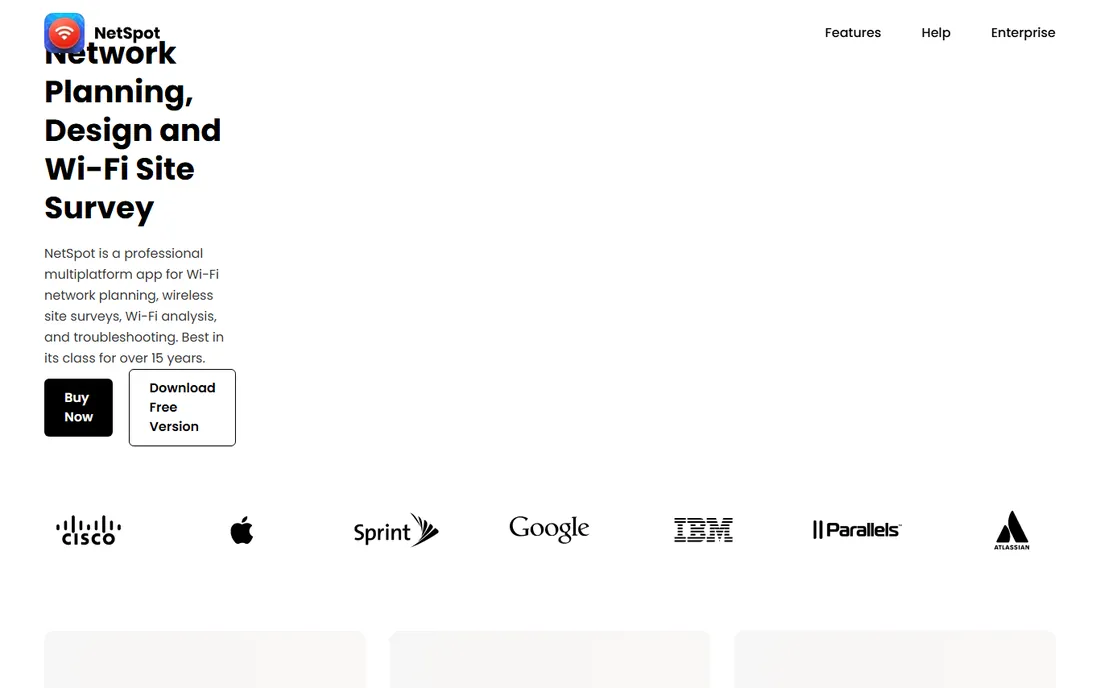
NetSpot is the tool you hand to someone who has never done a site survey before. Load a floor plan, walk around clicking your position, and the app builds color-coded heatmaps of signal strength, noise and channel overlap. It also has a planning mode for predictive designs, so you can sketch AP placement before anything is installed. Versions exist for macOS, Windows, Android and iOS, and projects move between them.
The trade-off for that simplicity is depth. NetSpot will find your dead zones and settle channel arguments, but it will not do the detailed RF modeling, capacity planning or spectrum analysis that Ekahau and TamoGraph offer. Licensing comes as a lifetime license or annual subscription in Home, PRO and Enterprise tiers, with a free plan for non-commercial use. For home networks, small offices and first-time surveyors, it is the right starting point.
What we like- Genuinely easy survey and planning modes
- Runs on macOS, Windows, Android and iOS
- Free plan for non-commercial use
Watch out for- Survey depth is below the pro-grade tools
- Paid pricing is not shown as plain text on the site
- Free tier has project limits
#3
TamoGraph Site Survey
Best for: perpetual-license survey work on a budget
Visit tamos.com
Starting price$1,499 one-time
Free planNo
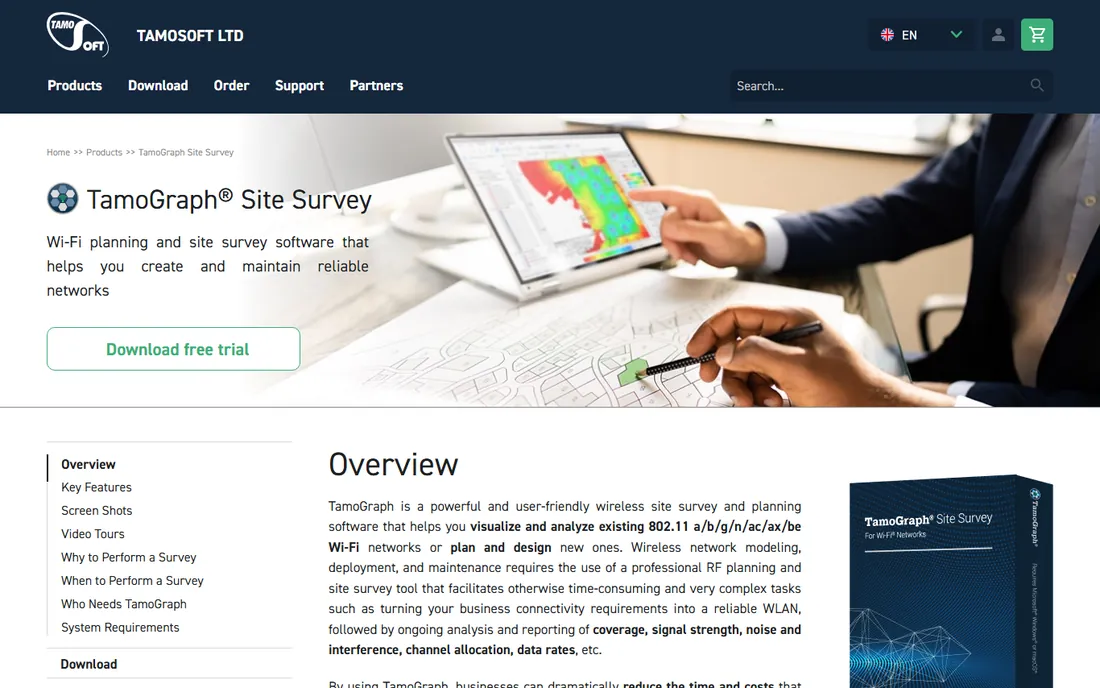
TamoGraph is the pragmatic middle ground between NetSpot and Ekahau. It does passive surveys, active surveys with throughput tests, predictive RF modeling and GPS-assisted outdoor surveys, and it models access points from the major vendors with real antenna patterns. Reports come out in PDF, HTML and Word formats that are good enough to hand to a client.
Pricing is refreshingly old-school: Standard is $1,499 and Pro is $1,999 as one-time purchases, and if you only need it for one project, time-limited Pro licenses run $499 for six months or $999 for a year. The catch is the experience around the software. There is no browser version, no cloud project sharing and the interface has not changed much in years. If you want to buy once and own your tools, that will not bother you.
What we like- Perpetual licenses with no subscription
- Passive, active and predictive surveys in one app
- Time-limited licenses for short projects
Watch out for- Windows and macOS only
- Interface feels dated next to newer tools
- No cloud collaboration features
#4
Hamina Network Planner
Best for: cloud-based planning without installs
Visit hamina.com
Starting price$590 per 6 months
Free planYes
Hamina takes the opposite approach to the desktop tools: everything happens in the browser. You drag in a floor plan or CAD drawing, the AI draws walls and identifies warehouse racks, and you get real-time heatmaps as you place access points. Network Planner starts at $590 per six months per user, and there is a genuinely free Planner Lite tier that works for evaluating the product or viewing shared projects.
This is primarily a planning tool, not a survey tool. On-site measurement lives in Hamina Onsite, which starts at $790 per twelve months, so budget for both if you need the full lifecycle. Hamina also leans on integrations with cloud-managed networks like Juniper Mist and Meraki for live RF data. If your team lives in browsers and hates installing desktop software, Hamina is the most modern-feeling option here.
What we like- Runs entirely in the browser
- AI-assisted wall detection from floor plans
- Free Planner Lite tier
- SOC 2 Type 2 and ISO 27001 certified cloud
Watch out for- Paid tiers are subscription only
- On-site survey (Hamina Onsite) is a separate product and cost
- Younger company than Ekahau
Starting priceSee website
Free planFree trial (15 days)

Acrylic WiFi Heatmaps comes from Tarlogic Security in Spain and has been around long enough to be a known quantity in the Windows world. It covers the full workflow: predictive design from scratch, passive and active site surveys, spectrum analysis, AP triangulation and editable Word reports. The maps include RSSI, SNR, channel overlap, AP density and throughput, in both 2D and 3D.
Licenses are perpetual for one user on up to two devices, and the trial is fully functional for 15 days, which is enough to run a real project before paying. The two frustrations are platform and transparency: there is no Mac version, and you have to go through the store checkout to see current prices. If your whole team is on Windows and you want to buy once, it deserves a look.
What we like- Perpetual licensing model
- 2D and 3D coverage maps with 14+ plot types
- Long track record from Spanish vendor Tarlogic
Watch out for- Windows only
- Prices are not listed on the public site
- Monitor mode needs a compatible Wi-Fi adapter
#6
AirMagnet Survey PRO
Best for: teams standardized on NetAlly handhelds
Visit netally.com
Starting priceSee website
Free planNo
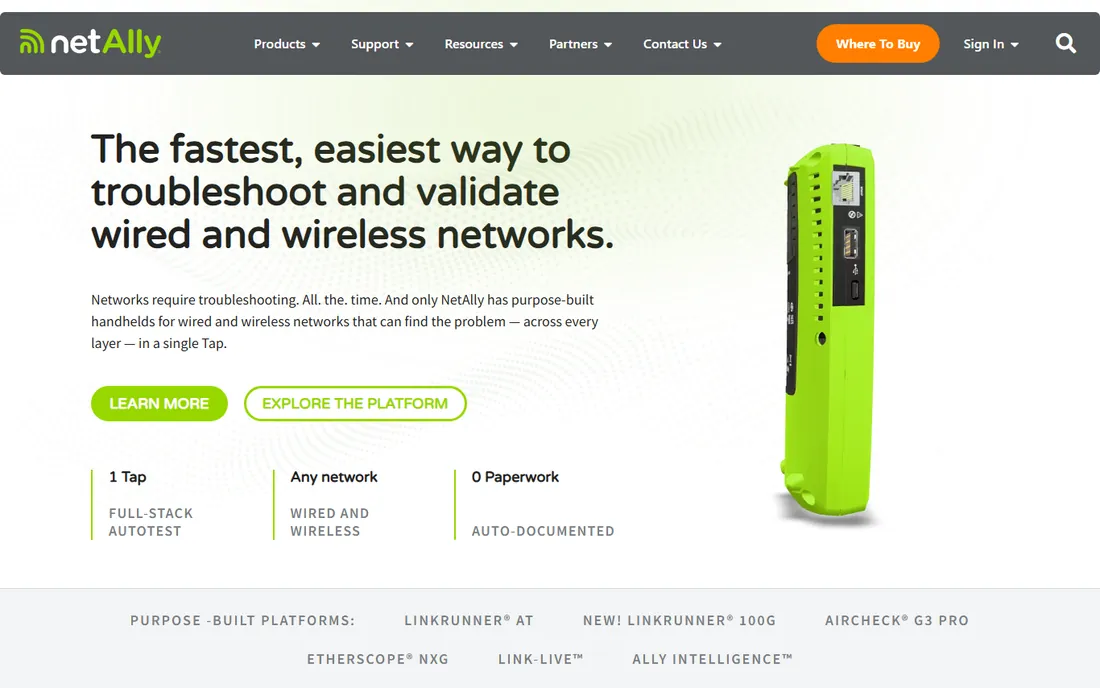
AirMagnet Survey PRO is the survey software arm of NetAlly, the company behind the AirCheck and EtherScope handheld testers. Its strength is the ecosystem: you can design the network in Survey PRO, validate it on site with an AirMapper survey from a handheld, and push everything to the Link-Live cloud service for analysis, reporting and team collaboration. It supports Wi-Fi 7 planning and surveys across 2.4, 5 and 6 GHz.
This is enterprise software sold enterprise-style, which means no public pricing and a conversation with a reseller. It makes the most sense for organizations that already own NetAlly handhelds or plan to. As a standalone purchase for a team with no NetAlly hardware, the value proposition is thinner than Ekahau or TamoGraph at similar price points.
What we like- Tight integration with AirCheck and EtherScope handhelds
- Wi-Fi 7 predictive modeling
- Link-Live cloud for documentation and reporting
Watch out for- Pricing is quote-only through resellers
- Best value only inside the NetAlly ecosystem
- Windows-centric desktop software
Starting price$149.99 one-time
Free planFree trial (7 days)
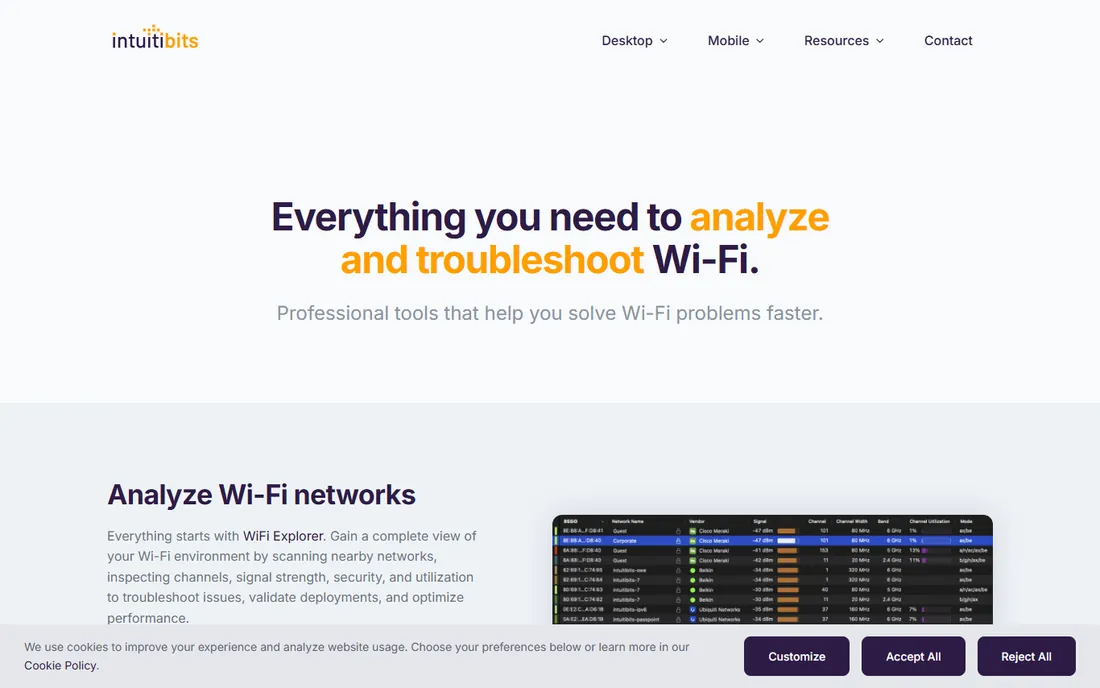
WiFi Explorer Pro 3 is not a full site survey suite, and it does not pretend to be. It is a professional Wi-Fi scanner and analyzer for Mac that gives you expert-level visibility into nearby networks: signal strength, channels, security, utilization and spectrum data through integrations. For validating a deployment, troubleshooting interference or documenting a wireless environment, it is fast and precise.
At $149.99 as a one-time purchase with a 7-day free trial, it is the cheapest professional tool in this roundup by a wide margin. The limitation is scope: you get analysis, not heatmap surveys or predictive planning. Many WLAN professionals pair it with a survey tool like NetSpot or TamoGraph. If you work on a Mac and need serious Wi-Fi visibility without enterprise pricing, start here.
What we like- The best Wi-Fi scanner on macOS
- Spectrum analyzer integrations
- Very low price for professional features
Watch out for- Mac-first with a newer Windows edition
- Scanner and analyzer rather than a full survey planner
- Short 7-day trial
Starting priceFree
Free planYes
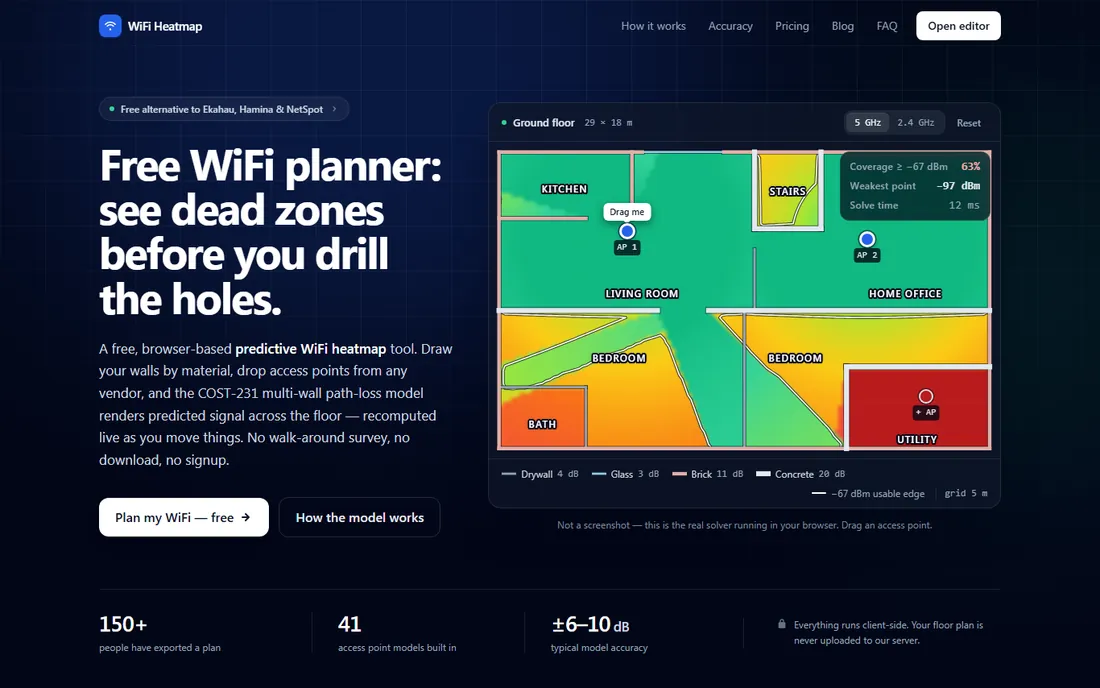
WiFi Heatmap is a browser-based predictive planner built for everyone the enterprise tools ignore. Upload a floor plan, trace walls by material (drywall, brick, glass, concrete and more), place access points and get live heatmaps for signal, channel overlap, link rate and serving AP. Everything runs locally in your browser, so your floor plan never uploads anywhere.
The free tier needs no signup and no credit card, with paid options at 9 euros for a 7-day project pass, 29 euros per year or a 39 euro perpetual license. The honest limitation is right there in the concept: this predicts coverage, it does not measure it. For planning a home network, a small office or a quote before a site visit, it is remarkably capable for the price.
What we like- Free tier with no signup
- Runs entirely in the browser
- Honest perpetual pricing from 39 euros
Watch out for- Predictive planning only, no on-site measurement
- Free tier limited to one floor
- Small vendor, newer product
How we chose
We started from the tools wireless professionals actually name in forums, reviews and comparison threads, then checked each vendor's own site for current products, pricing pages and free tiers. We compared feature lists, documentation and public reviews on G2, Capterra and Reddit, and looked at practical buyer details: perpetual versus subscription licensing, platform support, whether survey hardware is required, and what the free or trial tier actually lets you do. We did not run hands-on tests; every price and plan detail comes from the vendor's own published pages.
What to check before you buy
Picking survey software comes down to three decisions. Get these right and the choice mostly makes itself.
Predictive planning, on-site survey, or both
Predictive planners simulate coverage from a floor plan before anything is installed. They are great for quotes, designs and what-if scenarios, but they cannot see the neighbor's Wi-Fi, the metal shelving or the microwave in the break room. On-site survey tools measure the real network by walking the space. Professionals use both: plan first, then verify with a survey. If you only do one, make it the survey, because real measurements beat simulations.
Hardware requirements
Laptop Wi-Fi adapters work for basic surveys, but their measurements vary between machines. Purpose-built hardware like the Ekahau Sidekick 2 or NetAlly handhelds gives consistent, calibrated data and adds spectrum analysis. Budget for hardware separately; none of the pro tools include it in the software price except in bundles.
Licensing model
Subscriptions (Ekahau, Hamina) spread the cost and always include updates, which suits teams doing regular work. Perpetual licenses (TamoGraph, Acrylic, WiFi Explorer Pro) cost more up front but you own the software, which suits occasional surveyors. Time-limited licenses (TamoGraph's 6 and 12 month options, WiFi Heatmap's project pass) are the cheapest route for a single project.
Frequently asked questions
What is the best wireless site survey software for beginners?
NetSpot is the easiest starting point: load a floor plan, walk around, get heatmaps. Its free plan covers non-commercial use, and the interface needs no RF training. For pure planning with zero install, WiFi Heatmap runs free in the browser.
Do I need special hardware for a Wi-Fi site survey?
Not to start. A laptop with a standard Wi-Fi adapter works with NetSpot, TamoGraph, Acrylic and WiFi Explorer. Professional accuracy calls for calibrated hardware like the Ekahau Sidekick 2 or a NetAlly handheld, which also adds spectrum analysis.
What is the difference between a predictive survey and an active survey?
A predictive survey simulates coverage from a floor plan and wall materials without visiting the site. An active survey measures the live network on site, including throughput tests against an access point. Predictive is for planning; active and passive surveys are for verifying what is really there.
Is Ekahau worth the price?
For enterprise teams and consultants who bill for survey work, yes: it is the industry standard, clients recognize the reports, and the design-to-survey workflow is unmatched. For a single office or home network, NetSpot, TamoGraph or WiFi Heatmap will answer your questions for far less.
Can I do a wireless site survey with just my phone?
Partly. NetSpot has Android and iOS apps that can build heatmaps from your phone, and WiFi Heatmap's browser planner works anywhere. Phones cannot do spectrum analysis or match the measurement consistency of a laptop with a good adapter, so treat phone surveys as indicative rather than definitive.
Which tools offer perpetual licenses instead of subscriptions?
TamoGraph (from $1,499), Acrylic WiFi Heatmaps and WiFi Explorer Pro ($149.99) all sell one-time licenses. WiFi Heatmap offers a 39 euro perpetual license for its planner. Ekahau and Hamina are subscription only.
Sources we checked (11)
- https://www.ekahau.com/products/
- http://www.ekahau.com/
- https://netspotapp.com/pricing
- https://www.tamos.com/wifi-site-survey
- https://www.hamina.com/fast-and-simple-wi-fi-network-design-tool
- https://store.acrylicwifi.com/en/buy-wifi-planner/
- http://www.netally.com/wp-content/uploads/AMS-FL-23-V1.pdf
- https://www.intuitibits.com/products/wifiexplorerpro3/
- https://wifiheatmap.app/pricing
- https://www.networkworld.com/article/926456/must-have-tools-for-setting-up-a-wi-fi-net.html
- https://alternativeto.net/software/ekahau-heatmapper/
Is your product missing or out of date?
We review this list regularly. Vendors can request a listing, send updated pricing or ask about featured placement.

Shihab Mia · Founder, Rankite
Shihab has spent more than a decade helping SaaS and e-commerce brands grow through search. He writes Rankite's software buying guides from pricing pages, documentation and public user reviews. More about Shihab.