How we make this list: we compare pricing pages, product documentation and public user reviews. Rankite is independent; if a vendor ever pays for a featured spot, that listing is clearly labeled Partner.
Key takeaways
- Ansys Mechanical and COMSOL Multiphysics are the two reference tools for thermal simulation, the first for mechanical-thermal coupling, the second for multiphysics problems.
- SimScale is the accessible alternative: cloud-based thermal analysis with a free community plan and no workstation required.
- Every tool here prices through sales; budget for five figures per seat per year and negotiate on multi-year terms.
- Altair was acquired by Siemens and folded into the Simcenter portfolio, so we list SimScale instead as the independent seventh option.
Quick comparison
| Tool | Best for | Starting price | Free plan |
|---|
 Ansys Mechanical Ansys Mechanical | coupled thermal-structural simulation at scale | See website | Free trial |
 COMSOL Multiphysics COMSOL Multiphysics | thermal problems coupled to other physics | See website | Free trial |
 SOLIDWORKS Simulation SOLIDWORKS Simulation | thermal checks without leaving CAD | See website | Free trial |
 SIMULIA Abaqus SIMULIA Abaqus | advanced nonlinear thermal-mechanical analysis | See website | Free trial |
 Autodesk CFD Autodesk CFD | electronics cooling and fluid-driven thermal problems | See website | Free trial |
 Simcenter Simcenter | enterprise thermal simulation with test correlation | See website | Free trial |
 SimScale SimScale | cloud-based thermal simulation without workstations | See website | Yes |
Is your product missing or out of date?
We review this list regularly. Vendors can request a listing, send updated pricing or ask about featured placement.
Thermal analysis answers one question: where does the heat go, and does anything break because of it? Overheating electronics, warping plastic parts, failing heat exchangers, and cracking turbine blades are all thermal problems first. The seven tools below are the serious simulation options, from the industry standards to the cloud newcomer.
#1
Ansys Mechanical
Best for: coupled thermal-structural simulation at scale
Visit ansys.com
Starting priceSee website
Free planFree trial
Ansys Mechanical is the tool most engineers mean when they say "thermal simulation." It handles steady-state and transient heat transfer, convection, and radiation, then couples the temperature field directly to structural analysis so you see thermal expansion, warping, and stress in the same run. The solver is validated against decades of published benchmarks, which matters when simulation results go into safety-critical decisions. Electronics teams use its thermal-electric coupling for Joule heating; automotive teams use it for underhood thermal management.
The barriers are cost and complexity. Ansys sells through enterprise channels with pricing that starts in the five figures per seat, and mastering the Workbench environment takes real training. Small teams often find the cost hard to justify for occasional thermal checks. But for organizations where thermal failure means recalls or worse, Ansys remains the default, and its results carry weight with regulators and customers.
What we like- The reference solver for thermal-stress and thermomechanical problems
- Enormous material library and validation history
- Scales from workstation to HPC clusters
Watch out for- Enterprise pricing with a long sales cycle
- The interface carries decades of accumulated complexity
#2
COMSOL Multiphysics
Best for: thermal problems coupled to other physics
Visit comsol.com
Starting priceSee website
Free planFree trial
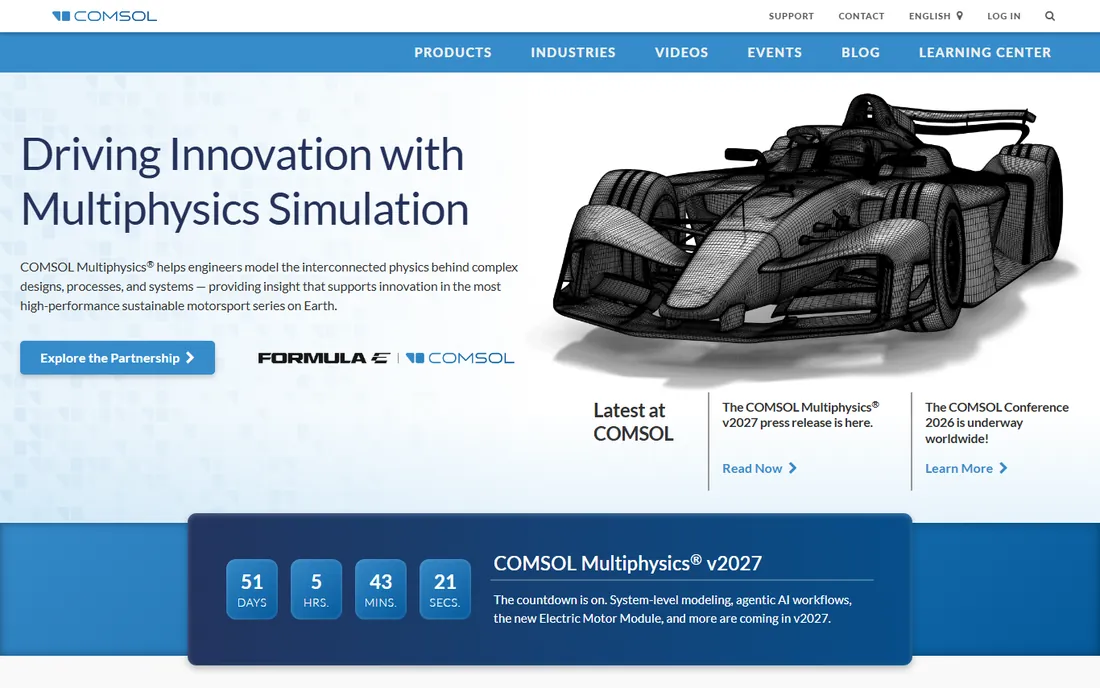
COMSOL's strength is the word in its name: multiphysics. When heat transfer interacts with fluid flow, electromagnetics, chemical reactions, or structural deformation, COMSOL lets you couple those physics in one model rather than stitching tools together. Battery thermal runaway, induction heating, semiconductor device self-heating, and conjugate heat transfer are classic COMSOL problems. Researchers like the equation-based interface, which lets you type in custom PDEs instead of being limited to preset physics.
The trade-off is that COMSOL is a generalist. A dedicated CFD tool may mesh and solve a pure fluid-thermal problem faster, and the modular licensing means the base package plus the Heat Transfer Module plus the CFD Module adds up quickly. For R and D teams facing novel coupled-physics problems, though, there is nothing else quite like it.
What we like- Unmatched multiphysics coupling (thermal plus fluid, electromagnetic, chemical)
- Equation-based modeling for custom physics
- Strong in research and R and D
Watch out for- Generalist interface means more setup work per problem
- Pricing is modular and adds up
Starting priceSee website
Free planFree trial
SOLIDWORKS Simulation brings thermal analysis to the designer's desktop. Running as an add-in inside SOLIDWORKS, it lets mechanical designers run steady-state and transient thermal studies, thermal stress, and even basic electronics cooling without exporting to another tool. For the everyday questions, will this heat sink work, does this enclosure overheat, will this plastic part warp, it gives reliable answers in hours rather than weeks. The integration means geometry changes flow straight into the next simulation run.
The honest limit is depth. Complex conjugate heat transfer, advanced radiation modeling, and large multiphysics problems belong in Ansys or COMSOL. SOLIDWORKS Simulation is also Windows-only and tied to SOLIDWORKS licenses. But for product companies that already design in SOLIDWORKS, putting thermal analysis in the designer's hands catches problems months before they reach a dedicated analyst.
What we like- Runs inside the CAD environment designers already use
- Fast learning curve for basic thermal studies
- Good enough for most product-level checks
Watch out for- Not a replacement for dedicated solvers on complex problems
- Tied to the SOLIDWORKS ecosystem
#4
SIMULIA Abaqus
Best for: advanced nonlinear thermal-mechanical analysis
Visit 3ds.com
Starting priceSee website
Free planFree trial

Abaqus, part of Dassault Systemes' SIMULIA brand, is the solver engineers reach for when thermal problems get nonlinear and nasty: high-temperature creep, thermal fatigue, phase change, contact with heat transfer, coupled temperature-displacement in extreme environments. Aerospace and automotive OEMs have validated Abaqus workflows going back decades, and its material models for high-temperature behavior are the industry reference. When a turbine blade or an exhaust manifold needs thermal-mechanical analysis, Abaqus is usually in the room.
Everything about Abaqus is enterprise-grade, including the price and the learning curve. It is not software you pick up over a weekend; effective use requires training in both finite element methods and the tool itself. Licensing runs through Dassault's token system, which is flexible but expensive. For routine thermal checks it is overkill; for the hardest coupled problems in industry, it is the benchmark.
What we like- The gold standard for nonlinear and coupled thermal-stress problems
- Trusted in aerospace and automotive
- Deep material modeling including creep and phase change
Watch out for- Among the most expensive options
- Requires genuine expertise to use well
#5
Autodesk CFD
Best for: electronics cooling and fluid-driven thermal problems
Visit autodesk.com
Starting priceSee website
Free planFree trial
Autodesk CFD (formerly CFdesign) specializes in the thermal problems where fluid flow does the work: electronics cooling, HVAC, data center airflow, and heat exchanger performance. Its design-study approach lets engineers set up multiple design variants and compare thermal performance side by side, which suits the iterative nature of cooling design. Integration with Inventor and other Autodesk tools keeps CAD and simulation in one workflow.
The limitation is scope. Autodesk CFD does fluid-thermal well but is not a structural or multiphysics platform; thermal stress questions need another tool. Autodesk's simulation investment has also concentrated on Fusion 360's built-in simulation, leaving CFD's future less certain than the bigger names here. For electronics and HVAC engineers in Autodesk shops, though, it remains a practical, focused tool.
What we like- Purpose-built for flow and thermal together
- Design-study environment compares variants quickly
- Integrates with Inventor and Fusion workflows
Watch out for- Narrower scope than general FEA tools
- Autodesk's simulation focus has shifted toward Fusion
#6
Simcenter
Best for: enterprise thermal simulation with test correlation
Visit siemens.com
Starting priceSee website
Free planFree trial

Simcenter is Siemens' simulation portfolio, covering thermal, structures, fluids, and testing in one enterprise framework. Its thermal capabilities span from component-level heat transfer to system-level thermal management, with tight links to Siemens' PLM tools and physical testing software for simulation-test correlation. The 2025 acquisition of Altair folded the HyperWorks solvers into Simcenter, making it one of the broadest simulation portfolios available. Automotive and aerospace enterprises with Siemens PLM infrastructure get a uniquely integrated workflow.
The catch is the enterprise nature of everything: pricing, implementation, and the ongoing portfolio integration after the Altair acquisition. Smaller teams will find it heavy. But for large manufacturers already in the Siemens ecosystem, Simcenter's breadth, now including former Altair technology, is hard to match.
What we like- Deep integration with Siemens' PLM and testing ecosystem
- Strong thermal-fluid-structural coupling
- Now absorbs the former Altair HyperWorks portfolio
Watch out for- Enterprise complexity and pricing
- The Altair integration is still settling
#7
SimScale
Best for: cloud-based thermal simulation without workstations
Visit simscale.com
Starting priceSee website
Free planYes
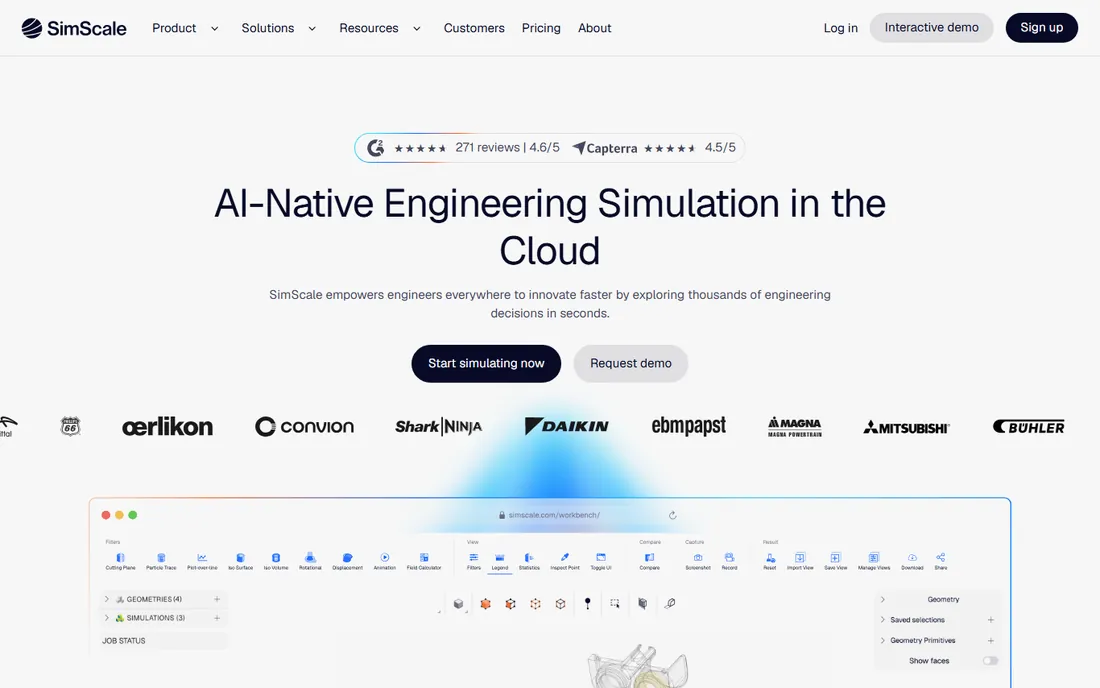
SimScale takes the opposite approach from everyone else on this list: the simulation runs in the cloud, in your browser, on SimScale's servers. For thermal analysis, that means conjugate heat transfer, electronics cooling, and thermomechanical studies without buying a workstation or installing anything. The free community plan makes it the only tool here a student or startup can use seriously at zero cost, and paid plans scale compute with the project rather than the hardware budget. Collaboration is built in, since projects live in the cloud.
The trade-offs are inherent to the model. You need internet access, very large or ITAR-restricted models may not fit the cloud workflow, and power users accustomed to scripting desktop solvers will find less low-level control. But for design engineers who need thermal answers early and often, SimScale removes every traditional barrier: no license server, no HPC queue, no $10,000 workstation. It is the easiest way to start doing real thermal simulation.
What we like- Runs entirely in the browser, no hardware investment
- Free community plan for learning and small projects
- Thermal, CFD, and structural in one platform
Watch out for- Cloud dependence means no offline work
- Advanced users may miss the control of desktop solvers
How we chose
We selected actively sold thermal simulation products used in professional engineering, verified against vendor sites in October 2026. Altair was replaced because Siemens acquired the company and folded its HyperWorks simulation portfolio into Simcenter; SimScale takes its place as the independent cloud option. All vendors in this category price through sales, so pricing is marked "See website." We did not run benchmark simulations.
Start with the physics, not the brand
Buyers go wrong by picking a brand before defining the problem. Steady-state conduction in a bracket is a different problem from transient conjugate heat transfer in a heat exchanger, which is different again from thermal runaway in a battery pack. List your actual physics: conduction, convection, radiation, fluid coupling, phase change, thermal stress. Then match the tool: SOLIDWORKS Simulation or SimScale for routine checks, Autodesk CFD or SimScale for fluid-driven cooling, Ansys or Abaqus for coupled thermal-stress, COMSOL for multiphysics. The right solver for your physics beats the most prestigious logo.
Budget for the total cost, not the license
The license quote is the beginning of the cost, not the end. Desktop solvers need workstations or HPC access, training for your engineers, and annual maintenance. Cloud tools like SimScale trade hardware cost for subscription cost. Implementation services, meshing training, and the engineering time to validate your first models all cost real money. When comparing quotes, ask each vendor for a three-year total including maintenance, training, and compute, and run a pilot project on your own geometry before signing. A cheaper license that your team cannot use is the most expensive option.
Frequently asked questions
What is the best software for thermal analysis?
Ansys Mechanical is the industry reference for thermal-structural simulation, and COMSOL Multiphysics leads for coupled multiphysics problems. For accessible cloud-based thermal analysis, SimScale is the standout. The best choice depends on your specific physics and budget.
How much does thermal simulation software cost?
Enterprise tools (Ansys, Abaqus, COMSOL, Simcenter) typically cost five figures per seat per year through sales channels. SOLIDWORKS Simulation is priced as a CAD add-on. SimScale offers subscription plans plus a free community tier, making it the lowest-cost entry point.
Can I do thermal analysis for free?
Yes, to a point. SimScale's free community plan supports real thermal simulations in the browser. Ansys and others offer free student versions with limits. For commercial production work, expect to pay for a license.
What is the difference between thermal analysis and CFD?
Thermal analysis (heat transfer) computes temperature distributions from conduction, convection, and radiation. CFD computes fluid flow, which often drives convection. Many real problems need both, which is why tools like Autodesk CFD, SimScale, and COMSOL couple them.
Do I need thermal simulation or just a hand calculation?
Hand calculations work for simple geometries with well-known correlations. Simulation earns its keep with complex geometry, transient behavior, coupled physics, or safety-critical decisions. If a thermal failure would cost more than the software, simulate.
What happened to Altair simulation software?
Siemens acquired Altair, and its HyperWorks simulation portfolio is being integrated into Siemens' Simcenter solutions. Existing Altair customers are being transitioned within the Siemens ecosystem.
Sources we checked (8)
- https://www.ansys.com
- https://www.comsol.com
- https://www.solidworks.com
- https://3ds.com/
- https://www.autodesk.com
- https://www.siemens.com
- https://simscale.com/
- https://altair.com/
Is your product missing or out of date?
We review this list regularly. Vendors can request a listing, send updated pricing or ask about featured placement.

Shihab Mia · Founder, Rankite
Shihab has spent more than a decade helping SaaS and e-commerce brands grow through search. He writes Rankite's software buying guides from pricing pages, documentation and public user reviews. More about Shihab.