How we make this list: we compare pricing pages, product documentation and public user reviews. Rankite is independent; if a vendor ever pays for a featured spot, that listing is clearly labeled Partner.
Key takeaways
- KiCad is the best free starting point for most engineers: full schematic, simulation, and PCB layout at $0.
- LTspice remains the gold standard for analog simulation, free from Analog Devices with no strings attached.
- Altium Designer and PSpice serve professional teams that need deep model libraries and verified simulation at scale.
- For learning and quick experiments, browser tools like EasyEDA and the Falstad simulator beat installing anything.
Quick comparison
| Tool | Best for | Starting price | Free plan |
|---|
 Altium Designer Altium Designer | professional PCB teams shipping real products | See website | Free trial |
 KiCad KiCad | engineers who want professional EDA without paying | Free | Yes |
 LTspice LTspice | analog engineers who live in simulation | Free | Yes |
 PSpice PSpice | engineers who want industry-standard SPICE with deep vendor models | See website | Free trial |
 EasyEDA EasyEDA | beginners and anyone who wants design plus ordering in one place | Free | Yes |
 Proteus Proteus | embedded engineers who simulate microcontrollers with their circuits | See website | Free demo |
 NI Multisim NI Multisim | teaching labs and university courses | See website | Free trial |
 TINA-TI TINA-TI | engineers designing with Texas Instruments parts | Free | Yes |
 CircuitMaker CircuitMaker | makers and startups wanting pro-grade PCB tools free | Free | Yes |
 Falstad Circuit Simulator Falstad Circuit Simulator | instant circuit visualization with zero setup | Free | Yes |
Is your product missing or out of date?
We review this list regularly. Vendors can request a listing, send updated pricing or ask about featured placement.
The best circuit simulation software
#1
Altium Designer
Best for: professional PCB teams shipping real products
Visit altium.com
Starting priceSee website
Free planFree trial
Most circuit failures are not mysterious. They are arithmetic errors, wrong footprints, and optimistic assumptions about current that a simulator would have caught in ten minutes. Altium Designer exists so professional teams catch those problems before the board house does, inside the same environment where the schematic and layout live.
The simulation covers mixed-signal analysis with a deep library of vendor models, and because it sits inside the design tool, there is no export step between simulating and laying out. Altium 365 adds cloud collaboration, version control, and component management, which matters enormously once more than two engineers touch a design. The parts database ties into live supply-chain data, so you simulate with components you can actually buy.
The price reflects the professional target, and the full workflow assumes Windows. Small teams and solo engineers often find the cost hard to justify. For companies where a board respin costs weeks and thousands of dollars, it pays for itself quickly.
What we like- Unified schematic, simulation, and layout in one environment
- Huge component libraries with supply-chain data
- Altium 365 cloud collaboration
Watch out for- Premium pricing aimed at professionals
- Windows-centric workflow
- Learning curve for advanced features
#2
KiCad
Best for: engineers who want professional EDA without paying
Visit kicad.org
Starting priceFree
Free planYes
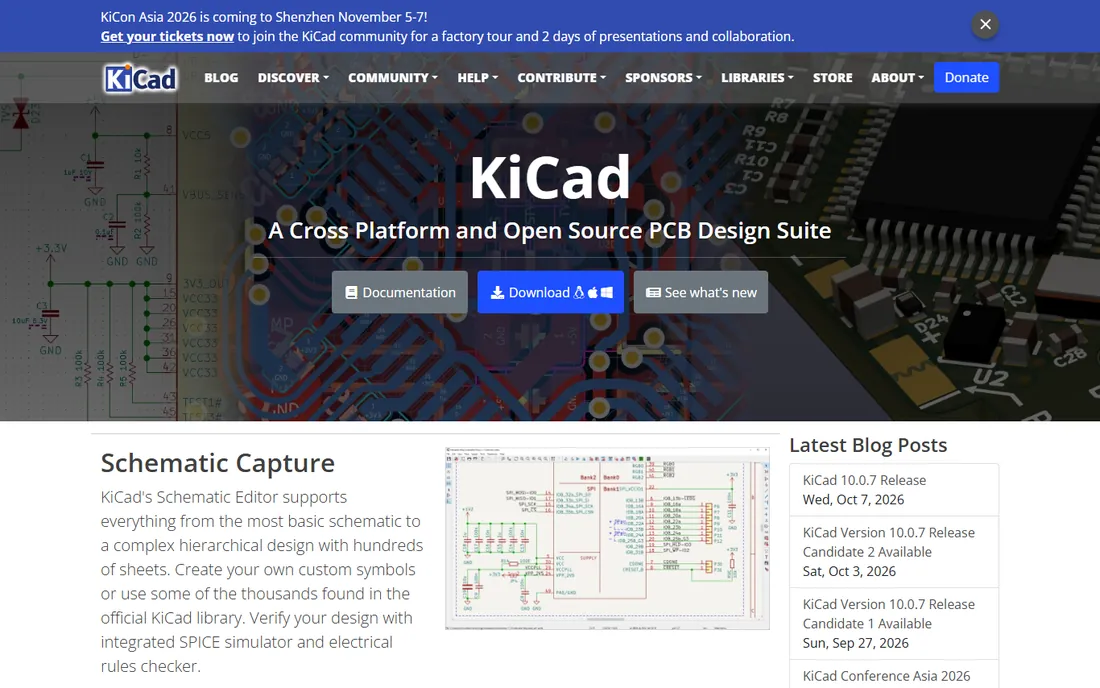
KiCad is the rare open-source project that competes with commercial software on merit rather than price alone. It bundles schematic capture with an integrated SPICE simulator, a capable PCB router, and a 3D viewer, with no artificial limits on board size, layers, or pins. For $0, that is remarkable.
The simulator handles the standard analyses, DC, AC, transient, and more, and it improves every release. The 3D viewer helps catch mechanical mistakes like connector collisions before manufacturing. Because the file formats are open, your designs are never hostage to a vendor's licensing decisions.
The rough edges are real: setting up libraries and design rules takes more manual work than in Altium, and help comes from forums rather than a support contract. For startups, students, and independent engineers, those are acceptable trade-offs for professional-grade tools at no cost.
What we like- Complete schematic, SPICE simulation, and PCB layout free
- No board-size or layer limits
- Active open-source development
Watch out for- Library management takes setup
- Commercial support is community-based
- Some advanced features trail paid tools
Starting priceFree
Free planYes
LTspice is the simulator analog engineers actually open every day. Originally from Linear Technology and now maintained by Analog Devices, it is a fast, accurate SPICE simulator that costs nothing and imposes no limits. Entire careers have been built on this free download.
The engine is famously quick, which matters when you are sweeping parameters across hundreds of runs. The built-in library covers Analog Devices' vast analog portfolio with verified models, so simulations of power supplies, amplifiers, and filters match the bench closely. It reads standard SPICE netlists, so models from other vendors work too.
The interface looks like it time-traveled from the early 2000s, and schematic capture is functional rather than pleasant. There is no Linux version. None of that matters much: for pure analog simulation, it remains the benchmark everything else is measured against.
What we like- Fast, accurate SPICE engine
- Huge built-in library of Analog Devices parts
- Completely free with no limitations
Watch out for- Dated interface
- Schematic capture is basic
- Windows and Mac only, no Linux build
#4
PSpice
Best for: engineers who want industry-standard SPICE with deep vendor models
Visit pspice.com
Starting priceSee website
Free planFree trial
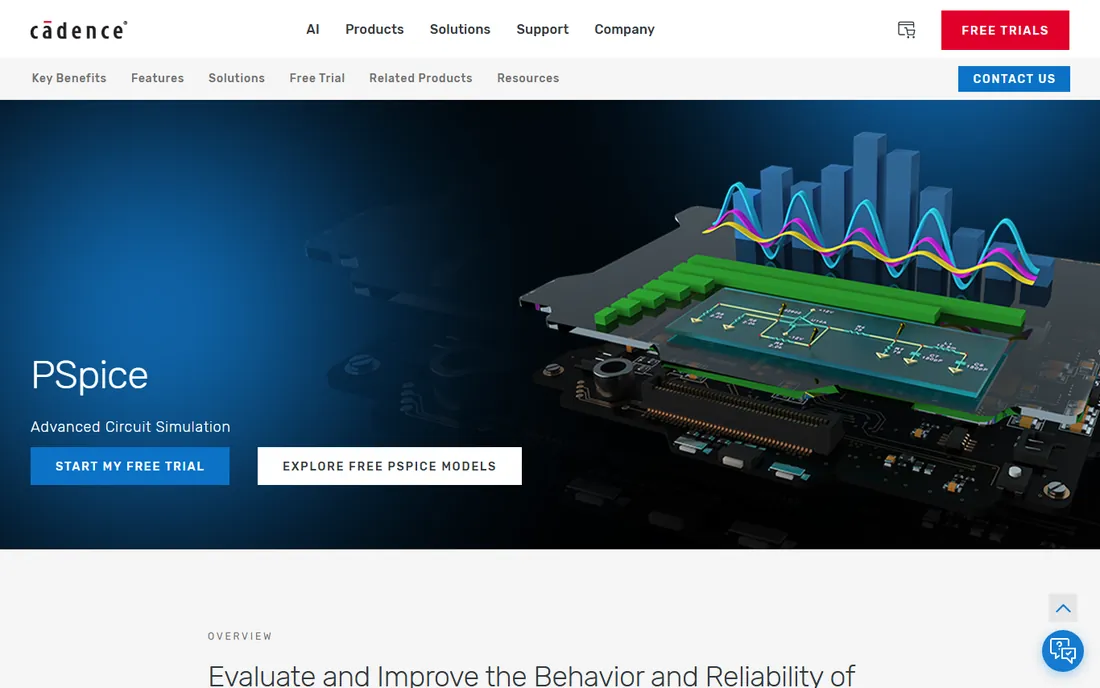
PSpice is one of the original SPICE simulators, now developed by Cadence, and it shows in the depth of the model library: more than 33,000 parameterized models covering devices from major manufacturers. When you need to simulate with the exact part you plan to buy, that library is the point.
Beyond basic transient and AC analysis, PSpice offers Monte Carlo, sensitivity, worst-case, and smoke analyses, the tools engineers use to prove a design works across component tolerances and temperature. Integration with OrCAD Capture means the schematic you simulate is the schematic you lay out, with no translation risk.
Pricing runs through Cadence's sales channels rather than a simple buy button, which slows down evaluation. The full value appears inside the OrCAD ecosystem, so standalone users get less. For teams doing serious analog verification, it is a proven workhorse.
What we like- 33,000+ parameterized models from major manufacturers
- Advanced analyses like Monte Carlo and worst-case
- OrCAD Capture integration
Watch out for- Pricing through sales channels
- Full power needs the OrCAD ecosystem
- Overkill for simple circuits
#5
EasyEDA
Best for: beginners and anyone who wants design plus ordering in one place
Visit easyeda.com
Starting priceFree
Free planYes
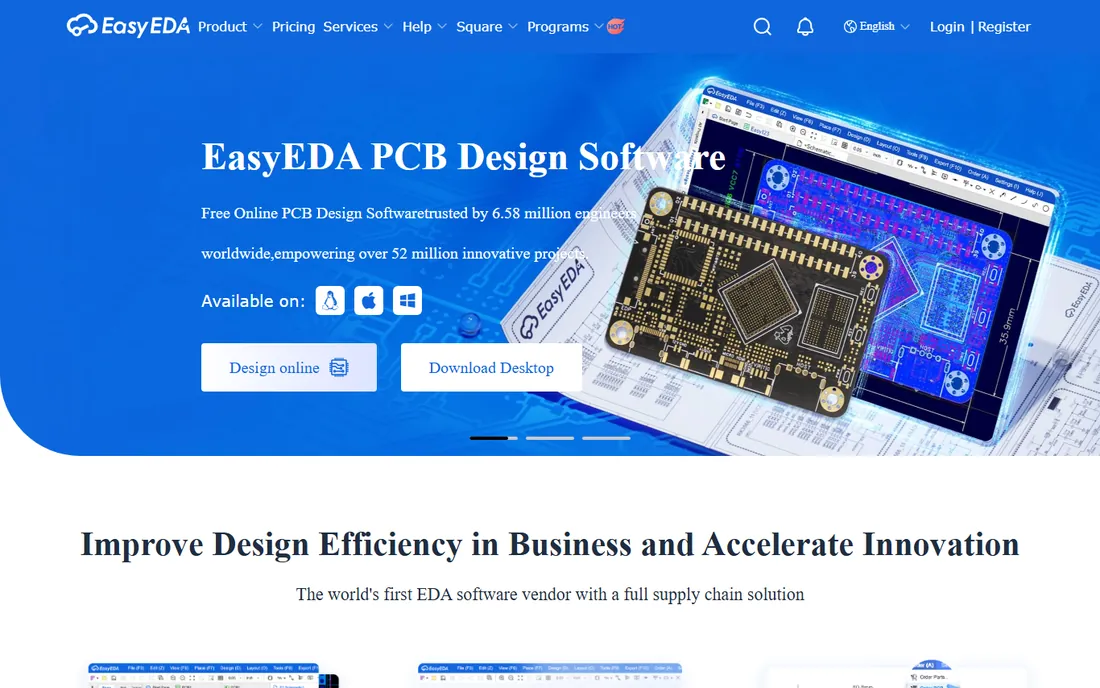
EasyEDA lowers the barrier to electronics to nearly zero. Open a browser, draw a schematic, run a simulation, lay out the board, and order it manufactured, all without installing software or paying anything. For students, hobbyists, and quick prototypes, that pipeline is unbeatable.
The simulator covers the essentials for learning and verification, and the schematic editor handles surprisingly complex designs. The real differentiator is the supply chain: as a JLCPCB sister company, EasyEDA connects parts libraries to live inventory and pricing, then turns finished layouts into ordered boards in a few clicks.
Serious analog engineers will find the simulation shallower than LTspice or PSpice, and the cloud workflow demands connectivity. It is not trying to replace professional EDA. For getting a working board made fast and cheap, it is the easiest path available.
What we like- Runs in a browser with nothing to install
- Free schematic, simulation, and PCB tools
- One-click ordering from integrated manufacturers
Watch out for- Simulation depth below dedicated SPICE tools
- Cloud-based workflow needs internet
- Advanced users outgrow it
#6
Proteus
Best for: embedded engineers who simulate microcontrollers with their circuits
Visit labcenter.com
Starting priceSee website
Free planFree demo
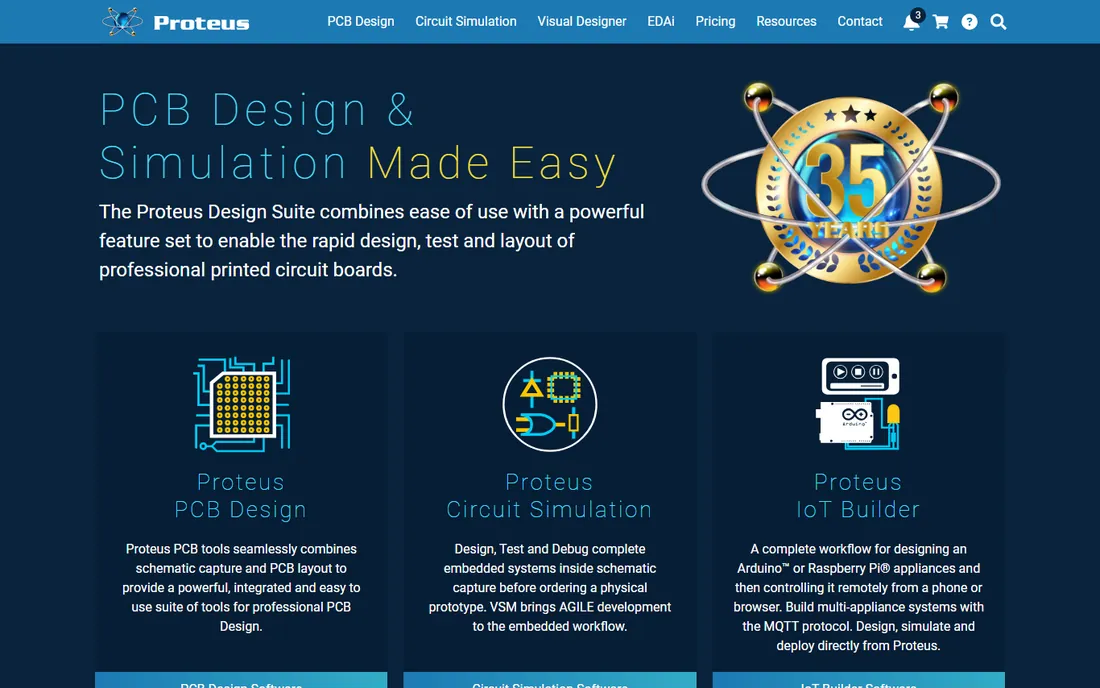
Proteus does something most simulators cannot: it runs your actual microcontroller firmware inside the circuit simulation. Write code for an Arduino, STM32, or PIC, load the hex file onto the virtual chip, and watch it interact with the surrounding analog and digital circuitry. For embedded development, that closes the loop between hardware and software before either exists physically.
Labcenter has developed the suite for over 35 years, and the maturity shows in the 15-million-part library and the breadth of simulation models. Schools use it for virtual electronics labs, and industry teams use it for rapid prototyping. Recent versions add IoT workflows and AI-assisted features.
It is Windows-only and priced through resellers, which makes casual evaluation harder than the free tools. The interface prioritizes function over beauty. For anyone mixing firmware with circuits, the co-simulation alone justifies a look.
What we like- VSM simulates real microcontroller firmware on the schematic
- Huge library of 15M+ parts
- Strong in education and industry alike
Watch out for- Windows-only
- Pricing is quote-based
- Interface shows its 35-year heritage
#7
NI Multisim
Best for: teaching labs and university courses
Visit ni.com
Starting priceSee website
Free planFree trial
Multisim dominates electronics teaching labs for a reason: it looks and behaves like a real workbench. Students place virtual oscilloscopes, multimeters, and function generators on screen and probe their simulated circuits the way they would probe hardware. That concreteness makes abstract concepts click.
The SPICE engine underneath is solid, and the interactive mode lets users flip switches and turn knobs while the simulation runs. NI, now part of Emerson, bundles it into education programs with coursework and hardware like myDAQ, creating a complete teaching package that universities adopt wholesale.
Commercial design teams rarely choose it over Altium or PSpice, and institutional pricing puts it out of hobbyist reach. But if you are equipping a lab or learning electronics formally, it is the most classroom-ready simulator available.
What we like- Intuitive virtual-bench interface ideal for teaching
- Strong interactive simulation with virtual instruments
- Ties into NI's education ecosystem
Watch out for- Priced for institutions
- Less common in commercial design flows
- Windows-centric
#8
TINA-TI
Best for: engineers designing with Texas Instruments parts
Visit ti.com
Starting priceFree
Free planYes
TINA-TI is Texas Instruments' free circuit simulator, and it is exactly what it claims to be: a capable SPICE-based tool with verified models for TI's enormous analog catalog. If your bill of materials is full of TI op-amps, regulators, and data converters, simulating with the manufacturer's own models removes guesswork.
The interface is friendlier than LTspice's, with a gentler learning curve for beginners, and it handles the standard analyses plus useful extras like noise and Fourier analysis. Power supply designers especially benefit, since TI's power portfolio is modeled thoroughly.
The library naturally favors TI parts, so mixed-vendor designs need imported models. It is Windows-only and less scriptable than LTspice. As a free, vendor-backed simulator for TI-centric designs, it is genuinely useful rather than a marketing toy.
What we like- Free from TI with verified models of TI components
- Approachable schematic interface
- Good for power and analog design
Watch out for- Library centered on TI parts
- Less flexible than general SPICE tools
- Windows-only
Starting priceFree
Free planYes
CircuitMaker is Altium's free gift to the maker community: a real PCB design tool built on Altium Designer technology, with no limits on layers or board area and no ban on commercial use. For open hardware projects, it is an extraordinary deal.
The schematic and PCB editors carry genuine Altium DNA, including push-and-shove routing and native 3D board visualization. The community aspect lets users share, fork, and learn from public designs, which accelerates beginners enormously. Altium 365 integration brings version control to free users.
Two caveats matter. There is no built-in SPICE simulator, so this entry stretches the category toward PCB design rather than pure simulation. And designs are public, which rules it out for proprietary products. For open hardware and learning professional workflows free, it stands alone.
What we like- Built on Altium Designer technology
- No layer or board-size limits
- Free for commercial use with community sharing
Watch out for- Designs are public by default
- No built-in circuit simulator
- Community features not for secretive products
#10
Falstad Circuit Simulator
Best for: instant circuit visualization with zero setup
Visit falstad.com
Starting priceFree
Free planYes
Paul Falstad's circuit simulator is a JavaScript applet that has taught more people electronics than any textbook. Open the page, pick a circuit, and watch animated dots show current flowing through every wire in real time. Drag component values with sliders and see the behavior change instantly.
For building intuition, nothing beats it. Students grasp RC time constants, filter behavior, and transistor switching by watching rather than calculating. The example library covers dozens of classic circuits, and everything runs client-side with no account or install.
It is not a precision tool: models are simplified, and nobody should verify a shipping product with it. But as a learning aid and a quick sanity check for ideas, its immediacy is unmatched. Bookmark it before your next electronics course.
What we like- Runs instantly in any browser
- Animated current flow makes concepts visible
- Huge library of example circuits
Watch out for- Toy-like accuracy for serious work
- Tiny interface
- Not a tool for real design verification
How we chose
We surveyed the range of circuit simulation tools across professional EDA, free SPICE tools, education products, and browser-based options. Our method was document-driven: vendor feature pages and documentation, published model-library counts, licensing terms, and public reviews on EEVblog, Reddit's electronics communities, and university course pages. We required working simulation, not just schematic drawing, and verified every product is available to new users today. We did not run benchmark simulations.
Matching the simulator to your work
Different jobs need different simulators, and picking wrong wastes weeks. Here is how to match the tool to the task.
Pure analog simulation
If your work is amplifiers, filters, and power supplies, reach for a dedicated SPICE tool: LTspice, PSpice, or TINA-TI. These have the model depth and analysis types, Monte Carlo, noise, worst-case, that analog verification demands. Schematic-centric EDA suites simulate too, but the dedicated tools go deeper.
Embedded and mixed-signal design
When firmware meets circuitry, Proteus and its microcontroller co-simulation pull ahead. Altium Designer covers the professional mixed-signal flow with verified libraries. For students, Multisim's virtual instruments make the hardware-software boundary tangible.
Learning and quick checks
Students and hobbyists should start free: KiCad for the full flow, EasyEDA for browser convenience, and the Falstad simulator for instant intuition. There is no reason to pay before you know which analyses you actually need.
Free simulators are genuinely good now
A decade ago, free simulation meant crippled demos. That era is over. LTspice, KiCad, TINA-TI, EasyEDA, CircuitMaker, and the Falstad applet all cost nothing and handle real work, from student labs to shipping products. The paid tools earn their keep through model libraries, support contracts, integration with layout and manufacturing, and the advanced analyses that high-reliability designs require. Start free, learn what you use, and pay only when a specific limitation blocks you.
Frequently asked questions
What is the best free circuit simulator?
LTspice for analog depth, KiCad for the complete schematic-to-PCB flow, and EasyEDA for browser-based convenience. All three are free without meaningful limits and are used in real engineering work, not just classrooms.
Do I need to know SPICE to simulate circuits?
Not to start. Tools like EasyEDA, Multisim, and the Falstad simulator let you draw a schematic and press run without touching a netlist. Learning basic SPICE concepts helps when results look wrong, but the software handles the syntax.
Can I simulate Arduino or microcontroller circuits?
Yes. Proteus runs actual firmware on virtual microcontrollers inside the simulation. Tinkercad Circuits offers a simpler free alternative for Arduino sketches. Standard SPICE tools model the analog side but not the code.
What is the difference between simulation and PCB layout?
Simulation predicts how the circuit behaves electrically before it is built. Layout is the physical design of the copper board. Tools like Altium Designer, KiCad, and EasyEDA do both; pure simulators like LTspice and PSpice focus on behavior only.
How accurate are circuit simulators?
As accurate as their models. Verified manufacturer models in LTspice, PSpice, and TINA-TI typically match bench measurements closely for analog circuits. Simplified educational tools are fine for concepts but not for sign-off. Always prototype critical designs.
Sources we checked (10)
- https://www.altium.com/
- https://www.kicad.org/
- https://analog.com/
- https://pspice.com/
- https://easyeda.com/
- https://www.labcenter.com/
- https://www.ni.com/
- https://www.ti.com/
- https://circuitmaker.com/
- https://www.falstad.com/
Is your product missing or out of date?
We review this list regularly. Vendors can request a listing, send updated pricing or ask about featured placement.

Shihab Mia · Founder, Rankite
Shihab has spent more than a decade helping SaaS and e-commerce brands grow through search. He writes Rankite's software buying guides from pricing pages, documentation and public user reviews. More about Shihab.