How we make this list: we compare pricing pages, product documentation and public user reviews. Rankite is independent; if a vendor ever pays for a featured spot, that listing is clearly labeled Partner.
Key takeaways
- SOLIDWORKS remains the safest default for mid-size product teams, with the largest community and training ecosystem.
- Onshape is the strongest pick for distributed teams, since it runs in a browser with built-in version control and no installs.
- Rhino's $995 perpetual license and FreeCAD's $0 price tag make them the value plays, with real trade-offs in parametric history and support.
- Enterprise buyers choosing between Creo, NX, and Inventor should decide on ecosystem first, because switching costs dwarf license fees.
Quick comparison
| Tool | Best for | Starting price | Free plan |
|---|
 SOLIDWORKS SOLIDWORKS | mid-size product teams that want the industry standard | See website | Free trial |
 Autodesk Inventor Autodesk Inventor | manufacturers already invested in the Autodesk ecosystem | See website | Free trial |
 PTC Creo PTC Creo | large enterprises managing complex products | See website | Free trial |
 Siemens NX Siemens NX | aerospace, automotive, and other demanding industries | See website | Free trial |
 Onshape Onshape | distributed teams that want CAD in a browser | See website | Yes (free tier for makers and hobbyists) |
 BricsCAD BricsCAD | DWG-based mechanical drafting at a lower cost | See website | Free trial |
 Rhinoceros Rhinoceros | freeform surfacing and concept modeling | $995 (one-time, perpetual) | Free trial (90-day evaluation) |
 FreeCAD FreeCAD | hobbyists, students, and shops with zero software budget | Free | Yes |
 ZW3D ZW3D | shops that want CAD and CAM in one affordable package | See website | Free trial |
 Alibre Design Alibre Design | small businesses that want affordable perpetual-style licensing | See website | Free trial |
Is your product missing or out of date?
We review this list regularly. Vendors can request a listing, send updated pricing or ask about featured placement.
The best mechanical CAD software
Starting priceSee website
Free planFree trial
Walk into almost any mid-size product company in the US and you will find SOLIDWORKS on the engineers' machines. Dassault Systemes built it into the default choice for mechanical design through two decades of steady refinement, and that incumbency is itself a feature: tutorials, contractors, and new hires who already know the software are everywhere.
The core is parametric solid modeling with an approachable sketch-based workflow, and the portfolio around it covers simulation, data management, electrical routing, and CAM. The community counts more than 8 million users, which means obscure problems usually have documented answers. For teams designing consumer products, industrial equipment, or machinery, it is the path of least resistance.
The costs are real. Licensing is subscription-based and priced for professionals, and the software runs on Windows only, so Mac-based shops need workarounds. Very large assemblies can still bring workstations to their knees. If your team fits the classic mechanical design profile, though, the ecosystem advantage is hard to argue against.
What we like- Parametric modeling with a huge user community
- Deep add-ons for simulation, PDM, and CAM
- Vast training and tutorial ecosystem
Watch out for- Windows-only desktop software
- Subscription pricing adds up
- Large assemblies demand strong hardware
#2
Autodesk Inventor
Best for: manufacturers already invested in the Autodesk ecosystem
Visit autodesk.com
Starting priceSee website
Free planFree trial
If your shop already runs AutoCAD for 2D drawings, Inventor is the natural 3D step. Files move between the two without translation, Vault handles data management, and staff who know Autodesk conventions get productive fast. For manufacturers with mixed 2D and 3D workflows, that continuity is worth a lot.
Inventor's strengths cluster around real manufacturing work: sheet metal with flat-pattern output, frame generator for welded structures, tube and pipe routing, and solid simulation tools for stress and motion. It handles large assemblies competently and plays well with Autodesk's factory and BIM tools when projects cross disciplines.
Like its sibling products, Inventor is subscription-only and Windows-only. Some users find the pace of interface modernization slow compared with cloud-native rivals. But for Autodesk houses, the integration usually outweighs those complaints.
What we like- Tight integration with AutoCAD, Vault, and Fusion
- Strong sheet metal and frame generator tools
- Familiar to AutoCAD-trained drafters
Watch out for- Windows-only
- Subscription-only licensing
- Interface can feel dated next to newer rivals
#3
PTC Creo
Best for: large enterprises managing complex products
Visit ptc.com
Starting priceSee website
Free planFree trial

Creo descends directly from Pro/ENGINEER, the product that invented parametric modeling in the late 1980s. PTC has spent the decades since tuning it for the hardest use case in mechanical CAD: huge, complex products designed by large teams with strict configuration control.
Top-down design, skeleton modeling, and family tables give engineers precise control over product structures with thousands of parts. Paired with Windchill for product lifecycle management, Creo anchors the design process at automotive suppliers, aerospace firms, and industrial giants. It is built for organizations where a design change has contractual consequences.
That power comes with a learning curve that beginners find intimidating, and pricing reflects the enterprise target. Small teams designing simple parts will find it heavy. For large organizations that need rigor more than approachability, it remains a top-tier choice.
What we like- Parametric modeling pioneer with deep top-down design
- Scales to enormous assemblies
- Strong PLM integration with Windchill
Watch out for- Steep learning curve
- Premium pricing
- Overkill for simple parts and small teams
#4
Siemens NX
Best for: aerospace, automotive, and other demanding industries
Visit siemens.com
Starting priceSee website
Free planFree trial

NX is the tool behind some of the most demanding products on earth, from jet engines to entire vehicle platforms. Siemens built it for engineers who cannot compromise on surfacing quality, assembly scale, or manufacturing integration, and it shows in every part of the product.
Synchronous technology lets users edit imported geometry directly without rebuilding feature history, a genuine advantage when working with supplier models. The surfacing tools are among the best available, and the unified environment covers CAD, CAM, and simulation without file translation. Large assemblies that choke lesser software run acceptably here.
The trade-offs are cost and complexity. Licensing is enterprise-priced, the learning curve is long, and finding experienced NX users is harder than hiring SOLIDWORKS talent. It is the right call when product complexity justifies the investment.
What we like- Synchronous technology blends parametric and direct editing
- Class-leading surfacing and large-assembly performance
- Unified CAD, CAM, and CAE
Watch out for- Expensive and complex
- Smaller talent pool than SOLIDWORKS
- Implementation takes planning
Starting priceSee website
Free planYes (free tier for makers and hobbyists)
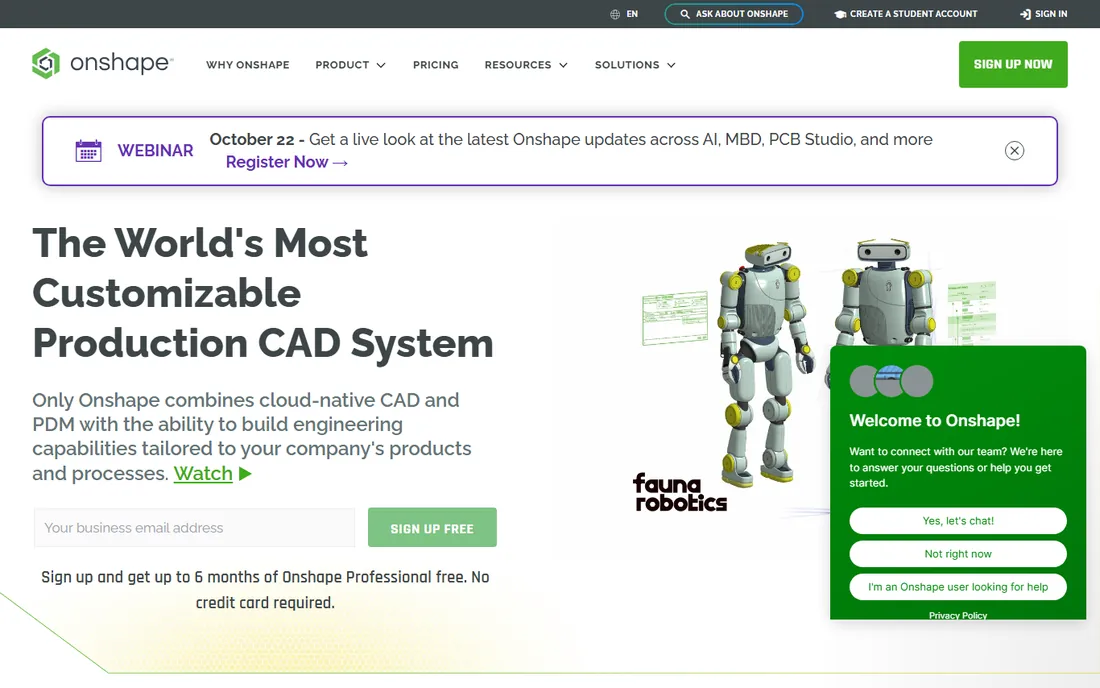
Onshape threw out the desktop CAD playbook. It runs entirely in the browser, saves every change automatically, and treats design data like source code, with branching, merging, and a complete history of who changed what. For teams spread across offices or working with outside partners, it removes an entire category of friction.
There are no installs, no license servers, and no corrupted files to recover. Updates arrive every few weeks without IT involvement. The modeling tools cover professional mechanical design, including sheet metal, surfacing, and assemblies, and the built-in PDM means small teams skip a separate data management purchase.
The catch is connectivity: no internet, no CAD. The free tier is genuinely useful but makes your documents public, so commercial work needs a paid plan. Companies with strict data-sovereignty rules may also hesitate. For modern, distributed product teams, it is the most forward-looking option here.
What we like- Runs in any modern browser with no installs
- Built-in version control with branching
- Real-time collaboration without file juggling
Watch out for- Needs a reliable internet connection
- Free tier makes designs public
- Offline work is limited
Starting priceSee website
Free planFree trial
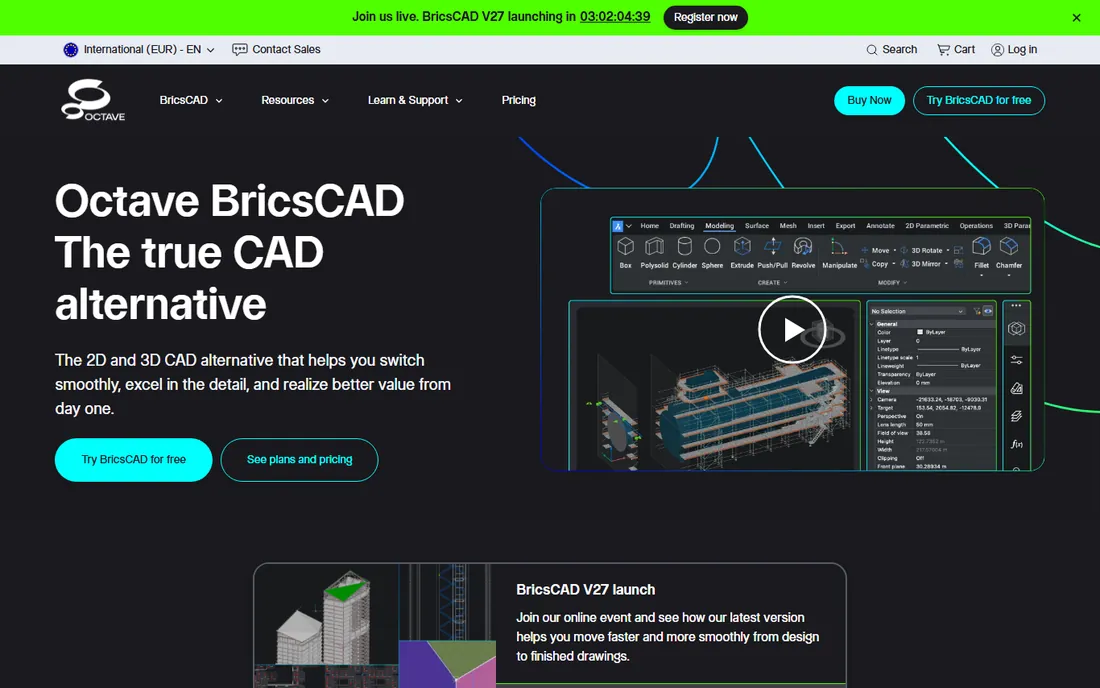
BricsCAD is the pragmatic alternative for shops that live in DWG files but flinch at Autodesk prices. The interface will feel instantly familiar to AutoCAD users, commands, aliases, and all, and files open and save in native DWG without conversion surprises.
The Mechanical edition targets this list directly: parametric components, sheet metal with flat patterns, assembly modeling, and a parts library for standard hardware. For 2D-heavy mechanical drafting with 3D needs on the side, it covers the daily work at a lower total cost. Perpetual licensing options have historically been part of the appeal.
The ecosystem is smaller than Autodesk's, so niche vertical add-ons may not exist. Some of the newer AI-driven productivity tools are still proving themselves. For cost-conscious shops doing mainstream mechanical work, it deserves a serious evaluation.
What we like- Native DWG format with a familiar AutoCAD-like interface
- Mechanical edition adds parametric parts and sheet metal
- Generally cheaper than Autodesk
Watch out for- Smaller third-party ecosystem
- AI features are newer and less proven
- Support network thinner in the US
Starting price$995 (one-time, perpetual)
Free planFree trial (90-day evaluation)

Rhino occupies a unique spot: a $995 perpetual license for one of the best freeform modelers ever made. Its NURBS surfacing handles complex curved shapes, ergonomic forms, and organic geometry that parametric solid modelers struggle with, which is why industrial designers, architects, and jewelers swear by it.
Grasshopper, the visual programming environment bundled with Rhino, turns the software into a generative design platform. Engineers use it to automate repetitive modeling, explore design variants, and build custom tools without writing traditional code. The 90-day evaluation is fully functional, which is generous by industry standards.
Rhino is not a parametric history-based modeler, so design intent is captured differently than in SOLIDWORKS or Creo. Producing manufacturing drawings takes more manual effort, and photorealistic rendering needs add-ons. For surfacing-heavy work and computational design, nothing touches it at this price.
What we like- Outstanding NURBS freeform modeling
- Grasshopper visual programming included
- Perpetual license with no subscription
Watch out for- Not history-based parametric like SOLIDWORKS
- Manufacturing drawings need discipline
- Rendering needs add-ons
#8
FreeCAD
Best for: hobbyists, students, and shops with zero software budget
Visit freecad.org
Starting priceFree
Free planYes
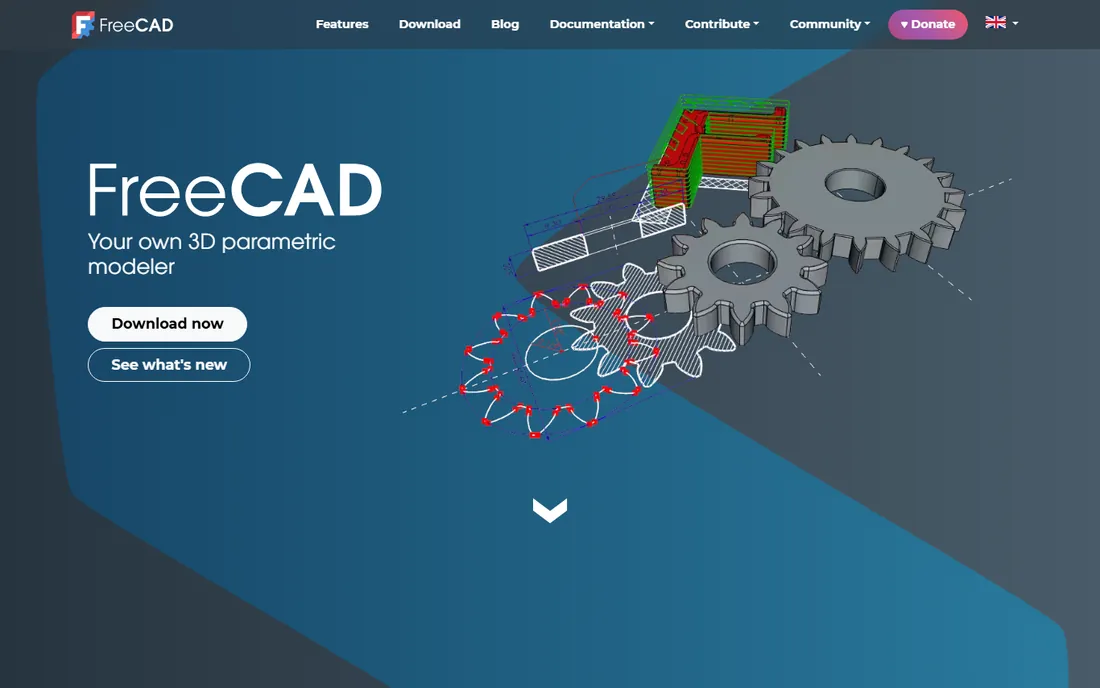
FreeCAD proves that capable mechanical CAD does not have to cost anything. It is a genuine parametric modeler with sketches, constraints, feature history, assemblies, sheet metal, and even finite element analysis workbenches, all open-source and free forever.
The 2D sketcher will feel familiar to anyone who has used commercial parametric CAD, and the ability to go back through model history and change parameters is the real deal. It reads and writes STEP, IGES, STL, and DXF, so it fits into mixed-tool workflows. For 3D printing, personal projects, and learning, it is remarkably complete.
The rough edges show in the interface and in occasional stability quirks, and there is no vendor support line to call. Commercial shops should weigh the hidden cost of self-support. But as a free on-ramp to parametric modeling, it has no equal.
What we like- Completely free and open-source
- Real parametric modeling with feature history
- Runs on Windows, Mac, and Linux
Watch out for- Learning curve steeper than commercial tools
- Interface less polished
- Professional support is community-based
#9
ZW3D
Best for: shops that want CAD and CAM in one affordable package
Visit zwsoft.com
Starting priceSee website
Free planFree trial
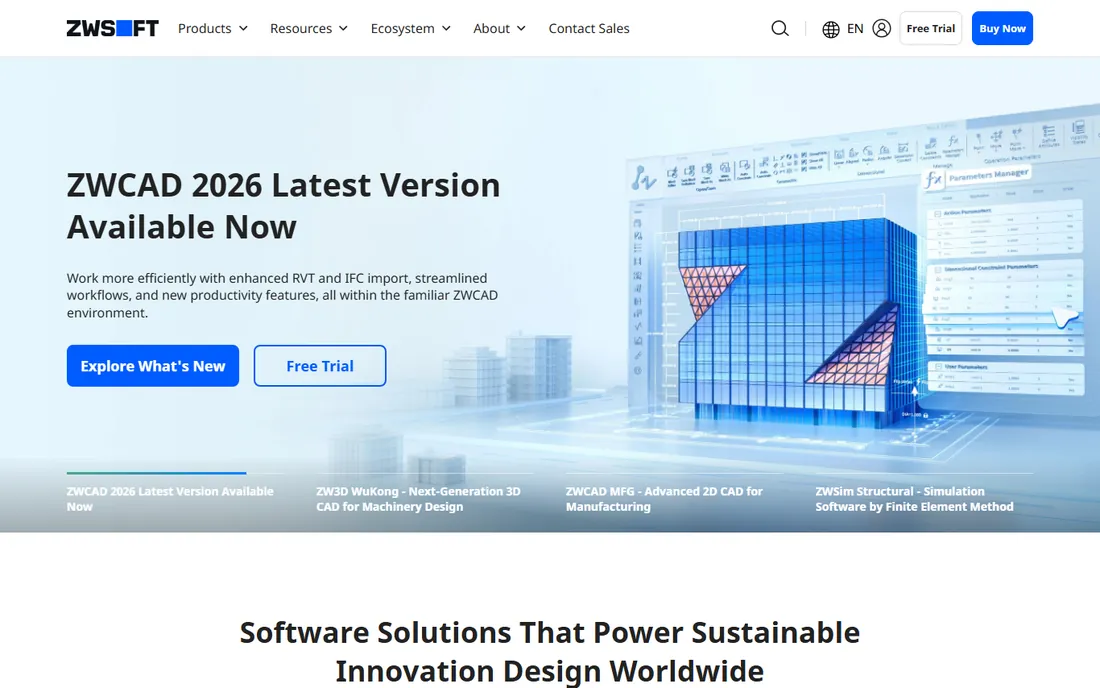
ZW3D, from China's ZWSOFT, bundles 3D CAD with integrated CAM, which makes it interesting for job shops that design and machine their own parts. Designing a part and generating toolpaths in one environment removes the export step where errors creep in.
The modeling kernel handles solid and surface modeling, molds, and sheet metal, covering the mainstream mechanical workload. ZWSOFT positions it aggressively on price against Western competitors, and the company reports over a million active users across its product lines. Recent releases have added a new parametric engine under the WuKong branding.
The US footprint is smaller than the big names, so local resellers and training options are thinner. English documentation is serviceable but not flawless. For shops that value the CAD plus CAM combination at a mid-market price, it is worth a look.
What we like- Integrated CAD and CAM reduces handoffs
- Solid modeling plus sheet metal
- Lower prices than Western rivals
Watch out for- Smaller presence and reseller network in the US
- Community resources thinner
- Interface translations occasionally rough
#10
Alibre Design
Best for: small businesses that want affordable perpetual-style licensing
Visit alibre.com
Starting priceSee website
Free planFree trial
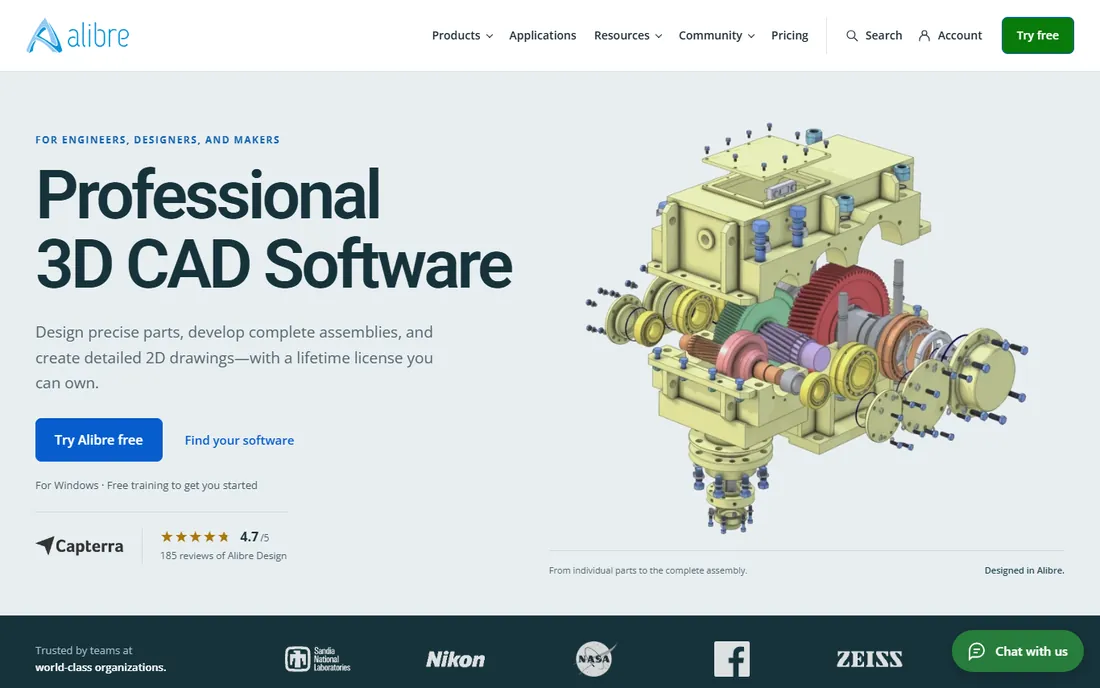
Alibre Design is the small-business answer to expensive CAD. It offers genuine parametric solid modeling, assemblies, sheet metal, 2D drawings, and even built-in rendering and PDM, at prices far below the industry giants. The company sells direct, which keeps the buying process simple.
The lineup covers the bases: Design Expert for professional engineering work, Atom3D as an affordable hobbyist package, and Workshop bundles for home-shop CAD/CAM. File import covers the major formats, including SOLIDWORKS, Inventor, and Creo files, so collaborating with big-company partners is practical.
The community is a fraction of SOLIDWORKS' size, and advanced simulation is not its strength. Large enterprises will not find the PLM depth of Creo or NX. For small manufacturers, machine shops, and consultancies that need real CAD without enterprise overhead, the value is compelling.
What we like- Full parametric modeling at a fraction of big-brand prices
- Atom3D serves hobbyists
- US-based company with direct sales
Watch out for- Smaller user community
- Fewer advanced simulation options
- Less presence in large enterprises
How we chose
We evaluated the ten most established mechanical CAD products serving US product teams, job shops, and independent engineers. The method was document-driven: vendor feature pages and documentation, published pricing and licensing terms, file-format compatibility lists, and public reviews on G2, Capterra, and Reddit's engineering communities. We favored products with current releases and active development, and we verified that every product listed is available to new buyers today. We did not run hands-on benchmarks.
What to look for in mechanical CAD software
Buying CAD is a multi-year commitment, so the decision deserves more than a feature checklist. These are the factors that matter most.
Parametric history vs direct modeling
Most tools here are parametric: you build parts from sketches and features, and changing a dimension rebuilds the model. That design intent is gold when products evolve. Direct modeling, editing geometry without history, is faster for imported files and quick changes. Siemens NX and some others blend both. Know which style your work needs before you commit.
Assembly size and performance
A tool that flies with fifty parts can crawl with five thousand. If your products are large assemblies, prioritize the products known for scale: NX, Creo, and SOLIDWORKS with proper hardware. Ask vendors for benchmark guidance on your typical assembly size, and budget for a workstation with a certified graphics card.
File compatibility
You will exchange files with customers, suppliers, and shops running different software. Native DWG support matters for 2D drawings, while STEP and IGES cover 3D solids. Check that your pick imports the formats your partners send, especially if you receive native SOLIDWORKS, Inventor, or CATIA files regularly.
Perpetual licenses vs subscriptions: what actually costs less
The industry has mostly moved to subscriptions, but a few products here still sell perpetual licenses: Rhino at $995 and TurboCAD-style pricing from smaller vendors, with Alibre and BricsCAD offering buy-once options in some tiers. Subscriptions look cheaper in year one and include updates, but over five years a perpetual license often wins on total cost. The honest math includes upgrade fees, support contracts, and the cost of being stuck on an old version. If your needs are stable and you dislike recurring fees, the perpetual options on this list deserve attention.
Frequently asked questions
What is the best mechanical CAD software for beginners?
Onshape and FreeCAD are the friendliest starting points. Onshape runs in a browser with excellent tutorials, while FreeCAD costs nothing. Alibre's Atom3D is a solid low-cost stepping stone to professional work. SOLIDWORKS also has strong training resources if you plan to work in industry.
Do I need a powerful computer for mechanical CAD?
For professional work, yes. A modern multi-core processor, 16GB of RAM minimum, a certified workstation graphics card, and fast storage make a real difference, especially with large assemblies. Onshape is the exception: since it runs in the cloud, even a modest laptop works.
Can mechanical CAD software run on a Mac?
Most traditional products are Windows-only, including SOLIDWORKS, Inventor, and Creo. Onshape and FreeCAD run on Macs natively, since one is browser-based and the other is cross-platform. Rhino also has a full Mac version.
What is the difference between CAD and CAM?
CAD is the design side: creating the 3D model and 2D drawings. CAM is the manufacturing side: generating toolpaths that tell CNC machines how to cut the part. Products like ZW3D and Fusion bundle both, while pure CAD tools export files for separate CAM software.
How much does mechanical CAD software cost?
Professional seats typically run from about $1,500 to over $5,000 per year on subscription, with enterprise products higher. Rhino costs $995 once, FreeCAD is free, and mid-market options like Alibre and BricsCAD sit well below the big brands. Always budget for training and hardware alongside the license.
Sources we checked (10)
- https://solidworks.com/
- https://www.autodesk.com/
- https://ptc.com/
- https://www.siemens.com/
- https://www.onshape.com/
- https://bricsys.com/
- https://rhino3d.com/
- https://freecad.org/
- https://zwsoft.com/
- https://alibre.com/
Is your product missing or out of date?
We review this list regularly. Vendors can request a listing, send updated pricing or ask about featured placement.

Shihab Mia · Founder, Rankite
Shihab has spent more than a decade helping SaaS and e-commerce brands grow through search. He writes Rankite's software buying guides from pricing pages, documentation and public user reviews. More about Shihab.