How we make this list: we compare pricing pages, product documentation and public user reviews. Rankite is independent; if a vendor ever pays for a featured spot, that listing is clearly labeled Partner.
Key takeaways
- Resolume is the working VJ's standard for club and festival visuals; VDMX is the Mac-first alternative at a published $199.
- TouchDesigner is not really VJ software, it is a visual programming platform that happens to run the most ambitious live shows on earth.
- Synesthesia and Magic Music Visuals are the accessible entries: audio-reactive generative visuals without learning node patching.
- Mac versus Windows decides more than features here; VDMX and Modul8 are Mac-only, so check your machine before falling in love.
Quick comparison
| Tool | Best for | Starting price | Free plan |
|---|
 Resolume Resolume | professional VJ gigs and festival stages | See website | Free trial |
 VDMX VDMX | Mac users who want deep customization | $199 one-time | Free trial |
 TouchDesigner TouchDesigner | generative visuals, installations, and ambitious shows | See website | Yes |
 Modul8 Modul8 | Mac VJ performance with a classic workflow | See website | Free trial |
 Synesthesia Synesthesia | audio-reactive generative visuals without coding | See website | Free trial |
 VJamm VJamm | audiovisual clip mixing with a musical approach | See website | Free trial |
 Magic Music Visuals Magic Music Visuals | modular music visualization for all skill levels | See website | Free trial |
Is your product missing or out of date?
We review this list regularly. Vendors can request a listing, send updated pricing or ask about featured placement.
VJing is live video mixing: clips, effects, and generative graphics triggered and manipulated in real time to music. The software matters less than the performer, but the wrong tool will fight you on stage. These seven cover the real options in 2026, from the club standard to the experimental edge.
Starting priceSee website
Free planFree trial
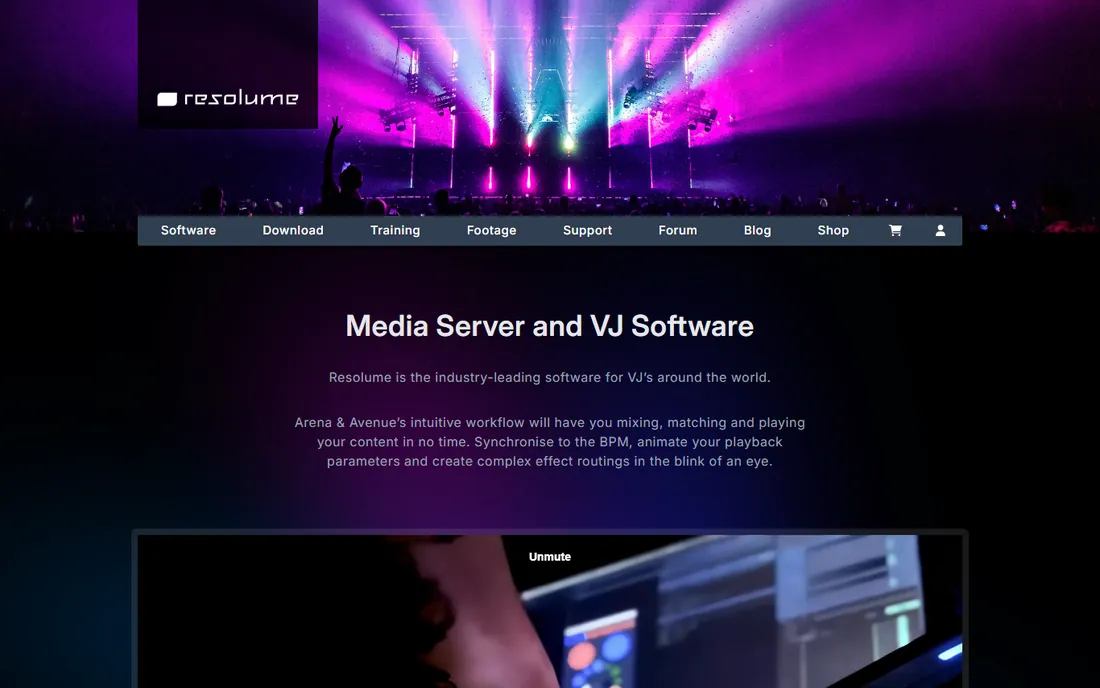
Walk into any electronic music festival and the visuals are probably running on Resolume. Avenue is the VJ instrument: layers of clips, effects, and generators triggered from a MIDI controller, synced to BPM, mixed live. Arena adds the production features, projection mapping, LED wall output, SMPTE timecode sync with the DJ, DMX lighting control, that turn it into a media server. The trial watermarks output but is otherwise full-featured, so you can learn the whole program before paying.
The honest catch is depth. The basics take a weekend; the advanced routing, Wire patching, and mapping features take months. Resolume is also priced for working professionals, not hobbyists. But if you want to VJ for money, learning Resolume is learning the lingua franca of the field, and every venue tech will already know how to talk to it.
What we like- The industry standard, so tutorials and footage packs are everywhere
- Arena adds projection mapping and SMPTE timecode
- Rock-solid performance under load
Watch out for- The learning curve is real for advanced features
- Arena pricing is aimed at professionals
Starting price$199 one-time
Free planFree trial
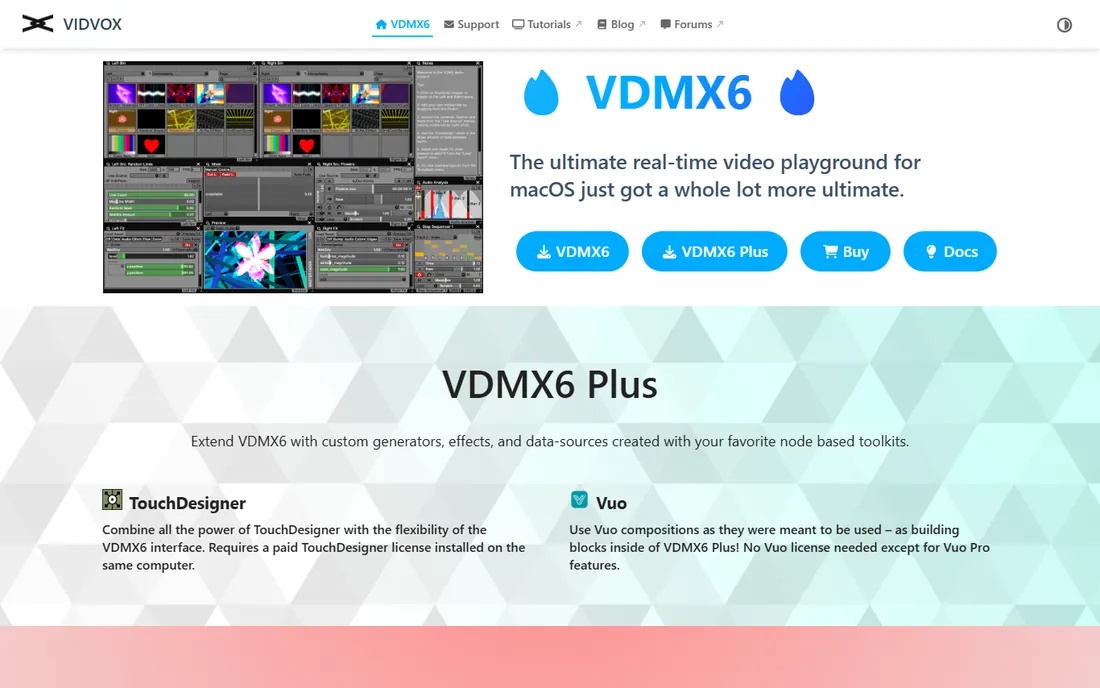
VDMX is the thinking VJ's Mac tool. Where Resolume gives you a fixed instrument, VDMX gives you a workshop: every control can be remapped, every parameter can be driven by audio analysis, MIDI, OSC, or LFOs, and the interface itself is rebuilt to match your performance. It speaks the languages of the visual-arts world natively, ISF shaders, Vuo compositions, Syphon, NDI, so experimental artists who live in those ecosystems feel at home. At $199 one-time (or $349 for Plus with node-based toolkit extensions), it is also one of the fairest prices in pro VJ software.
The price of that freedom is setup time. A fresh VDMX install does not look like much until you build your performance interface, which intimidates newcomers. And it is Mac-only, which rules out half the laptops in the world. For Mac-based visual artists who want their software to bend to their show rather than the reverse, VDMX is the pick.
What we like- Published one-time pricing, no subscription
- Endlessly customizable interface and data routing
- Native support for ISF shaders, Vuo, and TouchDesigner
Watch out for- Mac only
- The customization freedom means a steeper setup process
#3
TouchDesigner
Best for: generative visuals, installations, and ambitious shows
Visit derivative.ca
Starting priceSee website
Free planYes
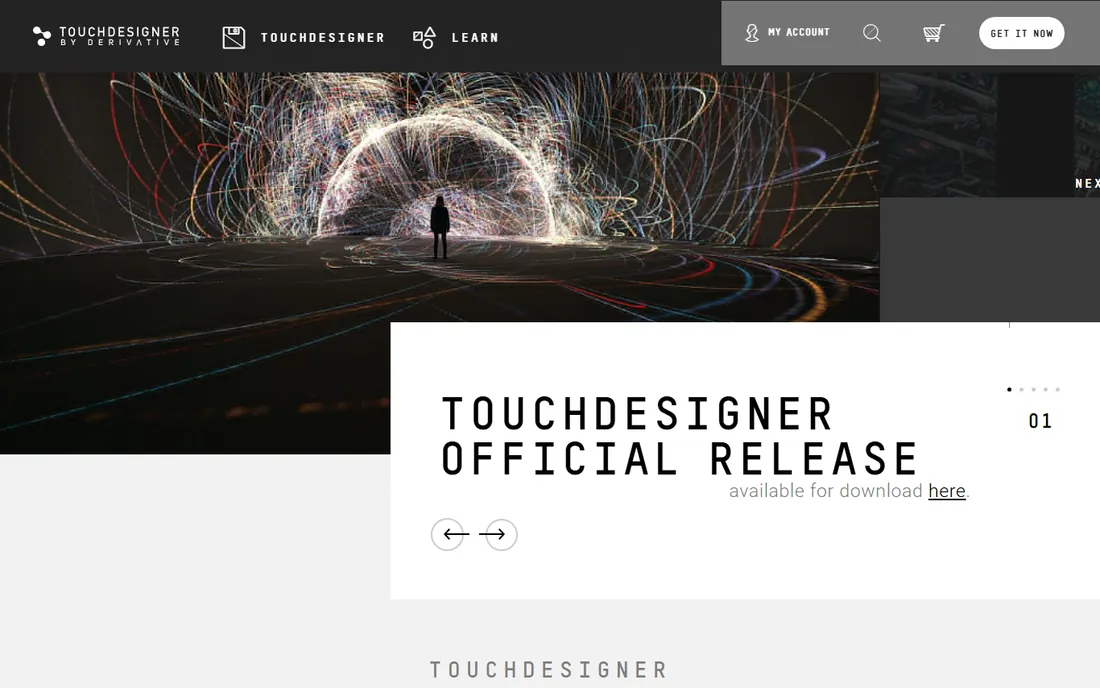
TouchDesigner is technically a node-based visual programming platform, but it belongs on this list because so much professional live visual work runs on it. Artists build custom visual instruments: audio-reactive particle systems, real-time 3D scenes, projection-mapped architecture, interactive installations. The free non-commercial version handles learning and small projects; paid licenses open up the resolution and features that commercial shows need. The community is enormous, with tutorials for nearly everything.
The catch is the obvious one: you are building your instrument, not buying one. A VJ who wants to load clips and perform this weekend should get Resolume instead. TouchDesigner pays off for artists who want visuals nobody else has, or for installations and corporate shows where custom interactive work commands high fees. Think of it as the difference between buying a guitar and building one.
What we like- Free non-commercial version is remarkably capable
- The ceiling is unlimited, from club visuals to building-scale installations
- Huge community and tutorials
Watch out for- It is a programming environment, not plug-and-play VJ software
- Commercial licenses cost real money
Starting priceSee website
Free planFree trial
Modul8 is the classic Mac VJ application from Geneva's GarageCube, and it still has loyal users for good reason. The workflow is direct: load clips into a grid, trigger and effect them live, output to projectors. It is fast to learn, light on system resources, and pairs perfectly with MadMapper, GarageCube's projection mapping tool, which many Modul8 users run alongside it for mapped installations. For straightforward club VJing on a Mac, it remains a pleasant, no-drama tool.
The honest assessment is that Modul8's best years are behind it. Development has slowed, the interface shows its age, and Resolume has taken most of the professional mindshare. But software does not stop working because it is old, and Modul8's simplicity is a feature for performers who want reliability over novelty. If you VJ on a Mac and find Resolume overkill, Modul8 deserves a look.
What we like- Beloved by a generation of VJs for its fast, intuitive clip triggering
- Tight integration with MadMapper for projection mapping
- Stable and lightweight
Watch out for- Mac only and development pace has slowed
- Interface looks dated next to Resolume
Starting priceSee website
Free planFree trial
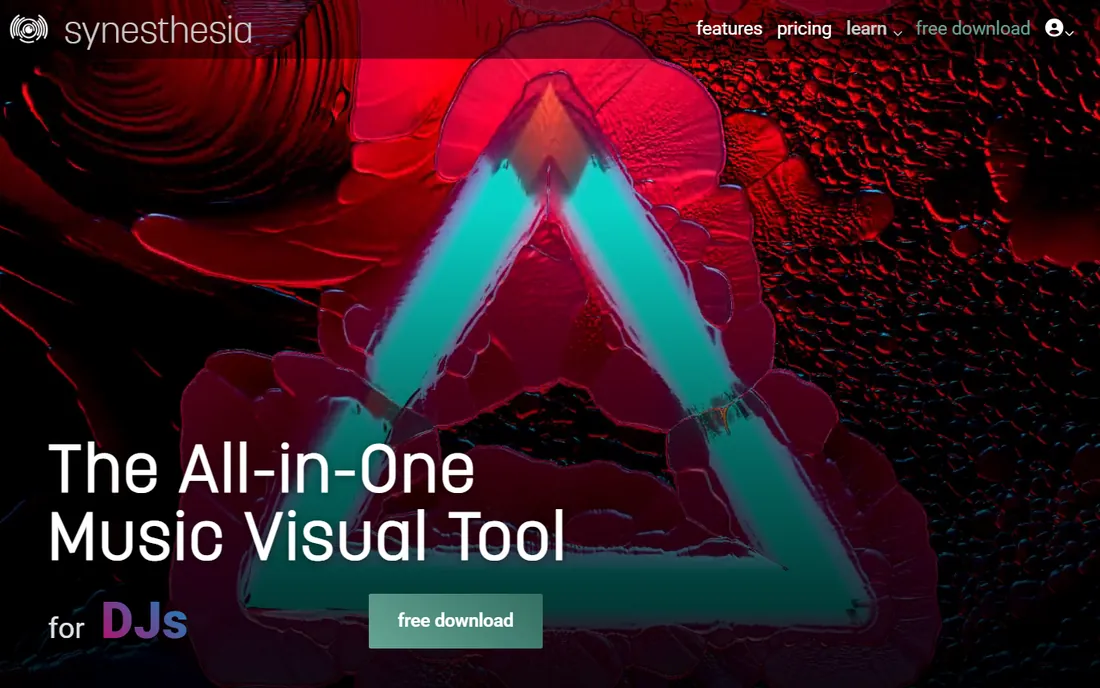
Synesthesia takes the opposite approach from clip mixers: instead of triggering video files, you perform with generative scenes that react to your music in real time. Eighty built-in scenes cover everything from pulsing geometric patterns to raymarched 3D worlds, and the audio analysis engine maps frequency bands to visual parameters automatically. The scene marketplace lets shader artists sell their creations, and a live coding environment means you can tweak or write scenes in GLSL when you outgrow the presets.
The trade-off is the workflow. If your show is built around specific video clips, logos, and camera feeds, a mixer like Resolume fits better; Synesthesia can import video, but generative scenes are its soul. For DJs and electronic musicians who want stunning reactive visuals without becoming visual programmers, it is the fastest path from zero to a great-looking show.
What we like- 80 built-in scenes that react to music out of the box
- Scene marketplace with community shader art
- Live coding for those who want to go deeper
Watch out for- Generative focus means less clip-mixing workflow
- Smaller community than the big names
#6
VJamm
Best for: audiovisual clip mixing with a musical approach
Visit vjamm.com
Starting priceSee website
Free planFree trial
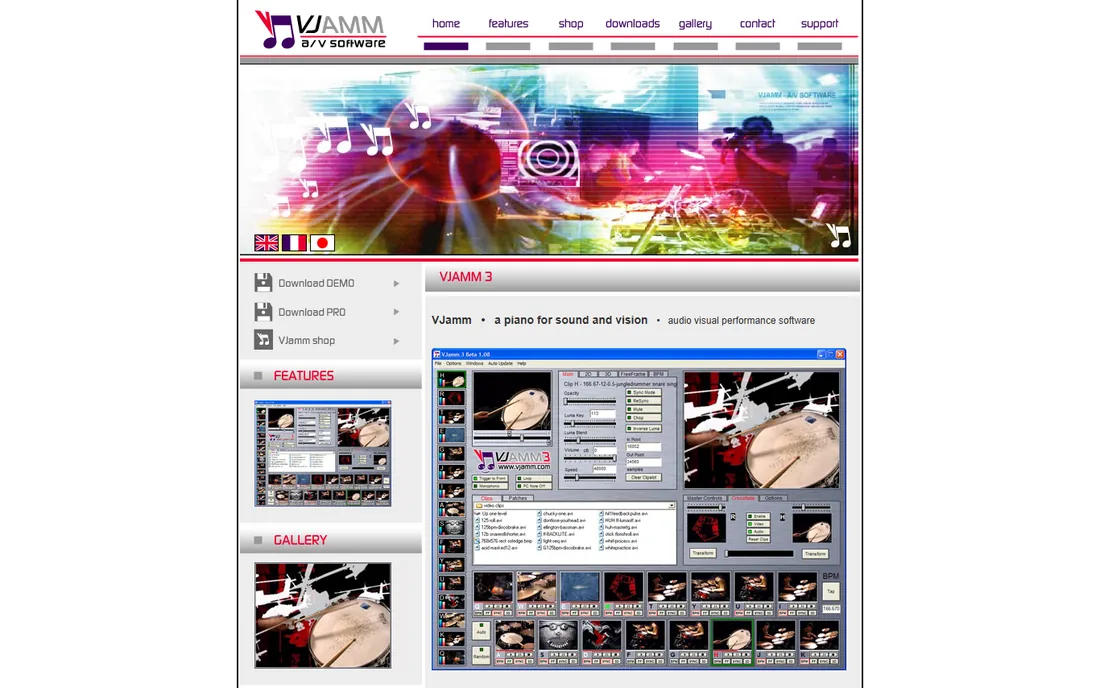
VJamm has been quietly doing its thing for years: a piano for sound and vision, as its tagline puts it. Sixteen channels of real-time audiovisual mixing, full MIDI control, FreeFrame effects support, and automatic BPM stretching that keeps your clips locked to the music's tempo. The approach is musical rather than technical, you play visuals the way a musician plays an instrument, which appeals to performer types more than engineer types.
The reality check is scale. VJamm is a small operation, updates are infrequent, and the community is tiny compared to Resolume's. It is Windows software in an increasingly cross-platform world. But it is affordable, it is stable at gigs, and its musical mixing metaphor clicks for a certain kind of performer. If the big tools feel like piloting a spaceship, VJamm feels like playing an instrument.
What we like- Treats video like music with 16 channels of real-time AV mixing
- Auto BPM clip stretching keeps visuals in sync
- Affordable one-time purchase
Watch out for- Small developer, slower updates
- Windows-focused with a niche community
Starting priceSee website
Free planFree trial
Magic Music Visuals (usually just called Magic) is a modular VJ application: you connect audio inputs, effects, and renderers into a visual signal chain, and the result reacts to your music live. It handles live audio, MIDI, OSC, multiple cameras, GLSL shaders, and 3D models, and compositions can run fullscreen for performance or export to video files. The free demo lets you explore the whole system, and the paid license is priced for independent artists rather than production companies.
The catch is reputation. Magic is well loved by its users but rarely specified on professional gig riders, where Resolume dominates. Your results depend heavily on how well you build your patches; there is no library of 80 ready-made scenes like Synesthesia's. For musicians, educators, and visual hobbyists who want deep audio-reactive control without TouchDesigner's programming commitment, Magic hits a sweet middle ground.
What we like- Modular interface builds visuals from connectable components
- Reacts to live audio, MIDI, and OSC
- Free demo and affordable pricing
Watch out for- Less known in the pro VJ circuit
- Output polish depends on your patching skills
How we chose
We focused on software people actually perform with in 2026, checking vendor sites, VJ forums, and festival tech discussions. GrandVJ was dropped because ArKaos has moved it to legacy status after rebranding to Arkaos Pro media servers; Magic Music Visuals takes its place as an active alternative. Pricing comes from vendor-published pages where available. We did not test performance under live show conditions.
Match the software to the gig
Club VJ with your own clips: Resolume or VDMX. Festival stage with mapping and timecode: Resolume Arena. Generative audio-reactive set with no clip library: Synesthesia or Magic. Custom installation or corporate show: TouchDesigner. The wrong choice is usually about workflow mismatch, not quality; a brilliant generative tool frustrates a clip-based VJ, and a clip mixer bores a generative artist. Decide whether you perform with video files, with code-driven scenes, or with something in between, then pick from the matching half of this list.
The hardware question nobody asks first
VJ software is only half the rig. Check GPU requirements before buying: Resolume Arena and TouchDesigner want serious graphics cards for multi-output 4K shows, while VDMX and Modul8 run happily on modest Macs for simpler sets. Confirm your MIDI controller speaks to the software (all seven support MIDI, but mapping depth varies), test your capture devices for camera input, and rehearse with the exact projector or LED processor you will use on the night. A software trial on your gig laptop, pushing your real content at show resolution, is worth more than any review.
Frequently asked questions
What is the best VJ software for beginners?
Synesthesia is the easiest path to great-looking live visuals, with built-in audio-reactive scenes and no setup. Magic Music Visuals is the next step up for those who want modular control. Resolume's trial is free to learn on when you are ready for professional clip mixing.
Is Resolume or VDMX better?
Resolume is the industry standard with broader tutorials, footage packs, and venue familiarity; VDMX is Mac-only, cheaper ($199 one-time), and more customizable. Windows users get Resolume by default. Mac users should try both trials and pick the workflow that clicks.
Can I VJ with a MacBook?
Yes. VDMX, Modul8, and Synesthesia are Mac-native, and Resolume and TouchDesigner both run on macOS. For simple club sets a modern MacBook handles it; for multi-projector 4K shows, check GPU specs carefully regardless of platform.
Do I need to know how to code for VJ software?
No for Resolume, VDMX, Modul8, and VJamm, which are performance instruments. Synesthesia and Magic let you go deeper with shaders but work fine without coding. TouchDesigner rewards programming but has a huge tutorial community for non-coders.
What replaced GrandVJ?
ArKaos moved GrandVJ to legacy status after rebranding its pro line to Arkaos Pro media servers. Current alternatives with a similar live-mixing approach include Resolume Avenue, VDMX, and Magic Music Visuals.
How much does VJ software cost?
VDMX6 costs $199 one-time ($349 for Plus). The rest price through their websites: Resolume, TouchDesigner commercial licenses, and Modul8 target professionals, while Synesthesia, VJamm, and Magic Music Visuals are priced for independent artists. All offer free trials or demos.
Sources we checked (8)
- https://resolume.com/
- https://vidvox.net/
- https://derivative.ca/
- https://www.garagecube.com
- https://synesthesia.live/
- https://vjamm.com/
- https://magicmusicvisuals.com/
- https://arkaos.com/
Is your product missing or out of date?
We review this list regularly. Vendors can request a listing, send updated pricing or ask about featured placement.

Shihab Mia · Founder, Rankite
Shihab has spent more than a decade helping SaaS and e-commerce brands grow through search. He writes Rankite's software buying guides from pricing pages, documentation and public user reviews. More about Shihab.