How we make this list: we compare pricing pages, product documentation and public user reviews. Rankite is independent; if a vendor ever pays for a featured spot, that listing is clearly labeled Partner.
Key takeaways
- BarTender and NiceLabel (Loftware) are the two enterprise standards for barcode label design; BarTender lists a $199 starting price while NiceLabel quotes through sales.
- If you bought Zebra printers, start with ZebraDesigner, it is free and built for their hardware.
- Small businesses printing product labels and price tags do not need enterprise software; Labeljoy and TEC-IT Barcode Studio cover the job for far less.
- Printer count matters more than designer features in enterprise deals, so count your print stations before requesting quotes.
Quick comparison
| Tool | Best for | Starting price | Free plan |
|---|
 BarTender BarTender | enterprise label design and high-volume printing | $199 per license | Free trial |
 NiceLabel NiceLabel | cloud-based labeling across multiple sites | See website | Free trial |
 ZebraDesigner ZebraDesigner | anyone printing on Zebra printers | Free | Yes |
 TEKLYNX Labelview TEKLYNX Labelview | mid-market companies outgrowing basic tools | See website | Free trial |
 Labeljoy Labeljoy | small businesses printing their own labels | See website | Free trial |
 TEC-IT Barcode Studio TEC-IT Barcode Studio | generating barcode images and Office integration | See website | Free trial |
 WaspLabel WaspLabel | small business asset and inventory labeling | See website | Free trial |
Is your product missing or out of date?
We review this list regularly. Vendors can request a listing, send updated pricing or ask about featured placement.
Barcoding software has one unforgiving test: the label has to scan, every time, on the first try, at the speed of your production line. Everything else, pretty designers, database connections, approval workflows, is secondary to that. The seven tools below span the full market, from free printer utilities to enterprise labeling platforms, and each one fits a different operation.
Starting price$199 per license
Free planFree trial
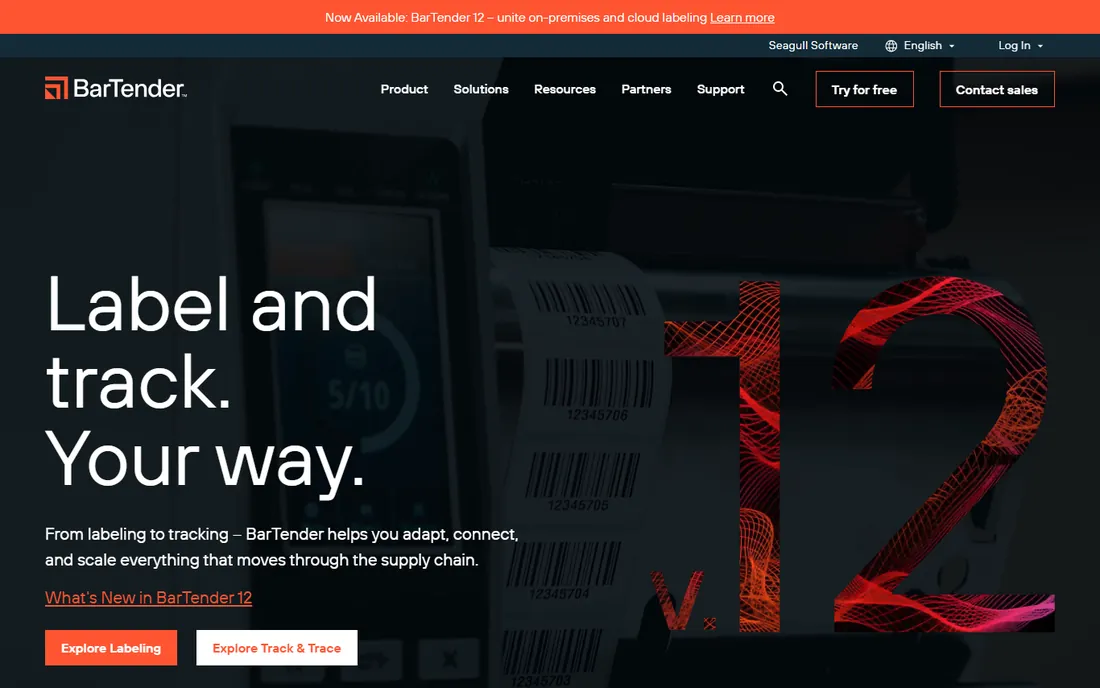
BarTender by Seagull Scientific is the default answer when someone asks for professional barcoding software. It designs labels with every symbology you will ever need, connects to databases, Excel files, and ERP systems to pull data onto labels automatically, and manages printing across hundreds of printers from a central console. The entry edition starts at a $199 list price, which gets small shops in the door, while the Enterprise edition adds centralized template management, audit trails, and web printing for regulated industries.
The pricing model deserves attention. BarTender licenses by printer, not by user, which is fair for a five-printer warehouse but becomes a real budget item at two hundred printers. The higher editions also carry annual maintenance costs. Still, when a label misprint can stop a production line or trigger a recall, BarTender's reliability and its enormous driver library are why it holds the top spot.
What we like- The industry standard with 250,000+ customers
- Powerful data connections to ERP, databases, and Excel
- Editions scale from single printer to global deployments
Watch out for- The full-featured editions get expensive
- Licensing by printer count surprises first-time buyers
Starting priceSee website
Free planFree trial
NiceLabel, now part of Loftware, is BarTender's main rival at the enterprise end. Its pitch is centralization: design label templates once in the cloud, approve them through a workflow, and push them to every factory and warehouse in the company. For regulated industries like pharmaceuticals and medical devices, where a wrong label is a compliance event, the version control, electronic signatures, and audit trails matter more than the designer itself. Loftware's broader portfolio adds packaging artwork management and supply-chain connectivity around the labeling core.
The catch is scale. NiceLabel is built for multi-site, multi-printer operations, and its pricing reflects that; a single small warehouse will find it expensive and more complex than necessary. Implementation also takes longer than installing desktop software, since the value comes from the centralized workflow, not just the designer. If you run labeling across sites or countries, NiceLabel is the strongest cloud-native choice. If you have one printer, look further down this list.
What we like- Cloud-native platform centralizes label management globally
- Strong compliance features for pharma and food
- Now part of Loftware with deep supply-chain integration
Watch out for- Enterprise pricing through sales only
- Overkill for a single-site operation
#3
ZebraDesigner
Best for: anyone printing on Zebra printers
Visit zebra.com
Starting priceFree
Free planYes
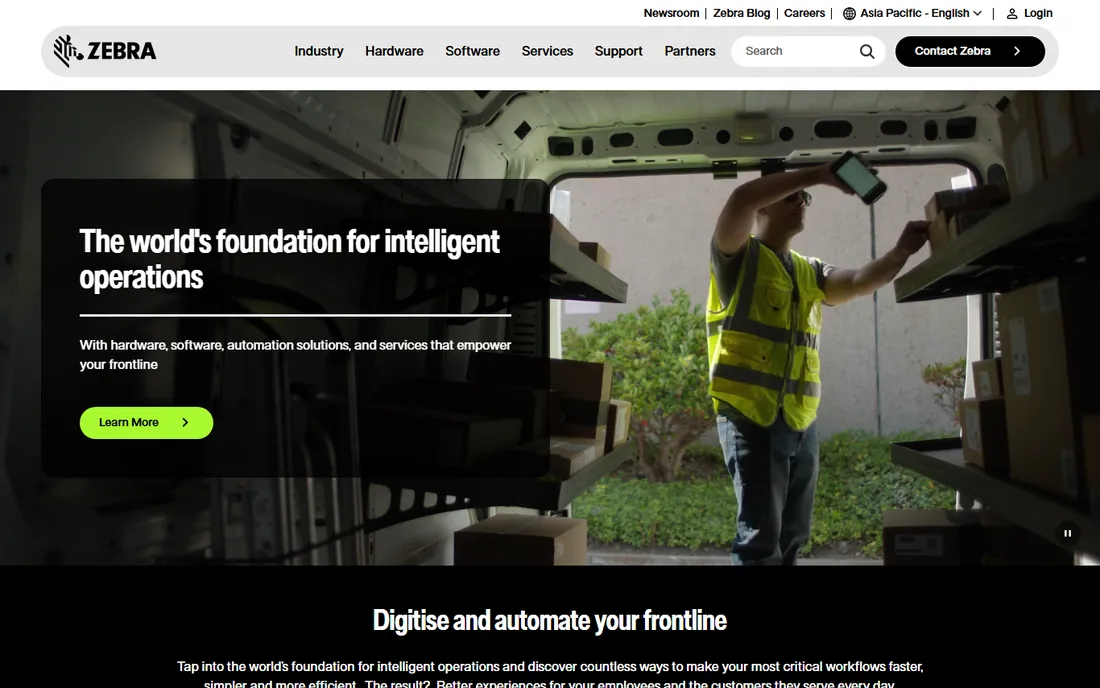
ZebraDesigner is the software Zebra ships for its own printers, and the logic is simple: if you bought the printer, use the free tool built for it. The Essentials edition costs nothing and handles label design with barcodes, text, and graphics perfectly well for basic jobs like shipping labels, asset tags, and product labels. The Professional edition adds database connections, RFID support, and more advanced features at a modest price.
The limitation is the obvious one: it is a Zebra product for Zebra printers. Mixed-printer environments and advanced enterprise workflows (centralized template approval, web printing, SAP integration) are outside its scope. But for the huge number of businesses running one or two Zebra desktop printers, ZebraDesigner is free, it works, and it takes an afternoon to learn. Check this box before spending money elsewhere.
What we like- Free editions available
- Designed specifically for Zebra printer capabilities
- Simple enough for non-technical staff
Watch out for- Tied to Zebra hardware
- Lacks the database power of BarTender or NiceLabel
#4
TEKLYNX Labelview
Best for: mid-market companies outgrowing basic tools
Visit teklynx.com
Starting priceSee website
Free planFree trial
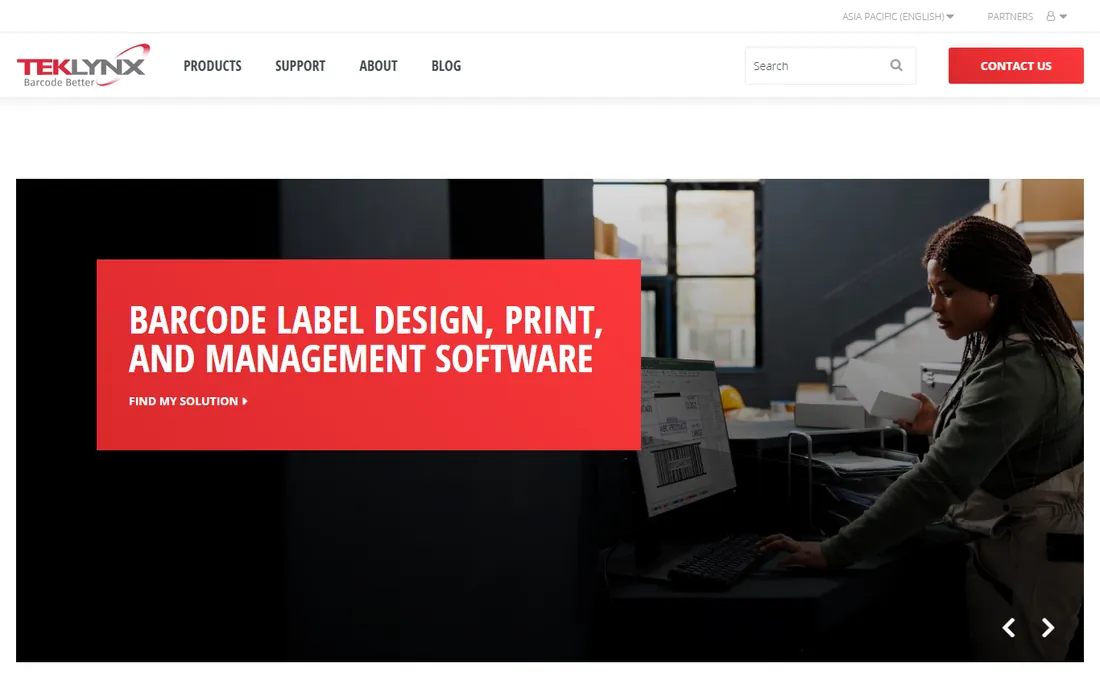
TEKLYNX has been selling labeling software since the 1980s, and Labelview is its workhorse for mid-size operations. It sits in the sensible middle: real database connections to SQL, Oracle, and Excel, network licensing so the whole team shares one installation, and label design that handles everything from simple product labels to GS1-compliant shipping labels. The reseller network is a genuine advantage; most buyers get local setup help and printer configuration from a partner rather than figuring it out alone.
The product shows its age in places. The interface is functional rather than modern, and if you need cloud-centralized multi-site management, BarTender and NiceLabel have pulled ahead. But for a manufacturer or distributor with a handful of printers that needs reliable database-driven labeling without enterprise complexity, Labelview hits a sweet spot of capability and cost.
What we like- Long-established vendor with strong reseller support
- Good database connectivity for the price
- Network licensing suits growing teams
Watch out for- Interface feels dated
- Enterprise features lag BarTender and NiceLabel
Starting priceSee website
Free planFree trial
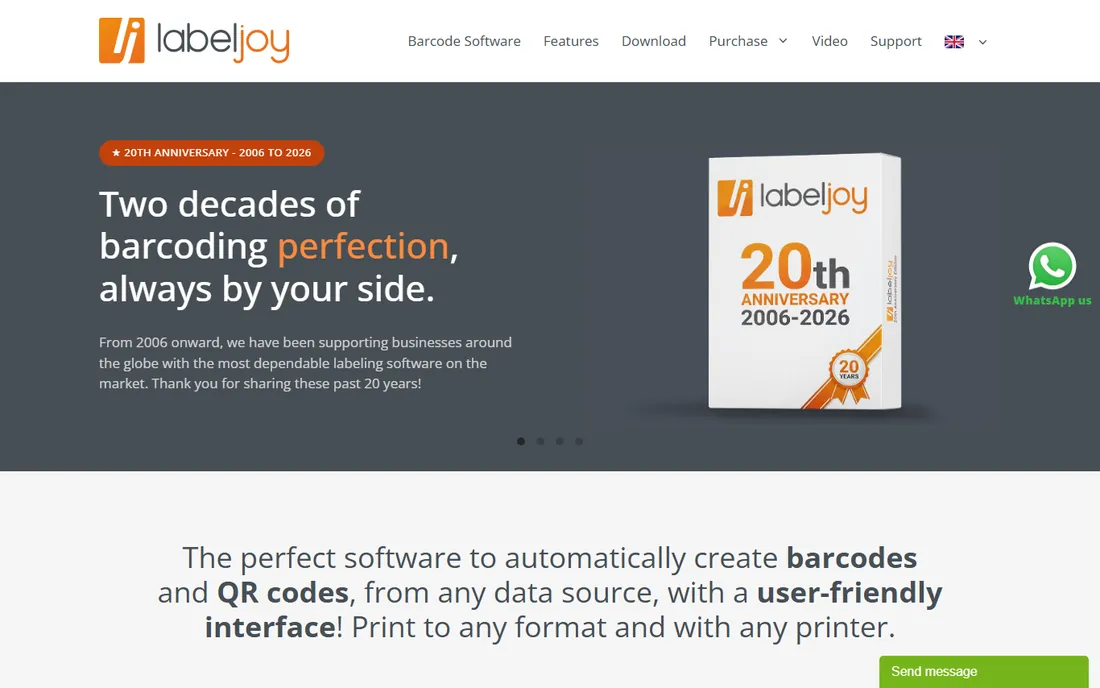
Labeljoy is built for the small business owner who needs to print product labels, price tags, barcodes, and shipping labels without hiring an IT consultant. The designer is fully WYSIWYG, what you see on screen is what prints, and it connects to Excel, Access, CSV, and SQL databases for data-driven labels. It supports all common barcode types plus QR codes, prints to any standard or roll printer, and includes thousands of pre-made layouts for Avery and other label stocks. The free Labeljoy Reader lets you distribute label printing to other PCs without buying more licenses.
The boundaries are clear. It is Windows-only, there is no centralized template management or approval workflow, and it will not satisfy a regulated enterprise's compliance requirements. But for a shop, warehouse, or small manufacturer printing its own labels, Labeljoy does the job at a fraction of enterprise prices, and the learning curve is measured in hours.
What we like- Genuinely easy WYSIWYG designer
- Imports data from Excel, Access, and SQL databases
- Free Reader app for distributed printing
Watch out for- Windows-only
- Not built for enterprise label management
#6
TEC-IT Barcode Studio
Best for: generating barcode images and Office integration
Visit tec-it.com
Starting priceSee website
Free planFree trial
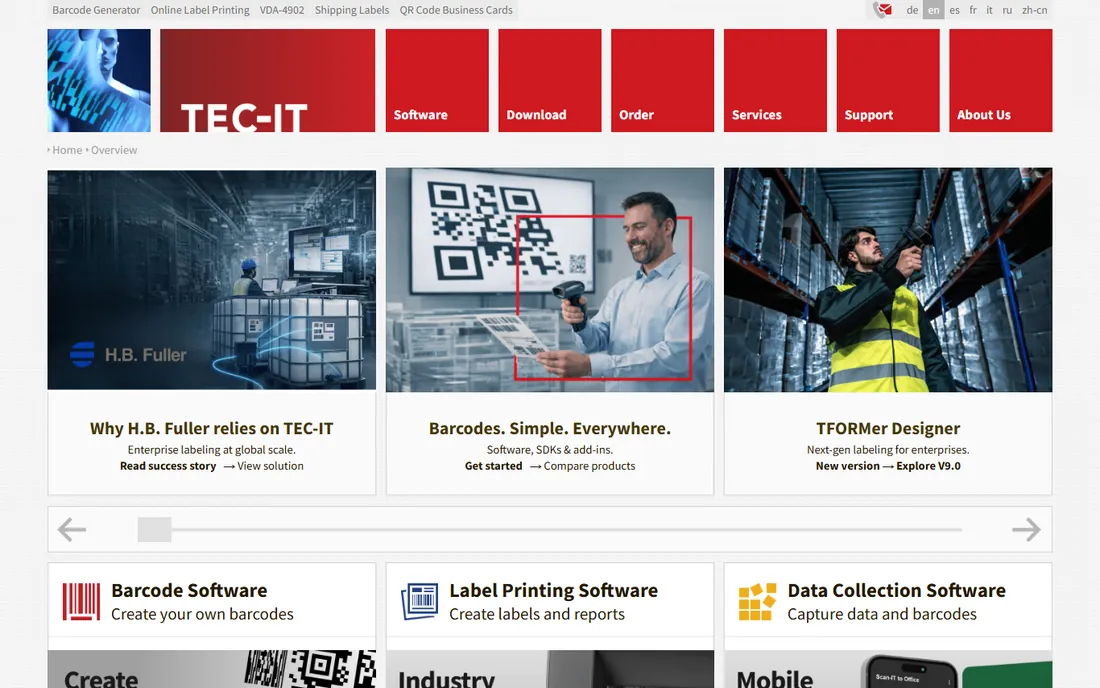
TEC-IT's Barcode Studio does one thing well: it creates barcode images. Need a perfect vector barcode for packaging artwork, a serial-numbered batch for a print run, or barcodes inside a Word mail merge? Barcode Studio generates them in every standard symbology with precise control over dimensions and quiet zones. The Office add-ins are the sleeper feature, letting non-technical staff insert barcodes directly into Word documents and Excel spreadsheets. For developers, the TBarCode SDK embeds barcode generation in custom applications, including SAP environments.
What it is not is a label printing platform. There is no printer management, no centralized template library, no approval workflow. Think of it as a precision instrument for barcode creation rather than a labeling system. Designers, prepress operators, and developers who need exact barcode graphics will find it excellent; warehouse managers who need to run printers should look at BarTender or NiceLabel instead.
What we like- Excellent barcode image quality in vector and bitmap formats
- Office add-ins put barcodes directly in Word and Excel
- Developer SDKs for embedding
Watch out for- It generates barcodes, it is not a full label management system
- The website and purchasing feel dated
Starting priceSee website
Free planFree trial
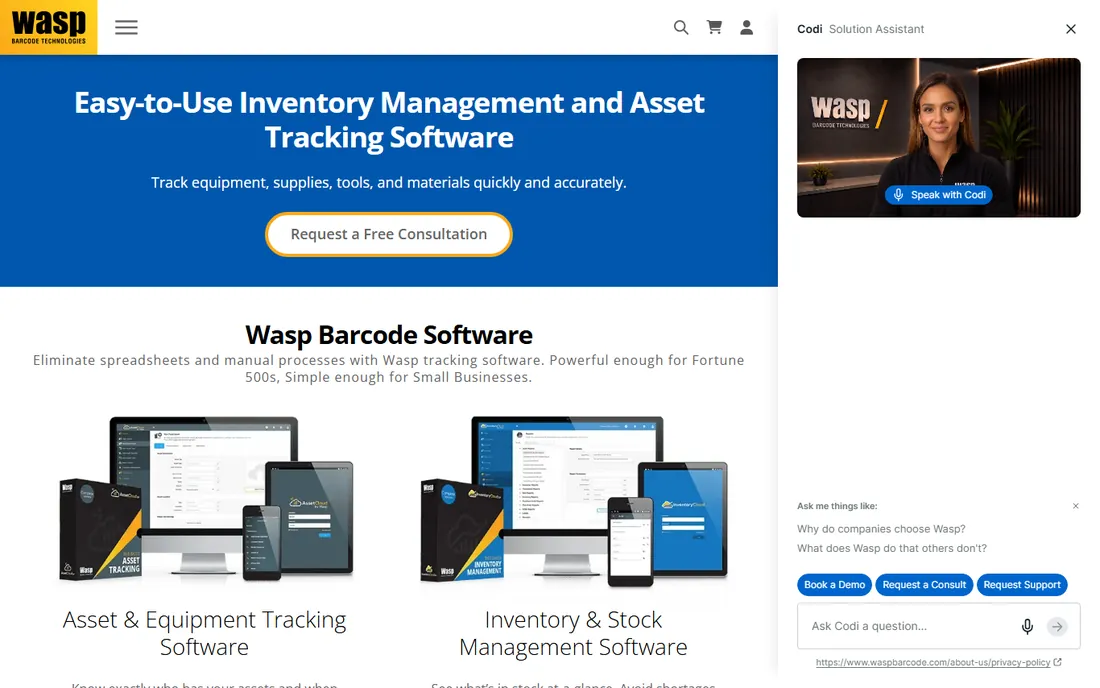
Wasp Barcode Technologies sells the whole package: label software, barcode scanners, printers, and asset-tracking systems aimed squarely at small businesses. WaspLabel, its label design software, covers the fundamentals, barcode and text labels, database connections, common symbologies, without the enterprise overhead. Where Wasp shines is the bundle: a small business can buy the software with a scanner and printer from one vendor, with one support number, and be labeling assets or inventory the same week.
As pure labeling software, WaspLabel is simpler than BarTender or Labelview, with fewer advanced data features and no multi-site management story. It is also most compelling inside the Wasp ecosystem; bought standalone, the value proposition is thinner. For a small operation that wants one vendor for labels, scanning, and asset tracking, though, Wasp is a practical choice.
What we like- Part of a complete barcode ecosystem (software, scanners, printers)
- Simple enough for first-time users
- Good asset-tracking bundles
Watch out for- Basic compared to dedicated labeling platforms
- Best value comes from buying Wasp hardware too
How we chose
We selected established, actively sold barcoding products across the market tiers, from free printer utilities to enterprise platforms. Vendor sites were checked in October 2026 for current products and published pricing; enterprise vendors that quote through sales are marked "See website" rather than filled with third-party guesses. User feedback from G2, Capterra, and industry forums informed the trade-offs. We did not run hands-on print tests.
Count printers before you compare prices
The number one pricing surprise in barcoding software is the licensing unit. BarTender licenses per printer, NiceLabel and Loftware price by site or subscription tier, and desktop tools like Labeljoy license per PC. A five-printer warehouse and a fifty-printer distribution center are buying completely different products even when the designer looks the same. Before requesting quotes, count your print stations, note which printers you own (Zebra owners get a free head start), and decide whether labels are designed centrally or at each station. That inventory turns vague enterprise quotes into comparable numbers.
Match the software to the label's job
Not all labels are equal. A shipping label with a GS1-128 barcode has compliance requirements; a price tag for a boutique needs design flexibility; a chemical drum label needs regulatory symbols and durability. Regulated industries should shortlist BarTender and NiceLabel for their audit trails and approval workflows. Simple product and shipping labels are handled fine by Labeljoy, ZebraDesigner, or WaspLabel. Barcode graphics for packaging artwork belong to TEC-IT. Buying enterprise compliance software for price tags wastes money; buying desktop software for pharma labels risks audits.
Frequently asked questions
What is the best barcoding software for a small business?
Labeljoy and ZebraDesigner (free, for Zebra printers) cover most small business needs: product labels, price tags, barcodes, and shipping labels. WaspLabel is a good fit if you also need scanners and asset tracking from one vendor.
How much does BarTender cost?
BarTender's entry edition lists at $199 per license on the vendor's site. Higher editions (Professional, Automation, Enterprise) cost more and license per printer, with annual maintenance. Exact enterprise pricing comes through Seagull Scientific or a reseller.
Is there free barcode label software?
Yes. ZebraDesigner Essentials is free for Zebra printer owners, Labeljoy offers a free trial plus a free Reader app, and TEC-IT provides trial versions. For fully free open-source options, the market is thin; most serious labeling tools are commercial.
What is the difference between BarTender and NiceLabel?
Both are enterprise labeling platforms. BarTender (Seagull Scientific) is the long-standing market leader with per-printer licensing and deep on-premise deployment. NiceLabel (Loftware) is cloud-native, focused on centralized multi-site label management. Shortlist both if you run labeling across multiple locations.
Can I print barcodes from Excel?
Yes. Labeljoy and TEKLYNX Labelview connect directly to Excel as a data source for label printing. TEC-IT sells an Office add-in that inserts barcodes into Excel and Word documents. BarTender also reads Excel files for automated label runs.
Do I need special printers for barcode labels?
Thermal transfer or direct thermal label printers (Zebra, Dymo, Brother, and similar) produce the durable, scannable labels that businesses rely on. Standard laser printers work for paper labels and price tags but not for warehouse or outdoor use. Match the printer to where the label will live.
Sources we checked (7)
- https://seagullscientific.com/
- https://nicelabel.com/
- https://www.zebra.com
- https://teklynx.com/
- https://www.labeljoy.com
- https://tec-it.com/
- https://waspbarcode.com/
Is your product missing or out of date?
We review this list regularly. Vendors can request a listing, send updated pricing or ask about featured placement.

Shihab Mia · Founder, Rankite
Shihab has spent more than a decade helping SaaS and e-commerce brands grow through search. He writes Rankite's software buying guides from pricing pages, documentation and public user reviews. More about Shihab.