How we make this list: we compare pricing pages, product documentation and public user reviews. Rankite is independent; if a vendor ever pays for a featured spot, that listing is clearly labeled Partner.
Key takeaways
- For the fastest path from idea to sketch, Balsamiq and Wireframe.cc need almost no learning and keep feedback on structure, not visual polish.
- Figma is the safest default for teams: wireframes, prototypes and developer handoff live in one file, and the free Starter plan covers solo work.
- When wireframes must behave like the real product, with conditional logic and dynamic content, Axure RP and Justinmind are the serious picks.
- Penpot is the standout free option: open source, fully featured at $0, and a genuine alternative for teams that want no per-seat bill.
- Match the tool to the fidelity you actually need. Paying for a prototyping engine when you only sketch landing pages is money wasted.
Quick comparison
| Tool | Best for | Starting price | Free plan |
|---|
 Balsamiq Balsamiq | fast low-fidelity sketches for beginners | See website | Free trial |
 Figma Figma | teams wireframing through to developer handoff | $16 per user/month (billed annually) | Yes |
 Sketch Sketch | Mac-based designers wanting a native app | See website | Free trial |
 Axure RP Axure RP | complex prototypes with conditional logic | See website | Free trial |
 Justinmind Justinmind | interactive web and mobile prototypes | $19 per editor/month (billed annually) | Yes |
 MockFlow MockFlow | simple online wireframes on a budget | $19 per user/month | Yes |
 Wireframe.cc Wireframe.cc | minimalist browser wireframes with zero learning curve | See website | Yes |
 Lucidchart Lucidchart | wireframes combined with flowcharts and diagrams | See website | Yes |
 Framer Framer | wireframes that publish as real websites | See website | Yes |
 Penpot Penpot | free open-source wireframing for teams | $0 per user/month | Yes |
Is your product missing or out of date?
We review this list regularly. Vendors can request a listing, send updated pricing or ask about featured placement.
Starting priceSee website
Free planFree trial
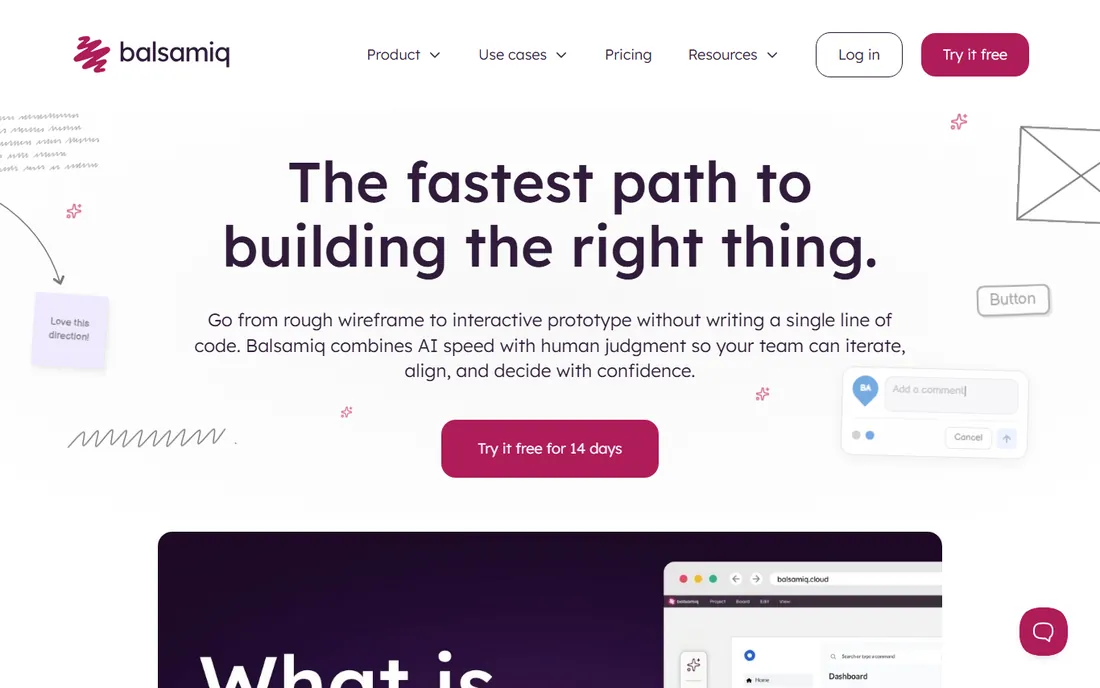
Balsamiq is the classic answer to the question of the best tool for wireframing when speed matters more than polish. Its deliberately rough, hand-drawn components signal to everyone in the room that this is a draft, which keeps reviews focused on layout and flow instead of colors and fonts. You drag pre-built controls onto the canvas, link pages together for click-throughs, and have something testable in an afternoon.
The honest catch is the ceiling. When the project moves past structure into visual design, real data or developer handoff, you will reach for another tool. Treat Balsamiq as the sketching phase specialist: unbeatable for early concepts, workshops and teams where product managers and founders do the wireframing themselves.
What we like- Hand-drawn style keeps feedback on structure, not pixels
- Very quick to learn, non-designers get productive fast
- Desktop and cloud versions available
Watch out for- No high-fidelity design or real interaction logic
- The sketchy look can feel dated next to modern tools
- Paid only once the trial ends
#2
Figma
Best for: teams wireframing through to developer handoff
Visit figma.com
Starting price$16 per user/month (billed annually)
Free planYes
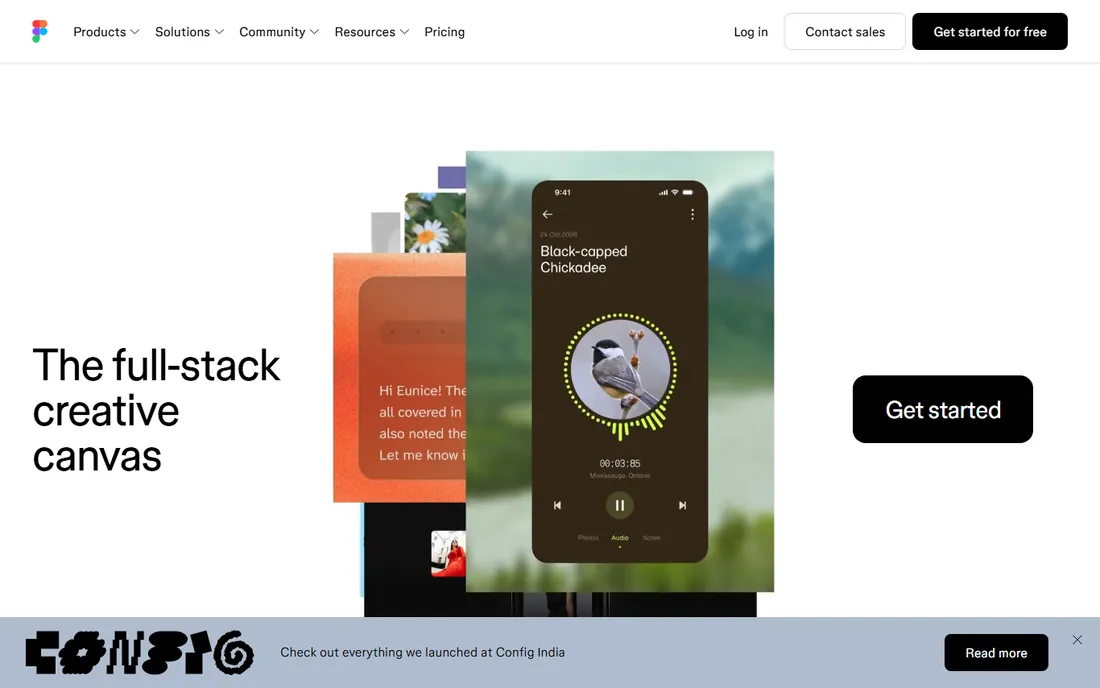
Figma earned its place as the default wireframing tool for product teams by removing the gap between wireframe and finished design. You can start with gray boxes on a frame, then refine the same file into a polished prototype without rebuilding anything. The free Starter plan includes unlimited drafts, which is enough for solo wireframing and learning the tool. FigJam, its whiteboard companion, is a natural home for the messy early thinking that comes before wireframes.
The trade-off is complexity. Auto layout, components and variants are powerful, but they are more than a beginner needs for a simple page sketch. If your whole process is static layouts reviewed in meetings, a lighter tool may serve you better. For teams that iterate together and hand off to developers, though, nothing else covers the full journey this smoothly.
What we like- Real-time multiplayer collaboration in the browser
- Huge library of community wireframe kits and templates
- One file carries you from sketch to prototype to handoff
Watch out for- Can feel heavy when all you want is a quick sketch
- Per-seat cost adds up on large teams
- Works best with a steady internet connection
Starting priceSee website
Free planFree trial
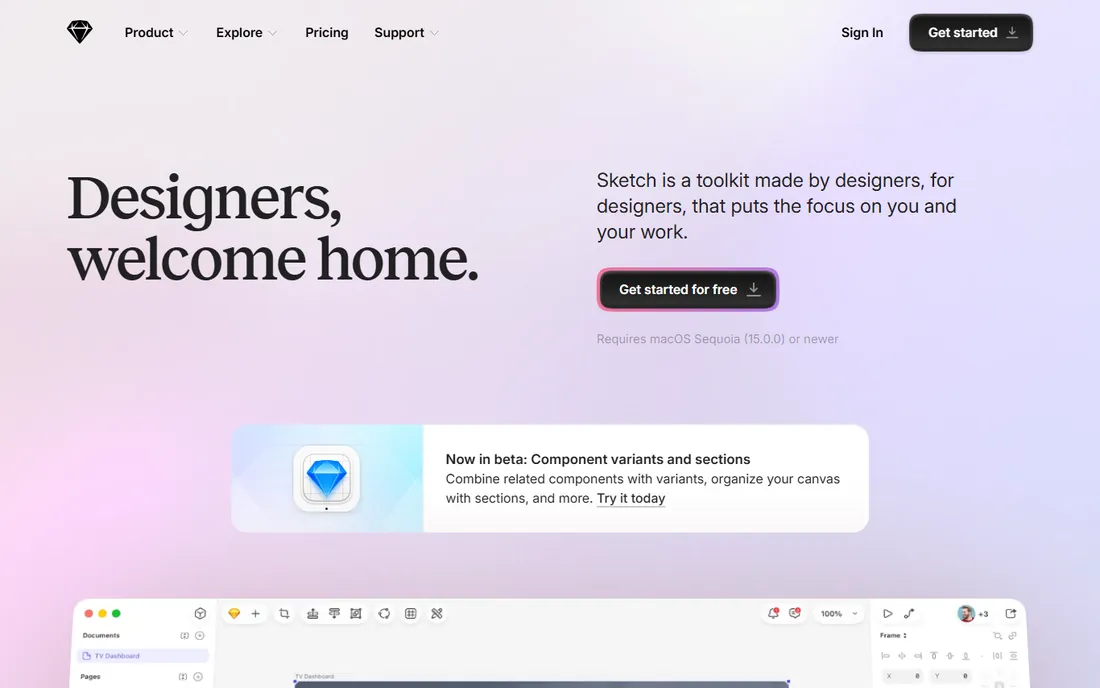
Sketch practically invented the modern UI design workflow, and it remains a fine wireframing environment for designers who live on macOS. Symbols, shared styles and libraries make it easy to maintain a consistent wireframe kit across projects, and the app stays out of your way. A 30-day free trial lets you evaluate it on real work before paying.
The limitation is platform, not craft. Mixed-OS teams will feel the friction, since editing happens on Mac while everyone else reviews in a browser. If your team is all on Apple hardware and prefers a native app to a browser tab, Sketch still holds its own. Otherwise, the browser-based rivals have the advantage.
What we like- Fast, native Mac application with a focused toolset
- Mature symbols and libraries for reusable wireframe kits
- Long track record and deep designer familiarity
Watch out for- Mac only, which locks out Windows-based collaborators
- Real-time collaboration runs through the web app and feels less fluid
- Plugin ecosystem is quieter than it once was
#4
Axure RP
Best for: complex prototypes with conditional logic
Visit axure.com
Starting priceSee website
Free planFree trial
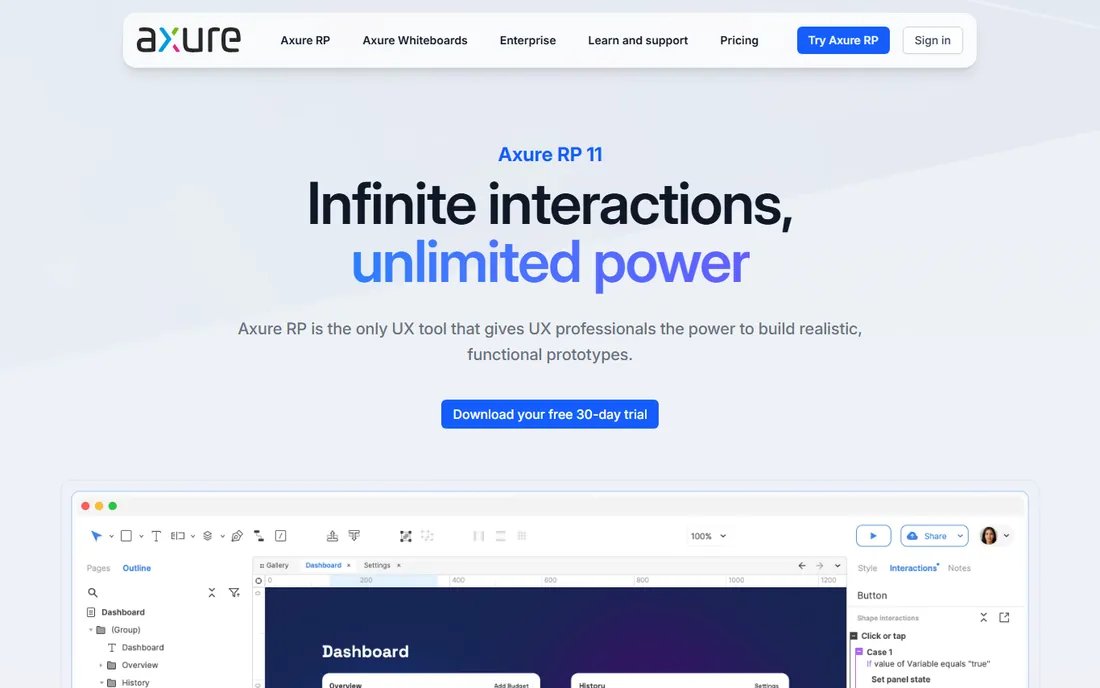
Axure RP is what you reach for when a wireframe needs to behave like the product, not just look like it. Forms that validate, content that changes based on user choices, multi-step flows with branching: Axure handles all of it without code. It also generates written specifications, which makes it popular with enterprise teams and agencies that document heavily.
That power comes with a cost in learning time. Expect days, not hours, before you are fluent, and the interface shows its age. For straightforward marketing pages or simple app screens, Axure is the wrong tool. For complex applications where stakeholders need to feel the logic before development starts, it remains the benchmark.
What we like- Unmatched dynamic interactions, variables and conditional logic
- Generates specifications and documentation from the prototype
- Handles complex web and mobile flows
Watch out for- Steep learning curve compared with sketch-first tools
- Interface feels dated next to newer rivals
- Overkill and overpriced for simple static layouts
Starting price$19 per editor/month (billed annually)
Free planYes
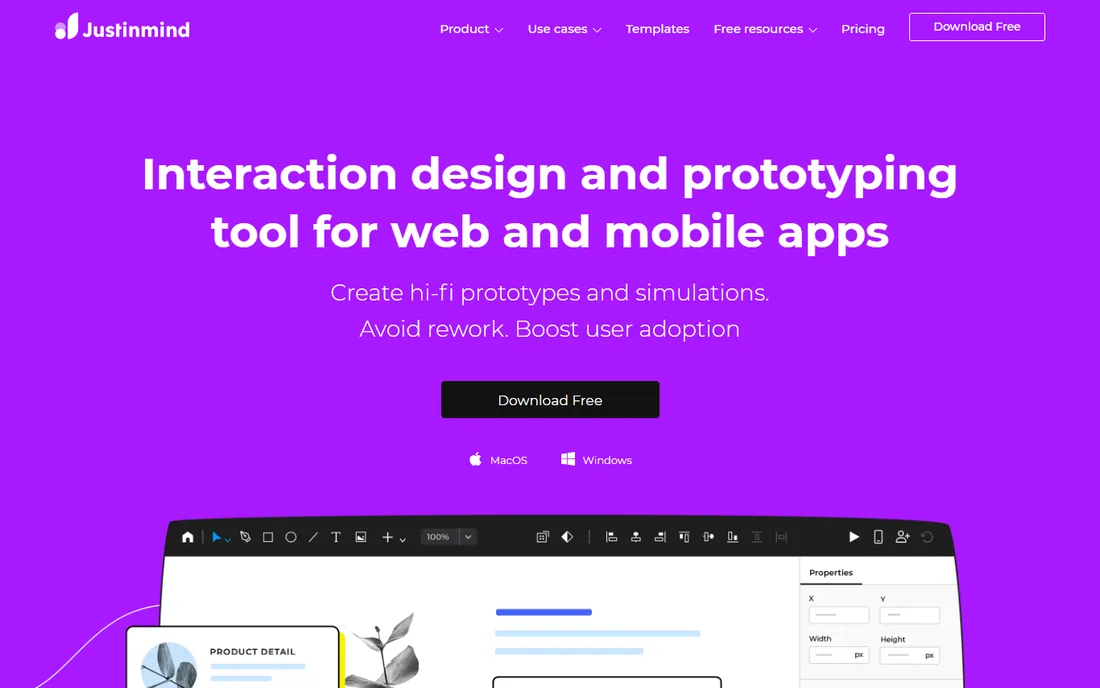
Justinmind sits in the productive middle between quick sketching and Axure-grade logic. You get genuinely interactive prototypes, with transitions, gestures and data-driven elements, from a visual interface that most designers learn in a day or two. The free plan is usable for real evaluation, and the Standard plan at $19 per editor per month (billed annually) is straightforward per-seat pricing.
The honest weakness is ecosystem. You will find fewer ready-made UI kits, fewer forum answers and fewer integrations than with the biggest names. If your team values a lively community and endless templates, look at Figma first. If you want strong interactivity with less learning curve than Axure, Justinmind deserves the trial.
What we like- Rich interactions and animations without writing code
- Presets for web, iOS and Android speed up mobile work
- Free plan covers basic prototyping needs
Watch out for- Smaller community means fewer templates and tutorials
- Desktop app can feel heavy on large projects
- Per-editor pricing adds up for big teams
Starting price$19 per user/month
Free planYes
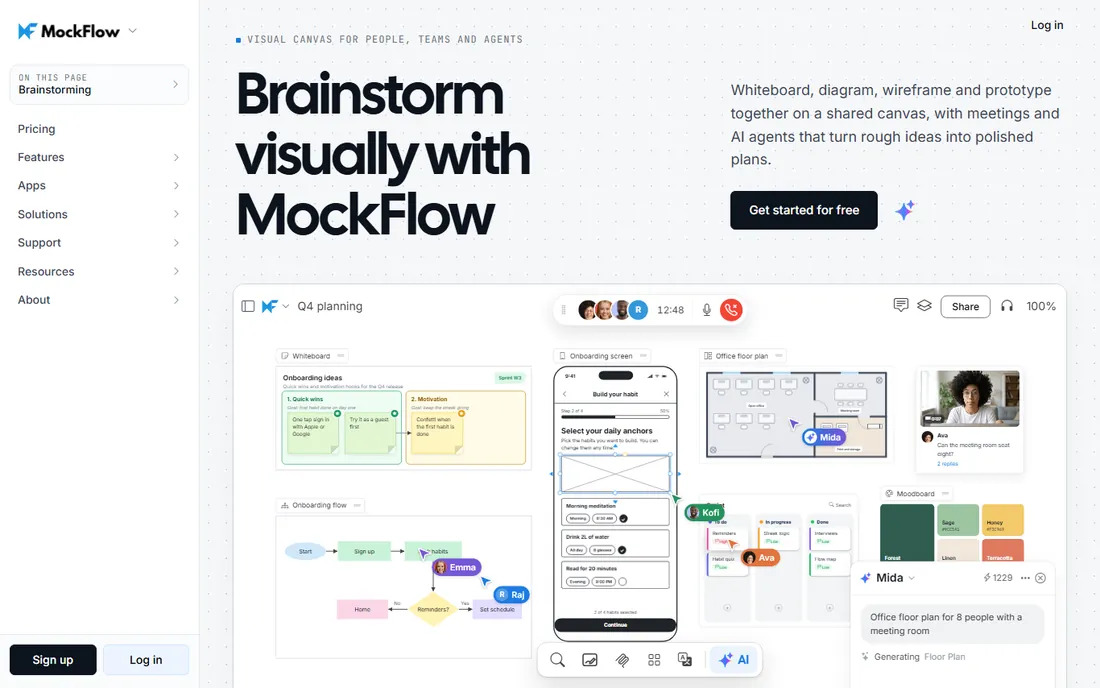
MockFlow is the value pick among browser-based wireframing tools. The free Basic plan covers the essentials, and WireframePro at $19 per user per month adds the full component library, more projects and team features. Beyond wireframes, the same account includes sitemap planning and UI asset management, which suits small teams that want one subscription for early-stage design work.
It will not win beauty contests against Figma or Framer, and teams that collaborate intensely may miss true multiplayer editing. But for freelancers and small studios that need dependable wireframing without a big per-seat bill, MockFlow delivers the core job well.
What we like- Free Basic plan is genuinely usable
- Large built-in library of UI components and templates
- Sitemaps and developer handoff included in the suite
Watch out for- Interface feels less refined than the category leaders
- Real-time collaboration is not its strongest suit
- AI-assisted features are limited on lower plans
#7
Wireframe.cc
Best for: minimalist browser wireframes with zero learning curve
Visit wireframe.cc
Starting priceSee website
Free planYes
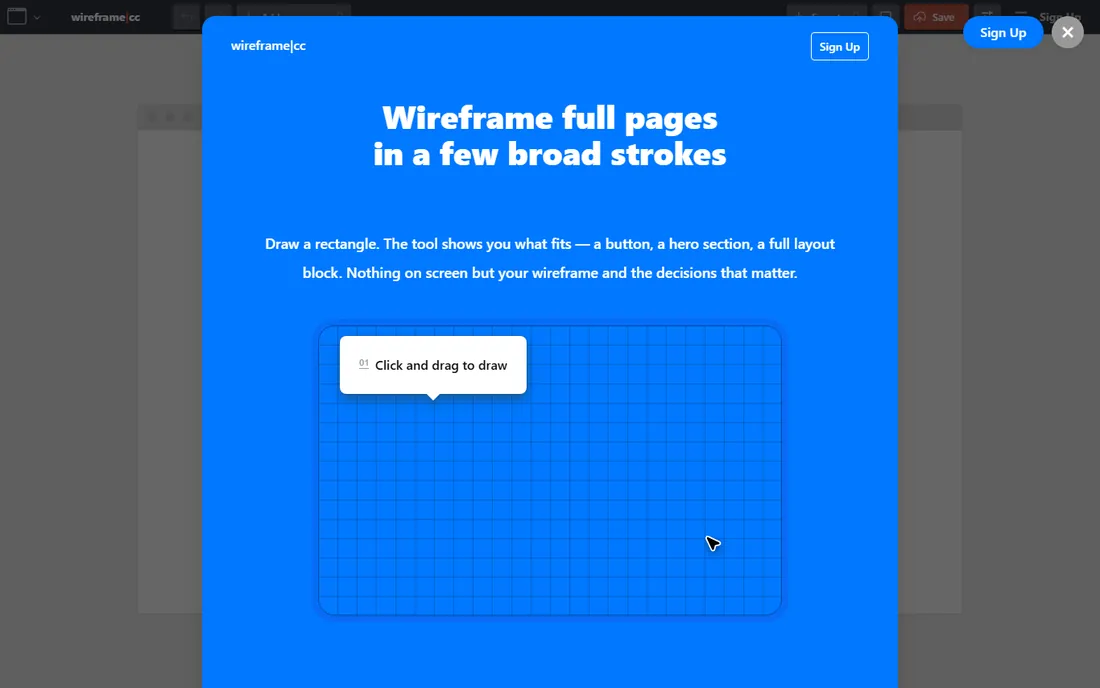
Wireframe.cc is wireframing reduced to its essence: a browser canvas, a handful of tools, and no distractions. There is almost nothing to learn, which makes it ideal for quick concepts, client workshops and anyone who finds full design tools intimidating. The free basic version handles single-page sketches without an account getting in the way.
Simplicity is also the ceiling. You will not build design systems, rich interactions or detailed mobile flows here. Think of it as the digital equivalent of a whiteboard with better rectangles: perfect for the first hour of a project, after which most teams graduate to something deeper.
What we like- Extremely simple, sketch and annotate directly in the browser
- Free basic version with nothing to install
- Limited palette forces focus on layout
Watch out for- Very limited styling and component options
- Not suited to complex applications
- Team features require a premium plan
Starting priceSee website
Free planYes
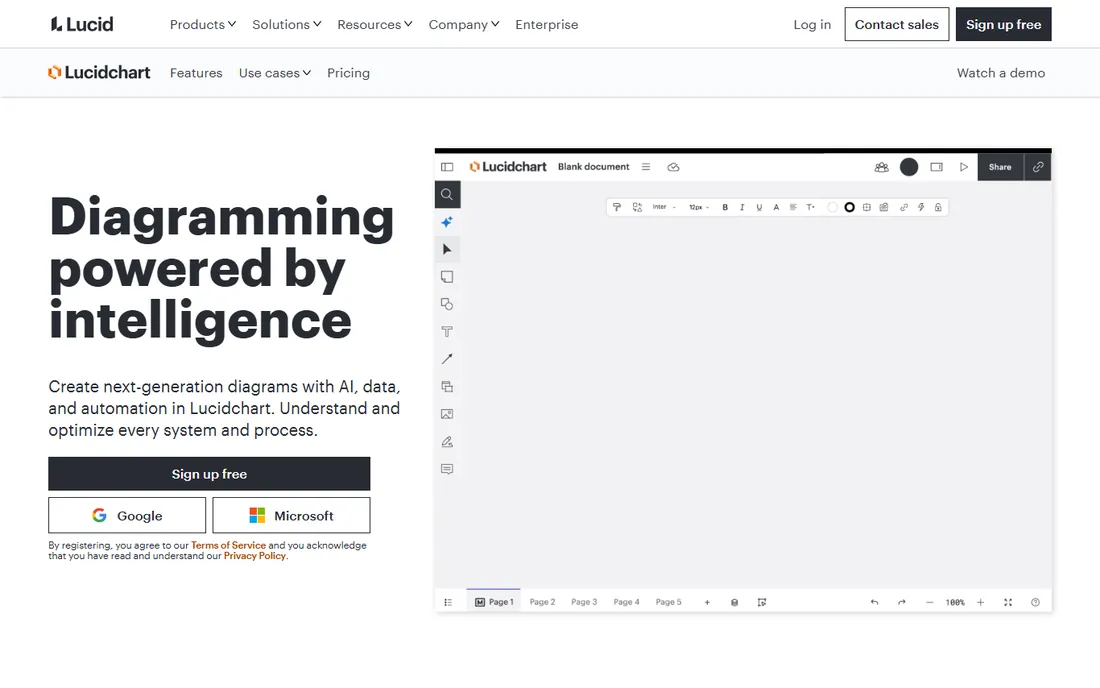
Lucidchart approaches wireframing from the diagram side, and that is exactly why some teams prefer it. When your deliverable is a user flow with screens embedded in it, or a sitemap where each node opens a wireframe, keeping everything in one tool beats juggling files. The free plan lets individuals test the workflow before committing.
It is not the tool for intricate interaction design or pixel-level UI work; dedicated prototyping tools go deeper. But for product managers, analysts and consultants whose wireframes live inside larger diagrams and presentations, Lucidchart's breadth is a genuine advantage.
What we like- Wireframes, user flows, sitemaps and diagrams share one canvas
- Strong template library for stakeholder communication
- Easy sharing with non-design reviewers
Watch out for- Interaction design is limited compared with dedicated UI tools
- Pricing is per user and adds up
- The diagram-first feel shows in detailed screen work
Starting priceSee website
Free planYes
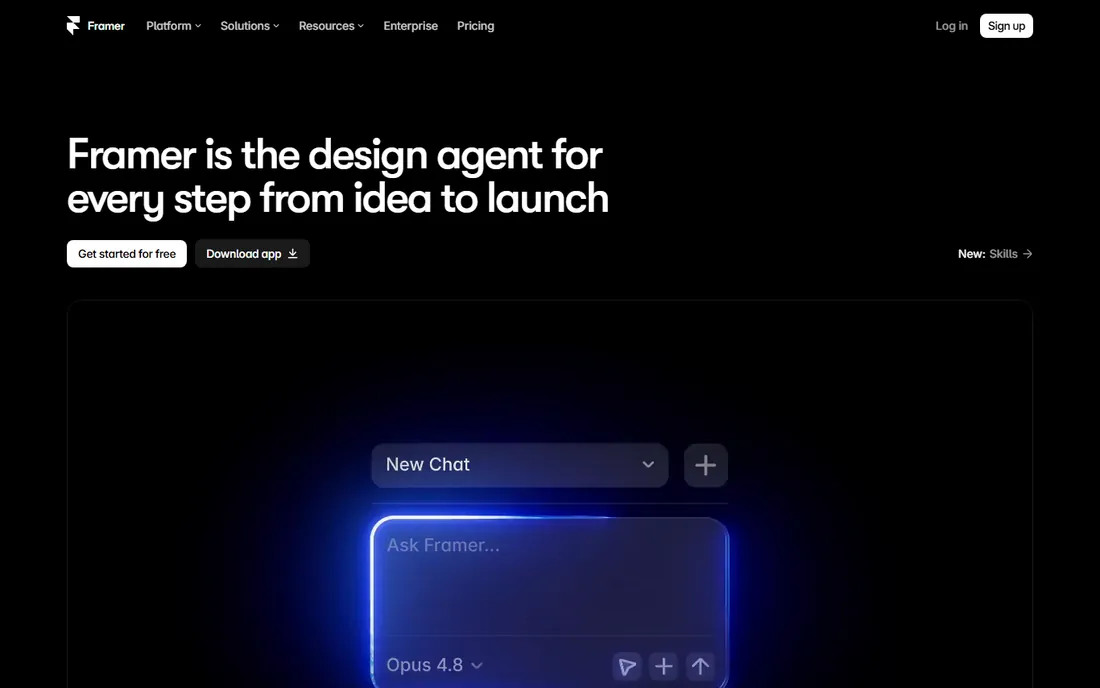
Framer collapses the distance between wireframe and website: the layout you sketch can become the published page. For marketing teams and founders wireframing landing pages, that is a compelling loop. Start with rough blocks, refine in the same canvas, and publish when it is ready. The free plan is generous enough to validate the workflow on a real project.
The catch is scope. If you wireframe mobile apps or internal tools you will never publish as websites, you are carrying a site builder's complexity for no benefit. Framer is the best website wireframe tool for teams whose wireframes are destined for the web, and a questionable fit for everyone else.
What we like- Designs publish directly to live, responsive websites
- Excellent for landing page and marketing site wireframes
- Free plan lets you build and publish at no cost
Watch out for- Site-builder focus can distract from pure wireframing
- Advanced CMS and e-commerce features cost more
- Effects-heavy interface takes time to master
Starting price$0 per user/month
Free planYes
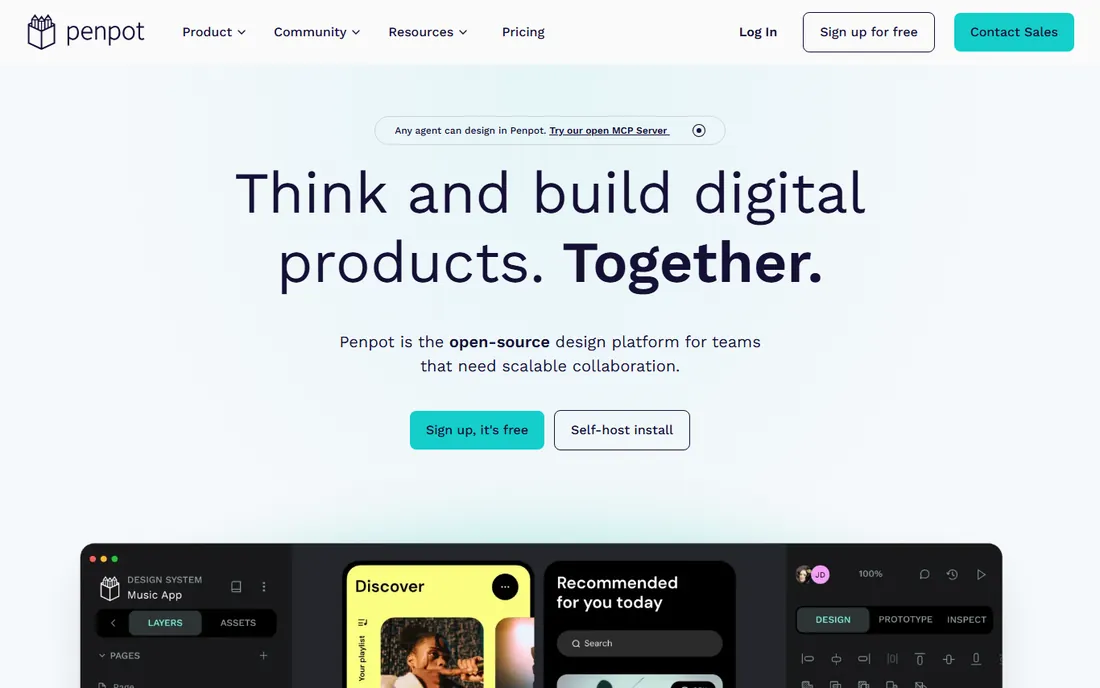
Penpot is the answer for teams that want capable wireframing without a per-seat subscription. The Professional cloud plan costs $0 per user per month and includes the full feature set for teams up to 8 members, with unlimited viewers. Being open source, it also offers something no proprietary rival can: self-hosting and freedom from vendor lock-in. An Unlimited plan at $7 per editor per month adds storage and history for teams that want to support the project.
The trade-off is maturity. The template libraries, plugins and community answers are thinner than Figma's, and you may hit small rough edges. For budget-conscious teams, open-source shops and anyone allergic to seat-based pricing, Penpot is the most capable free wireframing software available today.
What we like- Professional plan is free and fully featured, no missing tools
- Open source with no vendor lock-in and a self-hosting option
- Team-friendly with unlimited viewers
Watch out for- Smaller template and plugin ecosystem than Figma
- Newer product with occasional rough edges
- Advanced collaboration features still maturing
How we chose
We ranked these tools from vendor pricing pages, product documentation and public review sources including G2, Capterra and designer communities on Reddit. We weighted wireframing-specific strengths (speed of sketching, component libraries, annotation and sharing) over general design features, and checked free plans and trial terms rather than trusting marketing claims. We did not claim hands-on testing of every plan; prices reflect what vendors publish on their own pricing pages, and anything we could not verify is marked See website.
Match the tool to the fidelity you need
Low-fidelity sketching, clickable page flows and logic-driven prototypes are three different jobs. Balsamiq and Wireframe.cc win the first, Figma and Justinmind the second, Axure RP the third. Buying more fidelity than your process uses just slows reviews down.
Count the seats, not just the sticker price
A $16 per-seat tool is cheap for three designers and expensive for thirty stakeholders. Check who actually needs an editing seat: Penpot's unlimited viewers and Figma's free viewers can keep reviewers out of the paid tier.
Check handoff and export before you commit
Ask how wireframes leave the tool: developer inspection, spec exports, PNG or PDF for clients. Teams that hand off to engineers should shortlist Figma, Penpot or Axure RP, where inspection is built in rather than bolted on.
Try the free tier on a real task
Every tool here offers a free plan or trial. Run the same small wireframe through two finalists and see which one your team finishes faster. Setup takes minutes for the browser-based options.
Wireframing vs prototyping: where to draw the line
A wireframe shows structure. A prototype shows behavior. Most projects need both, but not always in the same tool. A practical split that works for many teams: sketch structure in something fast like Balsamiq or Wireframe.cc, then rebuild the winners as interactive prototypes in Figma, Justinmind or Axure RP. Teams that hate rebuilding should pick one tool that spans both, which is why Figma and Penpot appeal to startups. The wrong move is buying a prototyping engine for a team that only ever reviews static screens.
Frequently asked questions
What is the best free wireframing software?
Penpot is the strongest fully free option: its Professional plan costs $0 with no missing features. Figma's free Starter plan, Wireframe.cc's free basic version, MockFlow's free Basic plan and Lucidchart's free tier all cover real wireframing work too. The right free pick depends on whether you need collaboration, diagrams or open-source self-hosting.
What is the best wireframing tool for beginners?
Balsamiq and Wireframe.cc are the easiest starting points. Balsamiq's hand-drawn style removes any pressure to make things pretty, while Wireframe.cc runs in the browser with almost nothing to learn. Both keep first-time users focused on layout and content rather than tooling.
Which wireframing tool is best for remote teams?
Figma leads for remote collaboration thanks to real-time multiplayer editing and commenting in the browser. Penpot is the free alternative with solid sharing, and Lucidchart works well when wireframes need to sit inside flowcharts and docs that non-designers already use.
Can I create wireframes without design skills?
Yes. Tools like Balsamiq, MockFlow and Wireframe.cc are built for product managers, founders and marketers: drag-and-drop components, ready templates and no drawing ability required. Start from a template close to your page type and replace the placeholder content.
Do wireframing tools replace prototyping tools?
Sometimes. Figma, Justinmind and Axure RP cover both wireframing and interactive prototyping in one place. Lighter tools like Balsamiq and Wireframe.cc stop at linked static screens, so teams that need conditional logic or realistic user testing pair them with a dedicated prototyping tool.
How much should I pay for wireframing software?
Solo users and small teams can often pay nothing: Penpot, Figma Starter and several free tiers cover professional wireframing. Paid plans in this category generally run from about $9 to $29 per editor per month, with the higher end buying interaction logic, team libraries and advanced collaboration.
Sources we checked (14)
- https://balsamiq.com/
- https://www.figma.com/
- https://www.figma.com/pricing
- https://www.sketch.com/
- https://axure.com/
- https://www.justinmind.com/
- https://www.justinmind.com/pricing
- https://mockflow.com/
- https://mockflow.com/education
- https://wireframe.cc/
- https://lucidchart.com/
- https://www.framer.com/
- https://penpot.app/
- https://penpot.app/pricing
Is your product missing or out of date?
We review this list regularly. Vendors can request a listing, send updated pricing or ask about featured placement.

Shihab Mia · Founder, Rankite
Shihab has spent more than a decade helping SaaS and e-commerce brands grow through search. He writes Rankite's software buying guides from pricing pages, documentation and public user reviews. More about Shihab.