How we make this list: we compare pricing pages, product documentation and public user reviews. Rankite is independent; if a vendor ever pays for a featured spot, that listing is clearly labeled Partner.
Key takeaways
- Fortect is the closest thing to an actual Windows repair tool, replacing damaged system files from a fresh database, at $33.95 per year for one PC.
- System Mechanic ($54.95/year) is the best automated maintenance suite, but it optimizes more than it repairs.
- CCleaner, Glary Utilities and Advanced SystemCare all have genuinely useful free versions; pay only if you want automation.
- Ashampoo WinOptimizer is the only lifetime license on this list, from $19, which suits buyers who hate subscriptions.
- No software fixes failing hardware: if your drive is dying, back up first and replace it.
Quick comparison
| Tool | Best for | Starting price | Free plan |
|---|
 Fortect Fortect | Fixing corrupted Windows system files | $33.95/year (1 PC) | Free scan (repairs need a license) |
 System Mechanic System Mechanic | Automated deep maintenance | $54.95/year | Free trial (30 days) |
 Advanced SystemCare Advanced SystemCare | Budget all-in-one cleanup | $19.99/year (Pro) | Yes |
 CCleaner CCleaner | Simple junk cleaning | $29.95/year (Professional) | Yes |
 Glary Utilities Glary Utilities | A toolbox of 30+ utilities | $39.95/year (Pro, 3 PCs) | Yes |
 Outbyte PC Repair Outbyte PC Repair | Guided repairs for non-technical users | From $14.98 | Free trial (2 days) |
 Ashampoo WinOptimizer Ashampoo WinOptimizer | One-time purchase optimization | From $19 (lifetime) | Free trial (30 days) |
 AVG TuneUp AVG TuneUp | Automatic maintenance from a known brand | $65.99/year (1 device) | Free trial |
 Norton Utilities Ultimate Norton Utilities Ultimate | Multi-PC households | $59.99/year (up to 10 PCs) | Free trial (7 days) |
Is your product missing or out of date?
We review this list regularly. Vendors can request a listing, send updated pricing or ask about featured placement.
The best windows repair software
Starting price$33.95/year (1 PC)
Free planFree scan (repairs need a license)
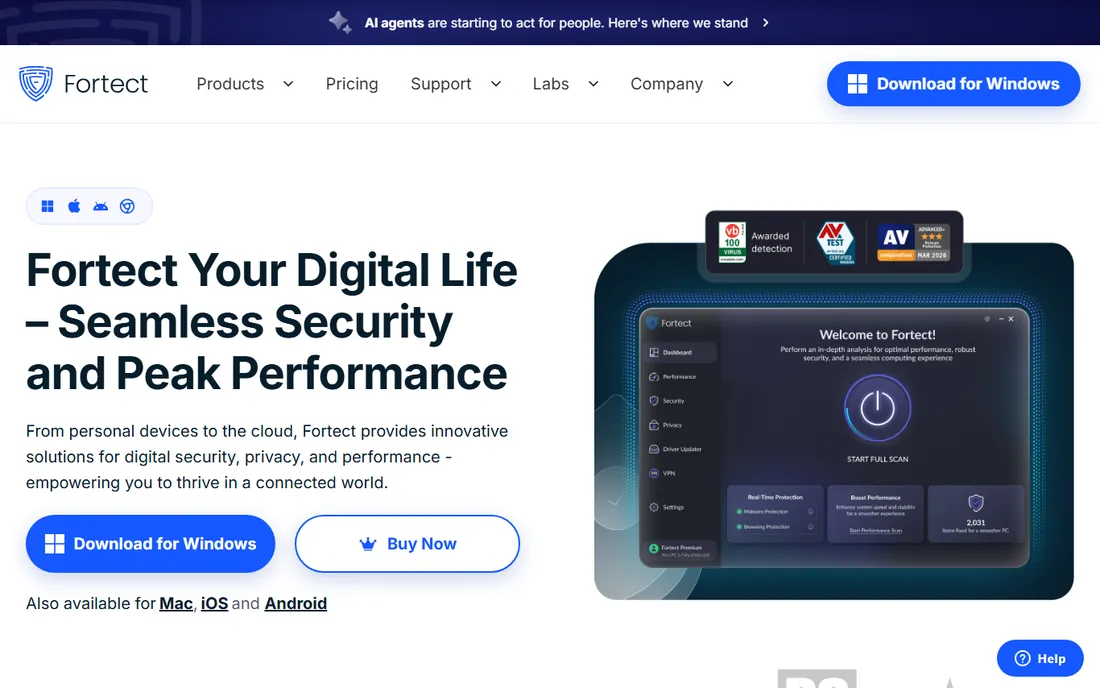
Windows repair software has a trust problem, and Fortect is one of the few products that does what the category promises. When Windows files are corrupted or missing, whether by malware, bad updates or disk errors, Fortect compares your system against a database of fresh Windows files and replaces the damaged ones. That is genuine repair, not just deleting temporary files and calling it optimization. The scan is free and takes about five minutes; automated repair needs the paid license.
The pricing is $33.95 per year for one PC, $41.95 for three PCs or $58.95 for five, and the license now bundles antivirus, a driver updater and junk cleanup. A 60-day money-back guarantee covers first purchases. Be aware the license auto-renews yearly, so calendar the renewal if you only wanted one cleanup. For a PC throwing errors and crashes rather than just running slowly, Fortect is the first tool to try.
What we like- Replaces damaged system files
- Includes antivirus and driver updater
- 60-day refund
Watch out for- Yearly subscription
- Repairs require the paid license
Starting price$54.95/year
Free planFree trial (30 days)
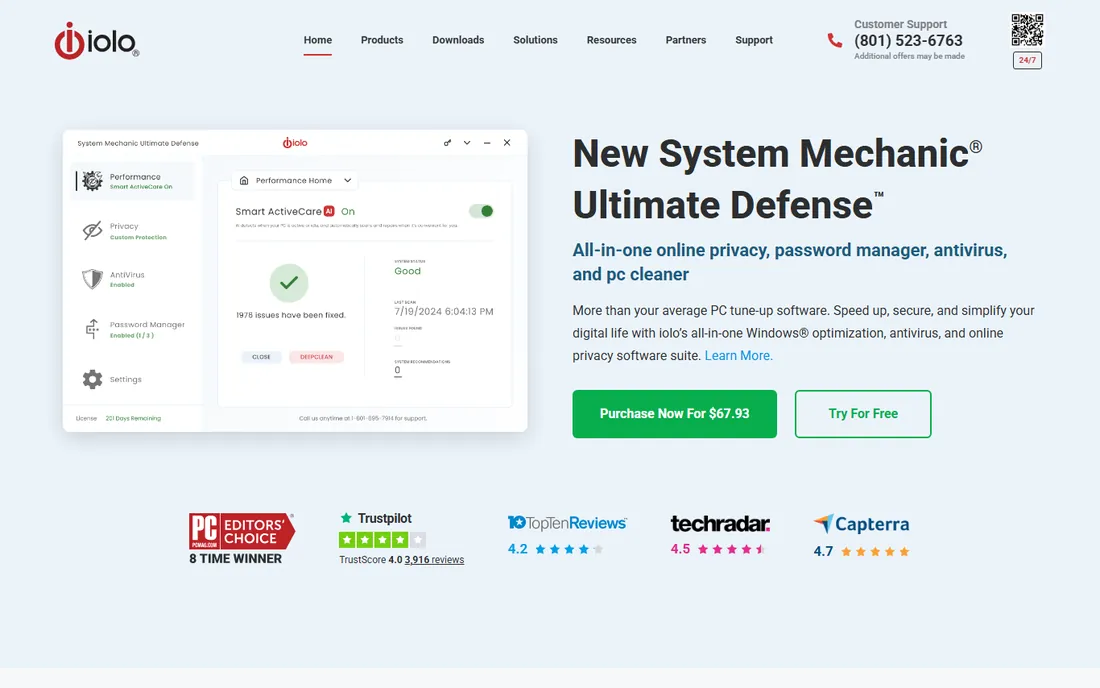
System Mechanic has been tuning Windows PCs since the late nineties, and its strength is automation: junk cleanup, registry repair, startup management, drive defragmentation and internet optimization run on a schedule without you thinking about it. The base plan renews around $54.95 per year and covers up to 10 PCs in a household, which makes it economical for families or small offices with several machines. Higher tiers add real-time antivirus and privacy tools.
The honest framing is that this is maintenance software, not repair software. It will not replace corrupted system files the way Fortect does. What it does well is keep a healthy PC healthy and claw back performance on a neglected one. A 30-day free trial lets you measure the difference on your own machine. Watch the renewal price versus the introductory price at checkout.
What we like- Strong automation
- Covers up to 10 PCs
- Long track record
Watch out for- Optimizes more than it repairs
- Renewal pricing is higher
Starting price$19.99/year (Pro)
Free planYes

Advanced SystemCare is the budget play: the free version handles basic junk cleaning, startup management and privacy sweeps, and Pro is $19.99 per year, the cheapest paid tier on this list. The one-click Care button runs the standard maintenance set, and the toolbox bundles utilities like driver updating, file shredding and disk repair. For a single home PC that just needs regular tidying, the free version is often enough.
IObit's marketing deserves skepticism; claims about percentage performance gains are the industry's standard puffery. The app also promotes other IObit products persistently, which some users find annoying. Treat the numbers as marketing and judge by whether your PC feels faster after a cleanup. At this price, though, it is hard to argue with the value if you want the Pro automation.
What we like- Cheapest paid plan here
- Capable free version
- One-click care
Watch out for- Aggressive upselling inside the app
- Some claims are overstated
Starting price$29.95/year (Professional)
Free planYes
CCleaner is the name most people know in this category, and the free version remains a competent junk cleaner: temporary files, browser data, broken registry entries and startup management, all in a straightforward interface. Professional at $29.95 per year for one PC adds scheduled cleaning, automatic updates and priority support. It is a fair price, though the free version does most of the useful work.
The caveat is history. CCleaner suffered a supply-chain malware incident in 2017 and later bundled data collection that upset users; the current versions are clean, but the episode is worth knowing. For simple, manual cleanup the free version is fine. If you want set-and-forget automation, compare it against Glary Utilities and System Mechanic before paying.
What we like- Famous and simple
- Good free version
- Scheduled cleaning in Pro
Watch out for- Past privacy controversies
- Pro adds little for casual users
Starting price$39.95/year (Pro, 3 PCs)
Free planYes
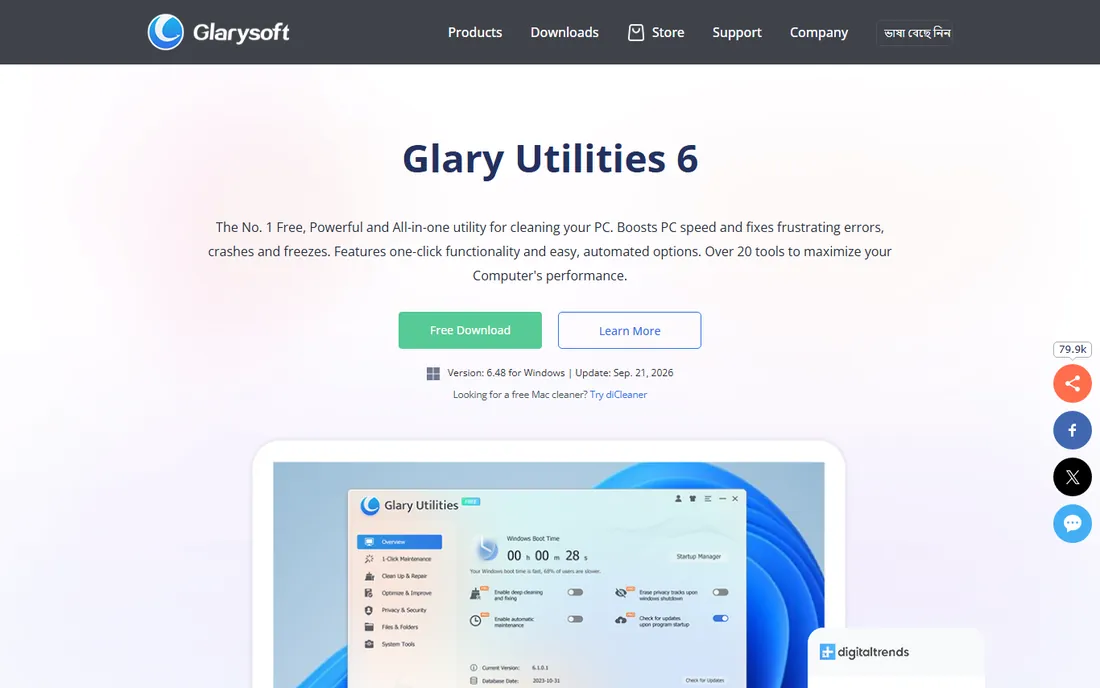
Glary Utilities takes the Swiss-army-knife approach: more than 30 tools for disk cleaning, registry repair, startup management, file encryption, duplicate finding, uninstalling and more. The free version includes nearly the whole set for non-commercial use, which makes it one of the best free options here. Pro at $39.95 per year for three PCs adds scheduled auto-care, deep cleaning and automatic updates.
The interface looks its age, but everything works, and the breadth means one install replaces several single-purpose tools. Like CCleaner, the honest assessment is that the free version does the real work and Pro sells convenience. For a household with a few PCs to maintain, the three-PC Pro license is reasonable value.
What we like- Huge toolset
- Generous free version
- Pro covers 3 PCs
Watch out for- Dated interface
- Pro's extras are mostly automation
#6
Outbyte PC Repair
Best for: Guided repairs for non-technical users
Visit outbyte.com
Starting priceFrom $14.98
Free planFree trial (2 days)
Outbyte PC Repair scans for system issues, junk, privacy traces and unstable settings, then explains each finding in plain language before applying fixes. For non-technical users, that guided approach is less intimidating than a toolbox of thirty utilities. The trial offers unlimited scans with category-based repair access for at least two days, and full registration starts from $14.98.
The brand carries baggage: Outbyte's marketing has historically leaned on alarming scan results to drive purchases, a pattern common in this category. Go in with measured expectations, read the renewal terms carefully, and cancel the auto-renewal if you only wanted a one-time cleanup. Used skeptically, it is a workable guided repair tool at a low entry price.
What we like- Plain-English issue reports
- Guided fixes
- Low entry price
Watch out for- Aggressive marketing reputation
- Subscription renewals need watching
Starting priceFrom $19 (lifetime)
Free planFree trial (30 days)
WinOptimizer is the anti-subscription option: Ashampoo sells it as a lifetime license from $19, and you own that version outright. The 1-click optimizer handles junk, registry and privacy cleanup, while the module list covers drive analysis, startup tuning, file wiping and system benchmarking. A 30-day free trial is generous, and the interface is cleaner than most German-engineered utilities manage.
Lifetime means the version, not the future: new annual versions are separate purchases, though upgrade discounts are typical. Ashampoo also promotes its other products inside the app. For buyers who refuse subscriptions on principle, this is the only tool on the list that respects that, and the price is low enough to be a low-risk experiment.
What we like- Lifetime license available
- 1-click optimization
- 30-day trial
Watch out for- Paid upgrades for new versions
- Upsells other Ashampoo products
#8
AVG TuneUp
Best for: Automatic maintenance from a known brand
Visit avg.com
Starting price$65.99/year (1 device)
Free planFree trial
AVG TuneUp brings the maintenance toolkit under a brand most users already trust from antivirus. Its standout is Sleep Mode, which hibernates background programs to free CPU and RAM, plus the standard junk cleaning, registry repair and automatic maintenance scheduling. Pricing is $65.99 per year for one device or $79.99 for ten devices across Windows, Mac and mobile, which makes the multi-device plan the sensible buy.
It is the most expensive per-device option on this list, and the single-device plan covers Windows only. A free trial lets you test it. AVG also bundles TuneUp into its Ultimate suite, so check whether you already have it before buying standalone. For brand-conscious buyers who want maintenance on autopilot, it does the job.
What we like- Trusted brand
- Automatic maintenance
- Sleep Mode for background apps
Watch out for- Priciest per-device option
- 1-device plan is Windows only
Starting price$59.99/year (up to 10 PCs)
Free planFree trial (7 days)
Norton Utilities Ultimate covers up to 10 PCs for $59.99 per year, which is $6 per computer: the best per-device math on this list for multi-PC households. The dashboard automates junk removal, disk and registry repair and startup optimization, and setup is genuinely simple. It is a maintenance and cleanup suite rather than a deep repair tool, positioned for households rather than technicians.
Two things to know. First, the renewal price is higher than the first-year price, a standard Norton practice, so note the renewal figure at purchase. Second, there is no driver updater; Norton sells that separately. The 7-day trial requires a credit card upfront, so set a reminder if you are only evaluating. For a family with several Windows PCs, the 10-device license is compelling value.
What we like- 10-PC license
- Strong automation
- Trusted brand
Watch out for- Renewal jumps after year one
- No driver updater included
Red flags to watch for
This category has more bad actors than most, so buy carefully. Never download a "Windows repair" tool from a pop-up ad or a search ad promising your PC is infected; legitimate vendors sell from their own sites. Be wary of free scans that report hundreds of critical errors on a healthy machine; that is a sales tactic, not a diagnosis. Check the renewal price before you buy, because introductory pricing that triples at renewal is standard practice here.
Also verify what the tool actually does. "Repair" should mean fixing broken things: corrupted files, bad registry entries, failed updates. Many products labeled as repair tools only delete temporary files, which is cleanup, not repair. If your PC has blue screens, boot failures or missing system files, you need actual repair capability, like Fortect's file replacement, or a technician. No software fixes a failing hard drive or bad RAM; back up your data first when hardware is suspect.
How we chose
We compared Windows repair and optimization tools by reading vendor pricing pages, documentation and public reviews on Trustpilot, Reddit and tech publications. We distinguished genuine repair capability from routine cleanup, verified current pricing including renewal terms where published, and noted free versions and trials honestly. We favored tools that exist today and fit home and small-office use, and we flagged the category's common traps rather than repeating vendor claims.
These tools can fix corrupted system files, clean accumulated junk, repair registry errors, manage startup programs, update drivers and remove privacy traces. They can often resolve sluggishness, minor crashes and error messages on an otherwise healthy machine. Scheduled maintenance genuinely prevents the gradual slowdown that affects every Windows PC over time.
They cannot fix failing hardware. A dying hard drive, bad RAM or an overheating CPU needs parts, not software; run the manufacturer's diagnostics and back up immediately if you suspect hardware. They cannot undo ransomware encryption or remove deeply rooted malware as reliably as a clean Windows reinstall. And they cannot make a ten-year-old PC fast; at some point the honest advice is new hardware. Use these tools for what they are: maintenance and minor repair, not miracles.
Frequently asked questions
Is Windows repair software safe to use?
Reputable tools from established vendors are safe, but the category includes scareware that invents problems to sell fixes. Stick to known vendors, download only from the official site, and create a system restore point before running any repair. Windows' built-in SFC and DISM commands are also safe and free for file repair.
Can free versions actually fix problems?
Partly. CCleaner, Glary Utilities and Advanced SystemCare have genuinely useful free versions for cleanup and minor repairs. Fortect's free scan diagnoses but does not repair. As a rule, free versions clean well but reserve automated or deep repair for paid licenses. For a one-time cleanup, a free version plus Windows' built-in tools often suffices.
Do I need to renew every year?
Most of these are annual subscriptions that stop working fully when they lapse, though some revert to a free version. Ashampoo WinOptimizer's lifetime license is the exception. If you only need one cleanup, buy, use it, then cancel the auto-renewal immediately; you keep the paid features until the term ends.
Will these tools speed up my PC?
They can recover performance lost to junk accumulation, startup bloat and minor system issues, which is the most common cause of a slow-feeling PC. They cannot overcome old hardware, insufficient RAM or a nearly full drive. If cleanup does not help, check those three before spending more on software.
What is the difference between repair and optimization software?
Repair fixes things that are broken: corrupted system files, registry errors, failed updates. Optimization improves things that work: removing junk, managing startup programs, defragmenting drives. Fortect leans toward repair; System Mechanic, AVG TuneUp and Norton lean toward optimization. Most products do a bit of both, so match the tool to your actual problem.
Sources we checked (8)
- https://www.fortect.com/how-to-guides/fortect-vs-ccleaner/
- https://www.techradar.com/reviews/iolo-system-mechanic
- https://www.sagetweaks.com/blog/sagetweaks-vs-iobit-advanced-systemcare
- https://www.techradar.com/reviews/glary-utilities
- https://www.dealarious.com/blog/avg-tuneup-review/
- https://www.techradar.com/reviews/norton-utilities
- https://www.ashampoo.com/en-nz/winoptimizer-27/media
- https://outbyte.com/wiki/en/errors/dll/ntdll%20error/
Is your product missing or out of date?
We review this list regularly. Vendors can request a listing, send updated pricing or ask about featured placement.

Shihab Mia · Founder, Rankite
Shihab has spent more than a decade helping SaaS and e-commerce brands grow through search. He writes Rankite's software buying guides from pricing pages, documentation and public user reviews. More about Shihab.