How we make this list: we compare pricing pages, product documentation and public user reviews. Rankite is independent; if a vendor ever pays for a featured spot, that listing is clearly labeled Partner.
Key takeaways
- Small fleets, zero budget: Action1 patches the first 200 endpoints free with full features; ManageEngine Patch Manager Plus starts at $245/year for 50 endpoints.
- Cloud-native without servers: Automox ($1/endpoint/month for OS patching) and Action1 need no on-prem infrastructure or VPN.
- Windows-only shops with big fleets: PDQ at $1,950/admin/year covers unlimited endpoints, so cost per device approaches zero.
- Already on Microsoft 365 E3/E5? Intune handles Windows updates at no incremental license cost, but you will still need a third-party catalog tool.
Quick comparison
| Tool | Best for | Starting price | Free plan |
|---|
 Action1 Action1 | SMBs and IT teams managing up to 200 endpoints | Free for the first 200 endpoints (full features); paid tiers quote-based | Yes (first 200 endpoints free, no time limit) |
 Automox Automox | Distributed teams wanting cloud patching without on-prem servers | $1/endpoint/month (Patch OS, with annual commitment) | Free trial (15 days) |
 ManageEngine Patch Manager Plus ManageEngine Patch Manager Plus | Cost-conscious IT teams wanting maximum catalog breadth per dollar | $245/year (Professional, 50 endpoints); $345/year (Enterprise, 50 endpoints) | Yes (free edition plus free trial) |
 PDQ Deploy & Inventory PDQ Deploy & Inventory | Windows-centric IT teams managing hundreds or thousands of endpoints | $1,950/admin/year (Deploy + Inventory, unlimited endpoints) | Free version (limited features) |
 NinjaOne NinjaOne | IT teams and MSPs wanting patching inside a complete endpoint platform | See website (quote-based) | Free trial (14 days) |
 Ivanti Ivanti | Large enterprises needing risk-based patching across complex estates | See website (quote-based) | No |
 Microsoft Intune Microsoft Intune | Windows estates already licensed on Microsoft 365 E3/E5 | See website (bundled with Microsoft 365 E3/E5; standalone plans available) | No (trial via Microsoft 365 trials) |
 SolarWinds Patch Manager SolarWinds Patch Manager | Enterprises invested in SCCM/MECM needing third-party patching | See website | Free trial |
 Atera Atera | MSPs and internal IT teams wanting RMM, ticketing and patching on one bill | $129/tech/month (Pro, billed annually) | Free trial (30 days) |
 Heimdal Heimdal | Mid-market companies wanting patching inside a unified security platform | See website (quote-based) | No (demos and trials on request) |
Is your product missing or out of date?
We review this list regularly. Vendors can request a listing, send updated pricing or ask about featured placement.
The best Windows patch management software
It is patch Tuesday. Again. Somewhere a critical CVE just dropped, your fleet is scattered across offices and home networks, and the spreadsheet of who patched what is already out of date. Windows patch management software exists so this stops being a monthly fire drill: automated OS and third-party patching, compliance reporting and vulnerability prioritization from one console. The ten tools below cover free, cloud-native, on-prem and full-RMM approaches.
Starting priceFree for the first 200 endpoints (full features); paid tiers quote-based
Free planYes (first 200 endpoints free, no time limit)
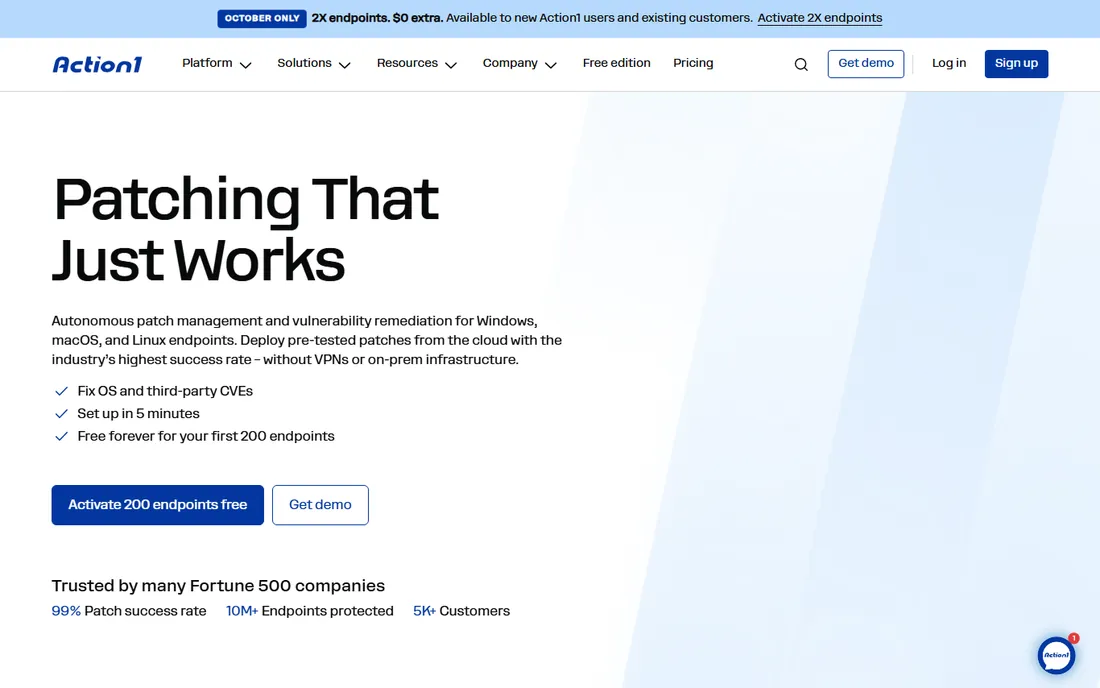
Action1's free tier is the real deal: full-featured autonomous patching for the first 200 endpoints with no functional limits and no time limit. Cloud-native architecture means no servers, no VPN, just an agent and a web console configurable in minutes. Third-party app coverage spans 200-plus applications with peer-to-peer distribution to save bandwidth.
The honest catch is the cliff at 201 endpoints. Paid pricing is quote-only, so get numbers before you grow into them. There is no mobile device management, and air-gapped environments are not supported. For a small IT team that wants real patching for free, nothing else on this list comes close.
What we like- Generous free tier covers small fleets completely at zero cost
- Cloud-native with no VPN or on-prem infrastructure needed
- Autonomous OS plus 200-plus third-party app patching with P2P distribution
Watch out for- Paid pricing beyond 200 endpoints is quote-only with a mandatory support fee
- No mobile device management, not a full RMM replacement
#2
Automox
Best for: Distributed teams wanting cloud patching without on-prem servers
Visit automox.com
Starting price$1/endpoint/month (Patch OS, with annual commitment)
Free planFree trial (15 days)
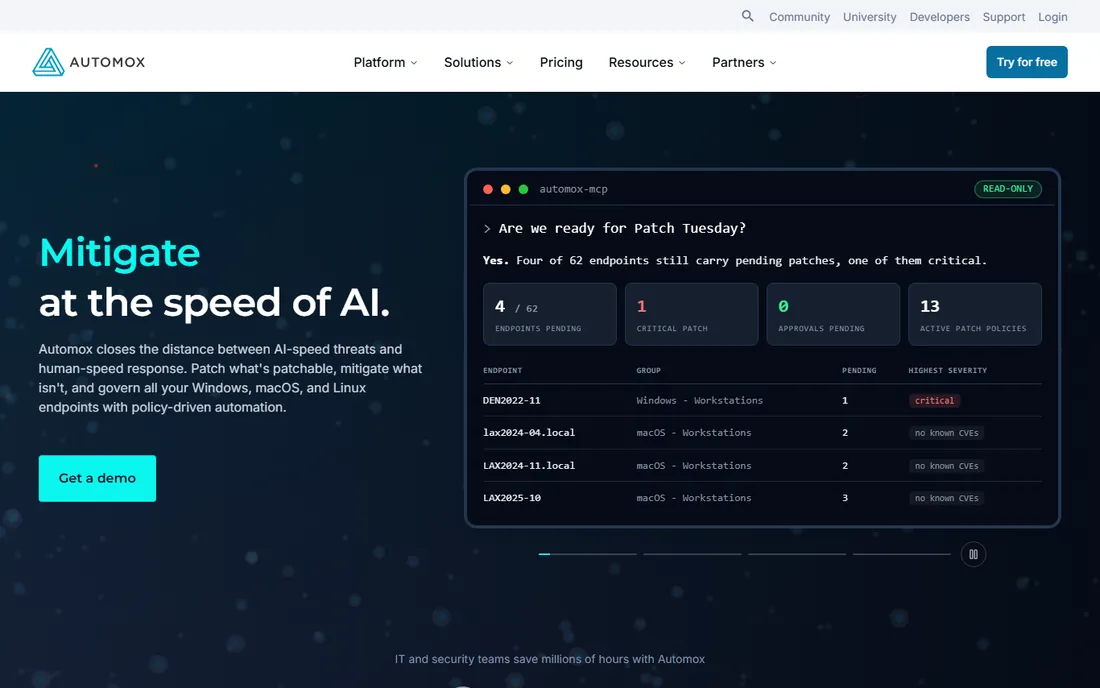
Automox is the simplicity pick. Lightweight agents, policy-based automation and cross-OS coverage (Windows, macOS, Linux) from a single web console, with setup measured in hours. The $1-per-endpoint Patch OS tier is the cheapest entry point in the category.
The catch is tiering. That dollar covers OS patching only; third-party patching and real automation live on the higher custom-priced tiers, and real-world Automate pricing runs higher per quotes. Contracts are annual with minimums typically 50 to 100 endpoints. If your estate is mostly Windows and mostly on-network, cheaper point tools exist. If it is distributed and mixed-OS, Automox earns the premium.
What we like- True cloud-native patching for Windows, macOS and Linux from one console
- Very low entry price for OS-only patching
- Worklets provide scriptable automation beyond patching
Watch out for- Third-party patching and advanced automation need the higher custom-priced tiers
- Reporting is limited compared with enterprise suites
#3
ManageEngine Patch Manager Plus
Best for: Cost-conscious IT teams wanting maximum catalog breadth per dollar
Visit manageengine.com
Starting price$245/year (Professional, 50 endpoints); $345/year (Enterprise, 50 endpoints)
Free planYes (free edition plus free trial)
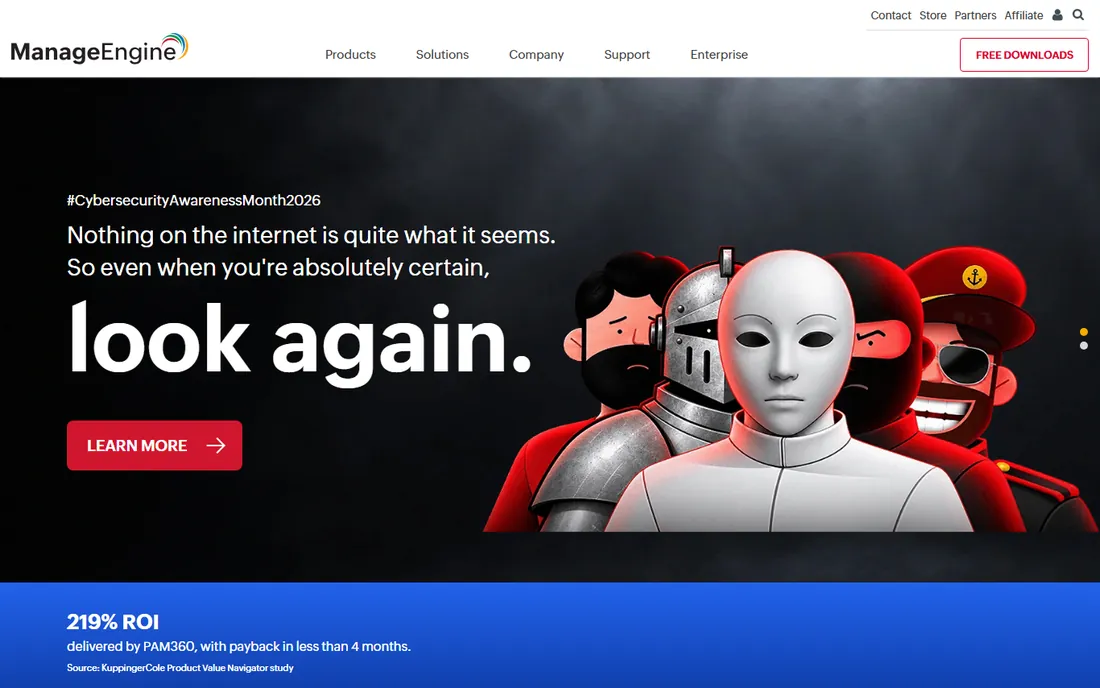
ManageEngine wins the catalog-per-dollar contest. The third-party application catalog rivals tools costing multiples more, and the choice of on-premise or cloud deployment suits conservative IT shops. A free edition covers small deployments for evaluation.
The honest catch is the product ladder. As needs grow, ManageEngine steers you toward the broader (pricier) Endpoint Central suite, and the console UX feels dated next to cloud-native rivals. Test the console in the trial before committing; the catalog is excellent, but your team has to live in the interface daily.
What we like- Broadest third-party catalog value at the price (1,100-plus applications)
- On-premise or cloud deployment choice
- Endpoint-pack pricing is cheap at small scale
Watch out for- Console UX feels dated next to cloud-native rivals
- Advanced features and larger estates push you toward the Endpoint Central upsell
#4
PDQ Deploy & Inventory
Best for: Windows-centric IT teams managing hundreds or thousands of endpoints
Visit pdq.com
Starting price$1,950/admin/year (Deploy + Inventory, unlimited endpoints)
Free planFree version (limited features)
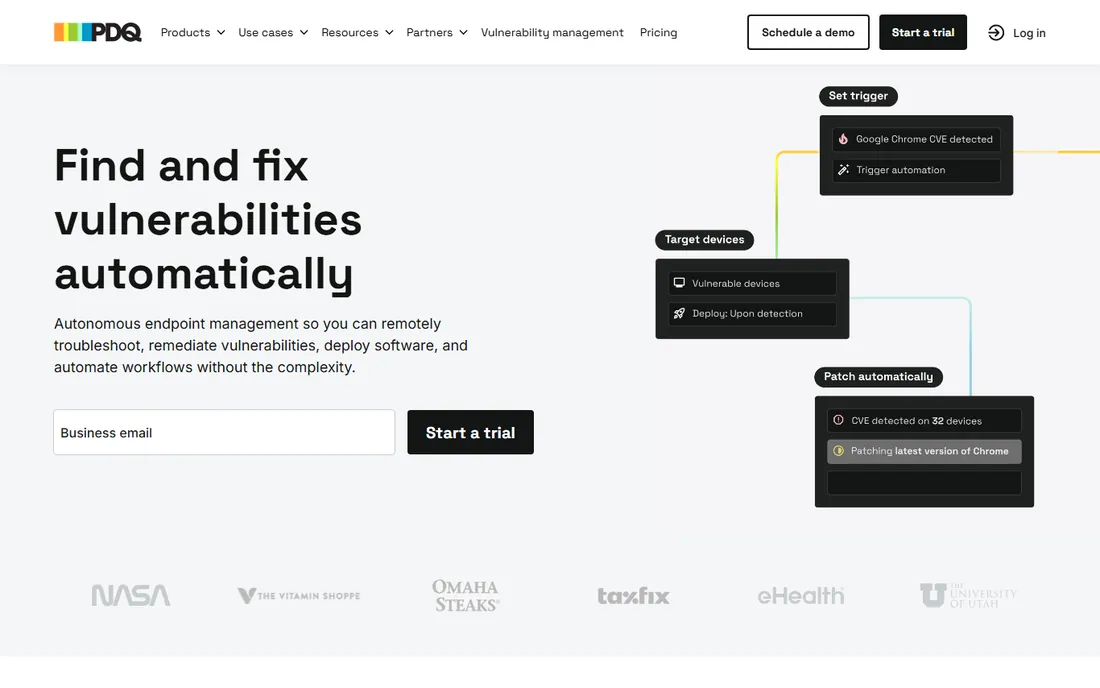
PDQ's licensing math is unbeatable at scale. One admin license covers unlimited endpoints, so the cost per device approaches zero for large fleets with small teams. The prebuilt Package Library makes common deployments one-click, and it works in air-gapped networks where cloud tools cannot go.
The catch is platform scope. It is Windows and on-network by design; remote workforces need PDQ Connect, the separate cloud product, and there is no macOS or Linux management. Setup is an on-prem server install with annual per-admin billing. If your fleet is Windows, on-network and large, the economics are absurd in your favor. If it is remote and mixed-OS, look at Automox or Action1.
What we like- Per-admin licensing with unlimited endpoints is extremely economical at scale
- Prebuilt Package Library makes common deployments one-click
- Works in air-gapped networks
Watch out for- Windows-only, no macOS or Linux management
- Needs network reachability, so remote devices require VPN or PDQ Connect
#5
NinjaOne
Best for: IT teams and MSPs wanting patching inside a complete endpoint platform
Visit ninjaone.com
Starting priceSee website (quote-based)
Free planFree trial (14 days)
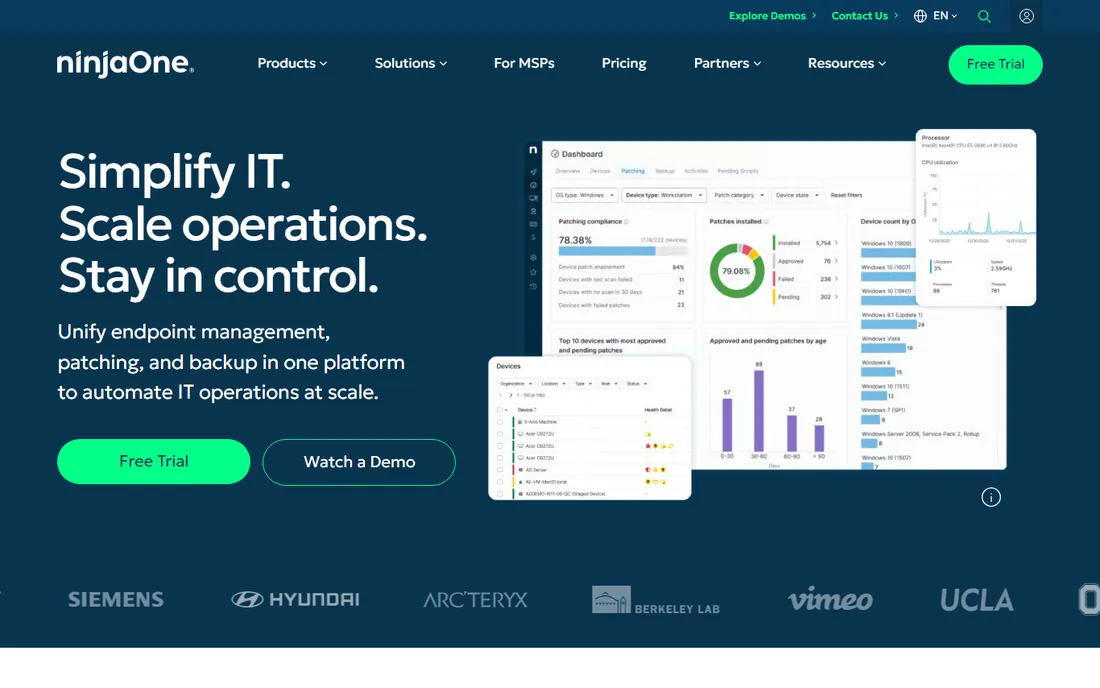
NinjaOne is the consolidation pick. Patch management, remote control, monitoring, backup and automation live in one fast cloud console, which beats stitching point tools together. It scales from MSPs to large internal IT departments.
The honest catch is that you are buying an RMM, not just patching. If you only need patching, cheaper point tools win on price. Published examples suggest roughly $1.50 to $3.75 per device per month depending on volume, but final pricing is quote-based, so get a formal quote. Per-device costs add up fast for large estates; do the multiplication before the demo charms you.
What we like- Full RMM suite with patching plus remote access, monitoring, backup and ticketing
- Fast, modern cloud console with strong automation
- Scales from MSPs to large IT departments
Watch out for- Final pricing is quote-based and varies by region and bundle
- Per-device costs add up fast for large estates
#6
Ivanti
Best for: Large enterprises needing risk-based patching across complex estates
Visit ivanti.com
Starting priceSee website (quote-based)
Free planNo
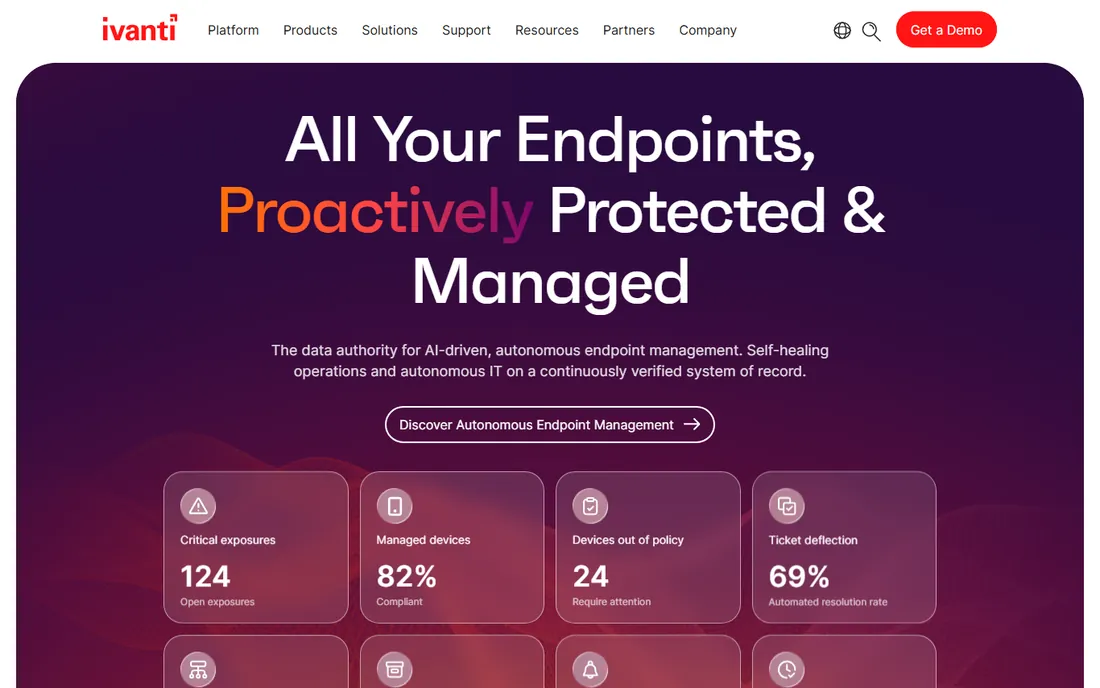
Ivanti is the heavyweight. The catalog plus vulnerability prioritization means you patch what attackers actually exploit first, not just what is oldest. At very large enterprise scale, with SCCM/MECM integration and ServiceNow tie-ins, it is proven in a way the younger cloud tools are not.
The catch is total ownership cost. Licenses, services and admin overhead make it the most expensive option here, with multi-year enterprise agreements and services-led implementations measured in months. SMBs should not shortlist it. This is a tool for security-mature enterprises with dedicated staff, full stop.
What we like- Deepest third-party application catalog for risk-based enterprise patching
- Vulnerability prioritization tied to patching workflows
- Proven at very large enterprise scale
Watch out for- Quote-only enterprise pricing with long sales cycles
- Complex to deploy and administer, needs dedicated staff
#7
Microsoft Intune
Best for: Windows estates already licensed on Microsoft 365 E3/E5
Visit microsoft.com
Starting priceSee website (bundled with Microsoft 365 E3/E5; standalone plans available)
Free planNo (trial via Microsoft 365 trials)
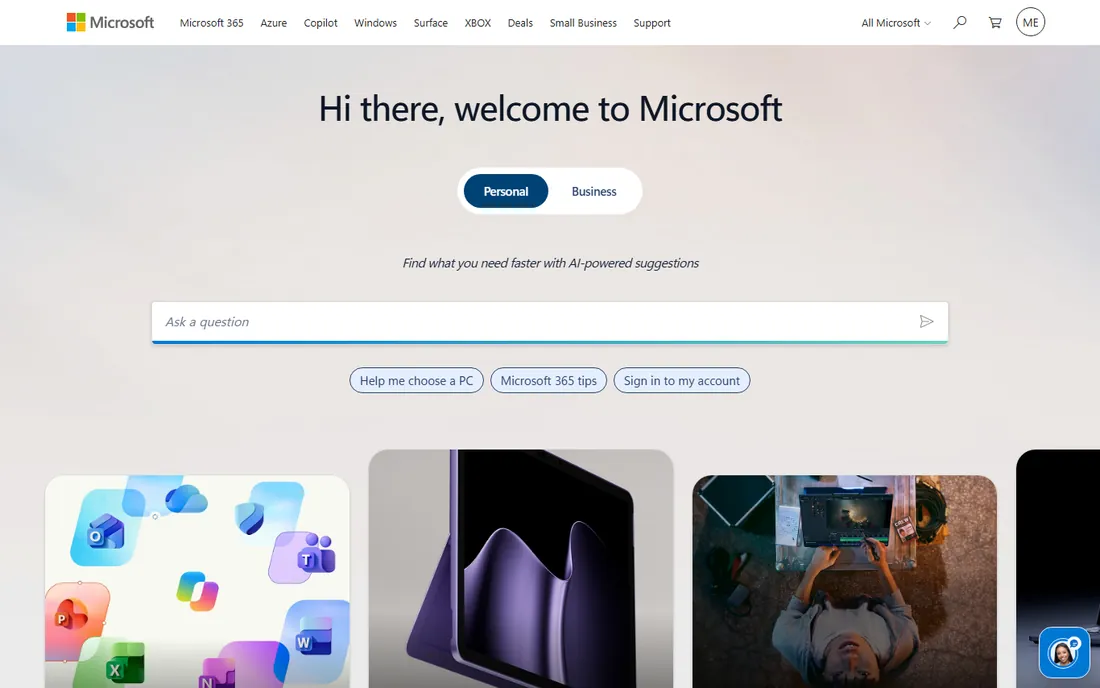
Intune's argument is the bundle. If you already pay for Microsoft 365 E3 or E5, Windows update rings, Autopatch and compliance policies cost nothing incremental, integrated with Entra ID and Defender. For a Windows estate, the OS patching story is complete.
The honest catch is the third-party gap. Browsers, PDF readers, runtimes and line-of-business apps need a separate catalog or tool; most Intune shops pair it with something like Action1 or ManageEngine for third-party coverage. Evaluate what your third-party patching story is before calling it complete. Standalone Intune plans exist for shops without E3/E5.
What we like- Effectively free for organizations already licensed on Microsoft 365 E3/E5
- Native Windows update rings and Autopatch integration
- Deep Entra ID and Defender ecosystem integration
Watch out for- Weak third-party application patching, most orgs pair it with a catalog tool
- MacOS and Linux support is thinner than cross-platform rivals
#8
SolarWinds Patch Manager
Best for: Enterprises invested in SCCM/MECM needing third-party patching
Visit solarwinds.com
Starting priceSee website
Free planFree trial
SolarWinds Patch Manager is a plug-in, not a platform. It bolts a large third-party patch catalog and compliance reporting onto your existing SCCM/MECM infrastructure, which is exactly what SCCM shops need and exactly what nobody else needs.
The catch is dependency. Without SCCM/MECM it is not a standalone answer, and pricing is quote-driven in practice. Cloud-first shops should look at Automox or Action1 instead. But if your organization has years invested in Microsoft endpoint infrastructure, this is the cheapest path to third-party coverage without ripping anything out.
What we like- Extends SCCM/MECM with a large third-party patch catalog
- Strong reporting for compliance-driven shops
- Fits teams already standardized on SolarWinds tooling
Watch out for- It extends SCCM rather than replacing it
- Pricing and packaging are quote-driven in practice
#9
Atera
Best for: MSPs and internal IT teams wanting RMM, ticketing and patching on one bill
Visit atera.com
Starting price$129/tech/month (Pro, billed annually)
Free planFree trial (30 days)
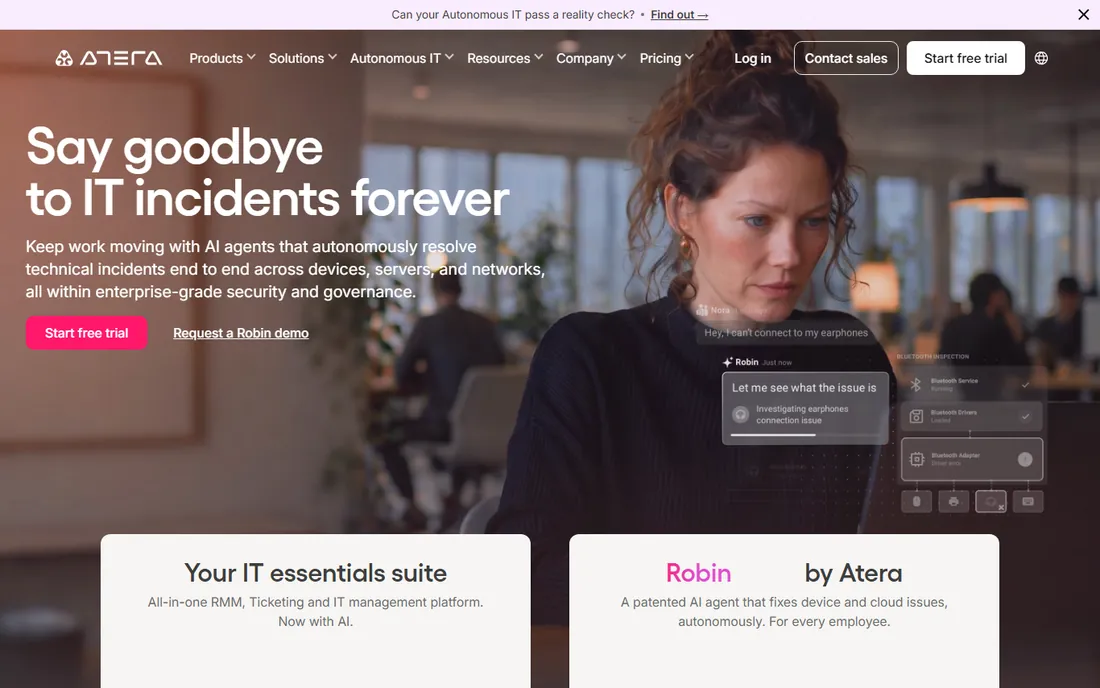
Atera's pricing model is the differentiator: per technician with unlimited endpoints, so costs stay predictable as device counts grow. RMM, ticketing, patching and AI-assisted automation arrive on one bill, with separate plan families for MSPs and internal IT departments.
The honest catch is the ratio math. Below roughly 50 endpoints per tech, per-device tools can be cheaper; above it, Atera wins comfortably. The Pro plan starts at $129 per tech per month annual, scaling to $209 on Power. No free plan beyond the 30-day trial. If your techs each cover hundreds of devices, the model is excellent. If each tech covers twenty, do the comparison carefully.
What we like- Per-technician pricing with unlimited endpoints rewards high device-to-tech ratios
- RMM plus PSA ticketing plus patching in one platform
- AI Copilot and automation included across plans
Watch out for- Per-tech pricing is expensive for teams with low endpoints per technician
- Some advanced integrations and add-ons cost extra
Starting priceSee website (quote-based)
Free planNo (demos and trials on request)

Heimdal sells the suite, not the point tool. Patch management sits alongside privilege escalation control, application control, DNS security and threat prevention, with automated vulnerability remediation tying them together. For a security-mature mid-market company, the unified platform beats five vendors.
The catch is packaging. You generally buy into the Heimdal ecosystem rather than a single cheap patching SKU, and pricing is quote-only. Pure-play patching buyers may find it more suite than they need. If your security team already wants privilege management and DNS-layer protection, adding patching to the same console is efficient. If you just need patches deployed, it is overkill.
What we like- Patching inside a broader security suite (privilege management, DNS security, EDR)
- Strong third-party patching with automated vulnerability remediation
- Good fit for security-mature mid-market companies
Watch out for- Quote-only pricing sold as suites, hard to buy patching standalone
- Smaller US presence than US-native competitors
Cloud-native vs. on-prem: pick your side first
This category has a genuine architectural split. Cloud-native tools (Action1, Automox, NinjaOne, Atera) need no servers and handle remote devices naturally, but cannot touch air-gapped networks. On-prem tools (PDQ, SolarWinds Patch Manager, Ivanti) control everything inside the perimeter and work offline, but struggle with remote workforces. ManageEngine lets you choose. Your network architecture decides this before any feature comparison: count your remote vs. on-network devices, check for air-gapped segments, then shortlist only the tools built for your reality.
How we chose
We started with the categories buyers search: Windows patch management software, patch management tools and endpoint patching. For each candidate we opened the vendor's own pricing page, checked plan names and prices against public reviews on G2 and Capterra and practitioner discussion on Reddit, and compared OS vs. third-party coverage, deployment model, licensing math and company-size fit. Where a price could not be verified on the vendor's page we wrote "See website" rather than guessing.
Frequently asked questions
How much does patch management software cost?
From free (Action1's first 200 endpoints) to $1 per endpoint per month (Automox Patch OS) to $1,950 per admin per year unlimited endpoints (PDQ). RMM suites run $129+ per technician per month (Atera) or quote-based per device (NinjaOne). Enterprise tools (Ivanti, Heimdal) are quote-only. Multiply by your endpoint count before comparing.
Do I need third-party patching or just Windows updates?
You need third-party patching. Browsers, PDF readers, runtimes and remote-access tools are where the exploitable vulnerabilities live; Windows Update and WSUS do not cover them. Every tool here except plain Intune/WSUS includes a third-party catalog. Check the catalog for your specific applications before buying.
What is the difference between patch management and RMM?
Patch management deploys OS and application updates. RMM (remote monitoring and management) adds remote control, monitoring, scripting, backup and ticketing. NinjaOne and Atera are RMM suites with patching inside; Action1, Automox and PDQ are patching-first tools. Buy the RMM if you need the whole stack; buy the point tool if you only need patches.
Can I patch remote and hybrid workers?
Cloud-native tools (Action1, Automox, NinjaOne, Atera) handle remote devices without VPN. On-prem tools (PDQ) need network reachability or a cloud companion (PDQ Connect). If half your fleet works from home, shortlist cloud-native only.
How long does implementation take?
Agent-based cloud tools (Action1, Automox) deploy in hours to days. On-prem tools (PDQ, Ivanti) take days to weeks for server setup and policy design. Enterprise suites (Ivanti, Heimdal) take weeks to months with services. The long pole is usually testing patches against line-of-business apps, not installing the tool.
The 200-endpoint math
Endpoint count decides the winner more than features do. Under 200 endpoints, Action1 is free and the conversation is over unless you need RMM. At 200 to 1,000, compare Automox per-endpoint against ManageEngine's endpoint packs and Atera's per-tech pricing at your tech-to-device ratio. Past 1,000 Windows endpoints with few admins, PDQ's per-admin unlimited model is nearly impossible to beat on price. Past 5,000 mixed-OS devices, you are negotiating with Ivanti or NinjaOne. Run your endpoint count through each pricing model before the demos; the cheapest tool at 100 endpoints is rarely the cheapest at 2,000.
Sources we checked (12)
- https://www.action1.com/pricing
- https://www.automox.com/pricing
- https://www.manageengine.com/patch-management/pricing.html
- https://www.pdq.com/pricing
- https://www.ninjaone.com
- https://www.ivanti.com
- https://www.microsoft.com/en-us/security/business/endpoint-management/microsoft-intune-pricing
- https://www.solarwinds.com/patch-manager
- https://www.atera.com/pricing
- https://www.heimdalsecurity.com
- https://www.g2.com/categories/patch-management
- https://www.capterra.com/patch-management-software/
Is your product missing or out of date?
We review this list regularly. Vendors can request a listing, send updated pricing or ask about featured placement.

Shihab Mia · Founder, Rankite
Shihab has spent more than a decade helping SaaS and e-commerce brands grow through search. He writes Rankite's software buying guides from pricing pages, documentation and public user reviews. More about Shihab.