How we make this list: we compare pricing pages, product documentation and public user reviews. Rankite is independent; if a vendor ever pays for a featured spot, that listing is clearly labeled Partner.
Key takeaways
- The pricing model matters more than the feature list: Atera ($129/tech/month) and Syncro ($129/user/month) charge per technician with unlimited endpoints, while NinjaOne ($1.50-$3.75/device) and SuperOps charge per device.
- Action1 manages your first 200 endpoints free forever, which makes it the obvious starting point for small fleets that mainly need patching.
- ManageEngine Endpoint Central ($795/year for 50 endpoints) packs the deepest feature set per dollar, but setup takes real planning, especially on-prem.
- NinjaOne, Kaseya VSA, Datto RMM and N-able N-central are all quote-based: you cannot buy online, so negotiate module by module.
Quick comparison
| Tool | Best for | Starting price | Free plan |
|---|
 NinjaOne NinjaOne | MSPs and mid-market IT teams wanting a modern RMM | $1.50-$3.75/device/month (published range; exact rate by quote) | No (free trial: 14 days) |
 Atera Atera | Teams with high endpoint-to-tech ratios | $129/technician/month (billed annually; $139 monthly) | No (free trial: 30 days, no credit card) |
 Syncro Syncro | Small MSPs wanting RMM and PSA in one platform | $129/user/month (billed annually; $159 monthly) | No (free trial: 14 days, no credit card) |
 SuperOps SuperOps | Newer MSPs wanting modern UX and native AI | $149/technician/month (billed monthly; annual saves 15%) | No (free trial: 14 days) |
 ManageEngine Endpoint Central ManageEngine Endpoint Central | Windows-heavy estates that need depth per dollar | $795/year (Professional, 50 endpoints, on-prem) | Yes (free edition for up to 25 endpoints, fully featured) |
 Action1 Action1 | Fleets under 200 endpoints that mainly need patching | $0 (first 200 endpoints free forever) | Yes (first 200 endpoints free forever, fully featured, no credit card) |
 Pulseway Pulseway | Solo admins and small MSPs managing from anywhere | See website (vendor publishes no rate card) | No (trial availability unverified on vendor page) |
 Kaseya VSA Kaseya VSA | Established MSPs already in the Kaseya stack | See website (vendor publishes no pricing) | No (demo by request; trial length unverified) |
 Datto RMM Datto RMM | MSPs using Datto BCDR and Autotask | See website (quote-based per endpoint) | No (trial by request; not publicly specified) |
 N-able N-central N-able N-central | Mid-to-large MSPs managing complex networks | See website (quote-only; vendor publishes no figures) | No (free trial: 30 days) |
Is your product missing or out of date?
We review this list regularly. Vendors can request a listing, send updated pricing or ask about featured placement.
The best IT management software
Per-technician pricing is the single most important line on an RMM quote, and most buyers discover it last. A two-person shop managing 800 devices pays a fortune on per-device pricing and almost nothing on per-tech plans; flip the ratio and the math reverses. These ten IT management platforms cover both models, with the honest pricing each vendor actually publishes.
Starting price$1.50-$3.75/device/month (published range; exact rate by quote)
Free planNo (free trial: 14 days)
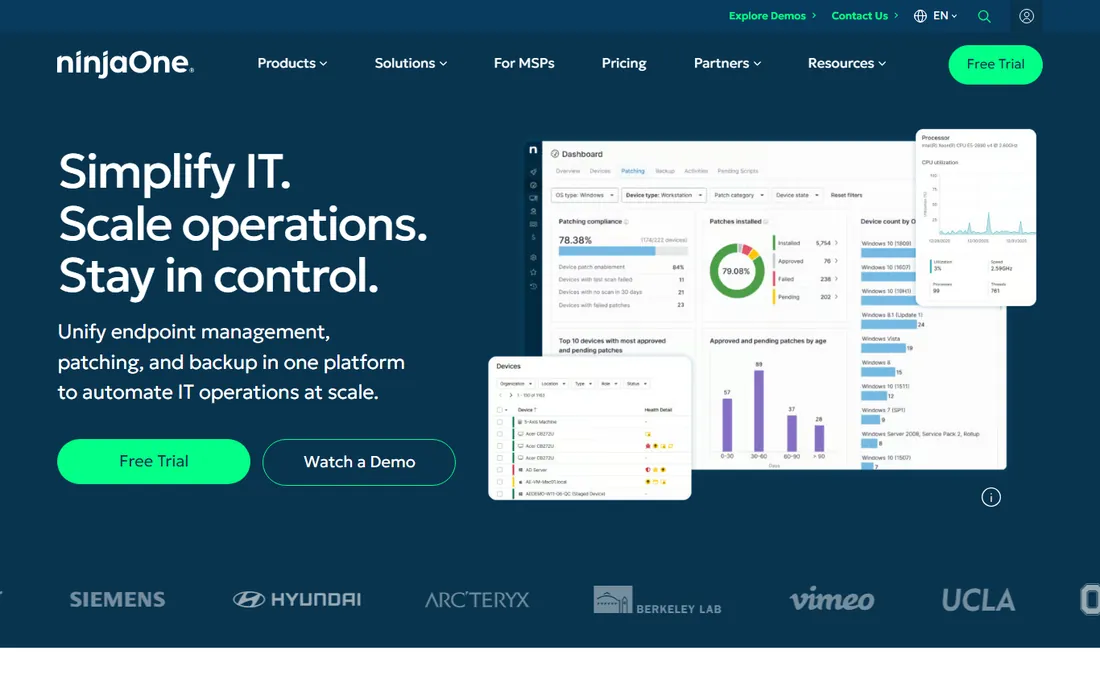
NinjaOne earned its reputation as the RMM that does not feel like it was built in 2009. The console is fast, patching and remote access are native rather than bolted on, and the automation library handles the repetitive work that eats technician hours. For MSPs standardizing on one platform, the integrations with major security tools mean fewer side consoles to maintain.
The catch is the quote. The published $1.50 to $3.75 per device range is an example, not a price list: everything runs through sales, reports cite minimum commitments around 50 endpoints, and the add-on modules (backup, MDM, EDR) are negotiated separately. Price NinjaOne module by module and compare the all-in number against Atera or Syncro at your actual endpoint count before you fall for the demo.
What we like- Fast cloud-native console with strong automation and scripting
- Native remote access and patching in one platform
- Deep integrations with CrowdStrike, SentinelOne, Entra and Okta
Watch out for- Per-device pricing gets expensive for dense fleets
- Backup, MDM and EDR modules are quoted separately and raise the real bill fast
Starting price$129/technician/month (billed annually; $139 monthly)
Free planNo (free trial: 30 days, no credit card)
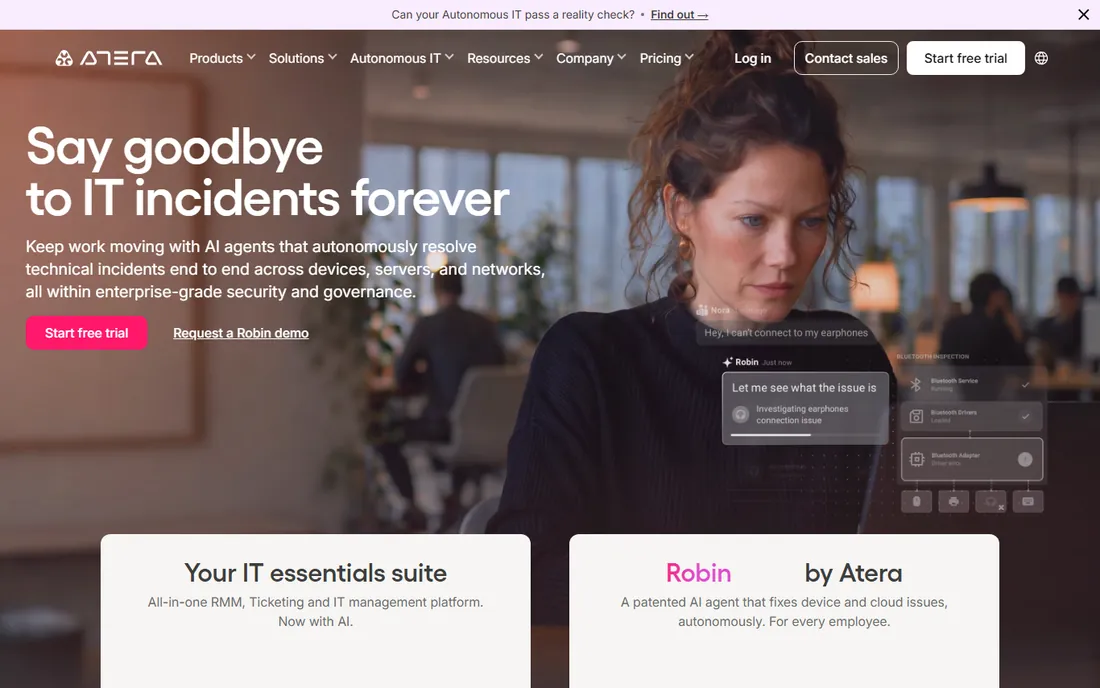
Atera's entire pitch fits in one sentence: one price per technician, unlimited endpoints. A two-person shop managing 800 devices pays about the same as one managing 100, which makes it the natural pick for MSPs with dense fleets and lean staffing. The platform bundles RMM, ticketing, remote access and an AI Copilot, and the 30-day trial needs no credit card.
Flip the ratio and the math breaks. If you have many technicians and few endpoints, per-tech pricing punishes you, and that is exactly the profile of most internal IT departments. Some features you might assume are included sit behind paid add-ons, so price the configuration you will actually use. For MSPs with the right ratio, though, the billing predictability is unmatched.
What we like- Per-technician pricing with unlimited endpoints, so costs stay flat as fleets grow
- RMM, ticketing, remote access and AI Copilot in one platform
- Quick onboarding and a beginner-friendly UI
Watch out for- Paid add-ons (remote access tools, network discovery, marketplace integrations) push the all-in cost above the headline
- Less deep for complex automation than NinjaOne or N-central
Starting price$129/user/month (billed annually; $159 monthly)
Free planNo (free trial: 14 days, no credit card)
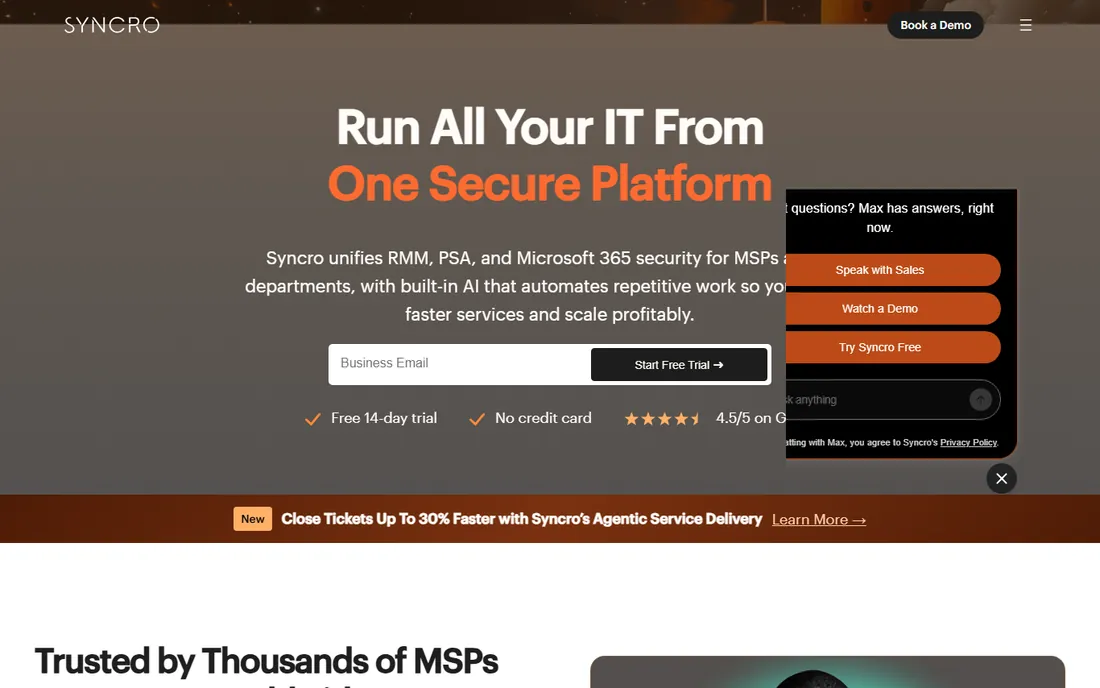
Syncro answers a different question than the pure RMMs: what if ticketing, assets, alerts and invoices lived in one record? For small to mid-size MSPs, roughly 15 to 40 clients, that consolidation kills the cross-vendor sync maintenance that eats admin time. Pricing is published, per technician with unlimited endpoints, and there are no contracts.
The trade is depth. If you built heavily custom PSA workflows elsewhere, expect to simplify them; Syncro is not trying to out-customize HaloPSA. The Team plan at $179 per user per month (annual) gates the Microsoft 365 security features and network discovery that some shops need. But for MSPs that want one bill covering monitoring, ticketing, scripting and invoicing, it is the simplest stack on this list.
What we like- RMM and PSA in every plan with unlimited endpoints
- Published pricing with no contracts
- Strong billing and recurring-invoice workflows
Watch out for- Less customizable than deep PSA tools like HaloPSA
- Advanced Microsoft 365 security features and network discovery are gated to the Team plan
Starting price$149/technician/month (billed monthly; annual saves 15%)
Free planNo (free trial: 14 days)
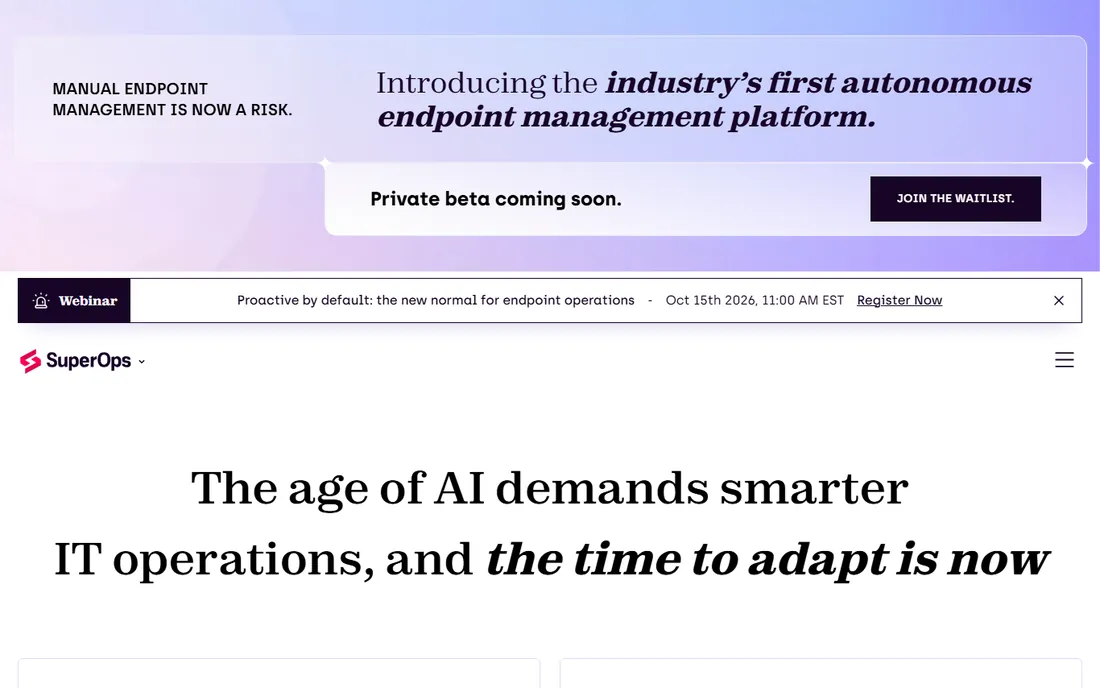
SuperOps is the RMM built by people who thought the incumbents looked tired. The interface is genuinely modern, the Monica AI assistant handles ticket triage without add-on products, and automation is native rather than scripted around. Per-tech plans include 150 endpoints per technician, and per-endpoint plans start at $1.50 per endpoint per month with a 100-endpoint minimum.
The youth shows in the ecosystem: fewer third-party integrations than the decade-old platforms, and MDM only comes on the per-endpoint plan (from $3.00 per endpoint per month). Dense fleets blow past the 150-endpoint-per-tech cap and land on per-endpoint pricing anyway. If your team values UX and AI over workflow depth, it is the most pleasant platform to run. If you need the deepest automation library, look at NinjaOne or N-central.
What we like- Modern, uncluttered UI that new technicians adopt fast
- AI-assisted ticket triage and automation built in
- PSA and RMM combined so small MSPs run on one platform
Watch out for- Younger platform with a smaller integration ecosystem than ConnectWise or Kaseya
- Per-tech plans cap at 150 endpoints per technician
#5
ManageEngine Endpoint Central
Best for: Windows-heavy estates that need depth per dollar
Visit manageengine.com
Starting price$795/year (Professional, 50 endpoints, on-prem)
Free planYes (free edition for up to 25 endpoints, fully featured)
ManageEngine wins on sheer features per dollar. One purchase covers desktop management, patching, software and OS deployment, MDM (UEM edition) and vulnerability management, replacing two or three tools. The free edition covers 25 endpoints with no trial games, which is enough for a real small office. Pricing is published in per-endpoint bands: Professional $795, Enterprise $945, UEM $1,095, Security $1,695 per year for 50 endpoints.
Map the edition before you buy, because the depth is spread across five of them and your must-have feature may sit in the tier above the one you priced. Servers are licensed separately at higher rates, so mixed fleets cost more than the headline. And the interface shows its age. For Windows-centric IT teams that value capability over polish, nothing else touches the value.
What we like- Deepest feature set per dollar: patching, software deployment, OS deployment, MDM and vulnerability management in one suite
- Free edition is genuinely usable
- Strong Windows and Active Directory coverage
Watch out for- Servers are licensed separately at higher rates
- The interface feels dated and on-prem setup takes real planning
#6
Action1
Best for: Fleets under 200 endpoints that mainly need patching
Visit action1.com
Starting price$0 (first 200 endpoints free forever)
Free planYes (first 200 endpoints free forever, fully featured, no credit card)
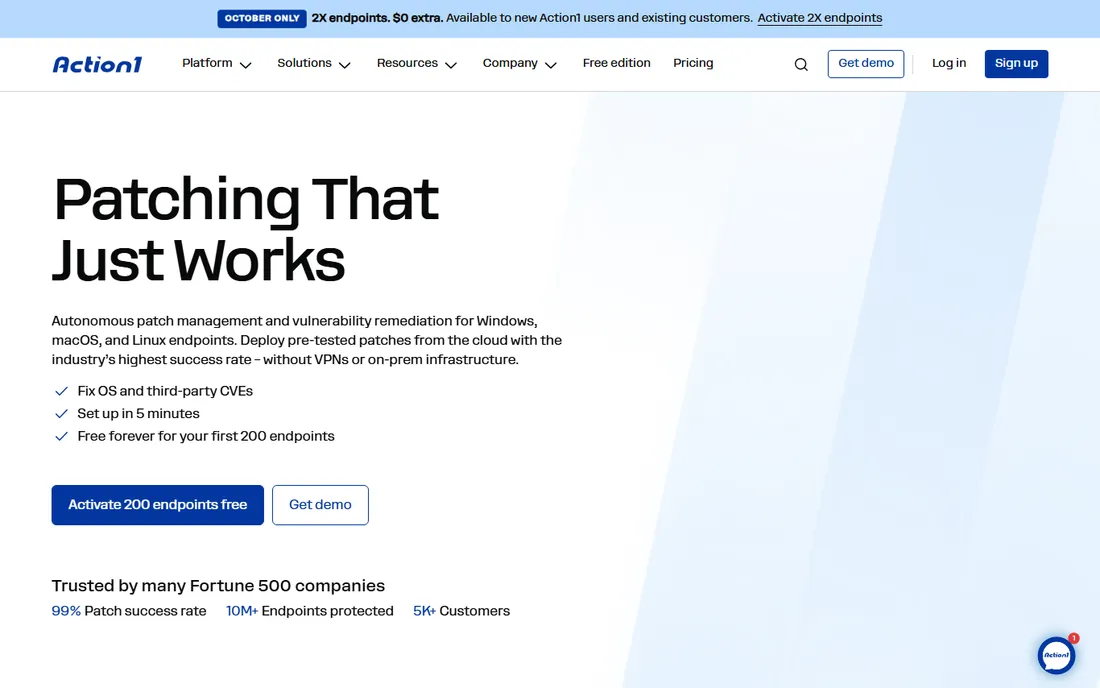
Action1's free tier is the best deal in endpoint management: 200 endpoints, fully featured, free forever, no credit card. Automated OS and third-party patching with vulnerability visibility at zero cost is unmatched, and setup claims five-minute cloud configuration. For SMBs, schools and nonprofits under 200 endpoints, it ends the patching conversation.
Know what it is not: a full RMM. Remote control and ticketing are limited, so it pairs with rather than replaces a remote support tool. And once you cross 200 endpoints, you negotiate pricing blind with no published tiers. Use it for what it is, a patching-first platform with the most generous free tier in the category, and you will not be disappointed.
What we like- Free tier covers full patching and endpoint management for small fleets
- Cloud-native with no VPN or on-prem hardware
- 630-plus third-party app catalog for patching
Watch out for- Above 200 endpoints everything is a custom quote with no published tiers
- Remote access and scripting are weaker than full RMM platforms
Starting priceSee website (vendor publishes no rate card)
Free planNo (trial availability unverified on vendor page)
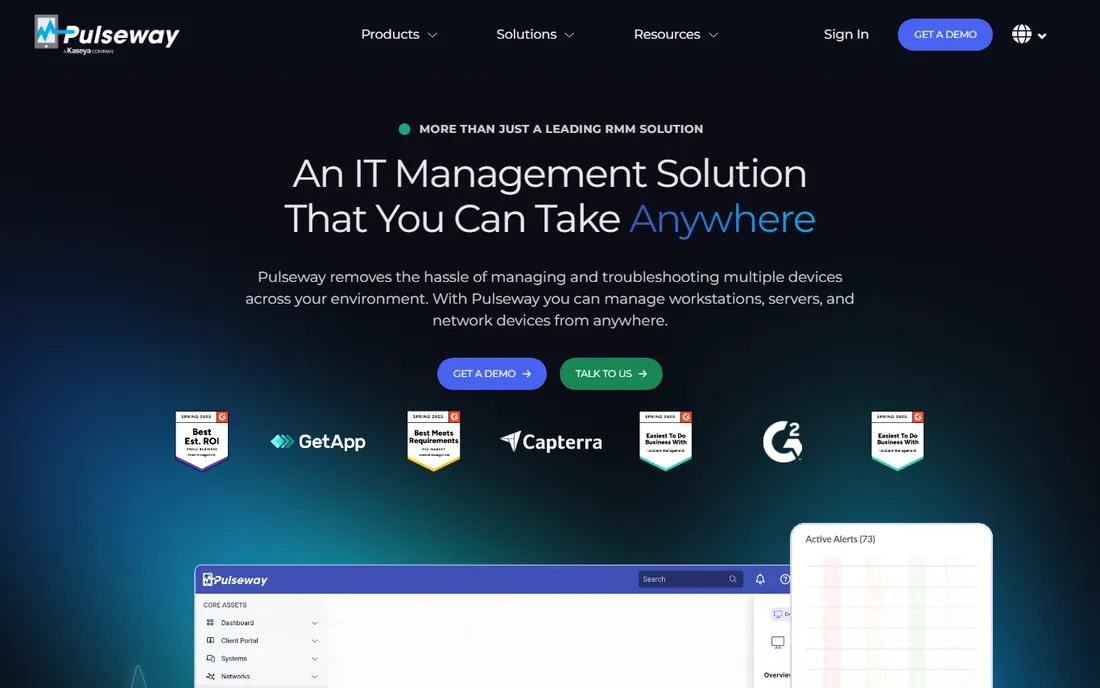
Pulseway's differentiator is the phone in your pocket. The mobile app is best-in-class for monitoring and quick fixes on the move, which matters for solo admins and small MSPs who are the entire on-call rotation. The agent is lightweight, deployment is easy, and remote control plus patch automation cover the daily work.
The commercial reality is murkier: the vendor publishes no pricing, so every deal starts with a sales conversation, and third-party directory figures are unverified. Advanced automation scenarios that N-central handles natively may need workarounds here. If mobile-first management is your priority, it is the most usable option. If you need deep automation and a big integration catalog, the larger platforms win.
What we like- Mobile-first design with a genuinely usable phone app for monitoring and remediation
- Lightweight agent that is easy to deploy
- Solid remote control and patch automation
Watch out for- Smaller ecosystem and fewer integrations than the big RMM platforms
- Enterprise automation and reporting lag behind NinjaOne and N-central
#8
Kaseya VSA
Best for: Established MSPs already in the Kaseya stack
Visit kaseya.com
Starting priceSee website (vendor publishes no pricing)
Free planNo (demo by request; trial length unverified)
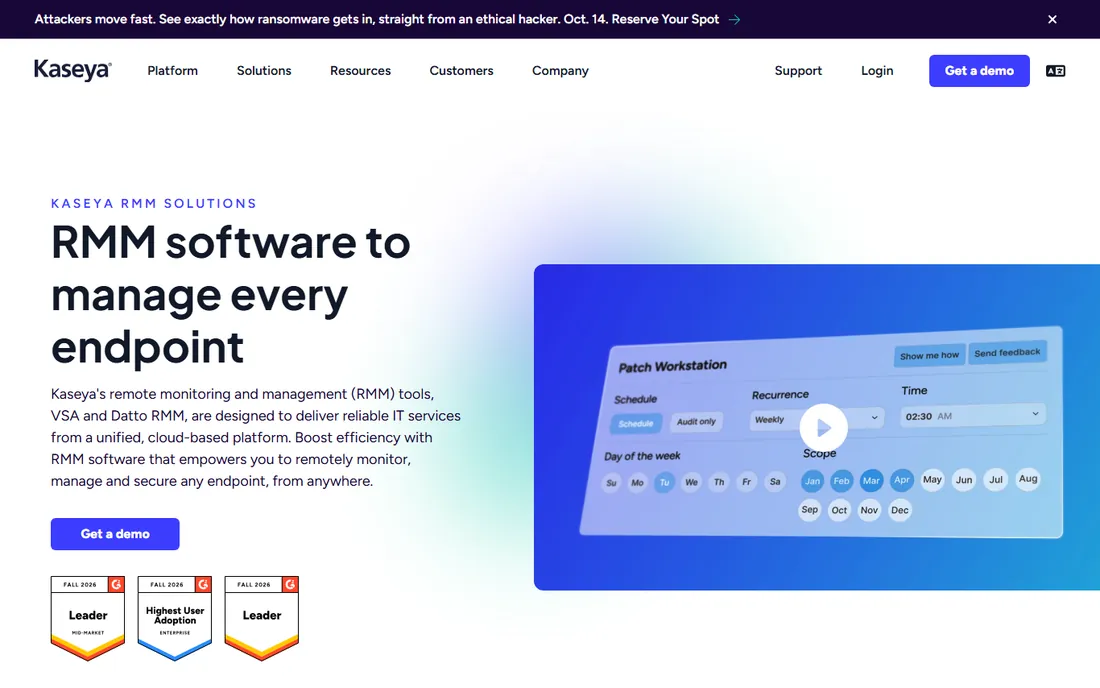
Kaseya VSA is the power tool of RMM: the automation library and scripting depth can replace serious manual labor once configured, and native ransomware detection is a genuine security feature. For MSPs already running Datto BCDR, Autotask and IT Glue, the ecosystem integration is the argument: one vendor, one stack, bundled pricing.
Everything else is the catch. Pricing is quote-based with multi-year terms common, so the number you negotiate matters more than any published figure, and third-party per-endpoint estimates land at the expensive end. The UI and console performance draw regular complaints. Budget for implementation and the full stack, not just VSA, and get the whole deal in writing before you commit.
What we like- One of the deepest automation and scripting engines in the category
- Tight integration with Datto BCDR, Autotask and IT Glue
- Native ransomware detection
Watch out for- Quote-based pricing with long sales-led contracts
- Console performance and UI are frequent user complaints
- Third-party estimates put it at the expensive end
Starting priceSee website (quote-based per endpoint)
Free planNo (trial by request; not publicly specified)
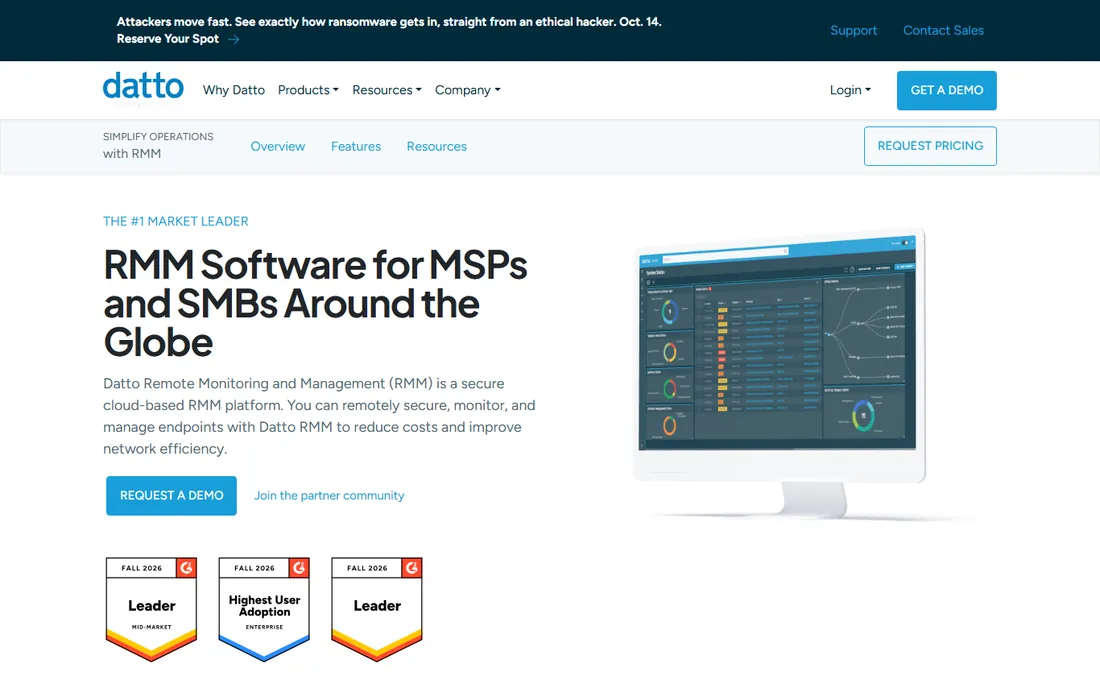
Datto RMM makes the most sense inside the Kaseya/Datto world, where it pairs with Autotask PSA and Datto BCDR for bundle pricing. Standalone, its case rests on native ransomware detection with isolation, a deep third-party patching library, and a cloud console that new technicians learn quickly. The built-in HTML5 remote control covers the security-plus-support workflow out of the box.
Outside the ecosystem it is a harder sell: pricing is entirely quote-based with annual minimums, so small shops have little negotiating power, and macOS patching needs workarounds. Get the full quote in writing including add-ons, and compare the bundled number against NinjaOne or Syncro before assuming the ecosystem discount wins.
What we like- Native ransomware detection with isolation
- 200-plus application third-party patching library
- Simple cloud console that is easy to learn
Watch out for- Entirely quote-based with 1-year minimum contracts
- MacOS patching is weak without workarounds
#10
N-able N-central
Best for: Mid-to-large MSPs managing complex networks
Visit n-able.com
Starting priceSee website (quote-only; vendor publishes no figures)
Free planNo (free trial: 30 days)
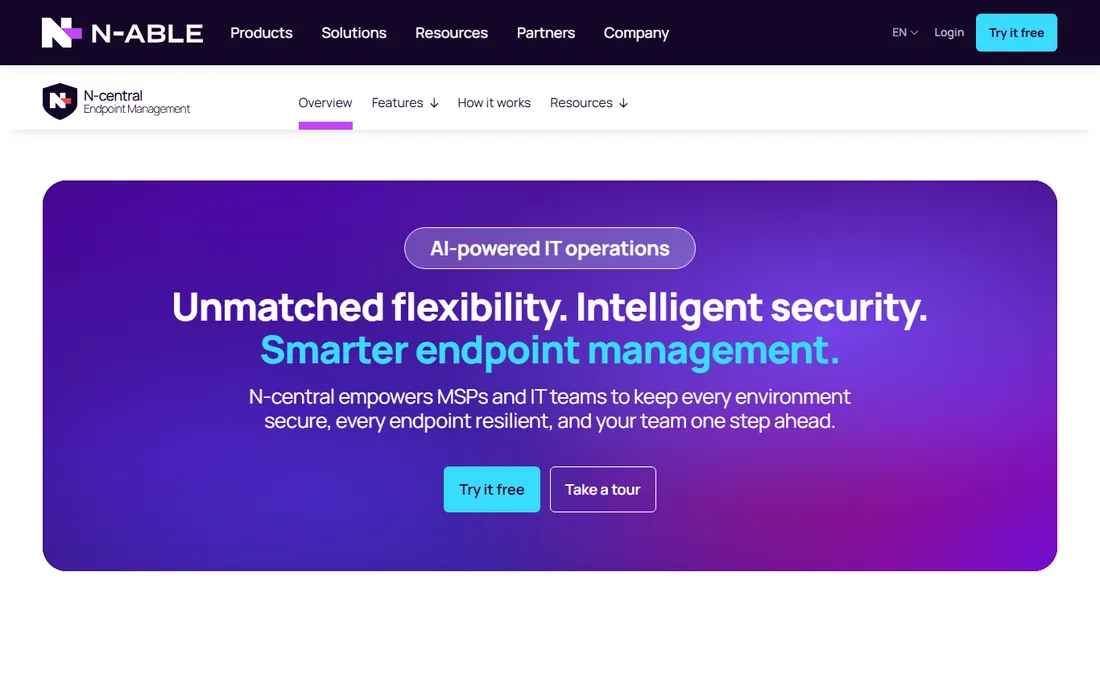
N-able N-central is the RMM for environments where the network itself is the job. Automation policies and network-path diagnostics handle scenarios simpler tools cannot, and the choice of on-prem or cloud deployment suits shops with compliance constraints. Integration with Cove backup and SentinelOne EDR keeps the stack tight.
N-able steers small shops toward the lighter N-sight product, so quote explicitly against both, and reported minimums around 100-plus devices are common. The console shows its enterprise heritage: powerful but cluttered. For mid-to-large MSPs with complex networks, the monitoring depth justifies the sales process. For smaller shops, Atera or Syncro will be simpler and cheaper.
What we like- Best-in-class automation policies and network monitoring depth (NetPath, SNMP)
- Available on-prem or cloud
- Strong integration with Cove backup and SentinelOne EDR
Watch out for- Console can feel cluttered and slow at scale
- Annual commitments standard and pricing is opaque
Per-tech vs. per-device: the pricing model decides your bill
Before comparing features, do the arithmetic for your shop. Per-technician plans (Atera $129, Syncro $129, SuperOps $149 per tech per month) make endpoint count nearly irrelevant: a two-tech MSP managing 1,000 devices pays roughly $260 to $300 a month. Per-device plans (NinjaOne $1.50-$3.75, SuperOps per-endpoint from $1.50, ManageEngine's per-endpoint bands) punish dense fleets and reward lean ones: an internal IT team with 3 techs and 60 endpoints pays far less per-device than per-tech.
Then add what the headline excludes. NinjaOne's add-on modules (backup, MDM, EDR) are quoted separately. Atera and Syncro gate features like network discovery and advanced Microsoft 365 security to higher tiers or paid add-ons. ManageEngine licenses servers separately at higher rates. And the quote-based vendors (NinjaOne in practice, Kaseya, Datto, N-able) negotiate everything, so the number on someone else's invoice is not your number. Model your techs, your endpoints and your modules, then compare totals.
The MSP trap: when your RMM becomes your prison
The deepest lock-in in IT management is not the contract, it is the automation library. After two years of custom scripts, monitors and policies in Kaseya VSA or N-central, migrating to another RMM means rebuilding years of institutional knowledge. That is worth remembering during the sales process, because it is exactly when your negotiating position is strongest.
Three defenses. First, prefer platforms with published pricing and no contracts (Atera, Syncro) unless the quote-based vendor earns the commitment with a materially better deal. Second, document your automations outside the platform: what each script does, what each monitor checks, so a migration is a project and not an archaeology dig. Third, keep your PSA, documentation and backup on separate vendors where practical, so no single renewal negotiation holds your whole stack hostage. The best time to think about leaving your RMM is the day you sign up for it.
How we chose
We started with the searches IT buyers actually run: IT management software, RMM software, endpoint management and MSP software. For each candidate we opened the vendor's own pricing page, checked plan names and prices against public reviews on G2 and Capterra and practitioner discussion on Reddit, and compared feature lists, automation depth and company-size fit. Where a price could not be verified on the vendor's page we wrote "See website" instead of guessing. The shortlist mixes per-tech and per-device pricing models and quote-based enterprise platforms with transparent self-serve options, because a solo MSP and a 50-tech shop are not buying the same thing.
Frequently asked questions
Should I choose per-technician or per-device pricing?
Count your endpoints per technician. Above roughly 100 endpoints per tech, per-tech plans (Atera, Syncro, SuperOps) are almost always cheaper; below 30 per tech, per-device plans (NinjaOne, ManageEngine, Action1) usually win. Between 30 and 100, price both at your actual numbers including the add-on modules you need.
What is the difference between RMM and endpoint management?
RMM (remote monitoring and management) is the MSP-focused category: monitoring, patching, scripting and remote access across client fleets, usually with PSA ticketing nearby. Endpoint management is the broader IT term covering the same functions for internal teams, often with heavier MDM and compliance features. The tools overlap heavily; ManageEngine and NinjaOne serve both audiences.
Is there really a free RMM?
Action1 manages 200 endpoints free forever with full patching features, which is the closest thing to a free RMM for small fleets. ManageEngine's free edition covers 25 endpoints. Full RMM platforms with remote access, ticketing and PSA do not have free tiers; the trial periods (14-30 days) are for evaluation. If patching is your main need, Action1's free tier ends the search.
How long does it take to deploy an RMM?
Cloud-native tools (Atera, Syncro, SuperOps, Action1, NinjaOne) deploy in days: install agents, configure policies, connect integrations. On-prem ManageEngine needs infrastructure planning and takes longer. Quote-based enterprise platforms (Kaseya, N-able) typically include onboarding projects measured in weeks. Budget time for building your automation library; the agent rollout is the fast part.
Do I need a PSA too, or is RMM enough?
If you bill clients, you need ticketing and invoicing somewhere. Syncro and SuperOps bundle PSA with RMM, which suits small MSPs. Atera includes ticketing as well. NinjaOne, Datto and N-able pair with separate PSA tools (Autotask, HaloPSA, or their own). Internal IT teams can usually skip the PSA and use the RMM's ticketing or their existing helpdesk.
Can I manage Macs and mobile devices with these tools?
Mostly yes, with caveats. NinjaOne, Atera, Syncro and ManageEngine (UEM edition) all manage macOS and mobile devices. Datto RMM's macOS patching is weak without workarounds. SuperOps puts MDM only on its per-endpoint plan. If your fleet is heavily Mac, verify MDM depth specifically; Addigy is a Mac-first alternative worth a look.
Sources we checked (12)
- https://www.ninjaone.com/pricing/
- https://www.atera.com/pricing/
- https://syncromsp.com/pricing/
- https://superops.com/pricing
- https://www.manageengine.com/products/desktop-central/pricing.html
- https://www.action1.com/pricing/
- https://www.pulseway.com/pricing/
- https://www.kaseya.com/products/rmm-software/
- https://www.datto.com/products/rmm
- https://www.n-able.com/products/n-central
- https://www.g2.com/categories/remote-monitoring-and-management-rmm
- https://www.capterra.com/rmm-software/
Is your product missing or out of date?
We review this list regularly. Vendors can request a listing, send updated pricing or ask about featured placement.

Shihab Mia · Founder, Rankite
Shihab has spent more than a decade helping SaaS and e-commerce brands grow through search. He writes Rankite's software buying guides from pricing pages, documentation and public user reviews. More about Shihab.