How we make this list: we compare pricing pages, product documentation and public user reviews. Rankite is independent; if a vendor ever pays for a featured spot, that listing is clearly labeled Partner.
Key takeaways
- Most offices need less than they are sold: Skedda ($249/month, unlimited users) and OfficeRnD (from $99/month) publish prices and deploy in days.
- Robin, Eptura Engage, Eptura Workplace and Appspace are quote-only enterprise platforms with annual contracts; only shortlist them above 500 employees.
- Pricing models differ wildly: per-user (YArooms), per-room or per-desk (OfficeRnD, Envoy), per-space flat (Skedda) or per-device (Joan). Model your headcount against each.
- If door displays matter, Joan's battery ePaper screens need no cabling; factor hardware cost per room into the total.
Quick comparison
| Tool | Best for | Starting price | Free plan |
|---|
 Robin Robin | Mid-size to enterprise hybrid offices wanting a workplace layer | See website (paid tiers are quote-based annual contracts) | Yes (free Starter tier, up to 15 users and one floor) |
 Envoy Envoy | Organizations wanting reservations inside broader workplace operations | $5 per bookable resource/month (Reservations, billed annually, plus platform fee) | Free trial (availability via sales) |
 Skedda Skedda | Hybrid organizations wanting booking governance and transparent pricing | $249/month (Plus, up to 35 spaces, billed annually) | Free trial available |
 OfficeRnD Workplace OfficeRnD Workplace | Hybrid offices from ~35 to 1,000-plus people | $99/month (Start, annual billing, up to 150 users) | Free trial available |
 Joan Joan | Offices wanting physical door displays without cabling | From ~€49/month platform entry; per-device plans from €4.99/device/month | Free trial (30 days reported) |
 Eptura Engage Eptura Engage | Large enterprises standardized on Microsoft 365 | See website (quote-based, annual minimum) | No |
 YArooms YArooms | Mid-market to enterprise Microsoft-first organizations in regulated industries | $99/month (Starter, 10-20 users, 1 location) | No |
 Eptura Workplace Eptura Workplace | Real-estate and facilities teams managing large portfolios | See website (quote-based, annual subscription minimum) | Free trial (reported on third-party listings) |
 Appspace Appspace | Enterprises bundling room scheduling with digital signage and comms | See website (quote-based) | Free trial (reported) |
Is your product missing or out of date?
We review this list regularly. Vendors can request a listing, send updated pricing or ask about featured placement.
The best conference room booking software
Most companies do not need a workplace platform. They need rooms that cannot be double-booked, a display on the door that tells the truth, and a booking flow people actually use. Everything beyond that is upsell. These nine tools span the real market, from $99-a-month booking apps to quote-only enterprise platforms, compared on pricing model, integrations and what the subscription actually includes.
Starting priceSee website (paid tiers are quote-based annual contracts)
Free planYes (free Starter tier, up to 15 users and one floor)
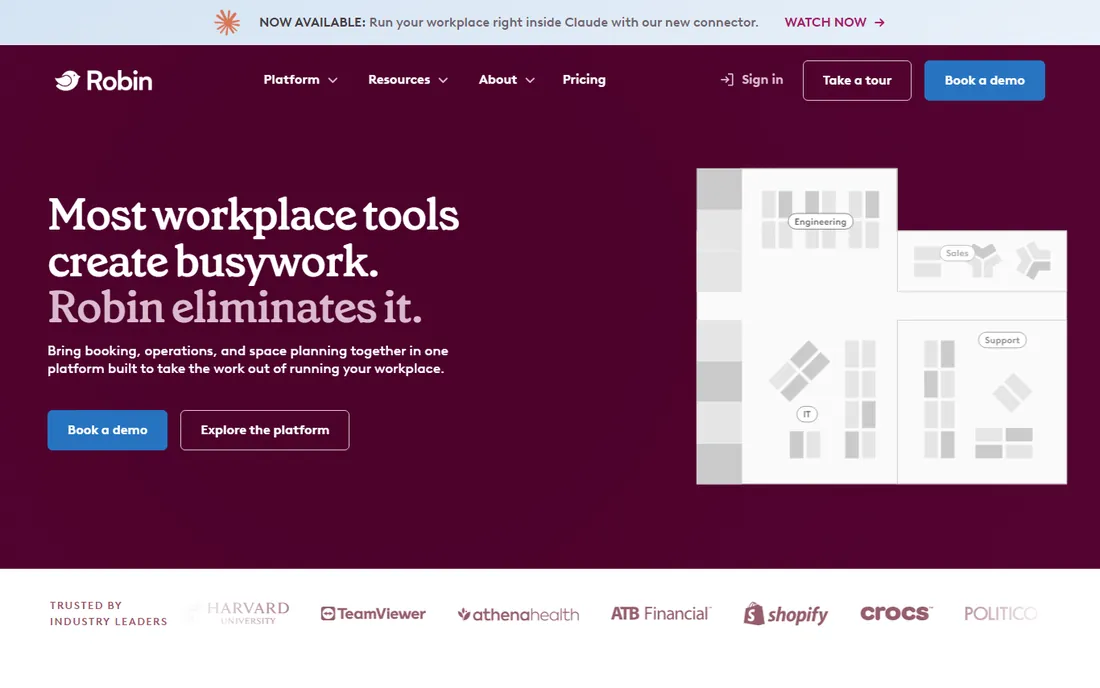
Robin is the full workplace platform, and that is both the pitch and the price. Room and desk booking, visitor management, office maps and space analytics run in one system with deep Microsoft and Google integrations. The free Starter tier (up to 15 users, one floor) lets a small team test the core booking experience before any sales conversation. For hybrid offices that want a workplace experience layer rather than a calendar fix, it is the established choice.
The catch is the enterprise sales motion. Paid tiers are custom annual quotes won through demos, and the platform's depth is priced in whether you use all of it or not. Third-party data points to five-figure annual contracts as typical. If the only pain is double bookings, lighter tools deploy in days at published prices. Test the Microsoft tenant integration during evaluation; friction there is a recurring review theme.
What we like- A full workplace platform with room and desk booking, visitor management, interactive office maps and space analytics
- Strong integrations across Microsoft 365 and Teams, Google Workspace, Slack, Okta and Zoom
- A mature product with broad enterprise adoption since 2014
Watch out for- No published pricing, with third-party procurement data suggesting average annual contracts above $10,500
- Positioned for 500-plus employee organizations, so smaller teams sit outside the target profile
#2
Envoy
Best for: Organizations wanting reservations inside broader workplace operations
Visit envoy.com
Starting price$5 per bookable resource/month (Reservations, billed annually, plus platform fee)
Free planFree trial (availability via sales)
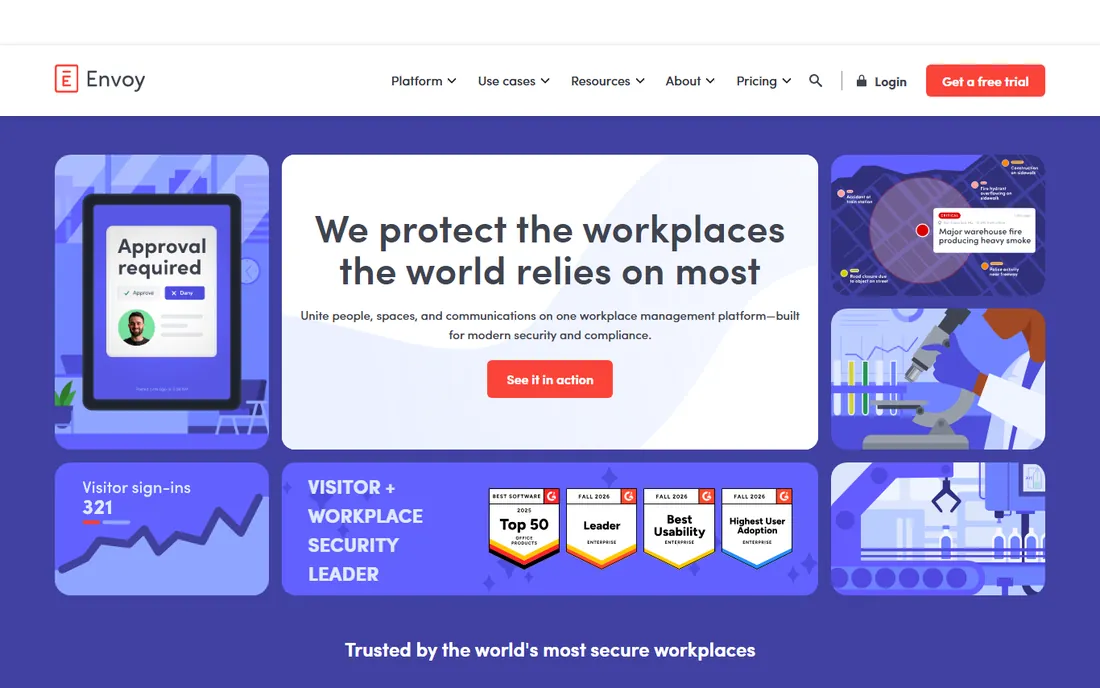
Envoy sells the office as a system: visitors, rooms, desks, deliveries and screens from one vendor, with reservations as one module among several. The per-module pricing is unusually transparent for this category: Reservations (desks and rooms) at $5 per bookable resource per month billed annually, on top of a platform fee. Envoy Visitors Basic is free up to 100 entries a month, which covers small offices entirely.
Map every module before comparing. Visitors Premium runs about $362 per location per month, Screens $12 per device per month and Deliveries $250 per location per month (third-party 2026 figures), so a multi-location rollout climbs fast. Volume discounts are reported at 50-plus rooms. Buy Envoy when workplace operations is the actual goal and room booking rides along; buy a booking specialist when it is not.
What we like- A modular workplace platform covering visitors, rooms and desks, deliveries, screens and emergency notifications under one vendor
- Published per-module pricing is more transparent than most enterprise competitors
- Strong access-control and compliance integrations on higher tiers
Watch out for- Every module is a separate line item, so a mid-size multi-location bill climbs well past the entry numbers
- Visitor kiosks are iPad-only, adding hardware cost per entry point
#3
Skedda
Best for: Hybrid organizations wanting booking governance and transparent pricing
Visit skedda.com
Starting price$249/month (Plus, up to 35 spaces, billed annually)
Free planFree trial available
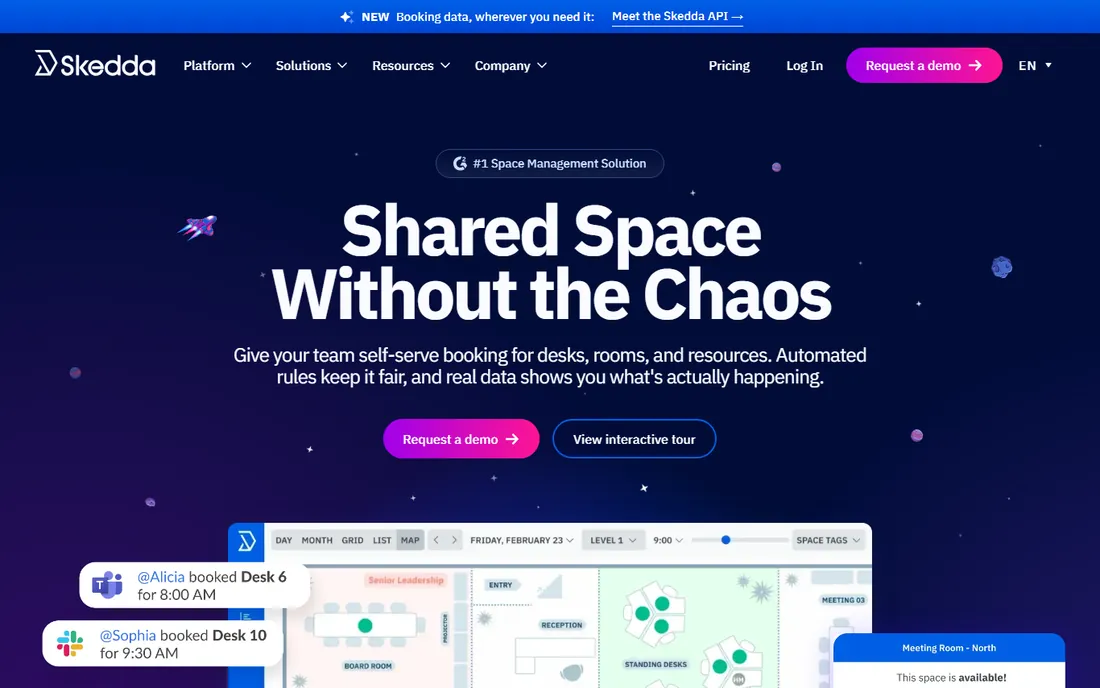
Skedda is the rare tool in this category with the price on the website. Plus at $249 a month covers up to 35 spaces, Premier at $349 covers up to 45, both billed annually with unlimited users. The booking-rules engine is the reason to choose it: quotas, eligibility rules, buffers between meetings, booking windows, approvals and automatic release of no-show bookings. Setup costs $0, onboarding is included, and rollout is measured in days.
The scope is deliberately narrow: it is space management, not a full IWMS, so there is no lease administration or maintenance ticketing. Visitor management costs $99 a month extra. Choose Skedda for rules and approvals at a published price; look elsewhere for natural-language AI booking or full facilities management. For 100 to 2,000 person hybrid organizations, it is the most straightforward buy on this list.
What we like- The deepest booking-rules engine at this price, with quotas, eligibility, buffers, booking windows, approvals and no-show auto-release
- Transparent per-space pricing with unlimited users, rare in this category
- Onboarding included at no charge
Watch out for- Visitor management is a $99-a-month add-on rather than a base feature
- No self-serve custom report builder, so deeper analysis means CSV exports
#4
OfficeRnD Workplace
Best for: Hybrid offices from ~35 to 1,000-plus people
Visit officernd.com
Starting price$99/month (Start, annual billing, up to 150 users)
Free planFree trial available
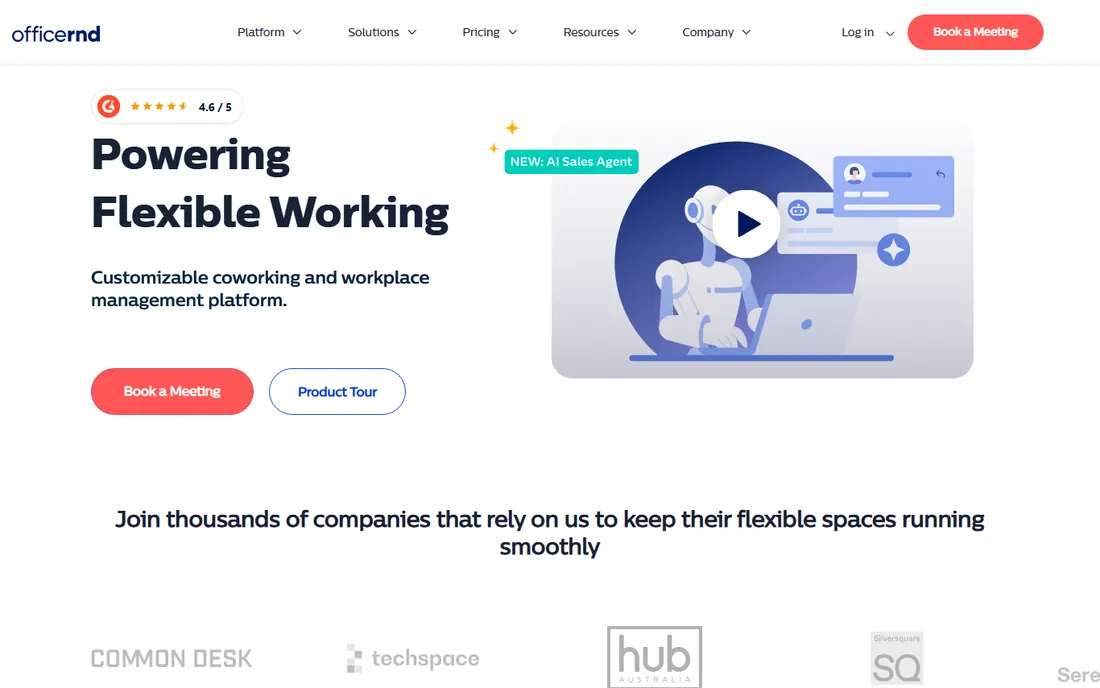
OfficeRnD charges for desks and rooms instead of people, which changes the math completely. As you hire, the bill stays flat: Start from $99 a month (annual, up to 150 users), Professional from $399 (up to 1,000 users), Enterprise custom. The entry plan covers desk and room booking with core integrations; SSO, QR check-ins and multi-location need Professional. Onboarding and support ratings are consistently strong, and the product is self-serve friendly.
Below about 35 people a per-user tool can be cheaper, so do the comparison at your size. Above that, paying per space wins and the gap widens as you hire. Visitor management is a paid add-on (Visitor Hub). For hybrid offices that want coordination features on the entry plan without a quote process, it is the best value per dollar here.
What we like- Charges per bookable desk and room (roughly $2 to $3 per desk, $8 per room), so headcount growth does not inflate the bill
- Fast adoption with highly rated onboarding and support
- Strong integrations with Microsoft, Google, Slack and SSO/SCIM on higher tiers
Watch out for- Visitor management is a paid add-on rather than included
- No occupancy sensors or lease and move planning for real-estate teams
#5
Joan
Best for: Offices wanting physical door displays without cabling
Visit getjoan.com
Starting priceFrom ~€49/month platform entry; per-device plans from €4.99/device/month
Free planFree trial (30 days reported)
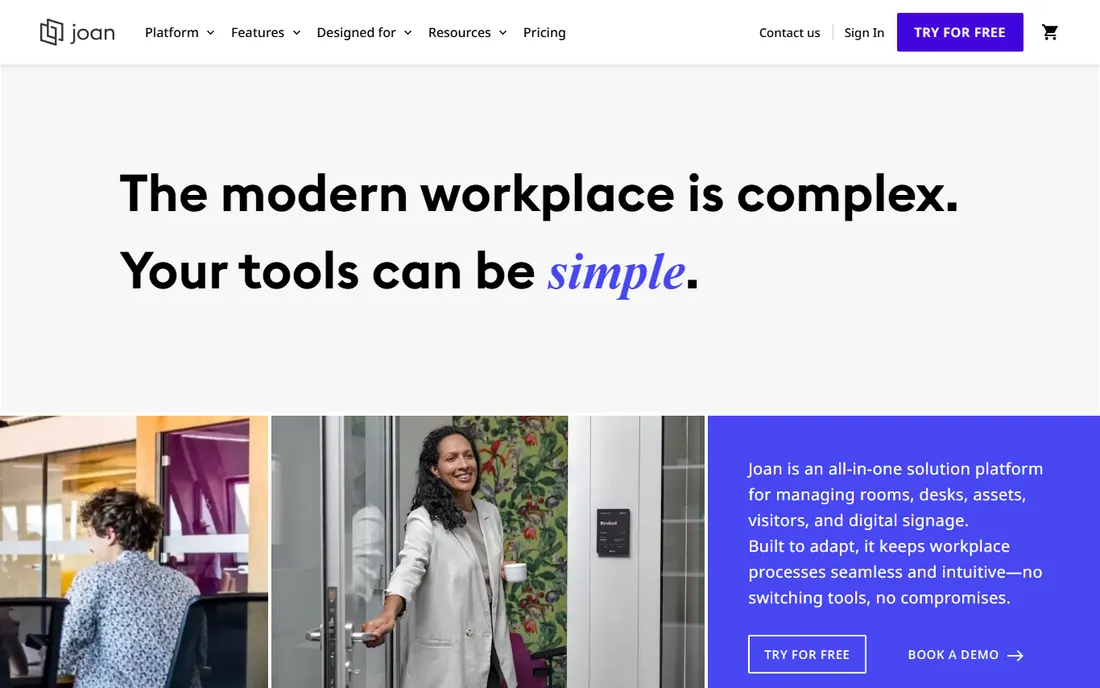
Joan wins on the door, not the dashboard. The battery-powered ePaper displays mount without cabling, show real availability at a glance, and let anyone book in two or three taps with no app. That physical presence is what actually kills double bookings in offices where people do not check calendars. The subscription covers room booking, desk booking, visitors and analytics, and setup typically takes under two hours.
Do the total-cost math before comparing to software-only tools. Per-device plans run Basic €4.99, Pro €9.99 and Enterprise €19.99 per device per month, and the hardware is purchased per room on top. A 10-room rollout means 10 devices plus the subscription. It also runs on existing Android tablets or iPads, though full features need Joan hardware. Good for adoption in low-tech workforces; overkill if calendar-based booking is enough.
What we like- Battery-powered ePaper room displays drive real adoption, with booking in two to three taps and no app needed
- Room booking, desk booking, visitors and analytics in one subscription
- Straightforward setup, with most customers live in under two hours
Watch out for- Hardware is an upfront capital cost, with one device per room on top of the subscription
- Battery life in busy rooms runs shorter than rated, closer to 6 to 8 months
#6
Eptura Engage
Best for: Large enterprises standardized on Microsoft 365
Visit eptura.com
Starting priceSee website (quote-based, annual minimum)
Free planNo
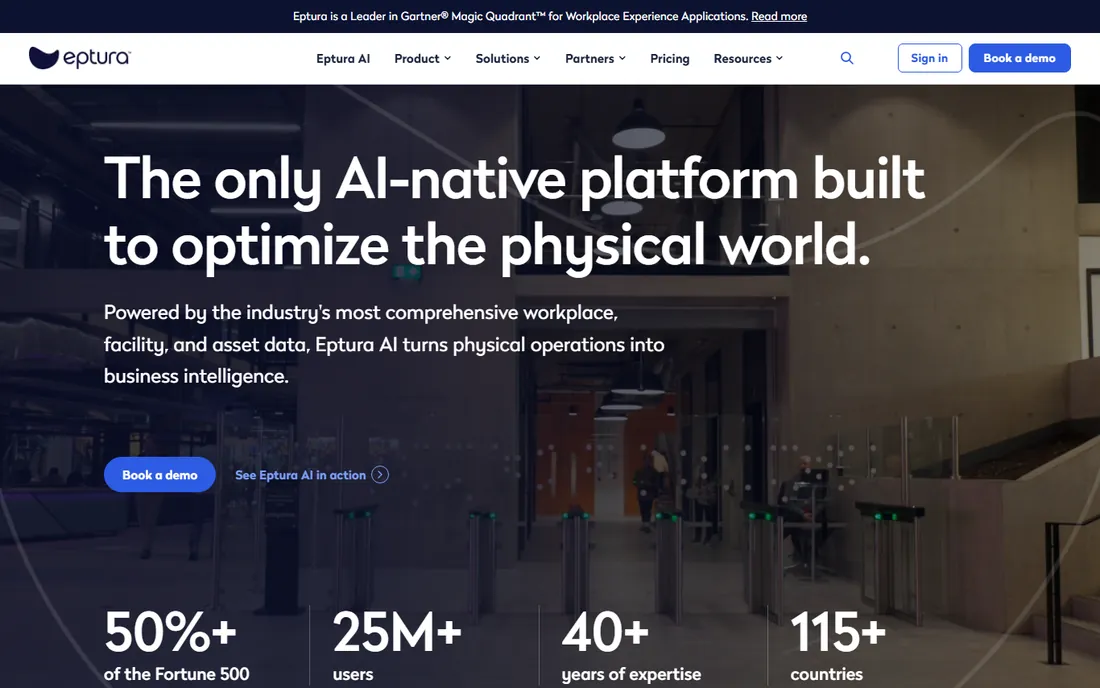
Eptura Engage is the new name for Condeco (rebranded in early 2025), and the Microsoft shops are the audience. The pitch is Outlook-native booking: rooms and desks booked without leaving the tools the company already runs on, now with Copilot-powered natural-language booking in the bundle. For large enterprises deep in the Microsoft stack, that native fit is the reason to shortlist it.
The buying process is full enterprise: demo-required sales, annual minimums, implementation, and pricing that reviewers report has risen since the Condeco, iOffice and Proxyclick consolidation. Older reviews under the Condeco name still apply. Only shortlist above 500 employees; smaller organizations should look at Skedda, OfficeRnD or YArooms and skip the procurement cycle entirely.
What we like- Deep Microsoft Outlook and Exchange integration with mature enterprise room and desk booking
- AI features including Microsoft Copilot natural-language booking under the Eptura Engage bundle
- Strong for 500-plus employee organizations with complex space needs
Watch out for- No public pricing with all quotes via sales and an annual contract minimum
- Reviewers note few modernizing updates and occasional Outlook plugin sync issues
#7
YArooms
Best for: Mid-market to enterprise Microsoft-first organizations in regulated industries
Visit yarooms.com
Starting price$99/month (Starter, 10-20 users, 1 location)
Free planNo
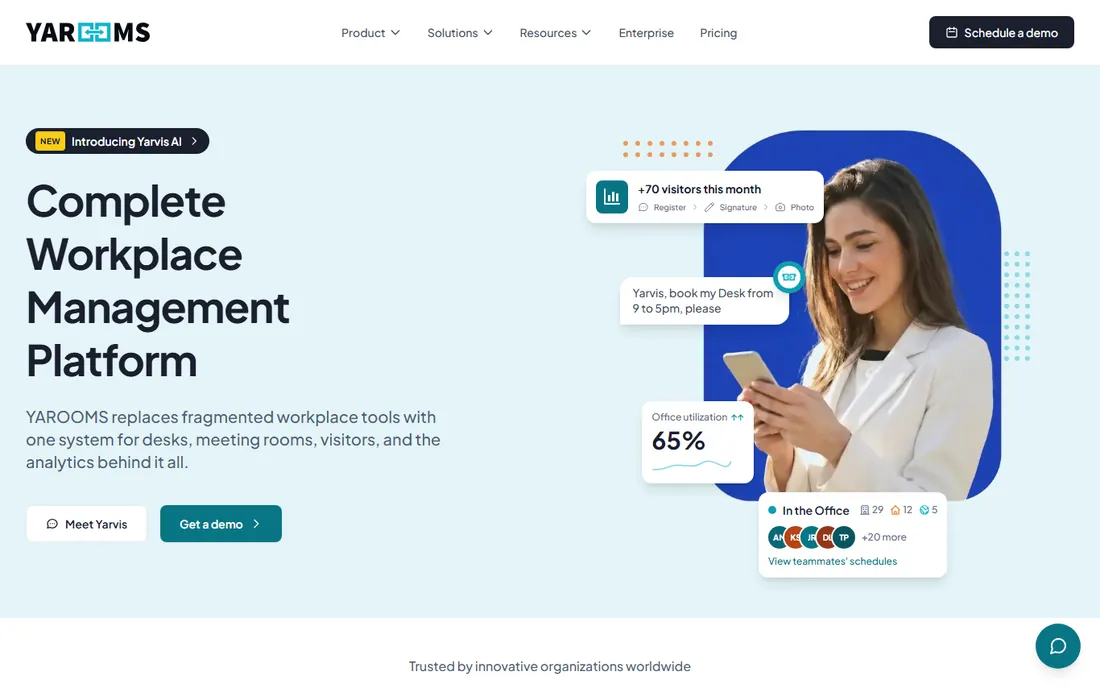
YArooms is the compliance-first pick for regulated industries: banking, healthcare, government and education. ISO 27001, SOC 2 Type II, GDPR and EU data hosting check the procurement boxes that stall other vendors, and the Microsoft 365 integration runs deep, including an AI agent that books inside Teams. Pricing is published and flat-rate: Starter from $99 a month, Business from $399 (up to 200 users, 2 locations), Enterprise from $899 (300-plus users, 5-plus locations), with 20 percent off on annual billing.
Read the tier reality carefully. The features a 100-person company usually expects (analytics, AI assistant, SSO, a second location) sit in Business at $399 and up, so the practical entry point exceeds the $99 sticker. Visitor management is a $99-a-month add-on. If compliance and Microsoft depth are the requirements, it earns the shortlist. If you just need rooms booked, lighter tools deploy faster.
What we like- Transparent flat-rate pricing rather than per-user, which stays economical at larger headcounts
- Compliance-led with ISO 27001, SOC 2 Type II, GDPR and an EU-hosted data option
- The Yarvis AI agent books natively inside Microsoft Teams
Watch out for- Pricing scales with users and locations, so headcount growth and new sites push costs up faster than per-space models
- More platform than some organizations need
#8
Eptura Workplace
Best for: Real-estate and facilities teams managing large portfolios
Visit eptura.com
Starting priceSee website (quote-based, annual subscription minimum)
Free planFree trial (reported on third-party listings)
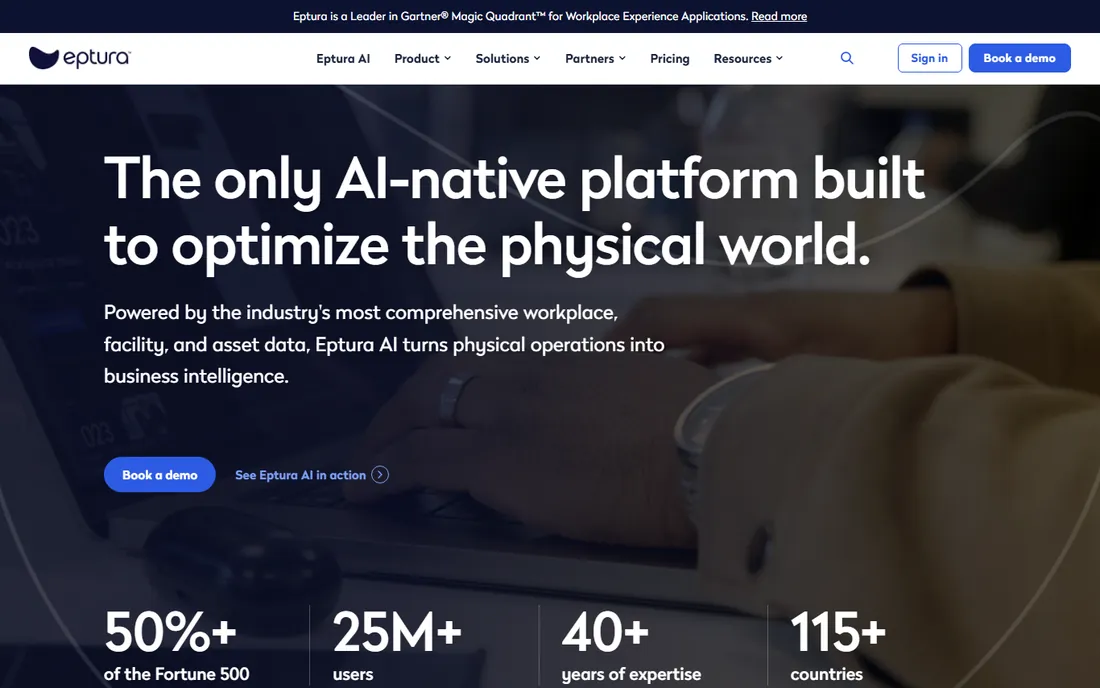
Eptura Workplace is not really room booking software; it is the IWMS that includes it. Space planning, move management, service requests and asset management sit alongside desk and room booking, aimed at real-estate and facilities teams running large multi-site portfolios. Workday integration and stacking-diagram reporting are the features that audience actually buys.
Note the product split: employee booking lives in Eptura Engage while space data lives in Workplace, so scope both modules and get an all-in annual quote. Pricing is quote-only with an annual minimum, and customers of the pre-rebrand products report increases since the consolidation. Not a fit for teams that just need room booking; Skedda or OfficeRnD will be faster and cheaper. Expect a full enterprise sales cycle.
What we like- Full IWMS breadth with space planning, move management, service requests and asset management alongside booking
- Strong for real-estate and facilities teams managing large multi-site portfolios
- Workday integration and stacking-diagram reporting praised in reviews
Watch out for- No public pricing, with post-acquisition price increases widely reported
- An enterprise implementation process, with map edits often needing the Eptura team
#9
Appspace
Best for: Enterprises bundling room scheduling with digital signage and comms
Visit appspace.com
Starting priceSee website (quote-based)
Free planFree trial (reported)
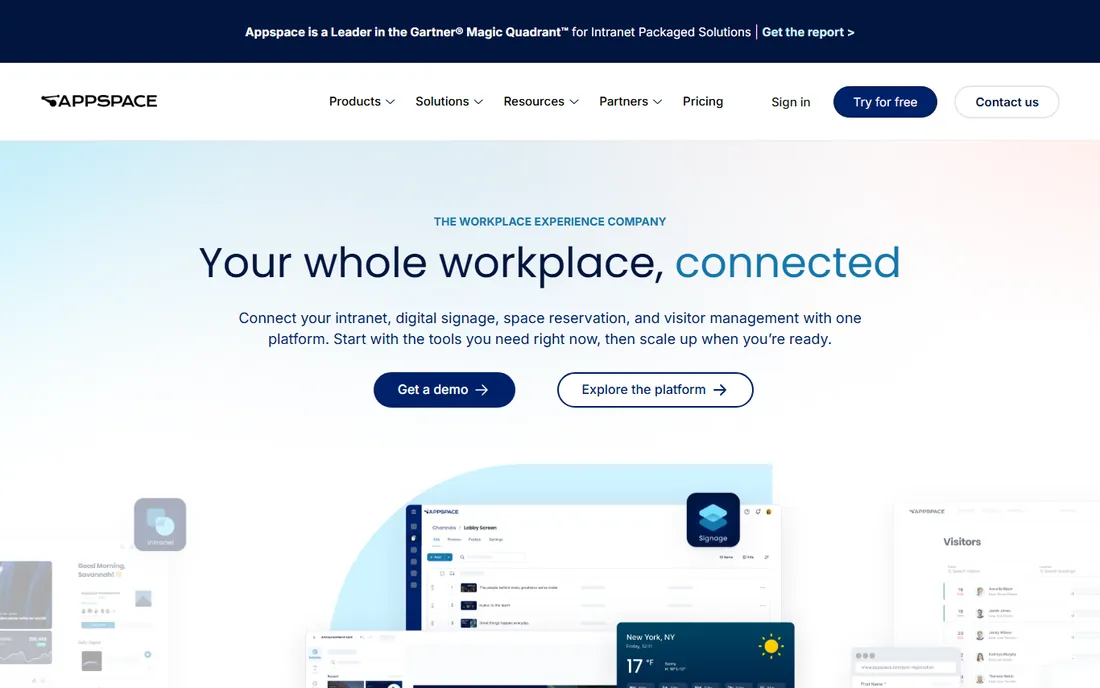
Appspace leads with digital signage and treats room booking as a module. If the goal is one platform for screens in the lobby, announcements, the employee app and room scheduling, the consolidation makes sense: broad integrations, 24/7 support, and a vendor doing enterprise comms since 2001. Third-party listings report figures around $3 per user per month for the comms platform, but those are unverified; get a scoped quote and do not budget off listings.
The fit question decides it. If meeting room booking is the primary need, dedicated tools offer deeper booking rules and clearer pricing. Buy Appspace when the signage and comms consolidation is the actual goal and booking rides along. For a pure best meeting room booking app comparison, Skedda, OfficeRnD and YArooms give you prices you can put in a spreadsheet today.
What we like- An all-in-one workplace communications platform with digital signage, room scheduling, an employee app and announcements
- Broad integrations across Microsoft 365, Teams, Slack, Google Workspace, Cisco Webex and Zoom
- 24/7 support with enterprise comms heritage
Watch out for- Room booking is one feature of a signage-first platform, not a dedicated booking specialist
- Quote-based pricing with inconsistent third-party figures makes comparison shopping hard
Do you actually need door displays?
Door displays solve one problem well: the walk-up double booking. A screen outside the room shows real availability, lets someone claim an empty room in seconds, and auto-releases no-shows. In offices where people book from calendars reliably, they are decoration. In offices with heavy ad-hoc use, they change behavior.
The cost is hardware plus subscription. Joan's battery ePaper screens need no cabling but each room needs a device on top of the per-device plan. Envoy Screens runs about $12 per device per month plus the iPad. Robin and YArooms support displays through integrations. Before buying, count the rooms with real contention: hallways of bookable huddle rooms justify displays; the boardroom everyone plans around does not. Start with software, add displays where walk-ups actually collide.
Per-room, per-desk, or per-user: pick the pricing model that fits
This category has four pricing models, and the cheapest one depends entirely on your shape. Per-user (YArooms Starter, Robin's paid tiers) suits stable teams where everyone books. Per-room or per-desk (OfficeRnD, Envoy Reservations) suits growing companies: hiring does not raise the bill. Per-space flat with unlimited users (Skedda) suits large hybrid orgs with many bookers and few rooms. Per-device (Joan) suits display-led rollouts.
Run your own numbers. A 200-person company with 10 rooms pays very different totals under each model: per-user scales with headcount, per-room stays flat, per-device follows the display count. Watch what sits outside the base price too: visitor management is a paid add-on at Skedda ($99), OfficeRnD (Visitor Hub) and YArooms ($99). The model that fits a 50-person office is rarely the one that fits a 2,000-person campus, so re-check the math before every renewal.
Frequently asked questions
How much does conference room booking software cost?
Published prices run $99 to $399 a month: OfficeRnD from $99, YArooms Starter $99, Skedda Plus $249, YArooms Business $399. Envoy Reservations is $5 per bookable resource per month plus a platform fee. Joan starts around €49 a month plus per-device plans. Robin, Eptura and Appspace are quote-only, typically five-figure annual contracts. Add hardware if you want door displays.
Do I need door displays or is the app enough?
The app is enough if people book from calendars reliably. Displays earn their keep in offices with heavy walk-up use: they show real availability, allow instant booking at the door, and auto-release no-shows. Joan's battery ePaper screens need no cabling. Count the rooms with real contention before buying; most offices need displays on a few rooms, not all of them.
Which tool integrates best with Microsoft 365?
Eptura Engage (formerly Condeco) is the most Outlook-native, built for enterprises standardized on Microsoft. Robin, YArooms, OfficeRnD and Envoy all integrate with Microsoft 365 and Teams; YArooms adds an AI booking agent inside Teams. Test the calendar sync during evaluation: plugin sync issues are a recurring review theme across vendors.
Can I start with a free plan?
Robin offers a free Starter tier (up to 15 users, one floor), and Envoy Visitors Basic is free up to 100 entries a month. Skedda, OfficeRnD, Joan, Eptura Workplace and Appspace offer free trials. YArooms and Eptura Engage have no free tier or trial. For a small team, Robin's free tier or a trial of Skedda or OfficeRnD is the fastest way to start.
What is the difference between room booking software and an IWMS?
Room booking software (Skedda, YArooms, Joan) handles reservations, displays and booking rules. An IWMS like Eptura Workplace adds space planning, move management, maintenance and asset tracking for real-estate teams. If facilities manages a portfolio, the IWMS fits. If the office manager just needs rooms booked, the booking app is cheaper and faster to deploy.
How we chose
We started with the searches buyers actually run: conference room booking software, meeting room booking app and room scheduling software. For each candidate we opened the vendor's own pricing page, checked plan names and prices against public reviews on G2 and Capterra and practitioner discussion on Reddit, and compared feature depth, pricing models and company-size fit. Where the vendor publishes no prices we wrote "See website" rather than repeating estimates as facts. The shortlist mixes published-price booking apps with the quote-only enterprise platforms, because a 50-person office and a 5,000-person campus are not buying the same product.
Sources we checked (10)
- https://www.robinpowered.com/pricing
- https://www.envoy.com/pricing
- https://www.skedda.com/pricing
- https://www.officernd.com/pricing
- https://www.getjoan.com/pricing
- https://www.eptura.com
- https://www.yarooms.com/pricing
- https://www.appspace.com
- https://www.g2.com/categories/meeting-room-booking-systems
- https://www.capterra.com/meeting-room-booking-system-software/
Is your product missing or out of date?
We review this list regularly. Vendors can request a listing, send updated pricing or ask about featured placement.

Shihab Mia · Founder, Rankite
Shihab has spent more than a decade helping SaaS and e-commerce brands grow through search. He writes Rankite's software buying guides from pricing pages, documentation and public user reviews. More about Shihab.