How we make this list: we compare pricing pages, product documentation and public user reviews. Rankite is independent; if a vendor ever pays for a featured spot, that listing is clearly labeled Partner.
Key takeaways
- Robin (free Starter plan) and Envoy (custom quote) lead the hybrid-workplace end, combining room booking with desks, visitors and analytics.
- Skedda ($249/month) and YArooms ($99/month) publish real prices and suit teams that want straightforward space scheduling without enterprise sales cycles.
- Meeting Room 365 ($9/month) is the cheapest credible option for small teams that just need rooms bookable from Outlook or Google Calendar.
- Condeco, Teem and OfficeSpace serve larger enterprises with quote-based pricing; expect annual contracts and implementation projects.
Quick comparison
| Tool | Best for | Starting price | Free plan |
|---|
 Robin Robin | Hybrid workplaces with rooms plus desks | See website (custom quote) | Yes |
 Envoy Envoy | Workplace experience with visitor management | See website (custom quote) | No |
 Skedda Skedda | Configurable space scheduling by the space | $249/month (Plus plan) | Free trial |
 YArooms YArooms | Multi-function workplace platform | $99/month (Starter plan) | Free trial |
 Condeco Condeco | Enterprises with complex scheduling rules | See website (custom quote) | No |
 Teem Teem | Room booking tied to facilities workflows | See website (custom quote) | No |
 OfficeSpace OfficeSpace | Space management with utilization reporting | See website (custom quote) | No |
 Meeting Room 365 Meeting Room 365 | Small teams wanting simple Outlook booking | $9/month | Free trial |
Is your product missing or out of date?
We review this list regularly. Vendors can request a listing, send updated pricing or ask about featured placement.
The best room booking software
An office manager walks in on Monday at 9am to find two teams arguing outside the big conference room. Both booked it. One used the calendar, the other used a spreadsheet the old manager kept. The room sits empty half the day because people book it "just in case" and never show up. Meanwhile the small huddle room nobody can find is booked solid. The company pays for space it cannot use and fights over space it can.
That chaos is what the best room booking software eliminates. These platforms let employees find and reserve rooms from their calendar, phone or a tablet on the door, release no-show bookings automatically, and show facilities teams which spaces actually get used. The eight below are the strongest options in 2026, from free starters to enterprise workplace platforms.
Starting priceSee website (custom quote)
Free planYes
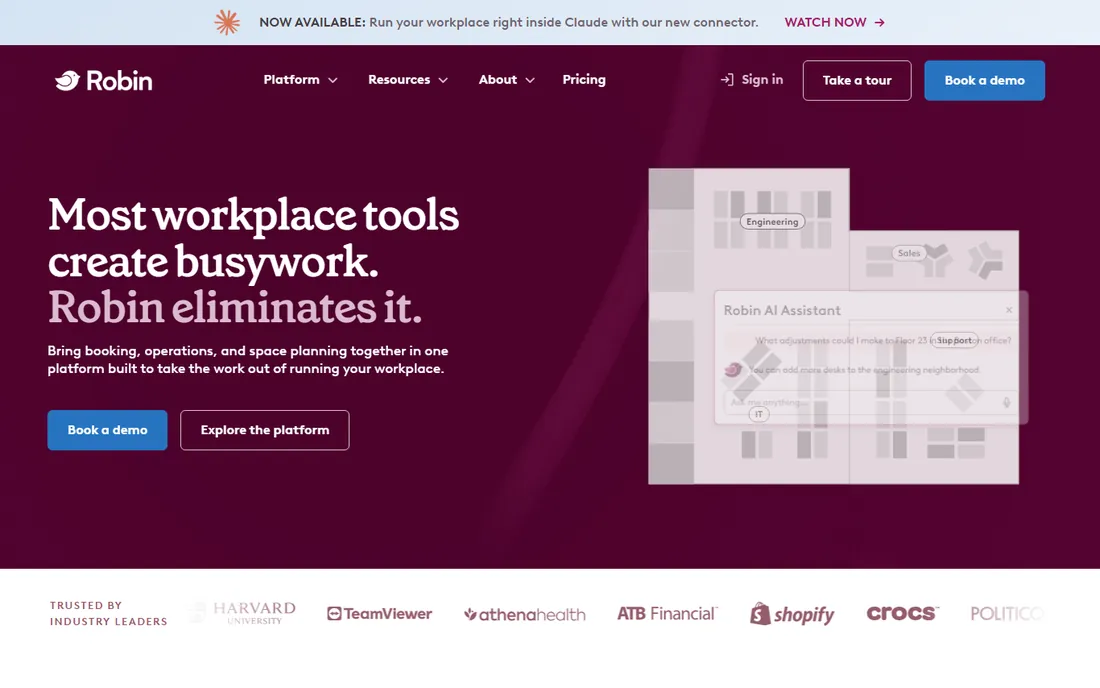
Robin is the hybrid-work platform that grew up around the return to office. Room booking sits alongside desk booking, visitor management and workplace analytics, so a company managing flexible attendance gets one system instead of three. The free Starter plan (up to 15 users, one floor) lets small teams run real room booking at no cost, which is unusually generous here.
The honest catch is the quote wall. Paid plans are custom with annual terms, and industry benchmarks put room booking at roughly $15 to $40 per room per month on top of desk costs. Robin makes most sense when you need the whole workplace stack; for rooms alone, cheaper specialists exist. If hybrid scheduling is the broader problem, Robin is the most complete answer.
What we like- Free Starter plan covers up to 15 users and one floor
- Combines room booking, desk booking and visitor management
- Strong Slack, Teams and calendar integrations
Watch out for- Paid tiers are quote-based with annual commitments
- Room booking alone runs $15-$40 per room per month in practice
- Best value needs the wider platform
#2
Envoy
Best for: Workplace experience with visitor management
Visit envoy.com
Starting priceSee website (custom quote)
Free planNo
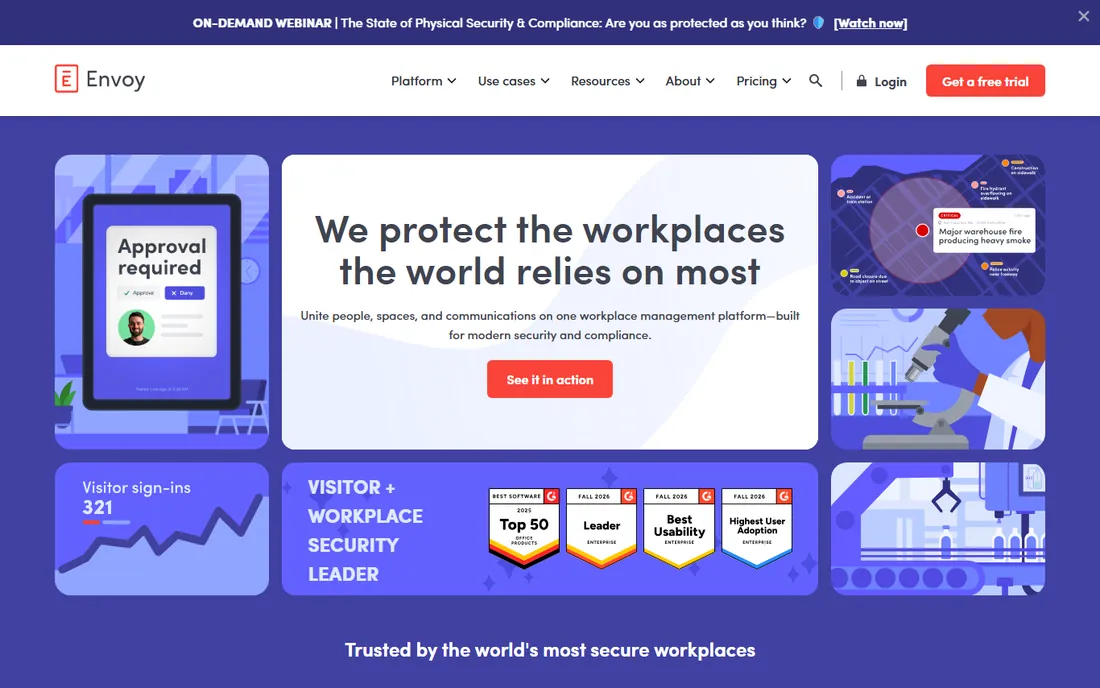
Envoy started with visitor management (the iPad at reception) and grew into a full workplace platform. Room booking integrates with desk booking, visitor flows and workplace analytics, and the mobile experience is the most polished in this list. Companies that care about the end-to-end office visit, from guest check-in to the booked room, get it in one system.
The tradeoff is cost structure. Every module is priced separately (rooms roughly $20 to $60 per room per month in observed deals), there is no free tier, and larger deployments go through enterprise sales. Envoy is the premium pick: the best experience at the highest price. If visitors and workplace polish matter as much as rooms, it earns the premium. If you just need rooms, it is expensive.
What we like- Best-in-class visitor management bundled with rooms and desks
- Polished mobile app employees actually use
- Strong access-control and delivery integrations
Watch out for- No free plan
- Modular pricing means rooms, desks and visitors each cost separately
- Enterprise sales process for larger deployments
Starting price$249/month (Plus plan)
Free planFree trial
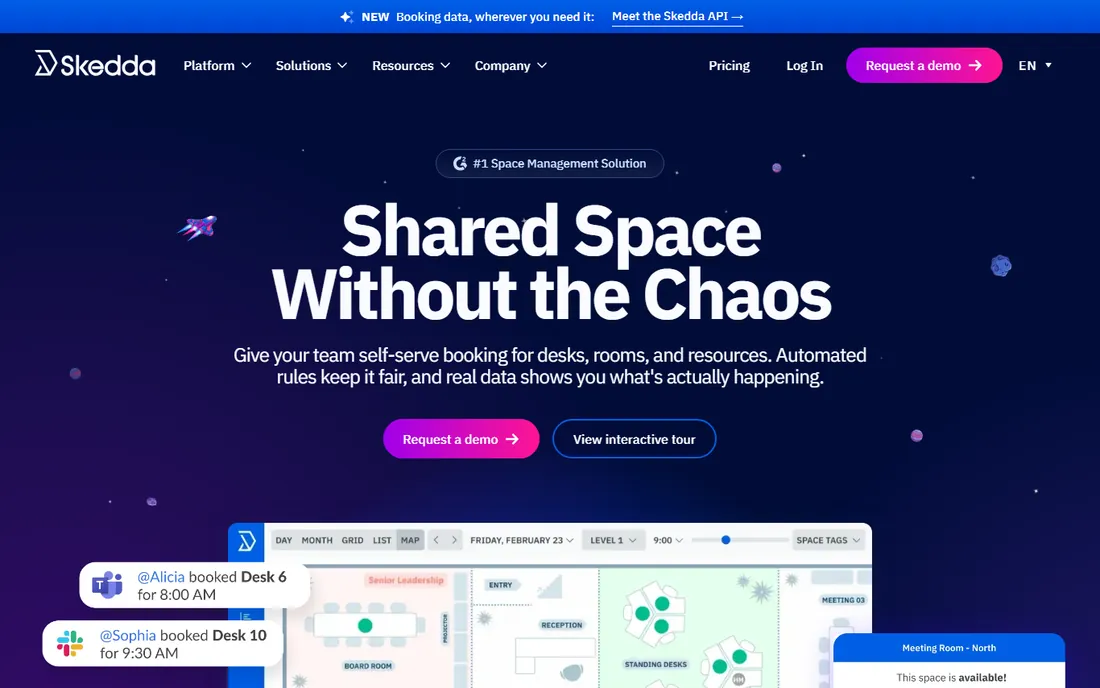
Skedda prices by spaces instead of people, which fits how offices actually think. The Plus plan at $249 a month covers 35 bookable spaces, with configurable rules (who can book what, for how long, with what approval), user roles, interactive maps and calendar sync. Universities, coworking spaces, studios and hybrid offices use it because the rule engine handles complicated sharing arrangements.
The honest catch is the entry price. At $249 a month, Skedda costs more than most small teams need, and space-based pricing means a big office pays accordingly. But the transparency is refreshing in a category full of quotes, and the configurability is genuinely deep. If your booking rules are complicated (departments, priorities, paid vs free spaces), Skedda is built for exactly that.
What we like- Published pricing based on bookable spaces, not users
- Highly configurable booking rules, roles and permissions
- Interactive floor plans and 24/7 support
Watch out for- $249 a month entry is steep for tiny teams
- Pricing is space-based, so large offices pay more
- No free tier on current plans
Starting price$99/month (Starter plan)
Free planFree trial
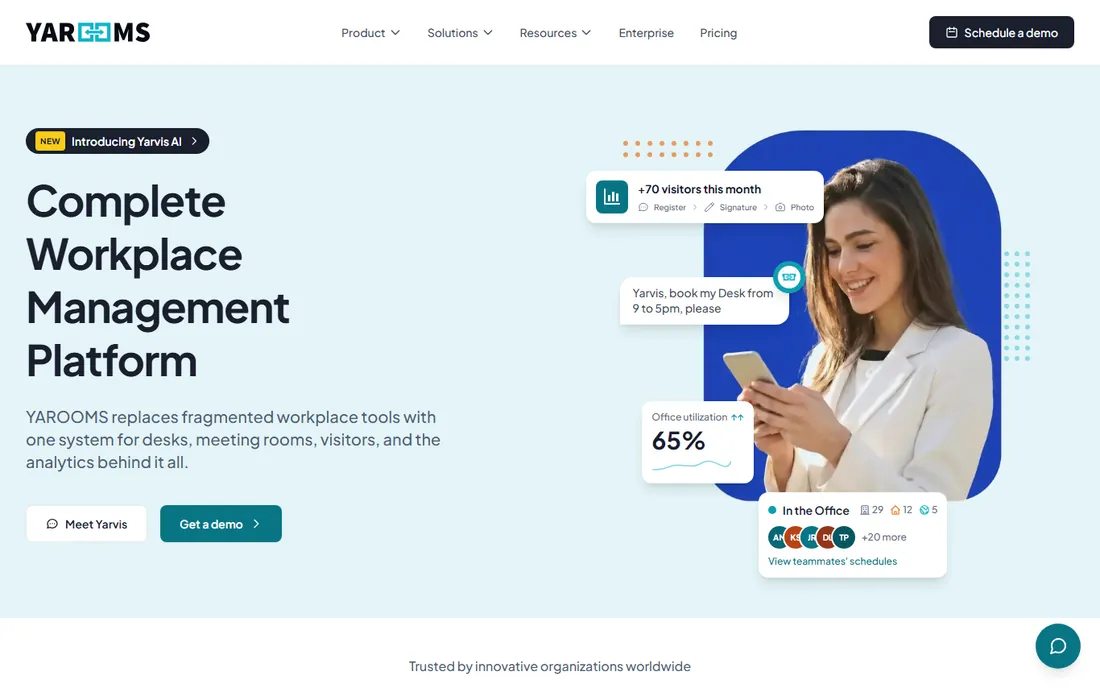
YArooms packs an unusual amount into $99 a month. The Starter plan covers room and desk booking with hybrid workplace tools, and higher tiers add visitor management, parking and digital signage for lobbies and room displays. The Microsoft integrations (365, Outlook, Teams, Azure AD) are deep, which matters for Microsoft-centric companies.
The tradeoff is tier climbing. The $99 Starter is genuinely useful, but the multi-function promise (signage, parking, advanced analytics) lives on Business at $399 and Enterprise at $899. It is also a smaller vendor than the category leaders, which matters for long-term bets. For a Microsoft shop wanting one workplace platform at a published price, YArooms is the value pick.
What we like- Published pricing from $99 a month
- Combines rooms, desks, visitors, parking and digital signage
- Strong Microsoft 365 and Azure AD integrations
Watch out for- Full value needs the higher tiers ($399+)
- Smaller brand than Robin or Envoy
- Enterprise features gated behind custom plans
Starting priceSee website (custom quote)
Free planNo
Condeco is the enterprise veteran of room scheduling. It handles the complicated realities of big companies: multi-floor, multi-building, multi-country deployments with different rules, languages and approval chains, plus integration into catering, AV services and facilities workflows. For global enterprises, that maturity is the point.
The honest catch is everything enterprise: custom quotes, long sales cycles, implementation projects and annual contracts. There is no free plan and no published price. Condeco is for the facilities team managing thousands of rooms, not the startup with three meeting rooms. In that world, its depth is unmatched.
What we like- Mature enterprise scheduling with deep rule configuration
- Strong multi-location and multi-language support
- Ties into facilities and services workflows
Watch out for- Quote-only pricing with enterprise sales cycles
- Implementation is a project
- Overkill for teams under a few hundred people
#6
Teem
Best for: Room booking tied to facilities workflows
Visit teem.com
Starting priceSee website (custom quote)
Free planNo
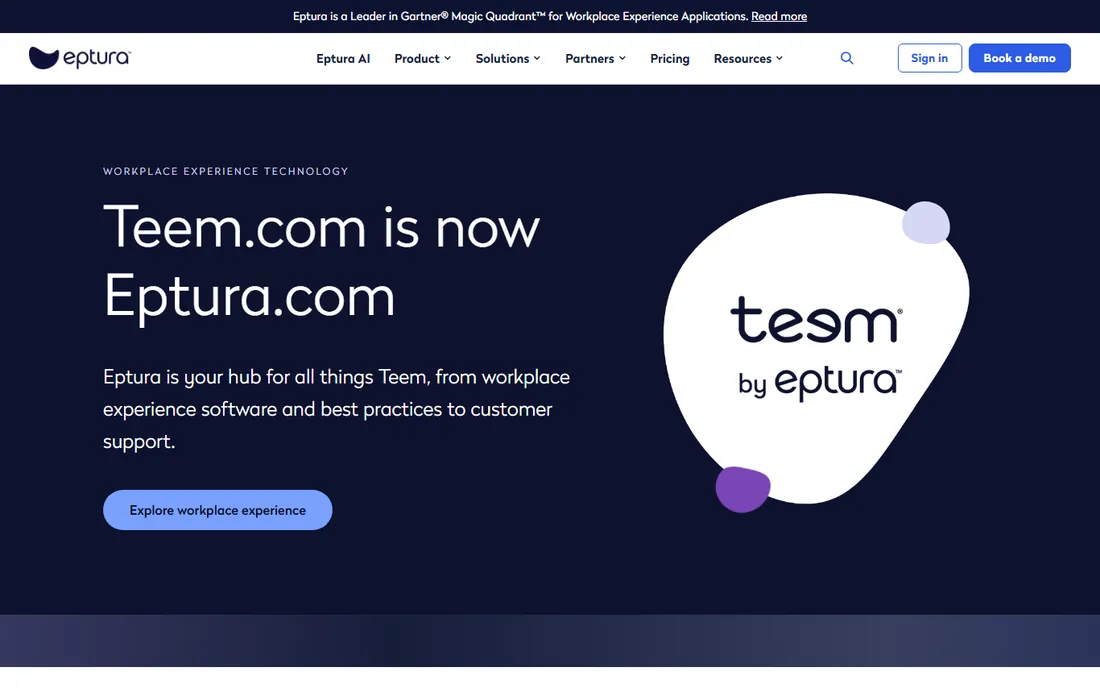
Teem, now part of Eptura, connects room booking to the facilities behind it. Beyond reserving rooms, it ties into space planning, maintenance requests and workplace analytics, so the data on which rooms get used feeds decisions about the office itself. As part of Eptura, it sits in a broader workplace management suite.
The tradeoff is clarity and cost. The Eptura rebrand has blurred where Teem ends and the suite begins, pricing is quote-based with annual commitments, and the platform assumes enterprise scale. For facilities-led organizations that want booking data driving real estate decisions, the connection is valuable. For simple room scheduling, it is more platform than needed.
What we like- Room booking connected to space planning and maintenance
- Now part of Eptura's wider workplace platform
- Strong utilization analytics
Watch out for- Quote-based pricing
- Eptura rebrand confuses product boundaries
- Enterprise orientation prices out small teams
Starting priceSee website (custom quote)
Free planNo
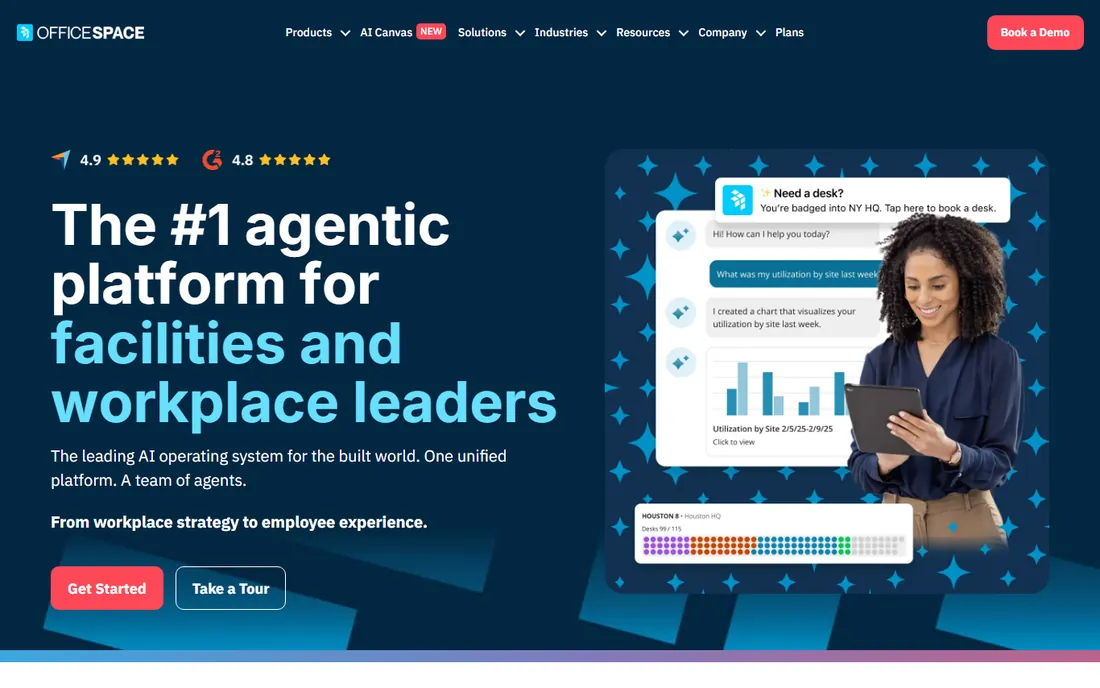
OfficeSpace Software approaches from the space-management side: floor plans, seating charts, move management and utilization reporting, with room and desk booking built in. For workplace teams whose real question is "do we need this office," the analytics on how space gets used are the core value, and booking is how the data gets collected.
The honest catch is the enterprise packaging. Pricing is quote-based, there is no free tier, and the full platform needs implementation effort. It is a workplace management system that includes room booking, not a room booking tool, and the price reflects that. Companies doing serious space planning should evaluate it; companies that just need rooms should not.
What we like- Strong space planning and utilization analytics
- Room and desk booking in one workplace system
- Multi-language support for global teams
Watch out for- Quote-only pricing
- No free plan
- Implementation effort for the full platform
Starting price$9/month
Free planFree trial
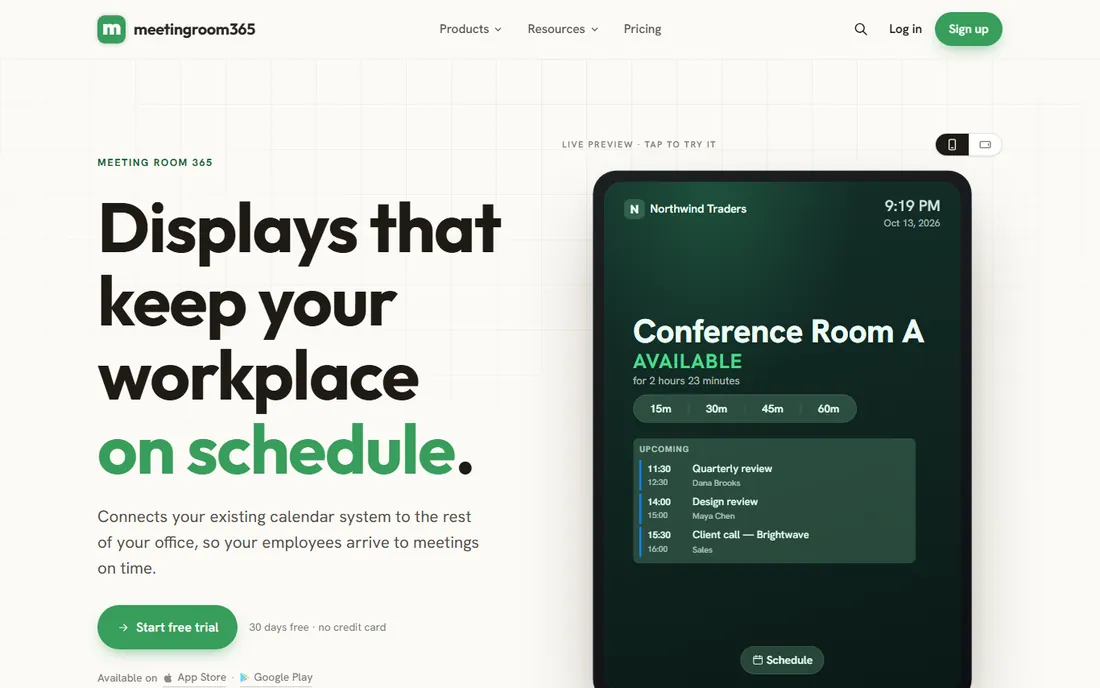
Meeting Room 365 is the minimalist answer: room booking that lives inside Outlook, with tablet displays for the door, at $9 a month. For a small team on Microsoft 365 that just needs rooms bookable and visible, it does the job without a platform purchase, an annual contract or a sales call.
The limits are what you would expect at the price. There is no desk booking, no visitor management, no utilization analytics worth the name, and the vendor is small. But most small businesses do not need those things; they need the Monday-morning double-booking to stop. At $9 a month, Meeting Room 365 stops it.
What we like- $9 a month is the cheapest real option here
- Works directly with Outlook and Microsoft 365
- Free status boards for room displays
Watch out for- Basic feature set next to the platforms
- Small vendor
- Limited analytics and no desk or visitor features
What actually matters in a room booking system
Start with the no-show problem, because it is the expensive one. People book rooms they do not use, and without check-in and auto-release, those rooms sit empty all day. Ask every vendor how check-in works (app, QR code, tablet, sensor) and when unclaimed rooms release. A system without auto-release is a calendar with extra steps.
Then check the calendar integration, because nobody opens a separate app to book a room. The booking has to work from Outlook or Google Calendar natively, with rooms appearing as resources people can add to invites. Test this in the trial with your actual calendar setup, not the vendor's demo environment.
Finally, think about the door. A tablet or display outside each room showing availability, with tap-to-book for ad-hoc meetings, is what makes the system real for employees. Check what hardware each platform supports and what it costs, because displays are a separate budget line that surprises buyers. Some platforms are hardware-agnostic; others push their own devices.
How this list was assembled
This list was built from vendor sites, published pricing research and workplace practitioner reviews, with prices verified in October 2026. Robin, Envoy, Condeco, Teem and OfficeSpace do not publish pricing on their own sites and are listed as custom quote; Skedda, YArooms and Meeting Room 365 publish theirs. Every tool here is an active product sold today.
No hands-on testing was involved and no vendor paid for placement. The selection weights booking reliability, calendar integration, check-in and auto-release, display hardware support, analytics depth and pricing transparency. Both enterprise platforms and affordable specialists are included because a 5,000-person company and a 20-person startup need different tools.
The hardware question: tablets on every door?
The software is only half the purchase. A room display on every door (tablet, e-ink panel or dedicated device) typically costs $200 to $600 per room for hardware plus mounts, before any software subscription. For ten rooms, that is a few thousand dollars that rarely appears in the software quote.
You have three options. Dedicated room displays (tablets running the vendor's app) give the best experience and the highest cost. E-ink panels (like Joan's) use no power-hungry backlight and look sharp, but add a hardware vendor to the mix. Or skip door hardware entirely and rely on the app and calendar, which works fine for teams under about 30 people.
Budget the hardware in year one alongside the software, and check compatibility before buying tablets in bulk. The platforms here vary: some are hardware-agnostic, others certify specific devices. A cheap tablet that the software does not support is not a bargain.
Frequently asked questions
How much does room booking software cost?
It ranges from free (Robin Starter, Meeting Room 365's trial) to custom enterprise quotes. Published prices run $9 a month (Meeting Room 365), $99 a month (YArooms Starter), and $249 a month (Skedda Plus). Enterprise platforms (Robin, Envoy, Condeco) are quote-based, typically with annual contracts. Budget separately for door display hardware.
Do I need room displays or tablets on the doors?
Not strictly, but they solve the biggest real-world problems: seeing availability at a glance and booking ad-hoc meetings on the spot. Teams under 30 people can often manage with calendar booking alone. Larger offices benefit enormously from door displays, especially combined with check-in and auto-release for no-shows.
Can room booking software integrate with Outlook and Google Calendar?
Yes, every tool on this list integrates with Outlook/Microsoft 365 or Google Calendar (most do both). Rooms appear as bookable resources inside the calendar people already use. Verify the depth of the integration in your trial: two-way sync, so a booking made at the door tablet appears in the calendar and vice versa.
What is the difference between room booking and desk booking?
Room booking reserves shared spaces (conference rooms, huddle rooms) usually by the hour. Desk booking reserves individual workstations, usually by the day, for hybrid teams. Most platforms here do both, but some (Skedda, Meeting Room 365) lean toward rooms while others (Robin, Envoy) treat them as equal parts of the workplace platform.
How do I stop people booking rooms they do not use?
Use check-in with auto-release: the booker confirms on the app or door tablet within a set window (usually 10-15 minutes) or the room frees up automatically. No-show rates of 20-30% are normal without it. Every platform here except the most basic supports this; make sure it is turned on, because it is often optional.
Should a small business buy room booking software?
If you have more than two or three bookable rooms and regular double-booking pain, yes, and it does not need to cost much. Robin's free Starter covers up to 15 users, and Meeting Room 365 is $9 a month. The enterprise platforms only make sense once you have real workplace complexity: hybrid schedules, multiple floors or visitor flows.
Sources we checked (9)
- https://www.vendr.com/marketplace/envoy
- https://koalendar.com/blog/best-conference-room-booking-software
- https://ronspotflexwork.com/blog/desk-booking-software/
- https://getofficely.com/blog/best-desk-booking-software-2026-comparison
- https://www.trustradius.com/compare-products/calendly-vs-skedda-workplace
- https://sourceforge.net/software/compare/Meetingsbooker.com-vs-Skedda/
- https://slashdot.org/software/comparison/Meeting-Room-365-vs-Robin-Powered/
- https://slashdot.org/software/comparison/Joan-vs-YArooms/
- https://Slashdot.org/software/comparison/Schedule-Display-vs-YArooms/
Is your product missing or out of date?
We review this list regularly. Vendors can request a listing, send updated pricing or ask about featured placement.

Shihab Mia · Founder, Rankite
Shihab has spent more than a decade helping SaaS and e-commerce brands grow through search. He writes Rankite's software buying guides from pricing pages, documentation and public user reviews. More about Shihab.