How we make this list: we compare pricing pages, product documentation and public user reviews. Rankite is independent; if a vendor ever pays for a featured spot, that listing is clearly labeled Partner.
Key takeaways
- Workato and Boomi lead the enterprise conversation, but they serve different buyers: business-led automation versus IT-run hybrid integration.
- MuleSoft remains the default for API-led programs and Salesforce-heavy estates, with pricing that starts in the tens of thousands per year.
- Celigo is the specialist pick for NetSuite and ecommerce stacks in the mid-market, with prebuilt flows that shorten implementation.
- Make at $9 a month and self-hosted n8n give small teams real integration power without an enterprise contract.
- Power Automate at $15 per user per month is the obvious choice inside Microsoft 365 shops and a harder sell outside them.
Quick comparison
| Tool | Best for | Starting price | Free plan |
|---|
 Workato Workato | Business-led enterprise automation | See website | Free trial |
 Boomi Boomi | Hybrid enterprise integration | $550/month | Free trial (30 days) |
 MuleSoft Anypoint Platform MuleSoft Anypoint Platform | API-led programs, Salesforce estates | See website | Free trial |
 Celigo Celigo | NetSuite and ecommerce mid-market | See website | Free trial |
 Tray.ai Tray.ai | AI-first enterprise automation | See website | Free trial |
 SnapLogic SnapLogic | AI-assisted data and app pipelines | See website | Free trial |
 Jitterbit Jitterbit | Hybrid integration with predictable pricing | See website | Free trial |
 Microsoft Power Automate Microsoft Power Automate | Microsoft 365 ecosystems | $15/user/month | Yes |
 Make Make | Affordable visual automation | $9/month | Yes |
 n8n n8n | Developer-led, self-hostable workflows | €20/month (cloud, billed annually) | Yes (self-hosted) |
Is your product missing or out of date?
We review this list regularly. Vendors can request a listing, send updated pricing or ask about featured placement.
The most common misconception about integration platforms is that the one with the most connectors wins. Connector counts look impressive in a vendor slide, but they rarely decide whether your integrations survive contact with reality. What decides it is error handling, monitoring, version control and what happens at 2 a.m. when an API on the other end changes its response format without telling anyone.
The second myth is that an iPaaS removes developers from the picture. Low-code builders genuinely let business users assemble simple flows, and that is valuable. But production integrations need someone who understands data mapping, idempotency and retry logic, plus governance over who can connect what to where. Every successful iPaaS deployment we see in reviews pairs business-user building with IT oversight. The platforms that acknowledge this split, with roles, environments and approval workflows, age better than the ones that pretend it does not exist.
So evaluate these platforms on the operating model, not the feature checklist. Who builds, who approves, who gets paged when a flow breaks, and how the pricing scales when data volumes grow tenfold. The answers differ sharply across this list.
Starting priceSee website
Free planFree trial
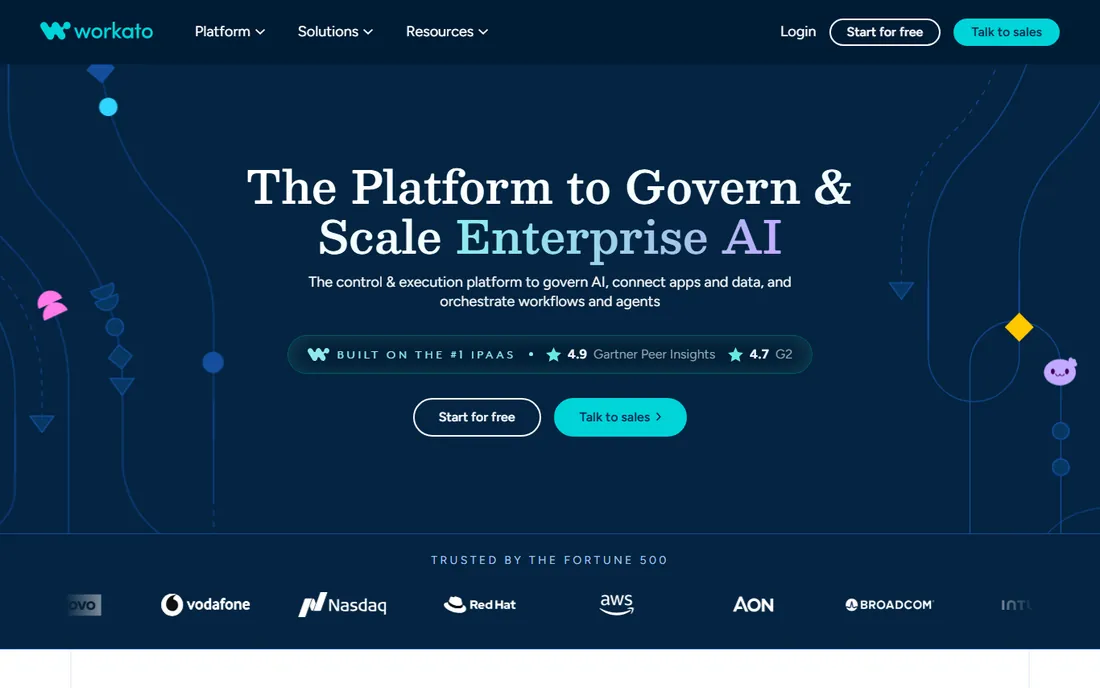
Workato's bet is that the people closest to the business process should build the automation. Recipes assemble in a drag-and-drop builder, and the platform wraps them in the governance IT needs: workspaces, versioning, access controls and monitoring. For mid-market and enterprise teams automating across Salesforce, NetSuite, Slack and HR systems, time to first value is genuinely fast.
The pricing conversation is where deals get complicated. Task and connector-based pricing means the bill follows usage, and high-volume flows can surprise finance. Get the pricing model in writing against your projected volumes before signing, and ask specifically how recipe runs are counted. Best fit: organizations that want business teams building under IT guardrails.
What we like- Low-code recipes that business teams can genuinely build
- 1,000+ connectors with strong SaaS coverage
- Governance features like environments and access controls
Watch out for- Quote-based pricing gets expensive as task volume grows
- Cost predictability is a common complaint
- Heavy use cases can outgrow the recipe model
Starting price$550/month
Free planFree trial (30 days)
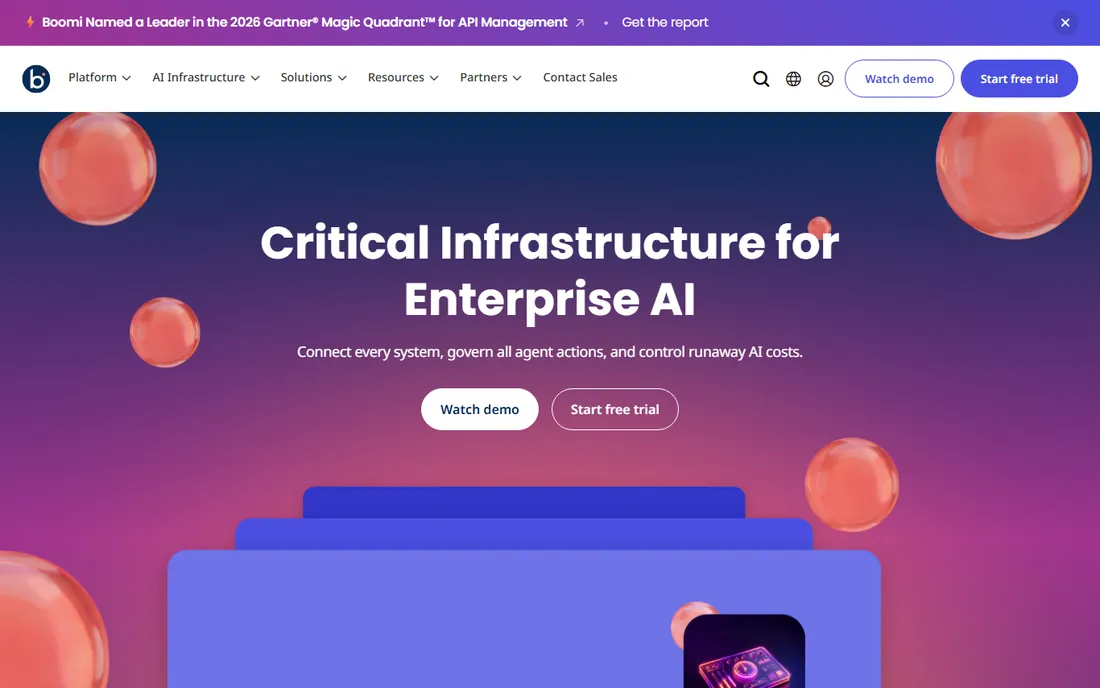
Boomi is the workhorse of hybrid integration. Its Atom runtime is a small engine you can drop almost anywhere, which makes it the natural pick for companies connecting cloud SaaS to systems still running on their own servers. The connector library is among the largest, and the process library lets teams reuse integration patterns instead of rebuilding them.
The entry price around $550 a month is published, which is unusually transparent here, but treat it as a floor. Distributed licensing, additional environments and data volumes push real contracts higher. Boomi suits IT teams that own integration as a discipline and need one platform spanning cloud and on-prem for years.
What we like- Lightweight Atom runtimes deploy cloud, on-prem or hybrid
- 1,500+ connectors and deep process library
- Published entry pricing is rare in this category
Watch out for- Licensing across distributed runtimes gets complex
- Interface feels dated next to newer rivals
- Real costs rise well above the entry tier at scale
#3
MuleSoft Anypoint Platform
Best for: API-led programs, Salesforce estates
Visit mulesoft.com
Starting priceSee website
Free planFree trial
MuleSoft is not really competing with the rest of this list on ease of use. It is competing on architecture. API-led connectivity treats every integration as a reusable API asset with design standards, policies and a developer portal, which pays off enormously in large organizations and Salesforce-centric estates. The partner ecosystem means you can hire for it.
The cost and complexity are real. Median enterprise licensing sits around $79,000 a year, and you will want MuleSoft-trained people to run it. For point-to-point SaaS syncs, this is a sledgehammer for a nail. For a multi-year API program, it is the reference platform for a reason.
What we like- Full API lifecycle in one platform, from design to policy to portal
- Reusable APIs via Anypoint Exchange cut duplicate work
- Huge partner and talent ecosystem
Watch out for- Enterprise licensing typically starts in the tens of thousands per year
- Complexity demands trained specialists
- Overkill for simple SaaS-to-SaaS syncs
Starting priceSee website
Free planFree trial
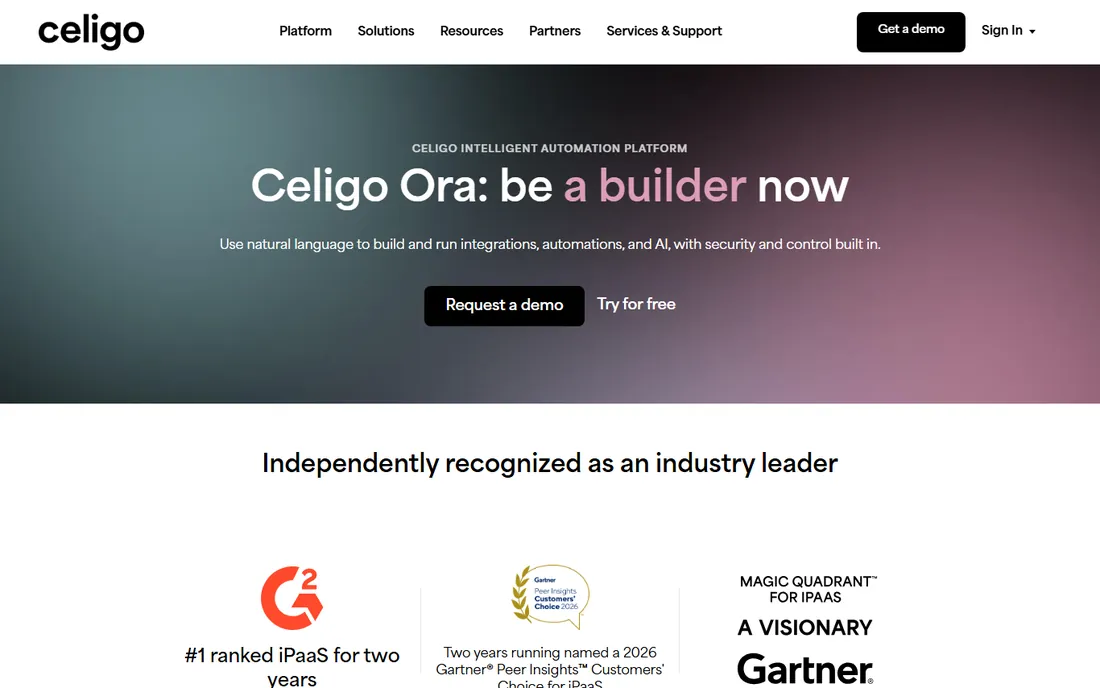
Celigo wins by being specific. Instead of a generic integration canvas, it ships Integration Apps: prebuilt, maintained flows for common pairs like NetSuite to Shopify or Salesforce to NetSuite. For ecommerce and finance teams, this cuts implementation from months to weeks because the hard mapping work is already done.
The tradeoff is generality. If your integration needs are mostly standard SaaS pairs, Celigo is efficient. If you need deep API governance, complex EDI or legacy protocol support, look at MuleSoft or Jitterbit instead. Pricing follows a flow-based model, so count your flows and data volumes before the sales call.
What we like- Prebuilt integration apps for NetSuite, Shopify, Amazon and Salesforce
- Flow-based builder business users can operate
- Strong reputation in the NetSuite ecosystem
Watch out for- Pricing is quote-based and flow-based, so model your volumes
- Custom API governance is thinner than MuleSoft
- Less suited to heavy EDI or legacy protocols
Starting priceSee website
Free planFree trial
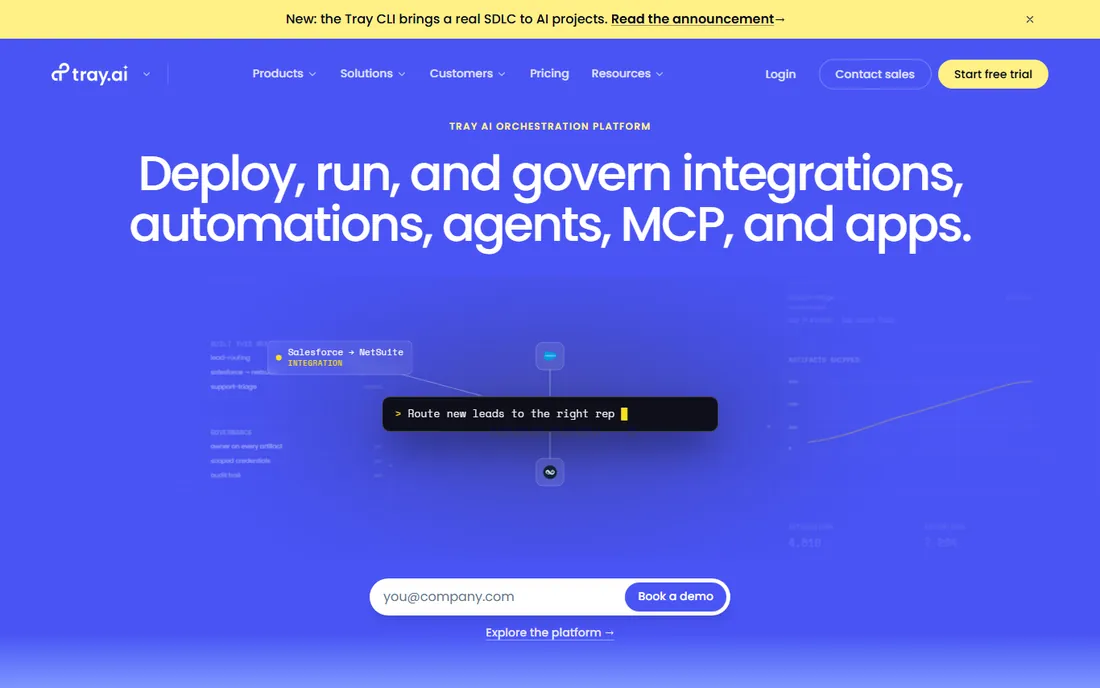
Tray.ai rebuilt itself around AI-first orchestration, and it shows in the product. The builder handles genuinely complex workflow logic, and the platform is designed for a world where AI agents trigger and consume integrations. For SaaS-heavy companies building sophisticated automation, it is one of the more modern-feeling enterprise options.
Being modern has costs. Pricing is quote-based, the ecosystem of partners and prebuilt content is smaller than Boomi's or MuleSoft's, and it does not try to be a legacy modernization platform. Evaluate it when your stack is cloud-native and your ambitions include AI agents acting through your integrations.
What we like- Flexible builder that handles complex logic well
- AI-native design with agent-friendly architecture
- Usage-based pricing scales with value
Watch out for- Quote-only pricing makes budgeting harder
- Lacks the legacy ESB depth of MuleSoft or IBM
- Smaller partner ecosystem than the incumbents
Starting priceSee website
Free planFree trial

SnapLogic's signature is build speed through AI assistance. SnapGPT helps plan pipelines, generate mappings and troubleshoot failures, which shortens the path from idea to working integration. Underneath, it is a serious data integration engine that handles both application sync and large-scale ELT workloads.
The platform rewards teams that commit to it. The visual pipeline logic takes learning, and the AI assistance matters most for teams building at volume. Pricing is usage-based, so data-heavy pipelines need careful estimation. It fits organizations where data engineering and application integration live on the same team.
What we like- SnapGPT assistant plans, builds and explains pipelines
- Strong at high-performance data pipelines and ELT
- Handles application and data integration in one platform
Watch out for- Quote-based pricing with usage components
- Visual logic has a learning curve for non-technical users
- AI features are a differentiator only if your team uses them
Starting priceSee website
Free planFree trial
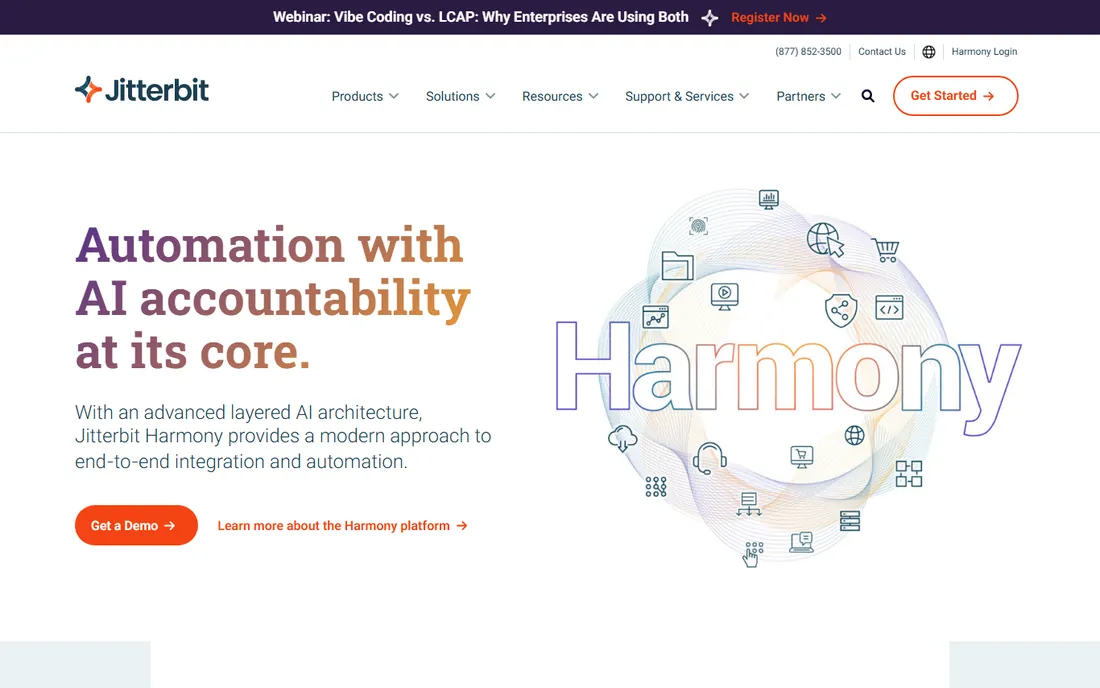
Jitterbit's quiet advantage is pricing sanity. Endpoint-based pricing means you pay for what you connect, not for every record that flows, which makes the annual budget a number finance can plan around. Private agents give you hybrid deployment for on-prem systems, and the platform covers API management and EDI for mid-market needs.
It does not have Boomi's connector depth or MuleSoft's API governance, and the ecosystem is smaller. But for mid-market companies that want enterprise-style hybrid integration without enterprise-style billing surprises, Jitterbit is the pragmatic pick. Ask for the endpoint pricing in writing and compare it against task-based quotes carefully.
What we like- Endpoint-based pricing is easier to forecast than task-based
- Strong hybrid deployment with private agents
- Solid API and EDI capabilities for the mid-market
Watch out for- Smaller ecosystem and connector library than Boomi
- Interface modernization lags newer rivals
- Enterprise features trail MuleSoft's depth
Starting price$15/user/month
Free planYes
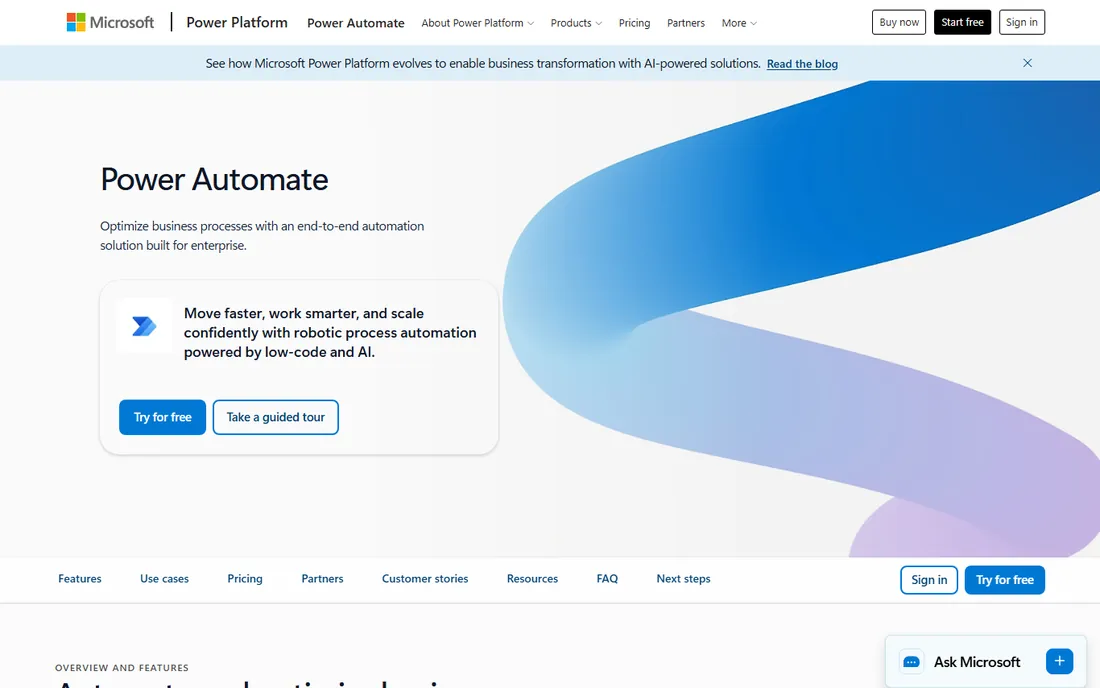
Inside a Microsoft 365 company, Power Automate is almost a default. It is already in the tenant, it talks to SharePoint, Teams, Dynamics and Outlook natively, and the Premium license at $15 per user per month covers cloud flows, attended RPA and premium connectors. There is also a free tier for basic personal automation with standard connectors.
Outside Microsoft's gravity the case weakens. Connectors for the rest of the SaaS world exist but are not the platform's strength, and the licensing layers (per user, per bot, hosted process, capacity add-ons) confuse buyers. If your company runs on Microsoft, start here and justify anything else. If it does not, the other platforms on this list will feel more at home.
What we like- Native integration with the entire Microsoft stack
- Premium at $15 per user per month is straightforward
- RPA and AI Builder included in the same license
Watch out for- Non-Microsoft connectors are weaker and sometimes awkward
- Licensing gets confusing with per-bot and capacity add-ons
- Best value only inside Microsoft estates
Starting price$9/month
Free planYes

Make is what teams buy when Zapier-style automation needs more power without enterprise pricing. The visual builder shows data flowing between modules, which makes debugging almost enjoyable, and the Core plan at $9 a month covers 10,000 credits. The free tier's 1,000 monthly credits are enough to run real small workflows.
Watch the credit math on long scenarios. Every module execution costs credits, so a ten-step scenario running thousands of times adds up fast, and the paid tiers scale on a slider past 8 million credits. Make is superb for departmental automation and startups. It is not a substitute for Boomi or MuleSoft when auditors and change control enter the picture.
What we like- Visual scenario builder that is genuinely pleasant to use
- Core plan at $9 a month with 10,000 credits
- Free tier with 1,000 credits monthly
Watch out for- Credit-based pricing punishes long multi-step scenarios
- Not a true enterprise iPaaS for governance-heavy needs
- Support and SLAs trail enterprise vendors
#10
n8n
Best for: Developer-led, self-hostable workflows
Visit n8n.io
Starting price€20/month (cloud, billed annually)
Free planYes (self-hosted)
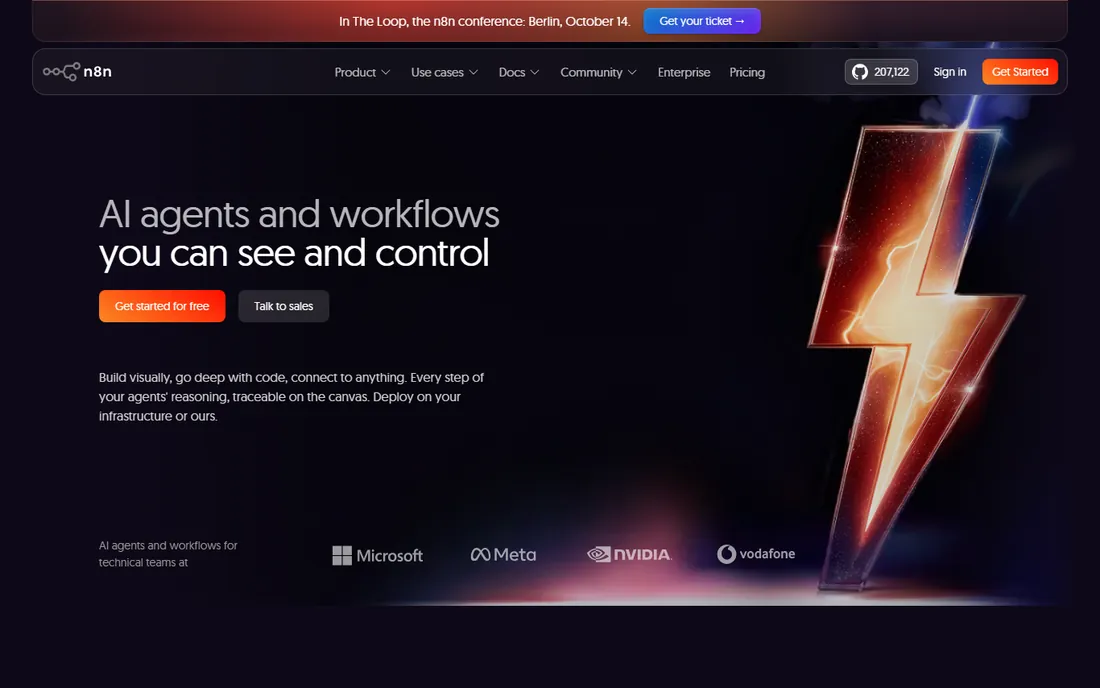
n8n is the developer's answer to integration pricing. The self-hosted community edition costs nothing to license, runs on a cheap VPS, and imposes no execution limits, which makes it radically cheaper at scale than any task-based platform. Workflows can drop into JavaScript wherever the visual nodes run out, and the community builds new nodes constantly.
The price of free is operations. You own uptime, security patches, backups and scaling, which is fine for a technical team and a burden for everyone else. The cloud tiers start at 20 euros a month billed annually for 2,500 executions, with a Business tier adding SSO and Git version control. For technical teams that want control and hate per-task billing, n8n is unmatched.
What we like- Self-hosted community edition is free with no execution limits
- Code-friendly with JavaScript in workflows
- Git version control on higher tiers
Watch out for- Self-hosting means owning uptime, updates and backups
- Cloud pricing is in euros with execution-based tiers
- Smaller connector library than commercial rivals
The questions that actually decide the purchase
Start with who builds. If business analysts will assemble integrations, you need Workato, Celigo, Make or Power Automate with their approachable builders and guardrails. If a central IT team owns integration, Boomi, MuleSoft, Jitterbit and SnapLogic fit better with their environments, versioning and deployment controls. Buying a developer platform for business users, or vice versa, is the most expensive mistake in this category.
Next, map your deployment reality. Cloud-only SaaS stacks can use anything here. The moment an on-prem ERP, a factory system or a regulated database enters the picture, you need hybrid runtimes: Boomi's Atoms, Jitterbit's private agents, MuleSoft's hybrid options or self-hosted n8n. Ask every vendor exactly how their runtime reaches your network, because marketing diagrams and firewall rules are different things.
Then model the pricing at three times your current volume. Task-based, credit-based and flow-based pricing all look reasonable at pilot scale and diverge wildly at production scale. Get the unit economics in writing, including overage rates, and compare a busy month, not an average one. The cheapest platform at pilot is often the most expensive at scale.
Finally, check governance before you need it. Environments for dev, test and production, role-based access, audit logs and change approval sound boring until an untested flow syncs bad data into your ERP. Enterprise buyers should treat these as requirements, not nice-to-haves.
We started from vendor pricing pages and documentation, then cross-checked capabilities against analyst coverage from Gartner and public reviews on G2, Capterra and TrustRadius. Every price above comes from a published plan or a verified 2026 pricing breakdown; where vendors publish nothing, we say how they bill instead of guessing. We scored platforms on builder usability, connector depth, hybrid deployment, governance features, monitoring and error handling, and pricing transparency.
We did not claim hands-on testing of any platform. We focused on platforms a small or mid-size US company could plausibly buy, which is why pure open-source frameworks without commercial support and hyperscaler-only services did not make the cut. Where pricing changed in 2026, we used the current structure.
Pricing models decoded
iPaaS pricing comes in four flavors, and the flavor matters more than the number. Per-task or per-credit pricing (Workato, Make) ties cost directly to volume, which is fair but can spike. Per-endpoint pricing (Jitterbit) charges for connections, making heavy flows cheap to run. Per-user pricing (Power Automate) is predictable for human-driven automation but odd for system-to-system syncs. Enterprise licensing (MuleSoft, Boomi at scale) is negotiated and bundles everything, which rewards good negotiators and punishes everyone else.
The practical move is to convert every quote to cost per million records moved per month at your projected volume. Vendors resist this math because it exposes the expensive ones, which is exactly why you should insist on it. And always ask what happens when you exceed the tier: soft overage billing, hard shutoff or a forced upgrade call with sales.
Frequently asked questions
What is the difference between iPaaS and tools like Zapier?
Scope and governance. iPaaS platforms handle complex multi-step integrations with error handling, versioning, environments and monitoring for production systems. Simpler automation tools connect apps for individual productivity. Make and n8n sit between the two worlds.
Do we still need developers with a low-code iPaaS?
For simple flows, no. For production integrations touching ERP, finance or customer data, yes. Someone needs to own data mapping, error handling, security and change control. The best setups let business users build simple flows while IT governs the critical ones.
How much should a mid-size company budget for iPaaS?
Anywhere from $100 a month for Make or n8n cloud to $2,000-plus for Boomi or Celigo at real volume, up to six figures annually for MuleSoft. The honest answer depends on data volume and connector count, so model your specific flows rather than trusting averages.
Can an iPaaS connect our on-premise systems?
Yes, but only the platforms with hybrid runtimes: Boomi, Jitterbit, MuleSoft and self-hosted n8n among this list. Cloud-only platforms need an agent or gateway installed in your network. Confirm the exact mechanism with each vendor before committing.
What happens when a connected app changes its API?
Good platforms detect failures, retry with backoff, alert owners and queue the data. Prebuilt connectors from vendors like Celigo usually get updated by the vendor. Custom integrations need someone watching the monitoring dashboard, which is why error handling matters more than connector counts.
Is per-task pricing a trap?
Not inherently, but it rewards careful design. Long scenarios with many steps cost more per run, so efficient flow design directly lowers the bill. If your volumes are high and predictable, endpoint-based or negotiated enterprise pricing usually wins.
Sources we checked (12)
- https://www.workato.com/pricing
- https://www.boomi.com/pricing
- https://www.mulesoft.com/pricing
- https://www.celigo.com/pricing
- https://www.tray.ai/pricing
- https://www.snaplogic.com/pricing
- https://www.jitterbit.com/pricing
- https://www.microsoft.com/en-us/power-platform/products/power-automate/pricing
- https://www.make.com/en/pricing
- https://n8n.io/pricing
- https://frends.com/answers/best-ipaas-platforms-2026-compared
- https://dev.to/2pizza/n8n-vs-make-how-to-choose-with-verified-2026-pricing-2fk8
Is your product missing or out of date?
We review this list regularly. Vendors can request a listing, send updated pricing or ask about featured placement.

Shihab Mia · Founder, Rankite
Shihab has spent more than a decade helping SaaS and e-commerce brands grow through search. He writes Rankite's software buying guides from pricing pages, documentation and public user reviews. More about Shihab.