How we make this list: we compare pricing pages, product documentation and public user reviews. Rankite is independent; if a vendor ever pays for a featured spot, that listing is clearly labeled Partner.
Key takeaways
- Backups are worthless; restores are everything: Datto BCDR and Cove prove recoverability with automated screenshot verification, which is rarer than it should be.
- CrashPlan ($7.33/user/month, annual) gives distributed teams unlimited endpoint backup with self-serve restore; IDrive Business (from $19.99/month) covers unlimited devices under one storage pool.
- Veeam, Datto BCDR and Cove are sold through MSP and partner channels: if you buy direct, shortlist Acronis, Druva, MSP360 or IDrive instead.
- Almost nobody publishes real pricing: budget per-device or per-workload licensing plus separate storage and support line items.
Quick comparison
| Tool | Best for | Starting price | Free plan |
|---|
 CrashPlan CrashPlan | Distributed teams and remote workforces | $7.33/user/month (billed annually at $88); servers $15.75/server/month | No (free trial; length unverified on vendor page) |
 IDrive Business IDrive Business | Small businesses with laptops, servers and NAS under one bill | $19.99/month (500 GB, billed annually; first-year promos vary) | Yes (free basic tier; business trial reported, unverified) |
 Veeam Data Platform Veeam Data Platform | Mid-size and enterprise IT teams with virtualized infrastructure | See website (sold through channel partners; quote-based) | Yes (free Community Edition for up to 10 workloads) |
 Acronis Cyber Protect Acronis Cyber Protect | SMBs and MSPs wanting backup plus endpoint security in one agent | See website (per-workload; third-party figures unverified on vendor page) | No (30-day trial reported by third parties, unverified) |
 Backblaze Business Backup Backblaze Business Backup | Small teams needing silent, automatic laptop backup | See website (per-computer annual; third-party figures unverified on vendor page) | No (15-day trial reported by third parties, unverified) |
 Carbonite Carbonite | Small businesses wanting hands-off, continuous PC backup | See website (per-device tiers; figures unverified on vendor page) | No (free trial reported by third parties, unverified) |
 Druva Druva | Mid-market and enterprise teams eliminating backup infrastructure | See website (consumption-based SaaS; no public list price) | No (free trial reported by third parties, unverified) |
 MSP360 Managed Backup MSP360 Managed Backup | MSPs and cost-conscious teams with their own cheap storage | See website (per-workload; third-party figures unverified on vendor page) | Yes (free backup tier with limited features) |
 Datto BCDR Datto BCDR | Small and mid-size businesses with an MSP needing true disaster recovery | See website (sold through MSP partners; quote only) | No (no free plan or public trial found) |
 Cove Data Protection Cove Data Protection | MSPs wanting backup as a managed service | See website (per protected device through N-able partners) | No (free trial reported by third parties, unverified) |
Is your product missing or out of date?
We review this list regularly. Vendors can request a listing, send updated pricing or ask about featured placement.
The best business backup software
Backups are worthless. Restores are everything. Every backup product on the market will happily copy your files to the cloud; the question that matters is what happens at 2 a.m. when the server is encrypted and the business opens in six hours. These ten business backup tools cover the range from silent laptop agents to enterprise disaster recovery, judged on recovery rather than copying.
Starting price$7.33/user/month (billed annually at $88); servers $15.75/server/month
Free planNo (free trial; length unverified on vendor page)
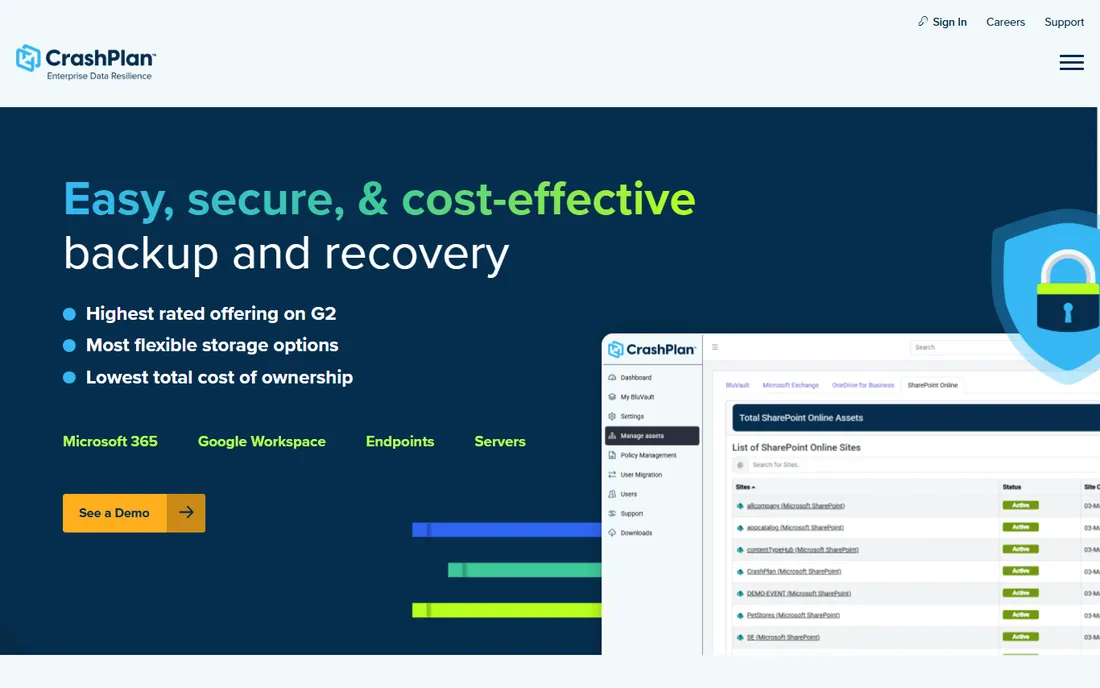
CrashPlan is the endpoint backup for companies whose office is everywhere. Unlimited storage and unlimited versioning per user, with self-serve restore that lets employees recover their own files without filing a helpdesk ticket. Ransomware features like immutable backups mean restored data is clean, not just recent. Pricing is published and simple: $7.33 per user per month billed annually.
The per-user model has edges. One subscription covers one user, so heavy multi-device users cost more, and servers land in a pooled-storage model (250 GB per server) with paid add-ons beyond that. Setup is same-day: deploy the agent and machines are protected immediately. Enterprise tiers add SSO, legal hold and audit logging. For a distributed team whose laptops are the business, it is the most complete endpoint answer here.
What we like- Unlimited cloud storage and unlimited versioning on endpoint plans
- Self-serve restore and device migration without an IT ticket
- Ransomware-focused features like immutable backups and AES-256 encryption
Watch out for- Per-user pricing means multi-device users cost more
- Server plans use pooled storage (250 GB per server) with paid add-ons beyond that
#2
IDrive Business
Best for: Small businesses with laptops, servers and NAS under one bill
Visit idrive.com
Starting price$19.99/month (500 GB, billed annually; first-year promos vary)
Free planYes (free basic tier; business trial reported, unverified)
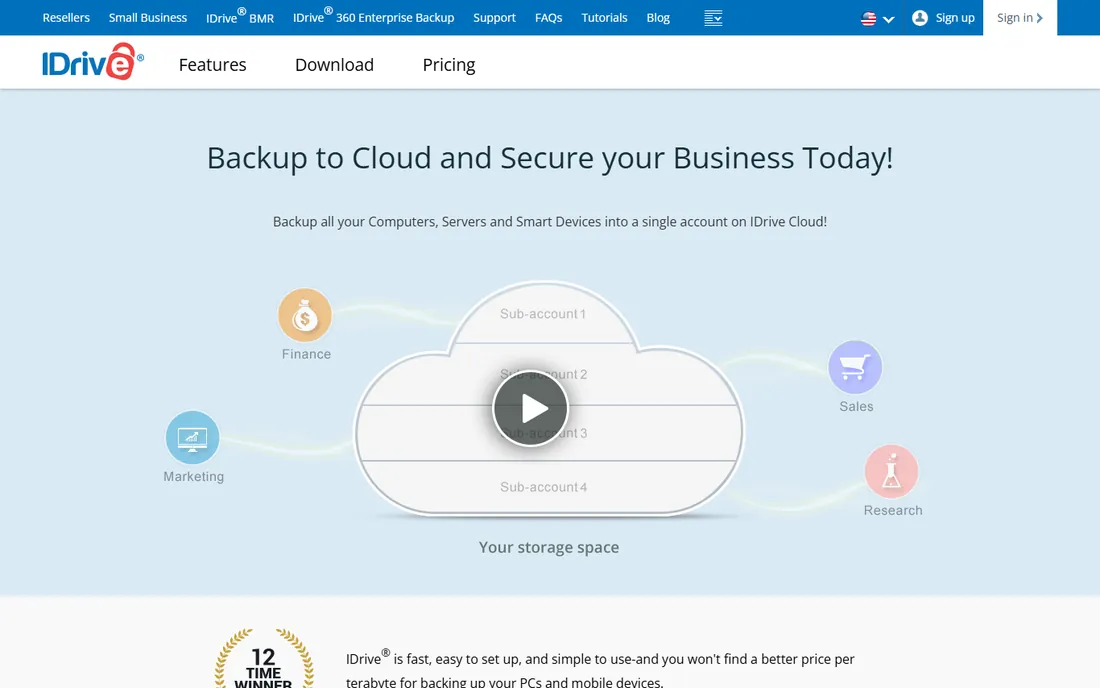
IDrive Business solves the mixed-infrastructure problem with one subscription. Unlimited users, computers, servers and NAS devices share a single storage pool instead of per-device fees, which suits small businesses with a bit of everything. Compliance support for HIPAA, SOX, GLBA and SEC/FINRA is a stated selling point for medical, accounting and legal firms. IDrive Express ships a physical drive to seed the first backup or recover fast without waiting on bandwidth.
The pool is finite: overage charges apply past your quota, so manage retention or pay up. The interface works but will not win design awards. Pricing starts at $19.99 a month annually for 500 GB, with big first-year discounts that reset, so price the renewal, not the promo. For a small business that wants everything backed up under one bill, the unlimited-device model is the appeal.
What we like- One plan covers unlimited users, computers, servers and NAS devices
- Strong compliance support (HIPAA, SOX, GLBA, SEC/FINRA per vendor)
- IDrive Express ships a physical drive for fast initial backup and recovery
Watch out for- Storage is capped, not unlimited, with overage charges beyond quota
- Interface is functional rather than polished
#3
Veeam Data Platform
Best for: Mid-size and enterprise IT teams with virtualized infrastructure
Visit veeam.com
Starting priceSee website (sold through channel partners; quote-based)
Free planYes (free Community Edition for up to 10 workloads)
Veeam is the backup platform enterprises standardize on. Instant VM recovery, granular restores, ransomware detection and immutable backup options, covering virtual, physical, cloud and Kubernetes workloads from one console. For a virtualized environment, the recovery speed and reliability are the industry benchmark.
It is not a small-business product. Licensing is complex, commercial pricing requires a partner quote, and the platform demands skilled administration: setup is a multi-day IT project, not an install-and-forget agent. No storage is bundled, so factor in your own storage costs alongside the license and support contracts. The free Community Edition (10 workloads) is genuinely useful for small labs. If you run serious virtual infrastructure, start here. If you run laptops, do not.
What we like- Market-leading backup for VMware and Hyper-V environments
- Instant VM recovery and granular restore options
- Covers virtual, physical, cloud and Kubernetes in one console
Watch out for- Complex licensing with most commercial pricing behind partner quotes
- Needs skilled administration and real infrastructure planning
#4
Acronis Cyber Protect
Best for: SMBs and MSPs wanting backup plus endpoint security in one agent
Visit acronis.com
Starting priceSee website (per-workload; third-party figures unverified on vendor page)
Free planNo (30-day trial reported by third parties, unverified)
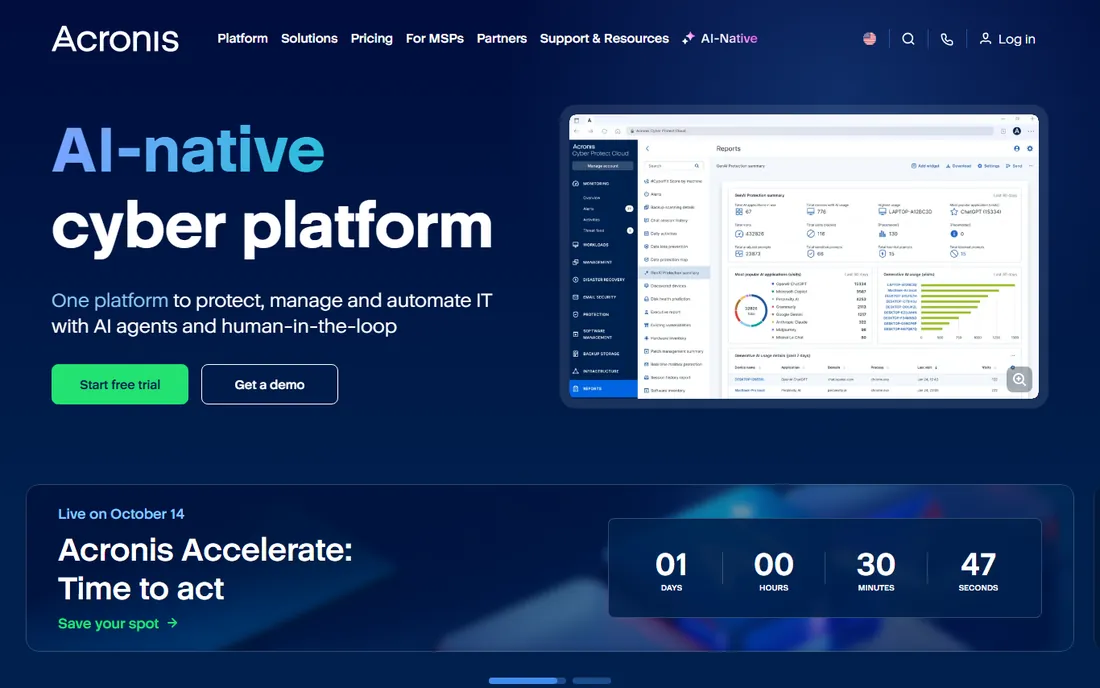
Acronis merges two agents into one: backup plus active endpoint protection with ransomware defense, including backup scanning that prevents restoring infected data. Image-based backups with bare-metal recovery mean a dead machine comes back whole, not file by file. The web console works well for MSPs managing many clients from one place.
The pricing structure needs a spreadsheet. Workstations start at modest per-device annual rates, servers cost several hundred per year, and Acronis cloud storage bills separately. If you already run a separate endpoint security stack, the combined agent adds complexity you may not want. For an SMB or MSP that wants one agent handling both backup and ransomware defense, the consolidation is the point.
What we like- Combines backup with endpoint security and anti-ransomware in a single agent
- Image-based backups with bare-metal recovery
- Web-based console that suits MSPs managing many clients
Watch out for- Per-device pricing climbs once servers and cloud storage are added
- More complex than pure backup tools if you already have endpoint security
#5
Backblaze Business Backup
Best for: Small teams needing silent, automatic laptop backup
Visit backblaze.com
Starting priceSee website (per-computer annual; third-party figures unverified on vendor page)
Free planNo (15-day trial reported by third parties, unverified)
Backblaze Business is backup for teams without IT staff. Install the agent and every machine backs up continuously with unlimited storage: no configuration, no decisions, no training. The centralized console lets an owner see every company machine's status at a glance. It is the simplest backup on this list to run.
The scope is the limit. This plan protects workstations only: servers, NAS and Microsoft 365 need a separate solution (Backblaze's B2 storage with another tool, or a different vendor). One computer per license means multi-device users cost more. If your risk is laptops, Backblaze is the set-and-forget answer. If your risk includes servers or SaaS data, pair it with something else.
What we like- Flat unlimited storage per computer with zero configuration
- Simple centralized admin console
- One of the easiest setups in the category
Watch out for- Endpoint-only: no server, NAS or Microsoft 365 backup on this plan
- One computer per license
#6
Carbonite
Best for: Small businesses wanting hands-off, continuous PC backup
Visit carbonite.com
Starting priceSee website (per-device tiers; figures unverified on vendor page)
Free planNo (free trial reported by third parties, unverified)
Carbonite is the veteran of automatic backup: a lightweight always-on agent that backs up files continuously with no decisions required. Unlimited storage tiers exist on some plans, and the OpenText acquisition brought endpoint, server and cloud-to-cloud product lines under one roof. For a small business that wants employee PCs protected without managing anything, the pedigree is reassuring.
The lineup is the homework. Carbonite Safe, Endpoint and OpenText Core are different products with different pricing, so confirm which line you are buying and what the add-ons cost. Windows coverage leads Mac, and some plans throttle large video files. Encryption is standard; regulated buyers should verify the specific product's certifications on OpenText's site rather than assuming.
What we like- Long-established set-and-forget endpoint backup with automatic continuous backup
- Unlimited storage tiers on some plans
- Now backed by OpenText with endpoint, server and cloud product lines
Watch out for- Geared more toward Windows than Mac
- The OpenText brand transition makes finding the right product confusing
#7
Druva
Best for: Mid-market and enterprise teams eliminating backup infrastructure
Visit druva.com
Starting priceSee website (consumption-based SaaS; no public list price)
Free planNo (free trial reported by third parties, unverified)
Druva's pitch is the absence of infrastructure. No appliances, no storage to manage, no tape: endpoints, Microsoft 365, Google Workspace, AWS and Salesforce all back up to the Druva cloud with global deduplication. Ransomware recovery tooling with air-gapped backups addresses the scenario that keeps CISOs awake. For a mid-market team that wants backup as a pure SaaS line item, the operational simplicity is real.
The price of simplicity is opacity. Pricing is consumption-based and quote-led, so budgeting requires a sales conversation, and small teams may find it expensive. Being fully cloud-based, a full-site restore moves at your internet bandwidth, so model recovery time against your pipe. Regulated industries get compliance certifications; confirm the current list on druva.com before relying on it.
What we like- 100% SaaS: no hardware or storage infrastructure to manage
- Covers endpoints, Microsoft 365, Google Workspace, AWS and Salesforce in one platform
- Strong ransomware recovery with air-gapped backups
Watch out for- Opaque, enterprise-oriented pricing
- Large restores depend on internet bandwidth
#8
MSP360 Managed Backup
Best for: MSPs and cost-conscious teams with their own cheap storage
Visit msp360.com
Starting priceSee website (per-workload; third-party figures unverified on vendor page)
Free planYes (free backup tier with limited features)
MSP360 splits the backup bill in two: you pay MSP360 a small per-workload license and bring your own storage from Wasabi, Backblaze B2, AWS or Azure. If storage is cheap, the total stays cheap, and you keep full control of where data lives. The centralized console suits MSPs managing many customers, and a free tier with limited features exists for evaluation.
The two-bill reality is the catch. You budget and manage the storage side yourself, including egress fees when you restore, which surprises buyers who priced only the license. Verify current per-workload rates on the vendor page, since third-party figures conflict. For teams comfortable managing object storage, the flexibility and cost control are unmatched. For teams that want one bill, look elsewhere.
What we like- Bring-your-own-storage model: use Wasabi, Backblaze B2, AWS or Azure
- Centralized console for MSPs and multi-machine environments
- Per-workload licensing keeps software cost low
Watch out for- Storage is a separate bill you manage yourself
- Restore works after lapse but advanced features lock behind paid tiers
#9
Datto BCDR
Best for: Small and mid-size businesses with an MSP needing true disaster recovery
Visit datto.com
Starting priceSee website (sold through MSP partners; quote only)
Free planNo (no free plan or public trial found)
Datto BCDR is disaster recovery, not file backup. A local appliance gives instant virtualization when a server dies; cloud replication covers the site-wide disaster. The standout is screenshot-based backup verification: the system proves every backup actually boots, automatically, which answers the "restores are everything" question better than any marketing claim.
You cannot buy it directly. Datto sells through MSP partners, so pricing bundles into your managed services agreement and setup is partner-led over a few days including the appliance. That is a feature for businesses that want recovery handled by professionals, and a dealbreaker for DIY shops. If you have an MSP and downtime costs real money, ask them about Datto. If you do not, the rest of this list is your market.
What we like- Purpose-built for MSPs: appliance plus cloud hybrid backup
- Screenshot-based backup verification proves recoverability automatically
- Instant local and cloud virtualization
Watch out for- Only available through MSP partners
- Businesses cannot buy direct
- Appliance hardware costs on top of service fees
#10
Cove Data Protection
Best for: MSPs wanting backup as a managed service
Visit n-able.com
Starting priceSee website (per protected device through N-able partners)
Free planNo (free trial reported by third parties, unverified)
Cove, from N-able, is backup designed as an MSP product. One flat rate per server or workstation with cloud storage included and pooled across customers, TrueDelta technology keeping daily backups light, and automated recovery testing with screenshot verification proving the backups boot. One dashboard covers every customer and device.
Like Datto, it travels through the partner channel: end businesses buy via their MSP, and there is no public pricing for direct comparison. For an MSP, the per-device economics with included pooled storage are the appeal. For a business evaluating backup directly, Cove belongs in the conversation with your MSP, not on your shortlist.
What we like- Purpose-built for MSPs with one dashboard for all customers
- Cloud storage included in the license with pooled storage across customers
- Automated recovery testing with screenshot verification
Watch out for- Primarily sold to MSPs, so direct buyers go through a partner
- No public pricing
How we chose
We started with the searches IT buyers actually run: business backup software, cloud backup for business, endpoint backup and disaster recovery software. For each candidate we opened the vendor's own pricing page, checked plan names and prices against public reviews on G2 and Capterra and practitioner discussion on Reddit, and compared recovery capabilities, platform coverage and company-size fit. Where a price could not be verified on the vendor's page we wrote "See website" instead of guessing. The shortlist mixes endpoint backup, server and SaaS protection, and full disaster recovery, because a laptop fleet and a virtualized data center are not protecting the same things.
Backup is about restore speed, not storage
Vendors sell storage: unlimited this, deduplicated that. Buyers should buy recovery time. Ask every vendor three questions. How fast can a single file come back, and can the user do it without IT? How fast can a full machine come back, and does that mean bare-metal restore or a Windows reinstall plus files? How fast can the business come back: what is the recovery time for all critical systems at once, and has anyone tested it?
The answers separate this list. CrashPlan and Backblaze win the single-file test with self-serve restore. Acronis wins the full-machine test with bare-metal images. Datto and Cove win the business test with instant virtualization and automated verification. Veeam wins the virtual-infrastructure test with instant VM recovery. Storage is table stakes; recovery time is the product. Buy the fastest recovery you can afford for the systems you cannot lose.
The 3-2-1 rule, updated for 2026
The old rule still holds: 3 copies of your data, on 2 different media, with 1 offsite. What changed is what counts. Cloud backup is the offsite copy for most businesses now, which makes the rule easier, not obsolete. The 2026 additions: immutability, so ransomware cannot encrypt your backups (CrashPlan, Veeam, Druva and Acronis all offer it); verification, so you know backups restore before you need them (Datto and Cove automate it); and SaaS coverage, because your Microsoft 365 and Google Workspace data is not backed up by Microsoft or Google.
Audit your setup against the updated rule. Endpoints covered? Servers? Microsoft 365? Is one copy immutable? Has anyone restored from backup this quarter? Most businesses fail at least two of those. The tools on this list each cover part of the answer; the rare shop gets everything from one vendor. Closer to full coverage with tested restores beats perfect coverage on paper.
Frequently asked questions
How much does business backup software cost?
Endpoint backup runs $7 to $10 per user per month (CrashPlan $7.33) or around $99 per computer per year for simple agents. IDrive Business starts at $19.99 a month for 500 GB covering unlimited devices. Server, MSP and enterprise platforms (Veeam, Datto, Druva, Acronis) are quote-based and land in the hundreds to thousands annually depending on workloads. Budget storage, support and (for MSP tools) the partner's margin on top of the license.
What is the difference between backup and disaster recovery?
Backup copies your data; disaster recovery restores your business. File and image backup (CrashPlan, Backblaze, IDrive) protects against deleted files, dead laptops and ransomware on individual machines. Disaster recovery (Datto BCDR, Veeam, Cove) restores whole systems and sites fast, with virtualization that keeps the business running during recovery. If downtime costs you money, you need disaster recovery, not just backup.
Does Microsoft 365 need separate backup?
Yes. Microsoft and Google protect their infrastructure, not your data: deleted emails, overwritten files and ransomware-encrypted SharePoint libraries are your problem after the short retention windows. Druva, Acronis and MSP360 cover Microsoft 365 natively; Cove protects it per user for MSPs. If your business runs on 365 or Workspace, SaaS backup is not optional.
How do I know my backups actually work?
Test restores, or buy a tool that does it for you. Datto BCDR and Cove Data Protection run automated screenshot verification proving every backup boots. For other tools, schedule quarterly test restores: one file, one full machine, one critical system. An untested backup is a hope, not a plan. Put the test on someone's calendar with the same seriousness as the backup itself.
Should a small business use an MSP for backup?
If nobody in-house owns IT, yes. Datto and Cove are sold through MSPs precisely because backup needs monitoring, testing and recovery expertise. A good MSP watches the backup alerts, tests restores and handles the 2 a.m. recovery. If you have even one technical person, the self-serve tools (CrashPlan, IDrive, Backblaze, Acronis) are manageable without a partner.
What is immutable backup, and do I need it?
Immutable backup cannot be altered or deleted for a set period, not even by an attacker with admin credentials. It is the defense against ransomware that encrypts your backups along with your data. CrashPlan, Veeam, Druva and Acronis all offer immutability options. If ransomware is in your threat model, and in 2026 it should be, immutability moves from nice-to-have to requirement.
Sources we checked (12)
- https://www.veeam.com/pricing.html
- https://www.acronis.com/en-us/business/cyber-protect/
- https://www.crashplan.com/pricing/
- https://www.idrive.com/small-business
- https://www.backblaze.com/business-backup.html
- https://www.carbonite.com/
- https://www.druva.com/
- https://www.msp360.com/
- https://www.datto.com/products/bcdr
- https://www.n-able.com/products/cove-data-protection/
- https://www.g2.com/categories/cloud-backup
- https://www.capterra.com/backup-software/
Is your product missing or out of date?
We review this list regularly. Vendors can request a listing, send updated pricing or ask about featured placement.

Shihab Mia · Founder, Rankite
Shihab has spent more than a decade helping SaaS and e-commerce brands grow through search. He writes Rankite's software buying guides from pricing pages, documentation and public user reviews. More about Shihab.