How we make this list: we compare pricing pages, product documentation and public user reviews. Rankite is independent; if a vendor ever pays for a featured spot, that listing is clearly labeled Partner.
Key takeaways
- TeamViewer ($24.90/user/month) is the best-known remote desktop software, but AnyDesk ($28.90/month) and Splashtop ($5/user/month) undercut or outrun it on value.
- RemotePC ($2.95/month) is the cheapest way to reach your own computers unattended, and Chrome Remote Desktop does it free for personal use.
- Zoho Assist ($12/technician/month) and ConnectWise ScreenConnect ($27/month) are the IT support picks, with per-technician pricing built for helpdesks.
- Parsec ($9.99/user/month) wins on low-latency performance for creative and gaming workloads.
Quick comparison
| Tool | Best for | Starting price | Free plan |
|---|
 TeamViewer TeamViewer | General remote access with compliance | $24.90/user/month (Remote Access plan) | Free trial |
 AnyDesk AnyDesk | Speed-first remote sessions | $28.90/month (Solo plan, annual billing) | Free trial |
 Splashtop Splashtop | Affordable IT team remote access | $5/user/month (Business Access) | Free trial |
 RemotePC RemotePC | Cheapest unattended access to own machines | $2.95/month (1 computer, annual billing) | Free trial |
 LogMeIn Pro LogMeIn Pro | Premium unattended remote access | $30/month (Individuals plan, annual billing) | Free trial |
 Zoho Assist Zoho Assist | Helpdesk-style remote support | $12/technician/month (Standard plan) | Yes |
 ConnectWise ScreenConnect ConnectWise ScreenConnect | MSPs and multi-tech support teams | $27/month (ONE plan, annual billing) | Yes |
 Parsec Parsec | Low-latency creative and gaming access | $9.99/user/month (Teams plan) | Yes |
 Chrome Remote Desktop Chrome Remote Desktop | Free personal remote access | Free | Yes |
Is your product missing or out of date?
We review this list regularly. Vendors can request a listing, send updated pricing or ask about featured placement.
The best remote pc software
It is Friday at 6pm and the office manager calls: her laptop just died at home, and the payroll file she needs for Monday morning is on it. The IT person is two states away visiting family. Without remote access software, this is a weekend trip to the office. With it, the IT person connects to the dead laptop's replacement, pulls the file from the synced folder, and the crisis ends before dinner.
That is the core use case for the best remote PC software: reaching a computer you are not sitting in front of, whether it is your own machine at home or a user's machine across the country. The nine tools below cover every angle, from free personal access to enterprise IT support platforms, and they differ mostly on price model, speed and whether they are built for support or for self-access.
Starting price$24.90/user/month (Remote Access plan)
Free planFree trial
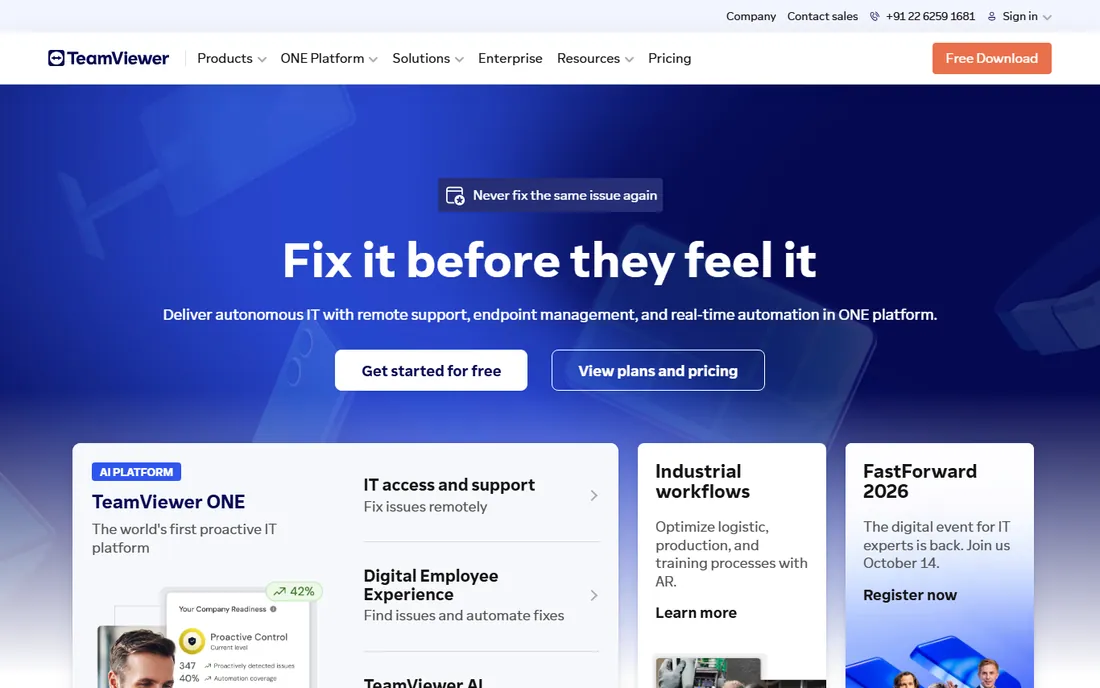
TeamViewer is the default answer to "what is the best remote desktop software" for a reason. It connects to Windows, Mac, Linux, mobile and IoT devices with file transfer, multi-monitor support, remote sound, wake-on-LAN and session recording, wrapped in enterprise-grade encryption and compliance certifications. The Remote Access plan at $24.90 per user per month covers unattended access to 3 devices.
The honest catch is the price and the licensing police. TeamViewer is the most expensive mainstream option, and its free personal-use tier is famous for suspecting commercial use and cutting sessions off. If you need the brand, the compliance story and the feature depth, it delivers. If you need the same basics cheaper, Splashtop and RemotePC do.
What we like- Most recognized name with the widest platform support
- Strong security (AES/RSA, 2FA, granular access)
- Remote Access plan covers 3 unattended devices
Watch out for- Expensive next to rivals
- Free tier is personal use only and aggressively flags commercial use
- Higher tiers ($50.90+) add up fast
Starting price$28.90/month (Solo plan, annual billing)
Free planFree trial
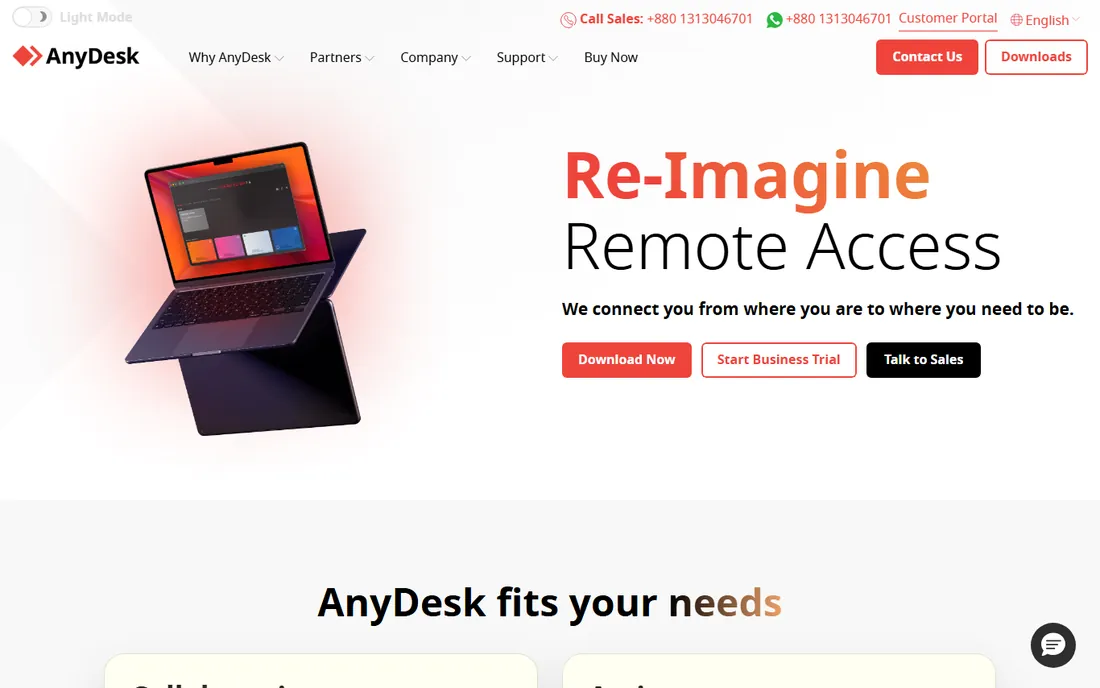
AnyDesk's reputation rests on speed. Its codec delivers the most responsive remote sessions among the generalist tools, which matters on slow connections and for work where every millisecond counts. The client is tiny, runs without installation, and works on every platform. Solo at $28.90 a month covers one licensed user with 100 managed devices.
The honest catch is that AnyDesk priced itself out of the budget tier. It now costs more than TeamViewer's entry plan while offering less management depth, and the February 2024 breach (production systems compromised, credentials reset) still comes up in evaluations. Buy it for the latency, not the savings, and enable 2FA from day one.
What we like- Lowest-latency sessions in the category
- Lightweight client that runs anywhere
- Strong on constrained networks
Watch out for- No longer the budget pick after price increases
- Solo limited to 1 user and 1 connection
- 2024 security breach still in buyers' memories
Starting price$5/user/month (Business Access)
Free planFree trial
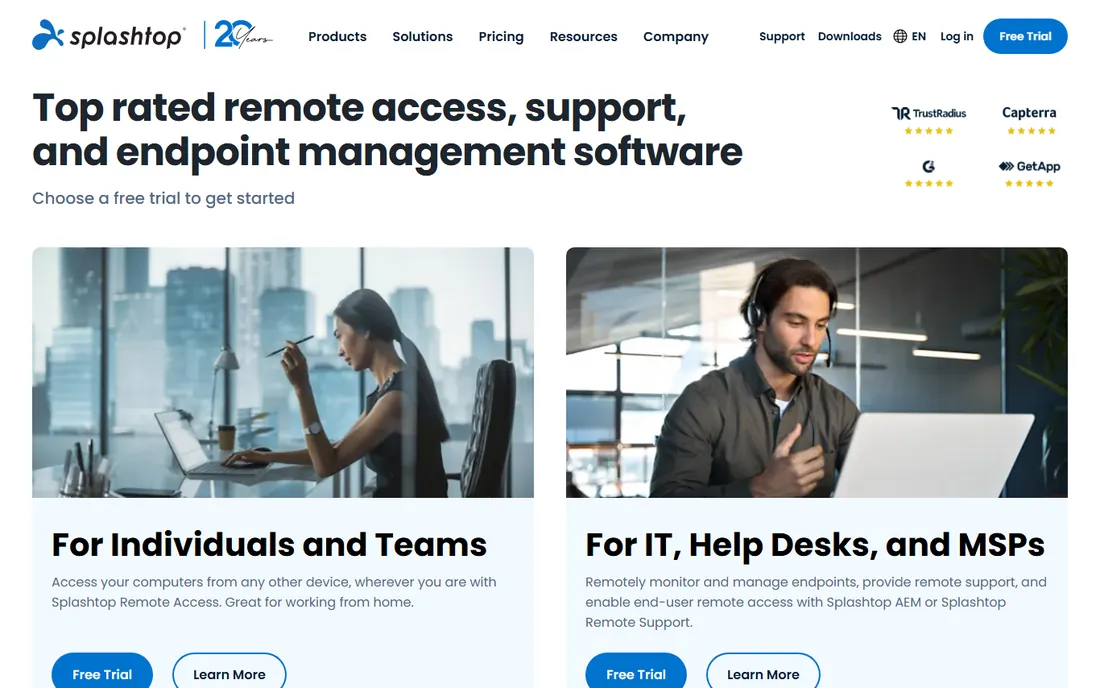
Splashtop is the value champion for IT teams. Business Access starts around $5 per user per month, sessions are fast and stable, and the platform scales from a single technician to MSP fleets with endpoint management, grouping and permissions. For a 2-to-4 person IT operation, it delivers TeamViewer-class capability at a fraction of the cost.
The tradeoff is lineup complexity. Splashtop's products (SOS for attended support, Business Access for unattended, Enterprise bundles) overlap confusingly, and you may need to talk to sales to map your need to the right SKU. But the underlying product is excellent, and the price gap is real: roughly $600 a year for a 10-user team versus $3,000 for TeamViewer. For cost-conscious IT, start here.
What we like- Lowest per-user price among the full-featured tools
- Fast, reliable sessions
- Strong endpoint management for IT teams and MSPs
Watch out for- Product lineup is confusing (SOS, Business, Enterprise variants)
- Advanced features spread across tiers
- Smaller brand than TeamViewer
Starting price$2.95/month (1 computer, annual billing)
Free planFree trial
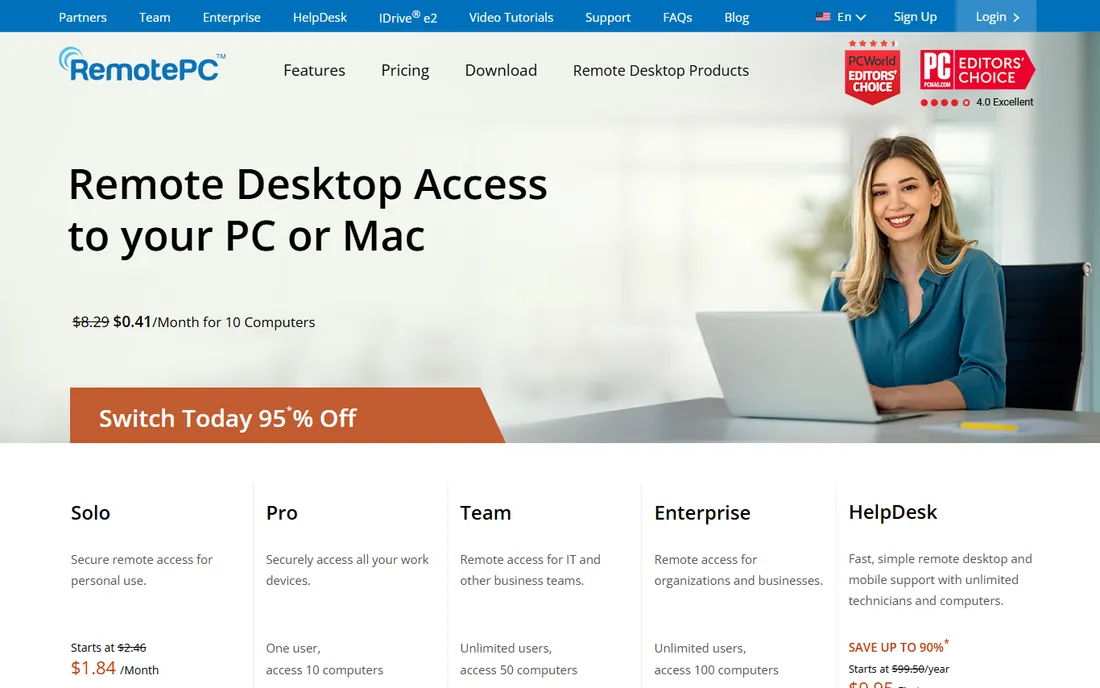
RemotePC answers a different question: not "how do I support users" but "how do I reach my own computers cheaply." The consumer plan at $22.12 a year covers one computer, SOHO at $74.62 a year covers 10, and every plan includes unlimited users because you pay per machine, not per seat. For a business owner who needs their office PC from home, nothing is cheaper.
The honest catch is polish. The apps work but feel dated next to TeamViewer or AnyDesk, and it is not a helpdesk tool: no ticketing-style workflows, no advanced session management. But the price model is exactly right for self-access, and the 7-day free trial needs no payment details. If the use case is "my computers, from anywhere," RemotePC is the cheapest credible answer.
What we like- Cheapest real remote access here ($22.12/year consumer)
- Unlimited users on every plan, priced by computer
- Includes file transfer and multi-monitor
Watch out for- Interface is basic next to the leaders
- Support features thinner than Zoho or ScreenConnect
- Session performance is adequate, not great
Starting price$30/month (Individuals plan, annual billing)
Free planFree trial
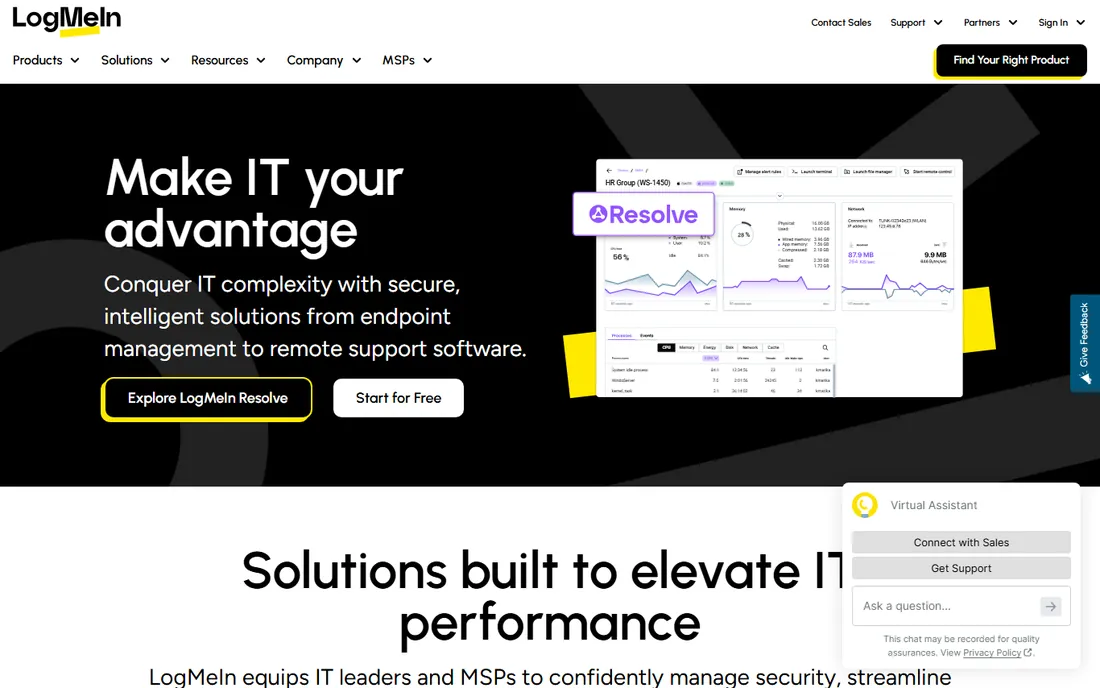
LogMeIn Pro is the premium self-access tool. Individuals at $30 a month gets reliable unattended access to your computers with file transfer, remote printing, multi-monitor support and 1TB of cloud storage bundled in. It is priced by computer rather than user, and the connection quality is consistently excellent.
The honest catch is value. At $30 a month it costs more than ten times RemotePC for a similar core job, and the bundled extras do not justify the gap for most buyers. LogMeIn Pro survives on reliability and inertia: long-time users who need it to just work. New buyers should compare it against RemotePC honestly before paying the premium.
What we like- Extremely reliable unattended access
- Priced by computer, not user
- Bundles cloud storage, remote printing and multi-monitor
Watch out for- $30 a month entry is steep
- Feature set is narrower than the price suggests
- GoTo's product line keeps shifting
Starting price$12/technician/month (Standard plan)
Free planYes
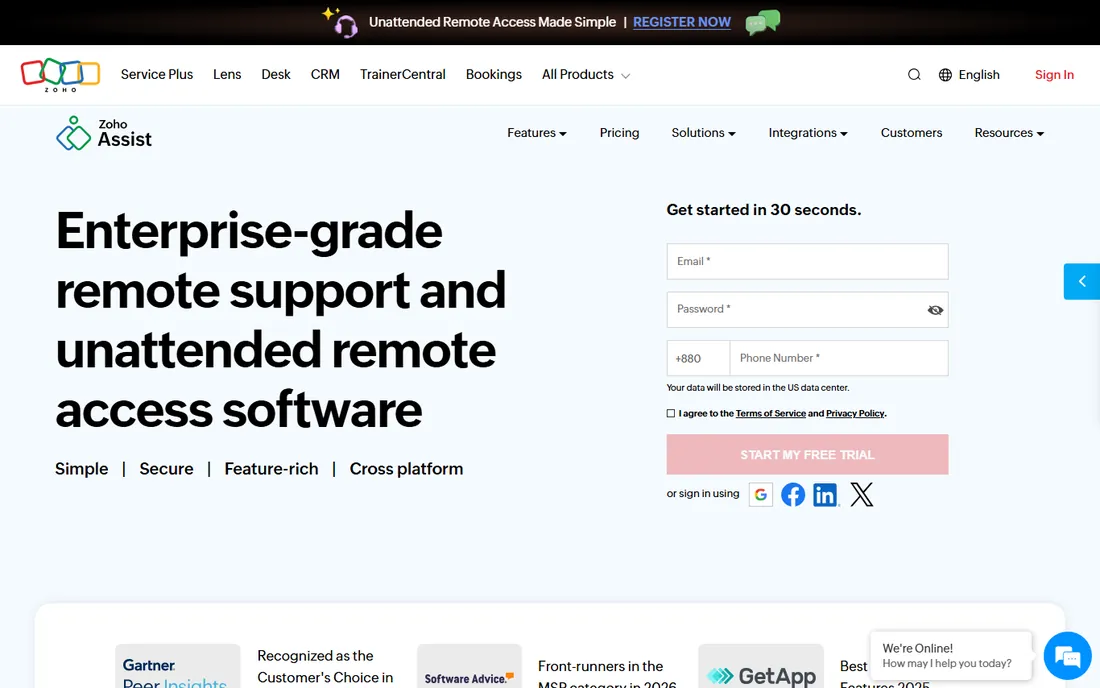
Zoho Assist is built for support, not self-access: technicians connect to users' machines for attended troubleshooting, with chat, file transfer, session recording and reboot-and-reconnect. The free plan (1 technician, 5 unattended computers) is genuinely useful, and Standard at $12 per technician per month is the cheapest paid support tool here.
The tradeoff is scope. Multi-monitor support lags the leaders, unattended access is sold separately from remote support, and the deepest value goes to companies already in the Zoho ecosystem (CRM, Desk). But for a small helpdesk doing attended support, the free tier alone may be enough, and the paid tiers stay cheap. Zoho users should default to it.
What we like- Free plan covers 1 technician and 5 computers
- Per-technician pricing suits support teams
- Deep integration with the Zoho ecosystem
Watch out for- Multi-monitor support is limited
- Unattended access is a separate paid track
- Best value requires the Zoho stack
Starting price$27/month (ONE plan, annual billing)
Free planYes
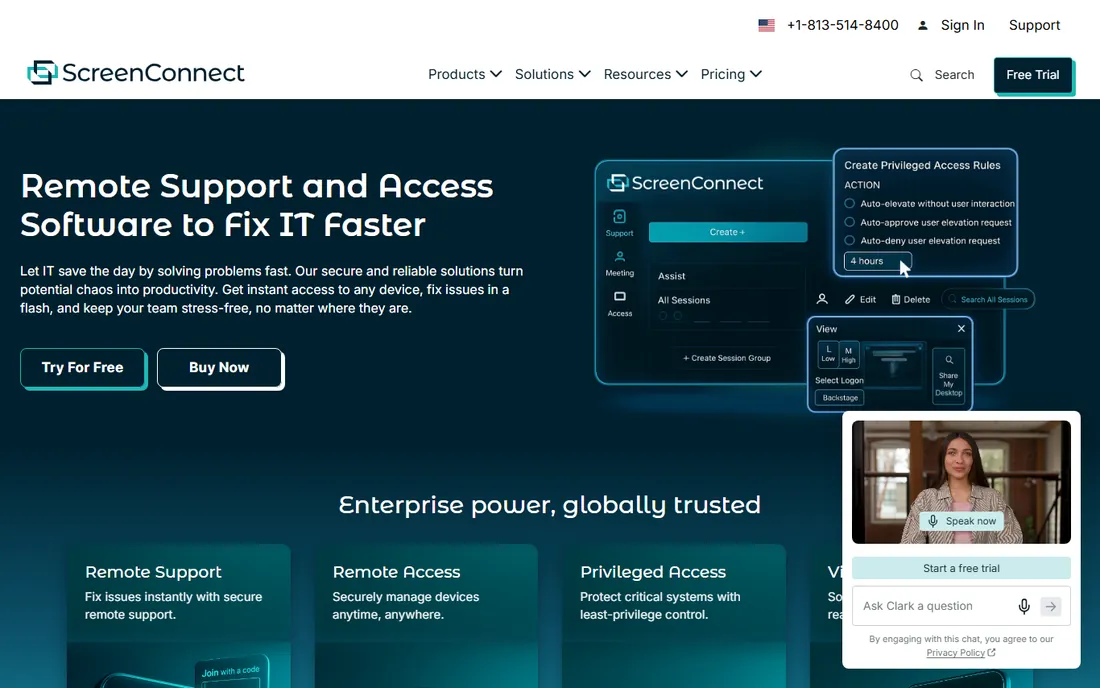
ScreenConnect (formerly ConnectWise Control) is the technician's tool. The free single-tech license covers one session and 3 access agents, ONE at $27 a month adds remote meetings and branding, and the higher tiers add unlimited agents, mobile tech support and video auditing. The remote toolbox, background command line and automation are built for people who fix machines all day.
The honest catch is the learning curve and the ecosystem. The interface is functional rather than friendly, costs rise as you add sessions and agents, and ConnectWise will happily sell you the rest of its platform. But for MSPs and multi-tech teams, the per-tech model and the tooling depth are exactly right. Solo techs should try the free license first.
What we like- Free single-technician license exists
- Powerful remote toolbox, command line and automation
- Built for MSP workflows
Watch out for- Interface shows its age
- Pricing climbs with sessions and agents
- ConnectWise ecosystem pushes upsells
Starting price$9.99/user/month (Teams plan)
Free planYes
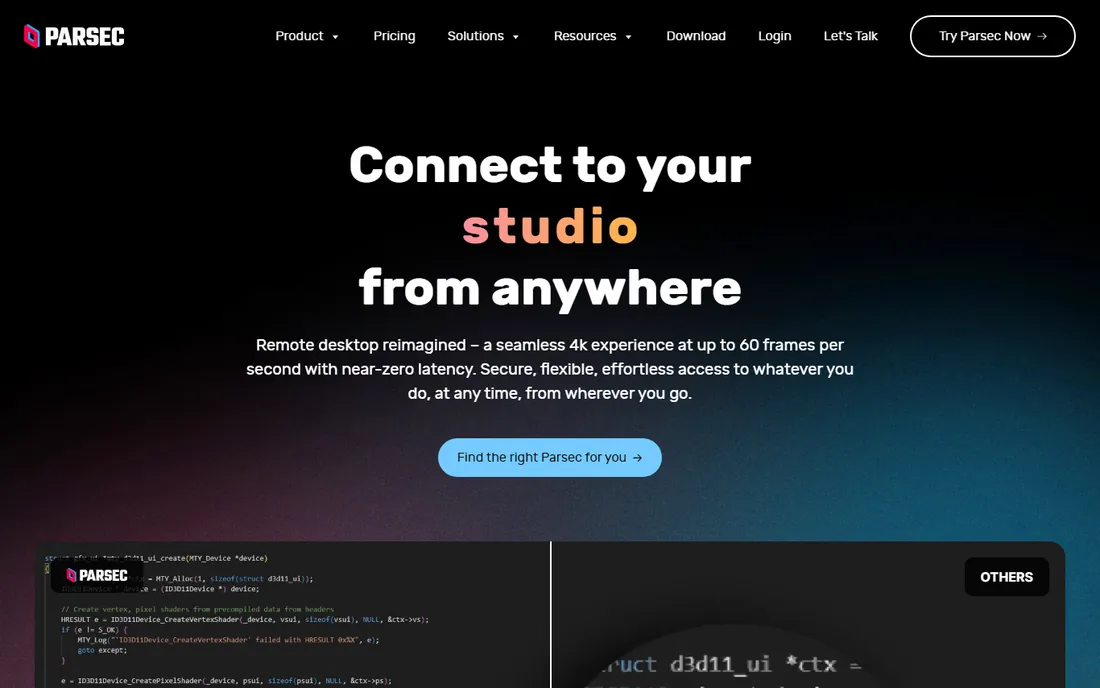
Parsec comes from gaming and it shows: the streaming is so fast (around 8ms on a LAN) that remote work feels local. Creative teams use it to run editing and 3D workstations remotely, developers use it for cloud dev machines, and the Teams plan at $9.99 per user per month adds the admin controls businesses need.
The honest catch is that Parsec is not an IT support tool. There is no ticketing integration, no remote toolbox, no fleet management worth the name. It is a performance remote desktop with team features, and for the workloads it targets (anything visual, anything latency-sensitive), nothing else comes close. For general office remote access, the generalists fit better.
What we like- ~8ms LAN latency beats every generalist tool
- 60fps streaming suits creative work
- Free for personal use
Watch out for- Built for performance, not IT management
- No helpdesk workflows
- Teams features thinner than enterprise rivals
Starting priceFree
Free planYes
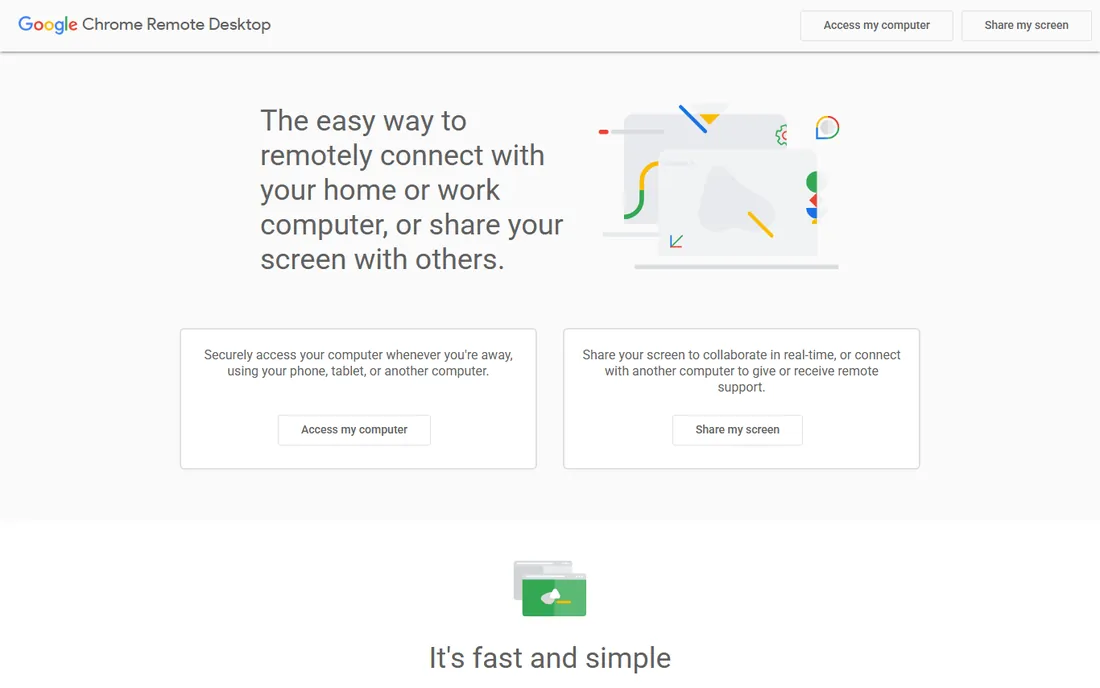
Chrome Remote Desktop is the free baseline: install the extension, sign in with Google, and reach your computers from anywhere. No accounts to manage, no trials expiring, no per-device fees. For personal use and the occasional "grab a file from the home PC," it is all most people need.
The limits are real: session quality is fine but not great, there is no proper multi-monitor handling, no session recording, no management console, and running business infrastructure on a consumer Google tool is asking for trouble. But as the free option, it sets the floor every paid tool has to beat. Try it before spending anything.
What we like- Completely free with no limits
- Dead simple setup through a Google account
- Works on every major platform
Watch out for- No multi-monitor nuance, no file transfer polish
- No business features at all
- Tied to a Google account
The first question is who connects to what. If you support other people's computers (helpdesk, MSP), you need per-technician pricing and attended-session tools: Zoho Assist, ScreenConnect or Splashtop SOS. If you access your own computers (remote work, servers), you need unattended access priced per machine: RemotePC, LogMeIn Pro or TeamViewer Remote Access.
The second question is performance. General office work is fine on any tool here. Anything visual (video editing, CAD, 3D) or latency-sensitive (gaming, live production) needs Parsec or AnyDesk; the generalists will feel sluggish. Creative teams should trial Parsec against the incumbent with real workloads, not demos.
The third question is scale and compliance. Regulated industries and international teams tend to land on TeamViewer for its certifications and audit tooling. Everyone else should buy on price and fit: the category is mature enough that the cheap tools are genuinely good.
How this roundup was put together
This roundup was built from vendor pricing pages and published pricing research, with prices verified in October 2026. Annual-billing prices are shown where vendors price that way; per-month figures are the standard published rates. Every tool here is an active product sold today. Free plans are listed only where the vendor genuinely offers one.
No hands-on testing was involved and no vendor paid for placement. The selection weights connection reliability, unattended access quality, platform coverage, pricing transparency and fit for the two core patterns (supporting others vs reaching your own machines). Both consumer-cheap (RemotePC, Chrome Remote Desktop) and enterprise (TeamViewer, ScreenConnect) options are included.
The security checklist before you deploy
Remote access is the highest-privilege software you will install, so treat deployment like the security project it is. Enable two-factor authentication on every account, enforce strong unique passwords on every endpoint agent, and restrict unattended access to the machines that genuinely need it. Most breaches involving remote tools trace to reused credentials, not the tools themselves.
Then lock down the human side. Limit who can initiate sessions, turn on session logging and recording where available, and review the access list quarterly: ex-employees with lingering access are the classic failure. For regulated industries, confirm the vendor's compliance certifications match your requirements before rollout, not after. The tools here all encrypt sessions; the difference is in the access controls around them, and those are your job to configure.
Frequently asked questions
What is the best remote desktop software overall?
TeamViewer is the best-known and most feature-complete, at $24.90 per user per month. But "best" depends on the job: Splashtop ($5/user/month) matches it for IT teams at a fifth of the price, RemotePC ($2.95/month) wins for cheap self-access, and Parsec ($9.99/user/month) wins for performance. Define the use case first.
Is there really free remote desktop software?
Yes. Chrome Remote Desktop is completely free for personal use. Zoho Assist has a free plan (1 technician, 5 computers), ConnectWise ScreenConnect offers a free single-tech license, and Parsec is free for personal use. TeamViewer and AnyDesk are free for non-commercial use only, with aggressive commercial-use detection.
What is the cheapest remote access for my own computers?
RemotePC at $22.12 a year (about $2.95 a month billed annually) for one computer, with unlimited users. Chrome Remote Desktop is free if your needs are basic. LogMeIn Pro ($30/month) and TeamViewer Remote Access ($24.90/user/month) cost far more for the same core job, though they add polish and features.
Do I need unattended access or attended support?
Unattended access means connecting to a machine with nobody there (your office PC, a server): you need RemotePC, LogMeIn Pro, TeamViewer Remote Access or Splashtop Business. Attended support means helping a user who is present: you need Zoho Assist, ScreenConnect or Splashtop SOS, which handle invitations, chat and session handoff.
How do I keep remote access secure?
Enable 2FA everywhere, use unique strong passwords on every agent, restrict unattended access to necessary machines only, and review who has access quarterly. Keep the remote software updated, since agents are high-value targets. For teams, choose tools with session logging and role-based permissions.
Can I use remote desktop software on a phone or tablet?
Yes, every tool on this list has mobile apps for iOS and Android, and most support ChromeOS too. Mobile sessions work best for quick checks and simple tasks; sustained work wants a real keyboard and screen. Parsec and AnyDesk handle the mobile experience best for performance-sensitive use.
Sources we checked (10)
- http://sonary.com/remote-desktop/
- https://www.channelinsider.com/tech-companies/top-remote-desktop-software-vendors/
- https://ifeeltech.com/blog/best-teamviewer-alternatives-small-business
- https://www.itqlick.com/splashtop-business-for-remote-support/pricing
- https://www.trustradius.com/compare-products/logmein-pro-vs-zoho-assist
- https://comparisons.financesonline.com/connectwise-control-vs-zendesk-remote-vs-connectwise-automate
- https://www.fahimai.com/remotepc
- https://www.fahimai.com/best-remote-access-software
- https://www.techjockey.com/us/category/remote-access-software/small-business
- https://remio.net/compare
Is your product missing or out of date?
We review this list regularly. Vendors can request a listing, send updated pricing or ask about featured placement.

Shihab Mia · Founder, Rankite
Shihab has spent more than a decade helping SaaS and e-commerce brands grow through search. He writes Rankite's software buying guides from pricing pages, documentation and public user reviews. More about Shihab.