How we make this list: we compare pricing pages, product documentation and public user reviews. Rankite is independent; if a vendor ever pays for a featured spot, that listing is clearly labeled Partner.
Key takeaways
- Your laptop was stolen on a business trip. The question is not whether you had backups; it is whether you have tested a restore in the last year. Backup software only counts if the restore works.
- For individuals and endpoint-only teams, Backblaze ($9 per month per computer, unlimited storage) and IDrive ($9.95 first year for 5TB across unlimited devices) are the value picks.
- CrashPlan ($88 per user per year, unlimited storage) is the budget pick for small-business laptop fleets. Veeam (free up to 10 workloads) is the standard for virtualized infrastructure.
- Acronis ($85 per year per workstation) bundles backup with antivirus and patching: worth it if it replaces your endpoint security, overpriced if it does not.
Quick comparison
| Tool | Best for | Starting price | Free plan |
|---|
 Veeam Veeam | Businesses with virtualized infrastructure and in-house IT or an MSP | Free (Community Edition, up to 10 workloads); paid from ~$155/workload/year (per third-party reports) | Yes (Community Edition, up to 10 workloads) |
 Acronis Cyber Protect Acronis Cyber Protect | SMBs and MSPs wanting backup and endpoint security in one agent | From $85/year per workstation (Standard, per third-party MSRP reports) | No (free trial available) |
 Backblaze Backblaze | Individuals and endpoint-only teams wanting set-and-forget backup | $9/month per computer ($99/year, or $189 for two years) | No (15-day free trial) |
 Carbonite Carbonite | Users wanting the original set-and-forget unlimited backup | $6/month per computer ($96/year, Personal Basic) | No (15-day free trial) |
 IDrive IDrive | Individuals and small businesses backing up many devices | $9.95 first year (Personal 5TB); renews at $99.50/year | Yes (Basic 5GB) |
 CrashPlan CrashPlan | Small businesses protecting laptop fleets | $88/user/year ($7.33/user/month billed annually) | No (free trial available) |
 EaseUS Todo Backup EaseUS Todo Backup | Home users and tiny offices wanting disk imaging on a budget | Free edition; Home $39.95/year (1 PC) | Yes (free edition with system, file and disk backup) |
 Macrium Reflect Macrium Reflect | Power users and IT pros wanting best-in-class disk imaging | $49.99/year per device (Reflect X Home, per third-party reports) | No (free edition retired) |
 Druva Druva | Mid-market companies with endpoint and SaaS sprawl | See website (quote-based; third parties estimate from $4/user/month) | No (30-day free trial) |
Is your product missing or out of date?
We review this list regularly. Vendors can request a listing, send updated pricing or ask about featured placement.
The best backup software
Your laptop was stolen on a business trip. The question is not whether you had backups; it is whether you have tested a restore in the last year. Every backup product on this list can copy your files somewhere safe. What separates them is what happens next: how fast the restore runs, whether ransomware can encrypt the backup too, and whether anyone notices when a backup silently fails for three weeks. These nine cover the real market, from $9.95-a-year personal backup to the platforms that protect virtualized data centers.
#1
Veeam
Best for: Businesses with virtualized infrastructure and in-house IT or an MSP
Visit veeam.com
Starting priceFree (Community Edition, up to 10 workloads); paid from ~$155/workload/year (per third-party reports)
Free planYes (Community Edition, up to 10 workloads)
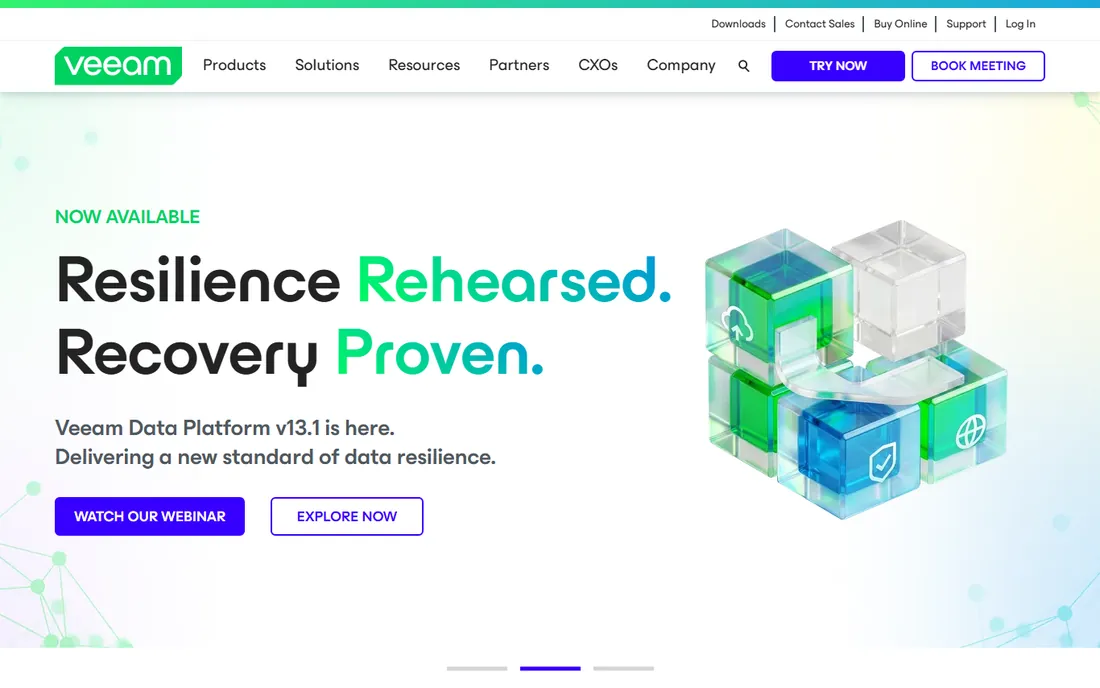
Veeam is the standard everything else gets compared against. Backup for VMs, physical servers, NAS and cloud, with immutable backups, DR orchestration and recovery verification that matter when downtime costs money. The Community Edition (free, 10 workloads) is genuinely useful for small shops, and Data Cloud covers Microsoft 365 at $2 to $5 per user per month.
The catch is total cost of ownership. Paid editions run roughly $155 to $227.50 per workload per year (third-party reports; the vendor sells via partners), and storage, appliances and annual price increases sit on top. Strongest when downtime costs money and formal DR plans are required. Weak fit for ten laptops.
What we like- Industry-standard backup for VMs, servers, NAS and cloud
- Strong ransomware resilience with immutable backups
- Free Community Edition covers 10 workloads
Watch out for- Pricing is complex and channel-driven
- Overkill for simple endpoint-only environments
#2
Acronis Cyber Protect
Best for: SMBs and MSPs wanting backup and endpoint security in one agent
Visit acronis.com
Starting priceFrom $85/year per workstation (Standard, per third-party MSRP reports)
Free planNo (free trial available)
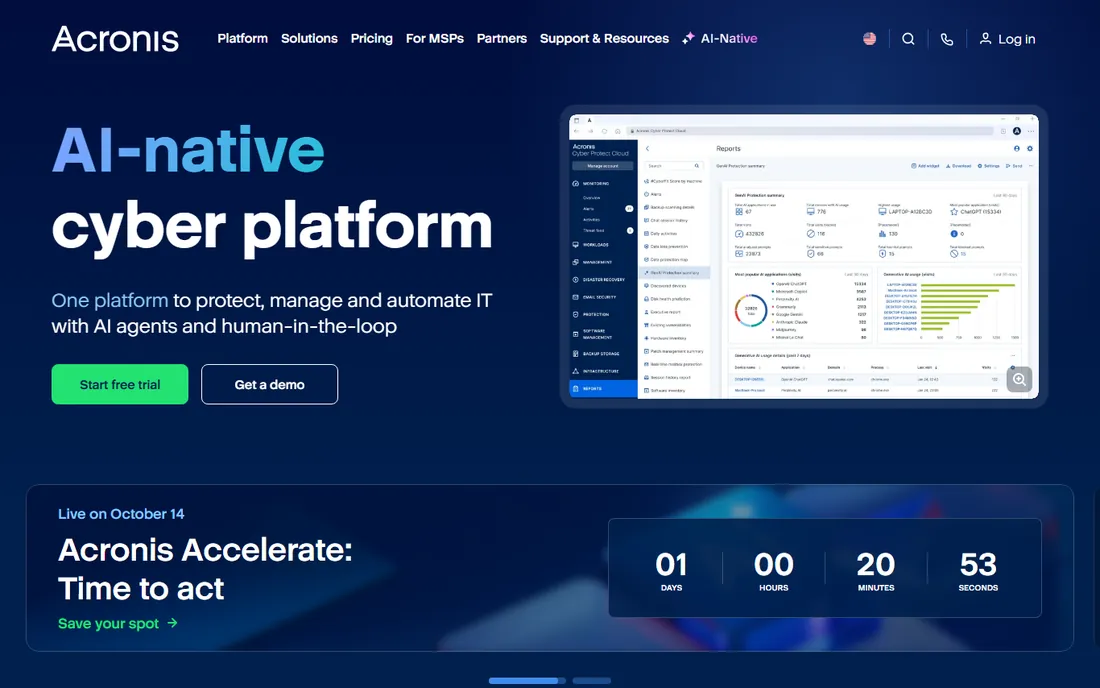
Acronis collapses two products into one agent. Backup, antivirus, anti-ransomware and patch management run from a single console, which cuts tool sprawl for SMBs and MSPs. Per third-party 2026 MSRP reports, Cyber Protect Standard starts at $85 per year per workstation and $595 per year per server, with cloud storage metered separately.
If you already run dedicated EDR, pure-backup vendors like IDrive are cheaper, and the EDR/XDR tiers ($305 to $458 per workload per year) add real cost. The pitch only works when Acronis replaces your endpoint security. When it does, one agent and one console beat two vendors.
What we like- Backup plus antivirus, anti-ransomware and patch management in a single agent
- Per-workload model regardless of data volume
- Strong ransomware defense
Watch out for- Costs more than pure backup if you already have endpoint security
- EDR/XDR tiers add significant cost
#3
Backblaze
Best for: Individuals and endpoint-only teams wanting set-and-forget backup
Visit backblaze.com
Starting price$9/month per computer ($99/year, or $189 for two years)
Free planNo (15-day free trial)
Backblaze is the simplest backup on this list. Install it, forget it: unlimited storage per computer, external drives included, continuous backup with no configuration. The business plan adds an admin console for multi-computer management at the same $99-per-year per-PC price. Restore-by-mail ships a USB drive for disaster recovery.
One license covers one computer, so an iMac plus a MacBook costs double, and version history beyond 30 days costs extra. It is not a server backup tool. For individuals and endpoint-only teams that want backup to be a solved problem, the simplicity is the product.
What we like- Truly unlimited storage per computer with zero configuration
- Backs up external drives at no extra cost
- Optional private encryption key
Watch out for- One computer per license, so two machines cost double
- No phone or tablet backup on personal plans
#4
Carbonite
Best for: Users wanting the original set-and-forget unlimited backup
Visit carbonite.com
Starting price$6/month per computer ($96/year, Personal Basic)
Free planNo (15-day free trial)
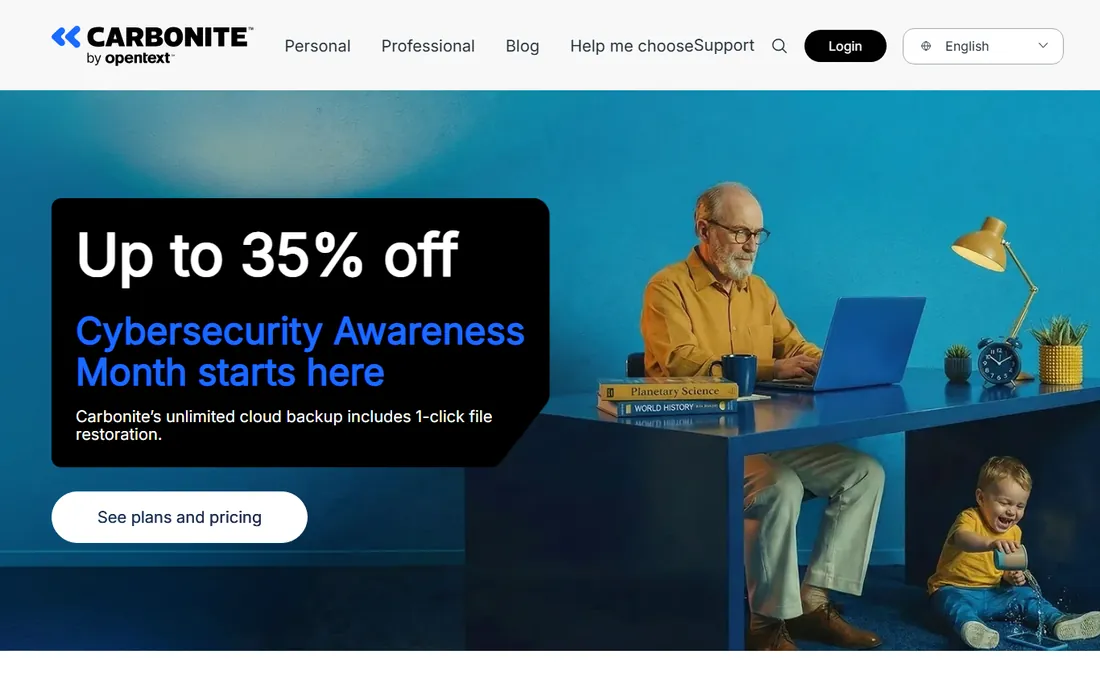
Carbonite invented this category in 2005 and still sells the same promise: unlimited storage, automatic continuous backup, minimal decisions. Personal tiers run Basic ($96/year), Plus ($132/year, adds video backup and one external drive), Prime ($162/year, adds courier restore). Professional plans cover up to 25 computers with compliance documentation (HIPAA BAA, FERPA, GLBA).
Each personal plan covers one computer, and reviewers note the service has been outpaced on features. The perpetual "40% off" marketing muddies the real pricing. For users who want the familiar name with unlimited storage, it still works. For multi-device households, IDrive's one-account model is cheaper.
What we like- Unlimited storage on every personal plan with continuous backup
- Long track record since 2005
- Professional tiers include compliance documentation
Watch out for- Basic excludes video backup and external drives
- Files over 4GB not auto-backed-up on Basic
#5
IDrive
Best for: Individuals and small businesses backing up many devices
Visit idrive.com
Starting price$9.95 first year (Personal 5TB); renews at $99.50/year
Free planYes (Basic 5GB)
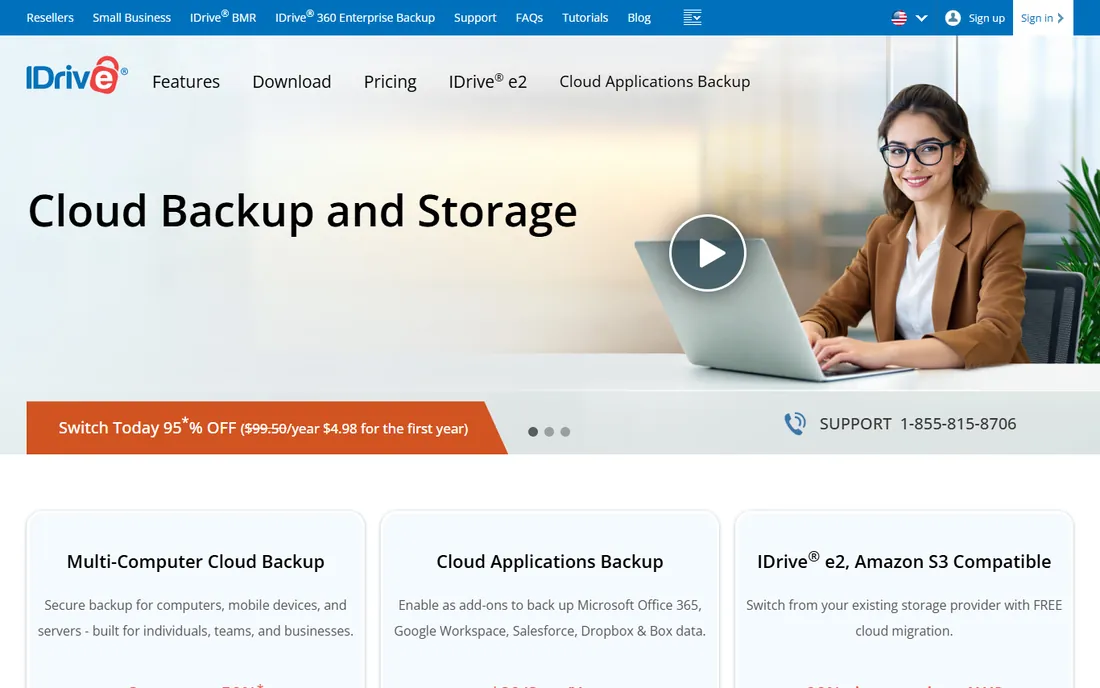
IDrive's model is storage-based, not per-device. One Personal account ($9.95 first year, $99.50 renewal) backs up unlimited computers for one user; Business plans cover unlimited users, computers and servers by storage tier. PCs, Macs, servers, NAS and mobile devices all live in one account.
The business model beats Backblaze for multi-device offices but loses on unlimited capacity: heavy users must climb storage tiers. Always budget the renewal price, not the promo: the first-year discount (up to 90% off) is a cliff. For a household or small office with many devices, one cheap account beats five per-computer licenses.
What we like- One subscription backs up unlimited devices
- Deep first-year discounts
- Covers PCs, Macs, servers, NAS and mobile in one account
Watch out for- Storage-capped plans rather than unlimited
- First-year promo is a sharp cliff at renewal
Starting price$88/user/year ($7.33/user/month billed annually)
Free planNo (free trial available)
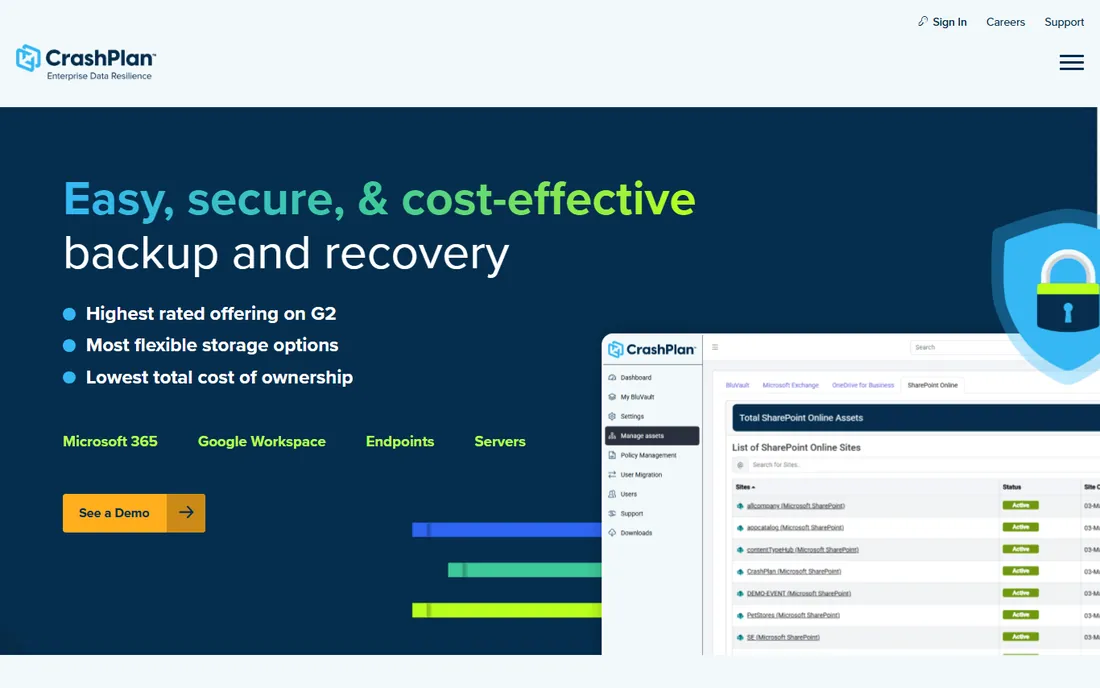
CrashPlan is the budget pick for business endpoints. At $88 per user per year you get unlimited storage and unlimited versioning across Windows, macOS and Linux, with self-serve restore and device migration that needs no IT ticket. Immutable backups help ransomware recovery, and the Microsoft 365 add-on ($4 per user per month) covers Exchange, SharePoint and OneDrive.
Servers cost extra ($15.75 per month each with 250GB pooled storage), and there is no consumer pricing worth recommending. For a small business protecting a laptop fleet with unlimited storage per user, the per-seat price is the lowest credible option here.
What we like- Unlimited storage and unlimited file versioning
- Self-serve restore without IT tickets
- Microsoft 365 backup add-on available
Watch out for- Business-only focus
- Servers cost extra
#7
EaseUS Todo Backup
Best for: Home users and tiny offices wanting disk imaging on a budget
Visit easeus.com
Starting priceFree edition; Home $39.95/year (1 PC)
Free planYes (free edition with system, file and disk backup)
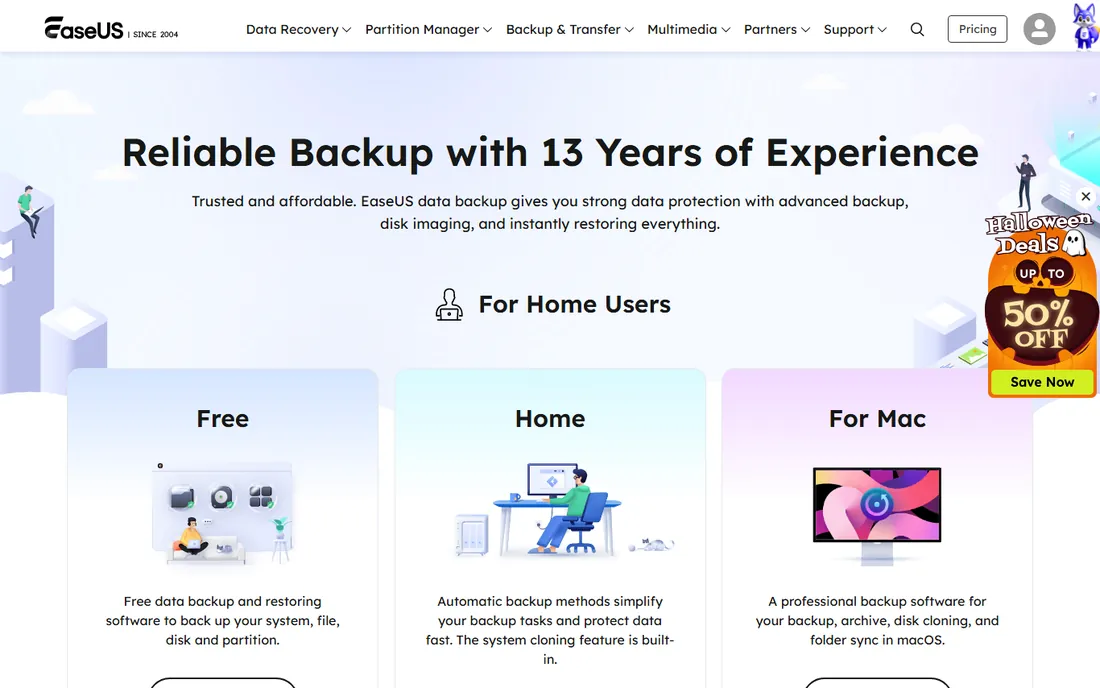
EaseUS is the budget imager. The free edition covers system, file and disk backup with bootable rescue media, which is more than most free tools offer. Home ($39.95 per year or $59.99 perpetual) adds Outlook backup, event-based schedules and offsite copy. Workstation, Server and Technician tiers cover business needs.
Interface quirks and sync bugs persist, and there is no cloud-native fleet console. Strong for one-off PC imaging and OS migration to SSD; weaker as a fleet management platform. For a home user who wants a disk image before a Windows reinstall, the free edition is enough.
What we like- Surprisingly competent free version including rescue media
- Fast imaging with disk clone and OS migration
- Perpetual license option ($59.99)
Watch out for- Interface quirks persist
- Paid tiers are per-PC subscriptions
#8
Macrium Reflect
Best for: Power users and IT pros wanting best-in-class disk imaging
Visit macrium.com
Starting price$49.99/year per device (Reflect X Home, per third-party reports)
Free planNo (free edition retired)
Macrium Reflect is the imaging specialist. Rapid delta cloning, Image Guardian (which protects backup files from ransomware encryption), and the ability to mount images in Windows Explorer for item-level recovery make it the power user's choice for Windows disk imaging. Multi-device discounts and a 3-year option ($134.97) lower the per-year cost.
The free edition is gone, so budget-minded cloners now look elsewhere. The interface feels technical and it is imaging-first rather than cloud-first: backups live where you store them, which is exactly the point for ransomware-safe local copies. For simple file backup, it is overkill. For disk imaging, it is the best.
What we like- Gold-standard disk imaging with rapid delta cloning
- Image Guardian protects backups from ransomware
- Mount images in Explorer for item-level recovery
Watch out for- Free edition retired
- Technical interface, overkill for simple file backup
#9
Druva
Best for: Mid-market companies with endpoint and SaaS sprawl
Visit druva.com
Starting priceSee website (quote-based; third parties estimate from $4/user/month)
Free planNo (30-day free trial)
Druva is backup as a managed cloud service. No backup infrastructure to run: inSync covers endpoints and SaaS apps (Microsoft 365, Google Workspace, Salesforce) with global deduplication, zero-trust security and AI-driven ransomware recovery. The compliance posture suits regulated mid-market companies.
Exact pricing requires a sales conversation (third parties estimate from $4 per user per month for app backup), and the enterprise sales motion puts it out of small-shop reach. For a mid-market company with endpoint and SaaS sprawl that wants backup off its plate entirely, the managed model is the pitch.
What we like- Fully managed SaaS with no backup infrastructure to run
- Global deduplication cuts storage costs
- Strong compliance posture (HIPAA, SOC 2, FedRAMP)
Watch out for- Quote-only pricing
- Enterprise-oriented minimums can exceed small-business budgets
The 3-2-1 rule: the backup strategy that actually works
Every backup vendor nods at the 3-2-1 rule: 3 copies of your data, on 2 different media, with 1 offsite. The tools on this list map to it neatly. Your live data is copy one. A local image (Macrium, EaseUS, or Veeam to local storage) is copy two on different media. A cloud backup (Backblaze, IDrive, CrashPlan, Druva) is the offsite copy three.
The rule's real value is ransomware. Modern ransomware encrypts local backups too, which is why immutable cloud copies (Veeam's immutable backups, CrashPlan's immutable storage, Macrium's Image Guardian) matter more than they used to. Whatever you buy, the strategy matters more than the tool: automate it, keep one copy the ransomware cannot touch, and test the restore before you need it.
How we chose
We started with the backup tools buyers actually evaluate: the personal cloud backups, the business endpoint tools, the imaging specialists, and the enterprise platforms. For each candidate we opened the vendor's own pricing page, checked the pricing model (per-device, per-user, per-workload, storage-based) and the restore story, and read public reviews on G2, Capterra and practitioner discussion on Reddit. Where a price could not be verified on the vendor's page we wrote "See website" rather than guessing, and third-party figures are flagged as reported.
How to choose backup software
First, inventory what needs protecting: laptops, servers, VMs, NAS, Microsoft 365, or all of it. Endpoint-only: Backblaze, IDrive, CrashPlan, Carbonite. Disk imaging: Macrium, EaseUS. Virtualized infrastructure: Veeam. SaaS sprawl: Druva. Backup plus security: Acronis.
Second, check the pricing unit against your fleet. Per-computer (Backblaze, Carbonite) punishes multi-device users. Per-user (CrashPlan) suits laptop fleets. Storage-based (IDrive) suits mixed device counts. Per-workload (Veeam, Acronis) suits infrastructure. Third, verify the restore: self-serve restore, bare-metal recovery, and restore-by-mail options decide how a backup performs on the worst day. Finally, confirm immutability: if ransomware can encrypt the backup, it is not a backup.
Frequently asked questions
What is the best backup software for PC?
For unlimited personal backup: Backblaze ($9 per month per computer) or Carbonite ($6 per month). For multi-device households: IDrive ($9.95 first year, unlimited devices). For disk imaging: Macrium Reflect ($49.99 per year) or EaseUS Todo Backup (free edition). Pick by whether you need file backup, full imaging, or both.
How much does backup software cost for a small business?
CrashPlan at $88 per user per year (unlimited storage) is the budget pick for laptop fleets. IDrive Business starts at $99.50 first year for 250GB across unlimited devices. Backblaze Business runs $99 per year per computer. Acronis starts around $85 per year per workstation. Veeam is free up to 10 workloads.
What is the 3-2-1 backup rule?
Keep 3 copies of your data, on 2 different media, with 1 copy offsite. For example: your live files, a local disk image, and a cloud backup. The offsite copy protects against theft, fire and ransomware that encrypts local backups.
Do I need backup software if I use cloud storage?
Yes. Sync services (OneDrive, Google Drive, Dropbox) mirror deletions and ransomware to the cloud; they are not backups. True backup software keeps versioned, immutable copies with point-in-time restore. Several tools here (CrashPlan, Druva, Veeam Data Cloud) specifically back up Microsoft 365 and Google Workspace.
How do I protect backups from ransomware?
Use immutable backup storage that cannot be modified or deleted during a retention window (Veeam, CrashPlan), keep an offline or air-gapped copy, and use tools with ransomware-specific protection (Acronis anti-ransomware, Macrium Image Guardian). Test restores regularly: a backup you cannot restore is not a backup.
Sources we checked (11)
- https://www.veeam.com/pricing/
- https://www.acronis.com/pricing/
- https://www.backblaze.com/cloud-backup.html
- https://www.carbonite.com
- https://www.idrive.com/pricing
- https://www.crashplan.com/pricing/
- https://www.easeus.com/backup-software/
- https://www.macrium.com
- https://www.druva.com
- https://www.g2.com/categories/backup
- https://www.capterra.com/backup-software/
Is your product missing or out of date?
We review this list regularly. Vendors can request a listing, send updated pricing or ask about featured placement.

Shihab Mia · Founder, Rankite
Shihab has spent more than a decade helping SaaS and e-commerce brands grow through search. He writes Rankite's software buying guides from pricing pages, documentation and public user reviews. More about Shihab.