How we make this list: we compare pricing pages, product documentation and public user reviews. Rankite is independent; if a vendor ever pays for a featured spot, that listing is clearly labeled Partner.
Key takeaways
- Confluence remains the default for large teams already in the Atlassian ecosystem, while Notion wins for teams that want docs, wikis and light project work in one place.
- The best open source wiki software picks, MediaWiki, BookStack, Wiki.js and XWiki, cost nothing to self-host but need someone technical to run them.
- GitBook is the strongest choice for public product documentation, and Slab is the fastest path to a polished internal knowledge base.
- Tettra fits Slack-heavy teams that answer the same questions repeatedly; Nuclino fits small teams that value speed and simplicity.
Quick comparison
| Tool | Best for | Starting price | Free plan |
|---|
 Confluence Confluence | Large teams already using Jira and the Atlassian suite | $5.42 per user/month (Standard, billed annually) | Yes |
 Notion Notion | Teams that want a wiki, docs and light project tracking in one place | $10 per user/month (Plus, billed annually) | Yes |
 GitBook GitBook | Technical teams publishing product and developer documentation | $65 per site/month + $12 per user/month (Premium, billed annually) | Yes |
 MediaWiki MediaWiki | Large public wikis that need Wikipedia-scale reliability | Free | Yes |
 BookStack BookStack | Small teams wanting a simple, free self-hosted wiki | Free | Yes |
 Wiki.js Wiki.js | Technical teams wanting a modern, free self-hosted wiki | Free | Yes |
 Slab Slab | Teams that want a polished internal knowledge base quickly | $6.67 per user/month (Startup, billed annually) | Yes |
 Nuclino Nuclino | Small teams that value speed and a minimal learning curve | $5 per user/month (Standard, billed annually) | Yes |
 Tettra Tettra | Slack-heavy teams that answer the same questions over and over | $4 per user/month (Basic, billed annually) | Free trial |
 XWiki XWiki | Enterprises that need a customizable open-source wiki platform | Free (self-hosted open source) | Yes |
Is your product missing or out of date?
We review this list regularly. Vendors can request a listing, send updated pricing or ask about featured placement.
Wikis do not usually fail because the software was wrong. They fail because nobody kept the content current, nobody could find anything, and the one person who knew how it all worked left the company. The right pick matches how your team actually writes, searches and maintains knowledge. The ten tools below cover the full spread, from enterprise platforms to free open source projects you can host yourself.
#1
Confluence
Best for: Large teams already using Jira and the Atlassian suite
Visit atlassian.com
Starting price$5.42 per user/month (Standard, billed annually)
Free planYes
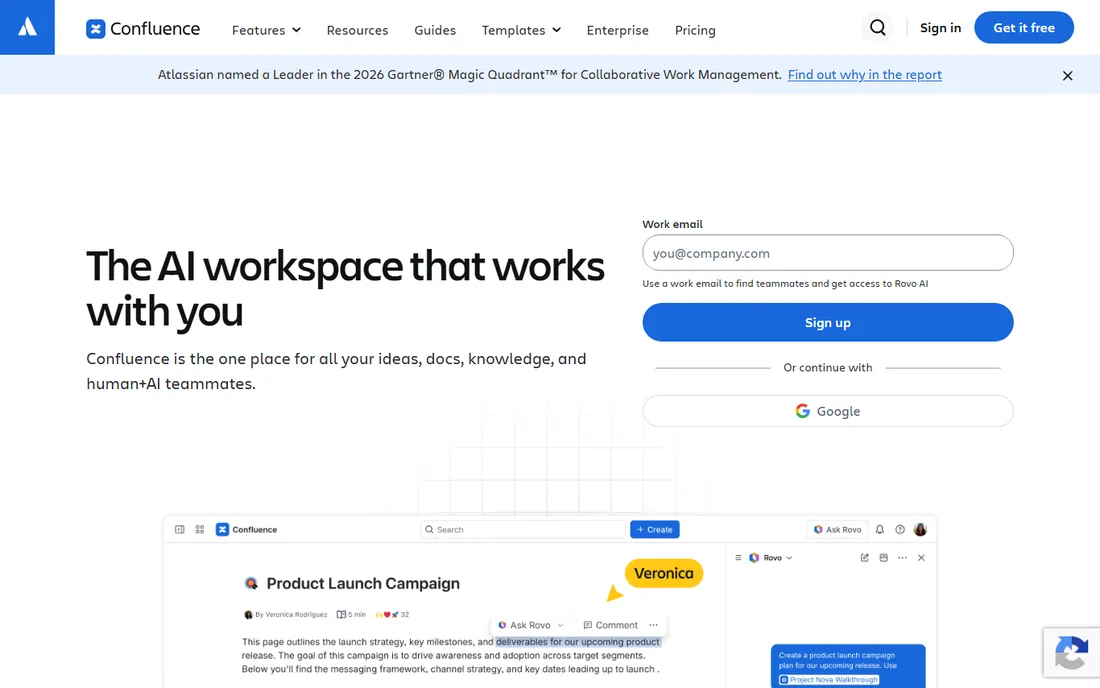
Confluence is the safe enterprise pick, and that is both its strength and its weakness. If your team already lives in Jira, the integration is genuinely useful: project pages pull in live issue data, and permissions follow the same Atlassian admin model your IT team already knows.
The honest catch is cost and sprawl. Per-seat pricing means a 200-person company pays for 200 seats even if half of them read one page a month, and Confluence spaces have a well-earned reputation for turning into graveyards of outdated pages without active gardening. The free plan covers up to 10 users, but Standard at $5.42 per user per month (billed annually) is where real teams land.
What we like- Deep integration with Jira and the Atlassian ecosystem
- Mature permissions, templates and macro library
- Free for teams up to 10 users
Watch out for- Per-seat pricing climbs fast as teams grow
- Large instances can feel slow and hard to keep organized
#2
Notion
Best for: Teams that want a wiki, docs and light project tracking in one place
Visit notion.so
Starting price$10 per user/month (Plus, billed annually)
Free planYes
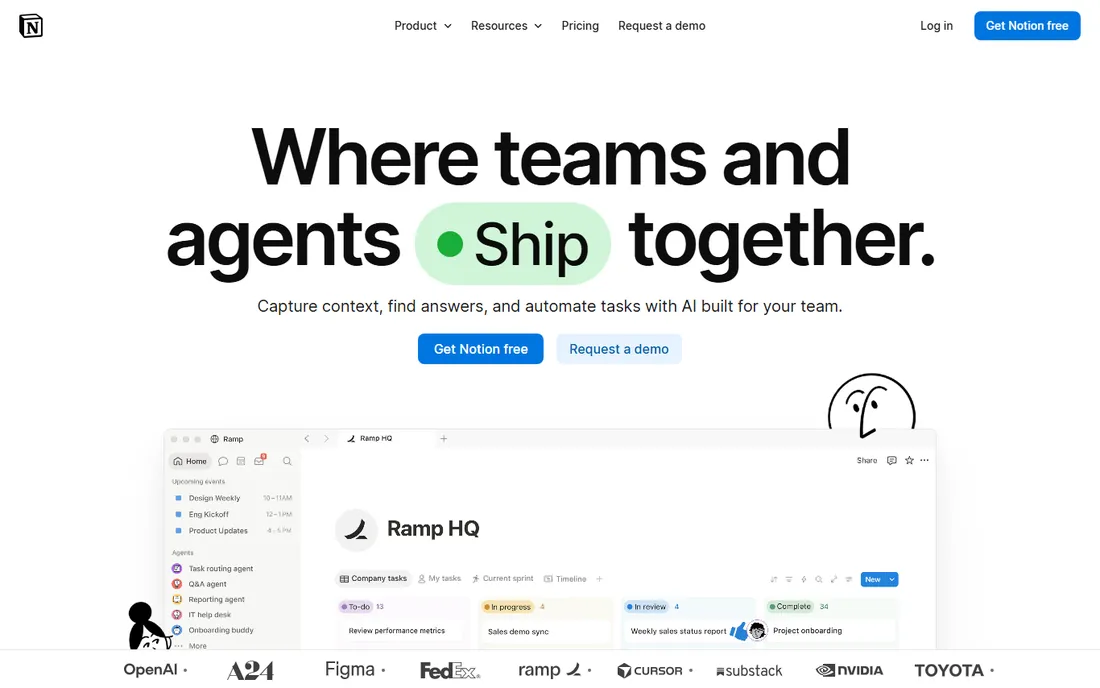
Notion became many teams' wiki almost by accident: people started taking notes in it, then built a handbook, then a project tracker, and suddenly it was the company wiki. The block-based editor makes pages feel modern, and databases let you turn a simple table of docs into a filterable, sortable knowledge hub without any admin work.
The trade-off shows up as you scale. Permission controls are coarser than what Confluence offers, so locking down sensitive pages across a large org takes more care. Plus starts at $10 per user per month billed annually ($12 month to month), and full access to the AI features requires a higher tier.
What we like- Flexible blocks and databases adapt to almost any workflow
- Very low learning curve for new users
- Generous free plan for individuals
Watch out for- Wiki governance and permissions are weaker than Confluence
- Full AI access requires a higher-tier plan
#3
GitBook
Best for: Technical teams publishing product and developer documentation
Visit gitbook.com
Starting price$65 per site/month + $12 per user/month (Premium, billed annually)
Free planYes
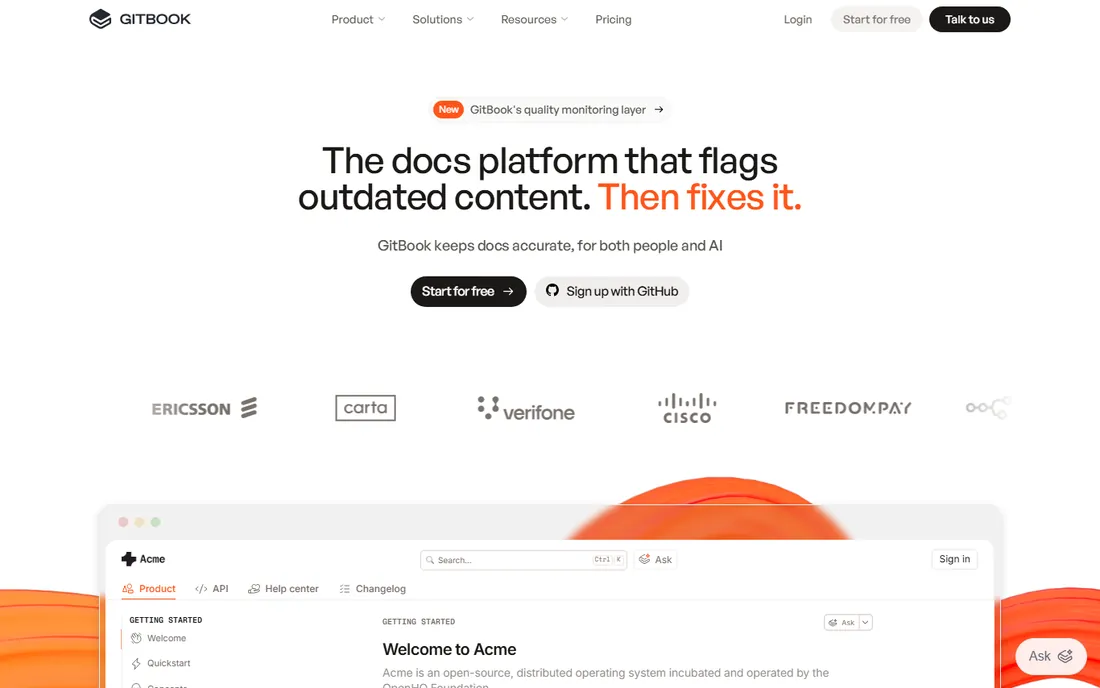
GitBook is not really a general-purpose wiki, and that focus is why technical teams like it. Documentation lives in Git, so engineers can write docs in the same workflow as code, with branches, reviews and version history that feel native. The published output looks professional out of the box, which matters when your docs are customer-facing.
The pricing model is the part to read twice. GitBook charges per site plus per user: Premium runs $65 per site per month plus $12 per user per month (billed annually), so a team publishing several doc sites pays for each one. The free tier covers a single site with one user. If your main need is internal company knowledge rather than product docs, one of the other tools on this list will fit better.
What we like- Git-synced docs workflow developers already understand
- Polished public documentation output
- Content reuse with variables and integrations
Watch out for- Per-site plus per-user pricing adds up quickly
- Overkill if you need a general internal wiki
#4
MediaWiki
Best for: Large public wikis that need Wikipedia-scale reliability
Visit mediawiki.org
Starting priceFree
Free planYes
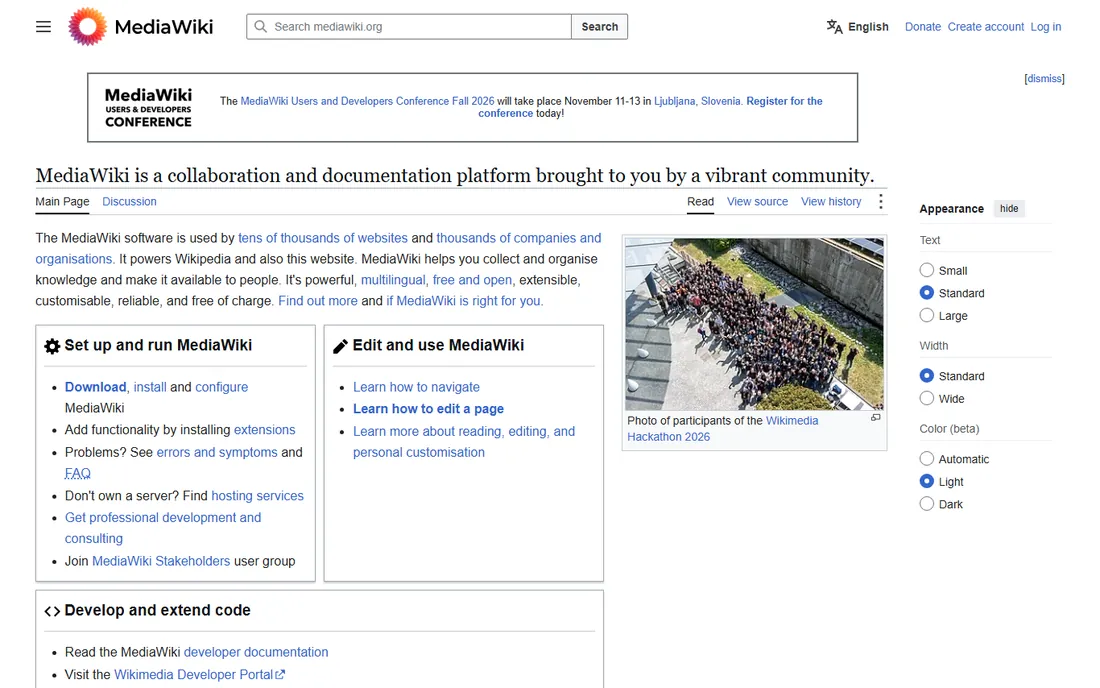
MediaWiki is the software that runs Wikipedia. It is free, open source, multilingual, and backed by one of the largest extension ecosystems in the wiki world. For a public knowledge base or a community wiki that needs to handle serious traffic, nothing else on this list has the same track record.
That power comes with admin overhead. Installing, upgrading and securing MediaWiki is a sysadmin job, not a five-minute signup, and the default editing experience still reflects its early-2000s roots unless you invest in skins and extensions. There is no official hosted version from the project itself, so you either self-host or pay a third party. For internal company wikis, most teams will find BookStack or XWiki easier to live with.
What we like- Proven at the scale of Wikipedia with tens of thousands of sites
- Huge extension library and multilingual support
- Completely free and open source
Watch out for- Default interface feels dated
- Requires technical skill to install, upgrade and secure
Starting priceFree
Free planYes
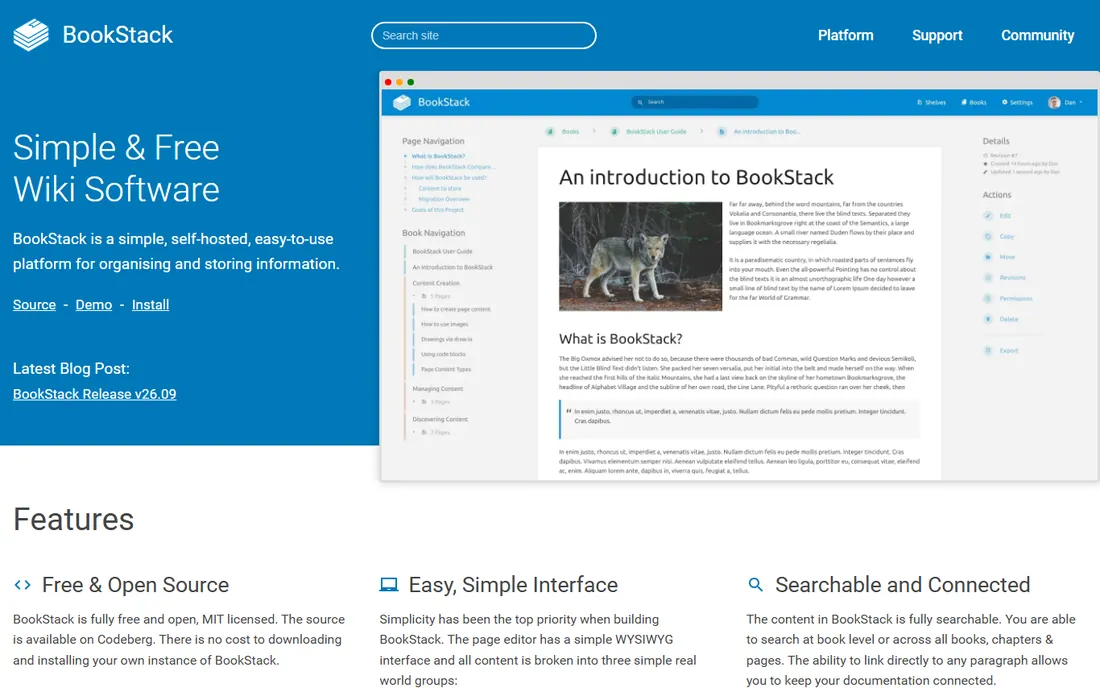
BookStack organizes everything into shelves, books, chapters and pages, a structure so plain that new users understand it in minutes. It is free and open source under the MIT license, runs on PHP and MySQL, and includes thoughtful touches like a built-in diagrams.net integration, page revisions, and authentication options (LDAP, SAML2, MFA) that many paid tools charge extra for. For a small team that wants its docs behind its own firewall, it is hard to beat.
The catch is that you are the hosting provider. There is no official BookStack cloud, so you install it on your own server or VPS and handle backups and updates yourself. BookStack also keeps its feature set intentionally narrow, so teams that need structured data or app-building should look at XWiki instead.
What we like- Simple books, chapters and pages structure anyone can grasp
- WYSIWYG and Markdown editors plus built-in diagrams
- LDAP, SAML and MFA support included
Watch out for- No official hosted plan, so you manage the server
- Feature set is deliberately simpler than enterprise wikis
#6
Wiki.js
Best for: Technical teams wanting a modern, free self-hosted wiki
Visit js.wiki
Starting priceFree
Free planYes
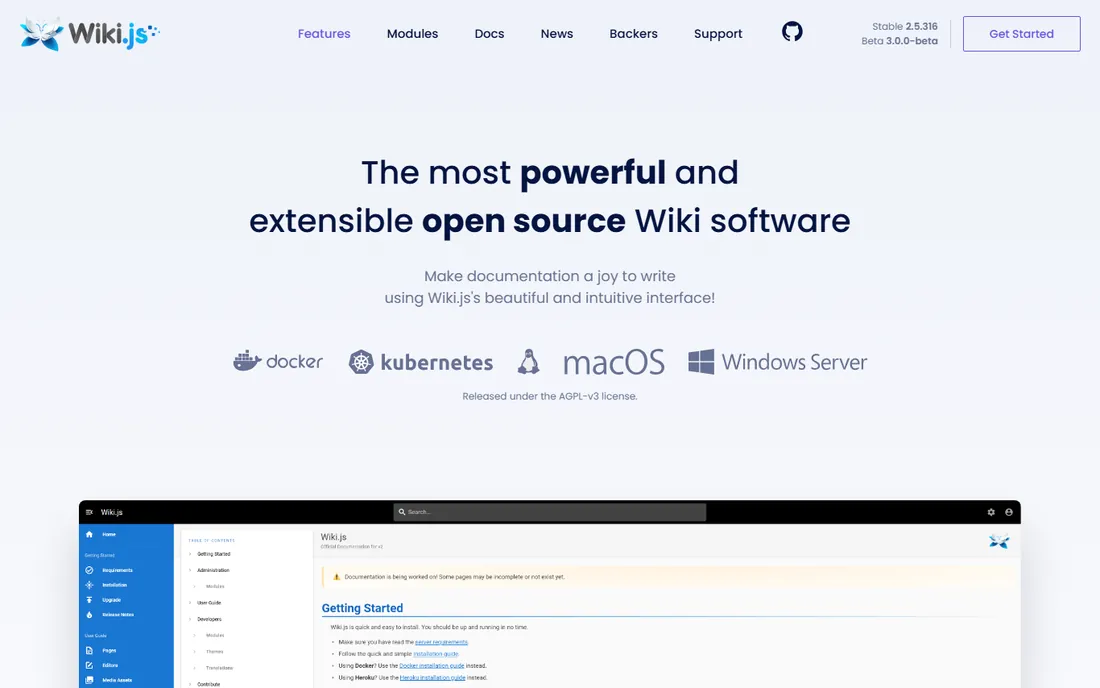
Wiki.js is the modern answer to MediaWiki for teams that self-host. The interface feels current, content can be backed by Git, and the module system covers authentication (local, social, LDAP, SAML, OAuth2), search engines and storage backends. It runs on Node.js and works with PostgreSQL, MySQL, MariaDB, MS SQL Server or SQLite.
A quick note on the name: the project's site has moved from wiki.js.org to js.wiki, though the software is still called Wiki.js. It is free and open source under the AGPLv3 license, which is worth a glance from your legal team if you plan to modify and redistribute it. Docker images and step-by-step guides make self-hosting straightforward.
What we like- Modern interface with Git-backed content storage
- 50+ integrations and modular auth (LDAP, SAML, OAuth)
- Runs on Node.js with multiple database options
Watch out for- AGPLv3 license gives some companies pause
- Community project without a big vendor behind it
#7
Slab
Best for: Teams that want a polished internal knowledge base quickly
Visit slab.com
Starting price$6.67 per user/month (Startup, billed annually)
Free planYes
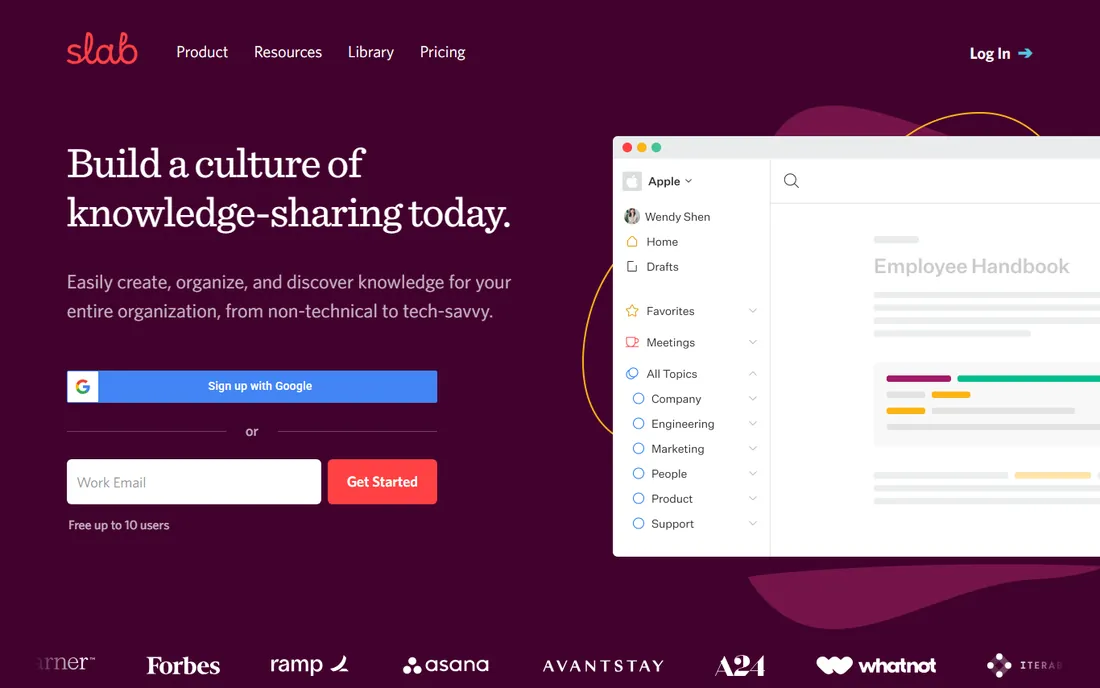
Slab's pitch is simple: a knowledge base that looks good and stays organized without a dedicated wiki gardener. Topics give pages context beyond folders and tags, and unified search pulls answers from both Slab and connected tools like Google Drive, Slack and GitHub. SSO comes standard on every plan, including the free one.
The free plan covers up to 10 users with unlimited posts. Paid plans start with Startup at $6.67 per user per month billed annually ($8 month to month), and Business at $12.50 per user per month billed annually adds longer version history and analytics. Two limits to note: Slab is cloud-only, so there is no self-hosted option, and version history is capped at 90 days on free and a year on Startup, with unlimited history reserved for Business.
What we like- Unified search across Slab and connected apps
- Clean editor with Topics for organization
- SSO included on every plan
Watch out for- Cloud-only with no self-hosting option
- Version history is limited on lower plans
#8
Nuclino
Best for: Small teams that value speed and a minimal learning curve
Visit nuclino.com
Starting price$5 per user/month (Standard, billed annually)
Free planYes
Nuclino feels like the fastest wiki on this list to get a team writing in. There is almost no setup: create a workspace, add collections, and people start documenting. The same content can be viewed as a list, board, table or graph.
The free plan covers up to 50 items and 2 GB of storage. Standard costs $5 per user per month billed annually ($6 monthly) with unlimited items, and Premium at $10 per user per month billed annually adds SSO, audit logs and admin controls. Nuclino's AI assistant, Sidekick, is a paid add-on rather than bundled. Teams with heavy compliance or complex permission needs will outgrow it, but for straightforward team knowledge it is one of the easiest tools here.
What we like- Extremely fast with an editor anyone can use immediately
- List, board, table and graph views for the same content
- Real-time collaboration built in
Watch out for- Not built for complex documentation or strict permission schemes
- Export options are limited
#9
Tettra
Best for: Slack-heavy teams that answer the same questions over and over
Visit tettra.co
Starting price$4 per user/month (Basic, billed annually)
Free planFree trial
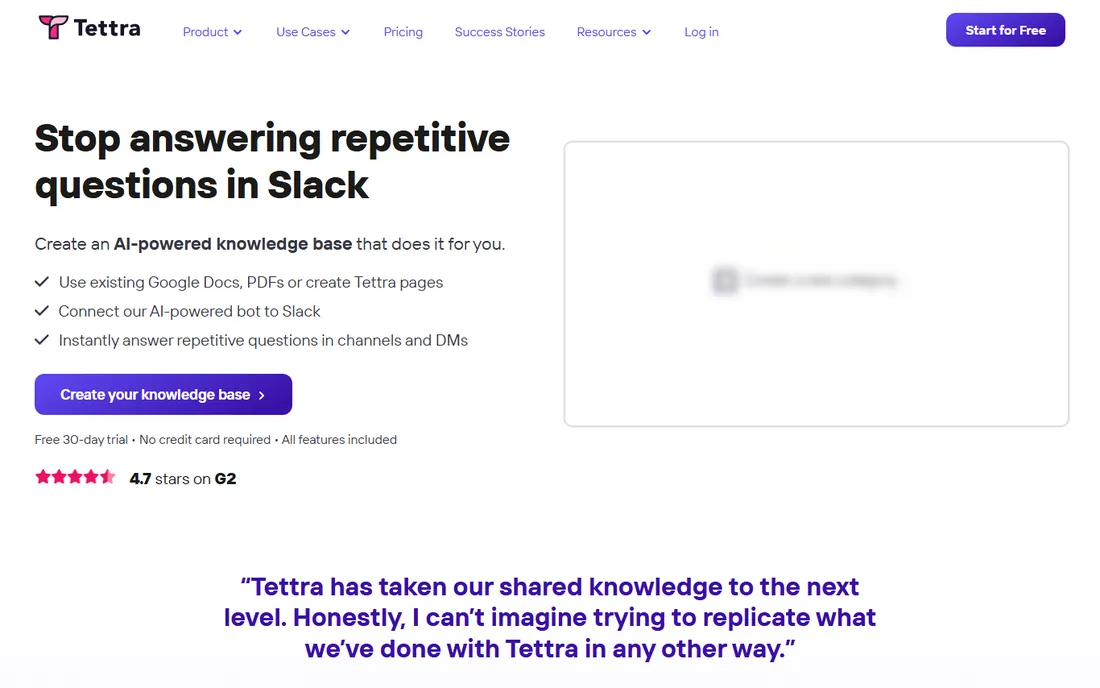
Tettra is built around a specific pain: the same questions asked in Slack every week. Its AI assistant, Kai, answers from your knowledge base directly in Slack or Tettra. For support teams and operations teams that live in chat, that loop is the whole value proposition.
Pricing starts at $4 per user per month billed annually on Basic ($5 month to month), but note the 10-user minimum, which makes the real entry price $40 per month. Scaling at $8 per user per month billed annually adds the AI features, advanced permissions and analytics. There is no free plan, only a 30-day trial, and the editor is simpler than what Notion or Slab offer.
What we like- Deep Slack integration with an AI bot that answers from your docs
- Verification workflows keep content fresh
- Simple editor non-technical staff can use
Watch out for- No free plan and a 10-user minimum on paid tiers
- Editor and permission model are basic compared to rivals
#10
XWiki
Best for: Enterprises that need a customizable open-source wiki platform
Visit xwiki.org
Starting priceFree (self-hosted open source)
Free planYes
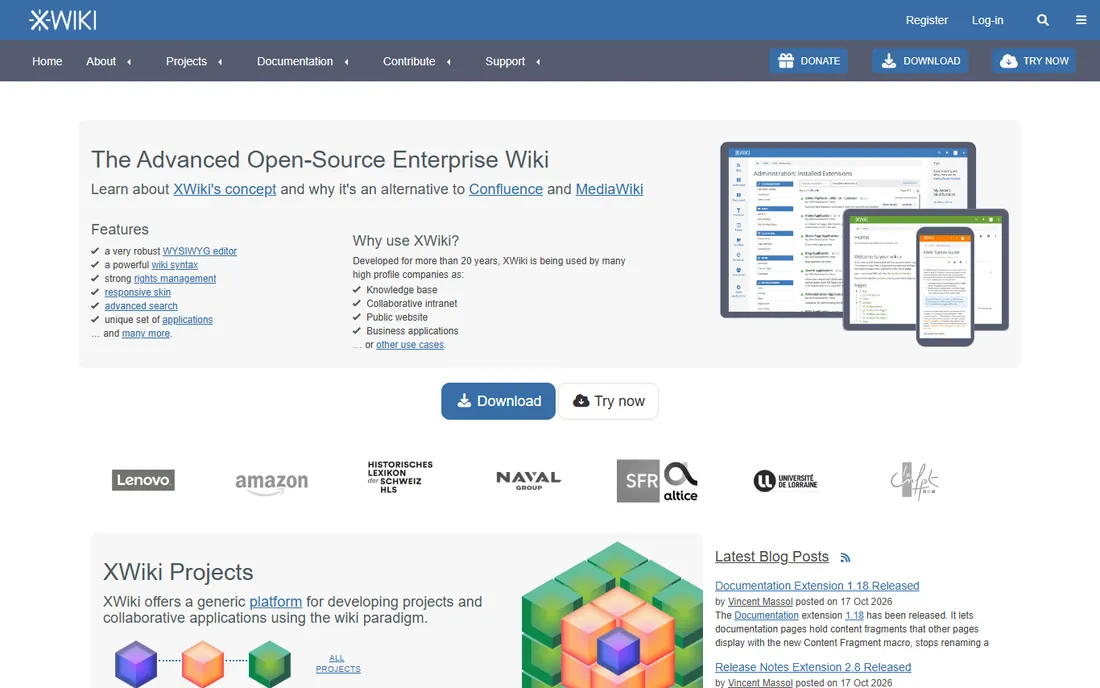
XWiki is the most powerful of the open source options here, and the most demanding. Beyond classic wiki features, it offers structured data, scripting and more than 900 extensions, so teams build intranets, knowledge bases and even custom business applications on top of it. It is free and open source under the LGPL, and it runs on any platform with Java.
That flexibility costs complexity. XWiki has a steeper learning curve than BookStack or MediaWiki, and running it well means a Java application server and a real database, plus someone who knows how to maintain them. The company behind it, XWiki SAS, sells optional cloud hosting and support: cloud plans start with a Starter tier around 2.50 euros per user per month billed annually.
What we like- Structured data and 900+ extensions turn it into an app platform
- Completely free to self-host with no license fees
- Strong multilingual support
Watch out for- Steeper learning curve than simpler wikis
- Java stack needs real admin resources
How we chose
We compared these ten tools using vendor pricing pages, official documentation and public reviews on G2, Capterra and Reddit, focusing on pricing models, free plan limits, self-hosting options, permissions, search and integrations. We weighted fit for team size and technical comfort over raw feature counts. We did not run hands-on trials.
How to pick the right wiki for your team
Start with how your team already works
A wiki that fights your team's habits will lose to a shared drive every time. If your engineers live in Git, GitBook or Wiki.js will feel natural. If your whole company runs on Slack, Tettra's chat-first model makes more sense than a wiki nobody opens. And if most contributors are non-technical, prioritize the editor: Nuclino, Slab and BookStack all keep formatting simple.
Decide hosted or self-hosted first
Self-hosting MediaWiki, BookStack, Wiki.js or XWiki costs nothing in licenses but needs a server and someone to maintain it, including security updates. Hosted tools like Confluence, Notion, Slab, Nuclino, Tettra and GitBook trade that admin work for a monthly per-seat bill. Regulated and privacy-sensitive teams often choose self-hosted; everyone else usually picks hosted.
Model the price at your real headcount
Per-seat pricing punishes large read-mostly audiences. Count everyone who needs an account, not just active writers, and check minimums: Tettra requires 10 seats, and GitBook charges per site on top of per user. Free plans from Confluence, Slab and Nuclino are genuinely usable for small teams, so start there when you can.
Test search and permissions before you commit
Two features decide whether a wiki survives: search and permissions. Import a few hundred real pages during your trial and check whether search surfaces the right one, and whether you can lock down sensitive pages without making everyday sharing painful.
Open source or hosted: which wiki model fits you
Choosing the best open source wiki software is really choosing a maintenance model. MediaWiki, BookStack, Wiki.js and XWiki give you full control: your data stays on your servers, there are no per-seat fees, and you can customize anything. The price is operational: upgrades, backups, security patches and uptime are your job, and you will want someone comfortable with PHP, Node.js or Java depending on the pick.
Hosted wiki platforms flip that deal. Confluence, Notion, Slab, Nuclino, Tettra and GitBook handle the servers, and you pay per user per month. The trade-offs are cost at scale, less control over your data, and whatever limits the vendor's plans impose. For most teams under 50 people, hosted wins on total effort. For regulated companies, hobbyists with a server, and anyone allergic to per-seat pricing, open source is the better long-term home. Either way, the best wiki platform is the one your team actually keeps updated.
Frequently asked questions
What is the best wiki software for small teams?
For most small teams, the choice comes down to Nuclino, Slab or Notion: Nuclino is fastest to adopt, Slab is the most polished, and Notion covers wiki plus docs plus light project work. If your team is technical, BookStack is the best free self-hosted option.
What is the best free wiki software?
MediaWiki, BookStack, Wiki.js and XWiki are all completely free to self-host. Among hosted tools, Confluence and Slab offer free plans for up to 10 users, Notion has a free tier, and Nuclino's free plan covers 50 items. Tettra is the only tool on this list with no free plan at all.
What is the best open source wiki software?
MediaWiki suits large public wikis, BookStack is simplest for small internal teams, Wiki.js has the most modern interface with Git-backed storage, and XWiki is the most extensible application platform. All four are free.
Is Notion a good wiki?
Notion works well as a wiki for small and mid-sized teams that also want docs and project tracking in the same place. Its permissions and content governance are weaker than Confluence or XWiki, so large enterprises with strict access requirements usually outgrow it.
Can I migrate from Confluence to another wiki?
Yes. Notion, Slab and XWiki all offer Confluence importers, but expect cleanup: macros, permissions and page hierarchies rarely transfer perfectly. Run a pilot migration on a few representative spaces before committing.
How much does wiki software cost?
Open source wikis cost nothing in licenses but need hosting and maintenance. Hosted plans typically run $4 to $12 per user per month: Tettra starts at $4, Nuclino at $5, Slab at $6.67, Notion at $10 and Confluence Standard at $5.42 (all billed annually). GitBook charges per site plus per user, from $65 per site per month plus $12 per user.
Sources we checked (13)
- https://www.atlassian.com/software/confluence/pricing
- https://www.atlassian.com/software/confluence
- https://www.gitbook.com/pricing
- https://mediawiki.org/
- https://bookstackapp.com/
- https://js.wiki
- https://slab.com
- https://www.nuclino.com/pricing
- https://www.featurebase.app/blog/tettra-pricing
- https://www.goodfirms.co/software/xwiki
- https://xwiki.com/en/Alternatives/xwiki-vs-sharepoint
- https://en.wikipedia.org/wiki/MediaWiki
- https://en.wikipedia.org/wiki/Wiki.js
Is your product missing or out of date?
We review this list regularly. Vendors can request a listing, send updated pricing or ask about featured placement.

Shihab Mia · Founder, Rankite
Shihab has spent more than a decade helping SaaS and e-commerce brands grow through search. He writes Rankite's software buying guides from pricing pages, documentation and public user reviews. More about Shihab.