How we make this list: we compare pricing pages, product documentation and public user reviews. Rankite is independent; if a vendor ever pays for a featured spot, that listing is clearly labeled Partner.
Key takeaways
- Notified and Q4 are the investor-relations specialists: purpose-built for earnings calls, investor days, and the compliance expectations that come with them.
- ON24 is the marketer's webcast platform, built around engagement data, simulive delivery, and pipeline reporting rather than one-off broadcasts.
- Vimeo (free to start; live events from $75/month Advanced) and Dacast (from $39/month) are the self-serve options with published prices and free trials.
- GlobalMeet and Kaltura sit at the enterprise end: managed production, global scale, and quote-based pricing for events that cannot fail.
Quick comparison
| Tool | Best for | Starting price | Free plan |
|---|
 ON24 ON24 | B2B marketing teams running webinars, virtual events, and always-on content programs | See website (custom quote) | No (demo available) |
 Notified Notified | Investor relations teams running earnings calls, investor days, and shareholder events | See website (custom quote) | No (demo available) |
 Q4 Q4 | Public companies that want IR webcasts integrated with their capital-markets platform | See website (custom quote) | No (demo available) |
 WorkCast WorkCast | Marketers who want self-serve webinars with the option of full event management | £95/month (self-serve plans, billed annually, excluding VAT) | 14-day free trial |
 GlobalMeet GlobalMeet | Large enterprises running town halls, investor events, and communications that cannot fail | See website (custom quote; managed services) | No (demo available) |
 Vimeo Vimeo | Teams that want self-serve live streaming and video hosting with a free starting point | Free; paid from $12/month (Starter, annual billing; live events from $75/month Advanced) | Yes (free plan with unlimited public videos) |
 Kaltura Kaltura | Large organizations that need branded, secure, interactive video at enterprise scale | See website (custom quote) | No (demo available) |
 Dacast Dacast | Broadcasters, agencies, and businesses that want affordable self-serve live streaming | $39/month (Starter plan, annual billing) | 14-day free trial (no credit card required) |
Is your product missing or out of date?
We review this list regularly. Vendors can request a listing, send updated pricing or ask about featured placement.
A webcast is not a webinar with a bigger audience. When a CEO addresses 20,000 employees, or a CFO walks analysts through quarterly results, there is no "let's try restarting." The stream has to work on the first attempt, the Q&A has to be moderated, the recording has to be available immediately, and in regulated settings the whole thing has to be archived. The best webcast platforms are built for that pressure: broadcast-grade reliability, audience management, engagement analytics, and on-demand replay.
The category splits three ways. IR specialists (Notified, Q4) serve public companies and earnings season. Marketing platforms (ON24, WorkCast) serve demand generation and always-on content programs. Streaming infrastructure (GlobalMeet, Vimeo, Kaltura, Dacast) serves everyone from town halls to broadcasters. These eight cover all three, with pricing verified from each vendor's own pages.
#1
ON24
Best for: B2B marketing teams running webinars, virtual events, and always-on content programs
Visit on24.com
Starting priceSee website (custom quote)
Free planNo (demo available)
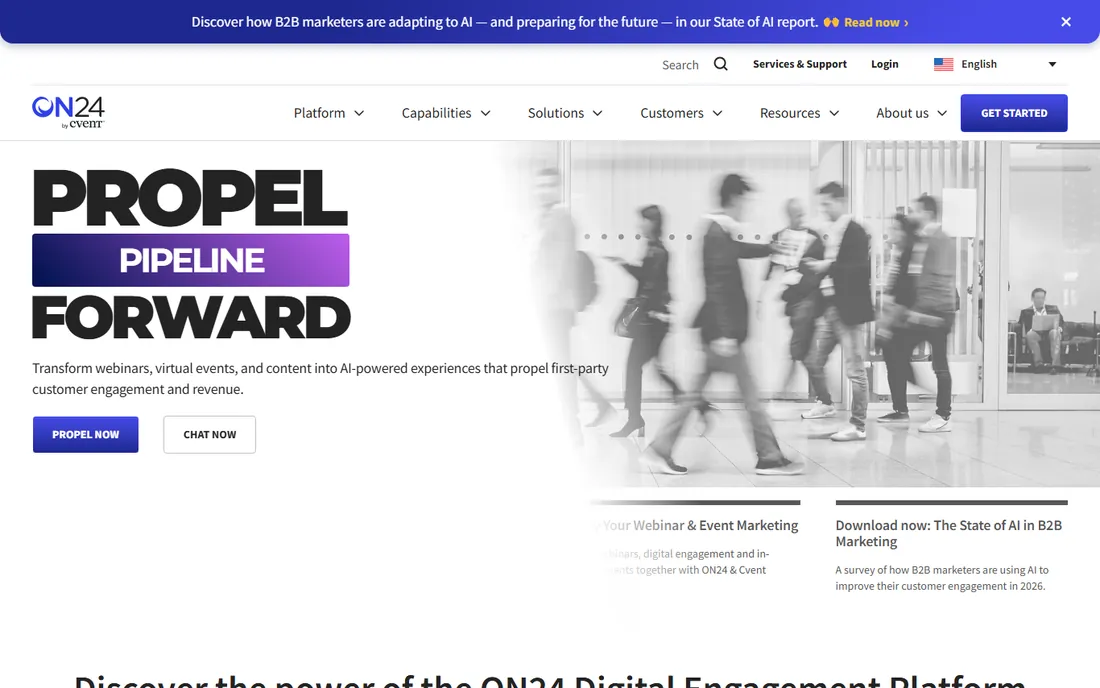
ON24 is the platform behind a huge share of B2B webinars, and it thinks about webcasts differently than the streaming tools do. The unit of value is not the broadcast; it is the engagement data. Every poll answer, resource download, and minute watched becomes first-party data for scoring, segmentation, and sales follow-up. Live, simulive, and on-demand formats all feed the same reporting, and the AI features turn one event into ebooks, clips, and personalized content journeys.
The honest catch is that this is enterprise marketing software, bought like enterprise marketing software: demo, discovery, custom quote. Small teams running an occasional town hall will find it heavy and expensive relative to self-serve streaming. For demand-gen teams running dozens of programs a year, the engagement intelligence is the reason to pay.
What we like- Engagement analytics that feed pipeline reporting and sales follow-up
- Simulive and on-demand delivery alongside live
- Personalization and AI features for content repurposing
- Deep integrations with marketing automation and CRM platforms
Watch out for- Quote-only pricing with no public numbers
- Built for marketing teams, not casual broadcasters
- The platform's depth means a real onboarding effort
#2
Notified
Best for: Investor relations teams running earnings calls, investor days, and shareholder events
Visit notified.com
Starting priceSee website (custom quote)
Free planNo (demo available)
Notified is the default choice when the audience is investors. The IR event platform handles earnings calls, investor days, and shareholder meetings with the specific features IR teams need: dial-in and device-audio options for analysts, moderated Q&A, captioning and accessibility, and the reliability record that comes from running thousands of earnings seasons. The Essentials and Expert modes let smaller IR teams buy an appropriate level rather than the full enterprise stack.
The honest catch is scope. This is a communications suite for IR and PR, not a general webinar platform; marketers wanting lead capture and nurture will look elsewhere. And the Equiniti acquisition in May 2025 is worth a question on your vendor review: the brand continues operating, but ownership changed. For earnings work specifically, few vendors match the track record.
What we like- The leading IR webcast provider, trusted by 88% of the Fortune 100 per the company's own reporting
- Essentials and Expert modes for different IR needs
- Strong accessibility and compliance posture
- Pairs with GlobeNewswire distribution and IR websites
Watch out for- Quote-only pricing
- IR-first design means marketing teams will find it narrow
- Owned by Equiniti Group since May 2025, so long-term roadmap watchers should ask questions
#3
Q4
Best for: Public companies that want IR webcasts integrated with their capital-markets platform
Visit q4inc.com
Starting priceSee website (custom quote)
Free planNo (demo available)
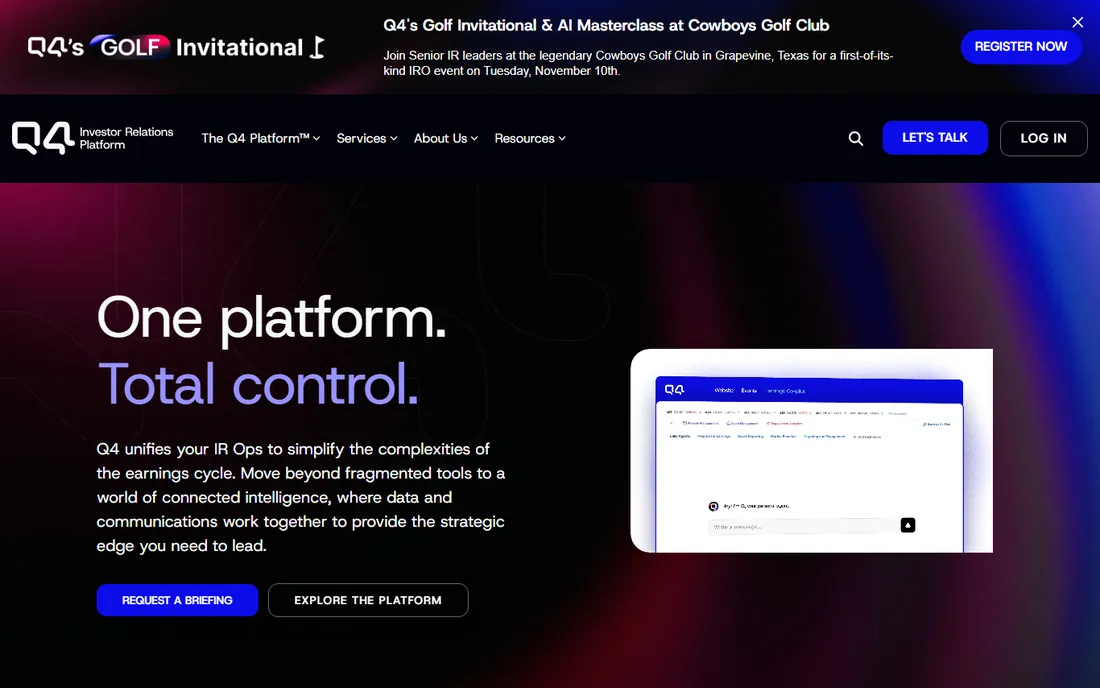
Q4's pitch is integration: the webcast is one module in a capital-markets platform that also runs the IR website, the investor CRM, shareholder analytics, and surveillance. For an IR team, that means the earnings webcast, the Q&A themes, and the post-event investor targeting all live in one system. The virtual events platform supports branded webcasts with chaptering, speaker bios, and the option to bring video from Zoom or Teams.
The honest catch is the bundle logic. Q4 makes the most sense when the company already runs its IR program on Q4; buying the webcast module alone leaves much of the value on the table. Pricing is custom and sales-led. Mid-cap and large-cap public companies with active IR programs are the natural fit; a pre-IPO startup running its first town hall is not.
What we like- Virtual events built into a full IR platform (websites, CRM, analytics, surveillance)
- Trusted by 2,600+ public companies
- Bring-your-own-video integrations with Zoom and Teams for earnings calls
- AI-assisted Q&A theme analysis
Watch out for- Quote-only pricing
- The platform's value assumes you use Q4's broader IR suite
- Smaller companies will find the capital-markets framing overkill
#4
WorkCast
Best for: Marketers who want self-serve webinars with the option of full event management
Visit workcast.com
Starting price£95/month (self-serve plans, billed annually, excluding VAT)
Free plan14-day free trial
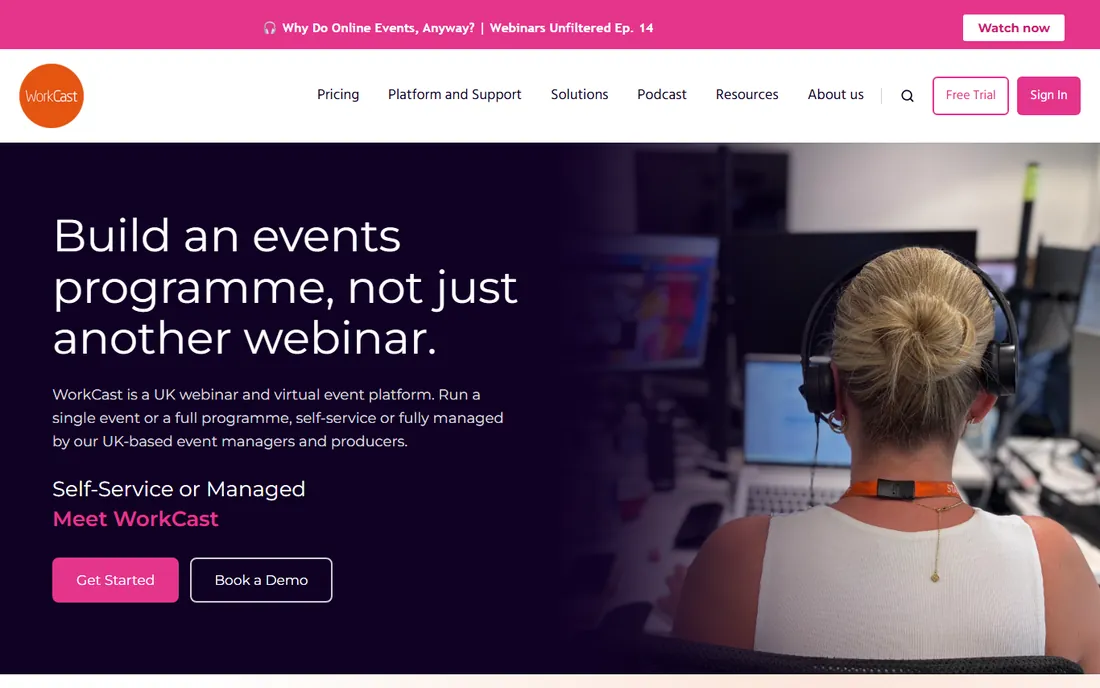
WorkCast occupies the useful middle ground: real self-serve webcasting with published prices, plus managed production when the event matters enough to hand over. The platform runs branded registration, simulive and on-demand replays, webinar libraries, and CRM integrations with attendee-level reporting, all in the browser with nothing to download. The most popular plan supports up to 5,000 attendees with no limit on monthly webinars.
The honest catch is geography and scale pricing. The company is UK-based, which most US buyers will not mind but should confirm for support coverage. Self-serve prices rise with audience size and user count, and the managed programs that make WorkCast distinctive are quoted per event. For a marketing team that outgrows DIY tools but cannot justify ON24-scale contracts, it is a strong fit.
What we like- Published self-serve pricing starting at £95/month, rare in this category
- Simulive, on-demand, and webinar libraries with no attendee downloads
- Managed production available from the same vendor
- 14-day free trial
Watch out for- UK-based vendor, so US buyers should check support hours
- Self-serve pricing scales with audience size and users
- Fully managed programs are quoted per event
#5
GlobalMeet
Best for: Large enterprises running town halls, investor events, and communications that cannot fail
Visit globalmeet.com
Starting priceSee website (custom quote; managed services)
Free planNo (demo available)
GlobalMeet is the white-glove option. The company owns its streaming infrastructure, staffs events with professional producers, and has spent 25 years running the events where failure is not an option: earnings calls for major banks, global town halls, investor days. A 20,000-person town hall is described as a typical day. The platform handles branding, HD video, Q&A, polling, captioning, and CRM-integrated reporting, with on-demand and simulive playback after.
The honest catch is that you are buying a service, not just software. Pricing is custom, events are produced with human support, and the model assumes a comms or events team that wants reliability over control. For a monthly all-hands, the managed overhead is more than you need. For the one event per quarter where the CEO's reputation is on the line, that overhead is the point.
What we like- Own global streaming infrastructure built for massive audiences
- Managed event production with experienced producers
- 25+ years serving banks, pharma, and Fortune 500 comms teams
- 24/7 live support around every event
Watch out for- Quote-only, service-led pricing
- Overkill for routine webinars
- The managed model means less self-serve control than platform-first tools
#6
Vimeo
Best for: Teams that want self-serve live streaming and video hosting with a free starting point
Visit vimeo.com
Starting priceFree; paid from $12/month (Starter, annual billing; live events from $75/month Advanced)
Free planYes (free plan with unlimited public videos)
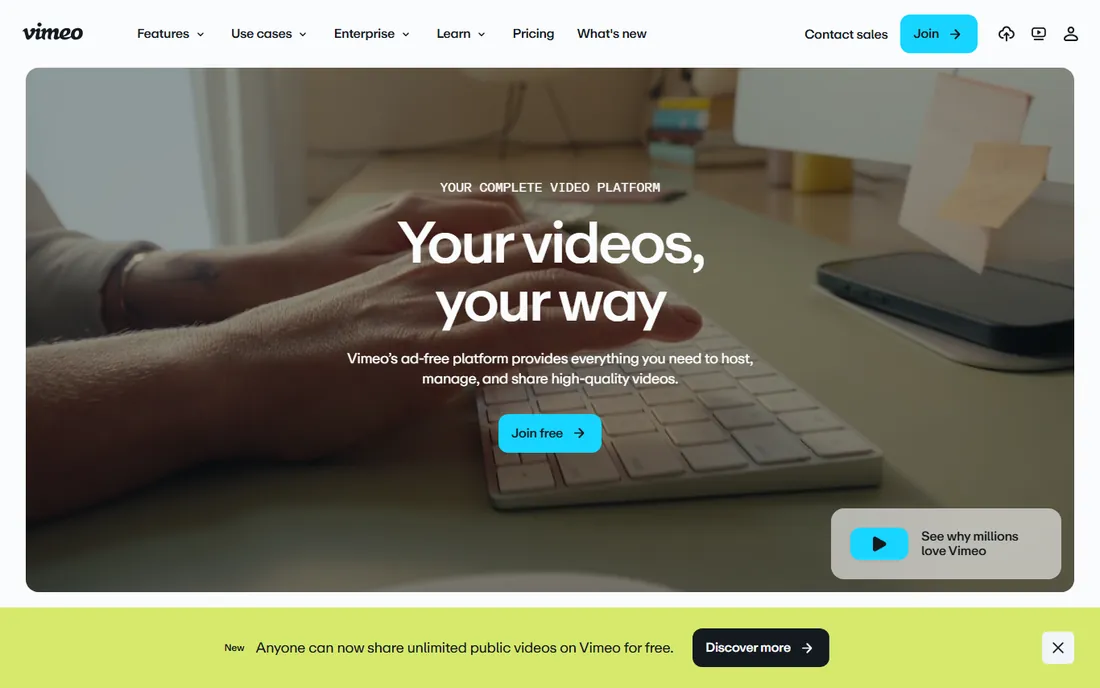
Vimeo is the accessible entry to professional webcasting. The free plan covers unlimited public videos, and the paid tiers are published and self-serve: Starter at $12, Standard at $25, and Advanced at $75 per month on annual billing, with live events, Q&A, polls, chat, simulive, and streaming to multiple destinations on Advanced. For a company that already hosts video on Vimeo, adding live webcasts is a natural step rather than a new vendor.
The honest catch is the plan structure. Vimeo's 2026 pricing pushes business use toward the higher tiers, and the features that make a webcast feel professional (registration, simulive, event analytics) sit at Advanced or above. It is not an IR platform and not a managed service; you run the show. For marketing teams and internal comms with real but not enormous audiences, the value is excellent.
What we like- A genuinely free plan, unusual in this category
- Advanced plan ($75/month) includes hosted live events, Q&A, polls, simulive, and multistreaming
- Ad-free player with strong brand control
- Enterprise tier with SSO, eCDN, and dedicated support
Watch out for- Business use is pushed toward higher tiers under the 2026 plan structure
- Serious webcast features start at Advanced
- Enterprise pricing is custom and the platform is video-first, not IR-first
#7
Kaltura
Best for: Large organizations that need branded, secure, interactive video at enterprise scale
Visit kaltura.com
Starting priceSee website (custom quote)
Free planNo (demo available)
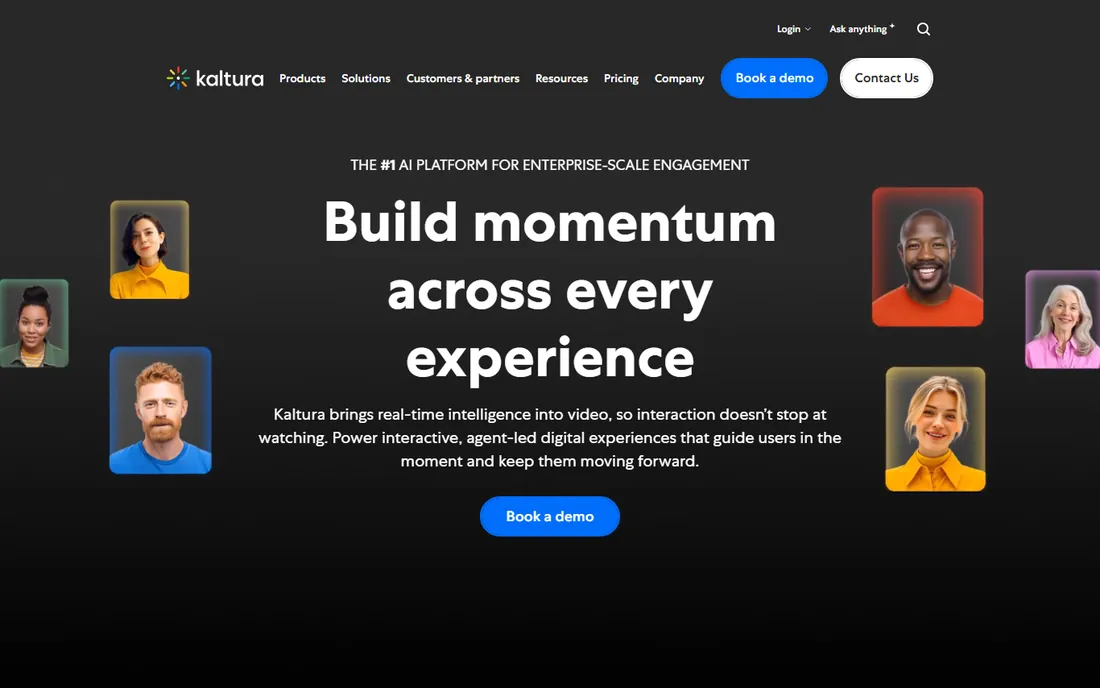
Kaltura's webcasting suite is built for organizations where video is infrastructure: town halls for tens of thousands, investor communications, all-hands with live translation, and branded event portals. The feature list reads like a broadcast control room: RTMP/WebRTC ingest, real-time QoS and engagement analytics, automated slide sync, moderated Q&A, and the same URL carrying the live event into on-demand replay. The open-source roots and API depth appeal to technical teams.
The honest catch is enterprise weight. Pricing is custom, sales-led, and aimed at large contracts; the platform sprawls across video portal, events, education, and media use cases, which is powerful but a lot to evaluate for a single webcast program. White-glove production is available for the events that need it. This is the pick when the webcast program is strategic and the audience is measured in tens of thousands.
What we like- Purpose-built webcasting with slides sync, moderated Q&A, polls, and real-time analytics
- Deep enterprise integrations (SharePoint, Teams, Zoom, LMS platforms)
- White-glove event production services available
- Trusted by large enterprises and universities
Watch out for- Quote-only enterprise pricing
- The platform's breadth (video portal, virtual events, edtech, Cloud TV) can overwhelm buyers with a single use case
- Implementation is a project
#8
Dacast
Best for: Broadcasters, agencies, and businesses that want affordable self-serve live streaming
Visit dacast.com
Starting price$39/month (Starter plan, annual billing)
Free plan14-day free trial (no credit card required)
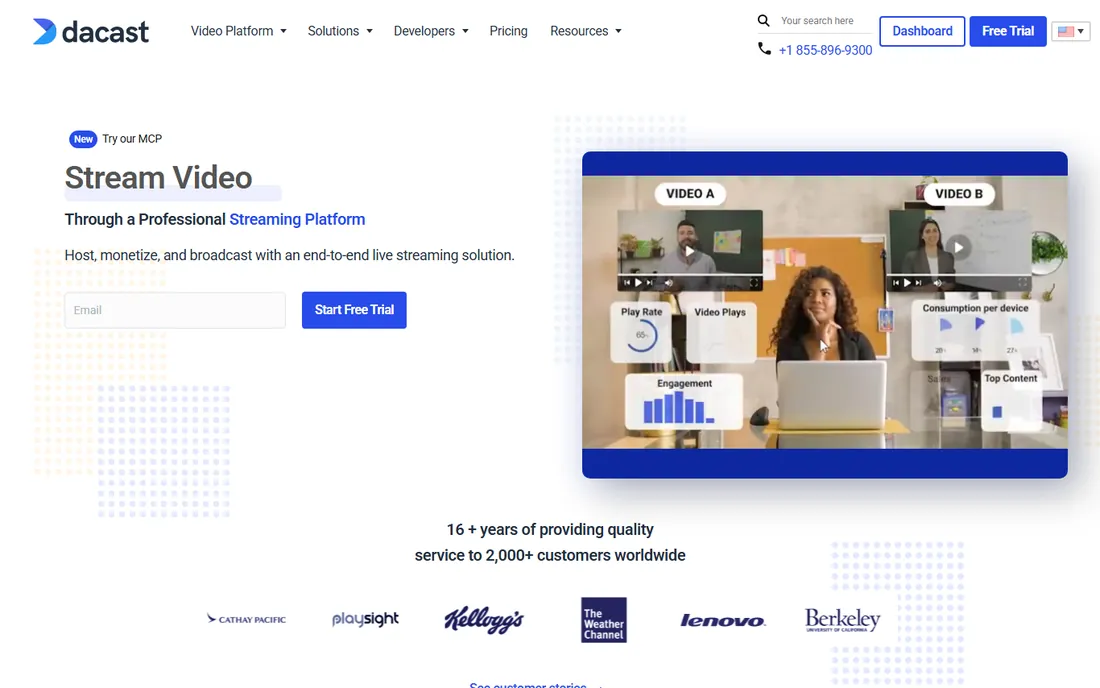
Dacast is the budget-friendly workhorse of professional streaming. The pricing is published and straightforward: Starter at $39, Event at $63, and Scale at $165 per month on annual billing, with bandwidth and storage bundled and unlimited concurrent viewers. The 14-day trial needs no credit card. Monetization is a genuine strength, with pay-per-view, subscriptions, and ad insertion for broadcasters who sell access.
The honest catch is specialization. Dacast streams beautifully, but it is not an IR platform or a marketing automation tool: registration flows, moderated investor Q&A, and engagement-to-pipeline reporting are not its center. Teams that need a reliable pipe for town halls, training broadcasts, or paid events will find it excellent value. Teams that need the event to generate pipeline or satisfy regulators should look at the specialists above.
What we like- Published pricing from $39/month with generous bandwidth allowances
- 14-day free trial with no credit card
- Unlimited viewers and live channels
- Monetization tools (pay-per-view, subscriptions) and China video hosting
Watch out for- Webcast-specific features (registration, Q&A moderation, IR workflows) are thinner than the specialists
- The feature breadth creates a learning curve
- Support tiers scale with plan level
What a webcast actually costs
Webcast pricing is the least transparent in this roundup, and that is structural: most vendors sell outcomes (a flawless earnings call) rather than seats. The quote-only tier (ON24, Notified, Q4, GlobalMeet, Kaltura) prices on audience size, event count, production support, and contract length. Expect annual agreements; expect the number to surprise you if you are coming from webinar tools.
The published tier tells a clearer story. WorkCast starts self-serve at £95/month. Vimeo runs free to $75/month for Advanced with live events. Dacast runs $39 to $165/month. These are real numbers for real programs, and they cover a large share of corporate webcasting: internal town halls, training broadcasts, marketing webinars, and mid-size virtual events.
Three cost drivers separate the tiers. Audience scale: thousands of concurrent viewers need managed infrastructure. Production: self-serve is cheap; a dedicated producer running your event is not. Compliance and archiving: IR and regulated industries pay for the audit trail. Before requesting quotes, define the audience size, the event count per year, and whether anyone's job depends on the stream working. That sentence is the quote.
Self-serve vs. managed: who runs the show
The most important choice is not the vendor; it is the operating model. Self-serve platforms (Vimeo, Dacast, WorkCast's self-serve tier) give your team the console and the responsibility. You build the event, you press go, you handle the Q&A. The cost is low and the control is total, which suits teams that run events weekly and have someone who owns the craft.
Managed services (GlobalMeet, Kaltura's white-glove offering, WorkCast's managed programs, Notified's IR events) put professionals on your event. A producer runs the rehearsal, monitors the stream, moderates Q&A, and handles the recording. The cost is higher, sometimes much higher, but the failure modes that keep comms leaders awake, dead air, a frozen CEO, a chat overrun, are someone else's problem.
Most organizations need both. Run the weekly training broadcast self-serve on Vimeo or Dacast. Hand the quarterly earnings call to Notified or Q4, and the annual town hall to GlobalMeet. Matching the model to the stakes is how you avoid both overspending and the wrong kind of memorable event.
How we chose
We started with the searches buyers actually run: webcast platforms, corporate webcasting, investor relations webcast, and town hall streaming software. For each candidate we opened the vendor's own homepage to confirm the real URL, checked prices and free tiers against the vendor's own published pages, and compared reliability, audience management, and fit for IR, marketing, and internal comms use cases using public reviews on G2 and Capterra and practitioner discussion. Where a price could not be verified on the vendor's own page we wrote "See website" rather than guessing. BrightTALK was excluded because it was acquired by TechTarget and no longer operates as an independent product.
Frequently asked questions
What is a webcast platform?
A webcast platform delivers live or pre-recorded video broadcasts to large remote audiences over the internet, with features like registration, Q&A, polling, analytics, and on-demand replay. Corporate webcasts include earnings calls, investor days, town halls, product launches, and training broadcasts.
How is a webcast different from a webinar?
Scale, stakes, and production. Webinars are typically interactive sessions for tens or hundreds of attendees. Webcasts are broadcasts for hundreds to tens of thousands of viewers, often with managed production, stricter reliability requirements, and compliance or archiving needs. Many platforms handle both, but the buying criteria differ.
How much do webcast platforms cost?
It ranges from free to custom enterprise contracts. Vimeo starts free with live events from $75/month (Advanced), Dacast starts at $39/month, and WorkCast self-serve starts at £95/month. ON24, Notified, Q4, GlobalMeet, and Kaltura are quote-based, with pricing driven by audience size, event count, and production support.
Which webcast platform is best for investor relations?
Notified and Q4 are the purpose-built IR choices: Notified is the leading IR webcast provider with Essentials and Expert modes, and Q4 integrates webcasts with its full capital-markets platform (IR websites, CRM, analytics). Both are quote-based and sold to IR teams specifically.
Can I run a town hall on Vimeo or Dacast?
Yes, for most internal town halls. Vimeo Advanced ($75/month) includes hosted live events with Q&A, polls, and chat; Dacast ($39+/month) offers unlimited viewers with a 14-day free trial. For the highest-stakes events, managed providers like GlobalMeet add professional production and 24/7 support.
Do any webcast platforms have free plans?
Vimeo has a free plan (unlimited public videos; live events need a paid tier), Dacast offers a 14-day free trial with no credit card, and WorkCast offers a 14-day free trial. The enterprise and IR-focused platforms (ON24, Notified, Q4, GlobalMeet, Kaltura) are demo-based with no free tier.
Sources we checked (11)
- https://www.on24.com/
- https://www.notified.com/
- https://www.q4inc.com/
- https://www.workcast.com/
- https://globalmeet.com/
- https://vimeo.com/
- https://vimeo.com/plans
- https://kaltura.com/
- https://dacast.com/
- https://www.g2.com/categories/webinar
- https://www.capterra.com/webinar-software/
Is your product missing or out of date?
We review this list regularly. Vendors can request a listing, send updated pricing or ask about featured placement.

Shihab Mia · Founder, Rankite
Shihab has spent more than a decade helping SaaS and e-commerce brands grow through search. He writes Rankite's software buying guides from pricing pages, documentation and public user reviews. More about Shihab.