How we make this list: we compare pricing pages, product documentation and public user reviews. Rankite is independent; if a vendor ever pays for a featured spot, that listing is clearly labeled Partner.
Key takeaways
- Octoparse and ParseHub are the classic beginner picks: point-and-click desktop tools with free plans that handle JavaScript-heavy sites without code.
- Browse AI and Axiom.ai take the easiest path of all, training a scraper by simply using the website, with data landing straight in Google Sheets.
- Apify and ScraperAPI suit beginners who are comfortable with a little technical setup and want cloud scheduling plus an API from day one.
- Diffbot, Dexi.io and WebHarvy sit at the edges: Diffbot for AI-extracted data at scale, Dexi.io for cloud crawling projects, WebHarvy for a one-time desktop license.
Quick comparison
| Tool | Best for | Starting price | Free plan |
|---|
 Octoparse Octoparse | Beginners wanting templates and cloud scheduling | $69/month (Standard, billed annually) | Yes |
 ParseHub ParseHub | Point-and-click scraping of complex dynamic sites | $189/month (Standard) | Yes |
 Apify Apify | Beginners ready for cloud actors and scheduling | $19/month (Starter) | Yes |
 Browse AI Browse AI | Training scrapers just by browsing the site | $19/month (Personal, billed annually) | Yes |
 Axiom.ai Axiom.ai | Chrome-extension scraping into Google Sheets | See website | Free trial |
 WebHarvy WebHarvy | One-time desktop license, no subscription | See website | Free trial |
 Dexi.io Dexi.io | Cloud crawling with monitoring built in | See website | Free trial |
 Diffbot Diffbot | AI extraction across whole domains | See website | Free trial |
 ScraperAPI ScraperAPI | API-based scraping for the slightly technical | $49/month (Hobby) | Free trial (7 days) |
Is your product missing or out of date?
We review this list regularly. Vendors can request a listing, send updated pricing or ask about featured placement.
The best web scraping software for beginners
Starting price$69/month (Standard, billed annually)
Free planYes
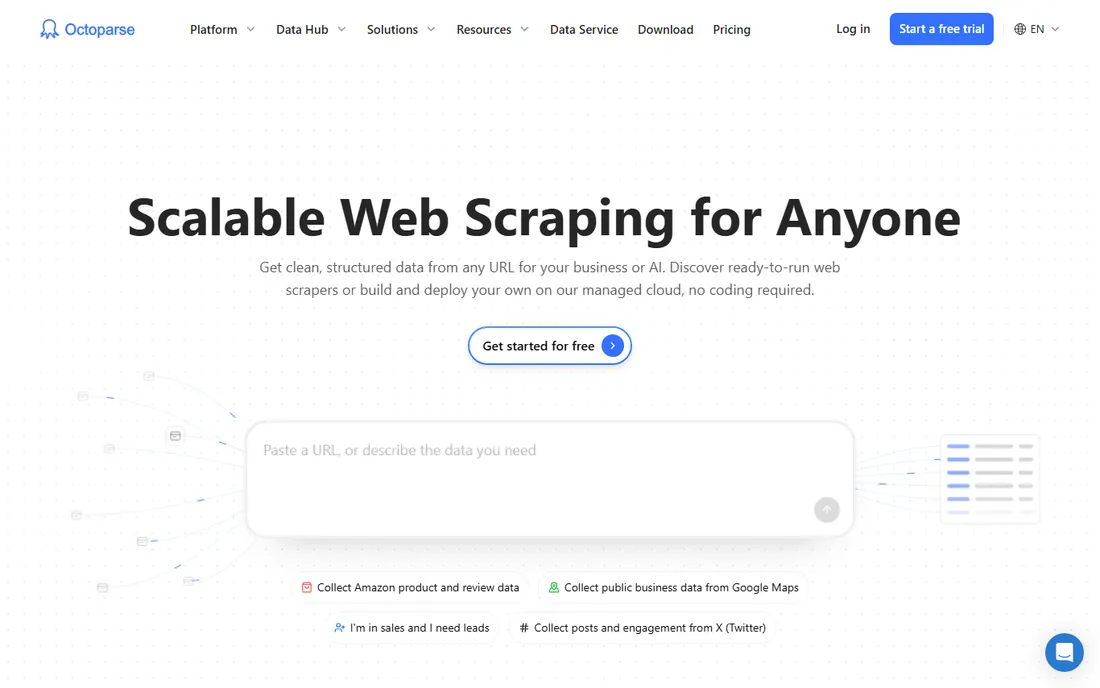
Octoparse is the first tool most beginners meet, and for good reason. Its template gallery covers hundreds of popular sites, so extracting product listings or reviews is often a matter of picking a template rather than building a scraper. The workflow designer lets you click through a site and watch Octoparse learn the pattern, handling pagination, logins and AJAX-loaded content without code.
The free plan runs tasks locally on your machine with a monthly export cap, which is enough to learn on. Paid plans move execution to the cloud with scheduling, IP rotation and an export API, starting at $69 per month on annual billing for Standard. Watch the add-on menu: residential proxies, CAPTCHA solving and done-for-you data services are billed separately, so a heavy project can cost more than the subscription suggests. Still, as a learning tool with a genuine growth path, Octoparse is hard to beat.
What we like- Large template gallery for popular sites
- Free plan with local extraction
- Cloud scheduling on paid tiers
Watch out for- Add-ons like proxies and CAPTCHA solving cost extra
- Advanced settings get complex fast
Starting price$189/month (Standard)
Free planYes
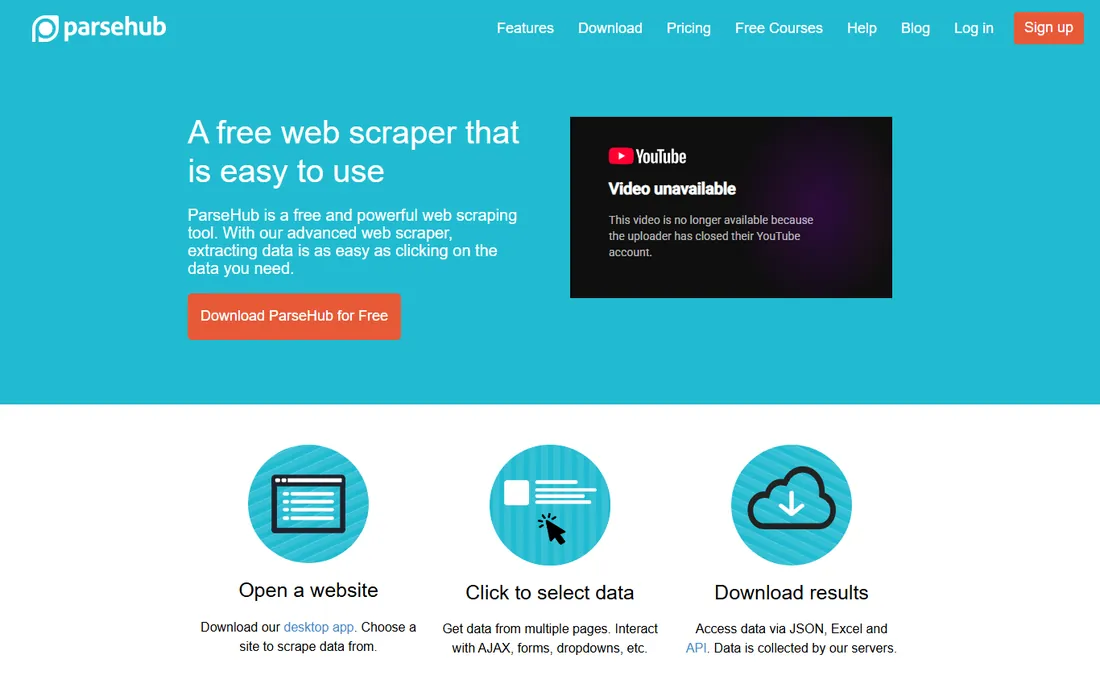
ParseHub takes a different approach from template-based tools: you teach it by clicking the data you want on the live page, and its engine figures out the extraction logic, including tricky cases like infinite scroll and conditional content. It runs as a desktop app, which beginners find reassuring, with cloud execution available on paid plans.
The free plan is genuinely useful for learning: five public projects and 200 pages per run. The jump to paid is steep, though, with Standard at $189 per month, and free runs are slow by design. ParseHub suits a beginner who needs to scrape one difficult, dynamic site and values the visual teaching approach over templates. If your targets are simple static pages, cheaper options will do the same job.
What we like- Handles JavaScript, AJAX and logins gracefully
- Generous free tier for learning
- Desktop app for Mac and Windows
Watch out for- Paid plans start high at $189 per month
- Free runs are slow and projects are public
#3
Apify
Best for: Beginners ready for cloud actors and scheduling
Visit apify.com
Starting price$19/month (Starter)
Free planYes
Apify is a cloud platform where "Actors" do the scraping: small programs, many built by the community, each targeting a specific site or task. A beginner can often skip building entirely by finding an Actor for their target, entering a URL and scheduling it to run daily, with results delivered as JSON, CSV or through an API. The free tier includes monthly platform credits, and Starter at $19 per month is the cheapest paid entry on this list.
The tradeoff is abstraction. Credits, compute units, Actor charges and overages make the billing harder to predict than a flat subscription, and debugging a failed run is more technical than clicking through Octoparse. Apify rewards beginners who are willing to learn a little platform thinking. If you want scraping that runs itself on a schedule and feeds another tool, it is the most capable option near this price.
What we like- Thousands of ready-made Actors for specific sites
- Cheap Starter plan
- Scheduling and API built in
Watch out for- Credit-based usage takes learning
- Best results still need some technical comfort
#4
Browse AI
Best for: Training scrapers just by browsing the site
Visit browse.ai
Starting price$19/month (Personal, billed annually)
Free planYes
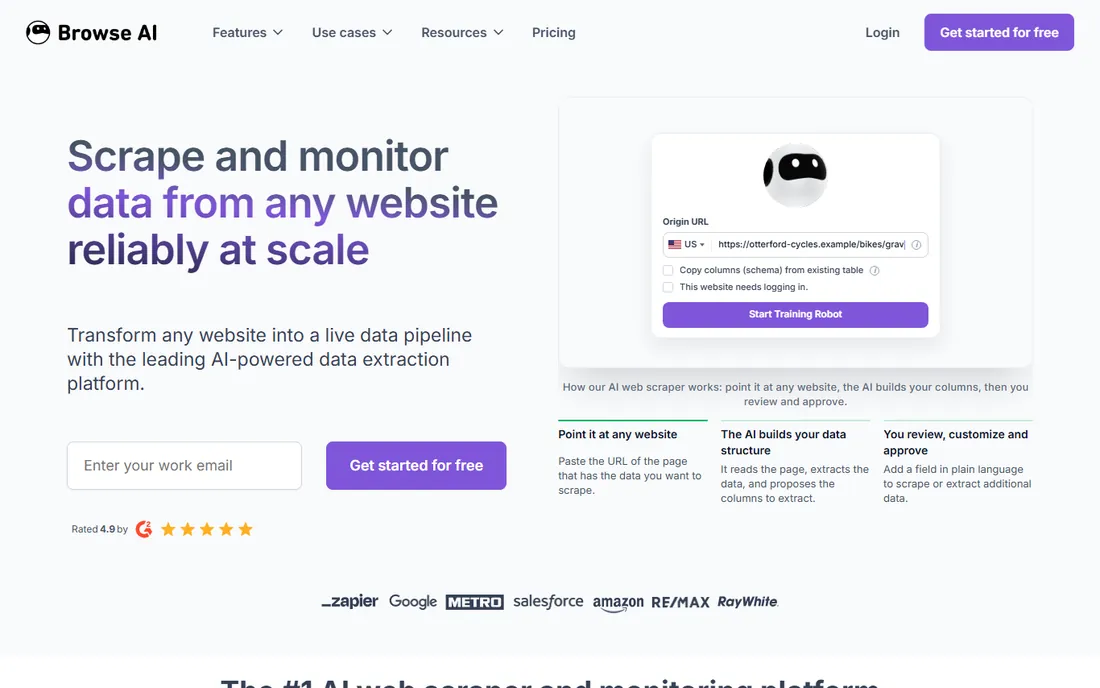
Browse AI has the lowest learning curve here. You install the extension, point at the data you want, and it trains a "robot" that revisits the site on schedule and sends new or changed data to a spreadsheet. There is no workflow designer to learn and no templates to browse; the training process is literally showing it what you want. The free plan includes 50 credits a month, and Personal starts at $19 per month on annual billing.
The catch is that credits are consumed per page or per row, whichever costs more, so scraping large catalogs burns through them quickly. It also only extracts what a browser can render, which covers most use cases but not APIs or hidden data. For price monitoring, lead list building and keeping a spreadsheet fresh, Browse AI is the fastest route from zero to working scraper.
What we like- Train a robot in minutes by pointing at data
- Monitors pages for changes
- Direct Google Sheets integration
Watch out for- Credit costs scale with page complexity
- Limited to what the robot can see in a browser
#5
Axiom.ai
Best for: Chrome-extension scraping into Google Sheets
Visit axiom.ai
Starting priceSee website
Free planFree trial
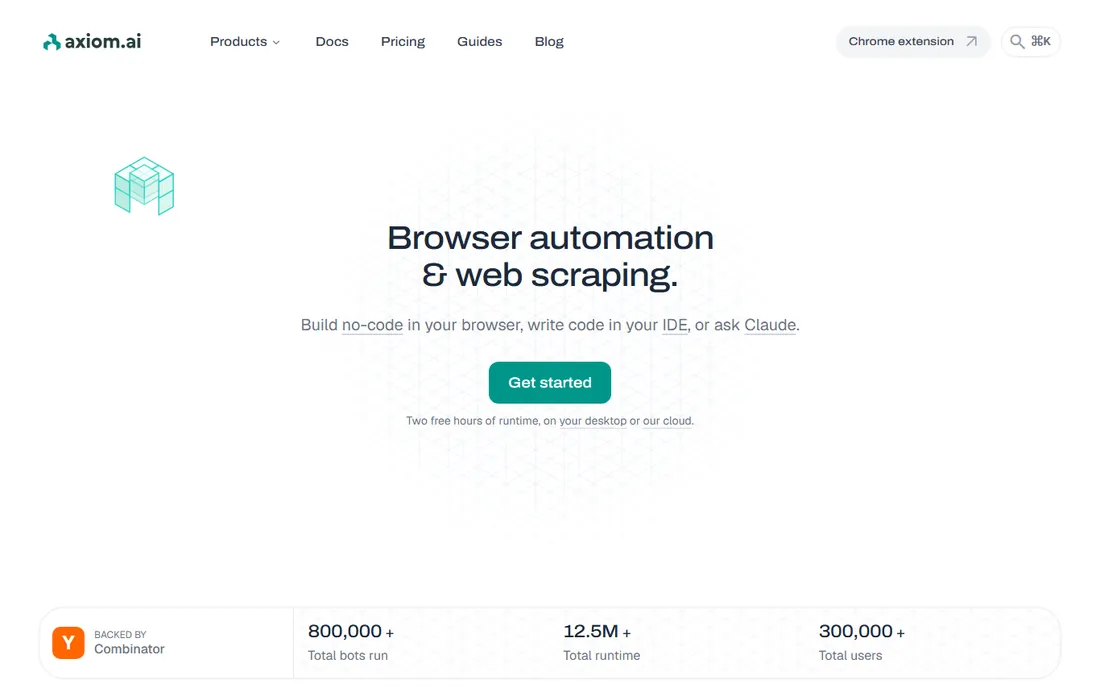
Axiom.ai lives as a Chrome extension, which makes it feel less like software and more like a superpower added to your browser. You build bots by clicking and typing on the actual site: scrape a list, fill a form, click through pages, then output everything to Google Sheets or CSV. It handles scraping plus the surrounding busywork, like logging in or submitting forms, in one flow.
Because bots run in your browser, very large extractions will occupy a tab for a while, and heavy scheduling is not its strength compared with cloud platforms. But for a beginner whose data already lives in a workflow that ends in a spreadsheet, Axiom.ai removes every barrier: install, point, click, done. It is free to try with no credit card, which makes it a zero-risk first experiment.
What we like- No-code bot builder inside Chrome
- Scraping plus form filling and clicking
- Free to try without a credit card
Watch out for- Runs in your browser, so large jobs tie up a tab
- Scheduling depth is lighter than cloud platforms
Starting priceSee website
Free planFree trial
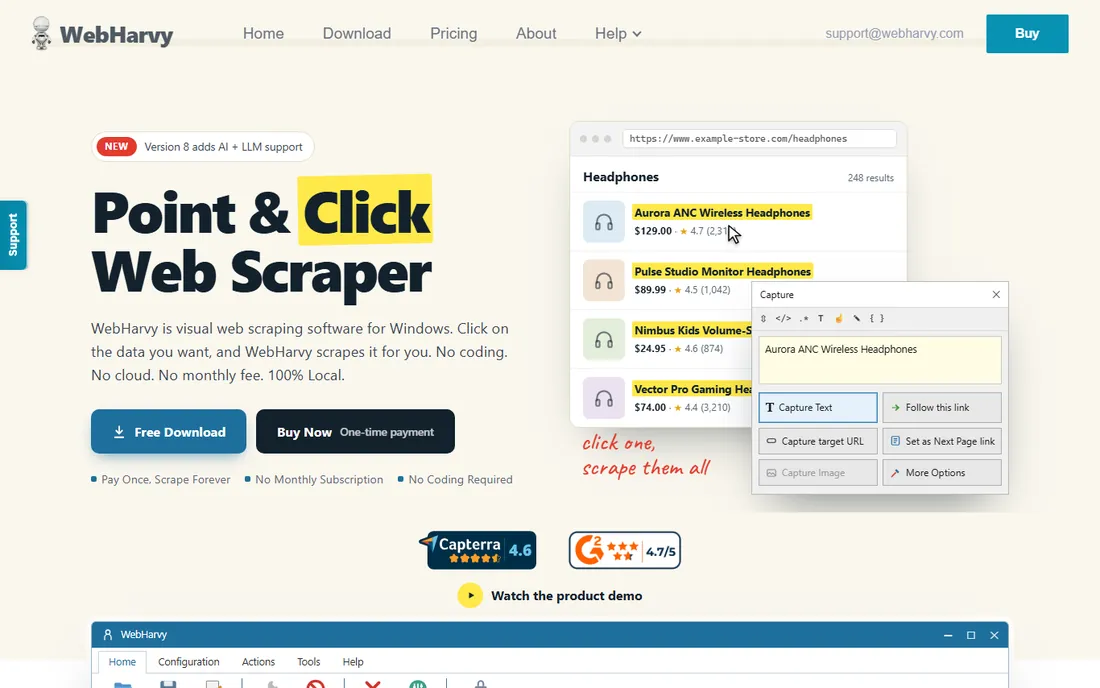
WebHarvy is the throwback option: a desktop application you buy once instead of renting monthly. Its point-and-click interface automatically detects repeating patterns, so scraping a list of products is often a single click, and it handles images, text, URLs and emails with export to common formats. A built-in scheduler and proxy support cover the basics.
The one-time license, reported around $129 for a single user, is the appeal: no monthly meter running while you learn. The limits are real, though. There is no cloud execution, so scheduled jobs need your machine on, and heavily protected sites with advanced bot detection will defeat it. WebHarvy fits a beginner with a defined, modest scraping task who would rather pay once than subscribe. It is not a platform you grow a data operation on.
What we like- One-time license instead of a subscription
- Point-and-click with automatic pattern detection
- Works offline
Watch out for- Desktop only, no cloud scheduling
- Struggles with heavily protected sites
#7
Dexi.io
Best for: Cloud crawling with monitoring built in
Visit dexi.io
Starting priceSee website
Free planFree trial
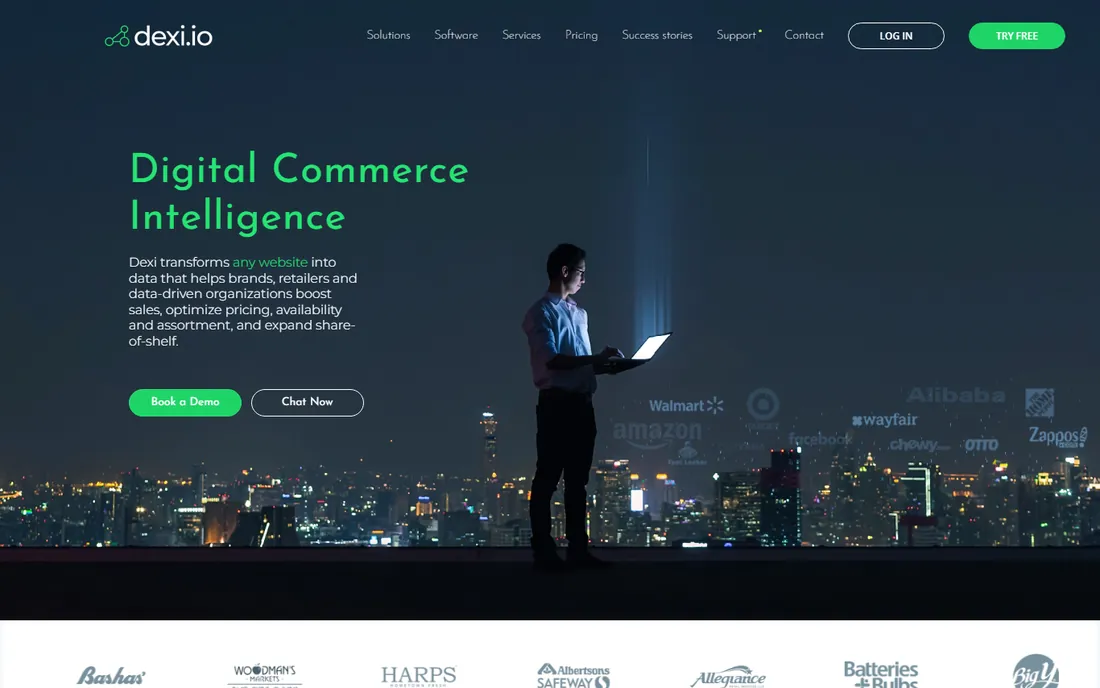
Dexi.io, formerly known as CloudScrape, is a cloud extraction platform aimed a notch above pure beginners but still code-free. You design extraction "robots" visually, run them in the cloud on schedules, and monitor results with built-in data processing and transformation. It handles deduplication, filtering and exports to destinations like Amazon S3 and Google Sheets.
The honest assessment: Dexi.io's interface and concepts, crawlers, agents, datastores, ask more of the user than Octoparse or Browse AI. A complete beginner can use it, but the learning curve is steeper, and pricing starts around $99 per month with higher tiers quoted. It earns its place for beginners who know they will need scheduled cloud crawling and monitoring from the start and would rather learn one platform than migrate later.
What we like- Cloud-based extraction with scheduling and monitoring
- Handles large crawls
- Data transformation built in
Watch out for- Interface assumes more technical confidence
- Pricing is quote-oriented for serious use
Starting priceSee website
Free planFree trial
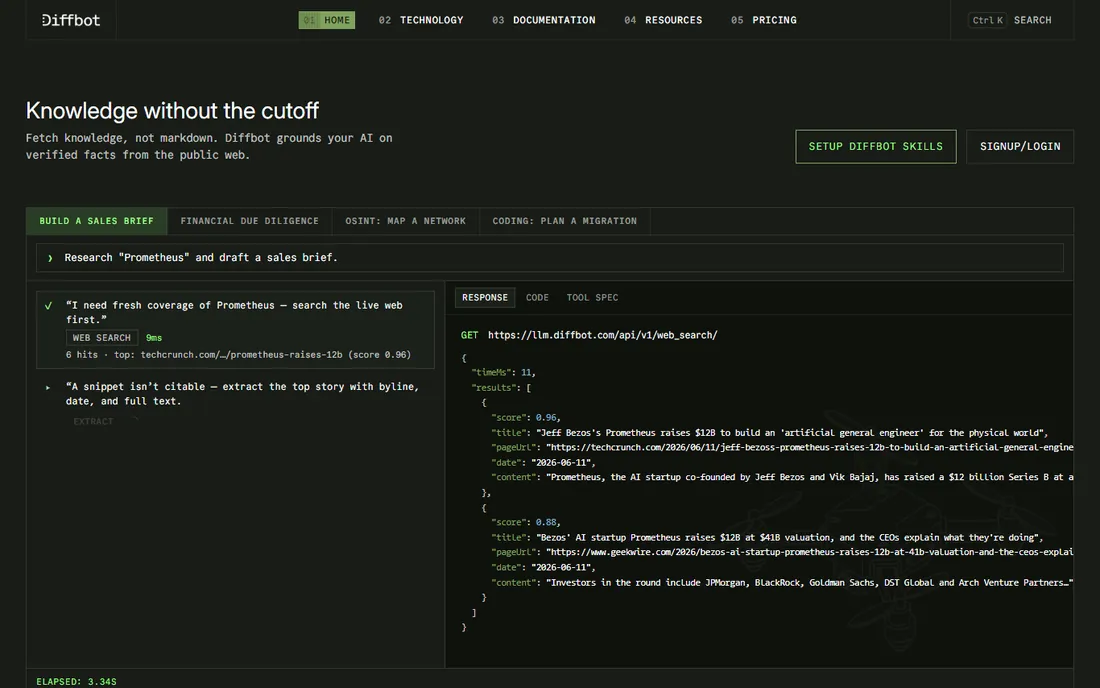
Diffbot does not ask you to build scrapers at all. Its AI reads pages the way a human does, using computer vision and natural language processing to identify products, articles, discussions and their fields automatically. Point it at a domain and it crawls and structures the content without per-site configuration, which is a fundamentally different experience from clicking through a workflow designer.
That capability is priced for businesses, with plans starting around $299 per month and a free trial for evaluation. A beginner scraping a few hundred pages should not pay Diffbot prices; Octoparse or Browse AI will do it for far less. Diffbot belongs here for the beginner whose project is actually "extract structured data from thousands of pages across many sites," where its automation replaces weeks of per-site setup.
What we like- AI vision extracts structured data without per-site setup
- Crawls entire domains
- Knowledge graph of the web
Watch out for- Expensive entry around $299 per month
- Overkill for scraping a handful of pages
Starting price$49/month (Hobby)
Free planFree trial (7 days)
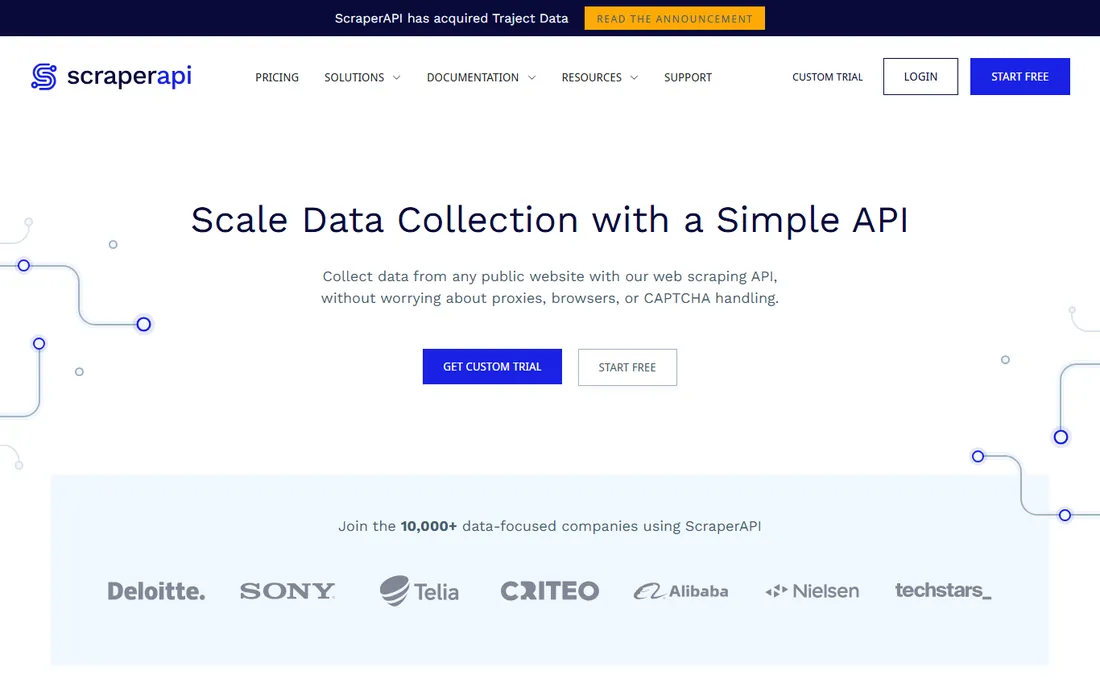
ScraperAPI is the bridge between no-code tools and writing your own scraper. Instead of a visual builder, you send a URL to its API and get back the page HTML with JavaScript rendered, proxies rotated and CAPTCHAs handled. For a beginner learning Python or JavaScript, it removes the hardest part of DIY scraping, getting blocked, while teaching real skills.
Pricing is credit-based starting at $49 per month for Hobby, with a 7-day free trial. The catch is the multiplier system: a simple page costs one credit, but Amazon pages, Google searches and JavaScript rendering multiply the cost, so budgets need real math. ScraperAPI suits the beginner who wants to learn scraping properly and is comfortable with a small amount of code. Pure no-code users will be happier with the visual tools above.
What we like- Single API call returns rendered page HTML
- Handles proxies, CAPTCHAs and retries
- Clear credit system
Watch out for- Requires basic API skills
- Credit multipliers make costs hard to predict on tough sites
How we chose
We defined "beginner" strictly: no code required, or close to it, with a path from signup to first extracted data in under an hour. Every tool here is actively maintained and available in 2026. We verified pricing from vendor pricing pages and recent pricing checks where available, falling back to "See website" where vendors do not publish numbers. We weighed the free tier seriously, since beginners should be able to learn without paying, and we read user reviews on G2, Capterra and Reddit for honest reports about ease of use and support. We excluded developer-only libraries like Scrapy and Beautiful Soup, proxy-only services and enterprise platforms with no self-serve path. We did not run hands-on scraping tests.
What beginners should actually compare
Ignore the feature matrix and compare four things. First, the free tier: how many pages or credits you get before paying, and whether free projects are public. Octoparse, ParseHub, Apify and Browse AI all let you learn for free, which is the right way to start. Second, how you build the scraper: templates (Octoparse), clicking on the page (ParseHub), training by demonstration (Browse AI, Axiom.ai) or picking a prebuilt Actor (Apify). Try the building method before committing, because it determines whether you will actually use the tool.
Third, scheduling and delivery. A scraper you run manually is a toy; a scraper that runs daily and fills your spreadsheet is infrastructure. Check whether scheduling needs a paid plan and where the data goes: CSV download, Google Sheets, API or webhook. Fourth, the cost at your real volume. Credit systems punish large page counts, per-page multipliers punish difficult sites, and add-ons for proxies and CAPTCHAs punish everyone. Estimate your monthly page count honestly, then price three tools against it before choosing.
The legal and practical limits of scraping
Every beginner should know the boundaries before scraping at scale. Scraping publicly available data is generally permissible, but bypassing logins, ignoring terms of service or republishing copyrighted content creates legal exposure, and some sites actively pursue scrapers. When in doubt, check the site's terms and robots.txt, and consider asking for API access or a data license first.
Practically, expect sites to fight back. Rate limiting, IP blocks, CAPTCHAs and layout changes are routine, and a scraper that works today can break tomorrow when the target redesigns. This is why monitoring matters: tools with change detection and alerting, like Browse AI and Dexi.io, earn their keep by telling you when something breaks. Also scrape politely: reasonable request rates, off-peak scheduling and caching results. Aggressive scraping gets IPs banned and, at scale, can draw legal attention. Start small, monitor everything and keep records of what you collected and when.
Frequently asked questions
Do I need to know how to code to scrape websites?
No. Every tool on this list is usable without code, with Octoparse, ParseHub, Browse AI and Axiom.ai being the most visual. ScraperAPI is the exception that asks for basic API skills, and Apify sits in the middle with prebuilt scrapers you can run without building.
Which web scraper is easiest for a complete beginner?
Browse AI and Axiom.ai have the shortest path: point at data, get a spreadsheet. Octoparse is next, thanks to its template gallery. ParseHub is powerful but its teaching interface takes longer to master.
Can I scrape for free?
Yes, within limits. Octoparse, ParseHub, Apify and Browse AI all have free tiers suitable for learning and small projects. Free tiers usually cap pages, credits or runs per month, and some make free projects public, so check the limits before relying on them.
What is the difference between a visual scraper and a scraping API?
A visual scraper lets you build extractions by clicking, with no code. A scraping API like ScraperAPI handles the hard infrastructure, proxies, rendering, CAPTCHAs, but you write the code that calls it. Visual tools are faster to start; APIs scale better and teach transferable skills.
Why do scrapers break?
Websites change their layouts, add bot protection or block IP addresses. Any scraper tied to a site's HTML structure needs maintenance when the site redesigns. Tools with monitoring and change alerts reduce the surprise, but budget time for upkeep on any serious scraping project.
Is web scraping legal?
Scraping publicly available data is generally allowed in the US, but the details depend on what you scrape and how. Avoid bypassing authentication, respect terms of service, do not republish copyrighted material as your own, and get legal advice before building a business on scraped data.
Sources we checked (13)
- https://www.octoparse.com/pricing
- https://www.parsehub.com/pricing
- https://apify.com/pricing
- https://www.browse.ai/pricing
- https://axiom.ai/
- https://www.webharvy.com/
- https://dexi.io/
- https://www.diffbot.com/
- https://www.scraperapi.com/pricing
- https://joshwp.com/octoparse-review/
- https://www.saasworthy.com/product/parsehub/pricing
- https://omidsaffari.com/blog/best-web-scraping-tools
- https://www.browse.ai/blog/the-best-ai-web-scraper-tools
Is your product missing or out of date?
We review this list regularly. Vendors can request a listing, send updated pricing or ask about featured placement.

Shihab Mia · Founder, Rankite
Shihab has spent more than a decade helping SaaS and e-commerce brands grow through search. He writes Rankite's software buying guides from pricing pages, documentation and public user reviews. More about Shihab.