How we make this list: we compare pricing pages, product documentation and public user reviews. Rankite is independent; if a vendor ever pays for a featured spot, that listing is clearly labeled Partner.
Key takeaways
- Scrapy costs nothing and handles serious scraping work, but you need a developer. There is no cheaper option if you have engineering time.
- WebHarvy's one-time $99 license is the best value for non-developers who scrape from a desktop and hate subscriptions.
- Browse AI publishes clear pricing from $19 a month billed annually, with a free-forever tier for small jobs.
- ParseHub starts at $189 a month, which prices it above most value buyers, though the free tier covers light use.
- Octoparse, Apify, ScraperAPI and Scrape.do keep pricing behind their sites or change it often, so verify current plans before you commit.
Quick comparison
| Tool | Best for | Starting price | Free plan |
|---|
 ParseHub ParseHub | Non-developers scraping complex or JavaScript-heavy sites | From $189/month | Yes |
 Octoparse Octoparse | Business users who want point-and-click scraping | See website | Yes |
 Apify Apify | Developers and teams building scraping into products | See website | Yes |
 ScraperAPI ScraperAPI | Developers who want proxy and anti-bot handling via API | See website | Free trial |
 Browse AI Browse AI | Monitoring websites and extracting data on a schedule | From $19/month (billed annually) | Yes |
 WebHarvy WebHarvy | Buyers who want to pay once and own the software | From $99 one-time | Free trial |
 Scrape.do Scrape.do | Developers needing residential proxies and rendering in one API | See website | Yes |
 Scrapy Scrapy | Developers who want a free, full-control scraping framework | Free (open source) | Yes |
Is your product missing or out of date?
We review this list regularly. Vendors can request a listing, send updated pricing or ask about featured placement.
The best value web scraping software
#1
ParseHub
Best for: Non-developers scraping complex or JavaScript-heavy sites
Visit parsehub.com
Starting priceFrom $189/month
Free planYes
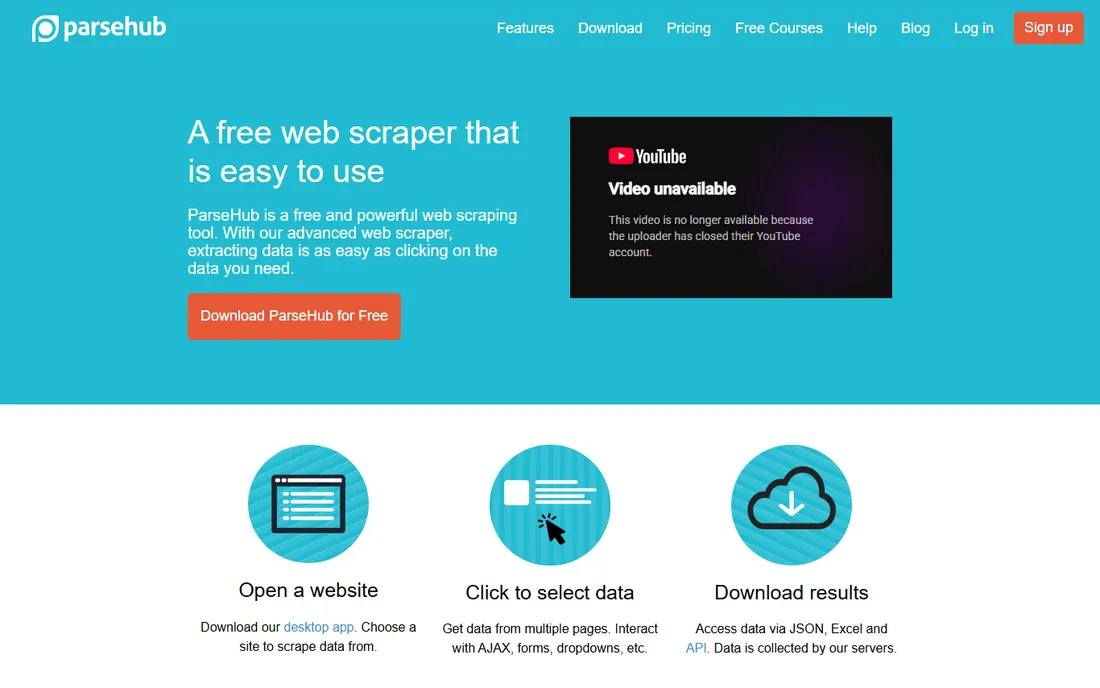
ParseHub is the visual scraper people recommend when the target site fights back. It runs a real browser under the hood, so JavaScript-rendered pages, login walls and infinite scroll work without you writing a line of code. You click the data you want, and ParseHub figures out the pattern.
The catch for value buyers is the price jump. Paid plans start at $189 a month according to the vendor's own help center, which is steep if you only scrape occasionally. The free tier exists and covers light use. ParseHub makes sense when the site you need is too complex for simpler tools and hiring a developer costs more than the subscription.
What we like- Handles JavaScript, logins and infinite scroll without code
- Free tier for small projects
- Desktop app for Windows, Mac and Linux
Watch out for- Paid plans start high for a value pick
- Advanced features have a learning curve
Starting priceSee website
Free planYes
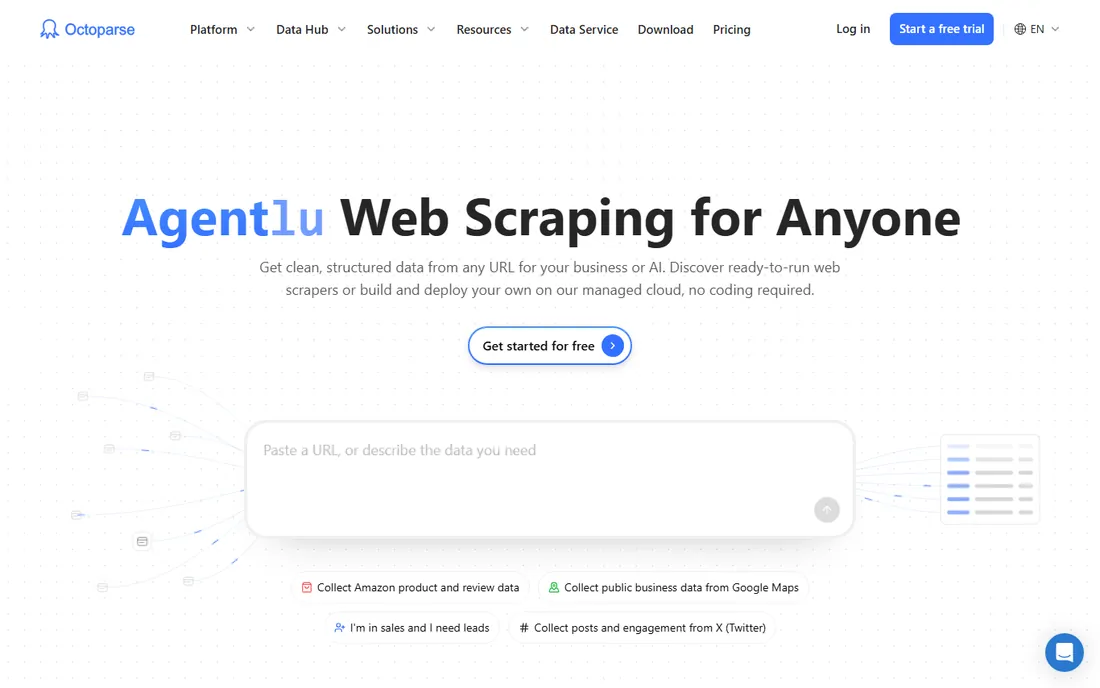
Octoparse has been one of the most widely used visual scrapers for years. The workflow designer lets you build extraction logic by clicking through a site, and pre-built templates cover common targets like e-commerce and directories. Cloud-based extraction means jobs run on a schedule without your computer staying on.
Pricing is the moving part. Octoparse has restructured its plans more than once, so the numbers you see in old reviews may not match today. A free tier is available for getting started. Before committing, check the current pricing page and confirm the plan covers your page volume, because overage costs are where scraping bills grow.
What we like- Visual workflow builder with no coding
- Templates for popular sites
- Cloud extraction for scheduled jobs
Watch out for- Pricing changes frequently
- Free tier has meaningful limits
#3
Apify
Best for: Developers and teams building scraping into products
Visit apify.com
Starting priceSee website
Free planYes
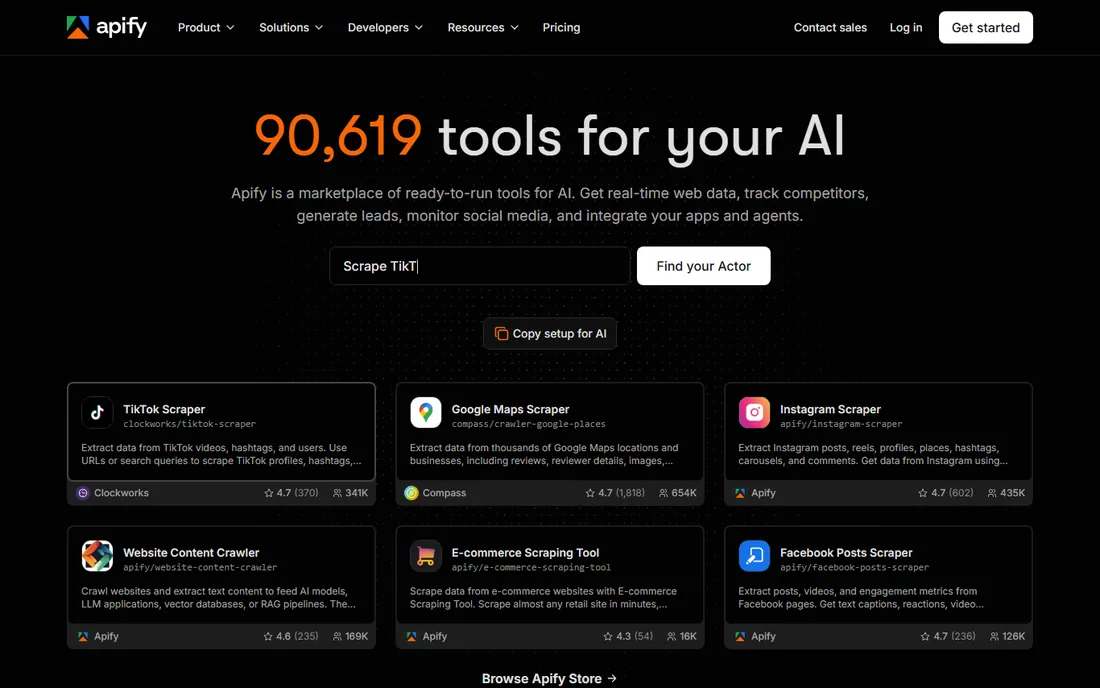
Apify is less a scraping tool and more a cloud platform for running web automation. Thousands of pre-built scrapers, called actors, cover everything from Google Maps to Instagram, and you can write your own in JavaScript or Python. The platform manages the painful parts: proxies, headless browsers, scheduling and data storage.
Third-party sources report a free monthly platform credit for new accounts, which is enough to test real workloads. Paid pricing is usage-based, so your bill follows your consumption. That flexibility is great until a runaway job burns through credit, so set usage limits from day one. Apify fits teams that treat scraping as infrastructure rather than a one-off task.
What we like- Huge library of pre-built scrapers
- Platform handles proxies, scheduling and storage
- Free monthly credit to start
Watch out for- Costs scale with usage and need monitoring
- Platform has a learning curve for non-developers
Starting priceSee website
Free planFree trial
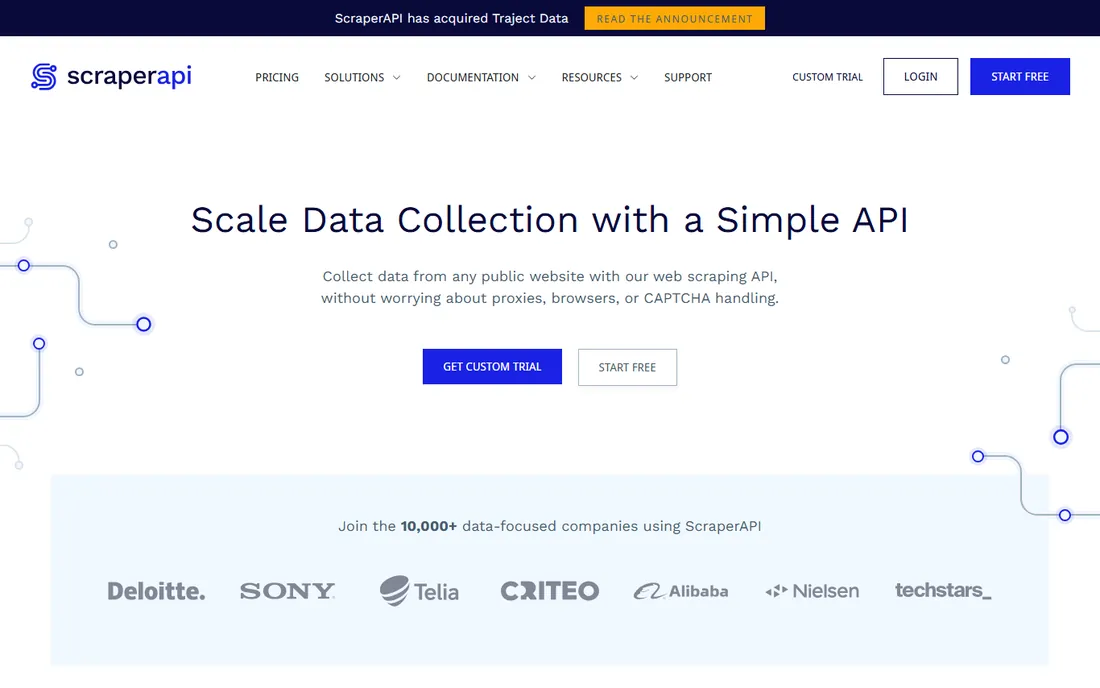
ScraperAPI solves one specific problem: getting blocked. You send it a URL through its API, and it returns the page HTML after rotating through proxies, solving CAPTCHAs and retrying failures. Your code stays simple because the anti-bot complexity lives on their side.
This is a developer tool, not a visual scraper. You still write the code that parses the HTML and extracts your data. A free trial lets you test it against your target sites. Pricing is based on API credits, so estimate your monthly request volume before you commit. For teams already scraping with code but tired of managing proxy pools, the value is clear.
What we like- Abstracts away proxies, CAPTCHAs and retries
- Simple API integration
- Handles JavaScript rendering
Watch out for- You still write the scraping logic
- Pricing is usage-based and needs watching
#5
Browse AI
Best for: Monitoring websites and extracting data on a schedule
Visit browse.ai
Starting priceFrom $19/month (billed annually)
Free planYes
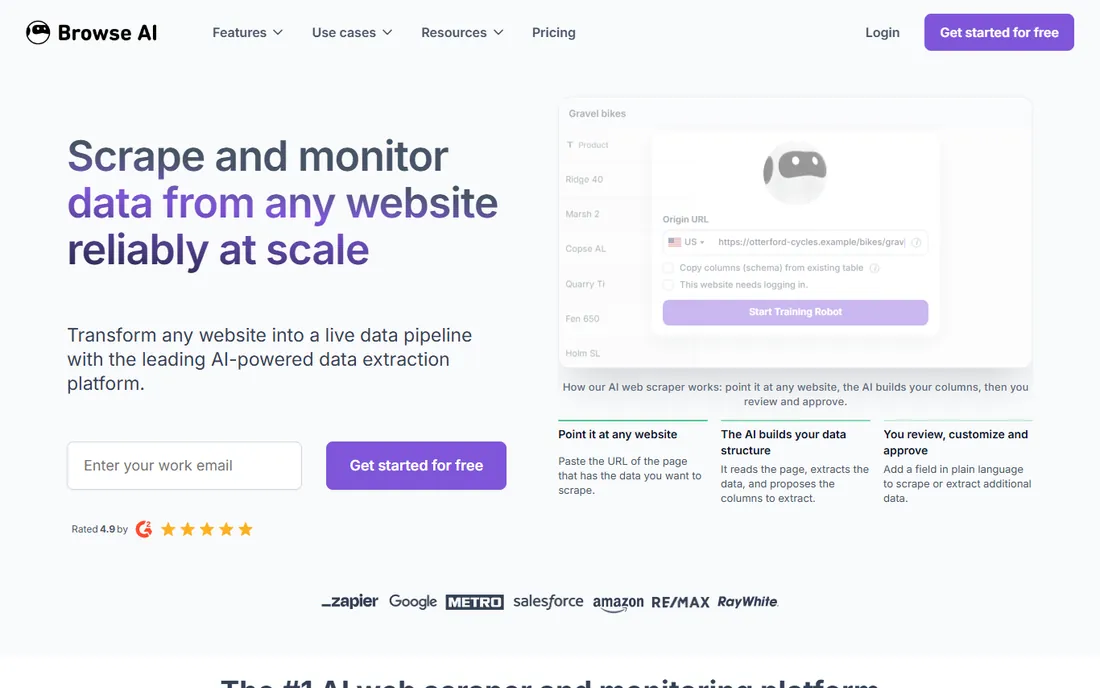
Browse AI takes a different approach: you train a robot by clicking through the task once, and it repeats the extraction on a schedule. That model fits price monitoring, lead list building and content tracking better than one-off bulk scrapes. The vendor publishes its pricing openly, which is refreshing.
The free-forever tier covers small jobs. Personal is $48 a month billed monthly or $19 a month billed annually, Professional is $87 monthly or $69 annually, and Premium starts from $500 a month billed annually. The annual discounts are substantial, so only pay monthly while you are still evaluating. The price jumps between tiers are large, so match the plan to your actual robot count.
What we like- Clear published pricing
- Free-forever tier
- Train a robot by clicking, no code needed
Watch out for- Best for structured monitoring rather than massive crawls
- Higher tiers jump significantly in price
Starting priceFrom $99 one-time
Free planFree trial
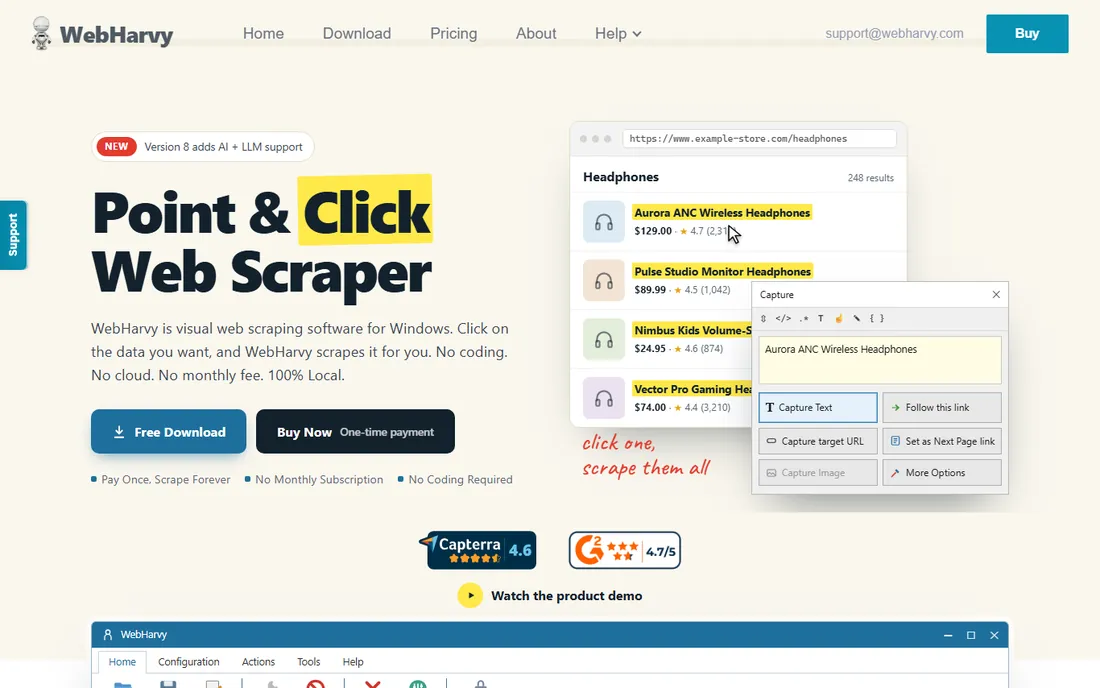
WebHarvy's pitch is simple: pay once, scrape forever. At $99 for a one-time license, it undercuts a single month of several subscription scrapers on this list. You install it on your computer, click the data you want, and it extracts to CSV, Excel or a database. A free 15-day trial lets you confirm it handles your sites.
The trade-offs come with the desktop model. Your computer has to be on for scheduled scrapes, and you handle updates and maintenance yourself. There is no cloud dashboard or team collaboration. For a solo operator or small business with steady, moderate scraping needs, the math is hard to beat. One payment versus a subscription that never ends.
What we like- One-time purchase, no subscription
- Visual point-and-click configuration
- Free 15-day trial
Watch out for- Desktop software, not cloud
- You manage your own machine and scheduling
#7
Scrape.do
Best for: Developers needing residential proxies and rendering in one API
Visit scrape.do
Starting priceSee website
Free planYes
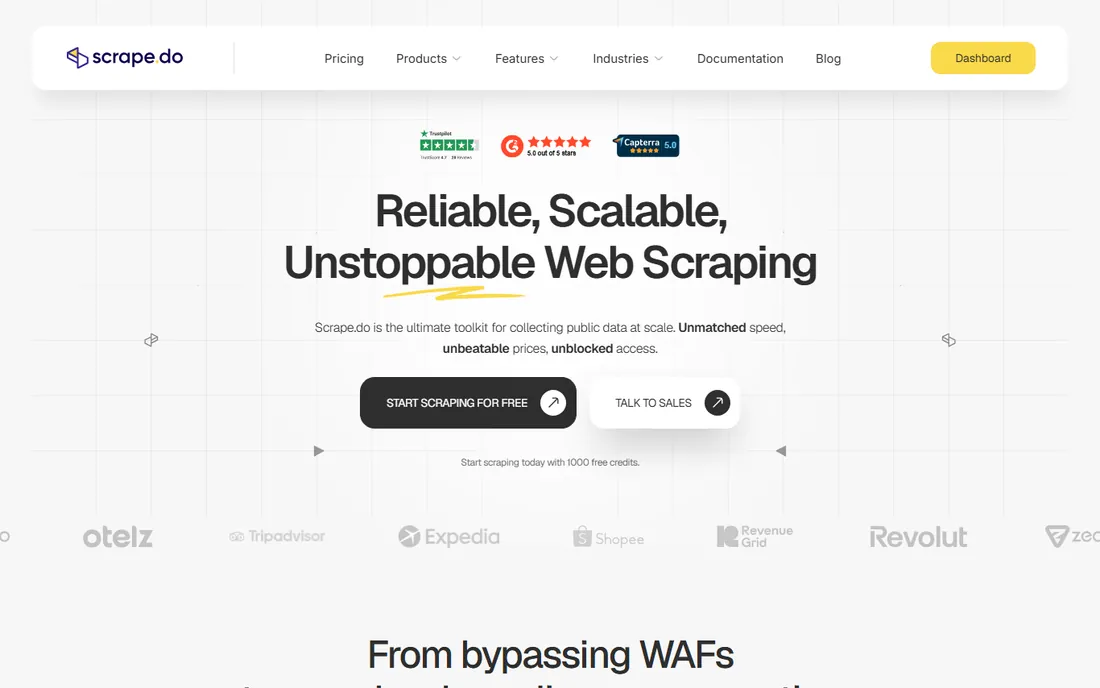
Scrape.do bundles the infrastructure pieces that make scraping work at scale: proxy rotation, JavaScript rendering and geotargeting, all behind a single API endpoint. Like ScraperAPI, it handles the fetching while you handle the parsing. Third-party sources report a free tier with monthly credits for testing.
Pricing is usage-based, so your costs track your request volume. That makes it affordable for light use and potentially expensive for heavy crawling, which is the standard trade-off in this category. It fits developers who want one API for the hard parts of scraping without managing proxy infrastructure themselves.
What we like- Combines proxies, headless browsers and geotargeting
- Free monthly credits
- Straightforward API
Watch out for- Usage-based pricing requires monitoring
- You build the parsing logic yourself
#8
Scrapy
Best for: Developers who want a free, full-control scraping framework
Visit scrapy.org
Starting priceFree (open source)
Free planYes
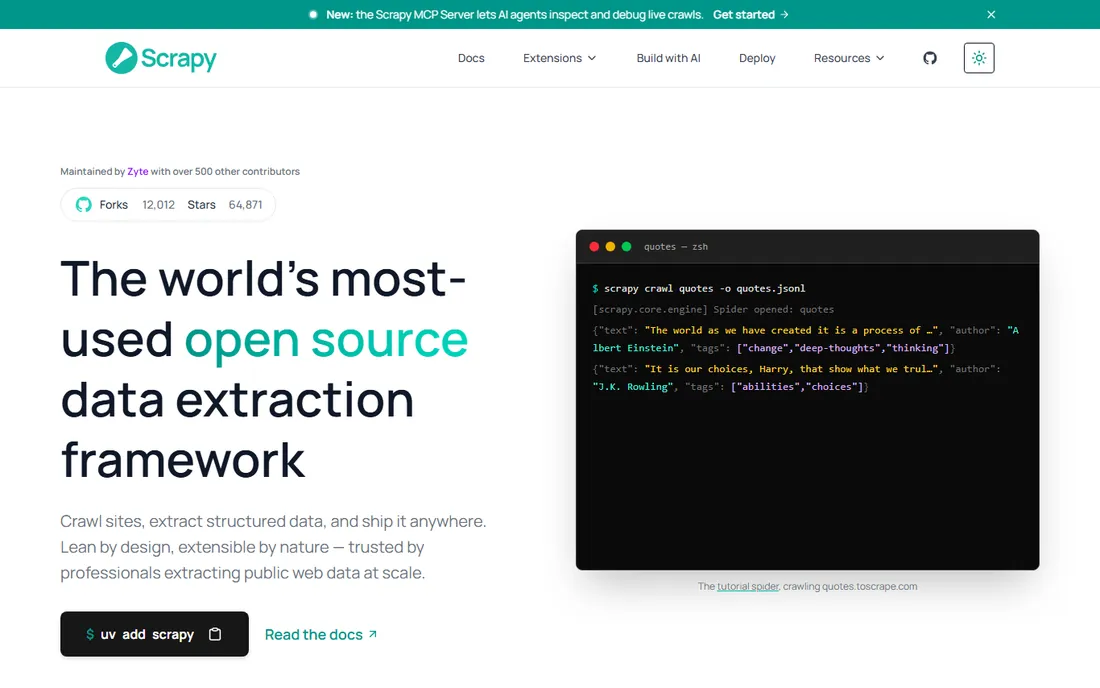
Scrapy is the open-source Python framework behind countless production scrapers, and it costs nothing. It is fast, well-documented and extensible, with a middleware system that lets you add proxy rotation, user-agent handling and data pipelines. If you have a developer, there is no cheaper way to scrape at scale.
The price is zero, but the cost is engineering time. You write the spiders, manage the infrastructure, handle blocks and build the scheduling. For a business with developers on staff, that trade is usually worth it. For everyone else, one of the no-code tools above will get you results faster. Scrapy is the value king only when the labor is already paid for.
What we like- Completely free with no limits
- Fast and extensible
- Huge community and documentation
Watch out for- Requires Python skills
- You handle proxies, scheduling and storage yourself
How we chose
We researched each tool's own website and pricing page on October 14, 2026, recording the numbers vendors publish themselves. Four vendors' sites could not be opened directly during research, so we used our best evidence for their URLs and marked them as flagged rather than guessing at details. Where pricing was not verifiable from the vendor, we wrote "See website".
We compared feature lists, read user reviews on G2, Capterra and Reddit, and checked documentation to understand what each tool actually does. We favored tools that exist today and deliver genuine value, mixing no-code scrapers, developer APIs and the leading open-source framework. We did not claim hands-on testing. Every price below comes from a vendor's own published page or is marked as unverified.
Hidden costs to watch
The sticker price of scraping software is rarely the whole story. Usage-based tools charge per request, per page or per credit, and a misconfigured job can burn through a month's budget in a day. Set usage alerts and hard limits before your first production run, especially with API-based scrapers like ScraperAPI, Apify and Scrape.do.
Proxy costs hide inside many scraping bills. Some tools bundle proxy bandwidth into the plan, others meter it separately or expect you to bring your own. If your target sites are aggressive about blocking, proxy consumption becomes the dominant cost. Ask vendors exactly how proxy usage is counted and what happens when you exceed the allowance.
Then there is the engineering time that never appears on an invoice. Open-source tools like Scrapy are free but consume developer hours for setup, maintenance and unblocking. Visual scrapers need someone to rebuild selectors when target sites change their layout, which happens constantly. Budget for ongoing maintenance, not just the subscription.
What to look for before you buy
Match the tool to your team's skills first. Non-developers should stick to visual scrapers like Octoparse, ParseHub, Browse AI or WebHarvy. Developers will get more value and lower costs from Scrapy, Apify or the API-based proxy services. Buying a developer tool without a developer is the fastest way to waste money in this category.
Next, test against your actual target sites during the trial. Scraping difficulty varies enormously by site. A tool that breezes through a simple blog may fail against a JavaScript-heavy e-commerce site with bot protection. Run your real targets through the free tier or trial before you pay, and confirm the output format matches what your workflow needs.
Finally, check the legal side. Scraping public data is generally tolerated, but terms of service, rate limits and data protection laws like GDPR create real boundaries. Make sure your use case respects robots.txt, avoids personal data where possible, and does not hammer target servers. The cheapest scraping setup is the one that does not get you blocked or in legal trouble.
Frequently asked questions
Is web scraping legal?
Scraping publicly available data is generally legal in the US, but boundaries exist. Respect website terms of service, do not circumvent access controls, avoid collecting personal data without a lawful basis, and keep your request rates reasonable. When in doubt about a specific target, consult a lawyer rather than relying on a tool's marketing.
What is the cheapest way to scrape websites?
Scrapy is free if you have Python skills, making it the cheapest option in absolute terms. For non-developers, WebHarvy's $99 one-time license or Browse AI's free tier offer the lowest entry cost. The real answer depends on whether you are paying with engineering time or subscription dollars.
Do I need proxies for web scraping?
It depends on volume and target. Light scraping of tolerant sites often works without proxies. Aggressive targets, high request rates and geo-specific data usually require proxy rotation to avoid blocks. API tools like ScraperAPI and Scrape.do bundle proxy handling, which is their main value proposition.
How do I avoid getting blocked while scraping?
Keep request rates modest, rotate user agents and IP addresses, respect robots.txt, and avoid scraping during a site's peak hours. Tools with built-in proxy rotation and headless browsers handle much of this automatically. If a site serves you CAPTCHAs constantly, that is a signal to slow down or reconsider the target.
Can I scrape JavaScript-heavy websites?
Yes, but you need a tool that renders JavaScript. ParseHub, Octoparse, Browse AI and the API services with headless browser support handle rendered pages. Plain HTTP-based scraping with Scrapy alone will miss content loaded by JavaScript unless you add a rendering layer like Playwright or Splash.
How much data can I scrape on a free plan?
Free tiers are designed for evaluation, typically covering hundreds to a few thousand pages per month. They are enough to validate that a tool works on your targets. Production scraping at any real volume requires a paid plan, and heavy crawls may need usage-based pricing with careful monitoring.
Sources we checked (9)
- https://www.parsehub.com/
- https://help.parsehub.com/hc/en-us/articles/360006322493-Pricing-of-Paid-Plans
- https://octoparse.com
- https://apify.com
- https://www.scraperapi.com
- https://www.browse.ai/pricing
- https://webharvy.com/
- https://scrape.do
- https://scrapy.org/
Is your product missing or out of date?
We review this list regularly. Vendors can request a listing, send updated pricing or ask about featured placement.

Shihab Mia · Founder, Rankite
Shihab has spent more than a decade helping SaaS and e-commerce brands grow through search. He writes Rankite's software buying guides from pricing pages, documentation and public user reviews. More about Shihab.