How we make this list: we compare pricing pages, product documentation and public user reviews. Rankite is independent; if a vendor ever pays for a featured spot, that listing is clearly labeled Partner.

#1
OpusClip
Best for: creators and teams that want the most polished clips with the least manual work
Visit opus.pro
Starting priceFree; Starter $15 per month; Pro $29 per month
Free planYes
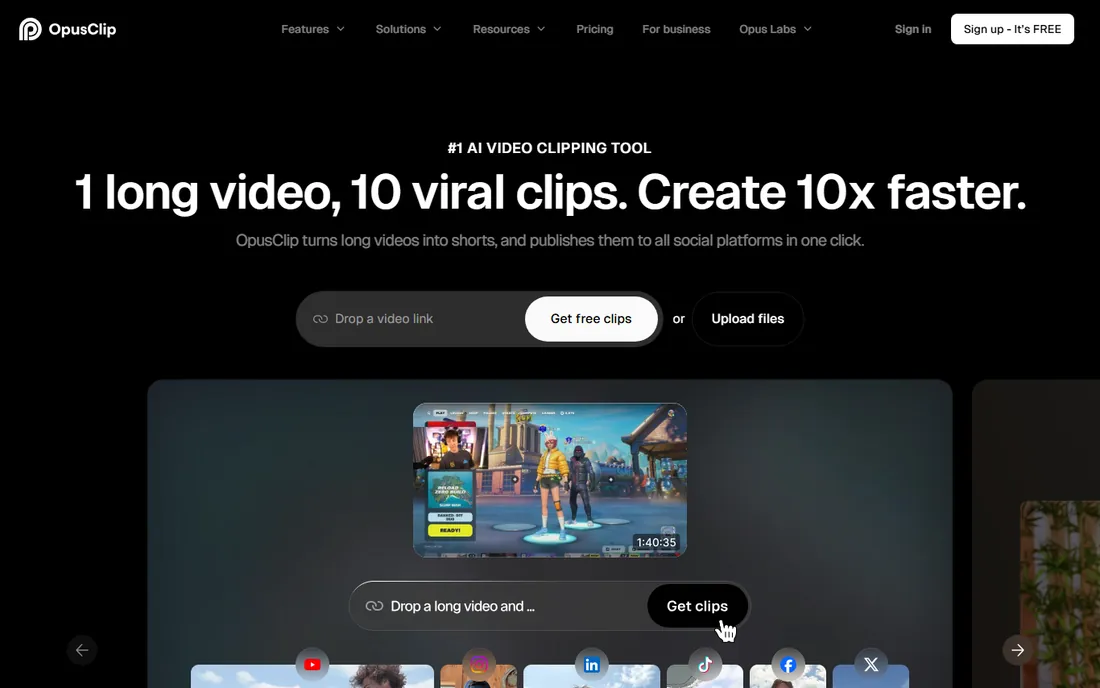
OpusClip is the name most creators mention first, and the product earns it. Upload a long video or paste a link, and its AI finds candidate moments, scores them for viral potential and rebuilds them as vertical clips with animated captions, b-roll suggestions and hooks. The virality score is genuinely useful for triage: instead of watching forty clips, you start with the top five.
Caption quality is a cut above most rivals, with word-level timing and style templates that look native to TikTok and Reels rather than pasted on. Paid plans add brand kits, custom templates and posting integrations, which is why small teams run their whole short-form pipeline here. The free tier lets you test the workflow, but serious volume needs Starter at $15 or Pro at $29 per month. Processing queues can stretch during peak hours on long uploads, so plan around that if you publish daily.
What we like- Strong virality scoring
- Accurate auto-captions with animated styles
- Brand templates and scheduling
Watch out for- Free plan is limited
- Longer videos can take a while to process

#2
Vizard
Best for: creators who want a fast free tier for repurposing streams and webinars
Visit vizard.ai
Starting priceSee website
Free planYes
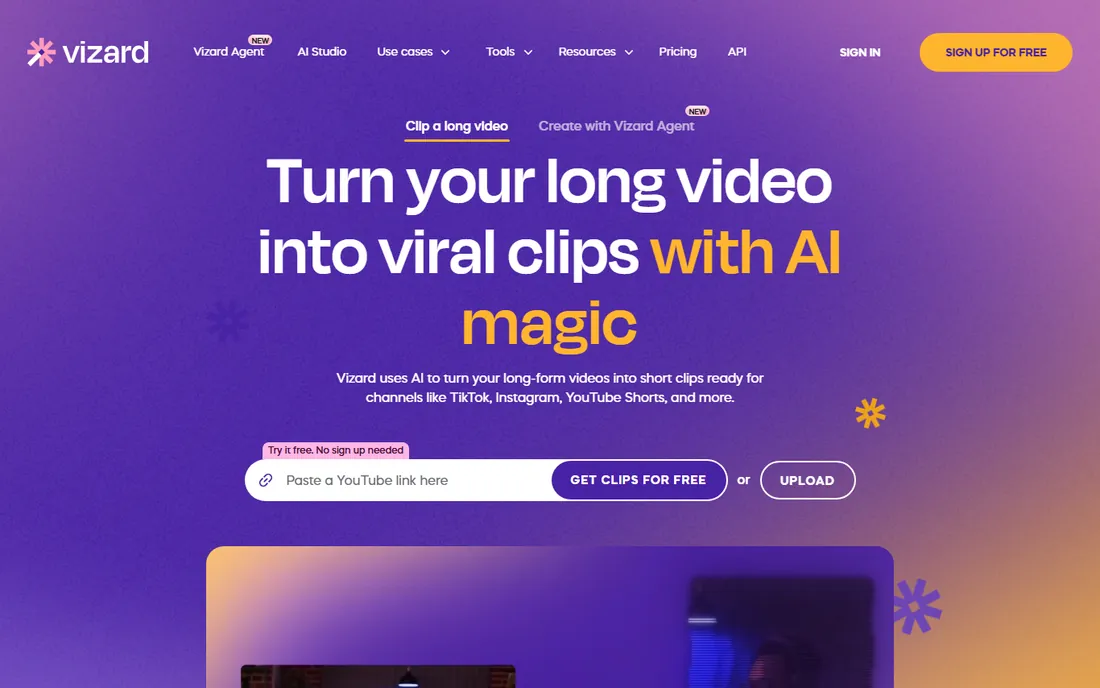
Vizard's pitch is speed and generosity: 60 free credits a month with no card required, which is enough to clip several videos and decide whether the tool fits. It handles livestream recordings and webinars particularly well, finding self-contained segments in content that was never structured for clipping. The editor is straightforward, with trimming, caption edits and aspect-ratio switching that do not require a tutorial.
Where it trails OpusClip is finish. Caption styles are serviceable but plain, and you will spend more time in the editor polishing transitions and reframing. For creators who care more about volume than pixel-perfect styling, that trade is fine. Pricing beyond the free tier is not spelled out as clearly as it could be, so check the current plans before committing a team. As a free-first way into AI clipping, Vizard is one of the easiest yeses on this list.
What we like- 60 free credits per month
- Handles streams and long recordings well
- Simple editor
Watch out for- Caption styling is basic compared with leaders
- Pricing details are harder to find

#3
Submagic
Best for: creators obsessed with caption style and on-screen engagement tricks
Visit submagic.co
Starting priceSee website
Free planTrial available
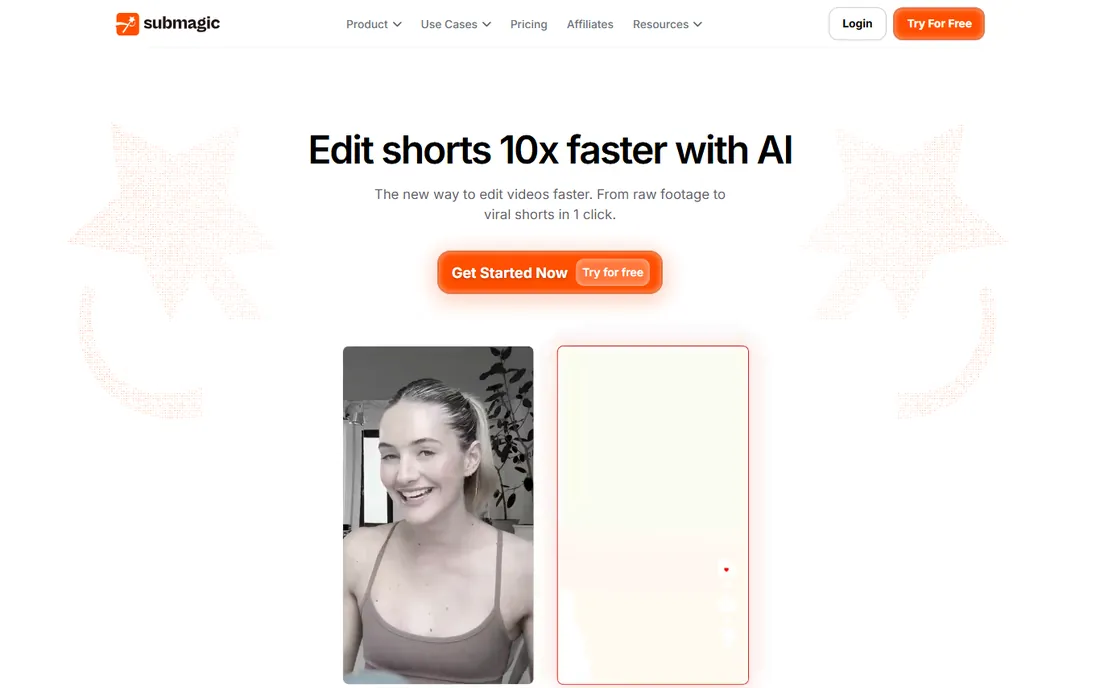
Submagic started as a caption tool and it still shows, in the best way. Its animated captions, keyword highlighting, auto emojis, zooms and sound effects are the most TikTok-native of any tool here. If your clips live or die on watch time, Submagic's styling genuinely moves the needle, and the processing is fast enough to keep up with daily posting.
The trade-off is scope. Submagic is stronger at making a clip look good than at finding the clip in the first place. Its AI clipping from long videos exists, but creators who do heavy repurposing often pair it with a discovery-first tool or bring their own timestamps. Pricing sits behind a signup wall, which is annoying, though a trial lets you test the output first. Pick Submagic when styling is the bottleneck in your workflow, not discovery.
What we like- Best-in-class animated captions
- Auto emojis, zooms and sound effects
- Fast turnaround
Watch out for- Pricing is not transparent upfront
- Focused on styling over clip discovery

#4
Klap
Best for: creators who want a clean, simple clipping workflow without feature bloat
Visit klap.app
Starting pricePro $29 per month
Free planTrial available
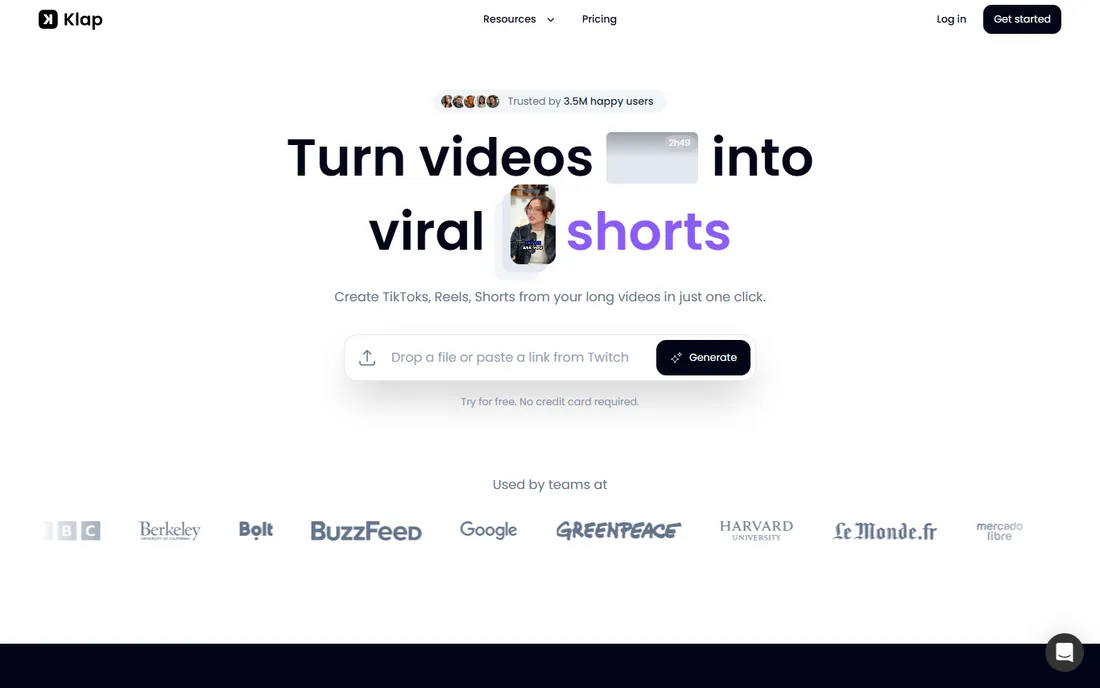
Klap keeps the promise small and keeps it well: turn long videos into Shorts with minimal fuss. The interface is one of the cleanest here, the auto-reframing keeps speakers centered when it crops to vertical, and the whole flow from upload to exported clip takes minutes. There is no maze of menus or upsell popups, which creators coming from bloated editors appreciate.
The Pro plan at $29 per month is priced in line with the category leaders, but the feature list is shorter: fewer caption templates, less automation and no deep analytics. That is fine if you clip and post, and limiting if you want scheduling, brand kits and virality scoring in one place. Klap is the right pick for solo creators who value speed and simplicity over a long feature checklist.
What we like- Clean and fast interface
- Good auto-reframing
- Straightforward pricing
Watch out for- Fewer advanced editing features
- Smaller template library than leaders

#5
quso.ai
Best for: creators and brands that want clipping plus a wider AI content toolkit
Visit quso.ai
Starting price$29 per month
Free planTrial available
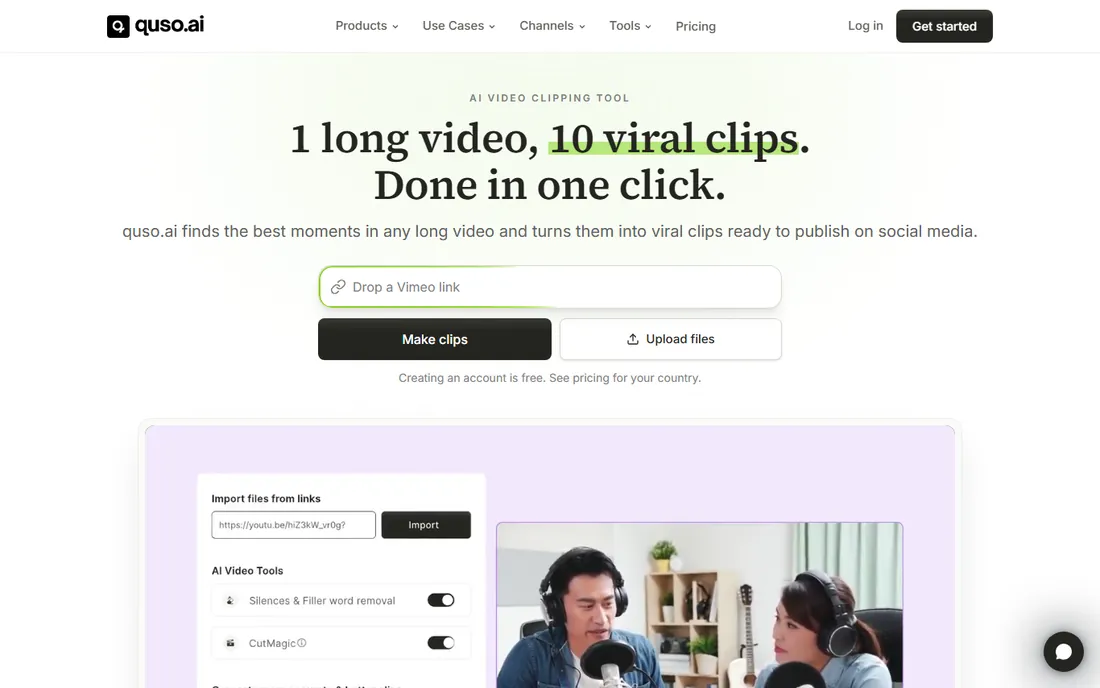
quso.ai, formerly Vidyo.ai, rebranded around a bigger idea than clipping: one AI suite for video creation, with clipping as the entry point. Alongside the clip generator you get AI avatars, text-to-video helpers and social scheduling, which makes it interesting for teams that want fewer subscriptions. Clip detection is solid, pulling coherent vertical segments with captions from podcasts, interviews and talks.
The breadth is also the weakness. Each individual feature is good rather than great, and the interface jumps between tools in a way that can feel scattered compared with the focused clippers. At $29 per month it competes directly with OpusClip Pro and Klap Pro, so the decision comes down to whether you will use the extra toolkit. If you only need clipping, the specialists do it better. If you want one login for clips, avatars and scheduling, quso.ai is worth the trial.
What we like- Combines clipping with AI avatars and content tools
- Decent clip detection
- All-in-one content suite
Watch out for- Jack-of-all-trades depth
- Interface can feel scattered

#6
2short.ai
Best for: YouTubers who want quick faceless-friendly clips from talking-head videos
Visit 2short.ai
Starting priceSee website
Free planTrial available
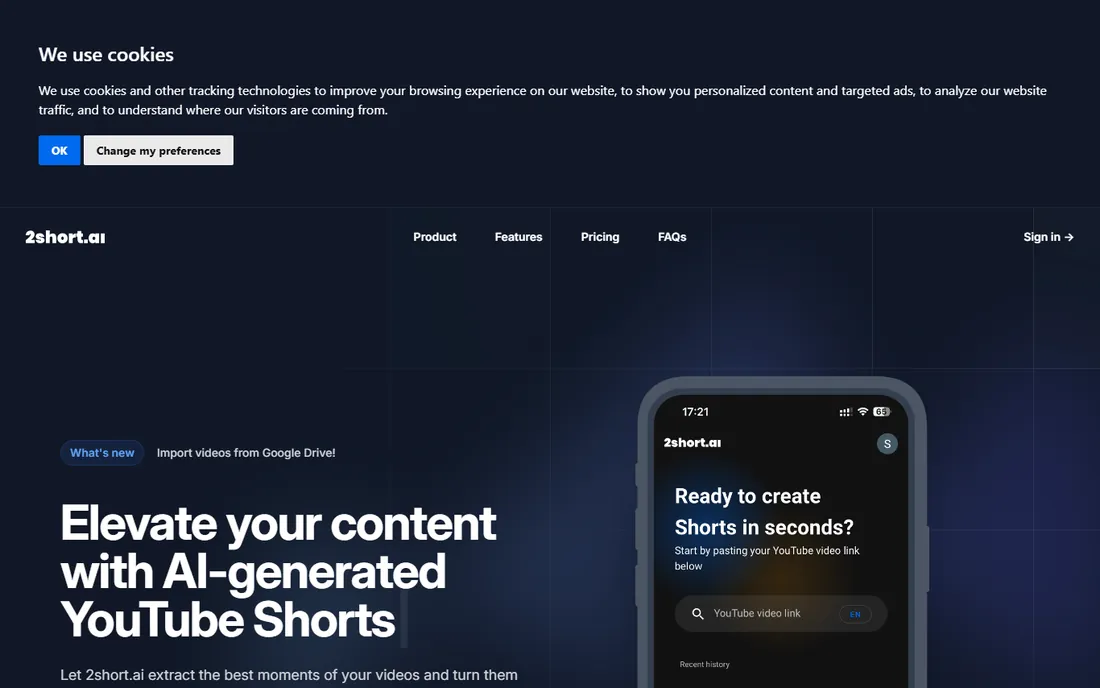
2short.ai is a quieter name that does one job well: fast AI clips from long talking-head content. Upload a video, get back a set of vertical clips with captions, pick the winners. Processing is quick, the moment detection is good at finding self-contained segments that make sense out of context, and the whole product stays out of your way.
Expectations should be set accordingly. Caption styling and templates are basic, there is no virality scoring or advanced analytics, and the community and tutorial ecosystem is thinner than the big names. Pricing is not published as prominently as competitors, so confirm current plans on the site. 2short.ai fits creators who already know what good clips look like and just want the cutting done fast, without paying for features they will never open.
What we like- Fast processing
- Good at finding self-contained moments
- Simple pricing structure
Watch out for- Limited styling options
- Smaller brand presence and community

#7
GetMunch
Best for: social media managers who need platform-safe clips with trend insights
Visit getmunch.com
Starting priceSee website
Free planTrial available
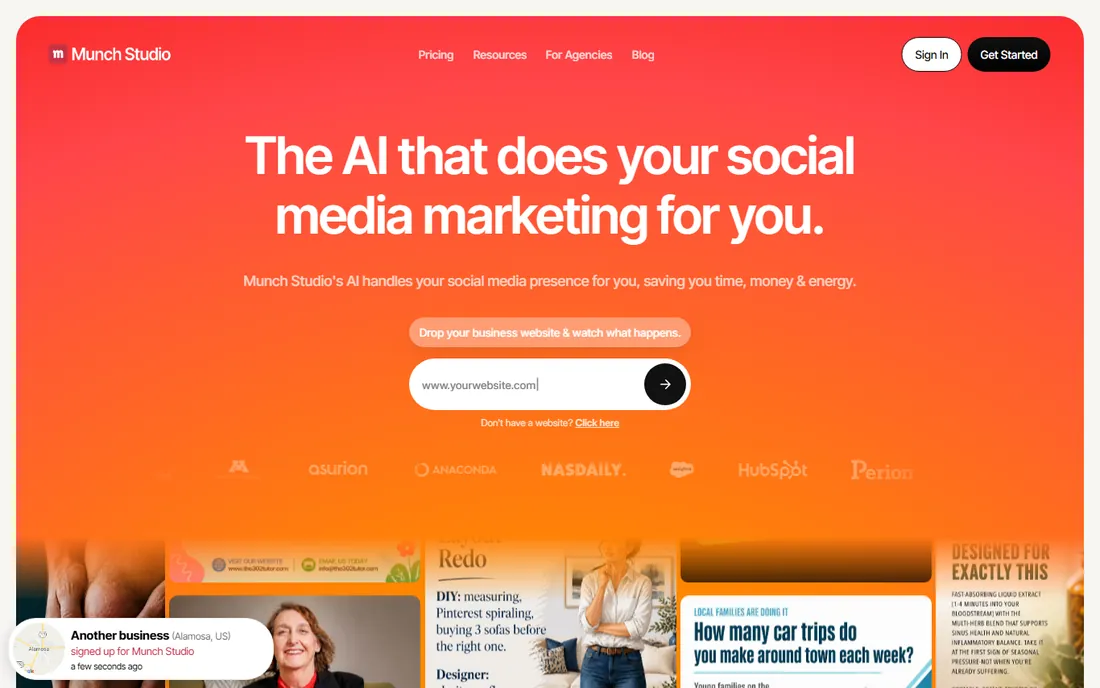
GetMunch, now operating as Munch Studio, aims at teams rather than solo creators. Beyond clipping, it surfaces trend data and keyword insights so social media managers can match clips to what is currently performing on each platform. The reframing engine is careful about keeping faces and key action in frame, and captions come styled for readability across feeds.
The workflow shows its agency roots: workspaces, review flows and export presets that fit a team pipeline. Solo creators may find it heavier than needed, and pricing leans toward custom plans rather than transparent self-serve tiers, so budget-conscious users should confirm costs early. For brands and agencies running client accounts, the trend insights plus team workflow justify a look. For everyone else, the simpler tools above get you posting faster.
What we like- Trend and keyword insights
- Safe reframing with auto-captions
- Agency-friendly workflow
Watch out for- Pricing is quote-oriented
- Can feel corporate for solo creators

#8
CapCut
Best for: creators who want a free full editor with AI clipping built in
Visit capcut.com
Starting priceFree
Free planYes
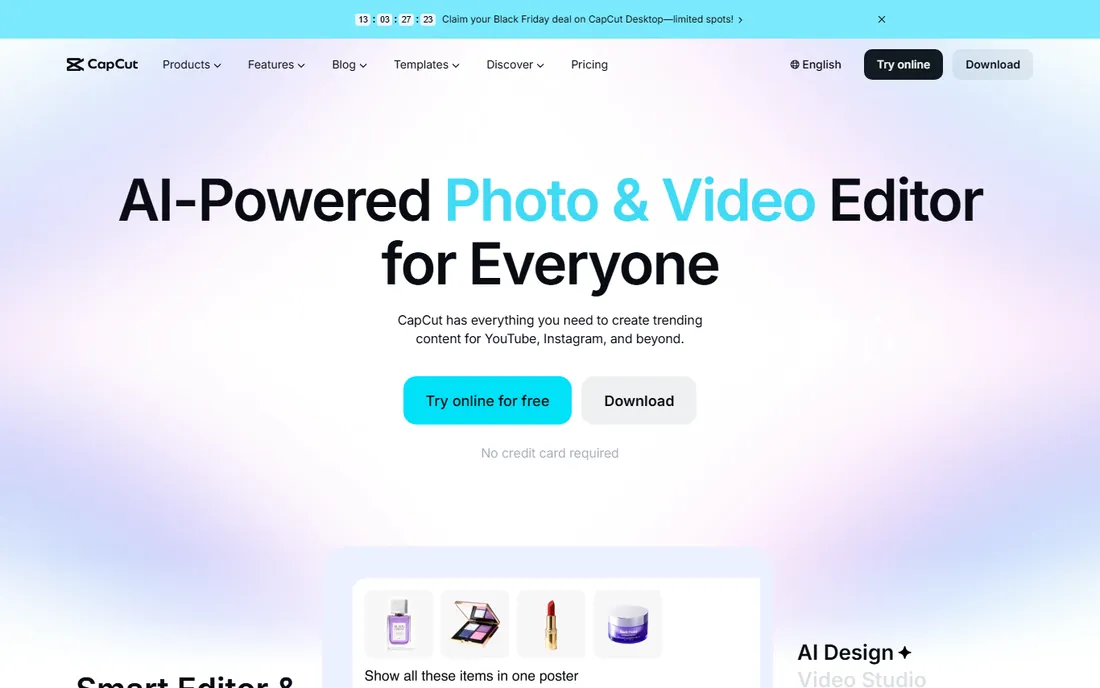
CapCut is the odd one out and the most downloaded. It is a full video editor first, free, with auto-captions, templates, effects and a massive community sharing presets. Its AI clipping features have improved steadily: feed it a long video and it will suggest short clips with captions, all without paying anything.
The clip discovery is not as sharp as OpusClip or Vizard at finding viral moments, and you will do more manual selecting. But everything around the clip, trimming, effects, transitions, text animation, is stronger than any specialist here, and it costs nothing. For creators already editing in CapCut, the built-in clipping removes a subscription entirely. One honest note: CapCut is owned by ByteDance, TikTok's parent company, which is a dealbreaker for some organizations on data grounds. If that does not concern you, it is the best free option on this list by a wide margin.
What we like- Completely free core product
- Full editing suite beyond clipping
- Huge template community
Watch out for- AI clip discovery is weaker than specialists
- Owned by ByteDance, which matters to some teams
Which AI clipper fits your workflow
Match the tool to the bottleneck. If finding the right moments eats your time, start with OpusClip or Vizard, the two strongest at discovery. If your clips underperform on watch time, the problem is probably presentation, and Submagic's styling or CapCut's free editor will help more than another detector. Teams running client accounts should weigh GetMunch's trend insights and review flows against the simpler solo tools.
Budget draws the other line. CapCut and Vizard's free tier cover a real posting schedule at zero cost. The $29 per month tier, OpusClip Pro, Klap Pro, quso.ai, is where the polished automation lives, and the differences between them are workflow-deep rather than quality-deep, so trial all three before picking. Heavy repurposers clipping hours of content weekly should also check processing limits and queue times, because the per-month clip caps are where cheap plans get expensive.
Quick comparison
| Tool | Best for | Starting price | Free plan |
|---|
| OpusClip | creators and teams that want the most polished clips with the least manual work | Free; Starter $15 per month; Pro $29 per month | Yes |
| Vizard | creators who want a fast free tier for repurposing streams and webinars | See website | Yes |
| Submagic | creators obsessed with caption style and on-screen engagement tricks | See website | Trial available |
| Klap | creators who want a clean, simple clipping workflow without feature bloat | Pro $29 per month | Trial available |
| quso.ai | creators and brands that want clipping plus a wider AI content toolkit | $29 per month | Trial available |
| 2short.ai | YouTubers who want quick faceless-friendly clips from talking-head videos | See website | Trial available |
| GetMunch | social media managers who need platform-safe clips with trend insights | See website | Trial available |
| CapCut | creators who want a free full editor with AI clipping built in | Free | Yes |
Is your product missing or out of date?
We review this list regularly. Vendors can request a listing, send updated pricing or ask about featured placement.
How we chose
We started with the tools creators actually name when AI clipping comes up: YouTube reviews, creator communities, G2 and Capterra ratings and app store feedback. We opened every vendor homepage to confirm the product is live under its current name, which is how Vidyo.ai became quso.ai in this guide after its rebrand. Pricing comes from each vendor's own pricing page or public FAQ; where we could not verify a number firsthand, we wrote "See website" instead of guessing.
We weighted clip discovery quality, caption accuracy and how much manual cleanup typical outputs need, because those decide whether the tool saves time or just moves the work around. Free tiers and trial availability mattered too, since most creators test before they pay. No vendor paid for placement, and these assessments come from public documentation, pricing pages and user reports, not hands-on testing.
Frequently asked questions
Do AI clippers actually find good moments?
Often, yes, especially for podcasts, interviews and talking-head videos with clear topic shifts. The best tools score moments so you review the top picks first. You will still want to watch before posting, but the hunting time drops from hours to minutes.
Will the captions be accurate?
Accuracy is generally high for clear English speech, and the leaders handle word-level timing well. Accents, crosstalk and jargon still need a proofread pass. Budget a few minutes per clip for caption review if accuracy matters to your brand.
Can I use these clips commercially?
In most cases yes, for content you own or have rights to. Check each tool's terms for commercial use on paid plans, and remember the platform rules of TikTok, Reels and Shorts still apply to the content itself.
How many clips should I expect from one long video?
It varies by content density, but a one-hour podcast typically yields 5 to 15 usable clips on the better tools. Dense, energetic conversations produce more; slow single-topic talks produce fewer.
Is CapCut really free?
The core editor and much of the AI feature set are free, which is why it has hundreds of millions of users. Some advanced effects and cloud features sit behind a Pro subscription, but clipping and captioning work without paying.
Sources we checked (8)
- https://opus.pro/
- https://vizard.ai/
- https://submagic.co/
- https://klap.app/
- https://quso.ai/
- https://2short.ai/
- https://getmunch.com/
- https://capcut.com/
Is your product missing or out of date?
We review this list regularly. Vendors can request a listing, send updated pricing or ask about featured placement.

Shihab Mia · Founder, Rankite
Shihab has spent more than a decade helping SaaS and e-commerce brands grow through search. He writes Rankite's software buying guides from pricing pages, documentation and public user reviews. More about Shihab.