How we make this list: we compare pricing pages, product documentation and public user reviews. Rankite is independent; if a vendor ever pays for a featured spot, that listing is clearly labeled Partner.
Key takeaways
- Pixazo and Storyflow are the only true prompt-to-moodboard generators here; everything else adds AI to a manual board, which suits different buyers.
- Canva is the safest default for non-designers: Magic Studio AI plus the largest template library, with a free plan that is genuinely usable.
- Miro and FigJam win when the board is a team sport; their AI sorts, clusters and summarizes instead of generating images.
- Kosmik is the pick for researchers who collect from everywhere: a built-in browser, AI auto-tagging and a free plan with monthly AI requests.
- Watch the credit meters: several tools ration AI generations per month, and heavy use pushes you onto paid tiers faster than the headline price suggests.
Quick comparison
| Tool | Best for | Starting price | Free plan |
|---|
 Canva Canva | Non-designers who need polished boards fast | See website | Yes |
 Pixazo Pixazo | Prompt-to-board generation with minimal setup | See website | Yes |
 Storyflow Storyflow | Turning a creative brief into a board | $7.99/month (Plus, billed annually) | No |
 Kosmik Kosmik | Researchers collecting references from everywhere | $11.99/month (Pro, billed annually) | Yes |
 Miro Miro | Teams aligning on a visual direction | $8/member/month (Starter, billed annually) | Yes |
 FigJam FigJam | Boards that live next to product design work | See website | Yes |
 Adobe Express Adobe Express | Adobe-ecosystem teams wanting commercial-safe AI | $9.99/month (Premium) | Yes |
 Fotor Fotor | Budget AI image generation plus collage boards | $47.99/year (Pro, billed annually) | Yes |
Is your product missing or out of date?
We review this list regularly. Vendors can request a listing, send updated pricing or ask about featured placement.
The best rated AI mood board software
#1
Canva
Best for: Non-designers who need polished boards fast
Visit canva.com
Starting priceSee website
Free planYes
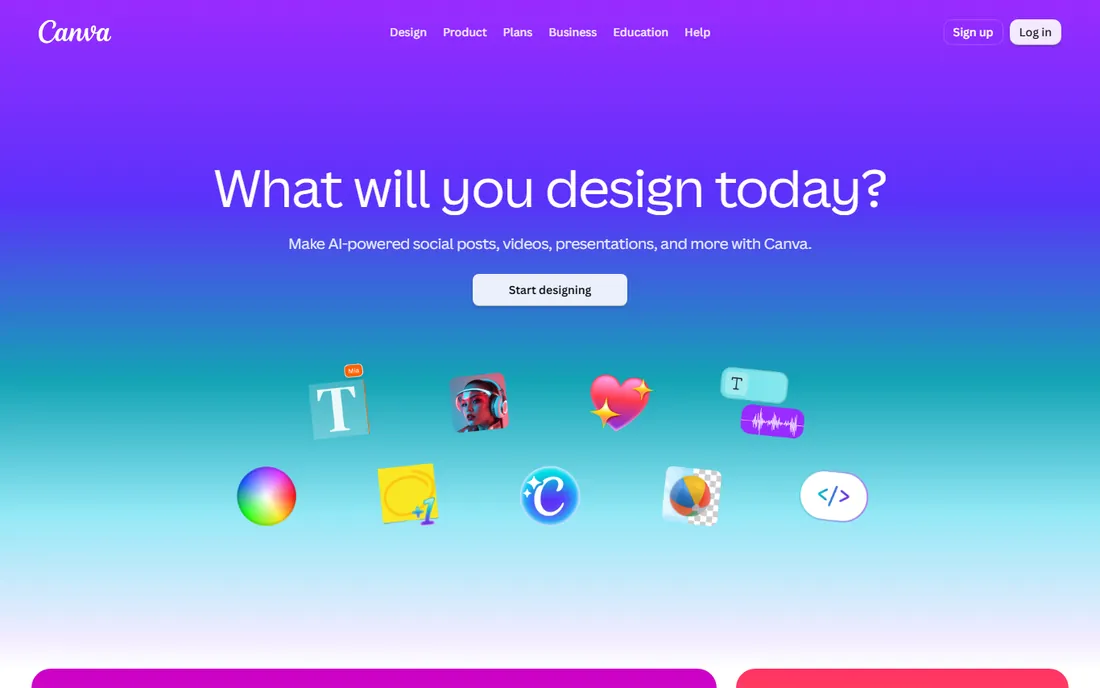
Nobody needs to learn Canva, which is exactly why it tops so many shortlists. You open a mood board template, describe the vibe to Magic Studio, and drop in AI-generated images alongside stock photos, palette swatches and type pairings. Magic Design can lay out the whole board from a prompt, and Magic Media generates imagery in styles from photorealistic to watercolor. For a founder, marketer or junior designer who needs a board by Thursday, the path from blank page to presentable is shorter here than anywhere else.
The catch is the meter. Every plan includes a monthly AI allowance, and heavier tools drain it faster than light ones; when it runs low, Canva sells top-ups and add-ons. Canva also repriced its plans more than once in 2026, so check the pricing page before budgeting rather than trusting last year's numbers.
What we like- Magic Studio AI generates images, layouts and copy from prompts
- Enormous template library including mood board layouts
- Free plan covers most casual use
Watch out for- AI features are rationed by monthly usage limits
- Less precise layout control than professional tools
- Pricing changed multiple times during 2026
#2
Pixazo
Best for: Prompt-to-board generation with minimal setup
Visit pixazo.ai
Starting priceSee website
Free planYes
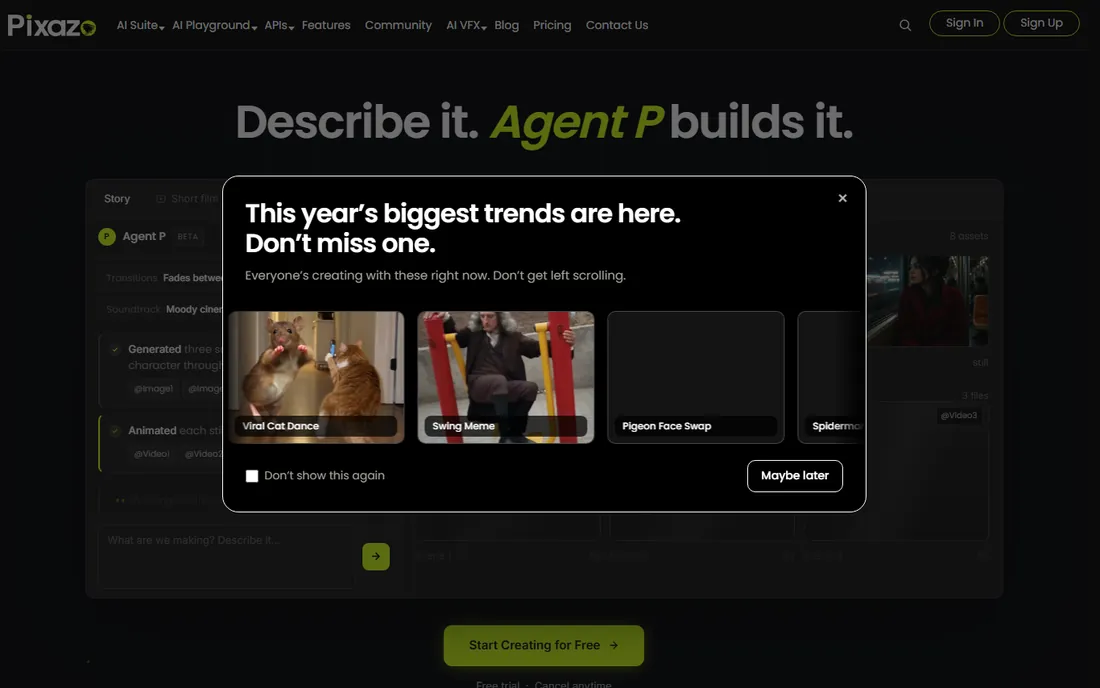
Pixazo does one thing and skips the ceremony around it. You type a prompt describing the brand, campaign or aesthetic, and it generates a composed mood board with a unified tone, palette and layout, no account needed for the first try. Reference images can steer the output, and the built-in editor handles text, stock photos and cleanup like background removal. For brand strategists and art directors who need a fast, cinematic starting point to react to, that immediacy is the whole pitch.
Each prompt produces a single-page board, so a ten-slide concept deck means generating pages individually with consistent prompt language. CMYK output is not native (convert in Photoshop or GIMP for offset print), and support is a small team rather than an enterprise desk.
What we like- Generates complete moodboards directly from text prompts or reference images
- No account required to try it
- Exports to PNG, JPEG and PDF
Watch out for- Single-page output per prompt, so multi-page decks need manual assembly
- Small vendor with thinner support docs
- Power users may outgrow the templates
Starting price$7.99/month (Plus, billed annually)
Free planNo
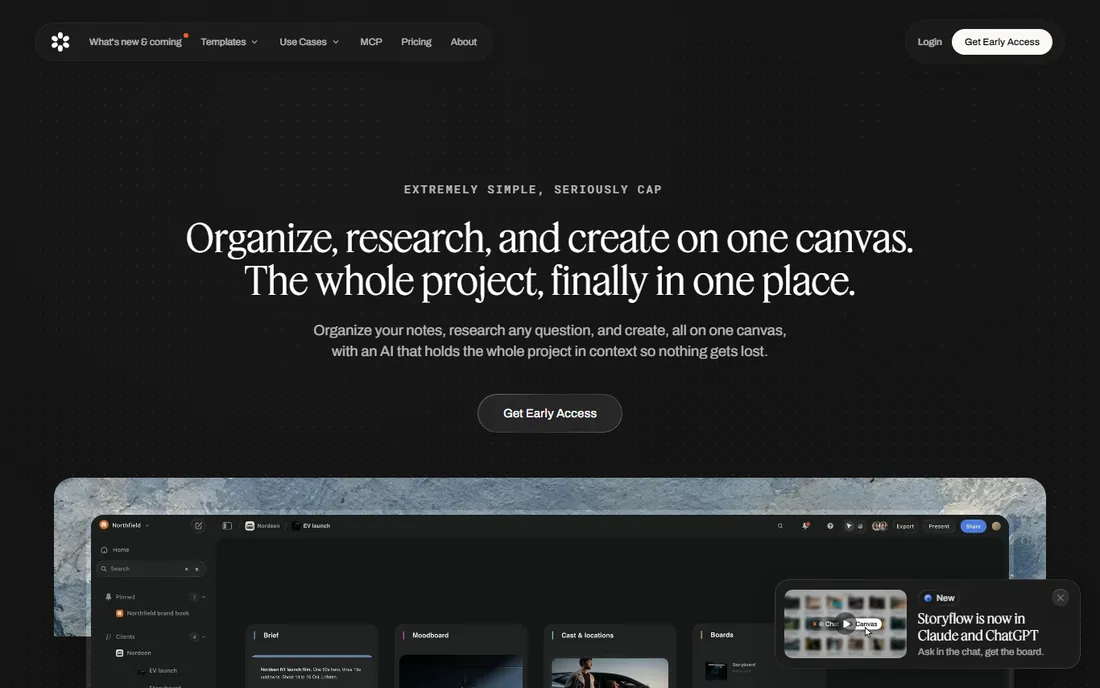
Storyflow starts where client work actually starts: the brief. You write or paste the creative brief, and the AI assembles a mood board from it, pulling in imagery, palette direction and layout suggestions that stay linked to the source document. The client opens one link, sees the thinking and the visuals together, and approves in context instead of in a separate email thread. That join between brief, board and the presentation PDF it renders is the feature nobody else on this list has.
The trade is maturity. There is no free plan for owners, the template ecosystem is small, and large-enterprise references are thin. For freelancers and small studios whose bottleneck is client alignment rather than image sourcing, it is the most interesting new entrant here.
What we like- AI builds the moodboard directly from the written brief
- Brief and board stay on one link for client sign-off
- Per-seat price undercuts Miro and Milanote
Watch out for- No free plan, though invited collaborators join free
- Newer vendor with a smaller template community
- Unproven at large enterprise scale
#4
Kosmik
Best for: Researchers collecting references from everywhere
Visit kosmik.app
Starting price$11.99/month (Pro, billed annually)
Free planYes
Kosmik is built for people whose mood boards start as fifty open tabs. Press a key and a full browser opens inside the canvas; clip pages, PDFs, videos and images straight onto the board without switching apps. Then the AI does the organizing: auto-tagging by color, theme and subject, plus visual similarity search across your own collection. Frames divide the canvas into labeled sections for boards that need structure.
The free Rover plan is genuinely useful, with monthly AI requests included, and Pro at $11.99 per month billed annually ($14.99 monthly) is reasonable for what it does. Weaknesses are the ones you would expect from a younger tool: no native mobile app, a thinner integration list, and AI features that gate behind Pro once your usage grows. If your process is "collect everything, then find the pattern," Kosmik fits better than any template-driven tool.
What we like- Built-in browser and PDF reader on an infinite canvas, so research never leaves the board
- AI auto-tagging and visual similarity search across everything collected
- Free Rover plan includes monthly AI requests
Watch out for- No native mobile app yet
- Fewer third-party integrations than Miro
- Heavier AI use requires the Pro plan
Starting price$8/member/month (Starter, billed annually)
Free planYes
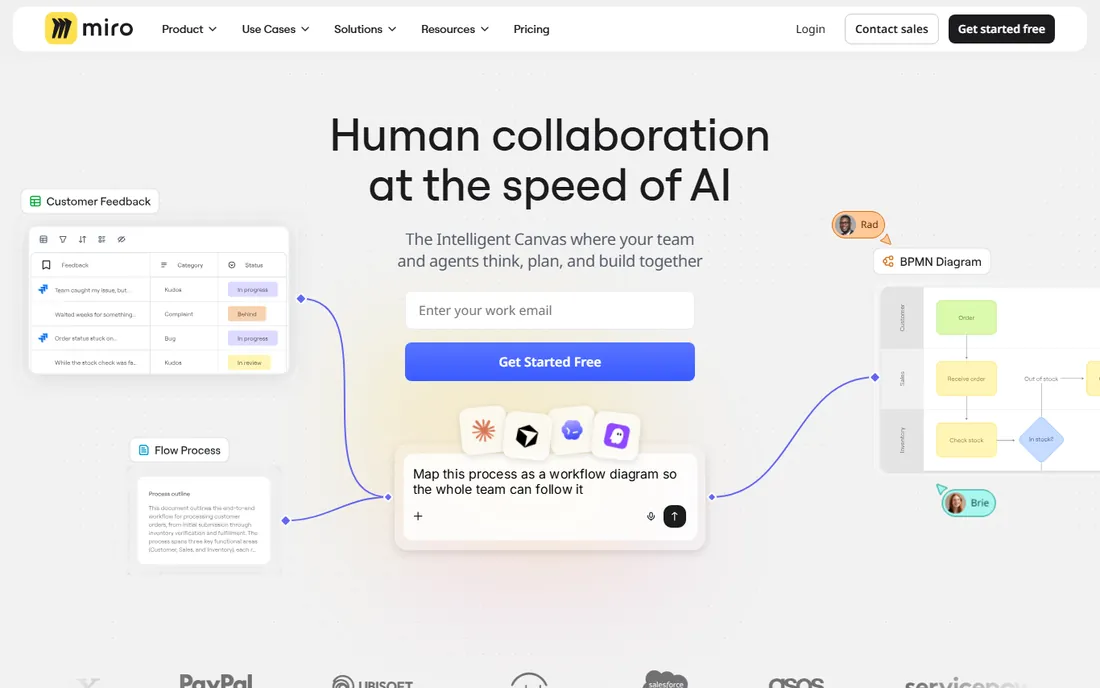
Miro approaches the mood board as a workshop, not a document. The team dumps images, notes and references onto a board, and Miro AI does the sense-making: clustering related items, summarizing the themes that emerge, generating variations on demand. Voting, timers and private mode turn "which direction feels right" into a facilitated decision instead of a Slack thread. Nobody matches Miro for live, multi-user visual collaboration, and the template library covers every flavor of board you will ever need.
Starter is $8 per member per month billed annually, and the free plan's three-board limit means your fourth client project forces the upgrade conversation. For teams where alignment is the deliverable, Miro earns it; for a solo creative working alone, it is more tool than the job needs.
What we like- Miro AI clusters sticky notes, summarizes themes and generates images
- Best-in-class real-time collaboration with voting and timers
- Huge template and community library
Watch out for- Free plan caps at three editable boards
- Per-member pricing adds up quickly for large teams
- Overkill for a solo designer making one board
#6
FigJam
Best for: Boards that live next to product design work
Visit figma.com
Starting priceSee website
Free planYes
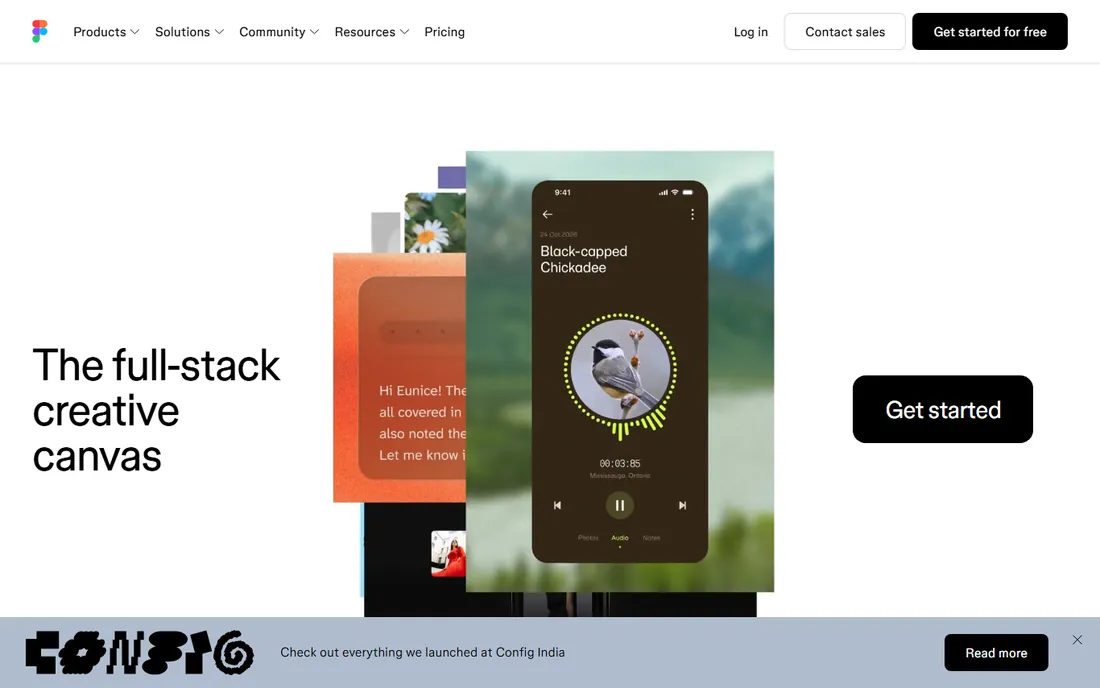
FigJam's advantage is location. If your team designs in Figma, the mood board lives one tab away from the mockups, components and prototypes it is supposed to inspire, and references flow between them without exporting. FigJam AI generates starter boards from a prompt, sorts scattered stickies into themes, and summarizes long workshops into something a stakeholder will read. For product teams, that proximity beats any standalone board tool.
FigJam is a whiteboard first and a media library second; collecting hundreds of reference images is clumsier than in Kosmik. Figma's seat types take real study before you know what you will pay. Choose FigJam when the board serves product design, something else when the board itself is the deliverable.
What we like- FigJam AI generates, sorts and summarizes boards from prompts
- Lives inside Figma next to the actual product files
- Fast and simple for workshops
Watch out for- Figma's seat-type pricing confuses first-time buyers
- Weaker as a media-collection tool than Kosmik
- AI capabilities follow Figma's plan structure
#7
Adobe Express
Best for: Adobe-ecosystem teams wanting commercial-safe AI
Visit adobe.com
Starting price$9.99/month (Premium)
Free planYes
Adobe's pitch is the one lawyers like: Firefly is trained on Adobe Stock and openly licensed content, not scraped from the open web, which makes its output more defensible in commercial client work. Inside Express, Firefly powers text-to-image generation, generative fill and background removal, and Firefly Boards (free with an Adobe account, with heavier use on Firefly Pro at $19.99 per month) remixes prompts and references into concept boards. Express Premium at $9.99 per month adds 250 monthly generative credits, the full template and font libraries, and 200M-plus Stock assets.
The free plan is usable but metered: 25 generative credits a month run out fast on deadline week, and premium templates carry watermarks until you pay. The value math depends on what you already buy: if anyone on the team has a paid Photoshop, Illustrator or Creative Cloud plan, Express Premium is likely already included at no extra cost.
What we like- Firefly AI trained on licensed stock and public-domain content, safer for client work
- Firefly Boards for AI-assisted ideation
- Premium bundled with many Creative Cloud plans
Watch out for- Free plan rations generative credits monthly and watermarks some exports
- Template library smaller than Canva's
- Best value only if you already pay Adobe
#8
Fotor
Best for: Budget AI image generation plus collage boards
Visit fotor.com
Starting price$47.99/year (Pro, billed annually)
Free planYes
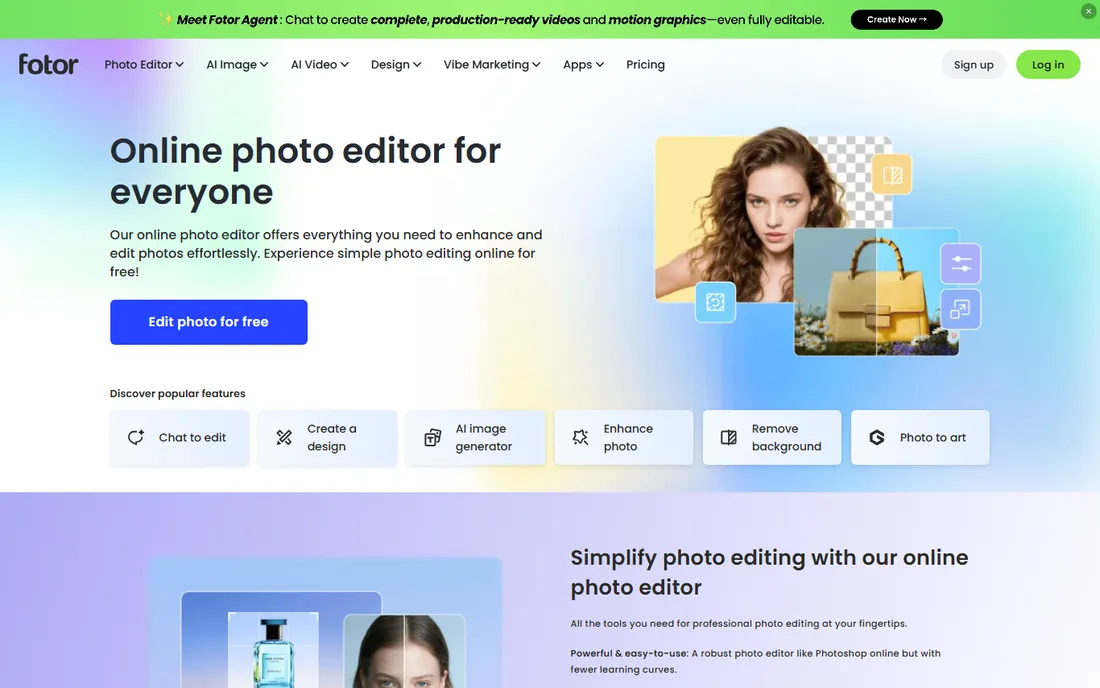
Fotor is the value play. Pro costs $47.99 a year on annual billing (about $4 a month), which undercuts every paid tier here by a wide margin, and it bundles an AI image generator, a conversational AI agent that edits on plain-language commands, and a collage maker that is effectively a mood board builder. Unused AI credits roll over for up to five months while subscribed, which is more generous than most competitors. For a freelancer or student who wants AI-generated visuals on a board without a second subscription, the math is hard to argue with.
The template and asset library is a fraction of Canva's, the free Basic plan watermarks exports and caps storage at 512MB, and the credit-based metering confuses people the first month. Fotor is a photo editor that grew AI features, not a collaboration platform, so teams should look elsewhere.
What we like- Cheapest paid tier on this list
- AI image generator plus the "Sisi" AI editing agent
- Collage maker purpose-built for board-style layouts
Watch out for- Template library far smaller than Canva's
- Free exports carry watermarks
- The credit system takes learning
The phrase "AI mood board software" covers two different products, and buying the wrong one wastes a month. Generators like Pixazo and Storyflow (and Adobe's Firefly Boards) start from a text prompt and produce finished board concepts. You describe the direction; the AI composes the visuals. These are fastest when you are starting from zero and need something to react to.
Assistants like Miro AI, FigJam AI, Kosmik's auto-tagging and Canva's Magic Studio start from your collected material and help you organize, extend or polish it. You bring the taste; the AI sorts, clusters and cleans up. Most professional workflows end up using one of each: a generator for the first spark, an assistant for the real board.
What to check before you pay
Generated images vs. gathered references
Ask where the visuals come from. Generators (Pixazo, Storyflow, Firefly) create new imagery from prompts, which is fast but risks a generic look and raises commercial-use questions. Collectors (Kosmik, Miro, FigJam) organize images you source yourself, which keeps the board grounded in real references. Canva, Adobe Express and Fotor sit in the middle, mixing stock libraries with generation. Client-facing brand work usually wants the collector end of the spectrum; early concepting wants the generator end.
The AI credit meter
Most tools ration AI use monthly: Canva by plan allowance, Adobe Express at 25 credits on free and 250 on Premium, Fotor and Kosmik by credit or request caps. Check what happens when you run out mid-project and whether unused credits roll over. A cheap plan with a tight meter can cost more than a pricier plan with generous limits if your team generates daily.
Sharing and collaboration
A board nobody can open is a file, not a deliverable. Check whether clients can view or comment without an account, whether real-time collaboration is included or gated, and how many guests each plan allows. If approvals happen over email, prioritize tools with public share links and PDF export.
Export quality and formats
Mood boards end up in decks, print and client portals. Confirm the export formats, whether free tiers watermark exports, and the output resolution. A board that looks sharp on screen but exports at web resolution will embarrass you in a printed presentation.
Commercial safety of AI images
If generated imagery goes into client work, ask what the model was trained on. Adobe's Firefly, trained on licensed and public-domain content, is the most defensible here, with IP indemnification on enterprise plans. Tools using general-purpose models carry more ambiguity. When in doubt, use AI boards for internal direction and licensed or original photography for anything public.
How we chose
We started from tools with real AI features that exist today, not vaporware: dedicated generators (Pixazo, Storyflow), AI-equipped visual platforms (Canva, Miro, FigJam, Kosmik, Adobe Express, Fotor). We excluded pure manual boards with no AI story and concept tools that could not be verified as live products. Evaluation used vendor pricing pages and documentation, 2026 comparison guides, and public reviews on G2, Capterra and Reddit, with attention to pricing changes vendors made during the year. No vendor paid for placement.
Frequently asked questions
What is AI mood board software?
It is a tool that uses artificial intelligence somewhere in the mood board workflow. Dedicated generators like Pixazo and Storyflow compose whole boards from a text prompt. Platforms like Miro, FigJam, Canva and Kosmik add AI to manual boards: generating images, clustering references, auto-tagging, or summarizing themes. The right type depends on whether you need a starting concept or help organizing material you already have.
Can AI replace manual mood boarding?
Not entirely. AI is fast at producing cohesive first drafts and at organizing large reference collections, but the taste, the selection and the final point of view still come from the designer. The strongest workflows use AI for the first spark and the grunt work, then refine by hand. Clients can tell the difference between a generated board nobody curated and one a designer actually directed.
Which AI mood board tool is free?
Canva, Pixazo, Kosmik, Miro, FigJam, Adobe Express and Fotor all have free plans or tiers, though most ration AI generations monthly. Storyflow has no free owner plan. Free tiers work for trying tools and for light personal use; expect watermarks, export limits or credit caps, and budget for a paid tier if the whole team will generate regularly.
Are AI-generated mood board images safe for client work?
It depends on the tool. Adobe's Firefly is trained on licensed Adobe Stock and public-domain content, making it the most defensible for commercial use, with IP indemnification on enterprise plans. Other generators use broader training data with more ambiguity. A common safe pattern: use AI boards for internal direction and client alignment, and licensed or original photography for anything public-facing.
Do I need design skills to use these tools?
No. That is the point of most of this list. Canva, Pixazo, Storyflow and Fotor are built for non-designers, with templates and prompts doing the heavy lifting. Miro, FigJam and Kosmik assume slightly more comfort with visual tools but need no formal training. Only the final polish, typography choices and presentation still benefit from a designer's eye.
Sources we checked (14)
- https://www.pixazo.ai/moodboard/maker
- https://www.pixazo.ai/blog/how-to-build-brand-with-moodboard
- https://www.pixazo.ai/blog/best-ai-vision-board-maker-tools
- https://storyflow.so/blog/canva-vs-milanote-vs-miro-vs-figma-moodboard-maker-creative-projects-2026
- https://storyflow.so/blog/milanote-vs-miro-vs-figjam-vs-canva-free-moodboard-tools-designers-2026
- https://www.kosmik.app/blog/pureref-alternatives
- https://www.kosmik.app/blog/miro-alternatives
- https://www.kosmik.app/blog/best-ai-research-tools
- https://www.fotor.com/pricing/
- https://illustrarch.com/articles/design-softwares/110247-design-softwares-adobe-express-review.html
- https://www.krea.ai/blog/what-is-adobe-express-free-plan-pricing-and-how-it-compares-in-2026
- https://saasprobe.com/reviews/adobe-express-review-2026/
- https://dev.to/devforge01/canva-pro-vs-free-is-the-upgrade-worth-it-for-small-business-owners-in-2026-2ig0
- https://medium.com/@mockitseo/top-10-best-ai-moodboard-generator-tools-in-2026-ee69f4e2d079
Is your product missing or out of date?
We review this list regularly. Vendors can request a listing, send updated pricing or ask about featured placement.

Shihab Mia · Founder, Rankite
Shihab has spent more than a decade helping SaaS and e-commerce brands grow through search. He writes Rankite's software buying guides from pricing pages, documentation and public user reviews. More about Shihab.