How we make this list: we compare pricing pages, product documentation and public user reviews. Rankite is independent; if a vendor ever pays for a featured spot, that listing is clearly labeled Partner.
Key takeaways
- GitBook, ReadMe and Mintlify are the hosted leaders, but their pricing models differ sharply: GitBook charges per site plus per user, ReadMe starts paid plans at $250 a month, and Mintlify Pro now runs $450 a month.
- Docusaurus and Redoc's open-source core cost nothing and suit teams with engineering time; the trade-off is that you own hosting, maintenance and analytics.
- Confluence and Notion win when non-developers write the docs, but neither is a real API reference tool.
- Document360 fits large teams that need approval workflows and governance; its pricing went quote-only in late 2024.
Quick comparison
| Tool | Best for | Starting price | Free plan |
|---|
 GitBook GitBook | Teams wanting a polished editor with Git sync | $65 per site/month (Premium, billed annually) | Yes |
 ReadMe ReadMe | API-first products needing interactive reference docs | $250/month (Pro, billed annually) | Yes |
 Mintlify Mintlify | Docs-as-code teams that want high design polish | $450/month (Pro, billed annually) | Yes |
 Confluence Confluence | Company wikis deeply tied to Jira | $5.42/user/month (Standard) | Yes |
 Docusaurus Docusaurus | Open-source teams that want full control | Free (open source) | Yes |
 Document360 Document360 | Large teams needing publishing workflows and governance | See website | Free trial (14 days) |
 Notion Notion | Flexible wikis that non-developers actually maintain | $10/user/month (Plus, billed annually) | Yes |
 Redocly Redocly | OpenAPI-first teams needing reference docs and governance | $10/seat/month (Pro) | Yes |
Is your product missing or out of date?
We review this list regularly. Vendors can request a listing, send updated pricing or ask about featured placement.
Your API ships Tuesday. The docs were last updated in March, the quickstart references an endpoint you deleted, and the new hire just asked where the authentication guide lives. Everyone agrees documentation matters. Nobody owns it. The tools below exist to fix exactly that, but they fix it in incompatible ways: some treat docs as code in a Git repo, others as pages in a wiki, others as a publishing workflow with approvals.
Pick your workflow before you pick your tool. If engineers write everything in Markdown and deploy through CI, you want docs-as-code. If product managers and support staff contribute, you want an editor they will open. If your product is an API, the reference docs deserve a purpose-built tool. The eight platforms here cover all three shapes.
Starting price$65 per site/month (Premium, billed annually)
Free planYes
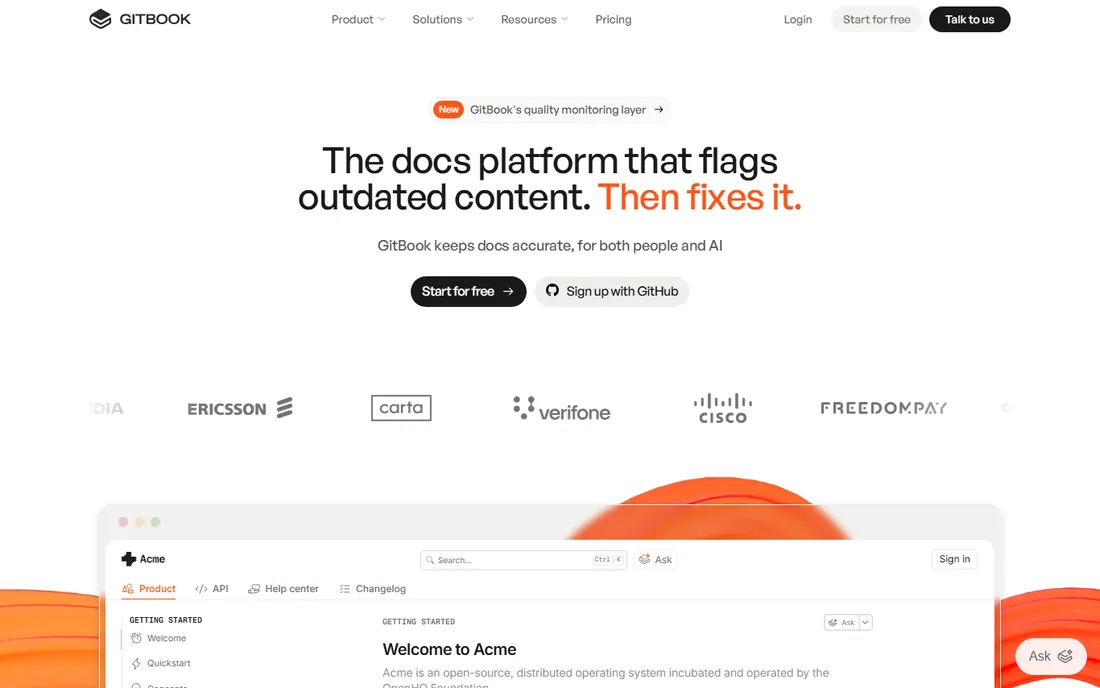
GitBook is the documentation tool for teams that want a polished editor without giving up Git. Content lives in a block-based WYSIWYG editor that non-developers can use, while Git Sync keeps a Markdown mirror in GitHub or GitLab for engineers who prefer pull requests. OpenAPI specs import into reference pages with a test playground, and published sites get custom domains, search and insights on paid tiers.
The pricing model is the thing to model carefully. It charges on two axes: per site per month plus per user per month. Premium runs $65 per site plus $12 per user monthly on annual billing, and Ultimate is $249 per site plus $12 per user, so a five-person team on Premium pays $125 a month before any AI add-ons. Readers cost nothing, which is generous, but every colleague who might fix a typo adds a seat. GitBook fits cross-functional teams where the docs are a shared product; pure engineering teams often find docs-as-code tools cheaper.
What we like- Visual block editor with GitHub and GitLab sync
- OpenAPI import with interactive testing
- Unlimited readers and page views on every plan
Watch out for- Per-site plus per-user pricing compounds quickly
- Free tier limited to a single user
- AI Assistant gated behind the Ultimate plan
#2
ReadMe
Best for: API-first products needing interactive reference docs
Visit readme.com
Starting price$250/month (Pro, billed annually)
Free planYes
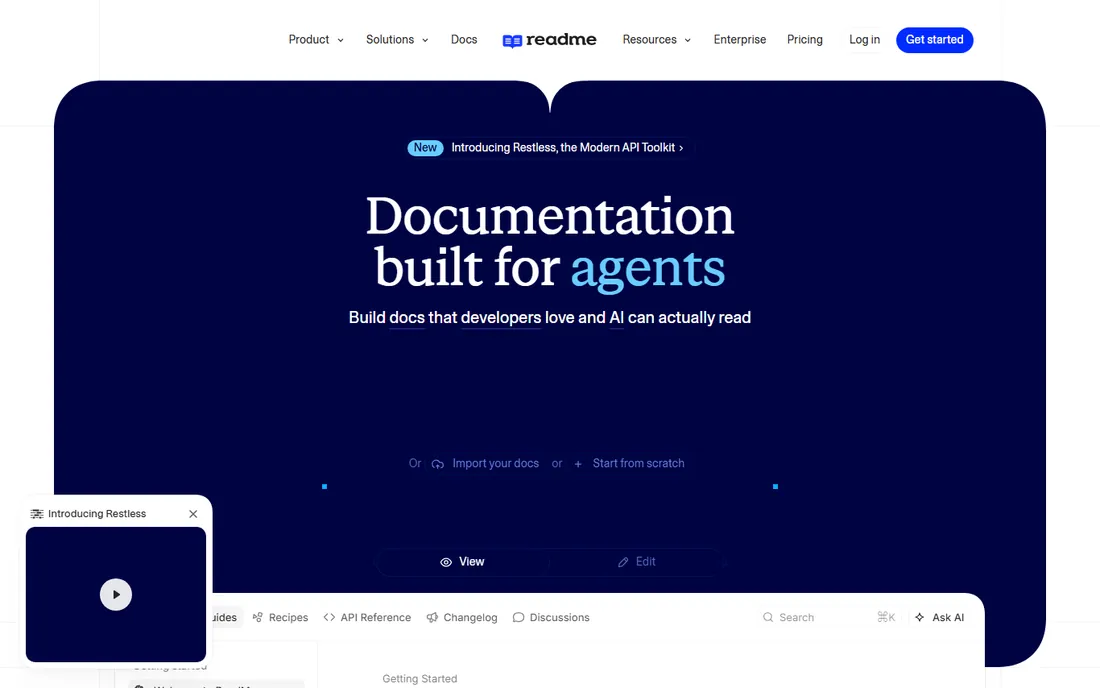
If your product is an API, ReadMe treats the docs as a developer product in their own right. The API reference comes with an interactive explorer where developers test endpoints with their own keys, and the metrics show which endpoints each developer actually calls, which turns documentation into a sales and success tool. Guides, tutorials and changelogs sit alongside the reference, and every plan can generate an MCP server so AI coding assistants can read your API.
The honest cost picture starts at Pro. The free Starter plan covers one project and one published version, so any team with versioned APIs or private docs lands on Pro at $250 a month billed annually, with Enterprise from $3,000 a month. Content lives in ReadMe's block format, and migrating out is genuinely painful, which makes this a long-term commitment. For API-first companies with a developer relations function, the analytics alone can justify it.
What we like- Interactive API explorer with try-it console
- Per-developer API usage analytics
- MCP server generation included on every plan
Watch out for- Realistic paid entry is $250 a month
- Proprietary content format makes migration painful
- Ask AI chat is a $150 monthly add-on
Starting price$450/month (Pro, billed annually)
Free planYes
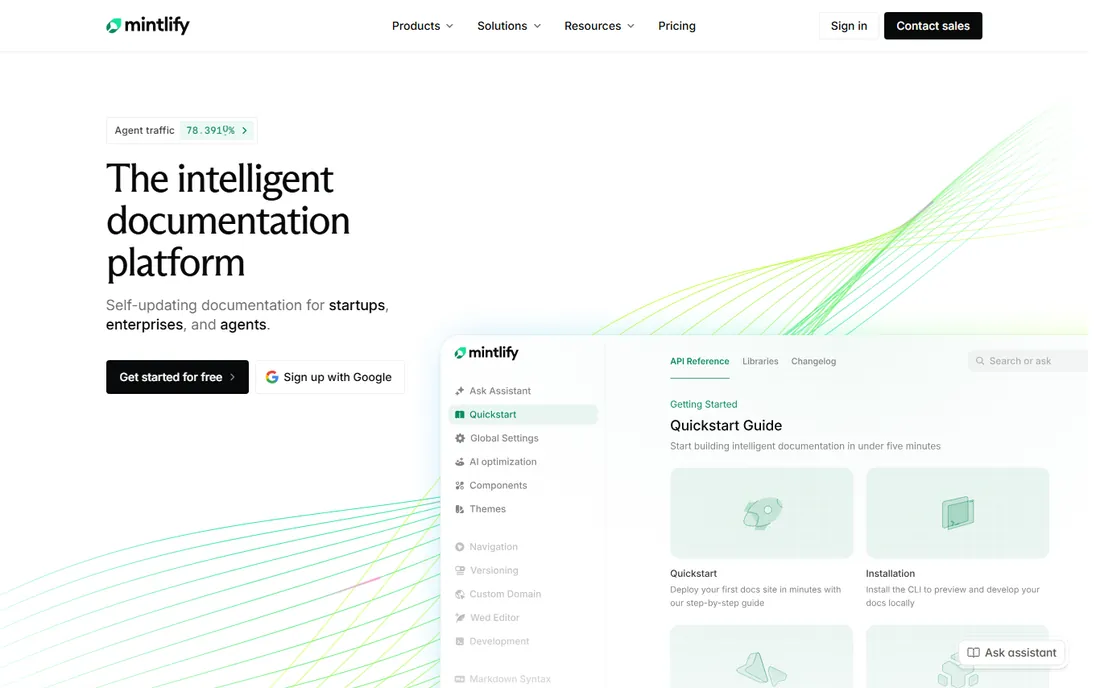
Mintlify made its name on one thing: documentation that looks designed rather than generated. Developers write in MDX, content syncs through Git, and the published site gets the kind of typography and navigation that usually requires a designer. The AI writing agent drafts and updates pages, the assistant answers reader questions on the live site, and built-in llms.txt plus MCP server support make docs readable to AI coding tools, which matters more every quarter.
The price moved up in 2026. Pro now costs $450 a month billed annually ($540 month to month) with 10,000 AI credits included, and heavy assistant usage burns credits that cost extra. The free Starter tier is fine for solo projects but drops AI features after the trial. Mintlify suits dev-tool companies with dedicated docs resources; mixed teams where PMs and support write content will fight the MDX-only workflow.
What we like- Polished MDX docs with Git-based workflows
- AI writing agent plus assistant embedded in the site
- Llms.txt and MCP output for AI readability
Watch out for- Pro at $450 a month is steep for small teams
- AI usage metered through credits on top
- MDX workflow excludes non-developers
Starting price$5.42/user/month (Standard)
Free planYes
Confluence is the least developer-specific tool on this list and the most widely deployed. It is a team wiki: spaces, page trees, templates, permissions and real-time collaborative editing, with the deepest Jira integration of anything here. Requirements link to tickets, release notes sit next to specs, and the whole company already knows how to use it. Pricing is per seat: free up to 10 users, Standard at $5.42 per user per month, Premium at $10.44.
As developer documentation, it is a compromise. There is no docs-as-code workflow, no native OpenAPI reference rendering, and versioning docs alongside code releases takes discipline the tool does not enforce. Search on large instances rewards users who learn its syntax. Confluence fits internal engineering wikis, runbooks and specs at companies already on Atlassian; public API docs belong in one of the purpose-built tools above.
What we like- Deep Jira and Atlassian suite integration
- Page trees, permissions and templates built in
- Free tier covers up to 10 users
Watch out for- Not docs-as-code and weak for API references
- Per-seat pricing scales fast with headcount
- Search frustrates on large sites
Starting priceFree (open source)
Free planYes
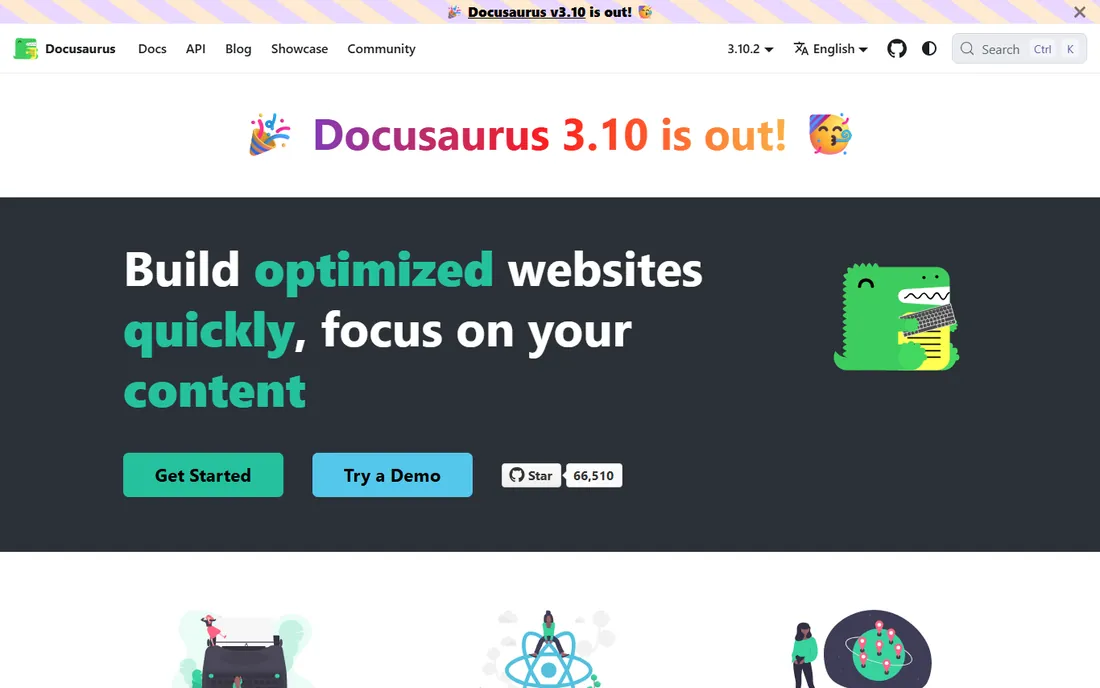
Docusaurus is the only tool here that costs nothing and can never be taken away from you. Meta's open-source static site generator builds documentation sites from Markdown and MDX with React, with versioning for breaking changes, internationalization, and a plugin ecosystem covering search, diagrams and blogging. It powers the docs of React, Redux and Jest, which is about as battle-tested as documentation tooling gets. You host it anywhere, pay nothing, and own every byte.
Ownership is also the price. There is no managed hosting, no built-in analytics beyond what you wire up, no AI search, and no translation workflow unless you build one. Setup means real engineering time: configuration files, plugins, deployment pipelines. For open-source projects and engineering organizations with the bandwidth, it is the rational default. For startups trying to ship features while maintaining docs, it often becomes the project that never quite gets finished.
What we like- Free forever under MIT license, maintained by Meta
- Versioning and internationalization built in
- Large plugin ecosystem for search, diagrams and more
Watch out for- Requires real engineering time to set up and maintain
- No managed hosting or built-in analytics
- No AI features out of the box
Starting priceSee website
Free planFree trial (14 days)
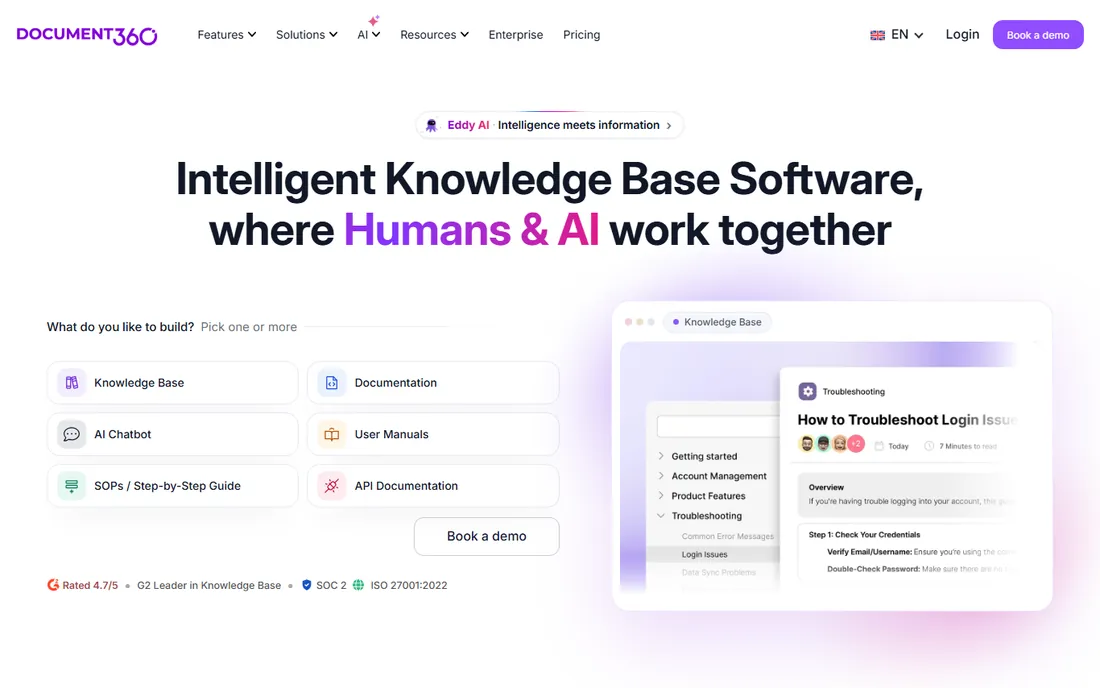
Document360 treats documentation as a publishing operation, with all the process that implies. Content moves through drafts, reviews and approvals with role-based access, version control tracks every change, and the knowledge base ships with analytics on what readers search for and where they give up. AI search understands intent rather than keywords, and translation covers dozens of languages. Integrations reach Slack, Jira and Zendesk.
That governance has a cost in money and speed. Document360 removed its free plan and published pricing in late 2024; all tiers are now quote-based, and reviewers consistently note it prices high for smaller teams. Updates flow slower than Git-synced tools, with refresh cycles measured in hours. It fits enterprises and regulated industries where approval trails are mandatory. Teams of five engineers should not be here.
What we like- Approval workflows, roles and versioning for governed publishing
- AI-powered search with 25-plus language translation
- Strong knowledge-base analytics
Watch out for- Quote-only pricing since late 2024
- Overkill for small teams
- Content refresh cycle is slower than docs-as-code tools
#7
Notion
Best for: Flexible wikis that non-developers actually maintain
Visit notion.so
Starting price$10/user/month (Plus, billed annually)
Free planYes
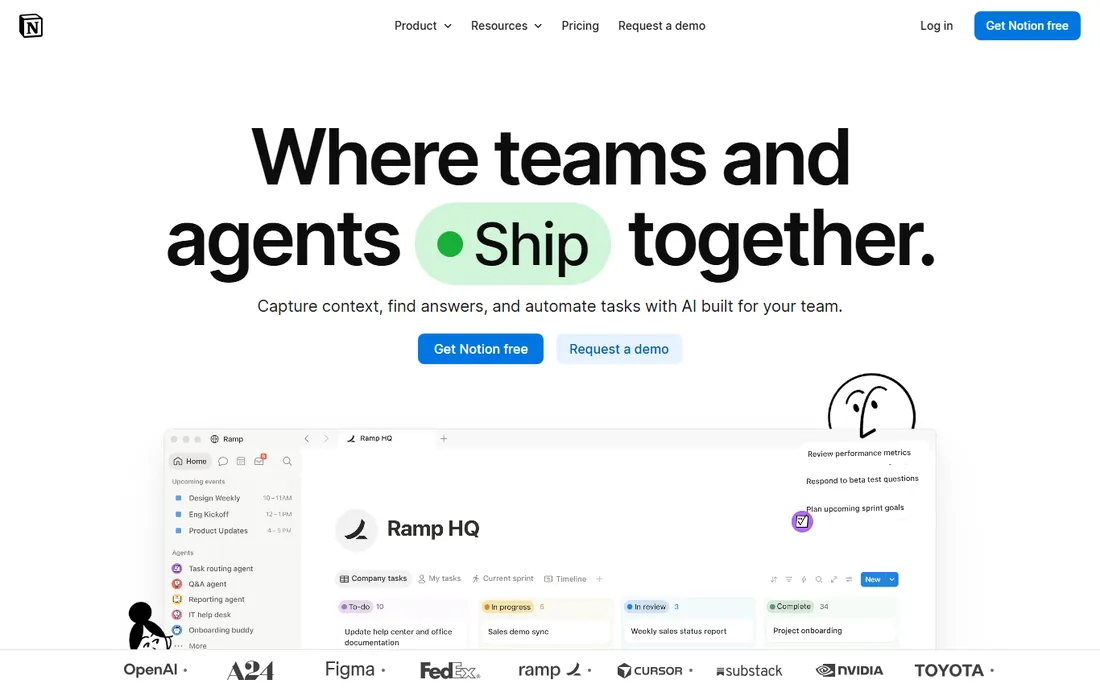
Notion is where documentation goes when developers stop being the only authors. The block-based workspace handles wikis, specs, runbooks and project docs in one place that product managers, designers and support staff will actually open. Databases turn collections of pages into filtered views, templates cover most starting points, and the free tier is generous for individuals. Paid plans start at $10 per user per month for Plus on annual billing, with Business at $20 adding AI and advanced permissions.
For developer documentation specifically, the limits are structural. There is no OpenAPI reference rendering, no versioning tied to code releases, and the DIY structure that feels liberating at 50 pages becomes a maze at 5,000. Public docs sites built on Notion always feel like wikis wearing a costume. Use Notion for internal knowledge that the whole company maintains; use a docs-as-code tool for anything developers consume as developers.
What we like- Block-based pages, databases and wikis anyone can edit
- Generous free tier for individuals
- Broad integrations and templates
Watch out for- Weak for public API references
- DIY structure gets messy at scale
- No docs-as-code workflow or versioning with releases
#8
Redocly
Best for: OpenAPI-first teams needing reference docs and governance
Visit redocly.com
Starting price$10/seat/month (Pro)
Free planYes
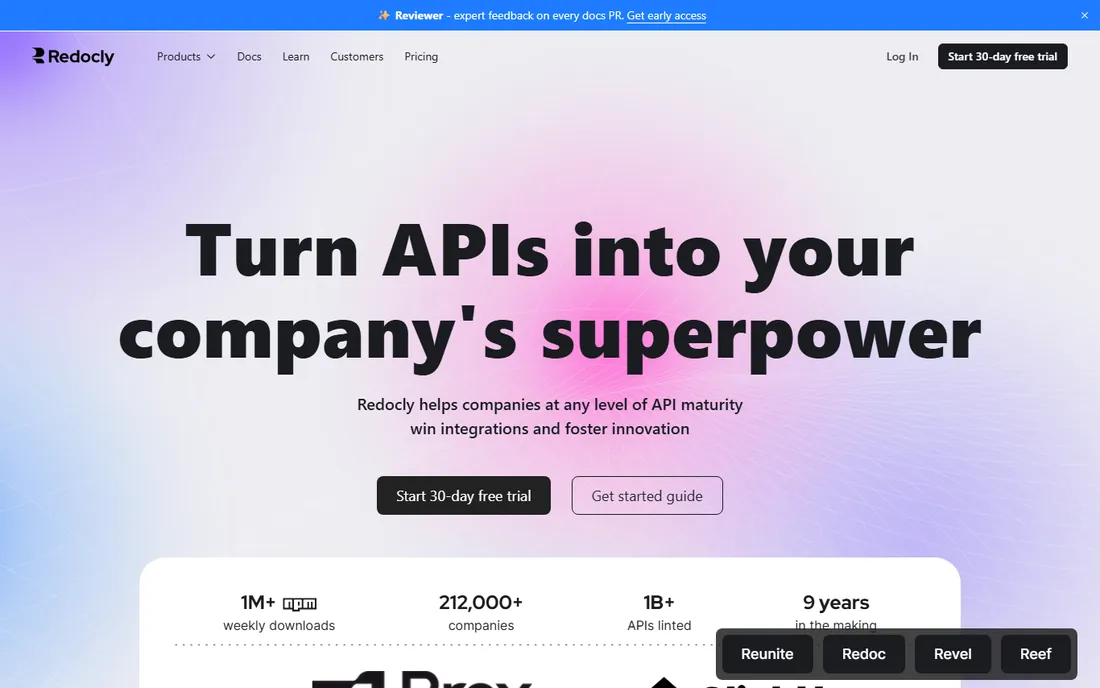
Redocly starts from the OpenAPI file and works outward. The open-source Redoc renderer produces clean three-panel API references from a spec, and the paid platform adds hosted docs, linting rules that enforce API design standards, mock servers and developer portals. Pro starts at $10 per seat per month with a 100-page limit, Enterprise at $24 adds SSO and RBAC, and the Realm bundle layers on more products per seat.
The honest math favors small teams. Two engineers who need hosted reference docs pay less here than anywhere else on this list. As the team grows, page limits rise and add-ons stack, and per-seat pricing compounds in a way flat pricing does not. Redocly fits API-first teams that care about spec quality and governance, especially ones already linting their OpenAPI files. Teams that need rich guides alongside the reference should pair it with a docs-as-code platform or choose Mintlify.
What we like- Best-in-class OpenAPI rendering through Redoc
- Linting and governance rules for API quality
- Low per-seat entry with a free open-source core
Watch out for- Reference docs are the strength while guides are thinner
- Try-it console only on paid products
- Per-seat plus add-on pricing compounds as teams grow
Pick by workflow, not by feature list
Who writes the docs
If only engineers write, docs-as-code tools (Mintlify, Docusaurus, Redocly) keep content next to code and review through pull requests. If PMs, support and marketing contribute, you need a visual editor they will open: GitBook, Notion or Document360. Count your actual authors, not your aspirations, and ask each group which tool they would use without being told.
Public API reference vs. internal guides
These are different products wearing similar clothes. API references need OpenAPI rendering, try-it consoles and versioning per release: ReadMe, Redocly, Mintlify and GitBook do this natively. Internal guides need search, permissions and templates: Confluence, Notion and Document360. If you need both, either buy two tools or pick GitBook or Mintlify, which cover both adequately.
Docs-as-code vs. wiki
Docs-as-code means Markdown in Git, review in pull requests, deploy through CI, and versions that match releases. Wikis mean browser editing, instant publishing and looser structure. Docs-as-code wins for accuracy and versioning; wikis win for participation. Most developer docs belong in docs-as-code; most company knowledge belongs in a wiki. Trying to force one tool to do both is how docs rot.
Export and lock-in
Ask how your content leaves before you commit. Markdown-based tools (Docusaurus, Mintlify, GitBook with Git Sync) export cleanly. Proprietary block formats (ReadMe, Notion) make migration genuinely painful. If the vendor cannot show you an export path on the sales call, assume you will never leave.
The docs-as-code vs. wiki decision, settled
The debate never ends because both sides are right about different things. Docs-as-code keeps documentation accurate: it versions with releases, reviews through pull requests, and diffs like code. But it quietly restricts authorship to people comfortable in Git, which is why docs-as-code sites so often cover the API beautifully and say nothing about anything else.
Wikis invert the trade. Everyone contributes, so coverage is broad, but accuracy decays because nothing ties a page to a release and nobody reviews changes. The pragmatic answer for most software companies is both: docs-as-code for API references and developer guides, a wiki for internal knowledge, and a clear rule about which content lives where. The vendors that claim to replace both usually do one of them badly.
How we chose
We evaluated tools on fit for developer documentation specifically: API reference quality, docs-as-code workflows, editor experience for mixed teams, versioning, search, integrations, and pricing transparency for small and mid-size teams. Research drew on vendor pricing pages and documentation, 2026 comparison guides, and public reviews on G2 and Capterra, with attention to pricing changes vendors made during 2026. No vendor paid for placement, and none provided test accounts.
Frequently asked questions
What is the difference between docs-as-code and wiki documentation tools?
Docs-as-code tools store documentation as Markdown in Git, review changes through pull requests and deploy through CI, so docs version alongside code releases. Wikis are browser-edited page collections with instant publishing and looser structure. Docs-as-code suits API references and developer guides; wikis suit internal knowledge that the whole company maintains.
How much do documentation tools cost?
It ranges from free to thousands a month. Docusaurus and Redoc's open-source core cost nothing. Notion Plus is $10 per user per month and Confluence Standard $5.42. GitBook Premium starts at $65 per site per month plus $12 per user. ReadMe Pro is $250 a month, Mintlify Pro $450 a month, and Document360 is quote-only. Model the cost at your actual author count, not the headline rate.
Can I migrate my docs off these platforms?
It depends on the content format. Markdown-based tools export cleanly: Docusaurus and Mintlify content is already in your repo, and GitBook's Git Sync keeps a Markdown mirror. Proprietary block formats like ReadMe's and Notion's make migration genuinely painful. Confirm the export path before you commit, not after.
Do I need a separate tool for API reference docs?
If your product is an API, yes, or at least a tool with real OpenAPI support. ReadMe, Redocly, Mintlify and GitBook render interactive references with try-it consoles from your spec. Confluence, Notion and Document360 handle API docs poorly. Many teams run a dedicated API reference tool alongside a wiki for guides.
What is llms.txt and should my docs have it?
llms.txt is a proposed standard file that gives AI systems a clean, canonical text version of your documentation to index. Mintlify and ReadMe generate it automatically, and several newer tools follow. If developers discover your product through AI coding assistants, having machine-readable docs is becoming as important as having human-readable ones.
Sources we checked (15)
- https://ferndesk.com/blog/gitbook-pricing
- https://github.com/docsbook-io/docs/blob/HEAD/blog/gitbook-vs-docsbook.md
- https://github.com/erickirt/scalar/blob/HEAD/documentation/alternatives/gitbook.md
- https://github.com/torance720/scalar/blob/HEAD/documentation/compare/readme.md
- https://github.com/torance720/scalar/blob/HEAD/documentation/compare/mintlify.md
- https://github.com/torance720/scalar/blob/HEAD/documentation/compare/redocly.md
- https://github.com/scalar/scalar/blob/HEAD/documentation/library/best-api-documentation-tools-2026.md
- http://documentation.ai/blog/mintlify-pricing
- https://ferndesk.com/blog/mintlify-pricing
- https://docmost.com/blog/notion-vs-confluence/
- https://github.com/ishandutta2007/awesome-knowledge-sharing-platform/blob/HEAD/README.md
- https://dev.to/storm_son_b44db572b250b68/ai-documentation-tools-in-2026-mintlify-vs-document360-vs-gitbook-which-turns-your-code-into-110i
- https://medium.com/@vladuxwriter/topicary-vs-document360-compared-for-2026-3641947ef75a
- https://document360.com/blog/software-documentation-tools/
- https://dev.to/curi0us_dev/developer-documentation-platforms-in-2026-gitbook-mintlify-readme-docusaurus-and-docsbook-47i1
Is your product missing or out of date?
We review this list regularly. Vendors can request a listing, send updated pricing or ask about featured placement.

Shihab Mia · Founder, Rankite
Shihab has spent more than a decade helping SaaS and e-commerce brands grow through search. He writes Rankite's software buying guides from pricing pages, documentation and public user reviews. More about Shihab.