How we make this list: we compare pricing pages, product documentation and public user reviews. Rankite is independent; if a vendor ever pays for a featured spot, that listing is clearly labeled Partner.
Key takeaways
- Browser automation splits into developer frameworks (Playwright, Selenium, Cypress, Katalon), no-code tools (Bardeen), RPA platforms (UiPath) and scraping automation (Apify, PhantomBuster, Octoparse).
- Playwright is the modern developer default; Selenium remains the enterprise standard with the widest language support.
- Bardeen is the pick for non-developers automating browser tasks; Apify and PhantomBuster serve the web scraping niche.
- Match the tool to the job: testing, scraping and workflow automation are different problems with different best tools.
Quick comparison
| Tool | Best for | Starting price | Free plan |
|---|
 Playwright Playwright | modern test automation | Free | Yes |
 Selenium Selenium | enterprise test automation | Free | Yes |
 Cypress Cypress | front-end testing | Free | Yes |
 Katalon Katalon | low-code test automation | See website | Yes |
 UiPath UiPath | enterprise RPA | See website | Free trial |
 Bardeen Bardeen | no-code browser automation | See website | Yes |
 Apify Apify | web scraping at scale | See website | Free tier |
 PhantomBuster PhantomBuster | lead and social automation | See website | Free trial |
 Octoparse Octoparse | no-code web scraping | See website | Yes |
 BrowserStack BrowserStack | cloud browser testing | See website | Free trial |
Is your product missing or out of date?
We review this list regularly. Vendors can request a listing, send updated pricing or ask about featured placement.
Starting priceFree
Free planYes
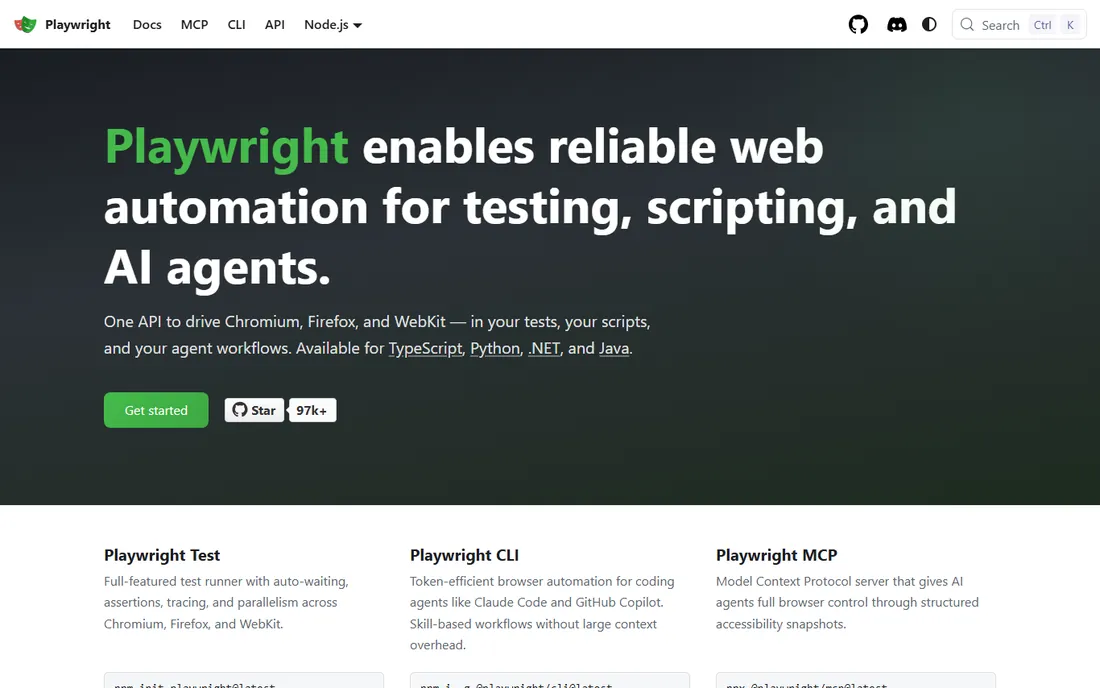
Playwright, Microsoft's open-source browser automation framework, is the modern default for developers automating browsers. It drives Chromium, Firefox and WebKit with a single API, handles modern web apps reliably with auto-waiting, and runs tests in parallel across browsers. The codegen tool records your clicks and generates the automation code.
The reliability is the story. Playwright's auto-waiting means tests wait for elements intelligently instead of relying on flaky sleep timers, which cuts the test maintenance that plagues Selenium suites. The tracing, video recording and debugging tools are excellent. Language support covers JavaScript, Python, Java, C# and more.
The honest catch is the audience. This is a developer framework, not a tool for non-technical users. Teams without developers should look at Bardeen or UiPath. But for engineering teams automating browsers for testing or scraping, Playwright is the current best-in-class open-source choice.
What we like- Fast and reliable
- Multi-browser support
- Great developer experience
Watch out for- Code-only, needs developers
- Newer ecosystem than Selenium
Starting priceFree
Free planYes
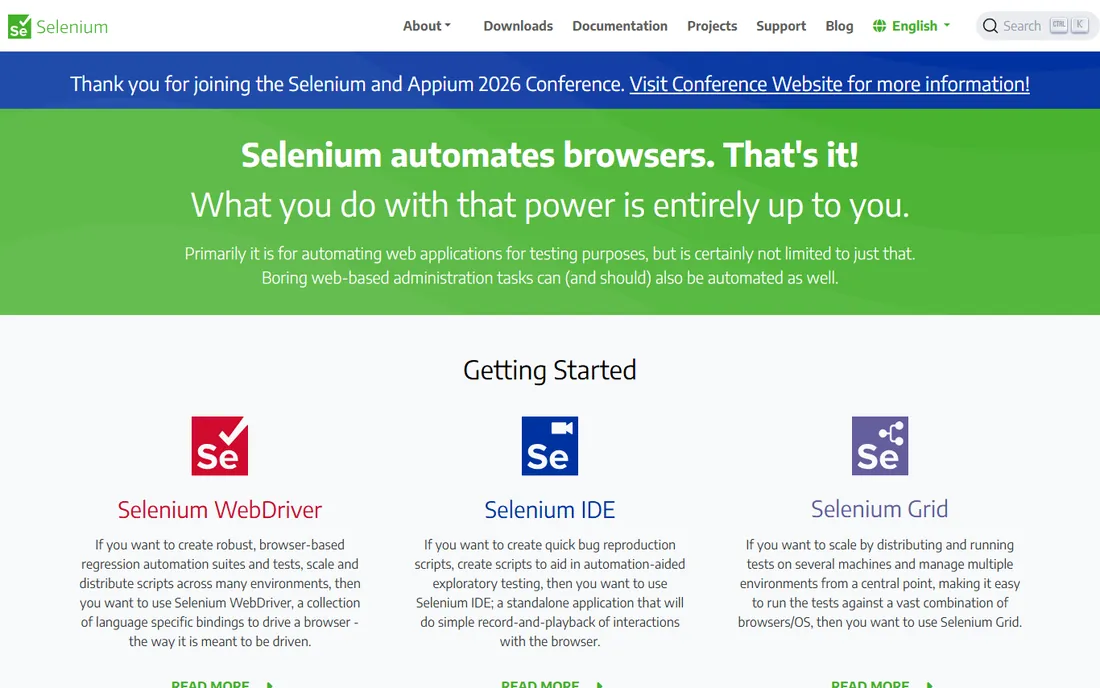
Selenium is the veteran open-source framework for browser automation, and it remains the enterprise standard. WebDriver drives real browsers across every major platform, with bindings for Java, Python, C#, Ruby, JavaScript and more. Decades of use mean answers to every question exist somewhere.
The ecosystem is unmatched. Grid runs tests across browser farms, the language bindings cover every stack and every CI system integrates with it. Enterprises with existing Selenium suites and trained teams have no reason to rip them out. Hiring Selenium experience is easy.
The honest trade-off is reliability and maintenance. Selenium tests are flakier than Playwright's out of the box, requiring explicit waits and more maintenance. New projects usually choose Playwright; existing Selenium investments keep running. For the enterprise with Selenium expertise, it remains the safe standard.
What we like- The industry standard
- Widest language and browser support
- Huge community
Watch out for- Flakier than Playwright
- More setup and maintenance
Starting priceFree
Free planYes
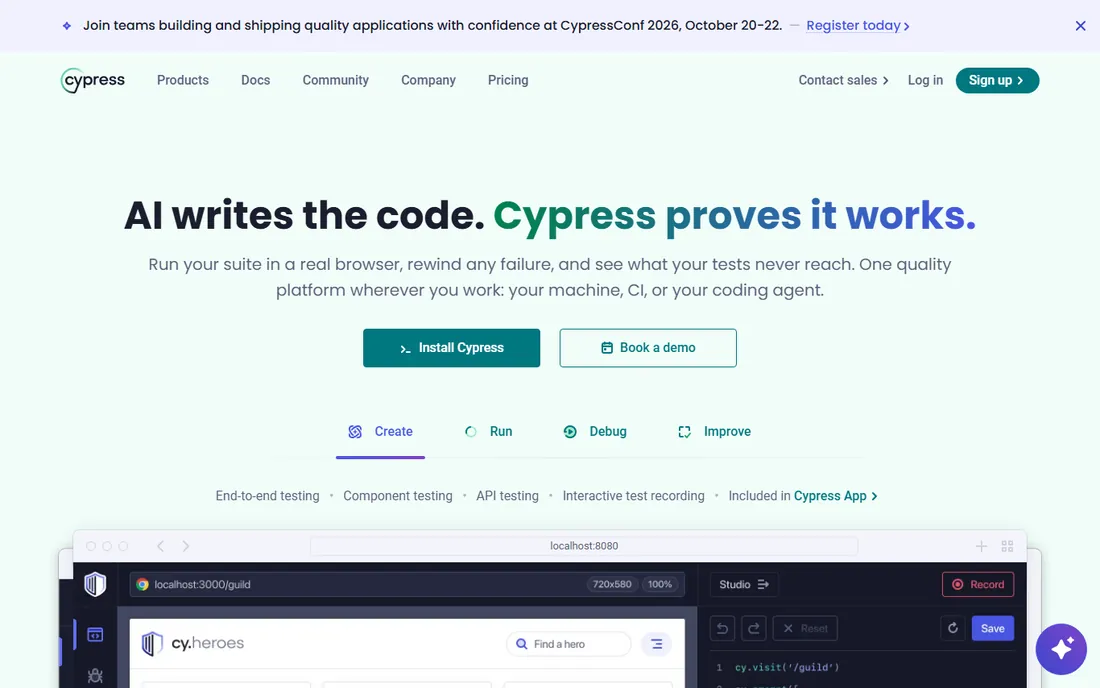
Cypress is the JavaScript-first testing framework that developers love for its experience: tests run in the browser with real-time reloading, time-travel debugging and automatic screenshots and videos. Writing and debugging tests feels like development, not configuration.
The developer experience is the differentiator. You watch the test run step by step, inspect the DOM at each step and debug in familiar browser dev tools. For front-end teams testing their own applications, the feedback loop is unmatched. The dashboard adds parallelization and flake detection for teams.
The honest limits are architectural. Cypress runs in the browser, which limits multi-tab scenarios, cross-domain flows and non-JavaScript stacks. It is a testing tool, not a general automation framework. For JavaScript teams testing web apps, it is delightful. For general browser automation, Playwright fits better.
What we like- Excellent developer experience
- Real-time reloading
- Great for JavaScript teams
Watch out for- JavaScript-only
- Limited multi-tab and cross-domain support
Starting priceSee website
Free planYes
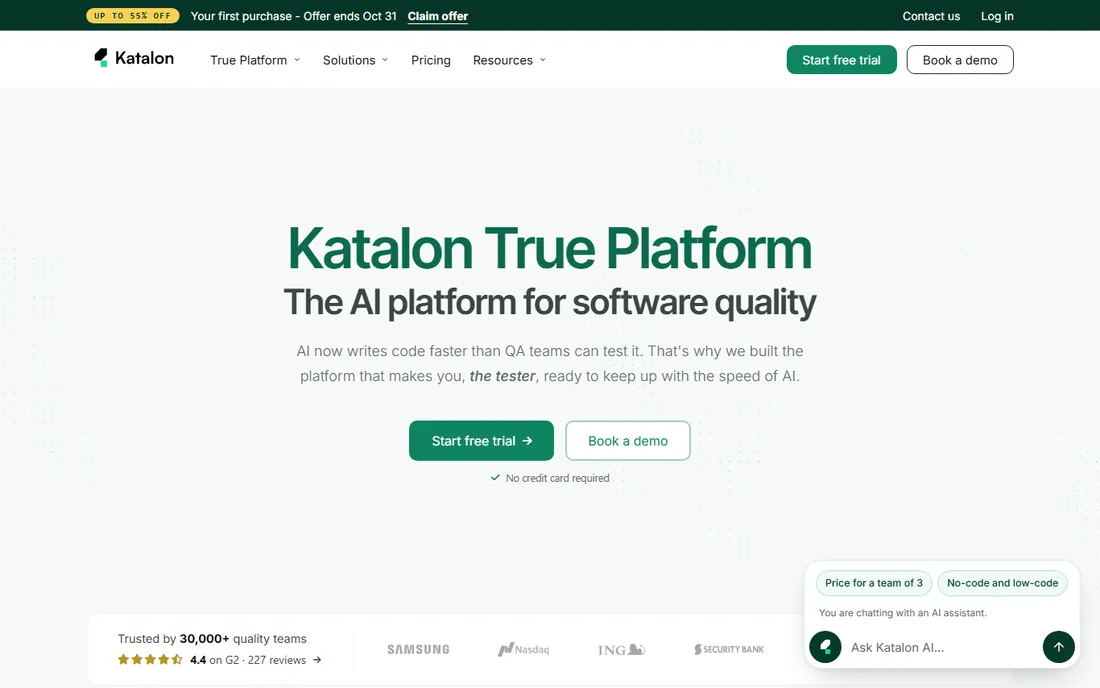
Katalon Studio is the low-code test automation platform for teams that want Selenium's power without writing everything by hand. Record-and-playback creates tests, the scripting mode handles complexity and the platform covers web, API, mobile and desktop testing in one place.
The accessibility is the pitch. Manual testers can build automated tests with recording and keywords, while engineers drop into Groovy scripting when needed. The built-in reporting, integrations and test management suit QA teams that need process, not just code.
The trade-off is cost and weight. Advanced features, parallel execution and deeper integrations sit behind paid tiers, and the platform is heavier than a pure framework. Teams of pure developers often prefer Playwright's simplicity. For mixed QA teams wanting low-code automation with enterprise process, Katalon fits.
What we like- Low-code with room to grow
- Web, API and mobile testing
- Good reporting
Watch out for- Paid tiers for advanced features
- Heavier than pure frameworks
Starting priceSee website
Free planFree trial
UiPath is the robotic process automation leader, and browser automation is one of its core activities. Software robots mimic human actions across browsers and desktop applications: logging in, copying data, filling forms and moving information between systems that lack APIs. Enterprises run thousands of such robots.
The platform depth is unmatched. The activity library covers every automation scenario, the orchestrator manages robot fleets centrally and the governance, audit and security features satisfy regulated industries. AI features handle document understanding and decision points.
The honest catch is scope and price. UiPath is enterprise software with enterprise pricing and implementation; automating a few browser tasks does not justify it. It shines when the organization is automating processes across dozens of systems. For pure browser automation, lighter tools cost far less.
What we like- The RPA market leader
- Huge activity library
- Enterprise governance
Watch out for- Enterprise pricing
- Overkill for simple browser tasks
Starting priceSee website
Free planYes
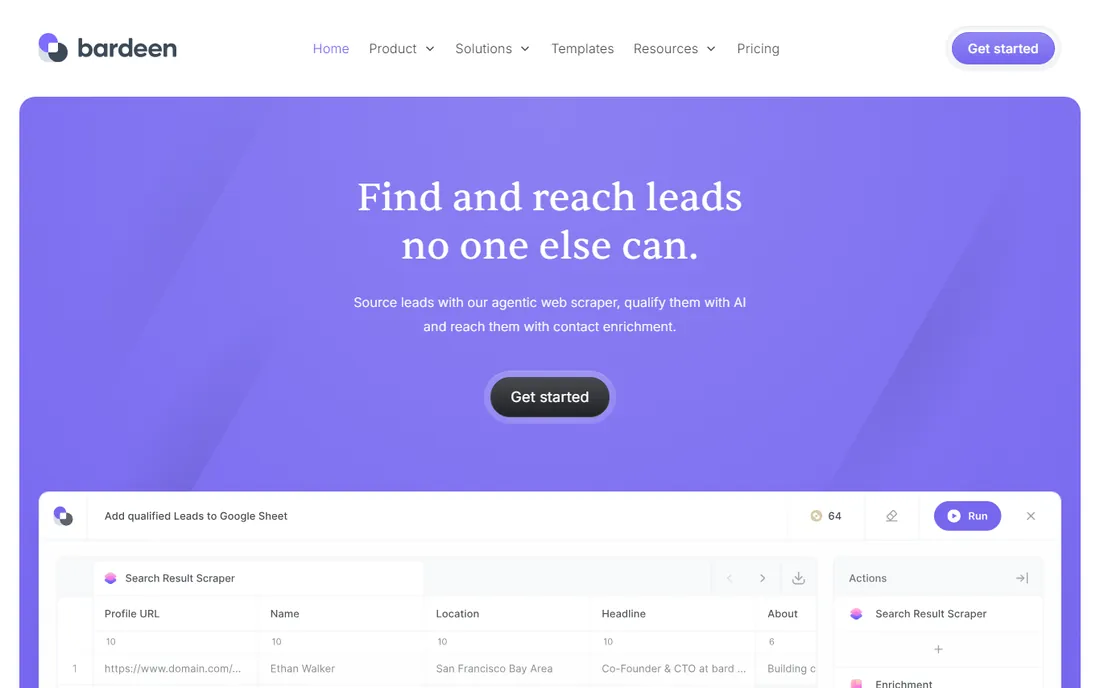
Bardeen is the no-code browser automation for people who live in tabs: build automations that scrape pages, fill forms, move data between apps and trigger workflows, all from a browser extension with AI assistance. The free plan covers meaningful usage.
The accessibility is the whole point. A sales rep can automate lead list building, a recruiter can automate candidate research and an ops person can automate data entry, all without code. The AI builder turns plain-language descriptions into working automations, and the pre-built playbooks cover common tasks.
The honest limits are complexity and dependence. Multi-step logic with branching stays simpler than code, and everything runs through the browser extension. Power users eventually hit walls. But for the non-developer automating repetitive browser work, Bardeen is the easiest win on this list.
What we like- No-code automation in the browser
- AI-powered
- Great for repetitive tasks
Watch out for- Browser-dependent
- Advanced logic limited
Starting priceSee website
Free planFree tier
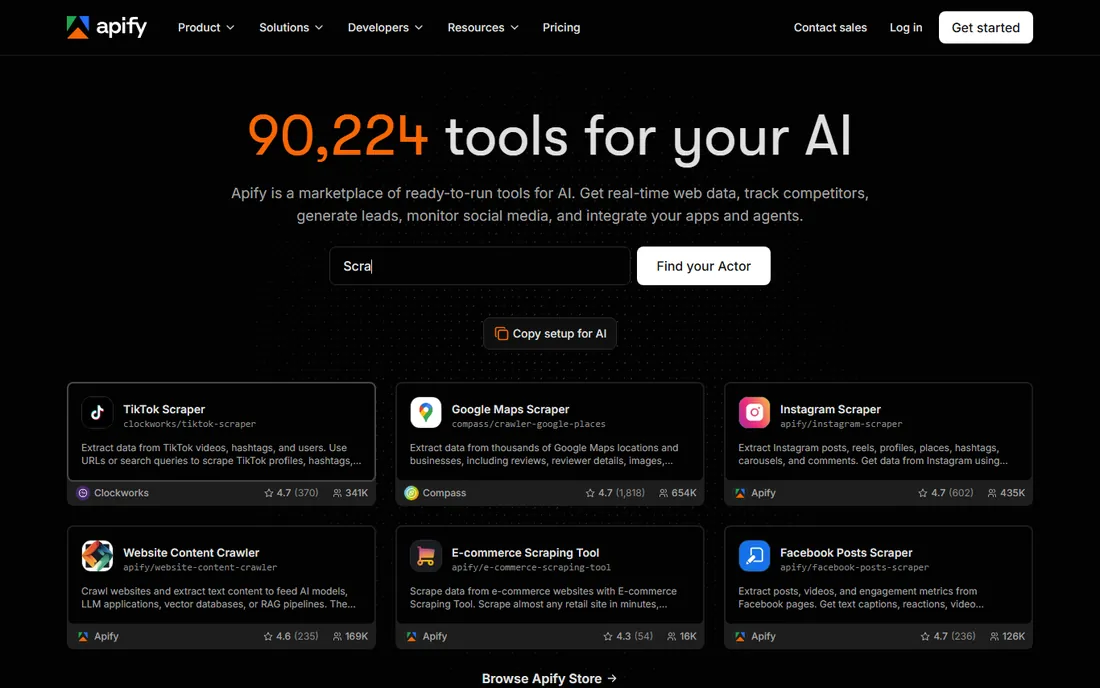
Apify is the platform for web scraping and browser automation at scale: write scrapers (Actors) in Node.js or Python, run them on Apify's cloud infrastructure with proxy rotation and anti-blocking, and schedule them like cron jobs. The marketplace offers thousands of pre-built scrapers.
The infrastructure is the value. Scraping at scale means proxies, CAPTCHAs, retries and scheduling; Apify handles all of it so developers focus on the extraction logic. The pay-per-use pricing scales from hobby projects to enterprise data pipelines.
The trade-off is the niche. This is a scraping platform, not a general automation tool. Testing teams and RPA buyers should look elsewhere. But for data teams building scraping pipelines, the combination of developer control and managed infrastructure is the best in the category.
What we like- Scalable scraping infrastructure
- Actor marketplace
- Good proxy handling
Watch out for- Scraping-specific
- Costs scale with usage
Starting priceSee website
Free planFree trial
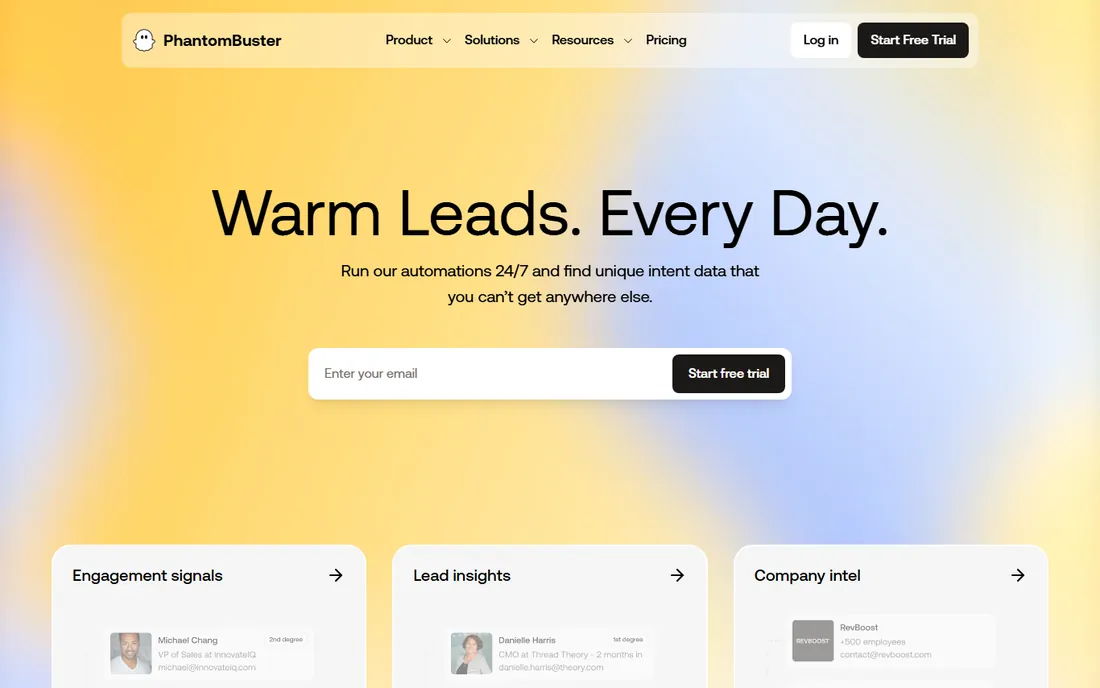
PhantomBuster offers pre-built browser automations ("Phantoms") for sales, marketing and growth teams: LinkedIn outreach, lead scraping, social media automation, email finding and data enrichment. Pick a Phantom, configure it and run it on PhantomBuster's cloud.
The pre-built library is the pitch. Instead of building scrapers, growth teams run proven automations for common workflows. The cloud execution means automations run on schedule without keeping a browser open. Integrations push the data into CRMs and spreadsheets.
The honest caveats are platform risk and ethics. Automating LinkedIn and social platforms violates their terms of service and can get accounts restricted; use carefully and within limits. The automations also break when target sites change. For growth teams that accept these trade-offs, it is productive.
What we like- Pre-built automation for sales and growth
- Easy to start
- Good for LinkedIn
Watch out for- Platform-dependent
- Automation limits on target sites
Starting priceSee website
Free planYes
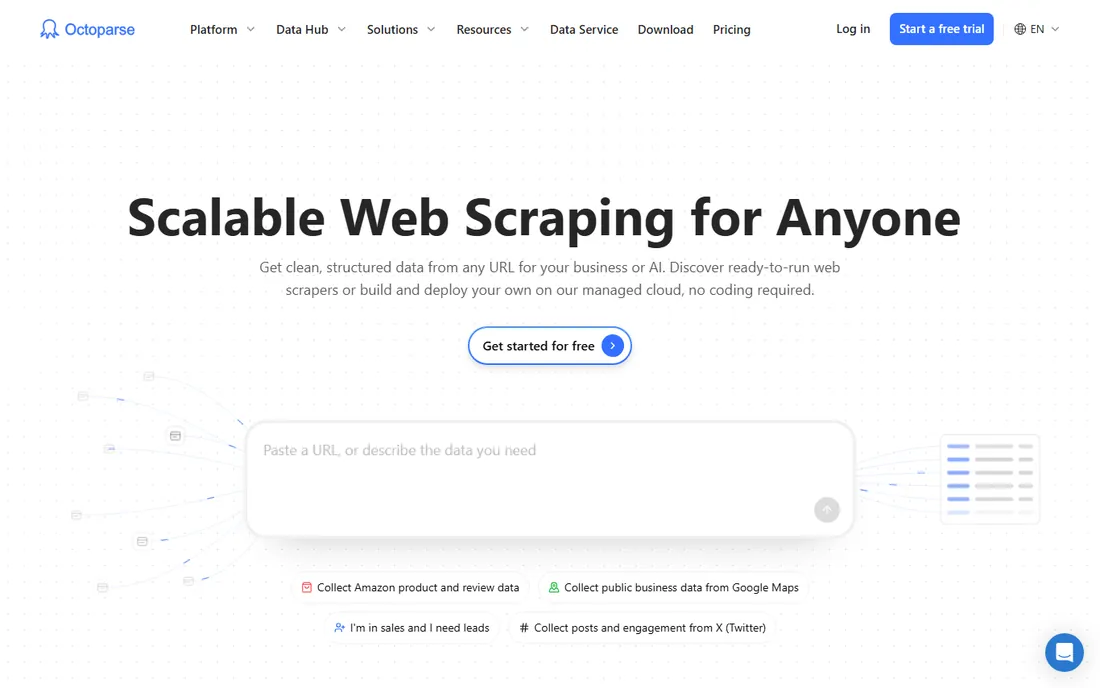
Octoparse is the no-code web scraping tool: point and click on a website to select the data, and Octoparse builds the extraction workflow visually. It handles pagination, login, infinite scroll and AJAX-loaded content without code, and the cloud service runs scrapes on schedule.
The visual builder is the differentiator for non-developers. Analysts, researchers and marketers can extract web data without writing a line of code, and the templates cover popular sites. The free tier handles meaningful scraping volume.
The trade-off is complexity at the edges. Very complex sites still need the advanced features and some learning, and heavy users move to the paid cloud plans. Developers may prefer Apify's code control. For the non-technical user who needs web data regularly, Octoparse is the accessible choice.
What we like- Visual no-code scraping
- Handles complex sites
- Free tier available
Watch out for- Desktop app for advanced features
- Learning curve for complex sites
Starting priceSee website
Free planFree trial
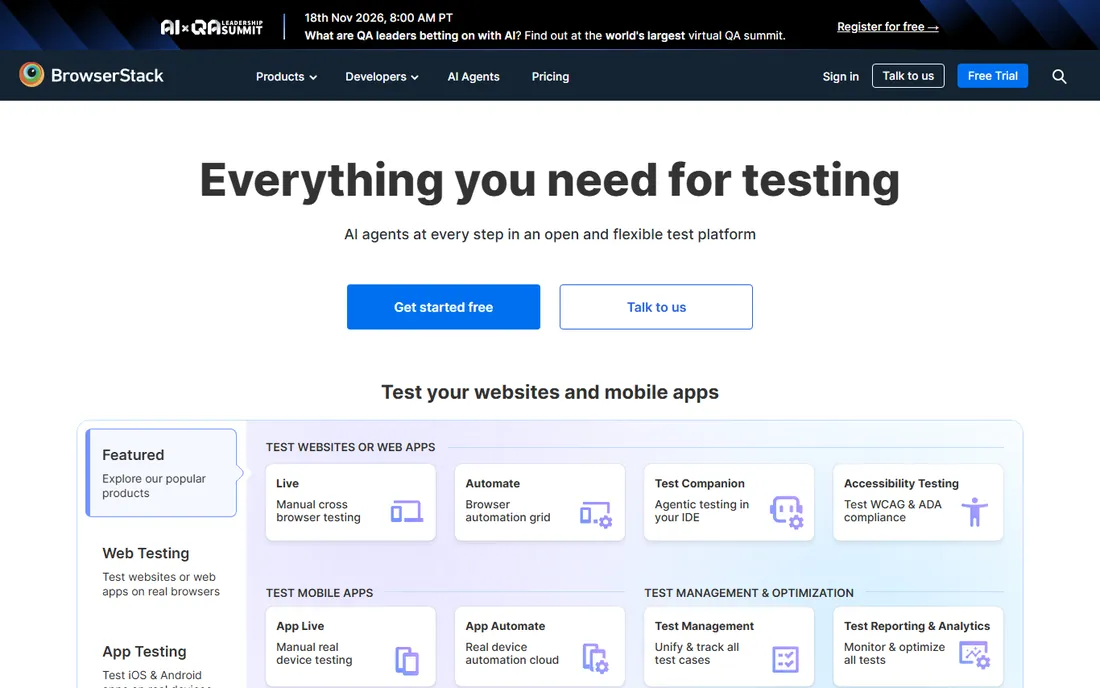
BrowserStack provides real browsers and devices in the cloud for testing: run Selenium, Playwright or Cypress tests across thousands of browser and OS combinations without maintaining any infrastructure. It is the testing infrastructure that teams rent instead of building.
The coverage is the value. No team can maintain hundreds of browser versions and physical devices; BrowserStack offers them on demand. The integrations with every test framework and CI system make adoption easy, and the debugging tools (videos, logs, screenshots) help diagnose failures.
The honest limits are cost and scope. Heavy test suites get expensive, and this is testing infrastructure, not workflow automation. Teams choose it to run their Playwright or Selenium suites at scale. For the testing use case, it is the standard cloud grid.
What we like- Real devices and browsers in the cloud
- No infrastructure
- Huge coverage
Watch out for- Costs scale with usage
- Not a general automation tool
Code vs. no-code: choosing your approach
Code frameworks (Playwright, Selenium, Cypress) give unlimited power and need developers. They suit testing, complex scraping and anything that must run in CI. No-code tools (Bardeen, Octoparse, PhantomBuster) give speed and need no developers. They suit repetitive tasks, research and growth workflows.
The wrong choice wastes months. Non-developers who pick Selenium stall on setup. Developers who pick no-code tools hit walls on complexity. The middle ground, low-code platforms like Katalon and UiPath's Studio, serves mixed teams. Match the tool to who will build and maintain the automations, not just who demos it.
What to check before you buy
Start with the job: testing, scraping or workflow automation. These need different tools, and the wrong category never works out. Second, assess your builders: developers, technical QA or non-technical users. Third, check the target sites: logins, CAPTCHAs, anti-bot measures and terms of service all constrain what automation can do.
Fourth, for testing, verify framework and CI integration. Fifth, for scraping, model the volume cost and the maintenance burden when sites change. Finally, trial with your real target, not the demo site; automation that works on the example and fails on your site is worthless.
How we chose
We compared vendor product pages, documentation and public review sources, then confirmed every homepage was live in October 2026. The browser search tool was unavailable during research, so vendor URLs were sourced from previously verified writer files in this workspace and re-verified with fresh checks. Where we could not verify a vendor-published price we say so. Nothing here reflects hands-on testing; assessments come from documentation, feature lists and public user feedback.
Frequently asked questions
What is the best browser automation tool for beginners?
Bardeen for no-code task automation, Octoparse for no-code scraping. Both have free tiers and visual builders. Developers starting out should learn Playwright, which has the best documentation and developer experience.
Is web scraping legal?
Scraping publicly available data is generally permissible in many jurisdictions, but terms of service, copyright, privacy laws and anti-bot measures complicate it. Consult legal counsel for commercial scraping, respect robots.txt and rate limits, and never scrape personal data without a lawful basis.
Playwright vs. Selenium: which should I choose?
New projects usually choose Playwright for reliability and developer experience. Existing Selenium teams and enterprises with Selenium expertise stay with Selenium. Both are free and excellent; the choice is about team context more than technology.
Can I automate without coding?
Yes. Bardeen automates browser tasks, Octoparse scrapes websites and PhantomBuster runs pre-built growth automations, all without code. For complex logic and scale, code frameworks still win.
How do I avoid getting blocked while scraping?
Use the target site's API when available. Otherwise: respect rate limits, rotate user agents and IPs, handle CAPTCHAs gracefully and scrape politely. Managed platforms like Apify handle much of this infrastructure for you.
Sources we checked (10)
- https://www.selenium.dev
- https://playwright.dev
- https://www.cypress.io
- https://www.uipath.com
- https://www.bardeen.ai
- https://apify.com
- https://www.katalon.com
- https://phantombuster.com
- https://www.octoparse.com
- https://www.browserstack.com
Is your product missing or out of date?
We review this list regularly. Vendors can request a listing, send updated pricing or ask about featured placement.

Shihab Mia · Founder, Rankite
Shihab has spent more than a decade helping SaaS and e-commerce brands grow through search. He writes Rankite's software buying guides from pricing pages, documentation and public user reviews. More about Shihab.