How we make this list: we compare pricing pages, product documentation and public user reviews. Rankite is independent; if a vendor ever pays for a featured spot, that listing is clearly labeled Partner.
Key takeaways
- Figma remains the standard for interface design and prototyping, free for individuals and $16 per editor a month for teams.
- Webflow and Framer let designers publish production websites directly, with site plans from $10 to $25 a month.
- Wix and Squarespace are the fastest path to a live small-business site, trading design freedom for convenience.
- Elementor brings visual design to WordPress, starting free with Pro from $60 a year for a single site license.
- Canva now builds simple websites for free, making it the zero-cost option for basic pages, portfolios, and event sites.
Quick comparison
| Tool | Best for | Starting price | Free plan |
|---|
 Figma Figma | interface design and prototyping | Free | Yes |
 Webflow Webflow | designer-built production sites | Free | Yes |
 Framer Framer | AI-assisted site design | Free | Yes |
 Wix Wix | fast small-business websites | Free | Yes |
 Squarespace Squarespace | design-forward templates | From $19/month (billed annually) | Free trial (14 days) |
 Elementor Elementor | visual design on WordPress | Free | Yes |
 Canva Canva | simple free websites | Free | Yes |
Is your product missing or out of date?
We review this list regularly. Vendors can request a listing, send updated pricing or ask about featured placement.
The best web design software
Starting priceFree
Free planYes
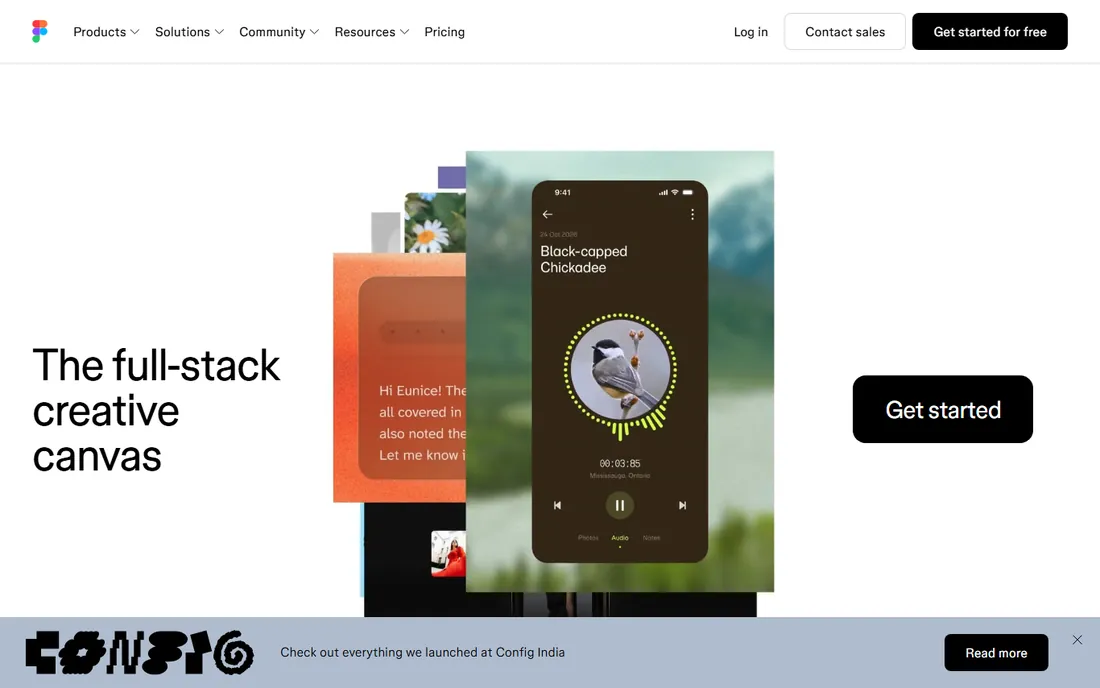
Figma is where most professional web design happens today: a browser-based tool for designing interfaces, building design systems, and prototyping interactions, with real-time collaboration that Google Docs fans will recognize. The free Starter plan covers individuals and small projects; Professional is $16 per full seat a month on annual billing ($20 monthly), with cheaper dev and collab seats. Figma Sites, its newer publishing feature, lets you turn designs into live pages, though it is still maturing compared with dedicated builders.
Figma is a design tool, not a publisher: designs still need to be built in Webflow, Framer, or code, though Figma Sites is closing the gap. The new pricing model charges by seat type rather than a flat editor price, so put developers on dev seats and stakeholders on collab seats instead of paying full price for everyone. For teams that design before they build, Figma is non-negotiable.
What we like- Industry-standard collaboration
- Massive plugin and template ecosystem
- Free Starter plan for individuals
Watch out for- Does not publish production websites on its own
- Per-seat costs add up for teams
- Can feel heavy for simple marketing pages
Starting priceFree
Free planYes
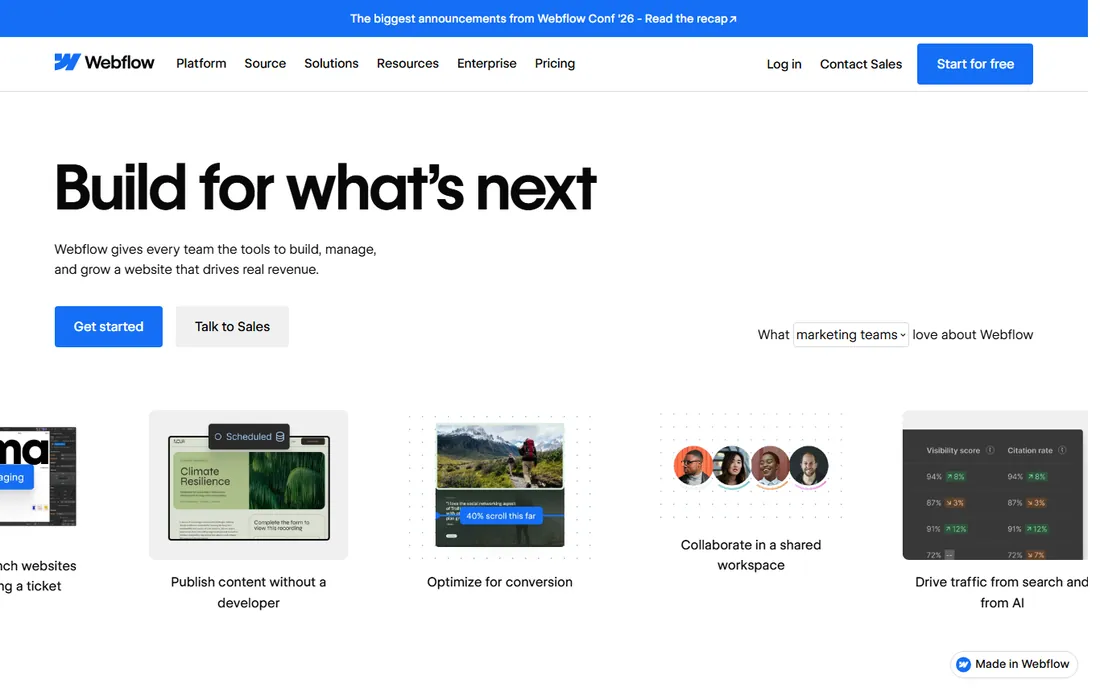
Webflow is the tool for designers who want to ship real websites without writing code: you design visually, and Webflow generates the HTML, CSS, and JavaScript, hosting it all on its own infrastructure. Site plans run from free Starter to Basic at $15 a month and Premium at $25 a month on annual billing, with workspace seats from $19 a month on top. The CMS is the reason most teams stay: content editors get a clean interface while designers keep full visual control.
The catch is the layered pricing: site plans, workspace seats, and add-ons like Optimize and Localize are separate bills. The learning curve is also real. But for marketing sites, portfolios, and content sites where design quality matters, Webflow produces results that rival custom development.
What we like- Visual design that outputs clean production code
- Powerful CMS for content sites
- Free staging on webflow.io
Watch out for- Pricing stacks across site, workspace, and add-ons
- Real learning curve
- Leaving means rebuilding
Starting priceFree
Free planYes
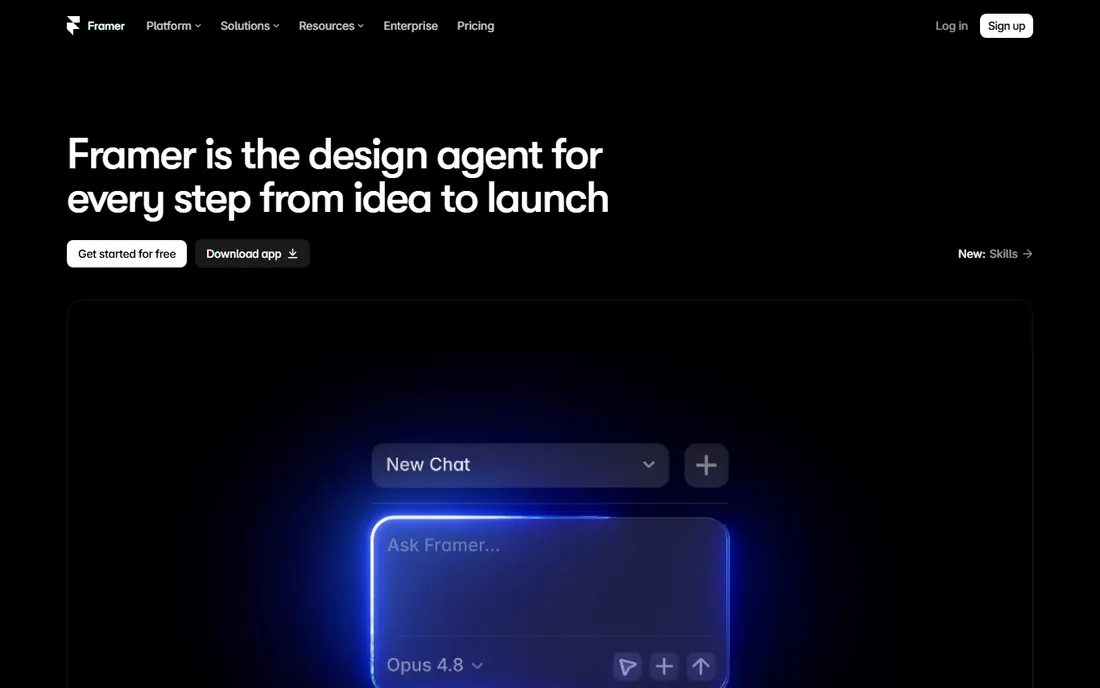
Framer started as a prototyping tool and became a website builder that designers genuinely enjoy: describe a site in a prompt and its AI generates a polished starting point, then refine it in a Figma-like canvas with smooth animations built in. The free plan publishes with Framer branding; site plans run Basic at $10 a month and Pro at $30 a month on annual billing.
The per-site pricing model is the trade-off: every client site needs its own plan, which adds up for agencies. The CMS is functional but thinner than Webflow's, so content-heavy sites should look elsewhere. For designers and startups who want a beautiful site live this week, Framer is the fastest serious option, and its AI generation keeps improving with every release.
What we like- Best-in-class AI site generation from text prompts
- Figma-like interface designers love
- Free plan with no trial period
Watch out for- Per-site pricing gets expensive for agencies
- CMS is limited vs. Webflow
- Editor requires a desktop browser
Starting priceFree
Free planYes
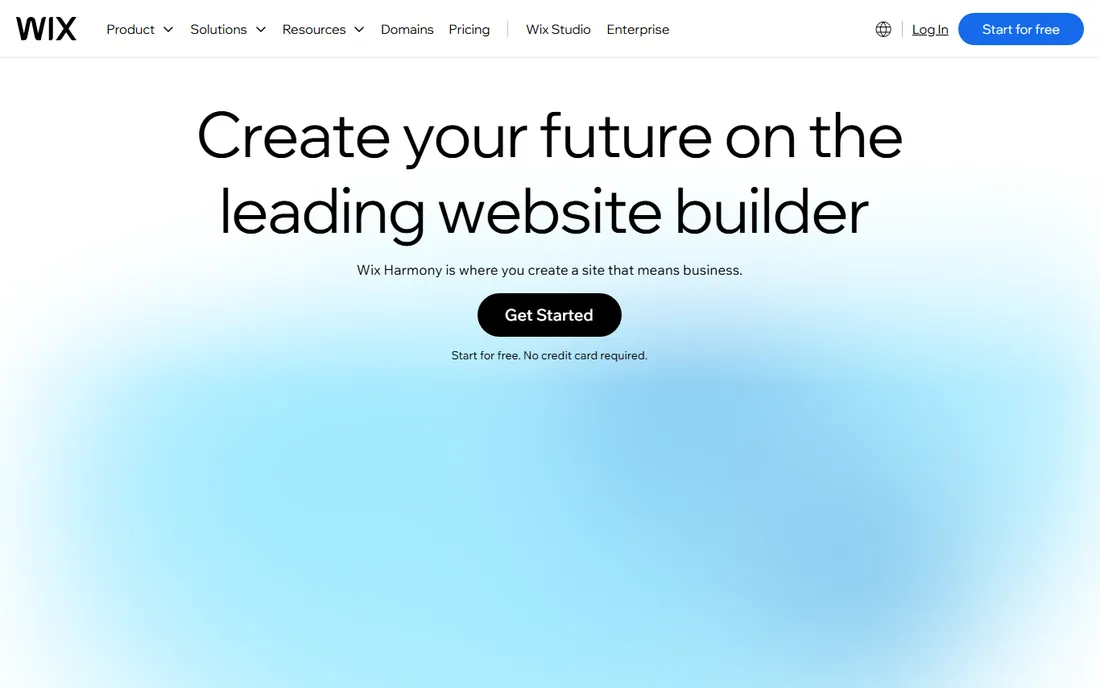
Wix is the fastest route from nothing to a live small-business website: pick a template or let the AI builder generate one, drag elements around, and publish. The free plan works with Wix branding; paid plans start at $17 a month billed annually with a custom domain and no ads.
Wix trades design freedom for speed: you will not match a Webflow custom build, and changing templates mid-stream means rebuilding. But for restaurants, local services, and portfolios that need to look professional quickly, nothing is faster. The built-in business tools for bookings, payments, and email marketing add real value beyond the website itself.
What we like- Drag-and-drop editor with 2,000+ templates
- AI site builder generates full sites
- Free plan available
Watch out for- Design flexibility has limits
- SEO historically weaker than rivals
- Switching templates requires rebuilding
Starting priceFrom $19/month (billed annually)
Free planFree trial (14 days)
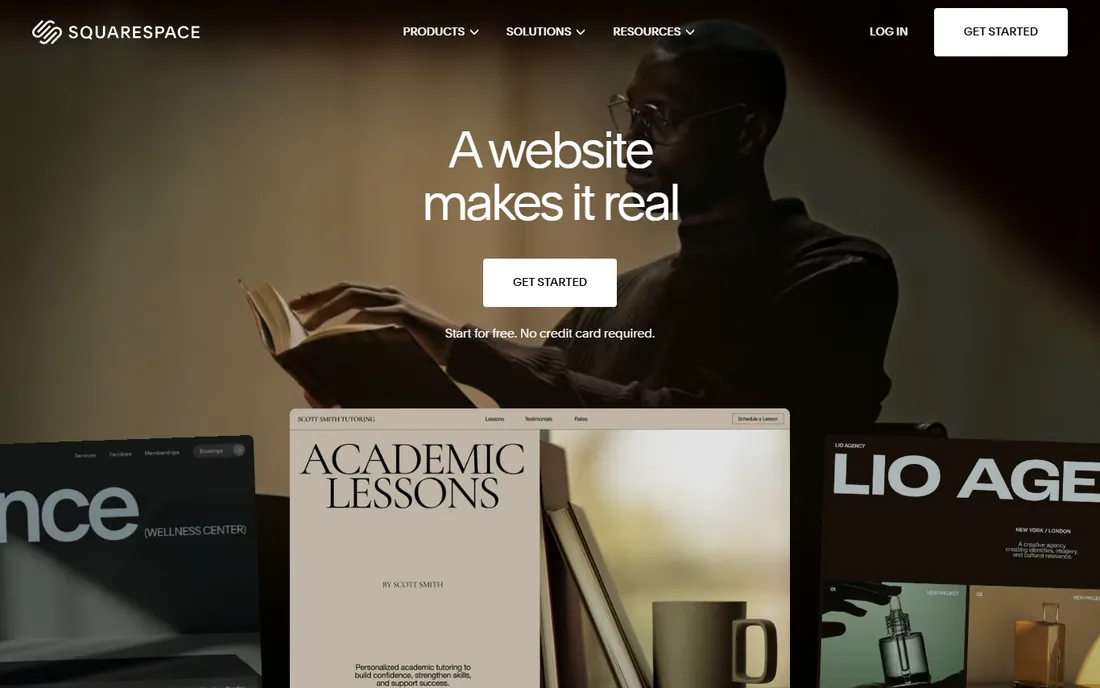
Squarespace is the choice when aesthetics lead: its templates and typography consistently outclass competitors, and the editor is calm and guided rather than overwhelming. Plans start at $19 a month billed annually for Basic, with Core at $29 and higher tiers for commerce. All plans include hosting, SSL, and a free domain for the first year.
The trade-offs are flexibility and price: no free plan, a smaller extension ecosystem, and a customization ceiling. For creatives, consultants, and boutiques where the site is the brand, Squarespace delivers the most polished result per hour of effort. The 14-day trial is enough to build a complete site before you pay.
What we like- The best-looking templates in the industry
- Solid blogging and commerce built in
- Hosting and SSL included
Watch out for- No free plan
- Limited third-party extensions
- Customization ceiling below Webflow
Starting priceFree
Free planYes
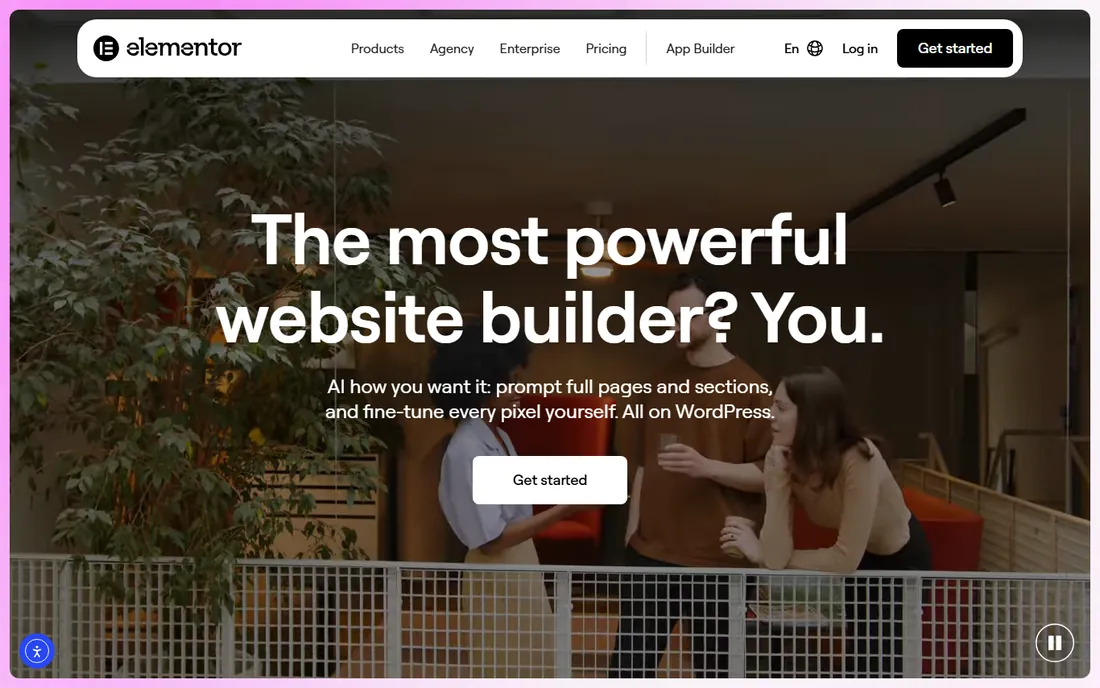
Elementor is the visual page builder that made WordPress designable without code: drag-and-drop editing, a theme builder for headers and footers, popups, forms, and WooCommerce customization. The free plugin covers basic pages; Pro starts at $60 a year for one site, with higher tiers for multiple sites.
You still need WordPress hosting and you still own maintenance, and heavy Elementor builds can hurt performance. But for the millions of businesses already on WordPress, Elementor is the natural design layer, far more capable than the default block editor. The version 4 editor rebuild promises better performance, so keep the plugin updated.
What we like- Full visual control inside WordPress
- Free version is genuinely capable
- Pro adds theme and popup builders
Watch out for- Requires WordPress hosting
- Can slow sites if overused
- Pro is an annual subscription
Starting priceFree
Free planYes
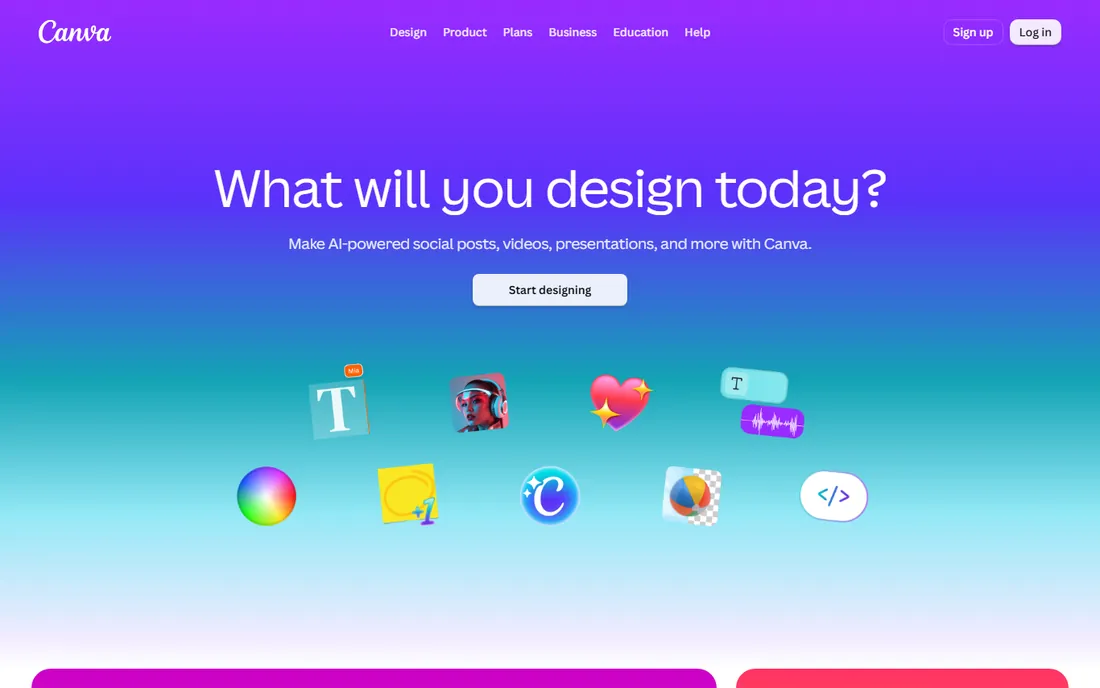
Canva Websites is the surprise entry: the design tool you use for graphics now publishes simple one-page sites for free, up to five of them, with a Canva subdomain. Pro at $180 a year ($15 a month) adds custom domains and removes branding, and you get the full Canva design suite included.
This is not a tool for real websites: no blog, no store, no CMS. But for event pages, simple portfolios, and link-in-bio style pages, it is free and takes minutes. If you already pay for Canva Pro, the websites are a bonus that costs you nothing extra.
What we like- Completely free for up to five simple sites
- The easiest builder here by far
- Huge template and asset library
Watch out for- Very limited web features
- Not suitable for blogs or commerce
- Canva branding on free sites
Figma designs; Webflow, Framer, Wix, Squarespace, Elementor, and Canva publish. The right workflow depends on your team: solo founders and small businesses should design directly in a builder and skip the design-tool step entirely. Design teams and agencies should design in Figma and build in Webflow or Framer, with a clear handoff process. Mixing the two without a clear handoff is where projects stall, so decide who owns the design file and who owns the live site before you start.
How to choose web design software
Start with your output: a live site this week means Wix, Squarespace, Framer, or Canva. A custom marketing site means Webflow or Framer. A WordPress site means Elementor. A design system for a product team means Figma. Then check the true cost: per-site pricing punishes agencies managing many clients, per-seat pricing punishes teams, and free plans punish you with branding. Trial your top two with a real page before committing, and check template quality in your specific industry before you fall in love with a platform.
How we chose
We compared web design tools using vendor pricing pages and official documentation, alongside public reviews on G2, Capterra, and designer communities. We weighed design capability, publishing quality, pricing models, learning curve, and fit for small teams and freelancers. We treated design-only tools and publishing platforms as different categories rather than direct competitors. We did not perform hands-on testing.
Frequently asked questions
What is the best web design software for beginners?
Wix is the easiest path to a real website, and Canva is the easiest for a simple page. Both have free tiers. Framer is the best beginner option that still produces professional results, especially for designers already comfortable with Figma.
Is Figma better than Webflow?
They do different jobs. Figma is for designing interfaces and prototypes; Webflow is for building and publishing live websites. Many teams use both: design in Figma, build in Webflow. Framer sits between them, handling both design and publishing for simpler sites.
Can I design a website for free?
Yes. Figma, Webflow, Framer, Wix, Elementor, and Canva all have free tiers. Free plans usually mean platform branding, subdomains, and feature limits, but they are real and usable. For a professional result you will eventually want a paid plan with a custom domain.
Which is better, Wix or Squarespace?
Wix is faster and more flexible with its drag-and-drop editor and AI builder; Squarespace produces more polished, design-forward results. Choose Wix for speed and features, Squarespace for aesthetics. Both are far easier than learning Webflow for a first website.
Do I need to know code to use these tools?
No. All seven are built for non-coders. Webflow and Framer reward some HTML and CSS knowledge for advanced work, but you can ship professional sites without writing code. Elementor benefits from basic CSS familiarity for fine-tuning, though it is optional.
Can I move my site from one builder to another?
Rarely easily. Most builders are closed ecosystems: moving usually means rebuilding from scratch. Webflow allows code export on paid workspace plans, and WordPress-based sites are the most portable of all. This is why the platform decision matters upfront.
Sources we checked (7)
- https://www.figma.com/pricing/
- https://www.thecssagency.com/blog/is-webflow-worth-it-for-small-business
- https://www.framer.com/pricing
- https://www.wix.com/blog/how-much-does-a-website-builder-cost
- https://www.squarespace.com/pricing
- https://elementor.com/pricing/
- https://www.canva.com/pricing/
Is your product missing or out of date?
We review this list regularly. Vendors can request a listing, send updated pricing or ask about featured placement.

Shihab Mia · Founder, Rankite
Shihab has spent more than a decade helping SaaS and e-commerce brands grow through search. He writes Rankite's software buying guides from pricing pages, documentation and public user reviews. More about Shihab.