How we make this list: we compare pricing pages, product documentation and public user reviews. Rankite is independent; if a vendor ever pays for a featured spot, that listing is clearly labeled Partner.
Key takeaways
- Offline website builders let you design on your own machine and publish anywhere, so you are not locked into a subscription or a hosted platform.
- Mobirise and Nicepage are the friendliest free starting points; Pinegrow and Dreamweaver serve people who want full control over the code.
- Mac users get two purpose-built options in Blocs and RapidWeaver Elements, while Bootstrap Studio covers Windows, Mac, and Linux.
- Sparkle has been renamed to Sitely and now spans Mac and iPad; your old Sparkle projects still open in it.
Quick comparison
| Tool | Best for | Starting price | Free plan |
|---|
 Mobirise Mobirise | Beginners wanting a free drag-and-drop builder | See website | Yes |
 Nicepage Nicepage | Template lovers on Windows or Mac | See website | Yes |
 Bootstrap Studio Bootstrap Studio | One-time purchase for Bootstrap sites | $29 one-time | No |
 Pinegrow Pinegrow | Designers who also want code access | $49.50/year | Free trial (7 days) |
 Blocs Blocs | Mac users building Bootstrap sites visually | $112.99 one-time | Yes |
 Sitely (formerly Sparkle) Sitely (formerly Sparkle) | Mac and iPad users who sketch freely | See website | See website |
 RapidWeaver Elements RapidWeaver Elements | Mac users wanting a modern visual builder | $149 one-time | See website |
 Adobe Dreamweaver Adobe Dreamweaver | Creative Cloud subscribers needing pro tools | See website | See website |
Is your product missing or out of date?
We review this list regularly. Vendors can request a listing, send updated pricing or ask about featured placement.
The best offline website builder software
Some people pick a website builder because they never want to think about code, hosting, or subscriptions. They want an app, a blank page, and a publish button. Others want the opposite: a tool that hands them clean files they can inspect, edit, and host anywhere they like. Offline builders serve both camps, and the eight below cover the range from free and simple to professional and precise.
Starting priceSee website
Free planYes
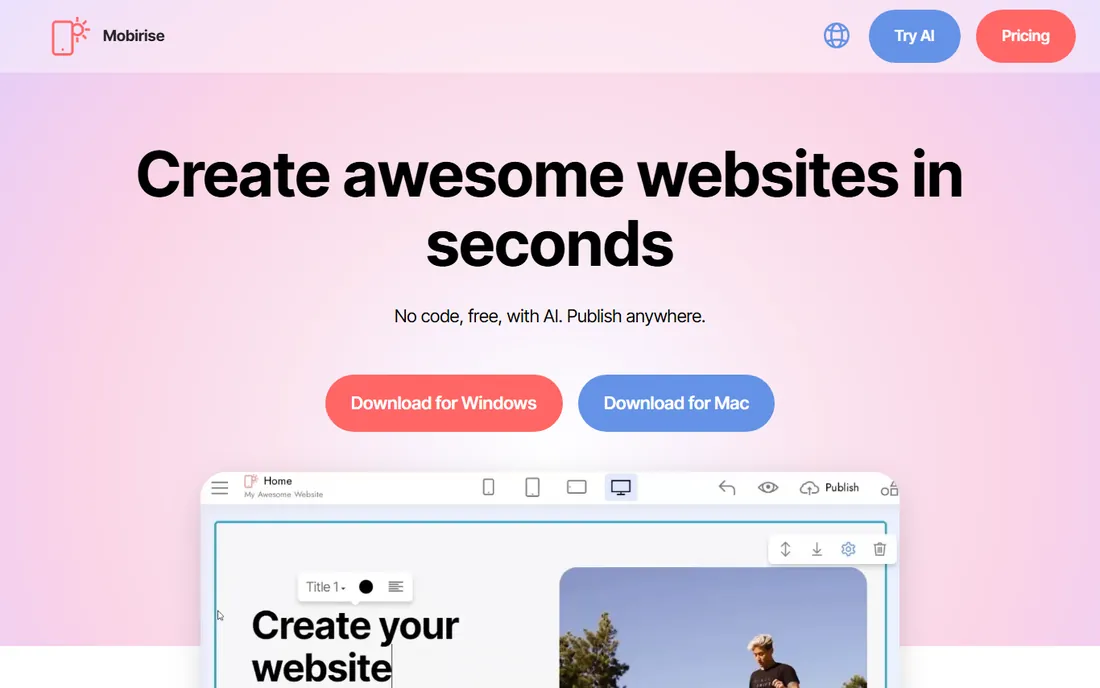
Mobirise is the easiest free way into offline website building. You download the app, drag pre-made blocks onto a page, adjust the content, and publish the resulting HTML to any host you like. The block library is the selling point: with thousands of headers, galleries, pricing tables, and forms to combine, a beginner can assemble a credible business site in an afternoon.
The free version goes further than most free tiers, which is why Mobirise has stayed popular for years. The catch is the upsell structure. Premium themes and extensions, the code editor, the form builder, the PayPal cart, are sold separately or as a bundle, so the price of a fully featured setup is higher than "free" suggests. Still, as a starting point that you own outright and can take anywhere, it is hard to beat.
What we like- Genuinely free core app for Windows and Mac
- Thousands of blocks and templates
- Publishes to your own hosting
Watch out for- The best themes and extensions cost extra
- Sites can look template-like without customization
- No built-in CMS
Starting priceSee website
Free planYes
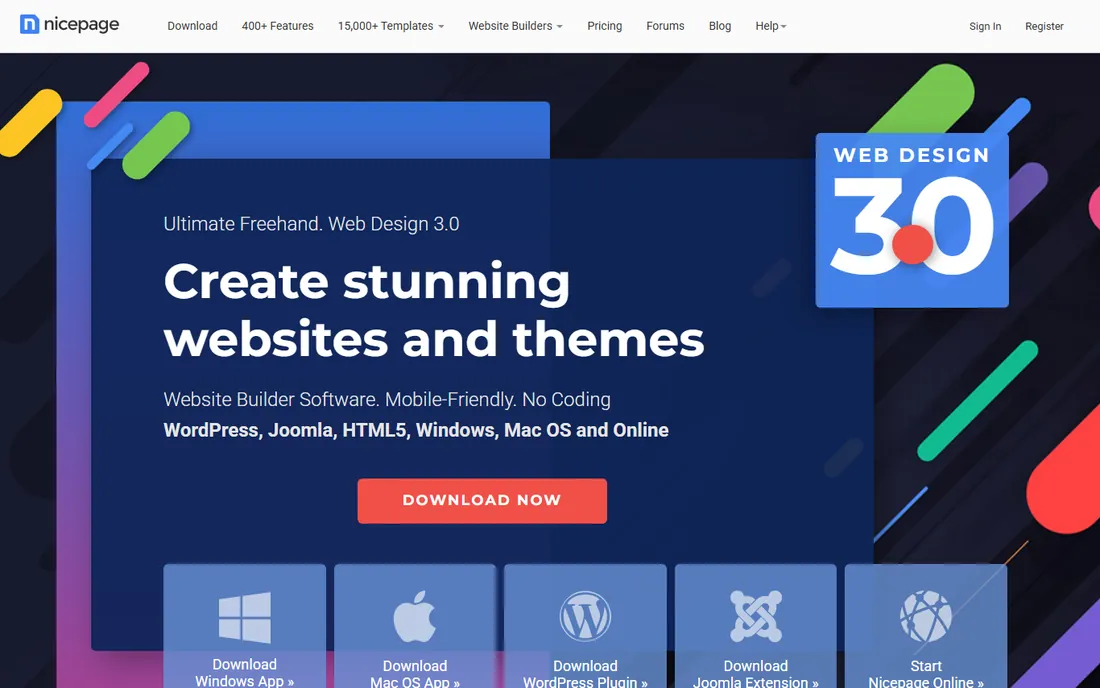
Nicepage pitches itself as freehand web design: you place elements exactly where you want them rather than snapping everything to a grid. That freedom is the main reason designers pick it over block-based builders. The template library is enormous, with thousands of page and block designs across business categories, and the desktop apps for Windows and Mac work offline.
Beyond the desktop app, Nicepage also ships as a WordPress plugin and Joomla extension, so you can design visually inside a CMS you already run. The free version has real limits that push serious users toward a paid plan, and the exported HTML carries more code weight than hand-built pages. For people who think in layouts rather than in blocks, though, the creative control is worth the learning curve.
What we like- Huge library of over 10,000 templates
- Desktop apps plus WordPress and Joomla plugins
- Precise freehand positioning
Watch out for- Free version is restricted
- Exported code can be verbose
- Learning the interface takes time
Starting price$29 one-time
Free planNo
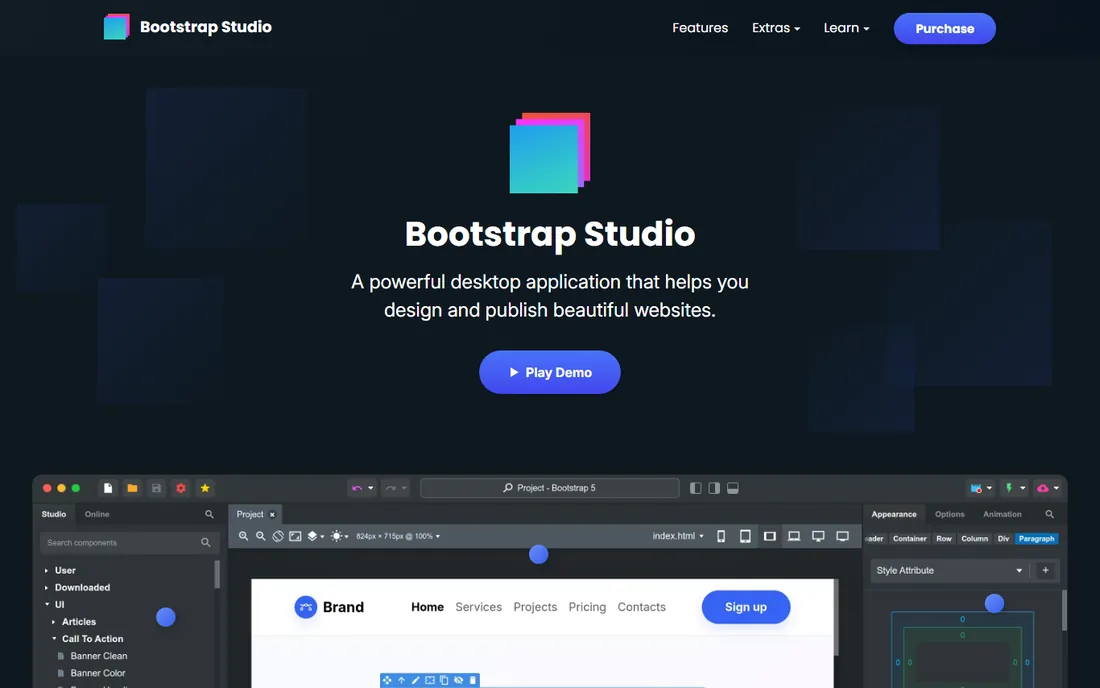
Bootstrap Studio takes the rarest pricing stance in this category: you pay once and own it forever, with no monthly fees or usage limits. For $29, you get a polished desktop app for Windows, Mac, and Linux that builds responsive Bootstrap sites through drag and drop. The sites it produces load fast and are built with current web standards, which matters if performance and search visibility are priorities.
The tradeoff is focus. Everything here revolves around Bootstrap, so if you want a different framework or a fully freeform canvas, this is not your tool. There is also no free tier, though $29 is low enough that most buyers will not hesitate. For freelancers and small businesses that build client sites on Bootstrap and resent subscriptions, it is one of the best values in desktop web design.
What we like- Single $29 payment, no subscription
- Clean Bootstrap-based output
- Fast, responsive sites with SEO in mind
Watch out for- Tied to the Bootstrap framework
- No free plan
- Smaller template ecosystem than bigger rivals
Starting price$49.50/year
Free planFree trial (7 days)
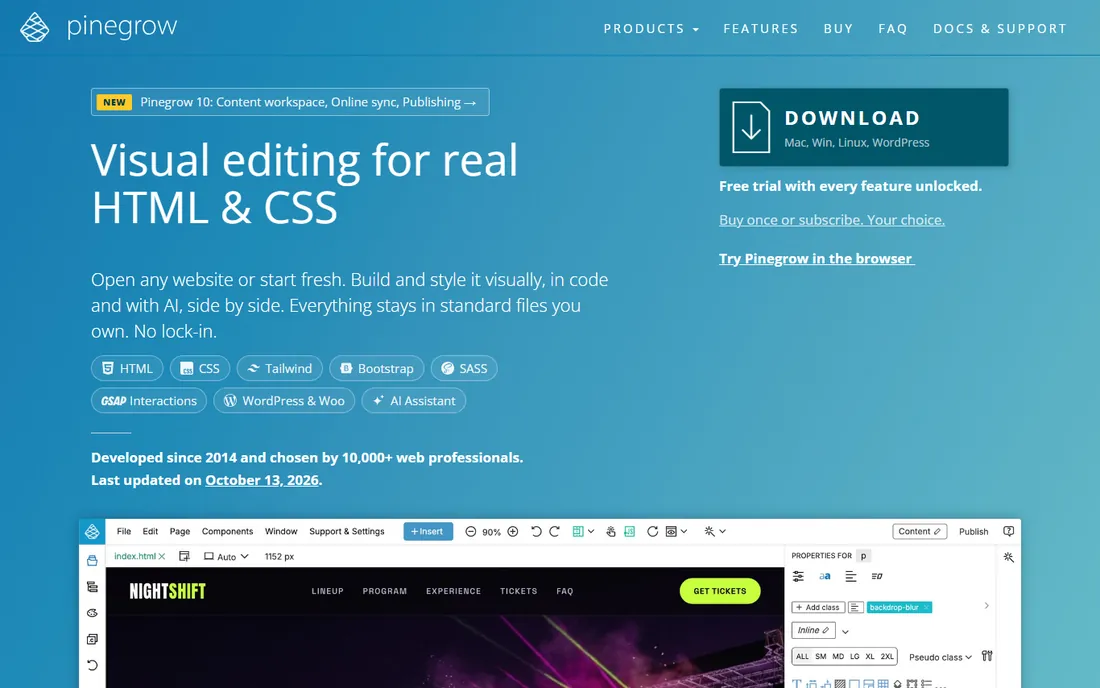
Pinegrow sits at the professional end of offline builders. Unlike tools that hide the code behind an abstraction, it edits your actual HTML and CSS files, visually or directly, and plays nicely with AI coding agents and VS Code through two-way sync. Visual editors for Bootstrap and Tailwind CSS, live SASS styling, and multi-device preview make it a genuine design tool rather than a template assembler.
The WordPress theme builder is a standout: you can turn any HTML design into a production-ready WordPress theme with Gutenberg blocks, or build a WooCommerce shop, all from the desktop app. Pricing is subscription-based at $49.50 per year at the current discount, with a one-time license option also available, plus paid add-ons for interactions. Beginners may find it intimidating, but for designers and developers who want offline power without surrendering their code, Pinegrow is the most capable option here.
What we like- Edits real HTML and CSS, no lock-in
- Visual editors for Bootstrap and Tailwind
- Builds production WordPress themes
Watch out for- Subscription pricing for the latest version
- Steeper learning curve than drag-and-drop builders
- Interactions add-on costs extra
Starting price$112.99 one-time
Free planYes
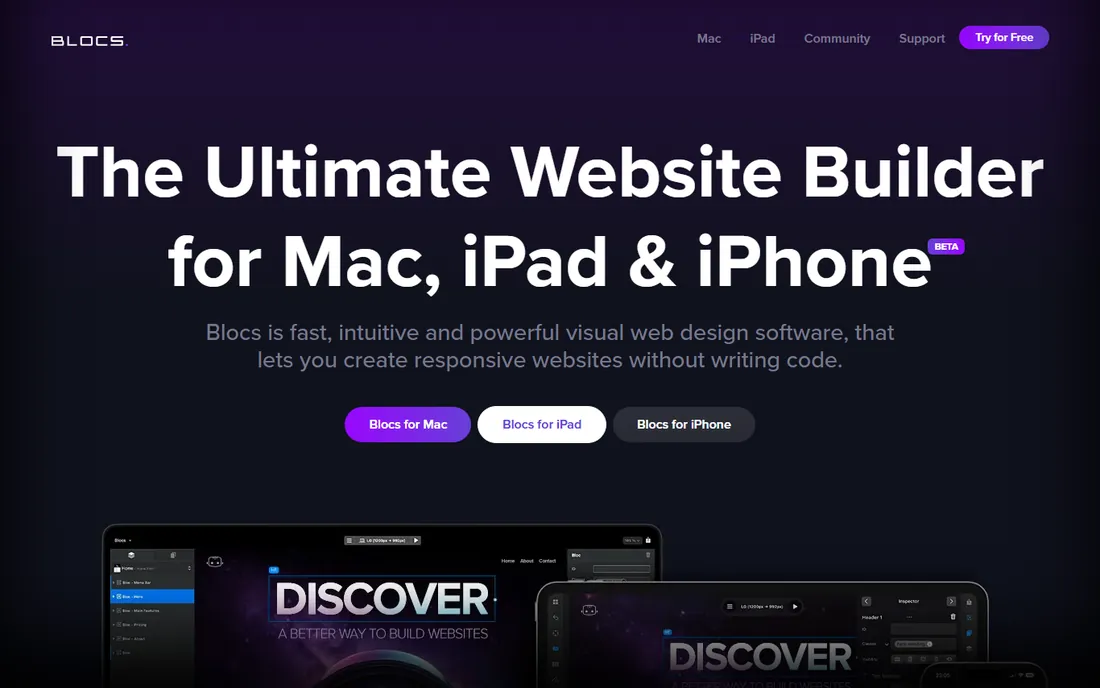
Blocs is a Mac-native visual builder that has earned a loyal following among designers who want Bootstrap sites without writing code. The pricing page is refreshingly honest: a free tier lets you build unlimited sites, Standard at $112.99 one-time adds exporting and publishing, and Plus at $179.99 adds WordPress theme building and advanced SEO tools. No subscriptions anywhere, which is a deliberate selling point.
The app works offline, supports Bootstrap 4 and 5, and feels like proper Mac software with dark mode and native performance. A free trial-style free tier means you can design your whole site before paying anything, and only pay when you need to export or publish. The limitation is platform: there is no Windows version, so mixed-OS teams are out of luck. For solo Mac users and small studios, it is one of the most pleasant builders available.
What we like- One-time purchase, no subscription
- Works fully offline
- Plus edition builds WordPress themes
Watch out for- Mac only
- Exporting and publishing need the paid Standard tier
- Advanced features cost more
Starting priceSee website
Free planSee website
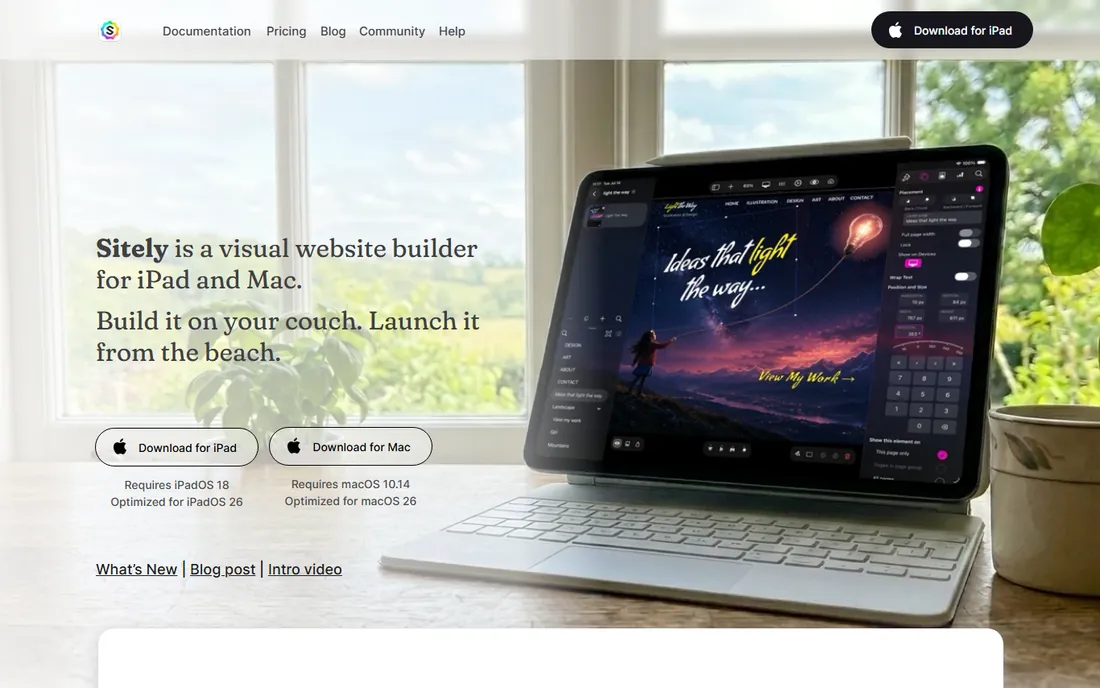
If you know Sparkle, the visual Mac website builder, meet Sitely: the same product under a new name, now with a native iPad app alongside the Mac version. The philosophy has not changed. Instead of blocks or grids, you get a freeform canvas where you place text, images, and shapes exactly where you want them, and the app turns your layout into HTML. Apple Pencil support lets you sketch and annotate directly on the iPad.
Sites built in Sitely are genuinely fast, with no heavy loading screens, and the built-in Website Assistant helps with search basics. Payments, bookings, blogs, and animations are all included rather than bolted on. The catch is the ecosystem: it is Apple-only, so Windows users should look elsewhere, and the rename means older "Sparkle" reviews describe the same product. For visual thinkers on Mac or iPad who hate templates, it remains a distinctive choice.
What we like- True freeform canvas, move anything anywhere
- Native iPad app with Apple Pencil support
- Fast, lightweight published sites
Watch out for- Apple platforms only
- Renamed from Sparkle, which confuses old reviews
- Template library is modest
Starting price$149 one-time
Free planSee website
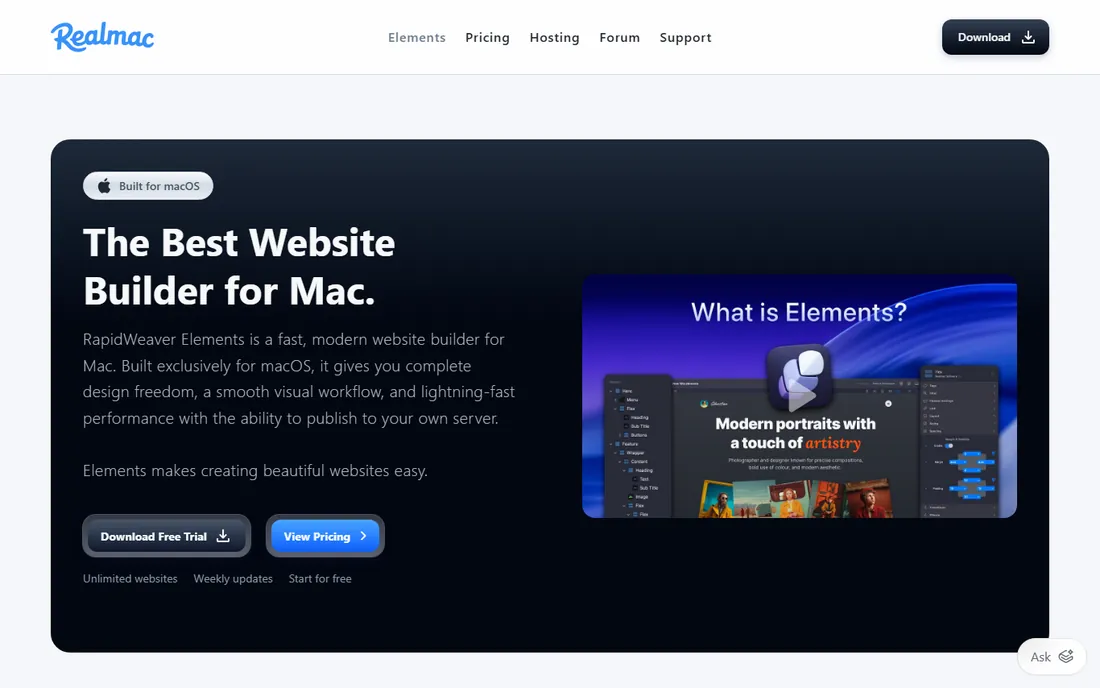
RapidWeaver has been a Mac web design staple for two decades, and Elements is its modern successor: a native macOS app built around Tailwind CSS with a fully visual editor. You design with components, manage content through a built-in Markdown CMS, and publish with the integrated FTP client to any host, including Amazon S3. Automatic sitemaps, clean URLs, and Open Graph tags cover the SEO basics.
At $149 one-time, it is the most expensive single purchase on this list, though still cheaper than two years of a typical hosted builder subscription. Weekly updates show active development, and the Elements language plus developer API let technical users build custom components. The main risk is youth: Elements is newer than classic RapidWeaver, so the third-party theme and plugin ecosystem is still catching up. Mac loyalists who want pro-grade control will find a lot to like.
What we like- Built natively for macOS with Tailwind CSS
- Built-in FTP publishing to any host
- Markdown CMS and component library included
Watch out for- Mac only
- $149 is the priciest one-time option here
- Newer product with a smaller community
#8
Adobe Dreamweaver
Best for: Creative Cloud subscribers needing pro tools
Visit adobe.com
Starting priceSee website
Free planSee website
Dreamweaver is the veteran of this list, in continuous development since 1997, and it shows in both good and bad ways. As a website design IDE, it offers a smart coding engine with hints for HTML, CSS, and JavaScript, Live View editing where you adjust text and classes directly on the rendered page, Git support, and starter templates for emails, blogs, portfolios, and ecommerce pages. Creative Cloud integration pulls assets straight from your libraries and Adobe Stock.
The honest assessment is that Dreamweaver makes most sense if you already pay for Creative Cloud. As a standalone purchase it is subscription-only, and for simple brochure sites the tools above get you there faster. Where it still earns its place is in professional workflows: hand-coding with visual aids, managing dynamic sites, and teams already living in Adobe's ecosystem. It is the least "builder-like" option here, and for some buyers that is exactly the point.
What we like- Full code editor with live preview
- Git integration and multi-monitor support
- Starter templates for common page types
Watch out for- Subscription-only through Creative Cloud
- Overkill for simple sites
- Interface carries decades of legacy complexity
How we chose
We looked for desktop applications that build real websites you can publish to your own hosting, not hosted platforms with a desktop wrapper. Each tool's official homepage was opened to confirm it is current, correctly named, and still sold; that check caught Sparkle's rename to Sitely and RapidWeaver's move to the Elements edition. Pricing comes from the vendors' own pages where shown, and is marked "See website" where the homepage did not display it. We weighed platform coverage, pricing model, code ownership, and fit for non-technical users, drawing on documentation, user communities, and public reviews. No hands-on testing was performed.
Matching the builder to your situation
Start with your operating system, because half this list is platform-specific. On a Mac, Blocs, Sitely, and RapidWeaver Elements are all strong, with Blocs the best value and Elements the most powerful. On Windows, Mobirise, Nicepage, and Bootstrap Studio cover the free, template-heavy, and one-time-purchase angles respectively. On Linux, Pinegrow and Bootstrap Studio are your realistic options.
Decide how much code you want to see
This is the real dividing line. Mobirise, Nicepage, Blocs, and Sitely are for people who want to think in layouts and never look at code. Pinegrow and Dreamweaver are for people who want the code to remain theirs, editable and portable. Bootstrap Studio sits in the middle: visual building on top of a framework you can learn as you go. Be honest about which camp you are in, because buying a pro tool you find intimidating is worse than buying a simple tool you outgrow.
Count the total cost, not the headline price
Free apps with paid extensions, like Mobirise and Nicepage, can end up costing more than a $29 or $112.99 one-time purchase once you add the pieces you need. Subscriptions like Pinegrow's keep you current but never end. Write down what you actually need, extensions, exporting, publishing, then compare totals over two or three years before deciding.
Why offline still matters in 2026
Hosted builders are convenient until they raise prices, change features, or shut down, and then your website is hostage to their roadmap. An offline builder produces files you own, on a machine you control, publishable to any host on earth. That independence is the whole point of this category. It also means your costs are predictable: a one-time purchase or a modest subscription replaces a monthly fee that compounds forever. For freelancers building client sites, it means delivering a finished product with no ongoing platform dependency attached. The tools have matured enough that "offline" no longer means "primitive." It just means yours.
Frequently asked questions
What is the best free offline website builder?
Mobirise offers the most capable free core app for Windows and Mac, with a genuinely usable builder at no cost. Nicepage also has a free version, though it is more restricted. Both make money on premium themes and extensions.
Can I publish sites from these tools to my own hosting?
Yes, that is the defining feature of the category. Mobirise, Bootstrap Studio, Pinegrow, Blocs, Sitely, and RapidWeaver Elements all export standard files you can upload to any web host via FTP or your host's file manager.
What happened to Sparkle?
Sparkle, the Mac visual website builder, was renamed to Sitely and expanded to iPad with Apple Pencil support. It is the same product line under a new name, and existing Sparkle projects open in Sitely.
Is RapidWeaver still available?
Yes, as RapidWeaver Elements, a rebuilt native Mac app using Tailwind CSS. It replaces the classic RapidWeaver for new buyers at $149 one-time, with weekly updates and a built-in store for third-party components.
Do any of these work on Linux?
Pinegrow and Bootstrap Studio both support Linux alongside Windows and Mac. The Mac-only tools (Blocs, Sitely, RapidWeaver Elements) and Windows-first options (Mobirise, Nicepage) do not.
Which offline builder is best for WordPress themes?
Pinegrow's WordPress builder creates production-ready themes with Gutenberg blocks, and Blocs Plus also builds WordPress themes. Nicepage works as a WordPress plugin for visual design inside the CMS.
Sources we checked (10)
- https://mobirise.com/
- https://nicepage.com/
- https://bootstrapstudio.io/
- https://pinegrow.com/
- https://blocsapp.com/
- https://blocsapp.com/pricing/
- https://sparkleapp.com/
- https://www.realmacsoftware.com/rapidweaver/
- https://www.adobe.com/products/dreamweaver.html
- https://www.webnots.com/mobirise-bootstrap-website-builder-review/
Is your product missing or out of date?
We review this list regularly. Vendors can request a listing, send updated pricing or ask about featured placement.

Shihab Mia · Founder, Rankite
Shihab has spent more than a decade helping SaaS and e-commerce brands grow through search. He writes Rankite's software buying guides from pricing pages, documentation and public user reviews. More about Shihab.