How we make this list: we compare pricing pages, product documentation and public user reviews. Rankite is independent; if a vendor ever pays for a featured spot, that listing is clearly labeled Partner.
Key takeaways
- Bright Data and Oxylabs win when the target site is protected and the volume is high, but both need real budget and patience for onboarding.
- Apify and Firecrawl are the fastest routes to working data for developers: prebuilt scrapers and clean Markdown output, both with usable free tiers.
- Octoparse and ParseHub remain the best picks for non-developers who need visual, no-code extraction, though serious scheduling sits behind paid plans.
- Scrapy is still the right call for Python teams with more engineering time than money, and Zyte is the natural paid upgrade for those same teams.
- Watch the billing unit before you commit: records, credits, rows and tasks all price very differently at scale.
Quick comparison
| Tool | Best for | Starting price | Free plan |
|---|
 Bright Data Bright Data | Protected sites at enterprise scale | $1.50 per 1,000 records (Scraper API, pay as you go) | Free tier (5,000 records/month) |
 Apify Apify | Ready-made scrapers from a marketplace | $19 per month (Starter) | Yes ($5 monthly usage credit) |
 Octoparse Octoparse | No-code visual scraping for operators | $69 per month (Standard, billed annually) | Yes (10 local tasks) |
 ParseHub ParseHub | Desktop visual scraping of dynamic sites | $189 per month (Standard) | Yes |
 Firecrawl Firecrawl | AI and RAG pipelines needing clean Markdown | $19 per month (Hobby, billed monthly; $16 billed annually) | Yes (1,000 credits/month) |
 ScrapingBee ScrapingBee | Simple scraping API for developers | $49 per month (Freelance) | Free trial (1,000 credits) |
 Zyte Zyte | Scrapy-native teams needing unblocking | Pay as you go from $0.13 per 1,000 HTTP responses | Free trial ($5 credit for 30 days) |
 Diffbot Diffbot | AI extraction plus a knowledge graph | $299 per month (Startup) | Yes (10,000 credits) |
 Oxylabs Oxylabs | Enterprise proxy-backed scraping | $49 per month (Web Scraper API) | Free trial |
 Scrapy Scrapy | Free Python framework for full control | Free (open source) | Yes (open source) |
Is your product missing or out of date?
We review this list regularly. Vendors can request a listing, send updated pricing or ask about featured placement.
Starting price$1.50 per 1,000 records (Scraper API, pay as you go)
Free planFree tier (5,000 records/month)
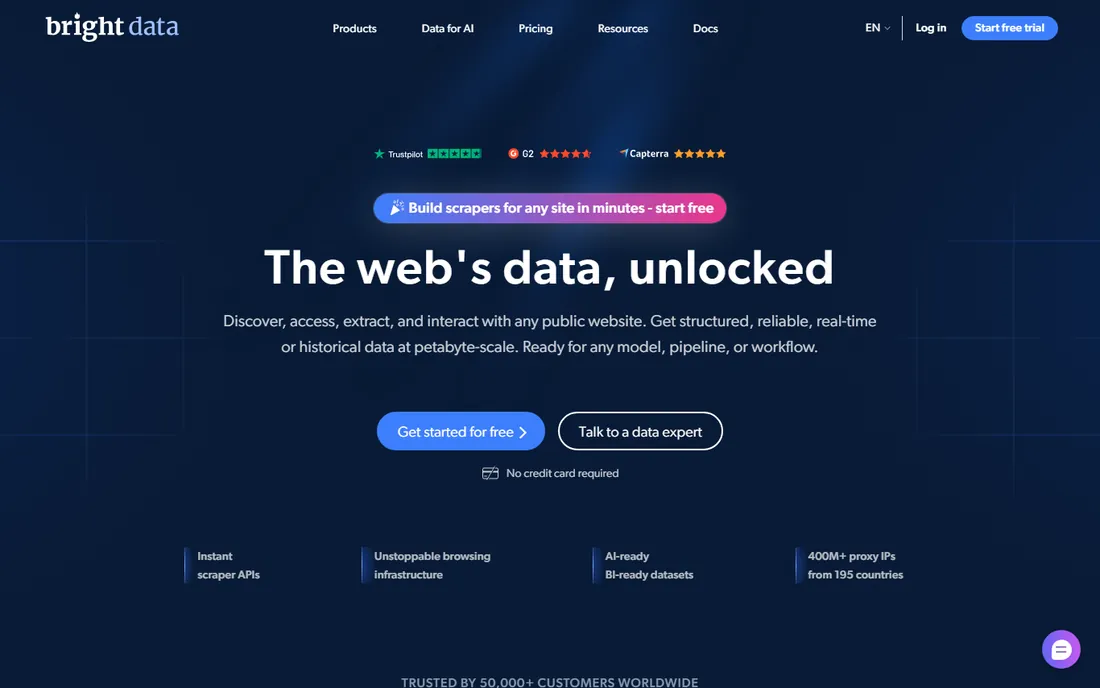
When the target site fights back, most scraping projects stop being about parsing and start being about access. That is the problem Bright Data sells against. The platform spans residential proxies, an unblocking service that handles CAPTCHAs and bot checks, and site-specific Scraper APIs that return structured records, so a team can buy whichever layer is actually blocking them.
The honest catch is cost and complexity. Per-record and per-gigabyte charges climb quickly at volume, and choosing between the proxy, unblocking and scraper products takes real evaluation. New accounts also go through identity checks before serious use. Bright Data fits enterprises for whom failed scrapes cost more than the tool.
What we like- Huge proxy network with strong success rates
- Separate products for proxies, unblocking and structured records
- Site-specific scrapers maintained by the vendor
Watch out for- Premium pricing that adds up fast
- Complex product lineup with different billing units
- Onboarding involves compliance checks that slow down first use
Starting price$19 per month (Starter)
Free planYes ($5 monthly usage credit)
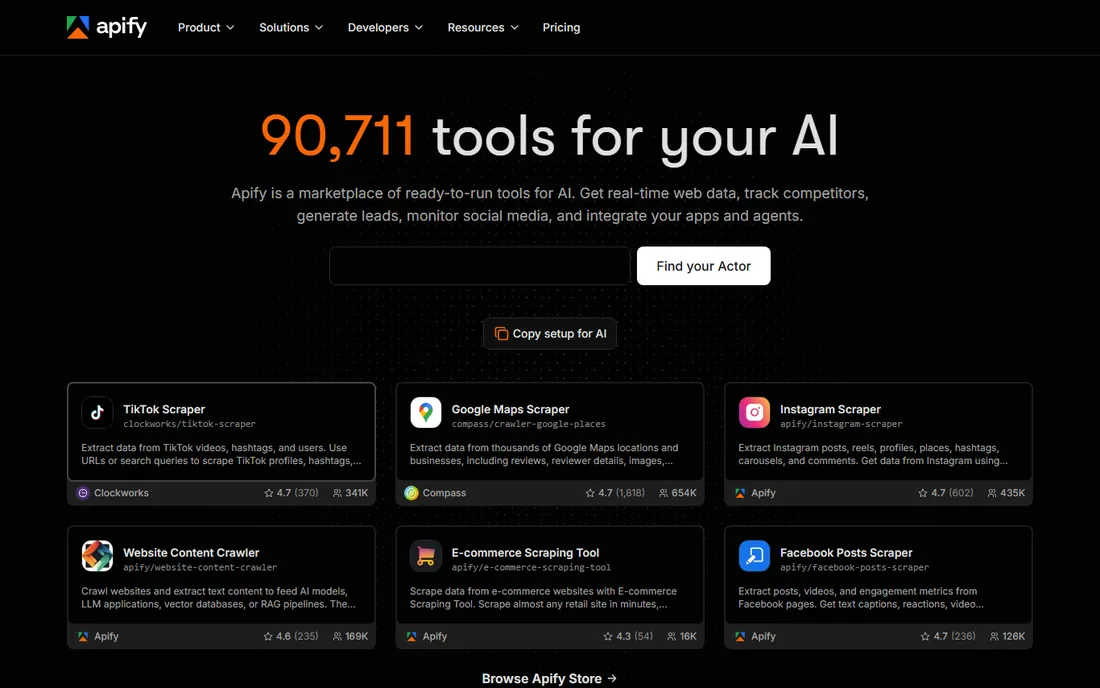
Apify looks less like a scraper and more like an app store for scrapers. Instead of building extraction logic, you pick a prebuilt Actor for the site you need, configure inputs, and run it on Apify's cloud with scheduling and storage included. For common targets like Google Maps or e-commerce sites, a maintained Actor can replace weeks of development and proxy management.
The catch is that the marketplace model cuts both ways. Official Apify Actors are generally solid, but community Actors vary in maintenance and documentation, so test before trusting one in production. Pricing is usage-based with compute units, which makes small pilots cheap and large jobs harder to predict.
What we like- Thousands of prebuilt scrapers (Actors) in a marketplace
- Generous free tier with $5 of monthly usage
- Scheduling, storage and API access included
Watch out for- Actor quality varies since many are community-built
- Usage-based pricing is hard to forecast for new workloads
- Platform fees stack on top of Actor charges
Starting price$69 per month (Standard, billed annually)
Free planYes (10 local tasks)
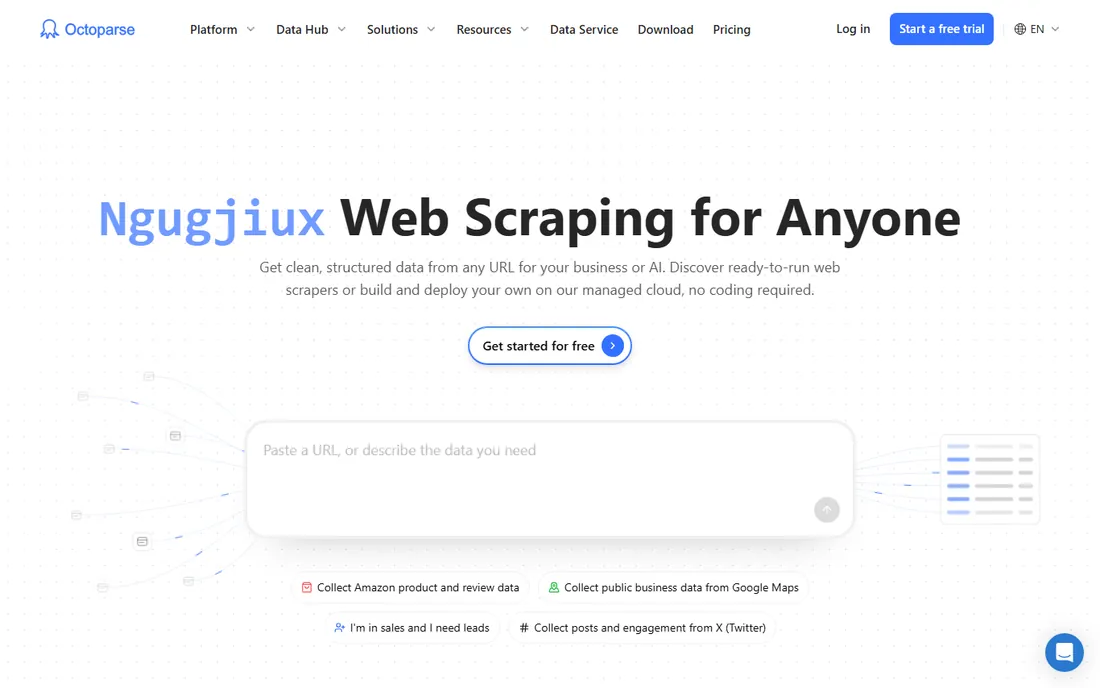
Not every team that needs web data has a developer to spare. Octoparse serves that team with a visual desktop application where you click the data you want and the tool builds the extraction task, including pagination, form filling and login flows. Paid plans add cloud execution, scheduling, automatic export and an API, which turns a desktop workflow into an unattended feed.
The limitation is the unit of work. Plans are sold by task count and concurrent cloud processes, not by data volume, so a handful of high-frequency tasks can hit the concurrency ceiling on Standard. The free plan is useful for learning and one-off local extractions, but it cannot schedule anything.
What we like- Point-and-click task builder with hundreds of templates
- Handles logins, pagination and AJAX without code
- Automatic IP rotation on paid plans
Watch out for- Free plan is local-only with no scheduling
- Task count and cloud concurrency cap the paid plans
- Higher tiers get expensive for heavy use
Starting price$189 per month (Standard)
Free planYes
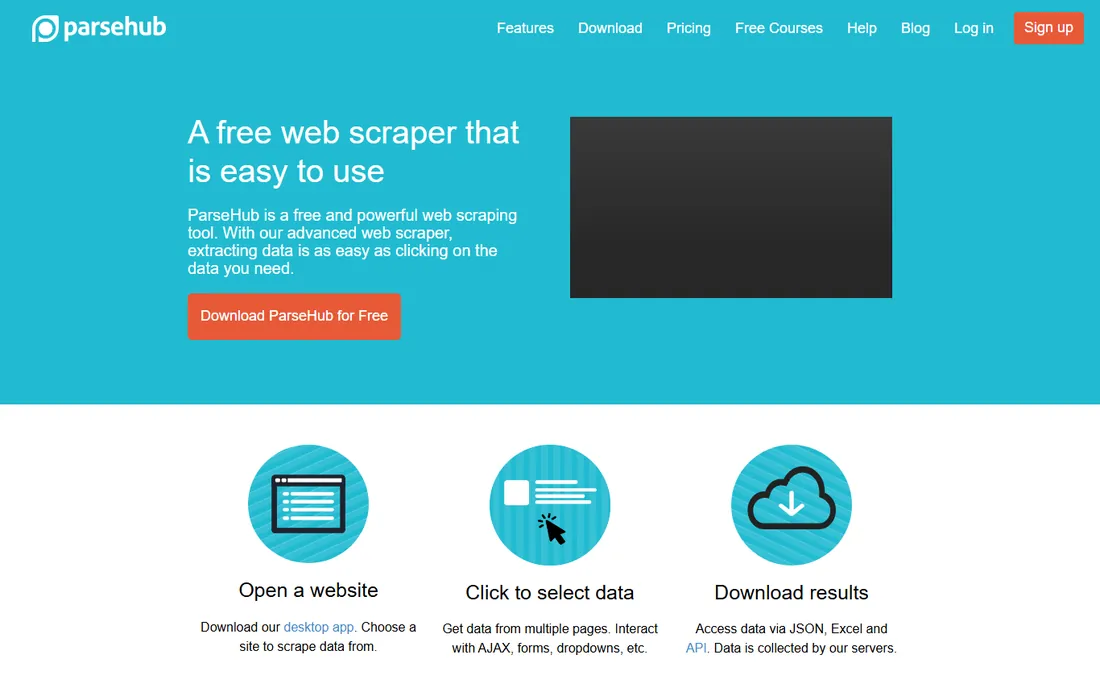
ParseHub has been around since 2013, and it shows in the best way and the worst. The visual point-and-click builder handles interactive sites, JavaScript-heavy pages and logins without code, and the desktop app gives you a machine-readable project you can run in the cloud on a schedule. For researchers and data journalists working with tricky single sites, it remains a dependable workhorse.
The downside is price and polish. At $189 per month, Standard costs more than double Octoparse's equivalent tier, and the interface has changed less than the market around it. The free plan is limited to small runs, so evaluation of real workloads usually means paying. ParseHub fits users who value a mature, stable tool for complex sites and are willing to pay a premium for it.
What we like- Handles JavaScript, AJAX and logins through a visual interface
- Desktop app plus cloud execution
- API and integrations with Dropbox, S3 and Sheets
Watch out for- Highest entry price among no-code tools
- Interface feels dated next to newer rivals
- Automatic pagination is weaker than Octoparse
Starting price$19 per month (Hobby, billed monthly; $16 billed annually)
Free planYes (1,000 credits/month)
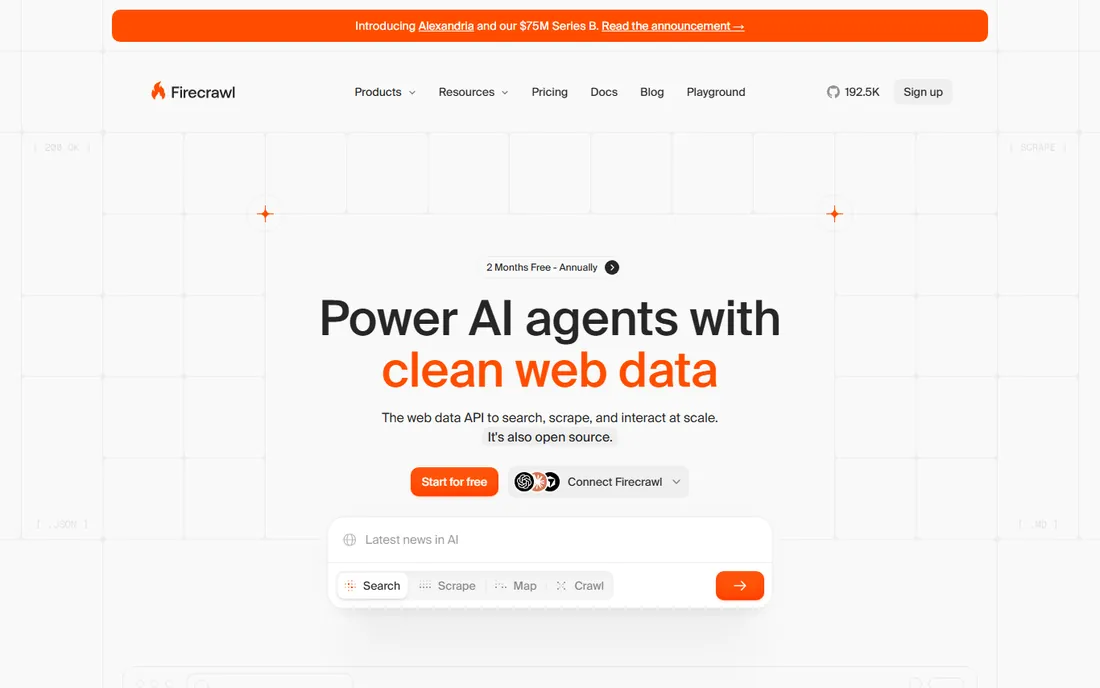
The newest name on this list is also the one built most deliberately for AI workloads. Firecrawl takes a URL and returns clean Markdown or structured JSON, stripping navigation and boilerplate, which cuts token use for retrieval pipelines roughly in half compared with raw HTML. The credit model is easy to reason about at one credit per page.
The trade-off is anti-bot muscle. Firecrawl struggles on heavily protected sites, and it refuses Instagram, LinkedIn and Reddit at the API level entirely. JSON extraction and agent features cost extra credits per page. Firecrawl fits developers feeding documentation, blogs and articles into RAG systems or AI agents.
What we like- Returns clean Markdown or JSON that LLMs can use directly
- Simple credit model with 1 credit per page
- Open source with SDKs for major languages
Watch out for- Struggles on heavily protected sites
- Blocks some major social platforms at the API level
- AI extraction features burn credits faster than plain scraping
Starting price$49 per month (Freelance)
Free planFree trial (1,000 credits)
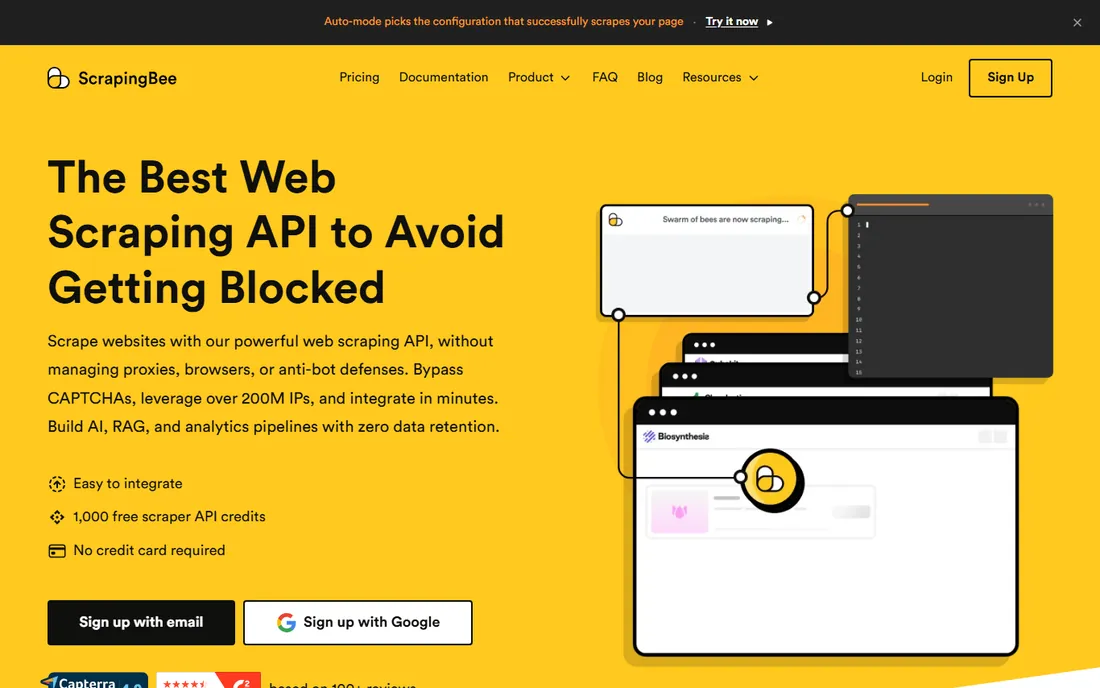
Some teams already have parsing code they trust and only need the fetching part handled. ScrapingBee is a managed fetching layer: send a URL, and it returns the HTML with proxies, headless browsers and CAPTCHA handling taken care of. The documentation is genuinely clear, the dashboard tracks credit use well, and billing only counts successful responses, which is fairer than it sounds.
The catch is the credit system. A plain request costs 1 credit, but JavaScript rendering costs 5, premium proxies 10 to 25, and stealth proxies 75, so the Freelance plan's 250,000 credits can represent anywhere from 250,000 to about 3,300 real requests depending on the target. Turn off JavaScript rendering for pages that do not need it. ScrapingBee fits developers who want a simple API and are willing to tune request settings to control costs.
What we like- Clean documentation and an official Python SDK
- Success-only billing for returned requests
- Screenshots, geotargeting and AI extraction built in
Watch out for- Credit multipliers make real costs hard to predict
- JavaScript rendering costs 5 credits per request by default
- No recurring free plan
#7
Zyte
Best for: Scrapy-native teams needing unblocking
Visit zyte.com
Starting pricePay as you go from $0.13 per 1,000 HTTP responses
Free planFree trial ($5 credit for 30 days)
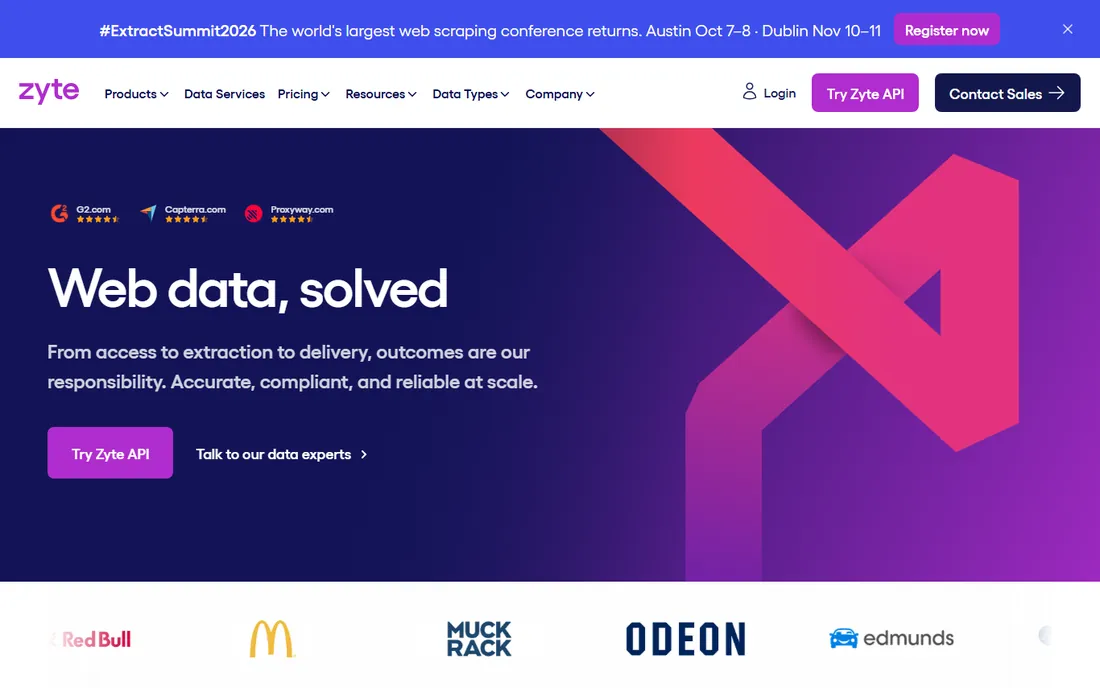
Zyte is the company behind Scrapy, which tells you who it is built for. The Zyte API gives developer-owned scrapers automatic proxy management, retries and ban handling, priced by successful response with sites sorted into five difficulty tiers. For plain HTTP extraction on easy sites, the pay-as-you-go rate is among the cheapest in the market.
The complexity is the tiering. Hard sites cost roughly ten times easy ones, and browser-rendered requests cost dramatically more than HTTP ones, so forecasting requires checking each target in Zyte's calculator. Zyte fits Python teams that already write their own spiders and want to stop maintaining proxy infrastructure.
What we like- Cheapest per-request pricing for simple HTTP extraction
- Success-only billing with per-site difficulty tiers
- From the company behind Scrapy
Watch out for- Tiered per-site pricing is complex to forecast
- Browser rendering costs far more than HTTP requests
- No recurring free tier
Starting price$299 per month (Startup)
Free planYes (10,000 credits)
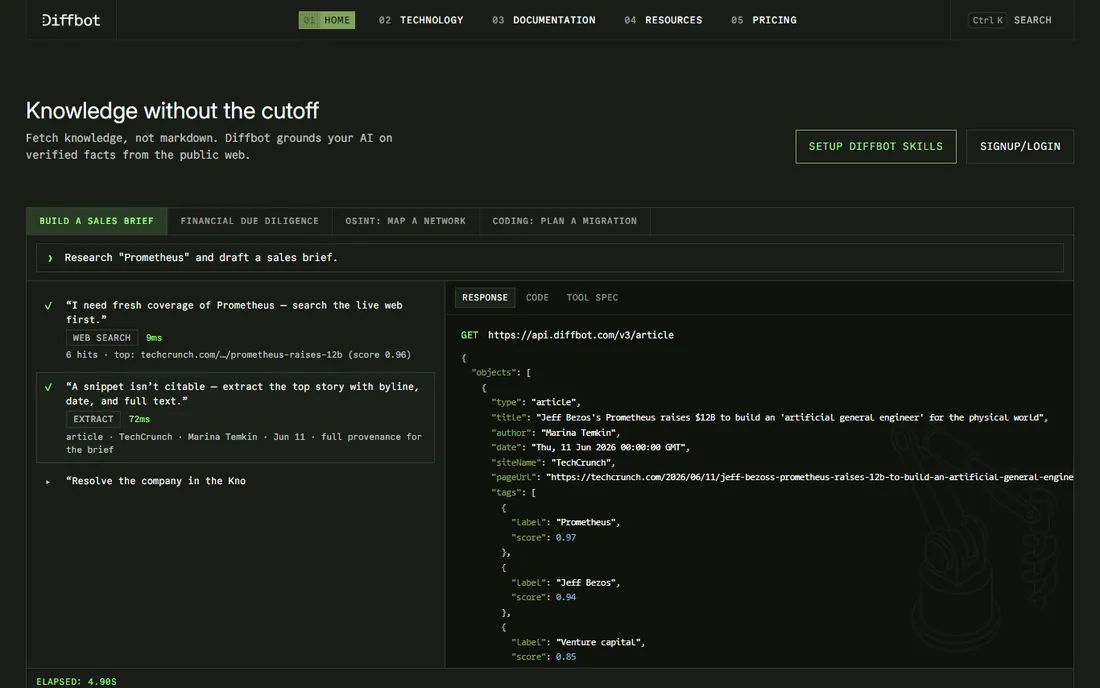
Diffbot takes a different bet: instead of giving you pages, it gives you facts. Its AI reads any page and returns structured data for products, articles and discussions, with no selectors or site-specific configuration. On top of extraction sits a Knowledge Graph covering hundreds of millions of organizations, useful for market intelligence and lead enrichment as well as scraping.
The catch is how fast credits disappear on Knowledge Graph work. Extracting a page costs 1 credit, but exporting a graph entity costs 25 and a facet query record costs 100. At $299 per month to start, it is priced for businesses, not hobbyists. Diffbot fits teams that want structured data without maintaining scrapers.
What we like- Automatic extraction with no site-specific rules
- Knowledge Graph with hundreds of millions of entities
- Solid API and integration ecosystem
Watch out for- Startup tier is expensive for small projects
- Knowledge Graph operations consume credits 25 to 100 at a time
- Overkill if you only need raw HTML
Starting price$49 per month (Web Scraper API)
Free planFree trial
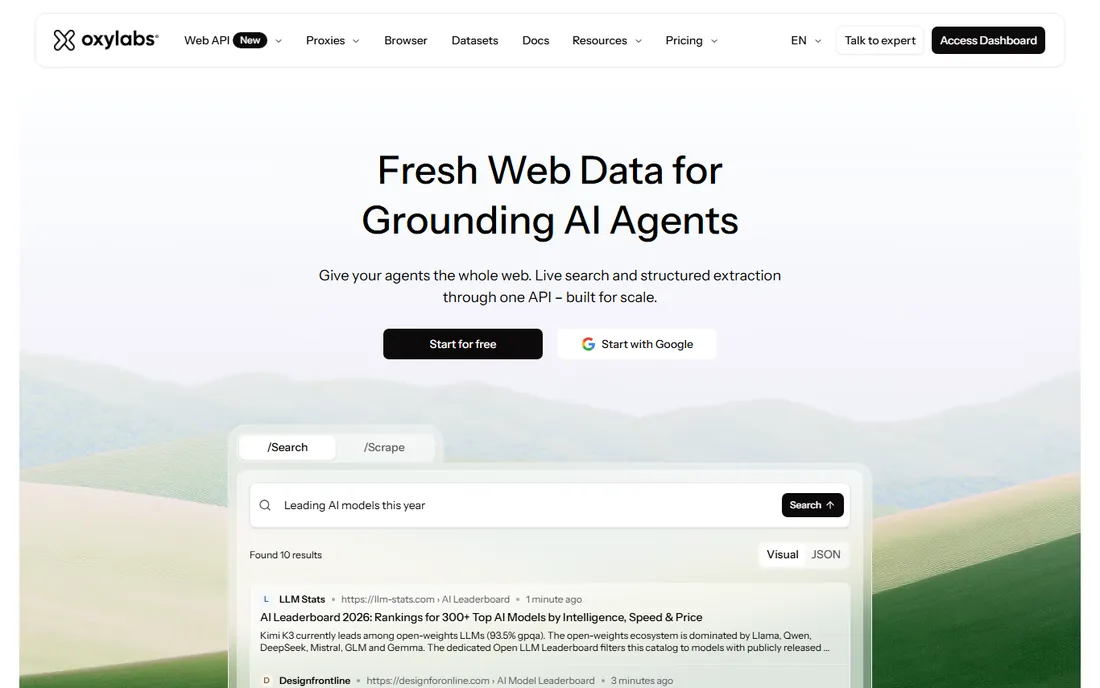
At the infrastructure end of the market sits Oxylabs. The company pairs a large proxy network with purpose-built scraping products: a Web Scraper API that returns structured data, a Web Unblocker for anti-bot sites, and SERP and e-commerce endpoints. Compliance is a genuine differentiator, with ISO certifications and an opt-in proxy supply chain that regulated industries care about.
The friction is access. Oxylabs requires identity verification before you can buy, and meaningful usage usually involves a sales conversation. Per-gigabyte proxy pricing is also hard to predict when page weights vary. Oxylabs fits enterprises that need reliable, compliant scraping infrastructure.
What we like- Large ethically-sourced proxy network with strong compliance credentials
- Web Scraper API with automatic retries and JavaScript rendering
- AI assistant for building parsers
Watch out for- Enterprise sales process for serious usage
- Mandatory identity verification before use
- Paying per gigabyte makes costs unpredictable on heavy pages
Starting priceFree (open source)
Free planYes (open source)
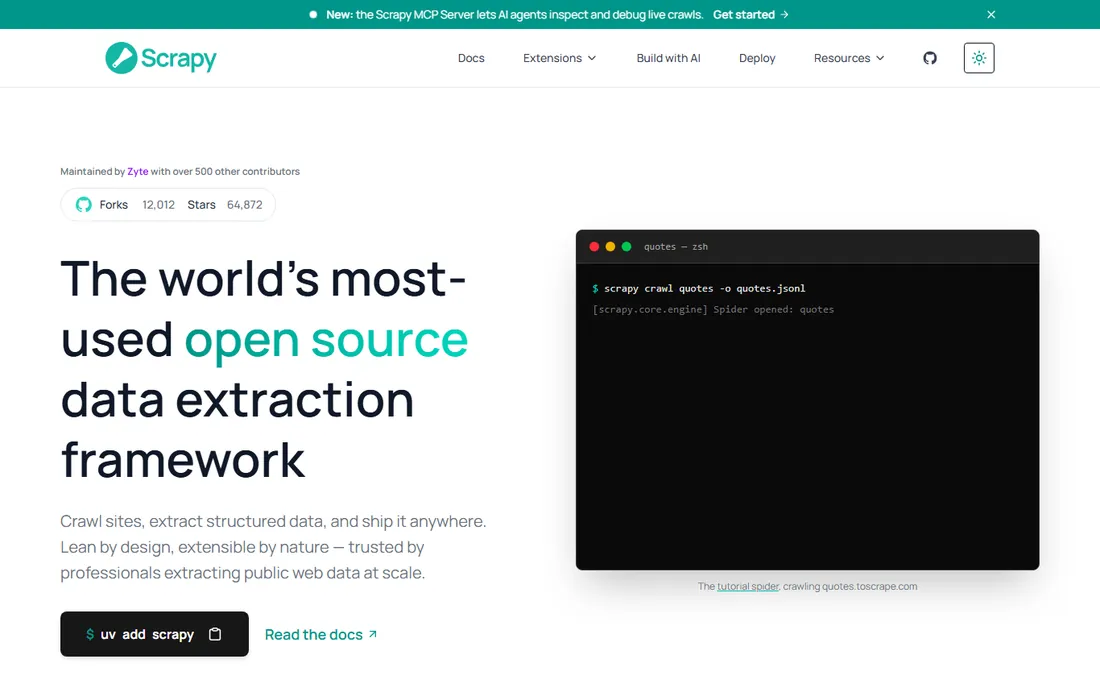
For teams with Python skills and no budget, the answer is often Scrapy. The open-source framework handles crawling, request scheduling, retries and item pipelines, and its middleware ecosystem covers everything from duplicate filtering to feed exports. You own every line of the extraction logic, which means no per-request fees and no black boxes when something breaks.
The cost is engineering time. Scrapy ships no proxies, no unblocking and no rendering, so production scraping means adding and maintaining those layers yourself. Scrapy fits developers building long-lived crawlers who would rather invest time than subscription fees.
What we like- Completely free and open source
- Huge ecosystem of middleware and extensions
- Full control over every request and parse step
Watch out for- Requires Python skills and ongoing maintenance
- No built-in proxy rotation or CAPTCHA handling
- Scaling means managing your own infrastructure
How we chose
We did not run hands-on tests for this guide. Instead we compared pricing pages, documentation, public reviews on G2 and Capterra, developer discussions and the billing unit each vendor uses. We checked that every product listed is available today and fits web crawling or scraping as its core job. Buyer fit drove the ranking: who each tool is actually built for matters more than the feature count.
The biggest mistake buyers make is comparing sticker prices instead of billing units. A $49 plan that sells credits can cost more than a $299 plan that sells records, depending on your targets. Before you sign up, run a small pilot against your actual sites and measure the cost per successful record, not per request.
Match the tool to your team's skills
No-code tools like Octoparse and ParseHub put extraction in the hands of operators, but someone still has to maintain the tasks when sites change. API tools like ScrapingBee, Zyte and Firecrawl assume a developer owns the parsing and scheduling. Be honest about who will maintain the setup in six months, because site layouts change and every tool here needs some care.
Anti-bot strength is the real product
Parsing HTML is easy. Getting the HTML from a protected site is the hard part, and it is what separates the price tiers. If your targets use Cloudflare, DataDome or PerimeterX, shortlist Bright Data, Oxylabs or Zyte and test success rates on your actual pages. If your targets are ordinary blogs, documentation or e-commerce catalogs, a cheaper tool will do the same job.
Data export and scheduling
Check how data leaves the tool. Scheduled runs with automatic delivery to a webhook, S3 bucket or database save hours compared with manual CSV exports. Also check retention: some platforms keep your scraped data for weeks, others delete it quickly, which matters if a downstream job fails and you need to re-pull.
How the pricing models actually work
Scraping tools bill in at least five different units, and the unit shapes the bill more than the headline price. Bright Data and Zyte bill per successful record or response, which ties cost to output. Apify, Firecrawl and ScrapingBee bill credits or compute units, where one request can cost anywhere from 1 to 75 credits depending on rendering and proxy settings. Octoparse bills tasks and concurrency, ParseHub bills projects and pages, and Diffbot bills credits with steep multipliers for Knowledge Graph work.
Two practical rules follow. First, test with JavaScript rendering and premium proxies both on and off, since those settings multiply credit costs. Second, prefer success-only billing when targets are unreliable, and use free tiers to measure your real cost per thousand records before committing.
Frequently asked questions
Do I need to know how to code to scrape websites?
No. Octoparse and ParseHub are visual tools that let you click the data you want without writing code, and Apify's marketplace offers prebuilt scrapers you can run from a dashboard. Coding helps for custom logic and scale, but many recurring extractions never need it.
Is web scraping legal?
Scraping publicly available data is generally permitted in the US, but you must respect each site's terms of service and applicable privacy laws. Avoid collecting personal data or logging into accounts you do not own. When in doubt, get legal advice for your specific use case.
What is the difference between a web crawler and a web scraper?
A crawler systematically browses the web to discover pages, like a search engine spider, while a scraper extracts specific data from known pages. Many tools do both: Firecrawl and Apify can crawl a site to find pages and then extract structured data from each one.
How much should I expect to pay for scraping at scale?
Simple extraction can cost under $1 per 1,000 pages on Zyte's HTTP tier, while protected sites needing stealth proxies can cost $50 or more per 1,000 requests on credit-based APIs. Always pilot against your real targets and measure cost per successful record.
Can these tools handle JavaScript-heavy websites?
Most can, but the mechanism and cost differ. Octoparse and ParseHub render pages in a real browser through their visual builders. ScrapingBee, Zyte and Oxylabs offer browser rendering as an API option, usually at a higher credit cost. Firecrawl renders JavaScript by default.
Which tool is best for feeding data to an AI application?
Firecrawl is the most direct fit, since it returns clean Markdown or JSON designed for language models. Diffbot is strong when you need structured facts rather than page text, and Apify works well when a prebuilt Actor already covers your target sites.
Sources we checked (10)
- https://www.fdaytalk.com/best-web-scraping-api/
- https://omidsaffari.com/blog/best-web-scraping-tools
- https://joshwp.com/octoparse-review/
- https://www.rapidseedbox.com/blog/web-scraping-tools
- https://www.firecrawl.dev/blog/scrapingbee-alternatives
- https://spider.cloud/blog/spider-alternative-to-scrapingbee/
- https://github.com/gkae842/web-scraping-pricing/blob/HEAD/README.md
- https://www.g2.com/products/diffbot/pricing
- https://www.g2.com/products/octoparse/pricing
- https://blog.froxy.com/en/best-price-scraping-tools
Is your product missing or out of date?
We review this list regularly. Vendors can request a listing, send updated pricing or ask about featured placement.

Shihab Mia · Founder, Rankite
Shihab has spent more than a decade helping SaaS and e-commerce brands grow through search. He writes Rankite's software buying guides from pricing pages, documentation and public user reviews. More about Shihab.