How we make this list: we compare pricing pages, product documentation and public user reviews. Rankite is independent; if a vendor ever pays for a featured spot, that listing is clearly labeled Partner.
Key takeaways
- Non-developers should shortlist Octoparse and ParseHub first: both offer visual point-and-click builders and genuinely usable free tiers.
- Developers who want a simple API should test ScrapingBee and Zyte, with Zyte's pay-per-success billing the fairest model in this category.
- Apify's marketplace of ready-made Actors is the fastest route to data from popular sites without writing a scraper.
- Bright Data is the enterprise-grade choice for large-scale, compliance-sensitive collection, but it is priced accordingly.
- Whatever you pick, confirm it renders JavaScript, since nearly half the modern web requires it.
Quick comparison
| Tool | Best for | Starting price | Free plan |
|---|
 Apify Apify | Teams that want ready-made scrapers without building their own | See website | Yes |
 Bright Data Bright Data | Enterprises running large-scale, compliance-sensitive data collection | See website | Yes |
 Octoparse Octoparse | Non-developers who need visual, no-code scraping | See website | Yes |
 ParseHub ParseHub | Non-technical users scraping complex, dynamic websites for free | See website | Yes |
 ScrapingBee ScrapingBee | Developers who want a simple API with great docs | See website | Free trial |
 Diffbot Diffbot | Teams that want AI-structured data plus knowledge graph enrichment | $299/month (Startup); Free plan $0 | Yes |
 Zyte Zyte | Developers who want pay-per-success pricing without proxy management | From $0.06 per 1,000 successful responses | Free trial |
 ScrapeOps ScrapeOps | Developers who run their own scrapers and want proxy and monitoring help | $15/month (proxy aggregator); Free plan $0 | Yes |
 Import.io Import.io | Business teams that want managed extraction with no engineering | $199/month (Standard, billed annually) | Free trial |
Is your product missing or out of date?
We review this list regularly. Vendors can request a listing, send updated pricing or ask about featured placement.
The best web scraping software
#1
Apify
Best for: Teams that want ready-made scrapers without building their own
Visit apify.com
Starting priceSee website
Free planYes
Apify is less a single scraper and more a marketplace: thousands of ready-made scrapers called Actors cover sites like Google Maps, Instagram, and Amazon, and you can run your own code on the same platform. The pricing is credit-based, with a free tier that includes $5 of monthly platform credit and no card required. Paid plans start with Starter and scale to Business. If you need data from a popular site tonight, there is probably an Actor for it already. The platform also suits teams that outgrow a single Actor, since you can graduate to running custom crawlers on the same infrastructure.
What we like- Huge Actor store
- Free tier with $5 monthly credit
- Open-source Crawlee framework
Watch out for- Credit math gets complicated once you stack Actors, proxies, and compute
#2
Bright Data
Best for: Enterprises running large-scale, compliance-sensitive data collection
Visit brightdata.com
Starting priceSee website
Free planYes
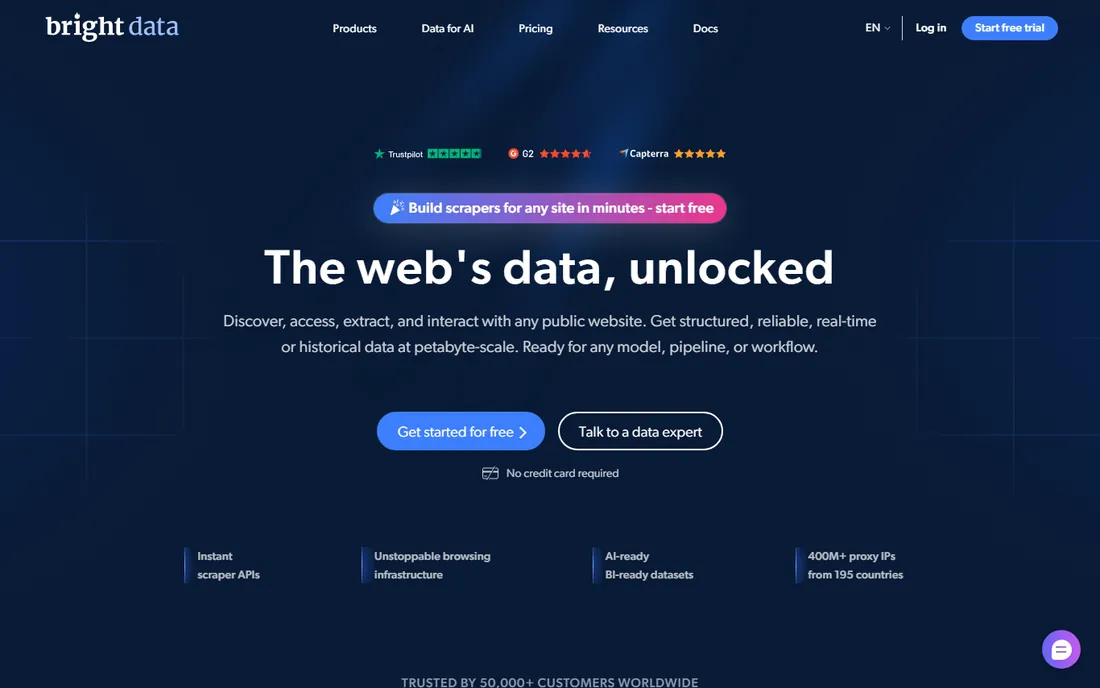
Bright Data is the heavyweight of the scraping world: one of the largest proxy networks on the planet plus a full suite of scraper APIs, datasets, and browser infrastructure. Every account includes a recurring monthly free tier of 5,000 credits with no card required, and pay-as-you-go scraping runs about $1.50 per 1,000 requests. It is built for serious volume and compliance-conscious enterprises, which also means it is priced like it. Smaller teams often find the platform and the contracts oversized for a weekend project.
What we like- Massive proxy network
- Recurring free credits
- Strong compliance story
Watch out for- Premium pricing
- Overkill for small one-off jobs
Starting priceSee website
Free planYes
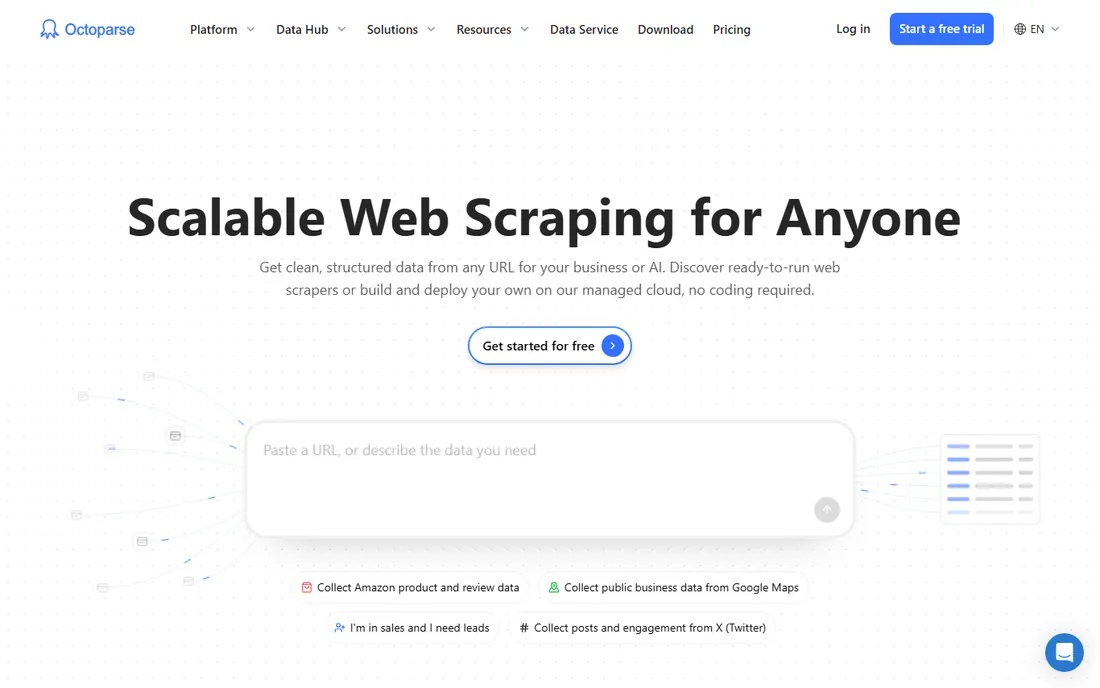
Octoparse is the classic no-code desktop scraper: point, click, and it builds the extraction workflow for you, including pagination and AJAX handling. The free plan covers 10 tasks with local extraction, which is enough for real small projects. Paid Standard adds cloud extraction, scheduling, and API access. It is a Windows-first desktop app, so Mac and Linux users should check compatibility before committing. Template coverage for popular sites shortens setup time considerably.
What we like- True point-and-click building
- Generous free tier
- 500+ preset templates
Watch out for- Cloud runs can be slow
- Add-ons for proxies and CAPTCHAs stack up
#4
ParseHub
Best for: Non-technical users scraping complex, dynamic websites for free
Visit parsehub.com
Starting priceSee website
Free planYes
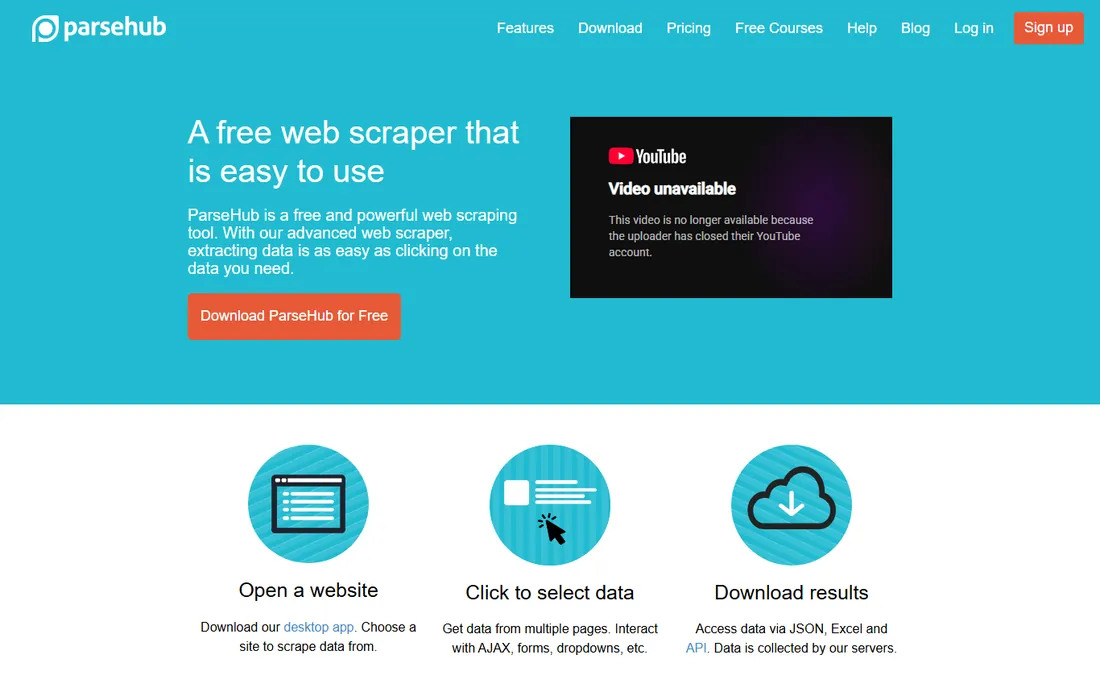
ParseHub has been around since 2013 and remains one of the best free desktop scrapers for difficult sites. Its machine-learning engine handles JavaScript, AJAX, infinite scroll, logins, and dropdowns through the same point-and-click interface. Everyone starts on the free plan with no card required, and paid Standard and Professional plans add private projects, scheduling, and IP rotation. The learning curve for complex sites is real, but the power is too. For tricky single-site extractions on a zero budget, it is hard to beat.
What we like- Handles logins and infinite scroll
- Free plan with no card
- Desktop app for Mac and Windows
Watch out for- Advanced projects take practice
- Paid tiers jump in price quickly
Starting priceSee website
Free planFree trial
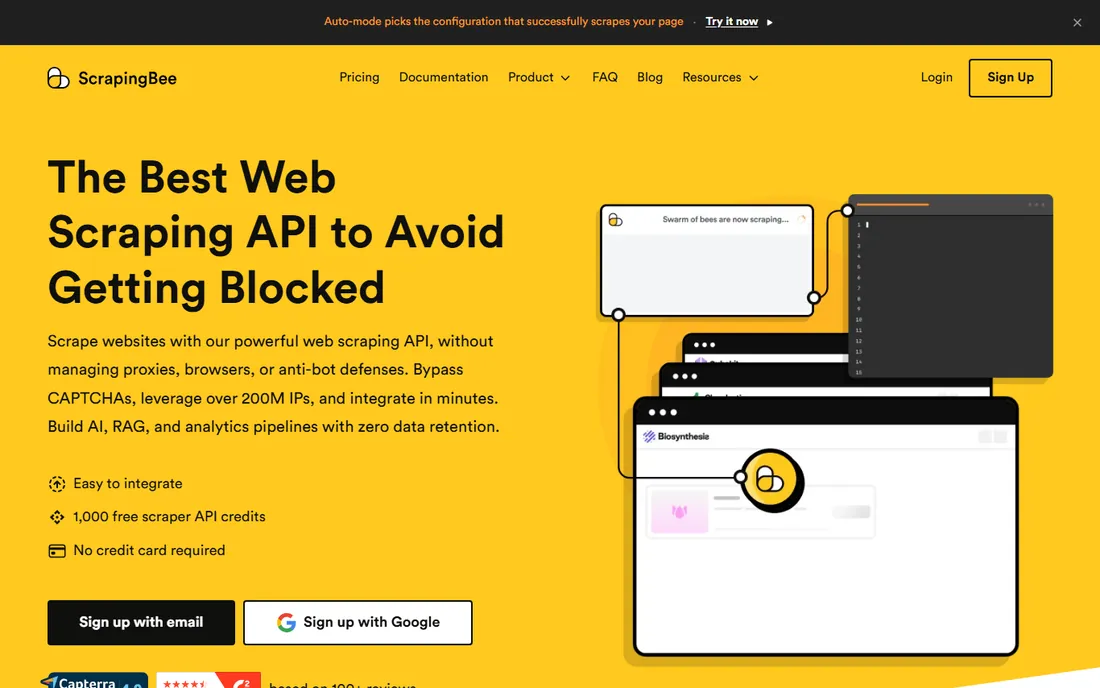
ScrapingBee is a scraping API built for developers who want to send a URL and get HTML back without managing proxies, browsers, or CAPTCHAs. Plans are credit-based starting with Freelance, and a free trial gives you 1,000 credits with no card required. JavaScript rendering, premium proxies, and AI extraction each cost extra credits, so watch the multipliers on protected sites. The documentation is excellent, which is why beginners keep landing here. For straightforward API-driven extraction, the learning curve is close to zero.
What we like- Clean API
- AI extraction in plain English
- Only successful requests billed
Watch out for- Credit multipliers burn fast on hard sites
- No recurring free tier
#6
Diffbot
Best for: Teams that want AI-structured data plus knowledge graph enrichment
Visit diffbot.com
Starting price$299/month (Startup); Free plan $0
Free planYes
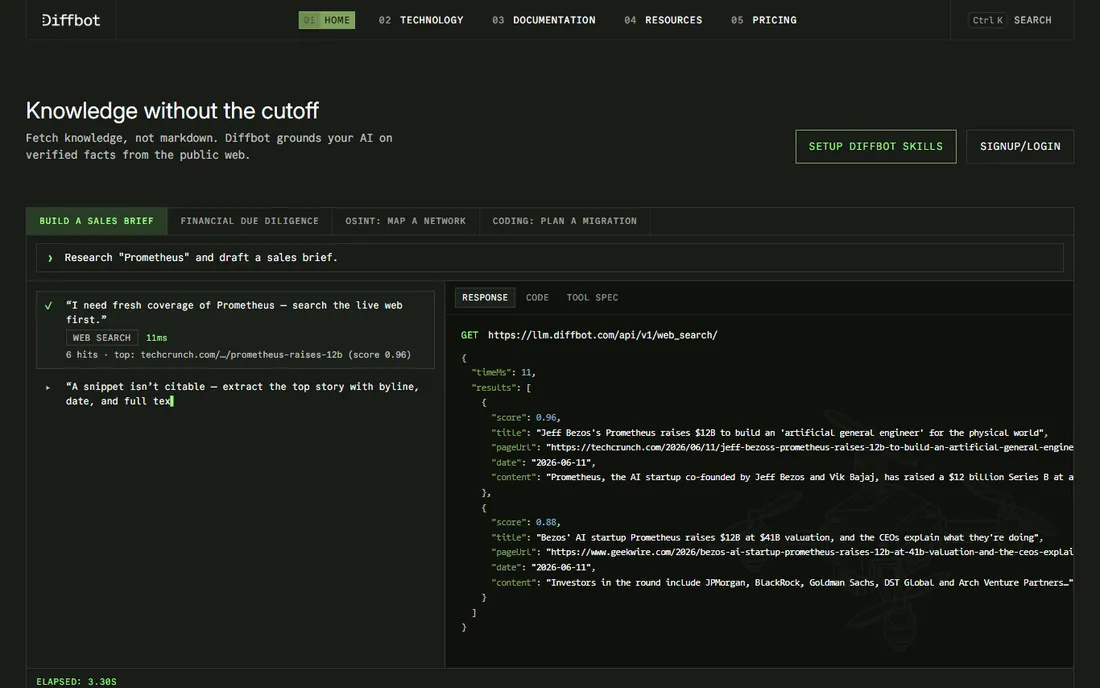
Diffbot takes a different approach: instead of returning HTML, its AI reads the page and returns structured data directly, no selectors required. It also maintains one of the largest knowledge graphs of the public web, which is a genuine differentiator for company and product data. The free plan includes 10,000 credits a month with no card, and Startup is $299 a month. Note that knowledge graph queries cost 25 to 100 credits each, so budget carefully if that is your use case. Teams enriching company or product records get the most value here.
What we like- No selectors needed
- Huge knowledge graph
- 10,000 free credits monthly
Watch out for- KG operations eat credits fast
- Extraction quality varies by page type
#7
Zyte
Best for: Developers who want pay-per-success pricing without proxy management
Visit zyte.com
Starting priceFrom $0.06 per 1,000 successful responses
Free planFree trial
Zyte, formerly Scrapinghub, prices by successful response and site difficulty: simple sites cost from $0.13 per 1,000 HTTP responses pay-as-you-go, while heavily protected sites needing browser rendering run up to $16.08 per 1,000. Monthly commitments bring those rates down substantially. You only pay when the request succeeds, which is the fairest billing model in this category. It is built for developers running their own collectors who want access handling without managing a proxy fleet. Its open-source Scrapy roots mean the ecosystem around it is deep.
What we like- Billed only on success
- Automatic access handling
- Open-source Scrapy roots
Watch out for- Browser rendering on hard sites gets expensive
- Pricing varies by target
#8
ScrapeOps
Best for: Developers who run their own scrapers and want proxy and monitoring help
Visit scrapeops.io
Starting price$15/month (proxy aggregator); Free plan $0
Free planYes
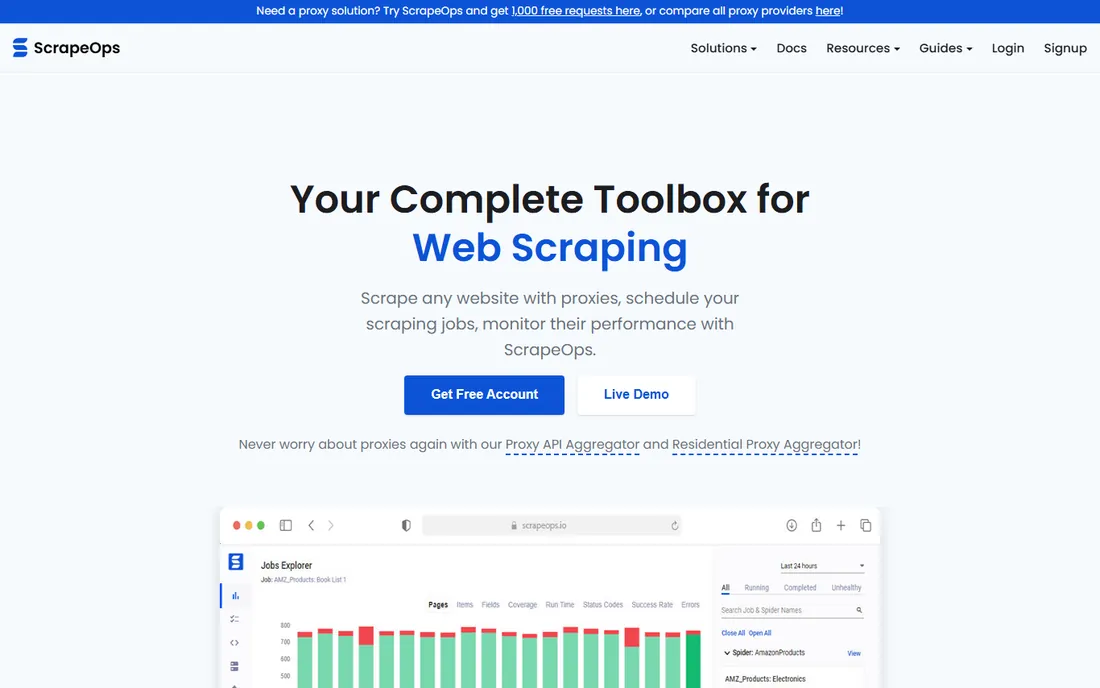
ScrapeOps is two products in one: a proxy aggregator that routes your requests through 15-plus proxy providers with automatic optimization, and a monitoring toolkit for scrapers you run yourself. The proxy side has a free plan with 100MB of bandwidth credits and paid plans from $15 a month. The monitoring side gives you job stats, error logging, and health checks for your own spiders. It is the pick for developers who like owning their scrapers but hate babysitting proxies. The pricing page is unusually transparent for this category, which makes budgeting painless.
What we like- Multi-provider proxy routing
- Free monitoring tools
- Honest transparent pricing
Watch out for- You still write and maintain the scrapers yourself
#9
Import.io
Best for: Business teams that want managed extraction with no engineering
Visit import.io
Starting price$199/month (Standard, billed annually)
Free planFree trial
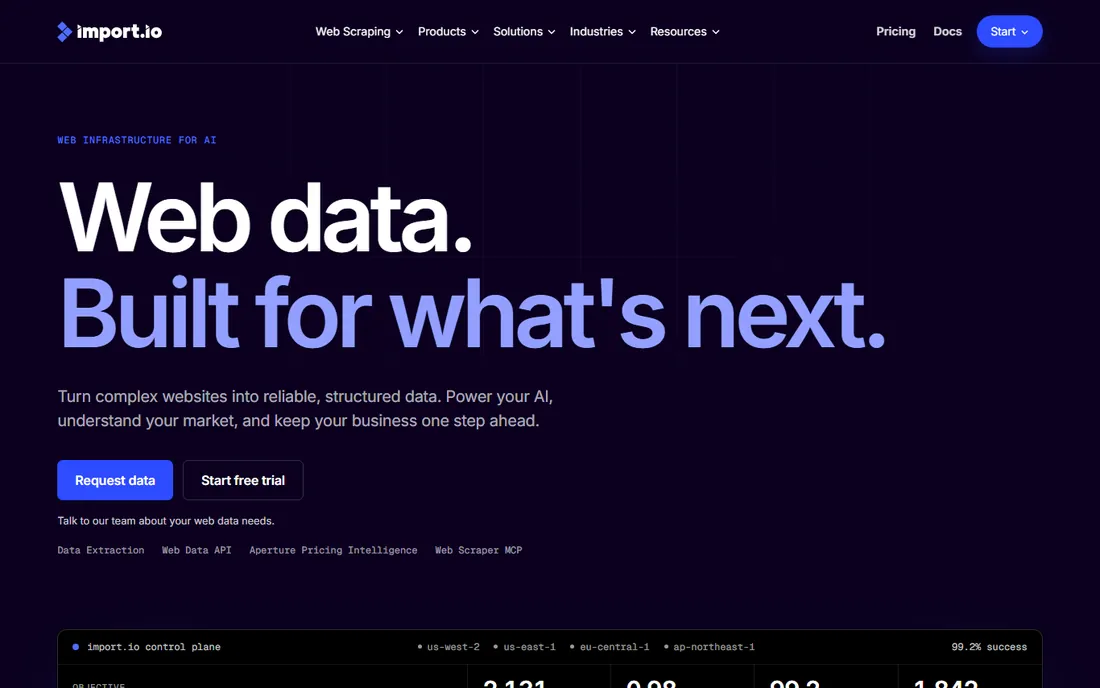
Import.io is the veteran managed option, in production since 2012, now aimed at business teams and AI data pipelines. Its point-and-click extractors need no code, and plans are billed on successful queries: Standard from $199 a month billed annually ($249 month-to-month) with 50,000 queries included. A 30-day trial with 5,000 queries and no card lets you test it. It is pricier than DIY tools, but the managed service option means you can hand off the whole pipeline. For business teams feeding AI data pipelines, that handoff is often worth the premium.
What we like- Long track record
- Managed service available
- MCP endpoint for AI agents
Watch out for- No permanent free tier
- Priced for teams, not hobbyists
The number that matters: cost per successful page
Every vendor on this list advertises a different unit: credits, queries, requests, compute units. None of them is the number you should budget against. The number that matters is cost per successful page of data in your hands. A $49 plan with 250,000 credits sounds cheap until stealth proxies cost 75 credits per request and your 250,000 credits become 3,300 pages. Before you buy, take your three hardest target sites, run each vendor's free tier against them, and divide what you spent by the clean rows you got. That single test tells you more than any pricing page.
#1
Apify
Best for: Teams that want ready-made scrapers without building their own
Visit apify.com
Starting priceSee website
Free planYes
Apify is less a single scraper and more a marketplace: thousands of ready-made scrapers called Actors cover sites like Google Maps, Instagram, and Amazon, and you can run your own code on the same platform. The pricing is credit-based, with a free tier that includes $5 of monthly platform credit and no card required. Paid plans start with Starter and scale to Business. If you need data from a popular site tonight, there is probably an Actor for it already. The platform also suits teams that outgrow a single Actor, since you can graduate to running custom crawlers on the same infrastructure.
What we like- Huge Actor store
- Free tier with $5 monthly credit
- Open-source Crawlee framework
Watch out for- Credit math gets complicated once you stack Actors, proxies, and compute
#2
Bright Data
Best for: Enterprises running large-scale, compliance-sensitive data collection
Visit brightdata.com
Starting priceSee website
Free planYes
Bright Data is the heavyweight of the scraping world: one of the largest proxy networks on the planet plus a full suite of scraper APIs, datasets, and browser infrastructure. Every account includes a recurring monthly free tier of 5,000 credits with no card required, and pay-as-you-go scraping runs about $1.50 per 1,000 requests. It is built for serious volume and compliance-conscious enterprises, which also means it is priced like it. Smaller teams often find the platform and the contracts oversized for a weekend project.
What we like- Massive proxy network
- Recurring free credits
- Strong compliance story
Watch out for- Premium pricing
- Overkill for small one-off jobs
Starting priceSee website
Free planYes
Octoparse is the classic no-code desktop scraper: point, click, and it builds the extraction workflow for you, including pagination and AJAX handling. The free plan covers 10 tasks with local extraction, which is enough for real small projects. Paid Standard adds cloud extraction, scheduling, and API access. It is a Windows-first desktop app, so Mac and Linux users should check compatibility before committing. Template coverage for popular sites shortens setup time considerably.
What we like- True point-and-click building
- Generous free tier
- 500+ preset templates
Watch out for- Cloud runs can be slow
- Add-ons for proxies and CAPTCHAs stack up
#4
ParseHub
Best for: Non-technical users scraping complex, dynamic websites for free
Visit parsehub.com
Starting priceSee website
Free planYes
ParseHub has been around since 2013 and remains one of the best free desktop scrapers for difficult sites. Its machine-learning engine handles JavaScript, AJAX, infinite scroll, logins, and dropdowns through the same point-and-click interface. Everyone starts on the free plan with no card required, and paid Standard and Professional plans add private projects, scheduling, and IP rotation. The learning curve for complex sites is real, but the power is too. For tricky single-site extractions on a zero budget, it is hard to beat.
What we like- Handles logins and infinite scroll
- Free plan with no card
- Desktop app for Mac and Windows
Watch out for- Advanced projects take practice
- Paid tiers jump in price quickly
Starting priceSee website
Free planFree trial
ScrapingBee is a scraping API built for developers who want to send a URL and get HTML back without managing proxies, browsers, or CAPTCHAs. Plans are credit-based starting with Freelance, and a free trial gives you 1,000 credits with no card required. JavaScript rendering, premium proxies, and AI extraction each cost extra credits, so watch the multipliers on protected sites. The documentation is excellent, which is why beginners keep landing here. For straightforward API-driven extraction, the learning curve is close to zero.
What we like- Clean API
- AI extraction in plain English
- Only successful requests billed
Watch out for- Credit multipliers burn fast on hard sites
- No recurring free tier
#6
Diffbot
Best for: Teams that want AI-structured data plus knowledge graph enrichment
Visit diffbot.com
Starting price$299/month (Startup); Free plan $0
Free planYes
Diffbot takes a different approach: instead of returning HTML, its AI reads the page and returns structured data directly, no selectors required. It also maintains one of the largest knowledge graphs of the public web, which is a genuine differentiator for company and product data. The free plan includes 10,000 credits a month with no card, and Startup is $299 a month. Note that knowledge graph queries cost 25 to 100 credits each, so budget carefully if that is your use case. Teams enriching company or product records get the most value here.
What we like- No selectors needed
- Huge knowledge graph
- 10,000 free credits monthly
Watch out for- KG operations eat credits fast
- Extraction quality varies by page type
#7
Zyte
Best for: Developers who want pay-per-success pricing without proxy management
Visit zyte.com
Starting priceFrom $0.06 per 1,000 successful responses
Free planFree trial
Zyte, formerly Scrapinghub, prices by successful response and site difficulty: simple sites cost from $0.13 per 1,000 HTTP responses pay-as-you-go, while heavily protected sites needing browser rendering run up to $16.08 per 1,000. Monthly commitments bring those rates down substantially. You only pay when the request succeeds, which is the fairest billing model in this category. It is built for developers running their own collectors who want access handling without managing a proxy fleet. Its open-source Scrapy roots mean the ecosystem around it is deep.
What we like- Billed only on success
- Automatic access handling
- Open-source Scrapy roots
Watch out for- Browser rendering on hard sites gets expensive
- Pricing varies by target
#8
ScrapeOps
Best for: Developers who run their own scrapers and want proxy and monitoring help
Visit scrapeops.io
Starting price$15/month (proxy aggregator); Free plan $0
Free planYes
ScrapeOps is two products in one: a proxy aggregator that routes your requests through 15-plus proxy providers with automatic optimization, and a monitoring toolkit for scrapers you run yourself. The proxy side has a free plan with 100MB of bandwidth credits and paid plans from $15 a month. The monitoring side gives you job stats, error logging, and health checks for your own spiders. It is the pick for developers who like owning their scrapers but hate babysitting proxies. The pricing page is unusually transparent for this category, which makes budgeting painless.
What we like- Multi-provider proxy routing
- Free monitoring tools
- Honest transparent pricing
Watch out for- You still write and maintain the scrapers yourself
#9
Import.io
Best for: Business teams that want managed extraction with no engineering
Visit import.io
Starting price$199/month (Standard, billed annually)
Free planFree trial
Import.io is the veteran managed option, in production since 2012, now aimed at business teams and AI data pipelines. Its point-and-click extractors need no code, and plans are billed on successful queries: Standard from $199 a month billed annually ($249 month-to-month) with 50,000 queries included. A 30-day trial with 5,000 queries and no card lets you test it. It is pricier than DIY tools, but the managed service option means you can hand off the whole pipeline. For business teams feeding AI data pipelines, that handoff is often worth the premium.
What we like- Long track record
- Managed service available
- MCP endpoint for AI agents
Watch out for- No permanent free tier
- Priced for teams, not hobbyists
Legal ground rules before you scrape
Scraping public web data is broadly legal in the US after the hiQ Labs v. LinkedIn rulings, but the details matter. Always check a site's terms of service and robots.txt, respect rate limits, and never scrape personal data you have no lawful basis to process. If you need data behind a login, get proper authorization first. When in doubt, ask a lawyer, not a scraping vendor. The vendors on this list will happily sell you the tools; the compliance responsibility stays with you.
How we chose
We did not run hands-on trials for this guide. Instead we evaluated each tool the way a careful buyer would: reading the vendor's own pricing pages and product documentation, testing what the free tiers actually include, and cross-checking claims against public reviews on G2, Capterra and developer forums. We favored tools with transparent unit economics, honest free tiers and clear documentation, and we weighted JavaScript rendering capability heavily, since nearly half of the modern web requires it. Tools that hide pricing behind sales calls scored lower for small teams.
Frequently asked questions
Which web scraping tool is best for beginners?
Octoparse and ParseHub are the friendliest for non-developers thanks to their visual point-and-click interfaces and free tiers. If you can write a little code, ScrapingBee's API and clear docs make for the fastest start. Apify sits in the middle: pick a ready-made Actor and you may never write a line.
How much does web scraping software cost?
It ranges from free to thousands a month. Free tiers from Apify, Diffbot, Octoparse, ParseHub, and ScrapeOps cover small projects. Paid plans start around $15 to $49 a month for light API usage, $199 to $299 for serious no-code or AI extraction, and climb into the thousands for enterprise proxy infrastructure. Always budget by cost per successful page, not headline credits.
Do I need proxies for web scraping?
For small volumes on friendly sites, no. The moment you scale up or hit protected sites, yes: your IP will get rate-limited or blocked. Tools like Bright Data, Zyte, and ScrapeOps exist precisely to handle proxy rotation, CAPTCHAs, and browser fingerprinting so you do not have to.
What is the difference between a scraper API and a no-code scraper?
A scraper API like ScrapingBee or Zyte takes a URL and returns HTML or data, and you write the code that calls it. A no-code scraper like Octoparse or ParseHub gives you a visual interface to define what to extract, no code required. APIs scale better and fit into pipelines; no-code tools get a non-developer productive faster. Apify and Import.io blur the line by offering both.
Is web scraping legal?
Scraping publicly accessible data is broadly legal in the US following the hiQ Labs v. LinkedIn decisions, but it is not a blank check. Respect terms of service and robots.txt, rate-limit your requests, and do not collect personal data without a lawful basis. Data behind logins generally requires authorization. When the stakes are high, get legal advice before scaling up a scraping operation.
Final verdict
Start with the free tiers and run your actual target sites through two or three of these tools before spending anything. Non-developers should shortlist Octoparse and ParseHub; developers who want an API should test ScrapingBee and Zyte; teams that want data without building anything should look at Apify's Actor store or Import.io's managed service. And remember the 40.6% stat: whatever you pick, make sure it renders JavaScript, because nearly half the web needs it.
Sources we checked (12)
- https://apify.com/
- https://brightdata.com/
- https://www.octoparse.com/
- https://www.parsehub.com/
- https://www.parsehub.com/pricing
- https://www.scrapingbee.com/
- https://www.diffbot.com/
- https://www.diffbot.com/pricing
- https://zyte.com/
- https://zyte.com/pricing/
- https://scrapeops.io/
- https://www.import.io/
Is your product missing or out of date?
We review this list regularly. Vendors can request a listing, send updated pricing or ask about featured placement.

Shihab Mia · Founder, Rankite
Shihab has spent more than a decade helping SaaS and e-commerce brands grow through search. He writes Rankite's software buying guides from pricing pages, documentation and public user reviews. More about Shihab.